Same subject. Somewhere better.
AI Background Changer
Pick a scene or describe one, and Seedream 5.0 Pro puts your product, pet or portrait there — with light, shadow and reflections matched, so it looks shot on location.
2 credits at 1K, 3 at 2K; failed renders are refunded. Plans renew monthly until cancelled and can be cancelled online at any time — see pricing details.
The AI re-renders the photo so light matches the new scene; small details can shift. For pixel-exact products, use Colour.
One photo, a new place
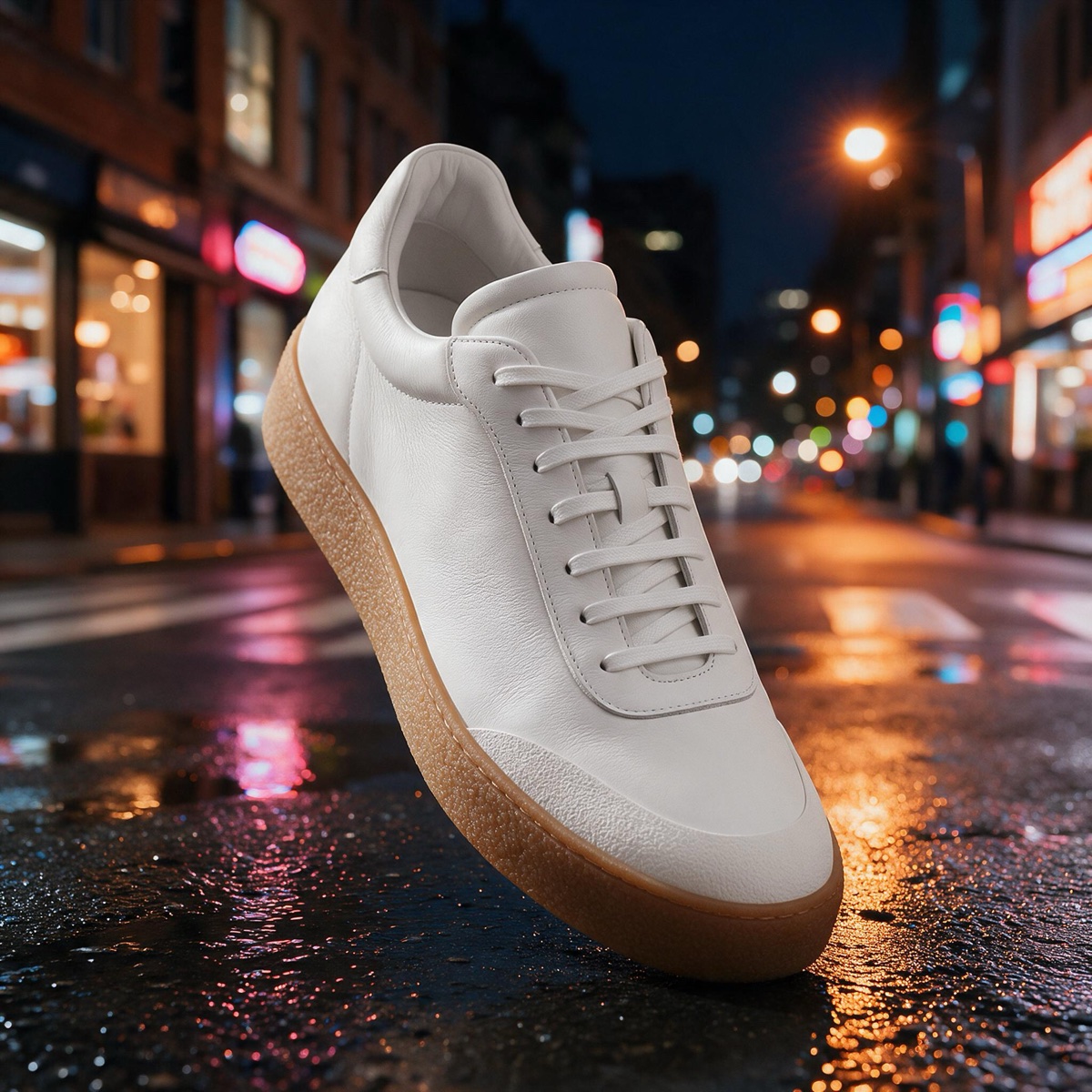
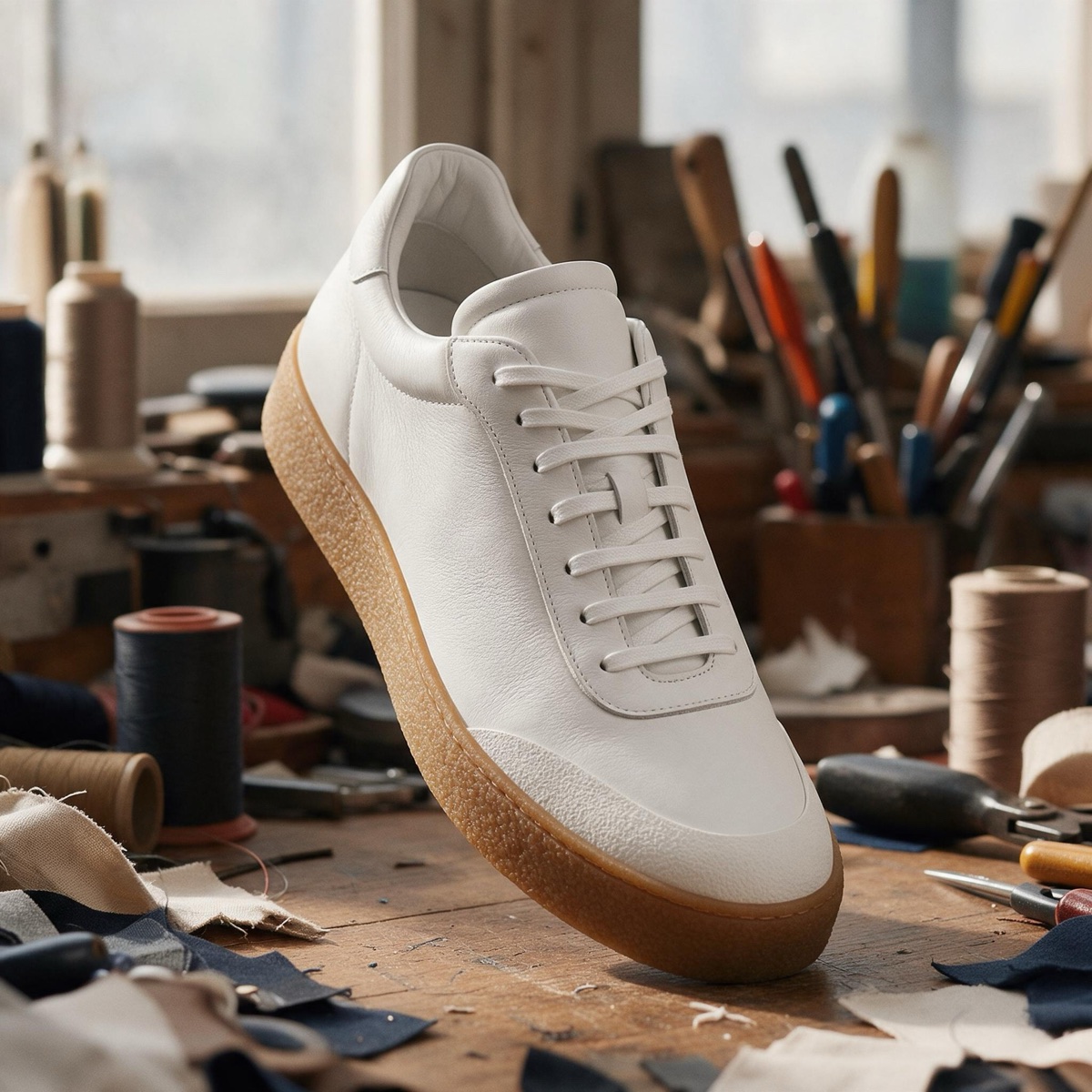
Generated photos on busy backgrounds, each moved into one of the tool's preset scenes at 2K. The caption is the preset button that made it.
 BeforeAfter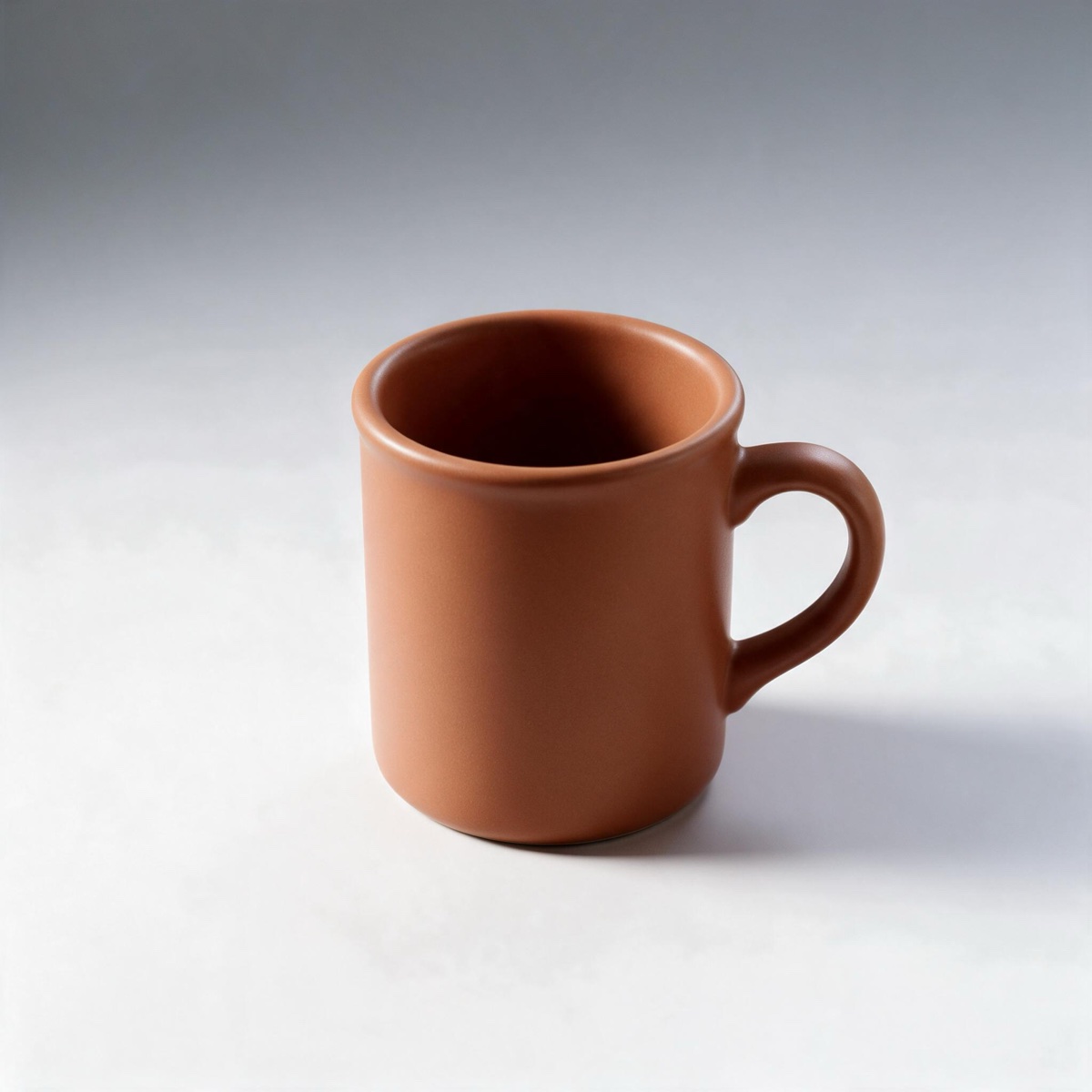
 BeforeAfter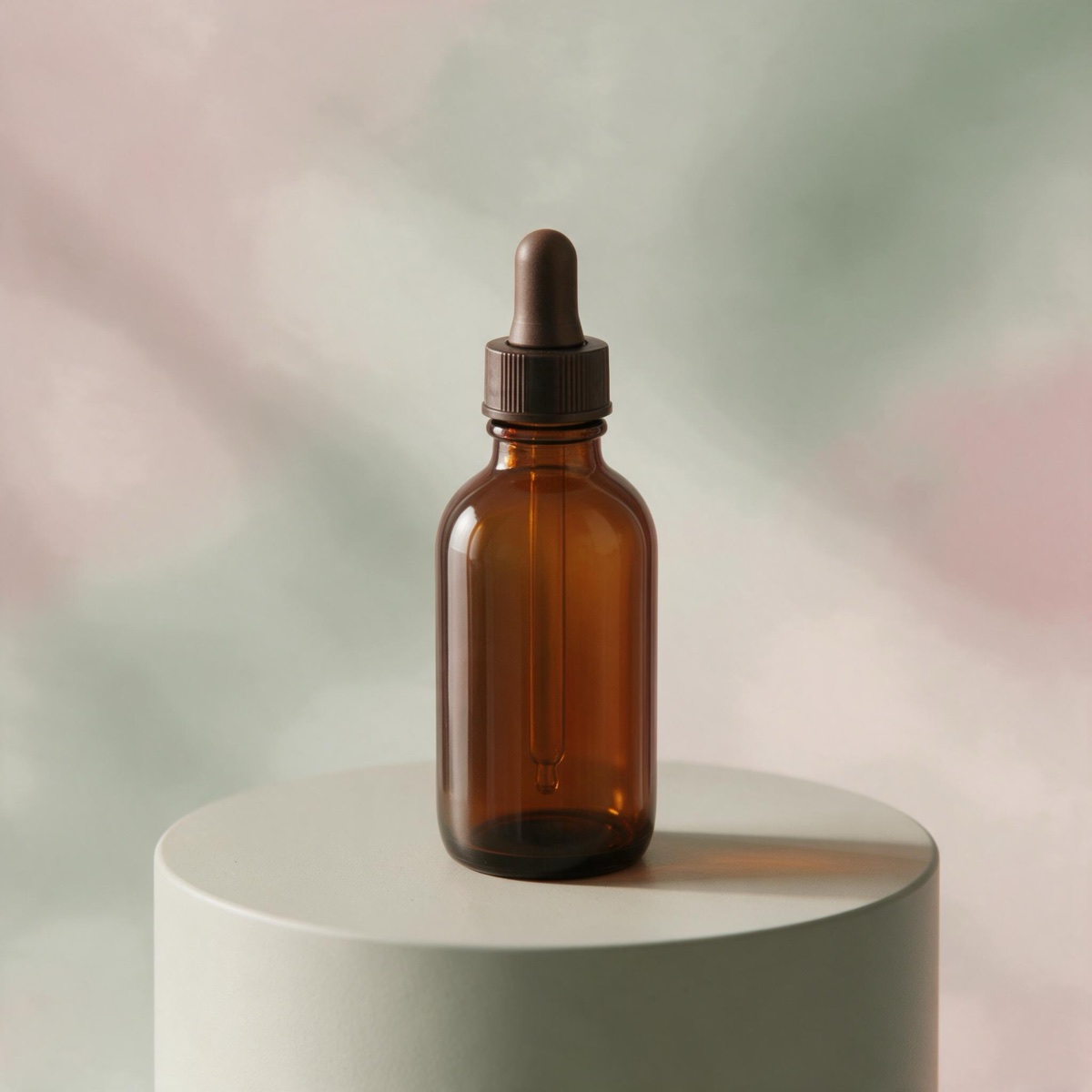
 BeforeAfter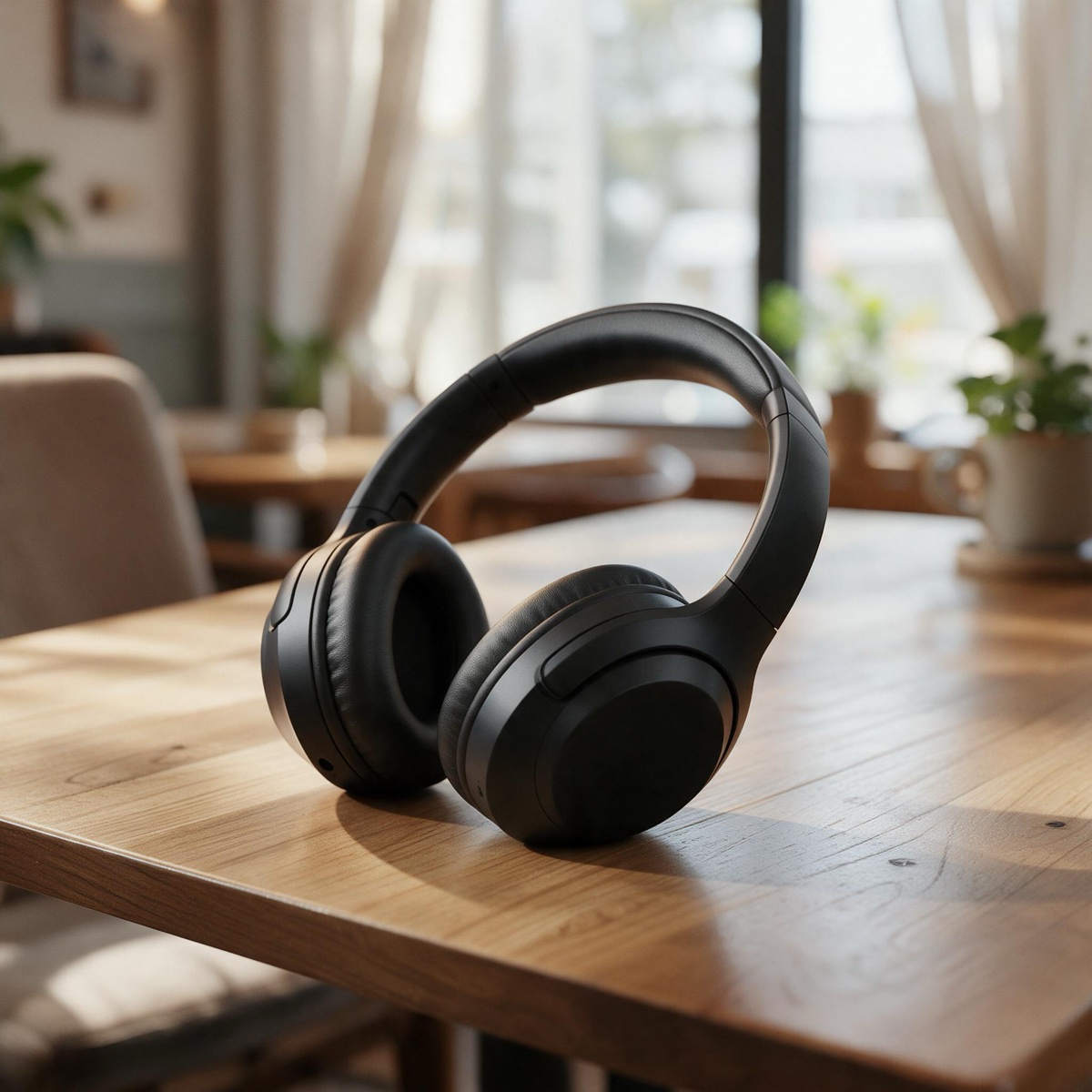
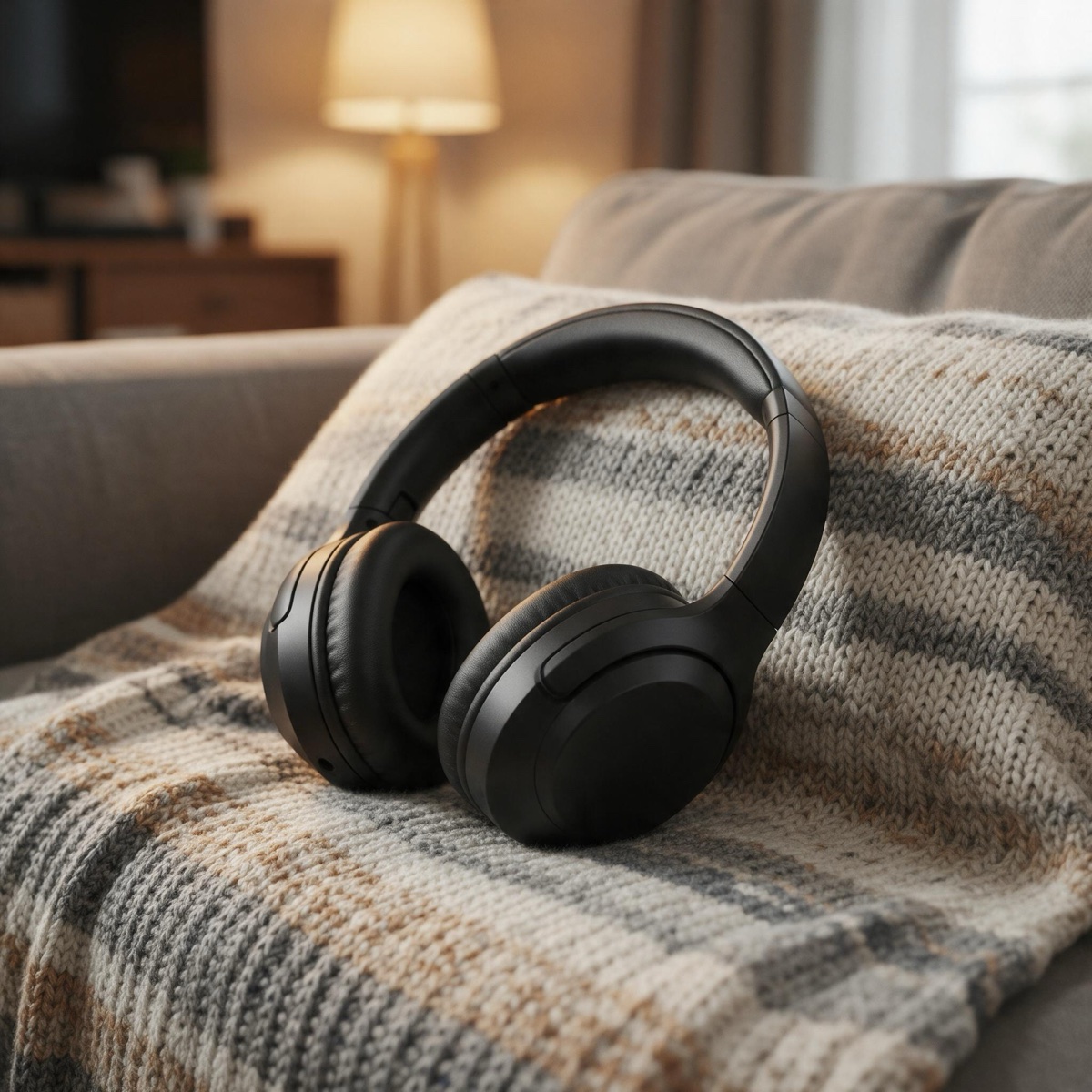 BeforeAfter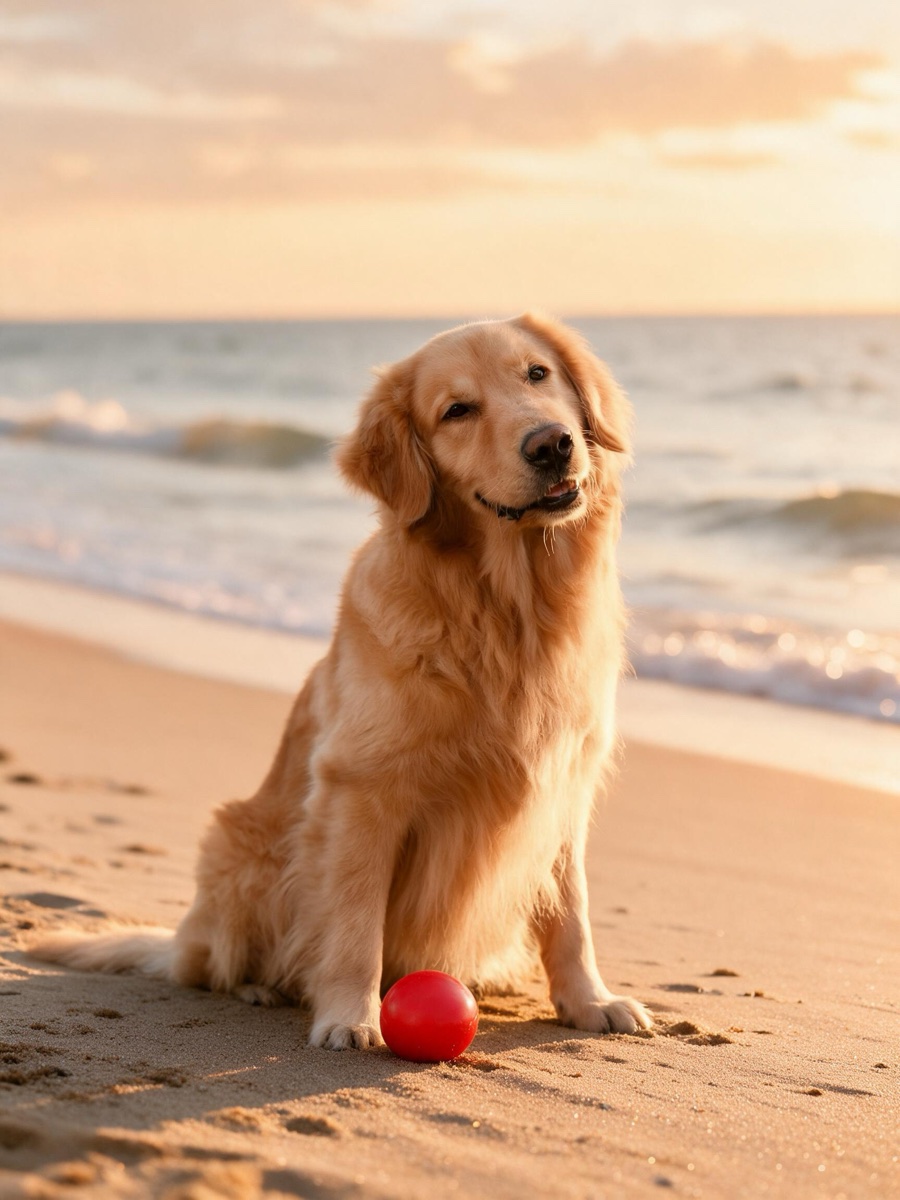
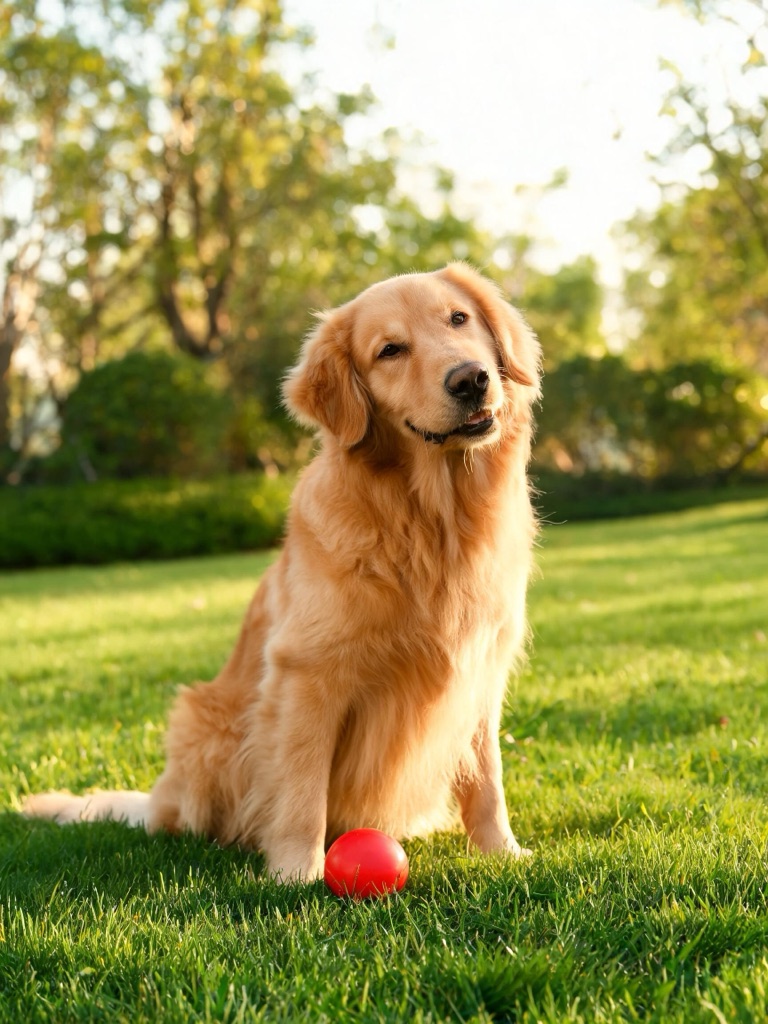 BeforeAfter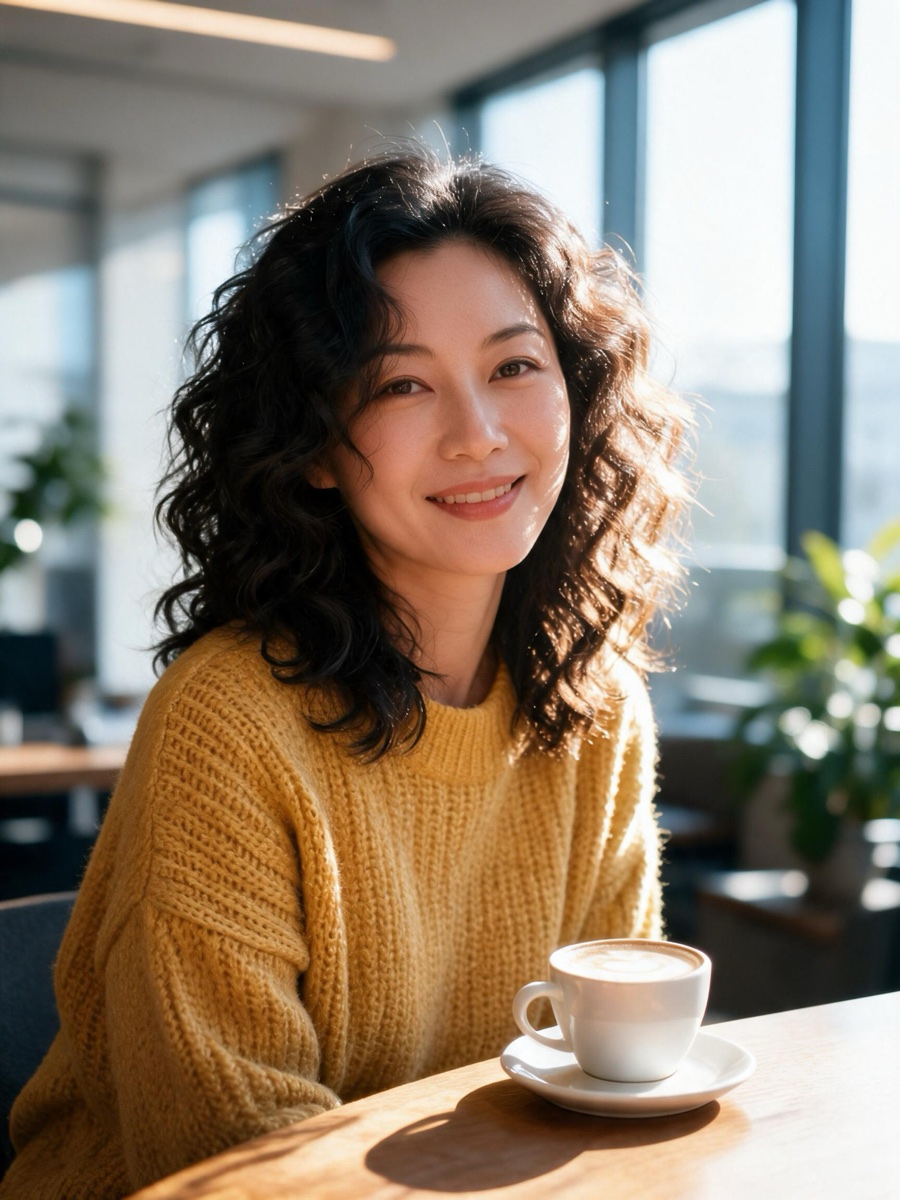
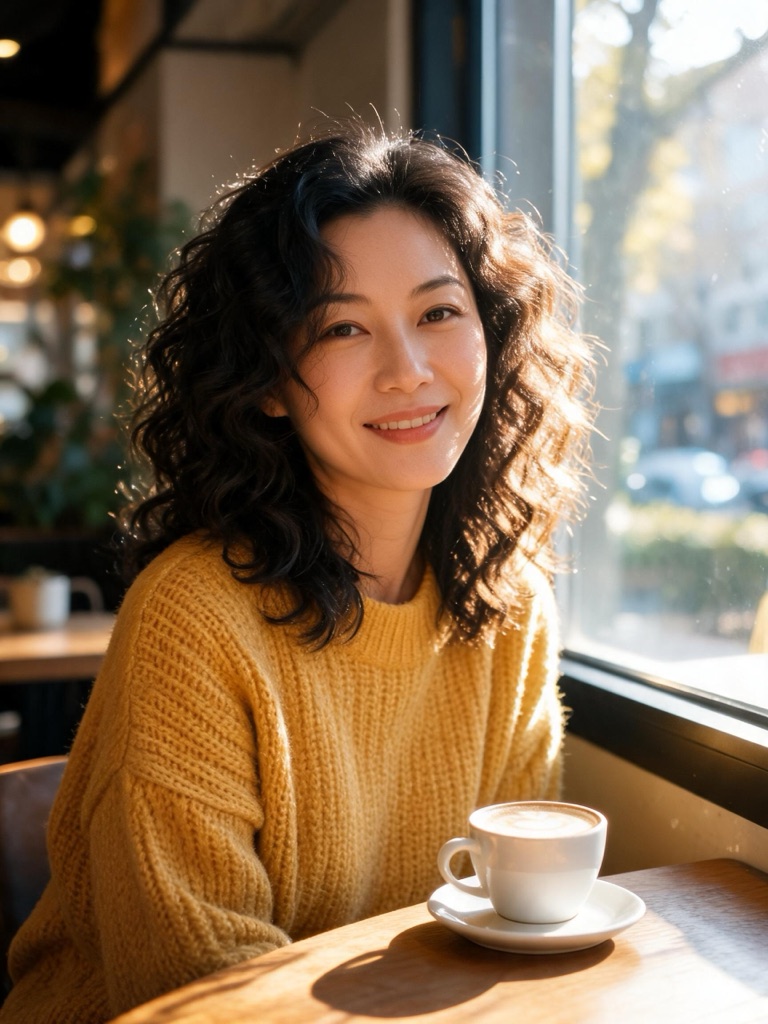 BeforeAfter
Changed, not pasted
Pasting a cut-out onto a stock photo is quick and usually looks like it: the light comes from the wrong side, there is no shadow under the object, and the edge glows with the old background. The background changer does not paste. It hands the whole photo to Seedream 5.0 Pro with an instruction to keep the subject and change only what is behind it, and the model renders the subject into the new scene — contact shadow, reflections on glass and metal, the colour of the light — in one pass.
The trade-off is honest: because the image is re-rendered, small details can move. Compare with the slider, and when a product must stay exactly as photographed, use the white background generator for the main image and this tool for the lifestyle shots around it.
Change a background in three steps
Upload the photo
Click, drag or paste. The output follows your photo's shape — square, portrait or wide.
Pick or describe the scene
Choose one of 8 presets, or type the place and the light in your own words.
Generate and compare
1K for drafts, 2K for the final. Slide between before and after, then download or animate it.
The preset scenes
- Studio gradient — a seamless studio backdrop with a soft grey-to-white gradient and a gentle contact shadow on the floor.
- Marble counter — a white marble kitchen counter in soft morning window light, with a bright kitchen softly blurred behind.
- Oak table — a warm oak table in a cosy café, shallow depth of field, soft daylight.
- Pastel podium — a pastel cylinder podium on a clean pastel backdrop, soft even product lighting.
- Golden-hour beach — a sandy beach at golden hour, gentle waves softly out of focus behind.
- Garden — a lush green garden with dappled sunlight, softly blurred.
- City at night — a city street at night with warm neon bokeh and reflections on wet pavement.
- Bright office — a bright modern office with plants and large windows, softly blurred.
Which background tool to use
| Option | What happens | Best for | Cost |
|---|---|---|---|
| New scene | Re-rendered by AI | Lifestyle shots | 2–3 credits |
| Colour or white | Product kept exactly | Listings, catalogues | 1 credit |
| Transparent | Product kept exactly | Layering, design | 1 credit |
All three live in the same tool — switch tabs without uploading again. A finished scene can go straight into motion: the Animate button opens it in the video studio as the first frame.
Rights and labelling
Change backgrounds on photos you own or have the rights to edit; a photo of a person needs that person’s permission. Photos and scene descriptions are screened before generation, and photos of public figures are declined. Every image made here is AI-generated and carries a signed C2PA provenance mark saying so, in line with Article 50 of the EU AI Act; anyone can read it on the verification page, and the Content & Safety Policy sets out what may not be created. Plans renew monthly until cancelled and can be cancelled online at any time; the full terms are on pricing details.
Frequently asked questions
How do I change the background of a photo with AI?
Upload the photo to the tool at the top of this page — it opens on New scene. Pick a preset such as Marble counter or Golden-hour beach, or type your own scene, choose 1K or 2K, and press Generate new background. The new image lands in the tool and in My Creations in under a minute, for 2 or 3 credits.
Which AI model changes the background?
Seedream 5.0 Pro, ByteDance's image model, in edit mode — the strongest editor in the WowMade image studio. It receives your photo with a fixed instruction to keep the subject as it is and change only what is behind it, then matches the light, shadows and reflections on the subject to the new scene.
Will my product or subject change?
Mostly not, but it can shift slightly. The model re-renders the whole image so the lighting is believable, and fine print or a complex logo can come back a little different. Compare with the slider before you use it. When the product must stay pixel-exact — a main listing image, for instance — use the Colour option instead, which only removes the background.
Can I describe my own background?
Yes. Type the scene in the box under the presets — a rustic stone wall with ivy, a sunlit Scandinavian living room, a desk with a laptop — and it replaces the preset. Describe the place and the light; the subject is already taken care of by the fixed instruction.
Does it keep the photo's shape?
Yes, as closely as the model allows: the output uses the aspect ratio nearest to your photo — square, 4:3, 3:4, 16:9, 9:16 or 21:9 — so a portrait stays a portrait and a wide shot stays wide.
Can I change the background of a photo of a person?
Of yourself, or of someone who has given you permission, yes — a headshot in a bright office is one of the presets. Photos are screened before generation and photos of public figures are declined. The result is a new background, not a new identity, and it carries a C2PA mark identifying it as AI-generated.
What does it cost?
2 credits at 1K and 3 at 2K, charged when you press Generate and refunded automatically if the render fails. Removing the background without a new scene — transparent or on a colour — is 1 credit.
More with the same photo
One credit balance across image, video and music.
Background Remover
Transparent, colour or a new scene.
OpenWhite Background Generator
Pixel-exact product on pure white.
OpenAI Image Studio
Full edits with up to 14 references.
OpenAI Product Video
Move the new shot on camera.
OpenObject Remover
Paint out anything you don't want.
OpenImage Upscaler
Take a 2K scene larger for print.
OpenVerify AI content
Read the C2PA provenance mark on any file.
Open