
No credits, and nothing is stored
Image to Prompt
Upload a picture and get the words back out of it — subject, style, light, composition — as editable text you can point at a new subject.
What comes back:

Describing costs no credits. Generating from the prompt you get back uses credits, and the cost is shown on the Generate button first. Plans renew monthly until cancelled and can be cancelled online at any time — see pricing details.


Why you would want the prompt instead of the picture
You already have the picture. What you do not have is the recipe — and the recipe is the reusable part. A prompt read off an image is a description of a treatment: this kind of light, from this direction, at this distance, in this palette. Once that exists as text you can apply it to a subject that has nothing to do with the original.
That is what makes it a working tool rather than a novelty. A brand that has one photograph everyone agrees on can turn it into a prompt and generate forty more things that look like it belong beside it. A designer stuck on why one reference works can read the description back and find that the answer was the rim light all along.
Four pictures, and what comes back
These four stills are WowMade generations published elsewhere on this site. The line under each is the prompt the describer reads off that exact file — upload the same picture and check it.
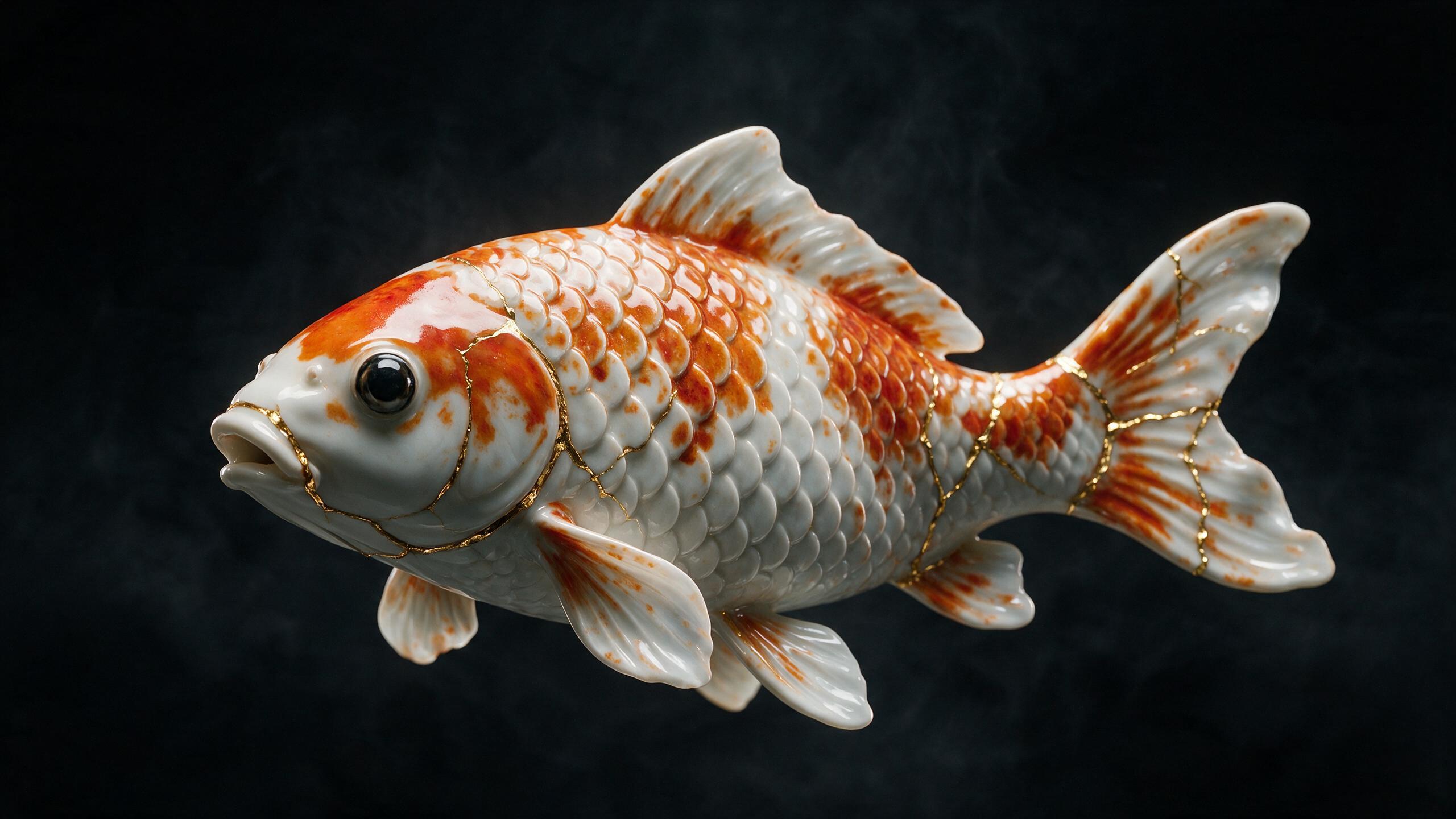 AI generated
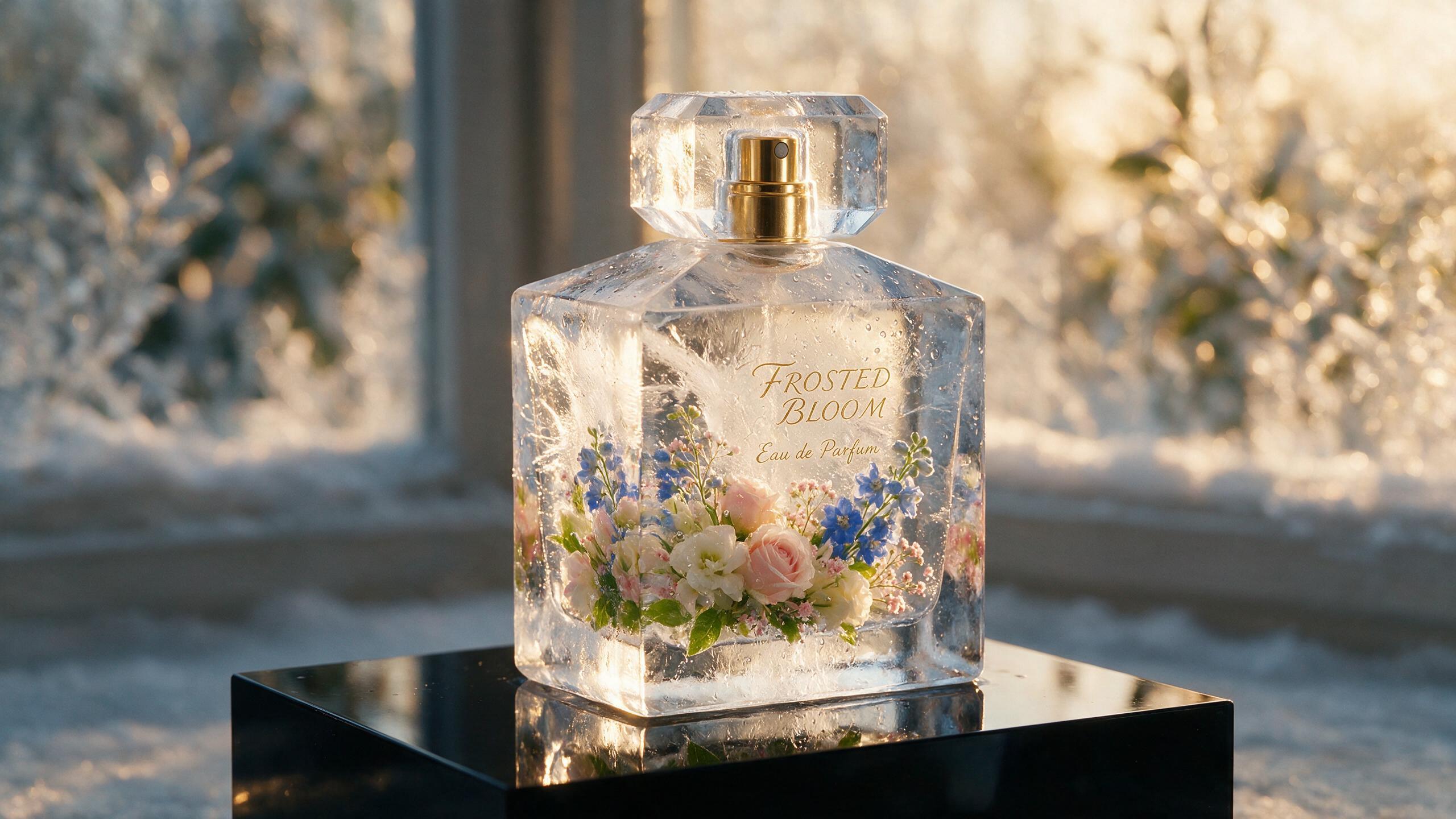 AI generated
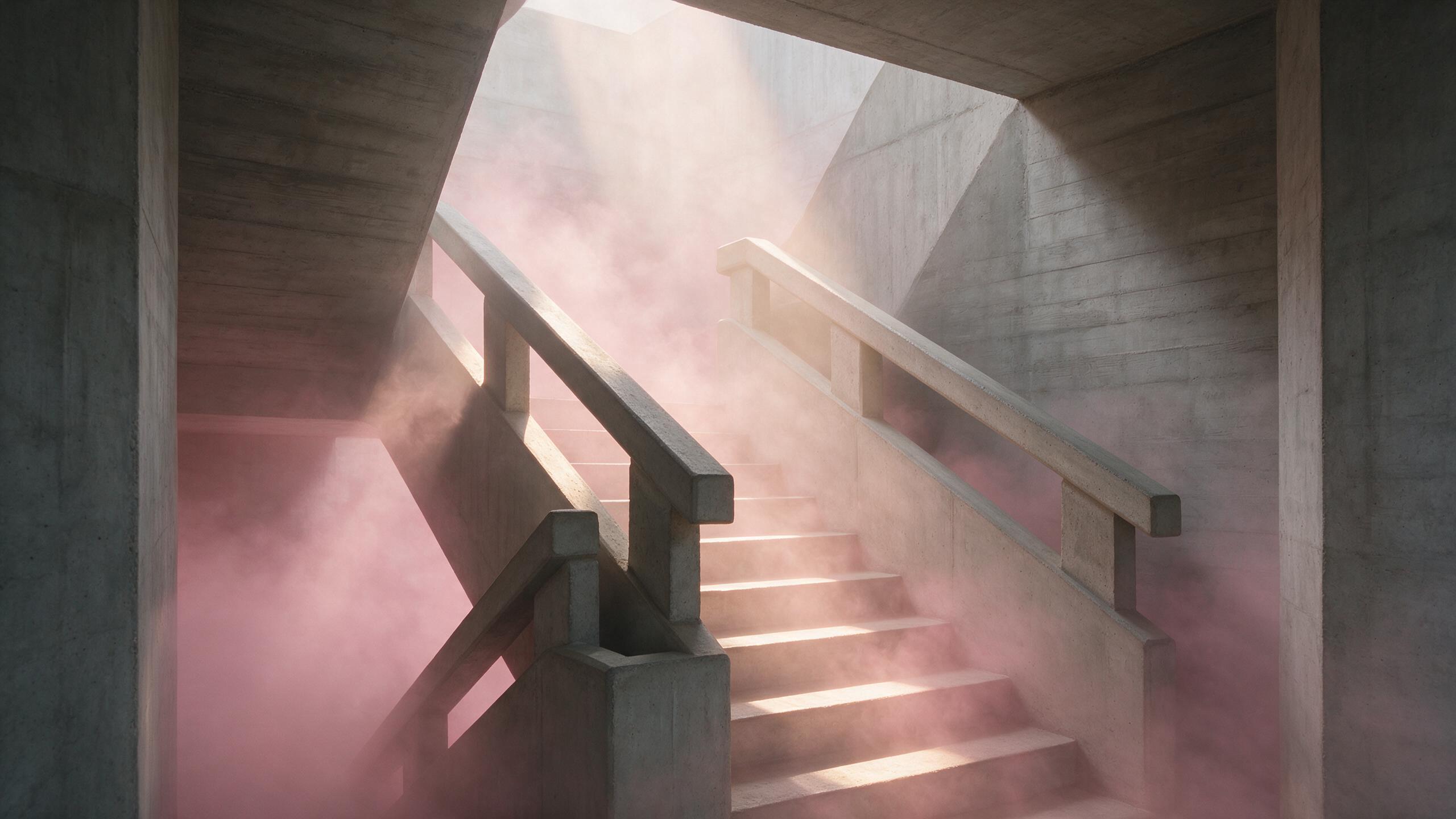 AI generated
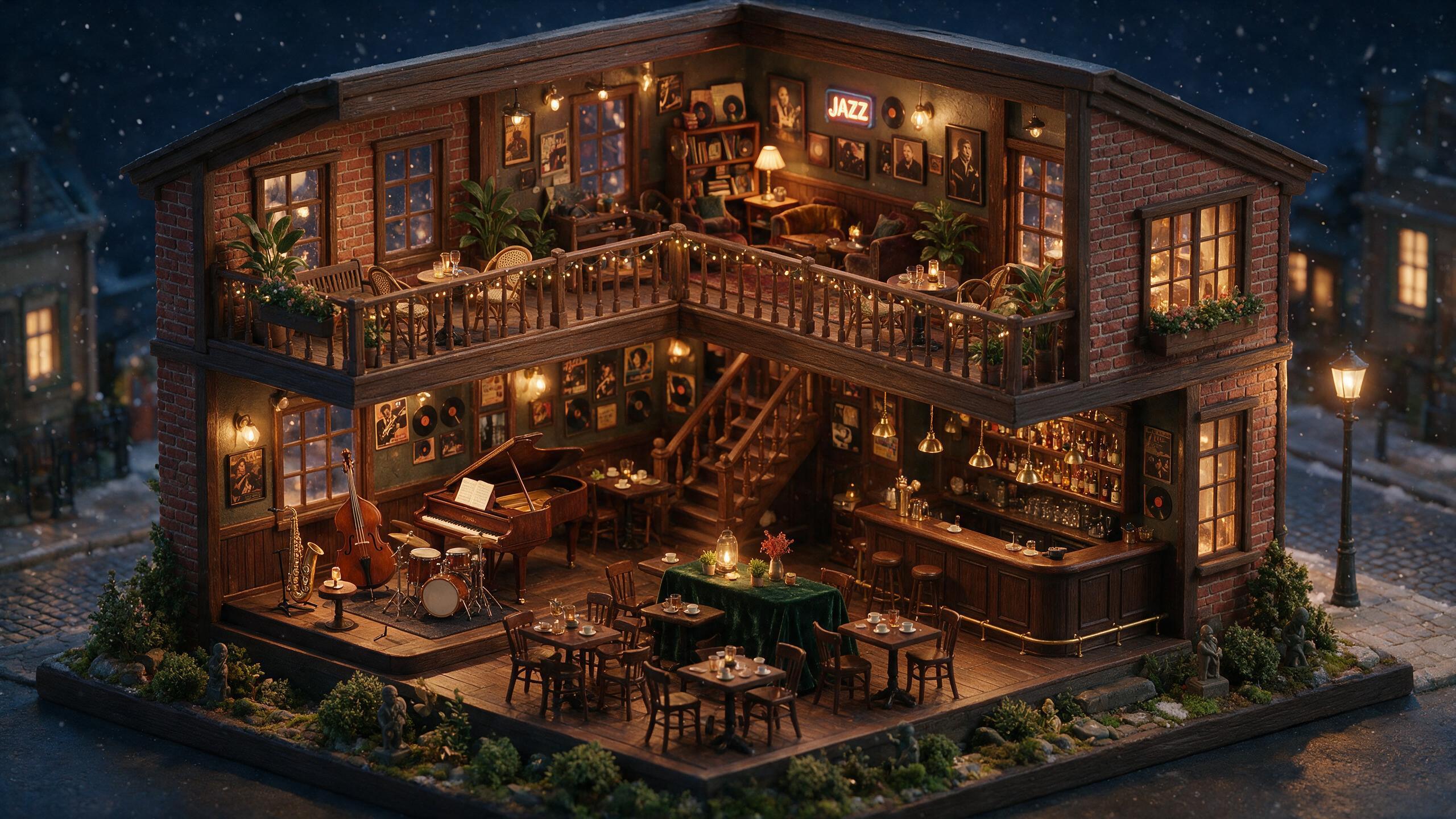 AI generated
Two modes, two different jobs
| Mode | Returns | What it covers | Reach for it when |
|---|---|---|---|
| Describe for generating | A standalone prompt | Subject, style, composition, lighting, colour, mood — enough to render a new picture in the same territory | You like a look and want to apply it to a different subject |
| Describe as edit reference | A description of the subject alone | Just the main object, precisely enough to name inside an editing instruction | You want to move that object into a scene you are building |
Both come back as ordinary editable text in the prompt box. There is no hidden state — what you can see is the whole of what gets sent to the model.
How it works
Upload the picture
From the image studio. The file is checked and hosted before anything reads it, which is what keeps arbitrary external links out of the pipeline.
Pick a mode
Describe for generating when you want a standalone prompt. Describe as an edit reference when you want to name this object inside an editing instruction later.
Edit it, then generate
The caption lands in the prompt box as ordinary text. Change the subject, keep the treatment, and run it. The prompt rewriter can tighten it further before you spend anything.
What a description can and cannot do
A caption is lossy on purpose. Two people describing the same photograph write different sentences, and a model writing one makes the same kind of choices: it names what is salient and lets the rest go. So the prompt you get back will not reconstruct the original frame, and you should not expect it to. What it reliably carries is the treatment — the light, the framing logic, the palette, the register — which is the part worth reusing anyway.
Use it on work you have the right to use
Uploads have to be yours or licensed to you; the content and safety policy sets out what is allowed. Reading a prompt off an image is a way to learn a technique, not a way to reproduce a named artist’s catalogue or a particular person’s appearance, and prompts pointed that way are refused before anything renders.
Everything you generate is marked
Pictures made from a read-back prompt are AI-generated and carry a signed C2PA provenance manifest saying so, naming the tool that made them. The mark stays with the file after download and anyone can read it back on the verification page.
Frequently asked questions
What people check before they upload something.
What does image to prompt mean?
It is the reverse of generating: instead of turning words into a picture, it turns a picture into the words that could produce one like it. A vision model reads the image and writes out what it sees as a prompt — subject, style, composition, lighting, colour and mood — in the shape a generation model expects to receive.
Does reading a prompt off an image cost credits?
No. Describing an image costs no credits on any plan and draws nothing from your credit balance. Only generating from the resulting prompt costs credits, and the exact figure is shown on the Generate button before you commit to it.
Is my uploaded image stored?
The caption itself is not persisted — it comes straight back into the prompt box as editable text and is yours to keep or discard. The upload is moderated and hosted before it is described, which is what keeps arbitrary external URLs out of the pipeline, and you can delete anything you have uploaded from your own library at any time.
What is the difference between the two describe modes?
Describe for generating returns a full standalone prompt intended to recreate a picture like the one you uploaded, covering subject, style, composition, lighting and colour. Describe as an edit reference instead writes a precise description of just the main subject, so you can refer to it inside an editing instruction — placing that object into a different scene, for example.
Will it reproduce the original image exactly?
No, and it is not meant to. A description is lossy: two people looking at the same picture write different sentences about it, and so does a model. What you get back is a prompt in the same territory — the same kind of light, the same composition logic, the same palette — which you then edit toward whatever you actually wanted.
Can I use it on my own photographs?
Yes. Reading a prompt off a photograph you took is one of the most useful things it does: it converts a look you already have into text you can apply to a dozen new subjects, which is how a consistent visual style gets built without re-describing it every time.
Can I use it on someone else's picture?
Uploads must be content you have the right to use, and the platform rules on that are set out in the content and safety policy. Describing an image is a way to learn a technique — how a shot was lit, how it was framed — not a way to reproduce a named artist's work or anyone's likeness, and prompts that head that way are refused.
Are images generated from the prompt marked as AI-generated?
Yes. Anything WowMade generates carries a signed C2PA provenance manifest identifying it as AI-generated and naming the tool that produced it, in line with Article 50 of the EU AI Act. The mark travels with the file when you download it, and anyone can read it back on the verification page.
The rest of the loop
A prompt read off a picture is usually the first step, not the last.
The picture already knows. Ask it.
Describe an imageDescribing costs no credits on any plan. Plans start at $25 a month, renew monthly until cancelled and can be cancelled online at any time — see pricing details.