Start from a frame you already approve of
Image to Video
Set where the shot begins, optionally where it ends, attach the references that define the look — and let the model supply only the motion.
One frame in, seconds out:
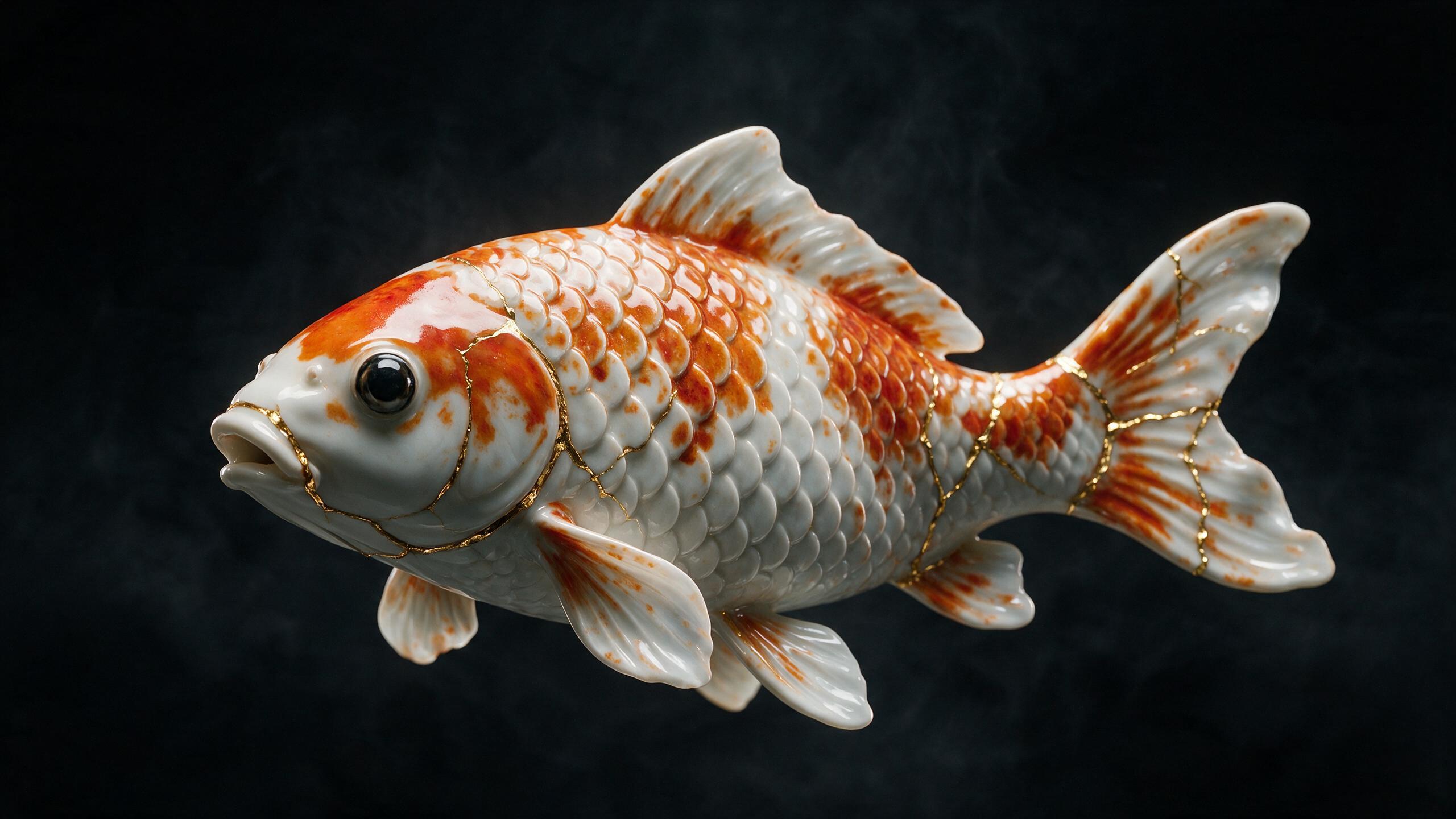
WAN 3.0 Prime is the cheapest way into a clip at 5 credits for 5 seconds; the cost of your settings is shown on the Generate button before you commit. Plans renew monthly until cancelled and can be cancelled online at any time — see pricing details.
One frame, then the seconds that follow
Left: a single still. Right: the clip that begins on it. Every generation here started on the frame beside it — that is what an image-to-video model is being asked to continue.


Why starting from a still gives you control
A written prompt asks a model to invent everything at once: the subject, the framing, the palette, the light, and then the motion on top. An image hands it four of those five as settled facts. Whatever you can see in the frame is what the first frame of the video will be, so the only thing left to negotiate is what happens next.
That is why nearly all commercial work here begins with a picture. The bottle in the shot is the actual bottle. The room is the room that exists. The character looks like itself in clip four because it looked like itself in clip one. Prompting well is a craft; not having to prompt for things you can simply show is a shortcut around it.
Three ways to feed a picture in
Start frame
The first frame of the result. Upload a photo, pick one from your creations, or generate one in the image generator and press Animate. WAN 2.7 requires one; WAN 3.0 Prime requires either one or a reference; the Seedance engines treat it as optional.
End frame
A second image the shot should arrive at. The model interpolates the move between them, which turns a vague instruction like “rotate slowly” into a defined path: this composition, ending at that one. The slot opens once a start frame is set.
Reference media
Up to six reference images, three reference videos and three reference audio clips — twelve items in all, each up to 15 seconds — that describe how something should look, move or sound without becoming the first frame. A reference video is the most direct way to ask for a camera move you cannot name; a reference image is how you carry a palette or a costume between clips.
Make the frame, then move it
The most controllable pipeline on the platform runs in one direction: generate or clean the still first, approve it, then animate it. A frame you have already accepted removes every argument about subject and composition before the motion is even requested.
Build it in the AI image generator, sharpen it in the image upscaler, clean a distraction out with the object remover — then press Animate. Motion amplifies whatever was already wrong in a frame, so the cleanup is worth doing first.
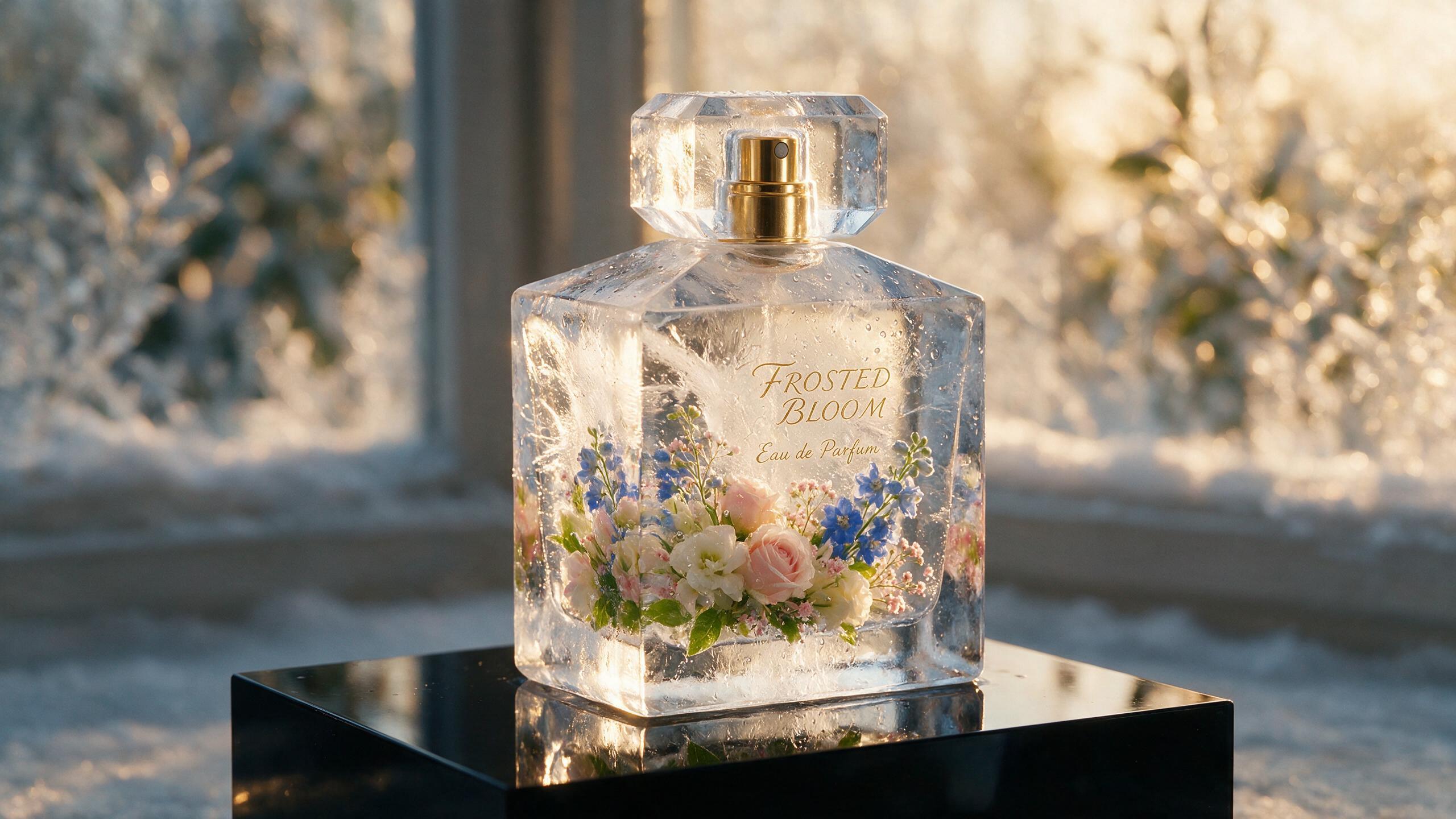 AI generated
Choosing an engine
Five of the six engines in the studio accept an image. They differ in whether they insist on one, how long they run, how far the resolution goes, and which extra levers they expose.
| Engine | Image input | Length | Resolution | Notable for |
|---|---|---|---|---|
| WAN 3.0 Prime | Start image or reference | 5 / 10 / 30s | 480p – 1080p | Cheapest entry, reference-heavy work |
| WAN 2.7 | Start image required | 5 / 10 / 15s | 720p / 1080p | Negative prompt, audio guide track |
| Seedance 2.5 | Start image optional | 5 / 10 / 15 / 30s | 480p – 4K | Camera language, longest takes |
| Seedance 2.5 Turbo | Start image optional | 5 / 10 / 15 / 30s | 720p / 1080p | Iterating before the final render |
| Seedance 2.0 | Start image optional | 5 / 10 / 15 / 30s | 480p – 4K | Native audio at 4K |
Seedance 2.0 Mini is text-only and therefore not listed. Measured speed and cost per engine are on AI video models compared.
The product-photo workflow
Prepare the frame
Clean the shot before it moves — remove a distraction, or raise a soft image with the upscaler. Motion amplifies whatever was already wrong.
Describe only the motion
The frame has already said what the thing is. Spend the prompt on the camera and the light: slow push in, rim light sweeping across the label.
Draft, then finish
Run it at 480p or 720p until the move is right, then re-run the same setup at the resolution the placement needs.
The common mistake is writing an image-to-video prompt as though the model cannot see the picture. It can. Re-describing the product usually makes the result drift away from the photo rather than closer to it, because the description and the frame end up competing. Describe the movement, the camera and the light — and use WAN 2.7’s negative prompt when something unwanted keeps appearing anyway.
Keeping a subject consistent across clips
A campaign is rarely one shot. The way to keep a subject recognisable across several is to stop describing it and start anchoring it: save the character or the location to your library once, then drop it into each prompt with an @ mention so the same reference travels with every generation. Reusing one start frame across a set of clips does the same job for a product.
Where a shot has to continue rather than cut, Extend carries on from the clip you already have instead of regenerating it, which keeps the look consistent and costs less than rendering the whole thing again at a longer duration. You can also extract the last frame of a clip and use it as the start frame of the next, which is how a longer sequence is built here without any single generation having to be long.
Sound, format and finishing
Seedance 2.5 and Seedance 2.0 generate native audio with the picture. WAN 2.7 takes the opposite approach and accepts an audio guide track you supply, so the motion can be built against sound you already have. For a composed soundtrack, the AI music generator writes one from a sentence, and a soft final clip goes through the video upscaler as a separate pass. Aspect ratio is chosen before generation — 16:9, 9:16, 4:3, 3:4, 1:1 or 21:9 — so a vertical piece is composed vertically rather than cropped out of a wide one.
Uploads, rights and labelling
Uploaded images and prompts are screened before generation. The Content & Safety Policy sets out what may not be made here, including sexual content and depictions of real people created without the rights to use their likeness — animating a photograph does not change whose photograph it is.
Every clip WowMade produces carries a signed C2PA provenance manifest recording that it was AI-generated and which tool made it, in line with Article 50 of the EU AI Act. The mark travels with the file, and anyone can read it back on the verification page. Plans renew monthly until cancelled and can be cancelled online at any time; the full terms are on pricing details.
Frequently asked questions
What does image to video mean?
You supply a still — a photograph you took, a frame you generated, a piece of artwork — and the model generates the seconds of motion that follow from it. The first frame of the result is your image, so composition, palette and subject are settled before any motion is added. That is what makes this route more controllable than describing the same scene in words.
Which engines animate an image?
WAN 3.0 Prime and WAN 2.7 are built for it and need an image or reference to start from. Seedance 2.5, Seedance 2.5 Turbo and Seedance 2.0 also accept a start frame alongside the prompt. Seedance 2.0 Mini is text-only, so it is the one engine in the studio that cannot take a picture.
Can I control where the shot ends as well as where it starts?
Yes. Add a start frame, then an end frame, and the model interpolates a move between the two — a product turning from front to three-quarter, a room going from empty to lit. The end frame slot unlocks once a start frame is in place, because without one there is nothing for it to end from.
What are reference images, videos and audio for?
They tell the model how something should look, move or sound without being the first frame themselves. You can attach up to six reference images, three reference videos and three reference audio clips, each up to 15 seconds. Use them for a style you want carried, a camera move you want imitated, or a sound bed the motion should sit against.
How do I stop the model adding things I do not want?
Use WAN 2.7 and write a negative prompt. Describing what should be absent works far more directly than rewording what should be present, and it is the fastest fix when an engine keeps introducing an element — extra people, text on a sign, a lens flare — that no amount of rephrasing removes.
How do I keep the same subject across several clips?
Anchor it to a fixed image rather than to wording. Save a character or a location once, then drop it into later prompts with an @ mention so the same reference travels with every generation. Reusing the same start frame across a set of clips has the same effect and costs nothing extra.
Can I animate a photo of a person?
Only with the rights to that likeness. WowMade is a tool for film-craft applied to a scene, not for changing who somebody is: the Content & Safety Policy prohibits depictions of real people created without the rights to use their likeness, and uploaded images are screened before generation.
What does an image-to-video generation cost?
It depends on the engine, the resolution and the duration, and the exact figure for your settings is printed on the Generate button before you spend anything. WAN 3.0 Prime is the cheapest way into a clip at 5 credits for 5 seconds; longer durations and higher resolutions cost proportionally more.
Everything around a start frame
One credit balance across image, video, music and the editing tools.
AI Video Studio
Drop in a frame and describe the motion.
OpenAI Image Generator
Make the start frame before you animate it.
OpenText to Video
When there is no frame to start from.
OpenObject Remover
Clean the still before motion amplifies it.
OpenImage Upscaler
Sharpen a soft frame before it moves.
OpenAI Product Video
The product-photo route, step by step.
OpenReference to Video
References instead of a start frame, for consistency.
OpenVerify AI content
Read the C2PA provenance mark on any file.
OpenLatest image to video guides
See every image to video guide →
ai generated content youtube policy: a creator’s compliance guide
Practical guide to YouTube AI disclosure, likeness, music and monetisation risks, plus a step-by-step WowMade AI Video Generator workflow to stay compliant.

Can you animate a still photo? Practical guide to single-frame motion
Can you animate a still photo? Learn how single-frame animation works, limits, a hands-on workflow, portrait best practices, and when to use WowMade AI Video Generator.

Faceless YouTube Channel AI Tools: a practical decision guide
A practical, end-to-end decision guide for creators choosing faceless YouTube channel AI tools. Criteria, comparisons, risks, and a workflow that favors WowMade AI Video Generator.