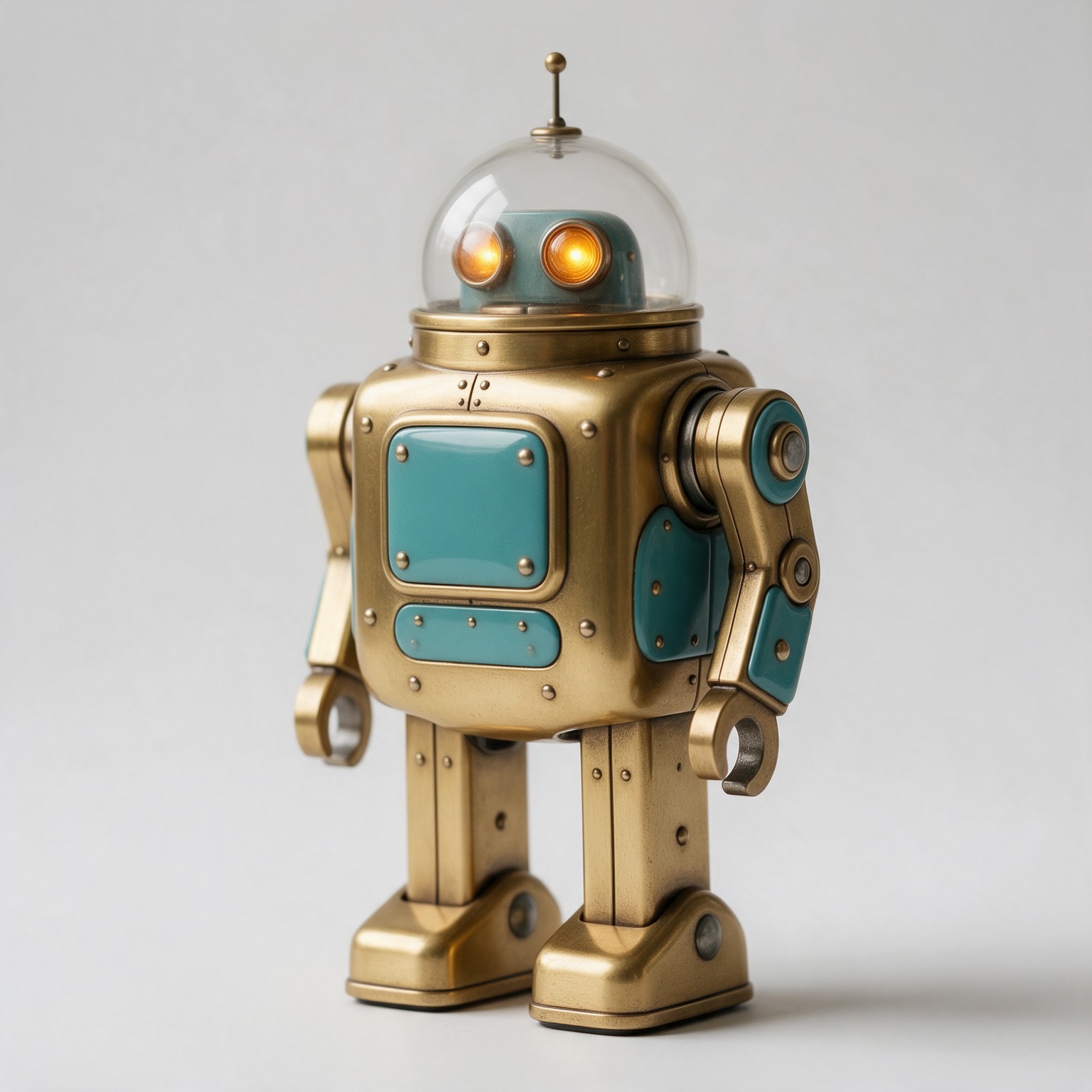
How to make a 3D model with AI
1Choose the input
A photo of one object, up to four views of it, a sketch with a short description, or just text.
2Pick an engine
Start with Tripo 3.1. Switch to Hunyuan 3D 3.1 Rapid for an untextured draft in about a minute, Meshy 7.1 for a rigged character, or Hi3D 3.0 for printing.
3Tune it — or don't
Defaults are good. Open the advanced settings for texture and geometry quality, PBR, quads, face count, pose and seeds.
4Inspect and download
Spin it, check the clay and wireframe views, save a PNG render, and download GLB, USDZ, STL, OBJ or PLY.
Choosing a model for the job
| You want | Pick | Why |
|---|
| The best result on the first try | Tripo 3.1 | First for both texture and shape in blind votes, at a low price |
|---|
| A quick shape to test an idea | Hunyuan 3D 3.1 Rapid | About a minute from a photo, half that from text; untextured |
|---|
| A game character that moves | Meshy 7.1 | Auto-rig for humanoids, animation presets, smart topology |
|---|
| A print or a close-up render | Hi3D 3.0 | Up to 5 million faces; second for geometry in the arena |
|---|
| Several reference photos | Rodin Gen-2.5 | Up to four views here, quad or triangle meshes, native PBR |
|---|
| A drawing turned into an object | Hunyuan3D 3.0 | The only engine here that reads sketches |
|---|
| The lowest price | TRELLIS.2 | From 4 credits, open-source model, 4K textures |
|---|
File formats
| Format | Use it for | Textures |
|---|
| GLB | Unity, Unreal, Godot, Blender, three.js, websites | Included (PBR where the engine made it) |
|---|
| USDZ | AR Quick Look on iPhone and iPad, Reality Composer | Included |
|---|
| STL | 3D printing slicers | No — shape only |
|---|
| OBJ | Older 3D apps and CAD imports | UVs only; export the texture from GLB |
|---|
| PLY | Scanning, point-cloud and research tools | Vertex data |
|---|
Getting a clean model
One object, plain background. Engines separate the subject from the background first; a busy scene gives them the wrong outline. Three-quarter view. A slight angle shows depth that a flat front view hides. Even light. Hard shadows and bright reflections get painted into the texture — Hi3D and Rodin can remove some of it (de-shading, remove baked lighting). Use multi-view for the back. From one photo, an engine has to guess what it cannot see; a back view removes the guess. Check the wireframe. Dense triangle meshes keep detail; quad meshes are what you want for editing and rigging.
Originality, photos and labelling
Make your own objects: characters, logos and products that belong to others stay theirs. Photos you upload must be yours to use, a photo of another person needs their permission, and photos of public figures are declined before anything is generated. Every model made here is AI-generated and says so in its own metadata — the GLB carries an “AI generated” mark with the IPTC digital-source type in its asset record — in line with Article 50 of the EU AI Act; images carry a signed C2PA mark you can read on the verification page. The Content & Safety Policy sets out what may not be created. Plans renew monthly until cancelled and can be cancelled online at any time; the full terms are on pricing details.
Frequently asked questions
How do I turn a photo into a 3D model?
Open the studio at the top of this page, choose Image to 3D, drop in a photo of one object on a plain background and press Generate. Tripo 3.1 is selected by default: it ranks first in the top3d.ai community arena and costs 6 credits. The finished GLB appears in the viewer and in My Creations, and you can download it as GLB, USDZ, STL, OBJ or PLY.
Which AI 3D model generator is the best?
On blind community votes, Tripo 3.1 leads both the textured-model and the geometry boards, followed by Meshy 7.1 and Rodin Gen-2.5 for textures and Hi3D 3.0 for geometry. The best choice still depends on the job: Hunyuan 3D 3.1 Rapid is the fastest (shape only, no texture), TRELLIS.2 is the least expensive, Meshy 7.1 can rig and animate characters, and Hi3D 3.0 makes the densest meshes for printing. The benchmark on this page shows all of them on the same inputs.
Can I make a 3D model from text?
Yes. Choose Text to 3D, describe one object — its shape, materials and colours — and pick one of 5 models. Tripo 3.1 costs 4 credits for a textured model from text, and Hunyuan 3D 3.1 Rapid returns an untextured shape in well under a minute.
What file formats can I download?
Every model can be downloaded as GLB (with textures, for games, the web and Blender), USDZ (for AR Quick Look on iPhone and iPad), STL (for 3D printing slicers), OBJ and PLY. GLB is the original file; the other formats are converted in your browser, so they cost nothing extra.
Can I 3D print the models?
Yes — download STL and open it in your slicer. For printing, pick a model with dense, closed geometry: Hi3D 3.0 makes up to 5 million faces, and Tripo 3.1 with detailed geometry is a good balance. Check the mesh in your slicer and scale it before printing; AI models can have thin parts that need supports.
Are the models game-ready?
They are textured meshes with UVs, so they load straight into Unity, Unreal, Godot and Blender. For animation or editing, turn on quad topology (Tripo, Rodin, Meshy) or pick a low-poly output, and use Meshy's auto-rig for humanoid characters. Very dense meshes from the print-grade models should be reduced before use in a real-time game.
How much does it cost?
Between 4 and 40 credits a model at default settings, depending on the engine, and more for the highest-quality options; the exact price is on the Generate button before you spend anything. Failed generations are refunded automatically. Plans renew monthly until cancelled and can be cancelled online at any time.
What makes a good input image?
One object, fully in frame, on a plain background, lit evenly, seen from a three-quarter angle. Avoid heavy shadows, reflections, text and busy scenes. For the best shape from all sides, use Multi-view and add the back and side views of the same object.
Can I use the models commercially?
You can use what you generate in your own projects, including commercial ones, under the terms of service. The input has to be yours to use: do not upload other people's artwork, product designs you have no rights to, or photos of people without their permission. Photos of public figures are declined before anything is generated.