Describe it. Cut it out. Stick it anywhere.
AI Sticker Generator
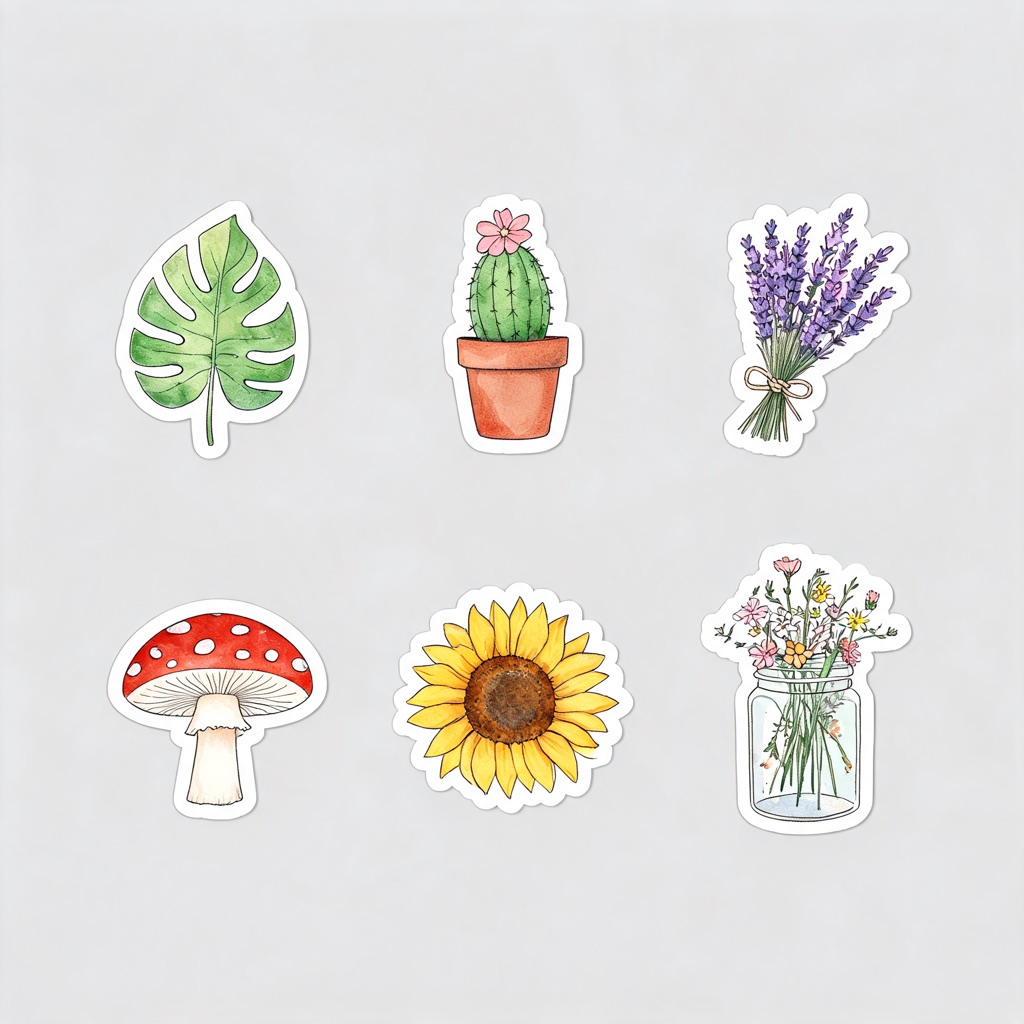
Write what you want on the sticker, pick a style, and get a sheet of six die-cut designs from one generation — then cut them out to a transparent PNG for print, Discord, WhatsApp or your shop.
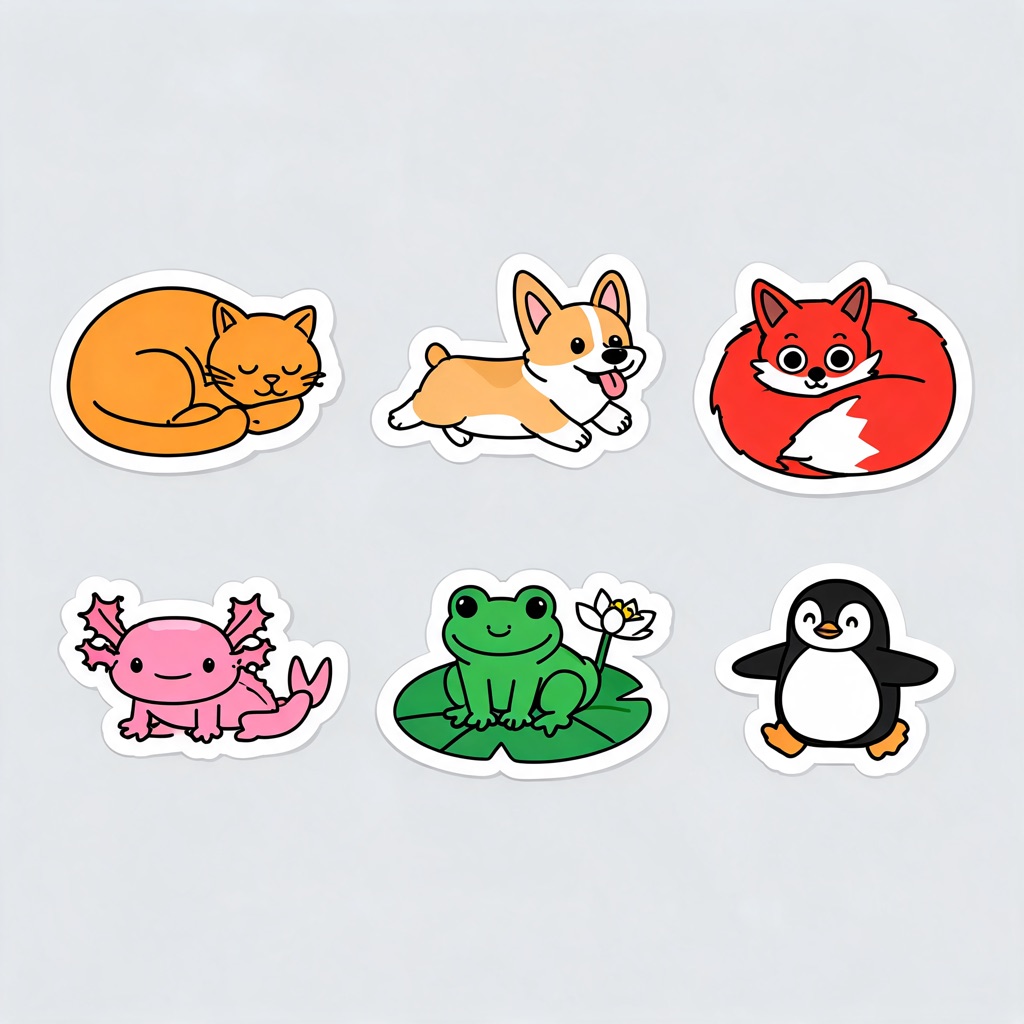
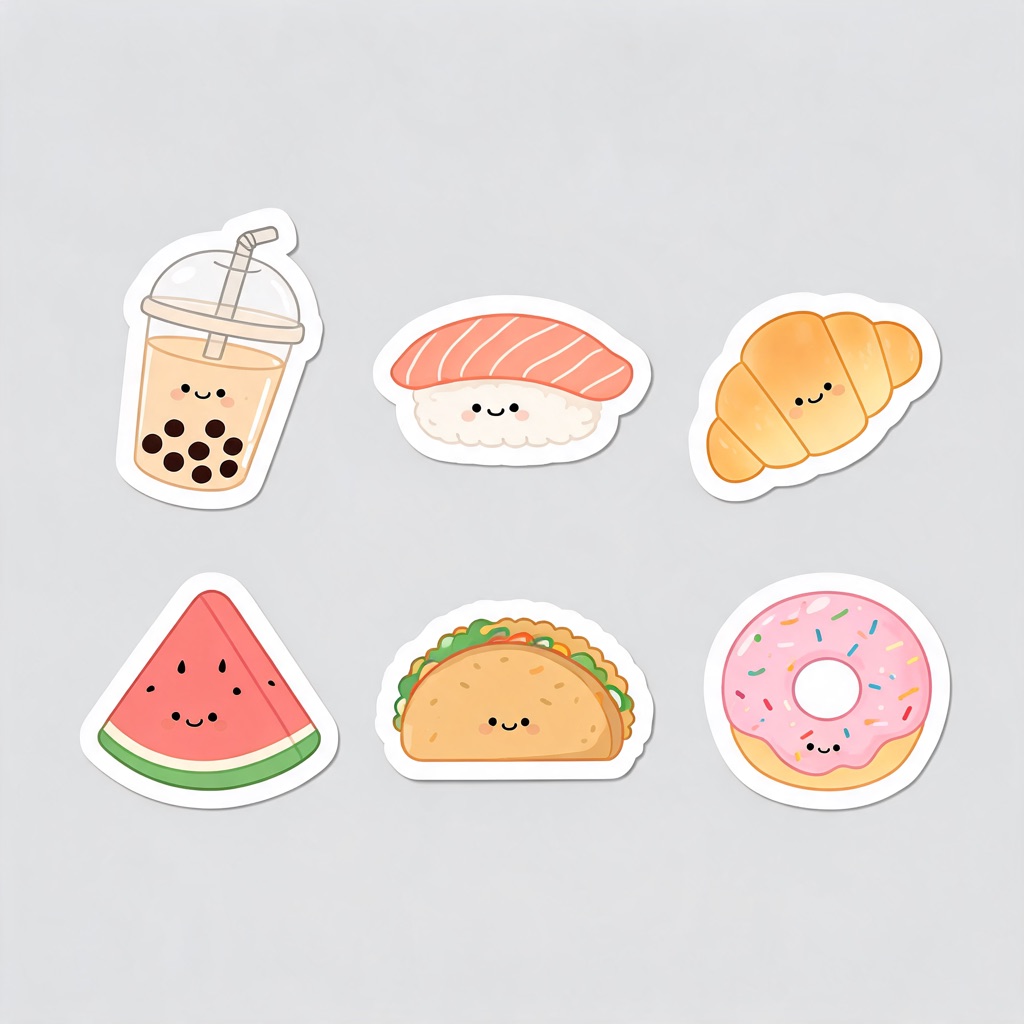
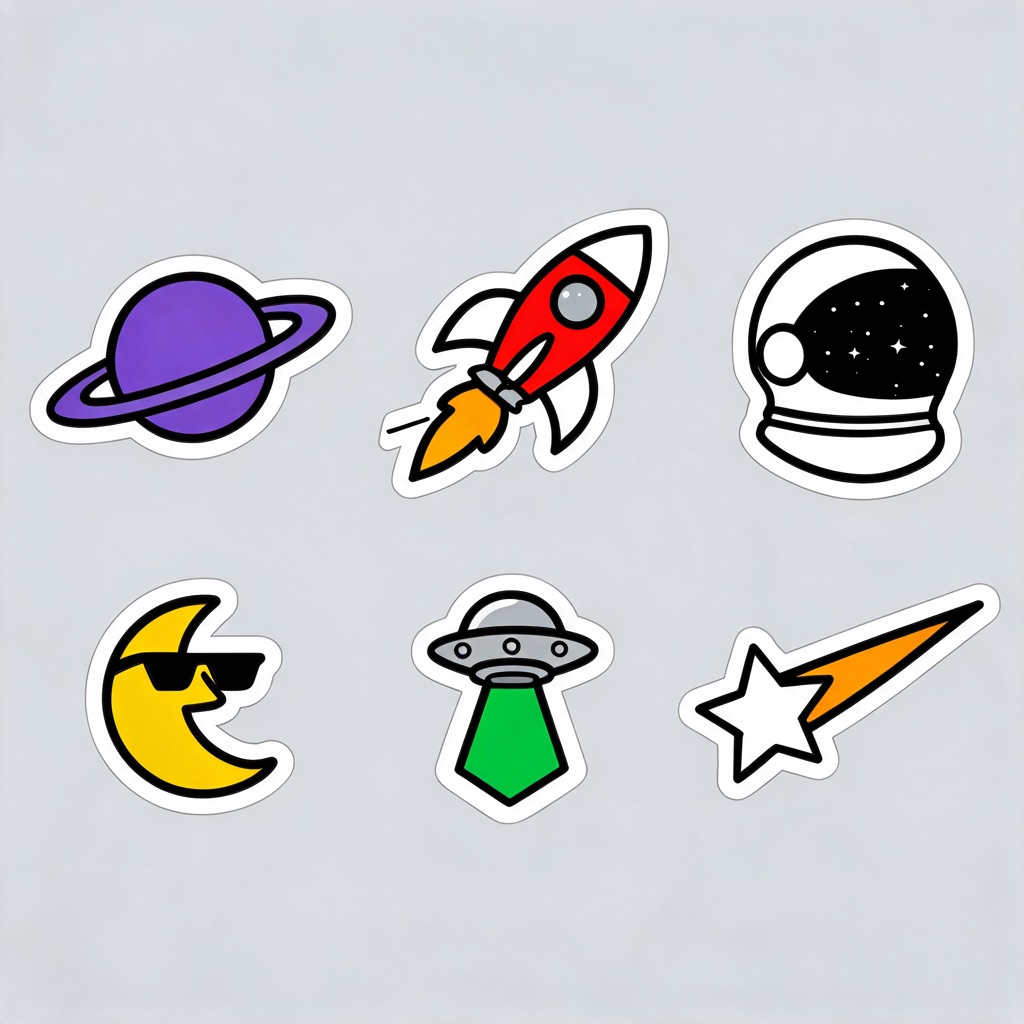
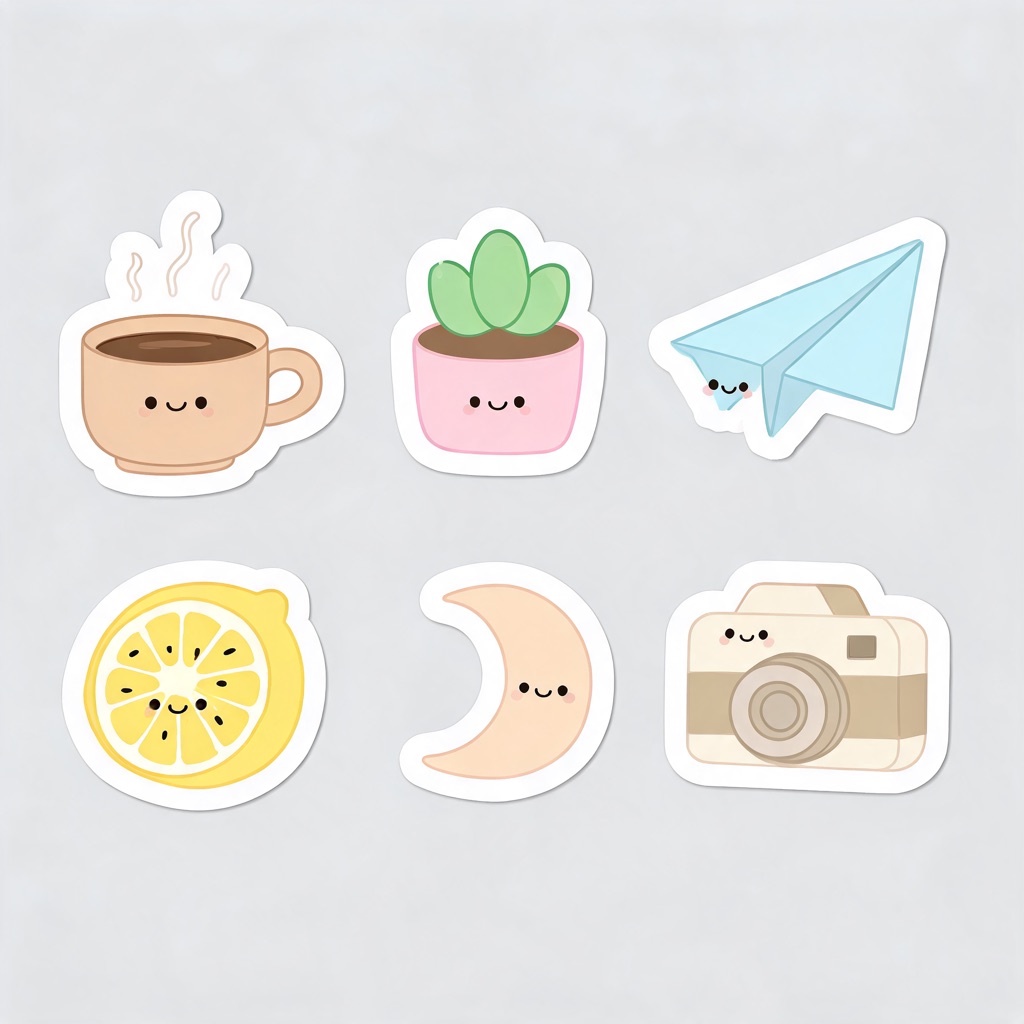
A sticker sheet costs 1 credit and the transparent cut-out 1 more; new accounts start with 25 starter credits. Plans renew monthly until cancelled and can be cancelled online at any time — see pricing details.
A sticker is an illustration with one extra rule
Anyone can generate a cute picture of a cat. What makes it a sticker is the edge: a thick white die-cut border that follows the shape, a silhouette that still reads at five centimetres, and nothing behind it once it is cut. Most AI images fail the first two and every AI image fails the third, because image models always paint a background.
So this is built as two steps. The preset writes the sticker rules into the prompt for you — border, clean outline, flat light-grey ground, no drop shadow, no text — and opens the studio on the cheapest model that holds a crisp outline. Then the cut-out tool below follows that white border and hands back a transparent PNG. The grey ground is there on purpose: it is what makes the cut clean.
Before and after the cut-out
Left: the sheet as the studio generates it. Right: the same file after the background remover, shown on a checkerboard so you can see what is transparent.
 Generated
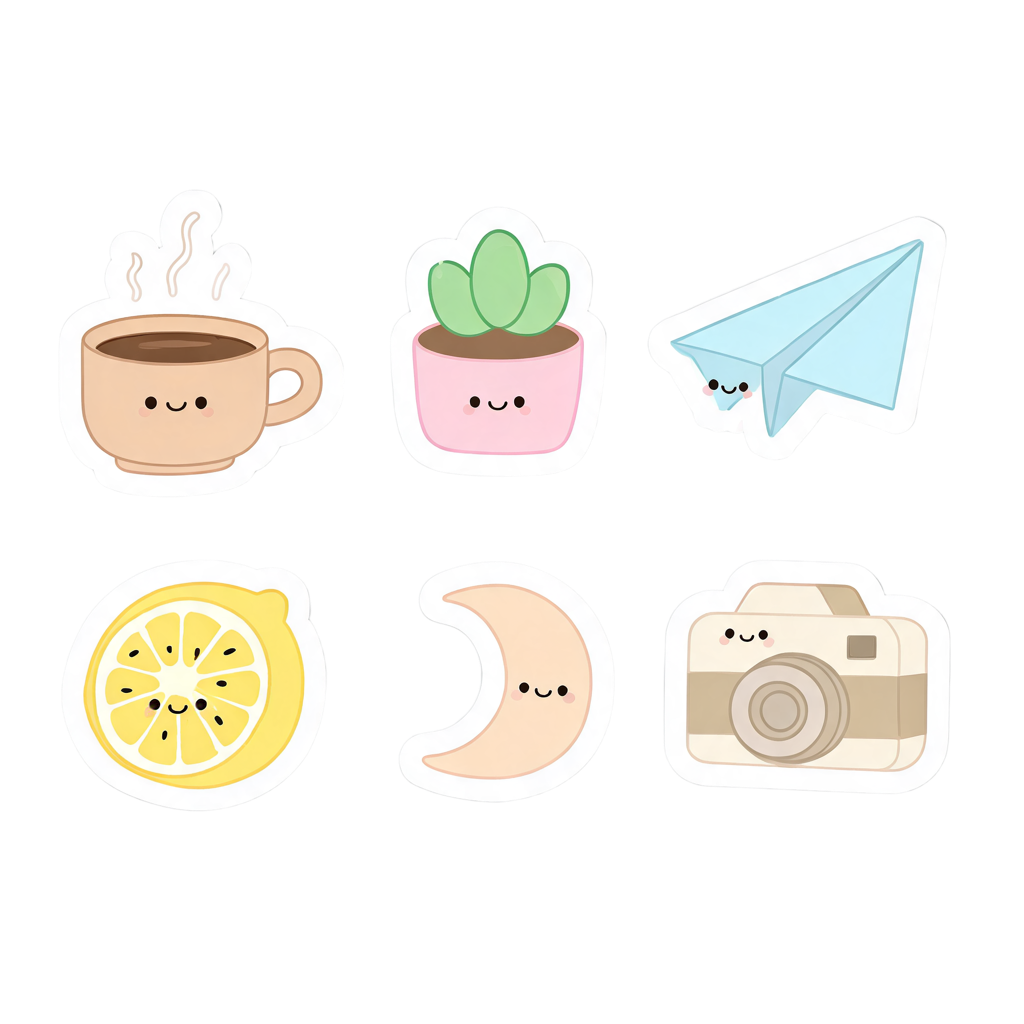 Transparent PNG
Cut out a sticker
Generate a sheet with any preset on this page, then pick it here from My Creations — or upload a sticker you already have. The background is removed in a few seconds for 1 credit and the PNG is saved beside the original.
Six styles, same six stickers
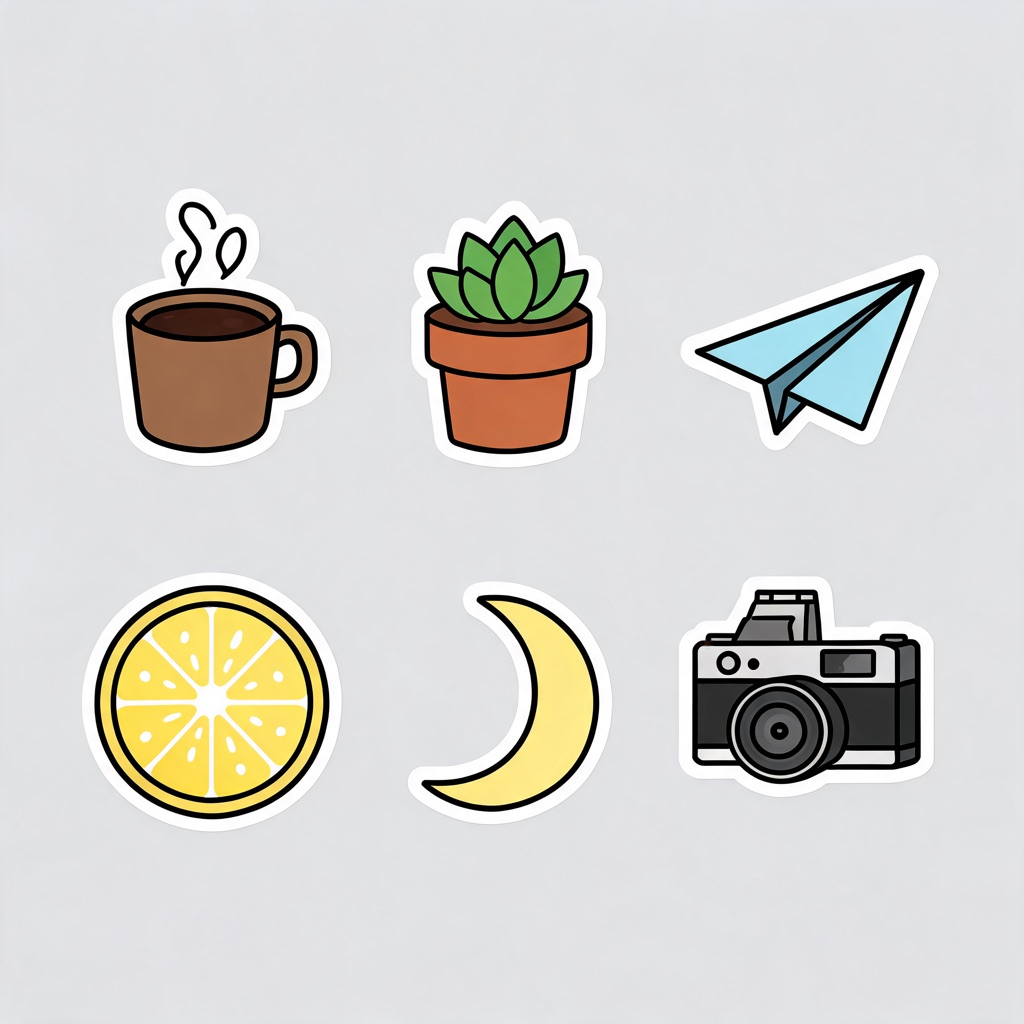
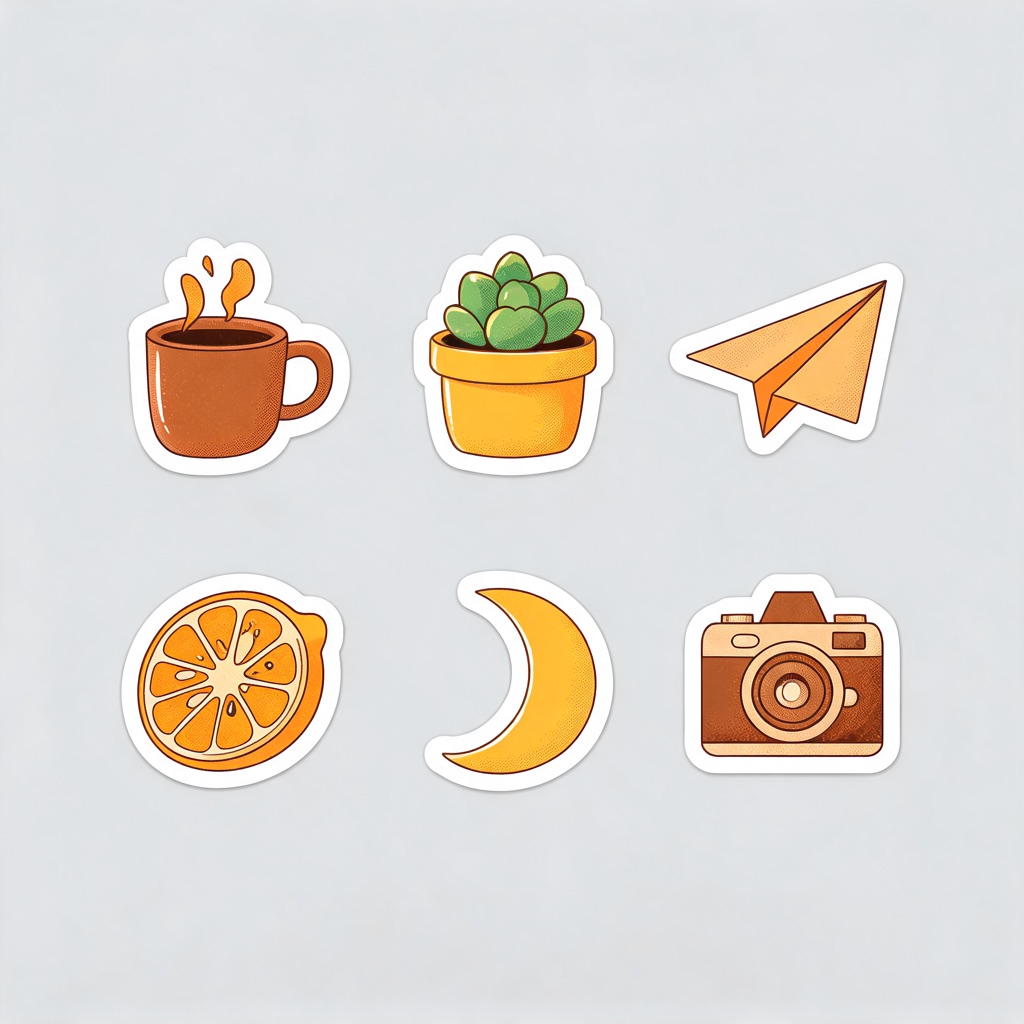
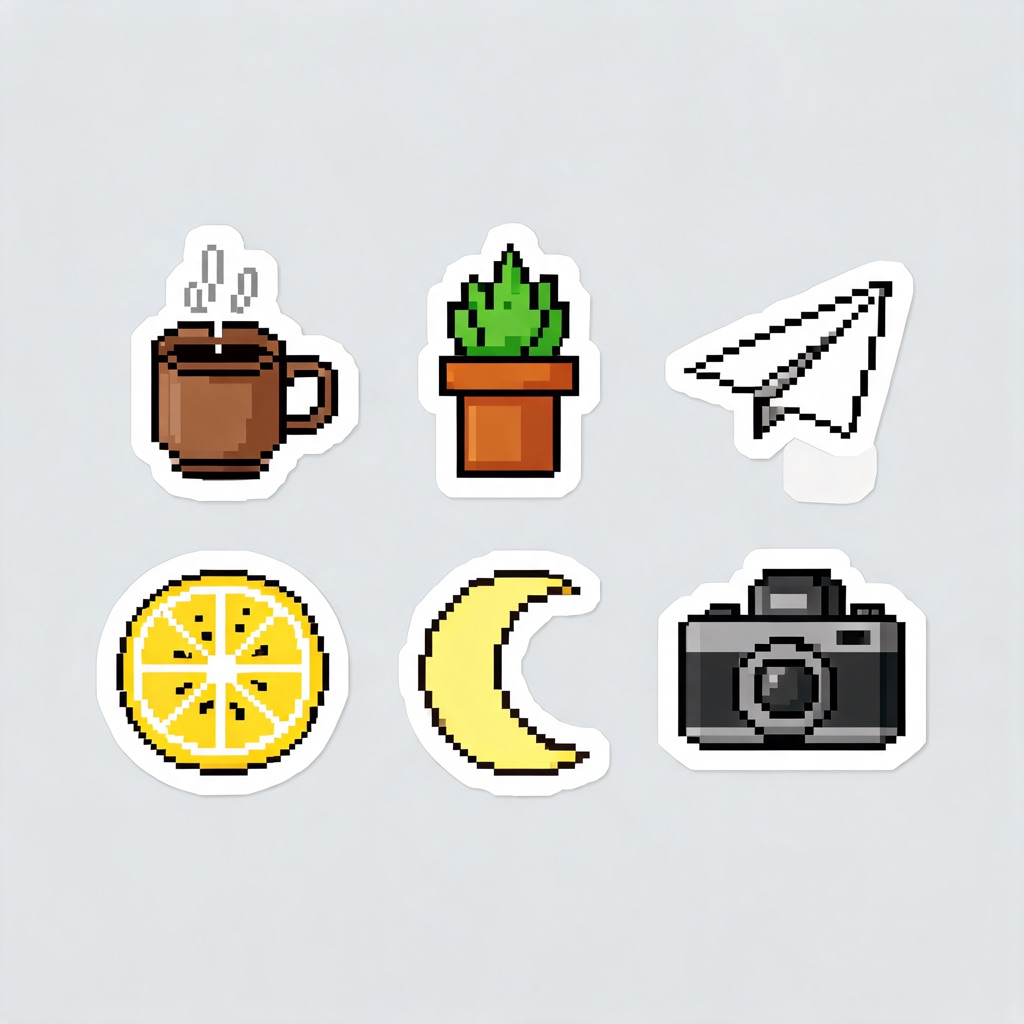
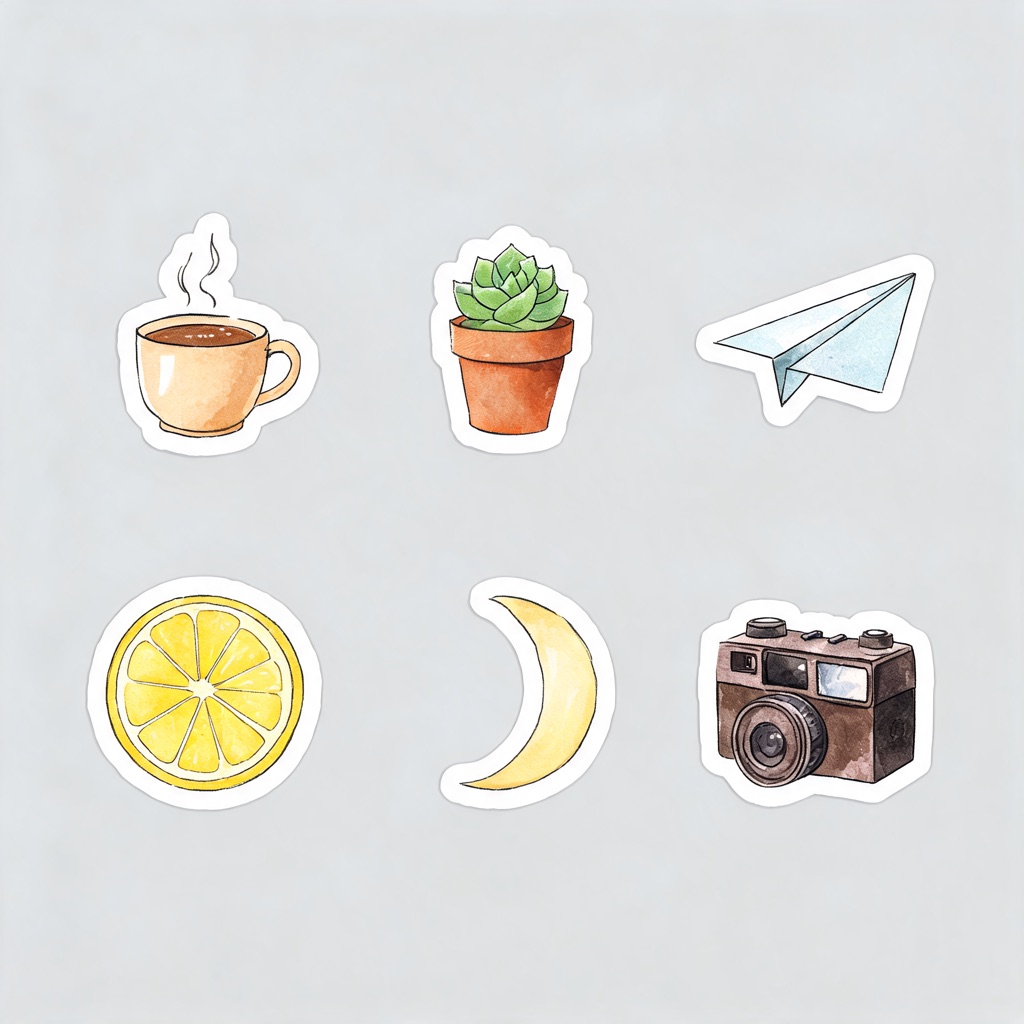
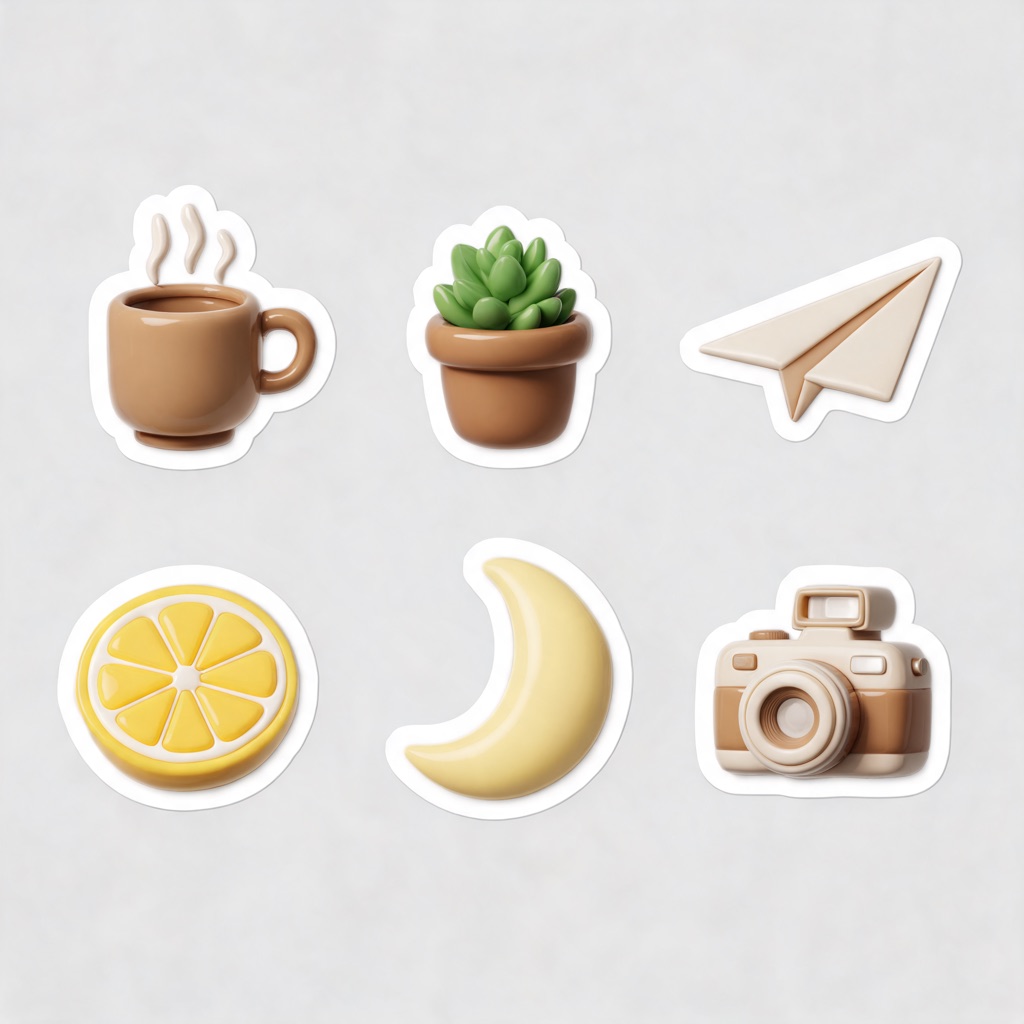
Each sheet below was generated from the same list of subjects with only the style line changed, so the difference you see is the style. Every button opens the studio with that exact prompt.
Sticker ideas by category
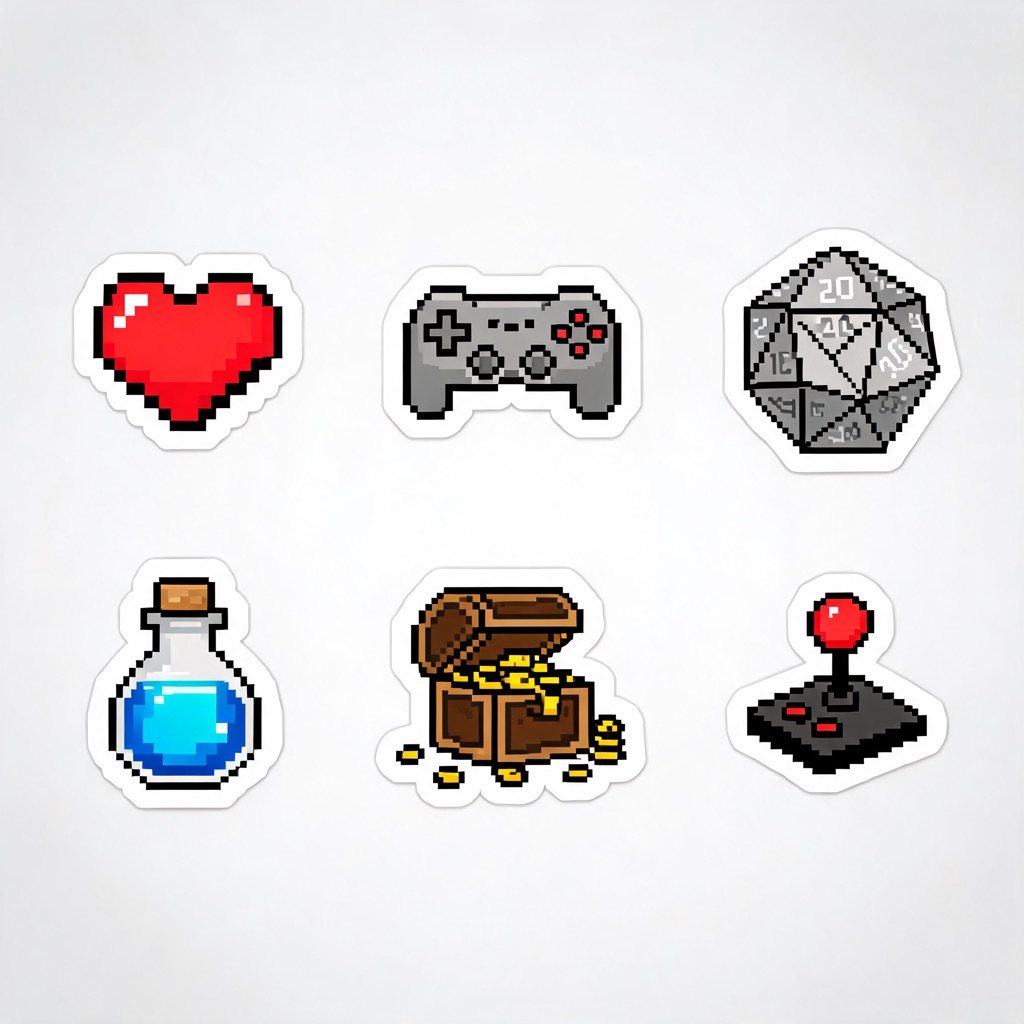
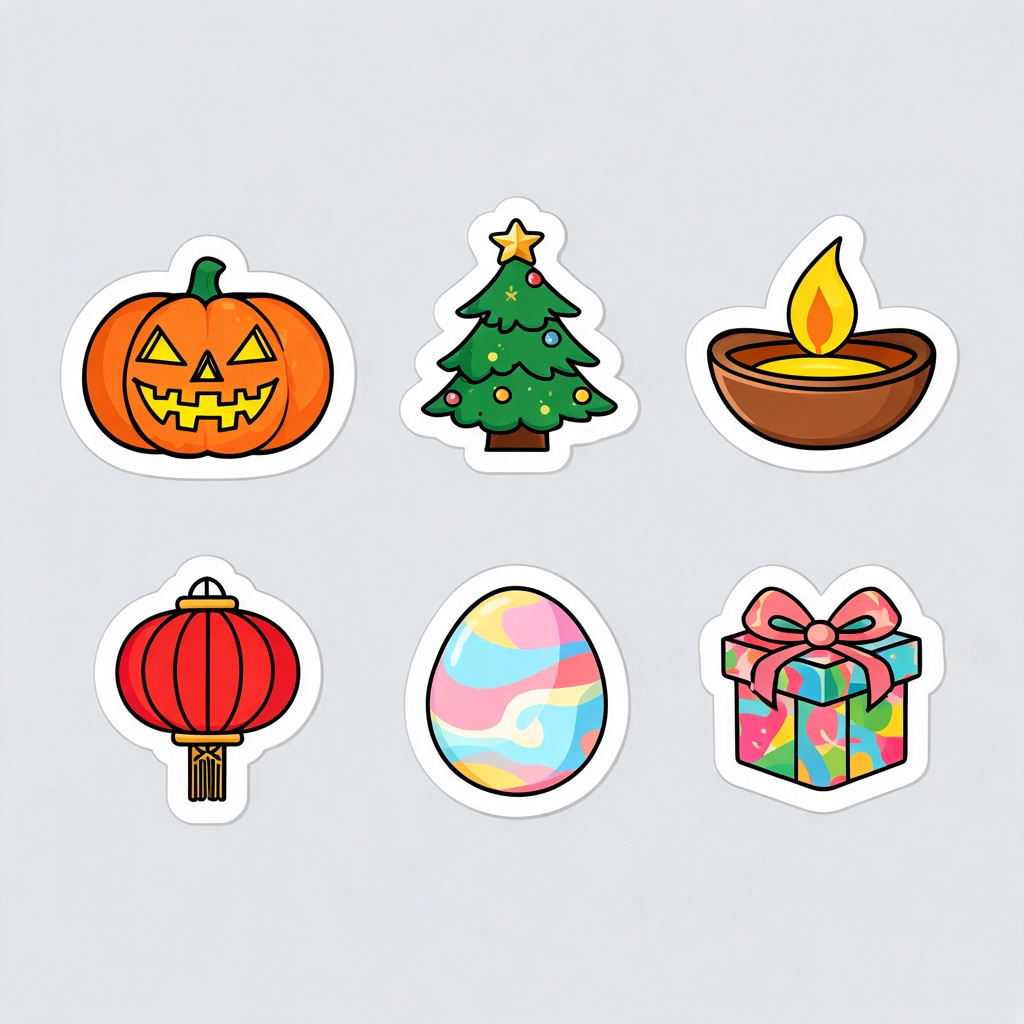
Each category has its own page with a ready sheet, six one-click sticker ideas and advice for that subject.
From idea to printable sticker in four steps
Pick a preset
Choose a style or a category above. The studio opens on Seedream 5.0 Lite, square, PNG, with the sticker rules already in the prompt.
Change the subjects
Replace the six subjects with yours and keep the rest of the prompt. One pose and one mood per sticker reads better than a scene.
Generate and choose
Each sheet costs 1 credit, so run two or three and keep the best. Leave words out — add any text in a design tool afterwards.
Cut out and export
Pick the sheet in the cut-out tool on this page. The transparent PNG goes to your print shop, your chat app or your listing as it is.
What each route costs
| Route | Model and settings | Credits | Best for |
|---|---|---|---|
| Sticker sheet | Seedream 5.0 Lite, 1:1, PNG | 1 credit | Six stickers in one matching set |
| Single sticker | Seedream 5.0 Lite, 1:1, PNG | 1 credit | One design at full 2K resolution |
| Sticker of your photo | Any model in edit mode | 1 – 3 credits | Pets, plants, objects, your own portrait |
| Transparent cut-out | Background remover | 1 credit | PNG with alpha for print and chat |
The credit price of any combination is printed on the Generate button before you run it. Plans renew monthly until cancelled and can be cancelled online at any time — see pricing details.
Where people use them
Print: laptop and water-bottle decals, planner pages, packaging seals for a small shop, party favours and gift tags. Send the transparent PNG to any sticker printer and let them add the cut line around it. Chat: WhatsApp, Telegram and Signal sticker packs, Discord server stickers and Twitch emotes, where the transparent background is the difference between a sticker and a pasted square. Merch: print-on-demand listings, where a clean cut-out drops onto any product mock-up.
Rights, people and labelling
The terms of service license what you generate for use, including commercial use. That covers your design, not anyone else’s: keep brand logos and characters from films and games out of the prompt. Real people are off the table too — prompts and uploads are screened for public figures before anything is generated, and a photo of someone you know needs their consent. The Content & Safety Policy has the full list.
Every image generated here, and every cut-out, carries a signed C2PA provenance mark identifying it as AI-generated, in line with Article 50 of the EU AI Act. Anyone can read it back on the verification page. For a sticker of your own portrait or pet in a 3D clay or comic look, start from photo to cartoon and bring the result back here to cut it out.
Frequently asked questions
What is an AI sticker generator?
A tool that draws sticker artwork from a written description: the subject, a style, and the die-cut white border that makes it look like a sticker rather than an illustration. On WowMade it is two steps — a preset generates a sticker sheet or a single sticker in the image studio, and the cut-out tool on this page removes the background so the file is a transparent PNG.
Do the stickers come with a transparent background?
After the cut-out step, yes. Image models draw on a background, so the preset asks for a plain light grey one and a thick white border around every sticker; the background remover then cuts along that border and returns a PNG with an alpha channel. It costs 1 credit per image and the result is saved to My Creations.
How much does it cost to make a sticker?
The sticker preset runs on Seedream 5.0 Lite at 1 credit per image, and a sheet of six stickers is one image. The background cut-out is another 1 credit. So a finished sheet of six transparent stickers costs 2 credits. The price of any other model or setting is shown on the Generate button before you spend anything.
Can I print the stickers and sell them?
The terms of service license what you generate for use, including commercial use, so a sticker you designed here can go on products you sell. Keep other people's property out of it: no brand logos, no characters from films or games, and no real people. The studio screens prompts and uploads for public figures before anything is generated.
What resolution are the stickers, and is that enough for print?
Seedream 5.0 Lite outputs at 2K — 2048 pixels square. That prints sharp at around 17 cm across at 300 dpi, which is larger than almost any sticker. A single sticker per image uses all of that resolution; a sheet of six shares it, which is still plenty for 5 cm stickers.
Can I make a sticker from my own photo?
Yes. Open a preset, switch the studio to edit mode and add your photo as a reference, then keep the prompt about the sticker style. It works for pets, plants, objects and your own portrait. A photo of anyone else needs that person's consent — see the Content & Safety Policy.
Why are there no stickers of famous people?
Because a real person's face is theirs, not ours to put on a sticker. WowMade blocks prompts and uploads that depict public figures, and it does not offer sticker pages of famous people or politicians. The categories here — animals, food, gaming, holidays, plants, space — cover what people actually print.
Where to go next
One credit balance across image, video, music and the editing tools.
AI Image Studio
The studio every sticker preset opens in.
OpenPhoto to Cartoon
Turn a photo into a 3D clay, vector or comic look.
OpenAI Image Generator
Everything the image studio can make.
OpenImage Upscaler
Take one sticker up to a large-format print.
OpenObject Remover
Erase a stray element before you cut out.
OpenVerify AI content
Read the C2PA provenance mark on any file.
OpenImage guides
See every ai images guide →
AI in marketing examples: practical ad creative workflows with AI images
Concrete AI in marketing examples: how teams use WowMade AI Image Generator to create compliant, high-performing ad images across the funnel, plus workflows and test plans.

AI thumbnail variants: a fast playbook to batch-generate and test YouTube thumbnails
Learn a practical playbook to batch-generate AI thumbnail variants, run fair A/B tests, and automate templates using the WowMade AI Image Generator.

How DTC Brands Replace Costly Studio Shoots with an AI Image Workflow
A practical workflow for DTC brands to replace studio shoots with repeatable AI ecommerce product images using prompt templates, restyles, and batch exports.

Scale consistent, clickable episode art with AI podcast art
How solo podcasters and small teams use AI podcast art to batch-create on-brand episode thumbnails, export platform-ready assets, and keep covers clickable.

Scale thumbnails and hero images with batch AI and restyle workflows
How creators scale thumbnail and hero-image variants with batch AI image generation and restyle workflows — feeding winners into video and ad pipelines.
From Moodboard to Shot-Ready Frames: Fast AI Storyboards for Production
Turn moodboards and shot lists into consistent, production-ready AI storyboard frames. A practical workflow for creators using WowMade AI Image Generator.