Real pixels · on a real grid
AI Pixel Art Generator
Describe a sprite, an item or a whole scene and the AI draws it as pixel art — or turn any photo into pixel art. Then snap it to an exact grid and palette in the Pixel Lab and download a clean PNG, a 1× sprite or a bead pattern.
Computed live from AI-generated examples
Generating costs 1 credit an image; the Pixel Lab uses none. Plans renew monthly until cancelled and can be cancelled online at any time — see pricing details.
Opens the image studio on Seedream 5.0 Lite, 1:1, PNG. You can edit anything before generating.
Made with these presets
25 AI-generated images, one prompt each — sprites, items, scenes, 8-bit, isometric and portraits. Hover or tap for the prompt, open it in the studio, or snap it to a clean grid in the Pixel Lab.
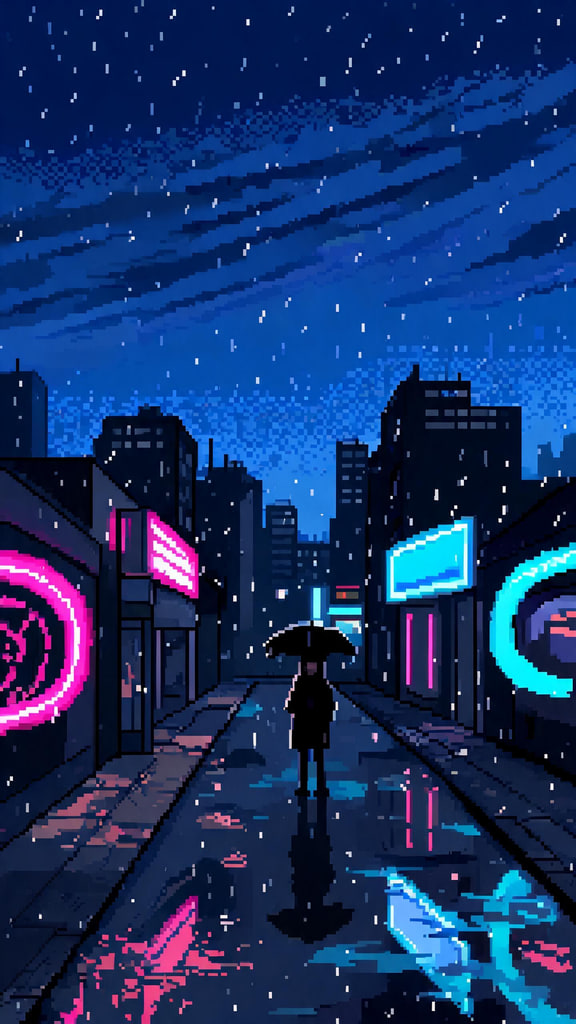 SceneNeon rain
a narrow neon-lit street at night in the rain, glowing shop signs without words, puddle reflections, a lone adult with an umbrella
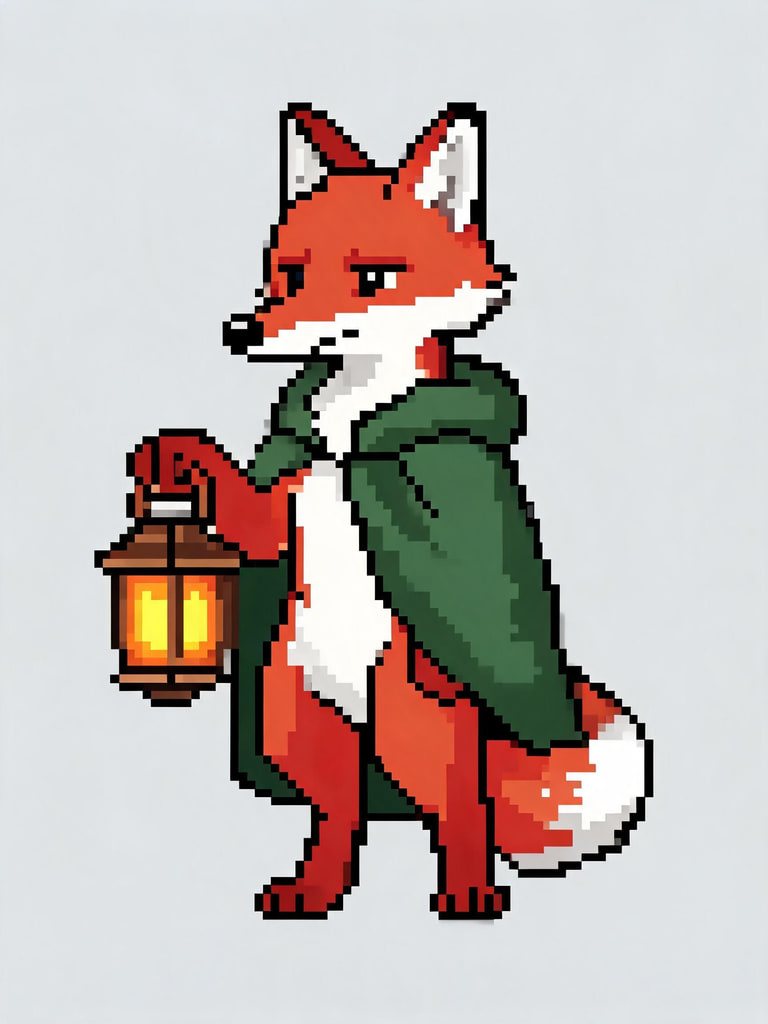 16-bit spriteFox explorer
a red fox explorer with a green cloak holding a glowing lantern
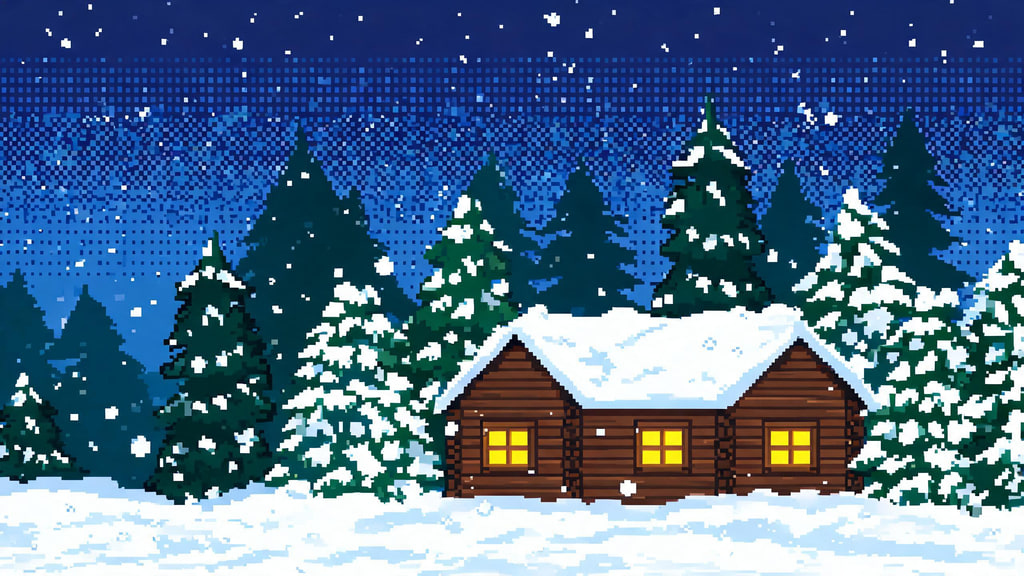 SceneSnowy cabin
a snowy log cabin at night with warm yellow windows, pine trees and falling snow under a starry sky
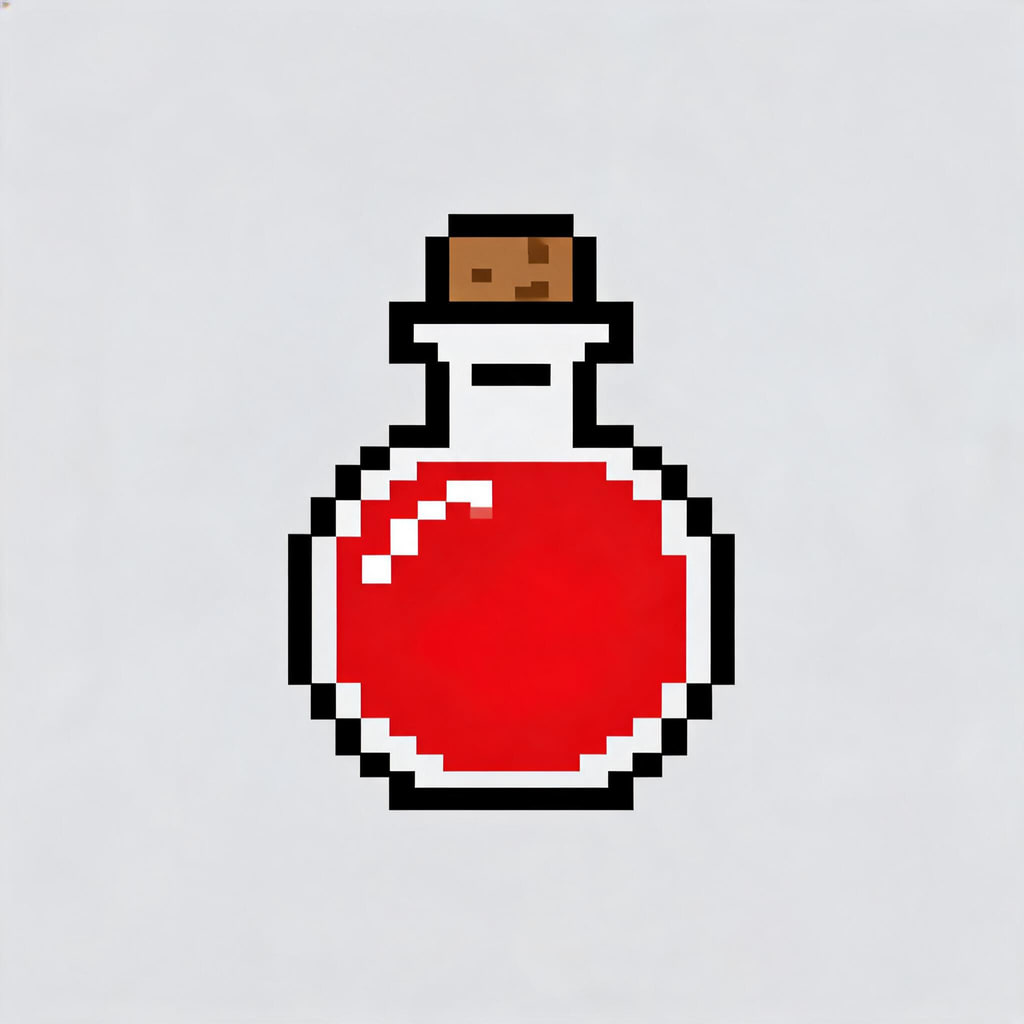 Item iconHealth potion
a round glass bottle of glowing red potion with a cork
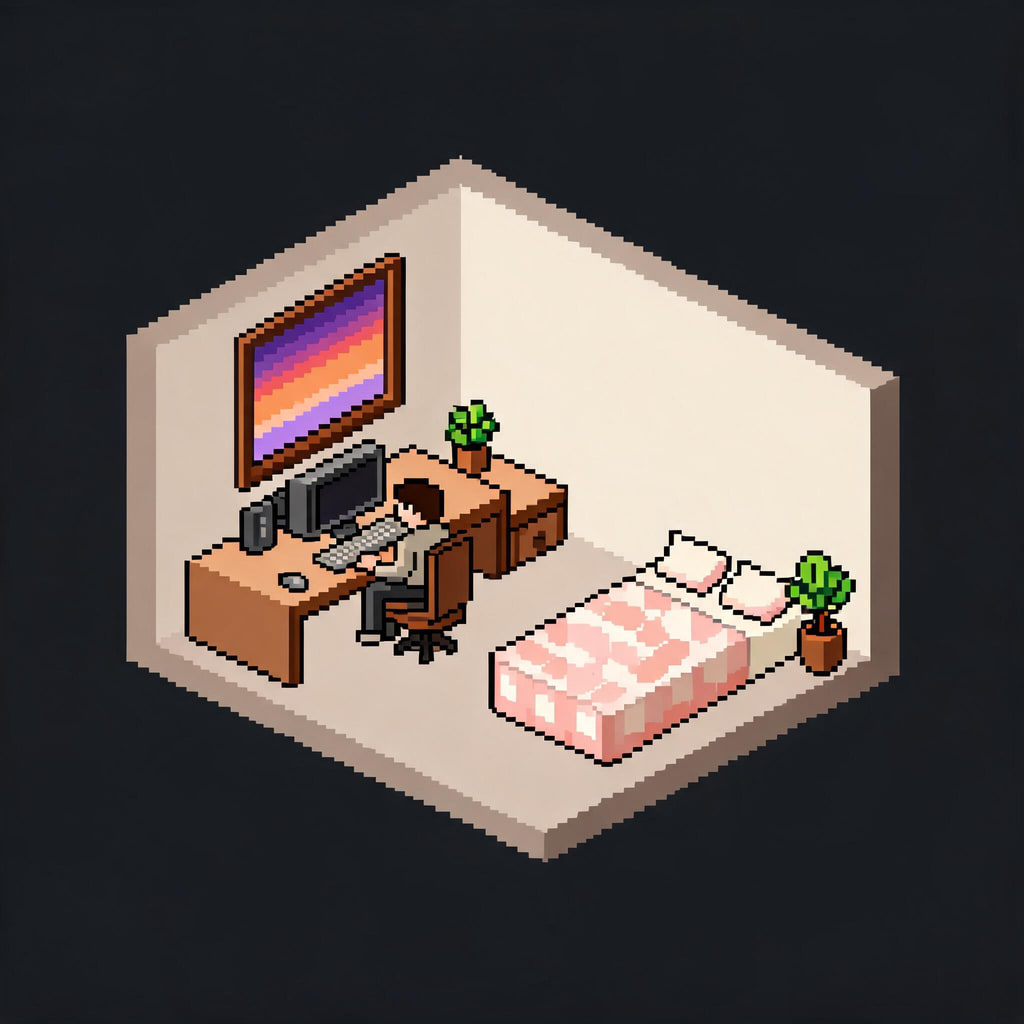 IsometricTiny bedroom
a cosy tiny bedroom with a desk, a computer, a bed with a patterned blanket, plants and a window at dusk
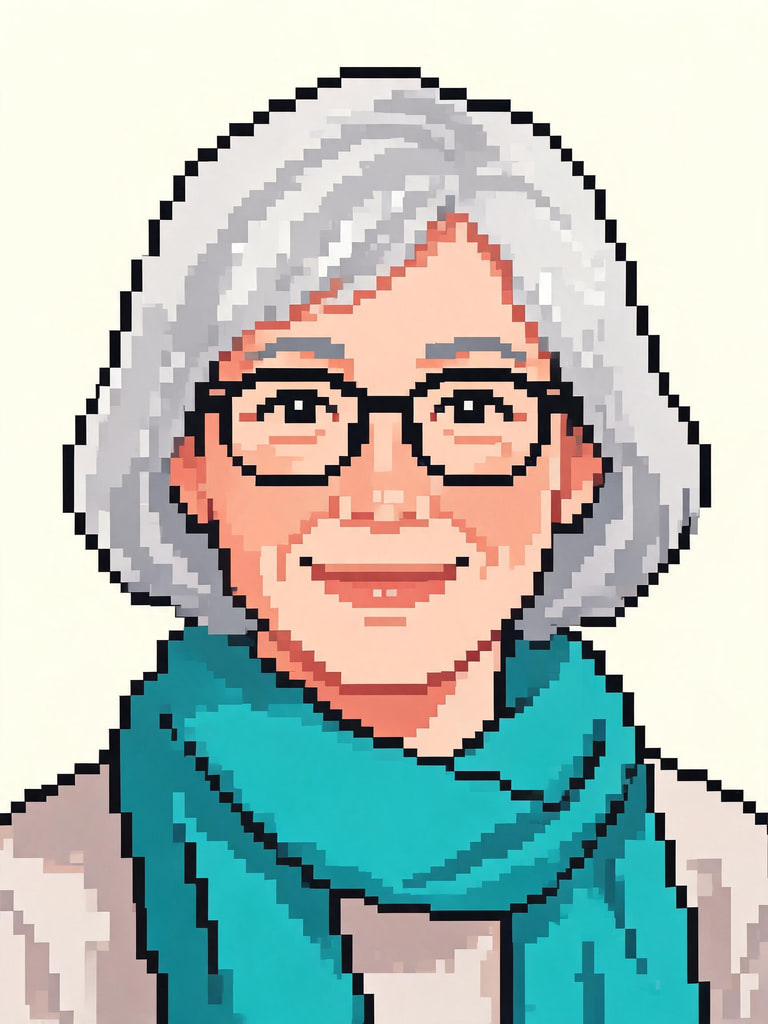 PortraitSilver hair
a woman in her fifties with short silver hair, round glasses and a teal scarf, warm smile
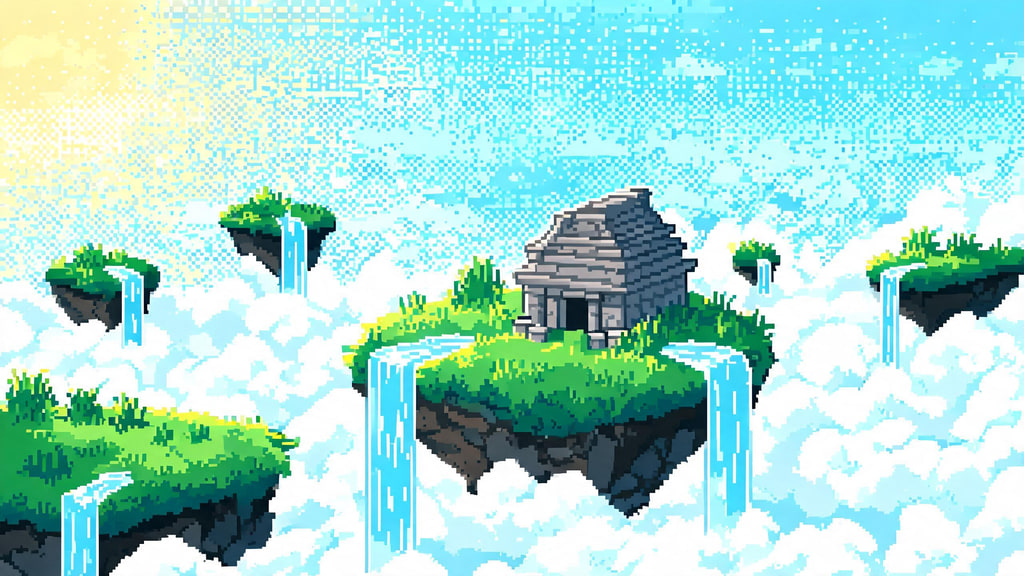 SceneFloating isles
floating grassy islands with waterfalls pouring into clouds, a small stone temple, bright morning sky
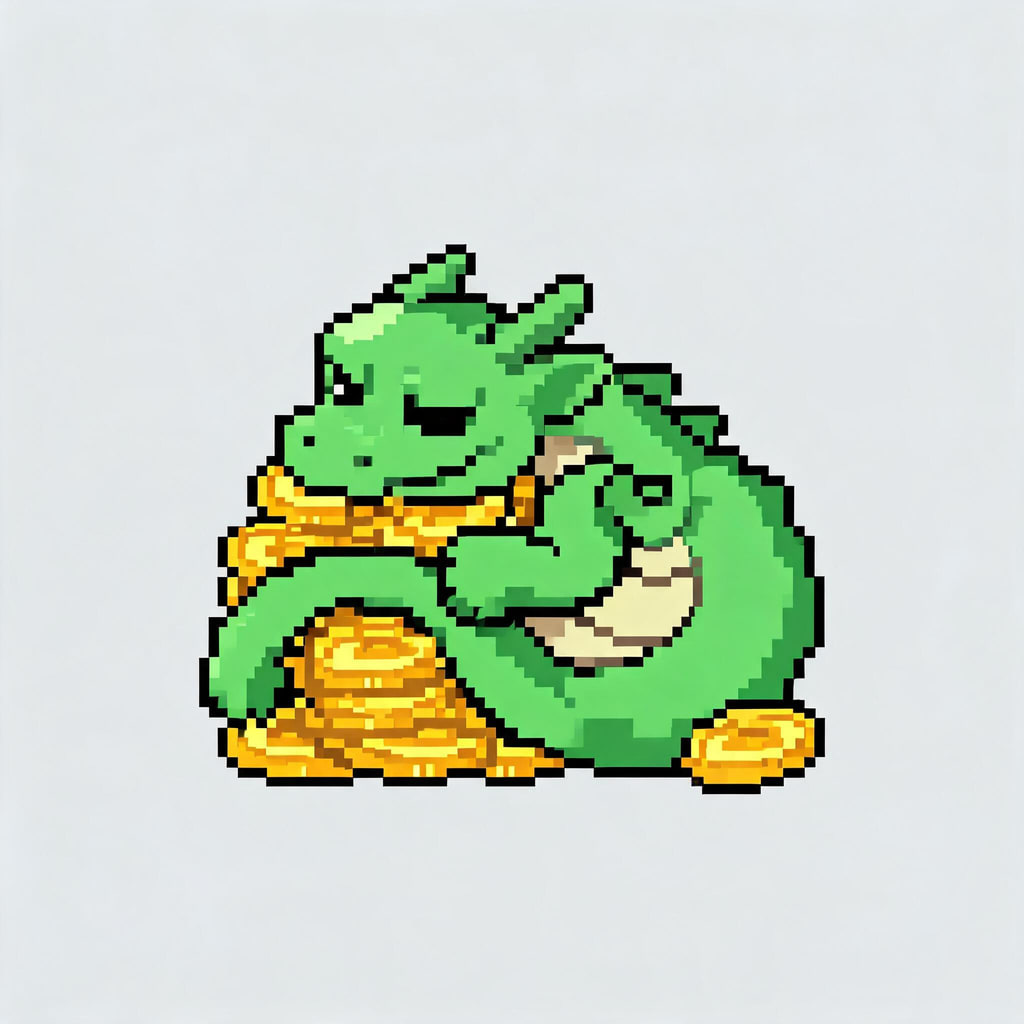 16-bit spriteHoard dragon
a small green dragon curled around a pile of gold coins, sleepy expression
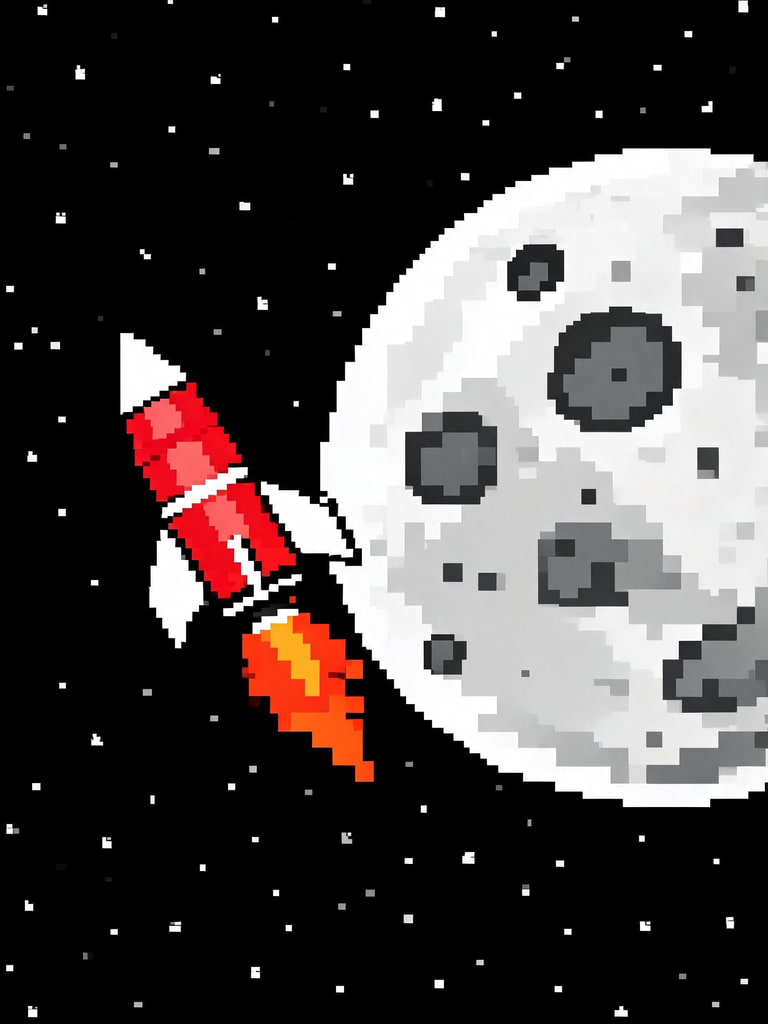 8-bitMoon rocket
a red and white retro rocket flying past a cratered moon with stars
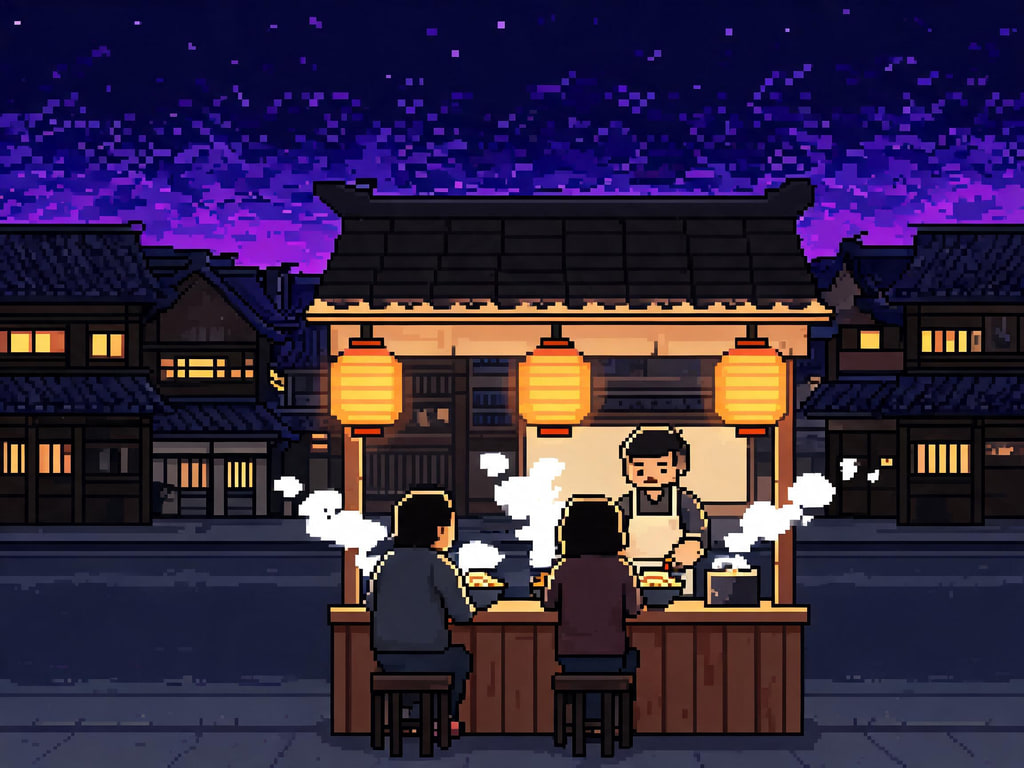 SceneRamen stall
a cosy night-time noodle stall with paper lanterns, steam rising from bowls, a quiet street behind
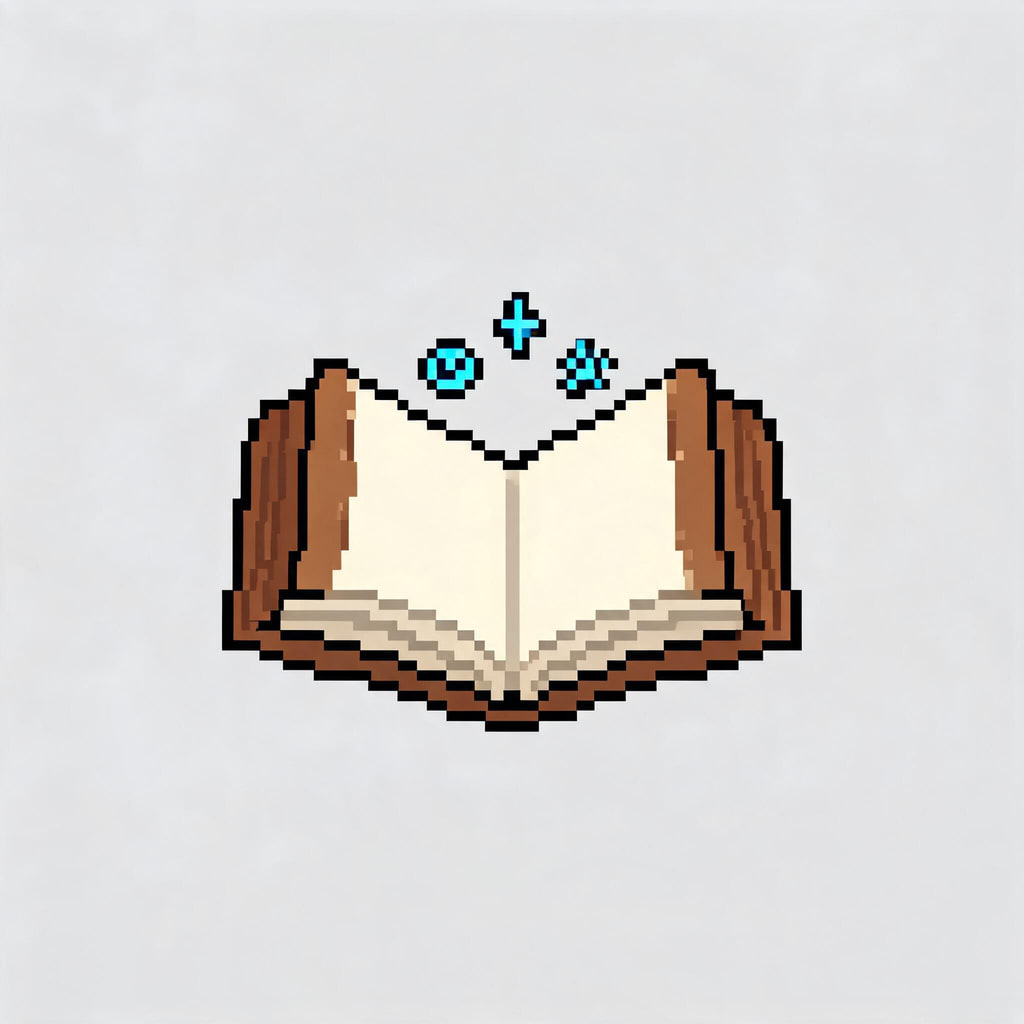 Item iconSpellbook
an open leather spellbook with glowing blue runes floating above the pages
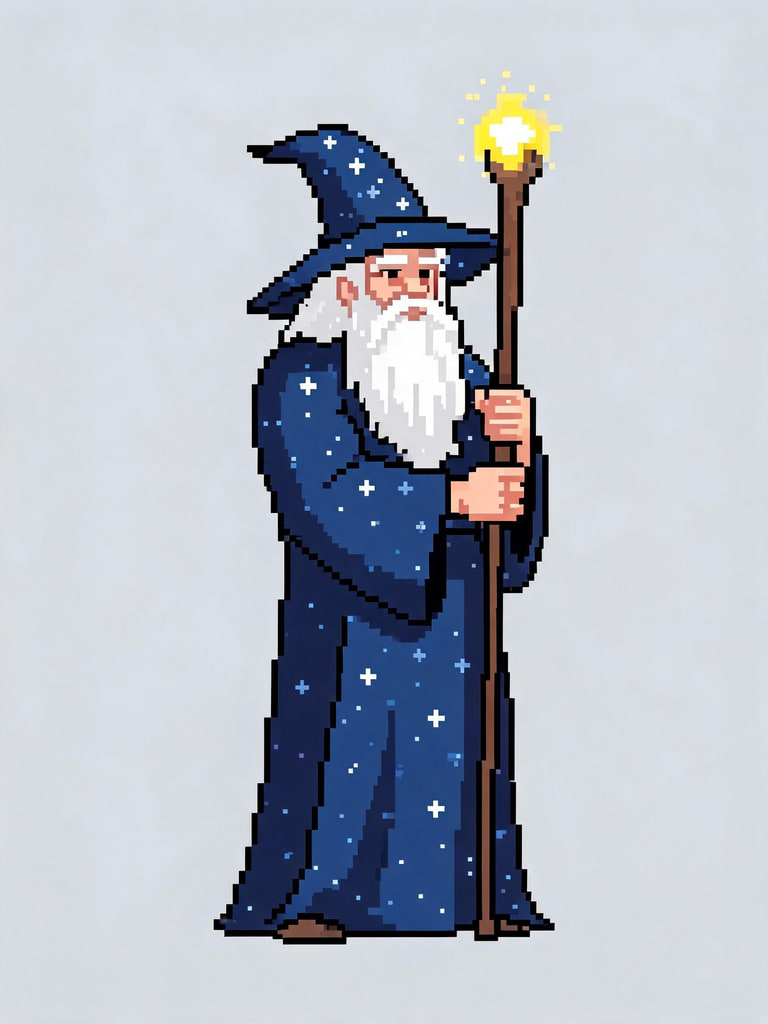 16-bit spriteStar wizard
an adult wizard with a long white beard in a starry blue robe holding a glowing wooden staff
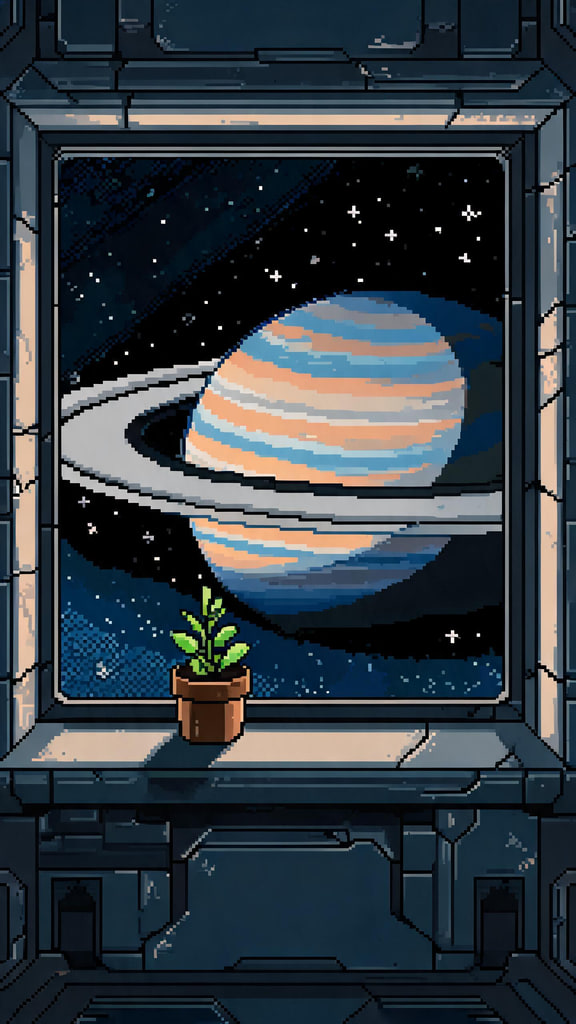 SceneRinged planet
the view from a space station window of a huge ringed planet, a small plant on the sill, soft interior light
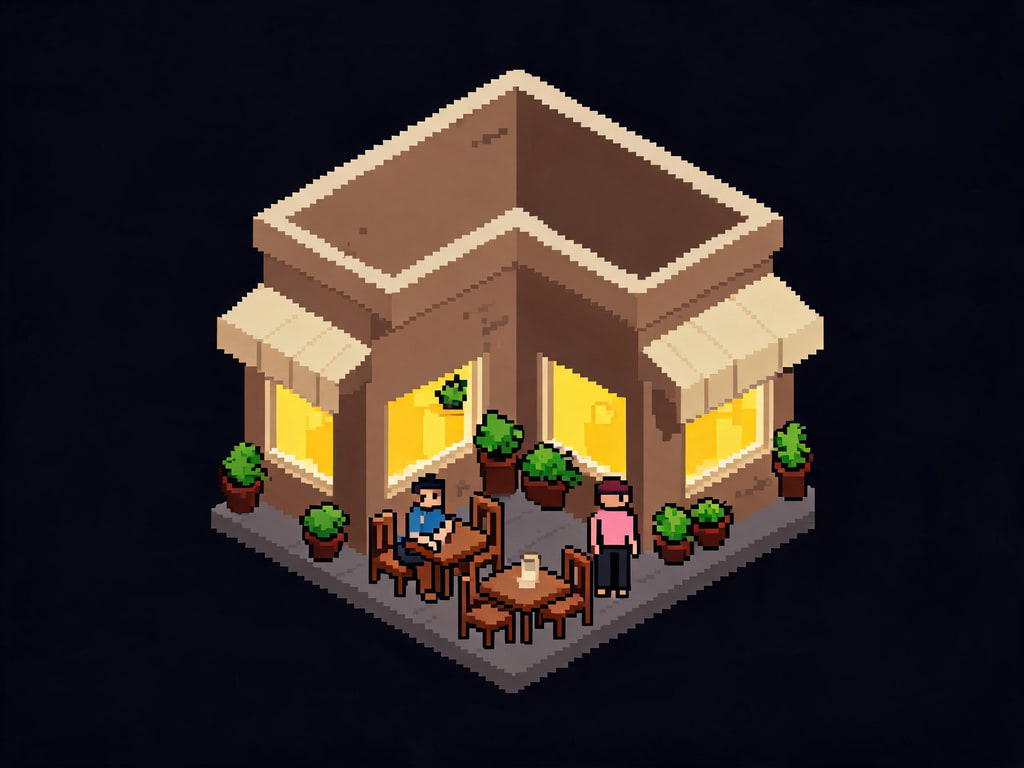 IsometricCorner café
a tiny corner café with an awning, outdoor tables, potted plants and warm light from the windows
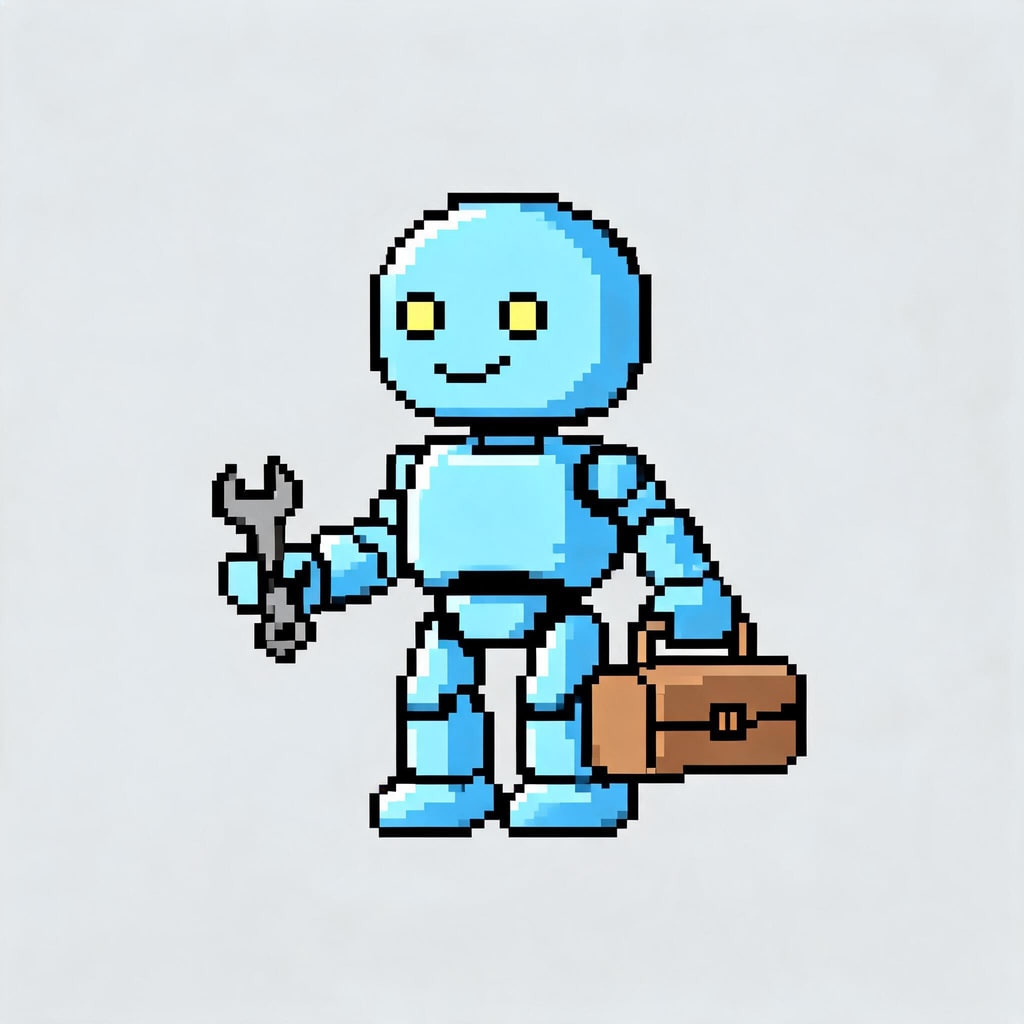 16-bit spriteRobot mechanic
a friendly round robot mechanic with a wrench and a small toolbox
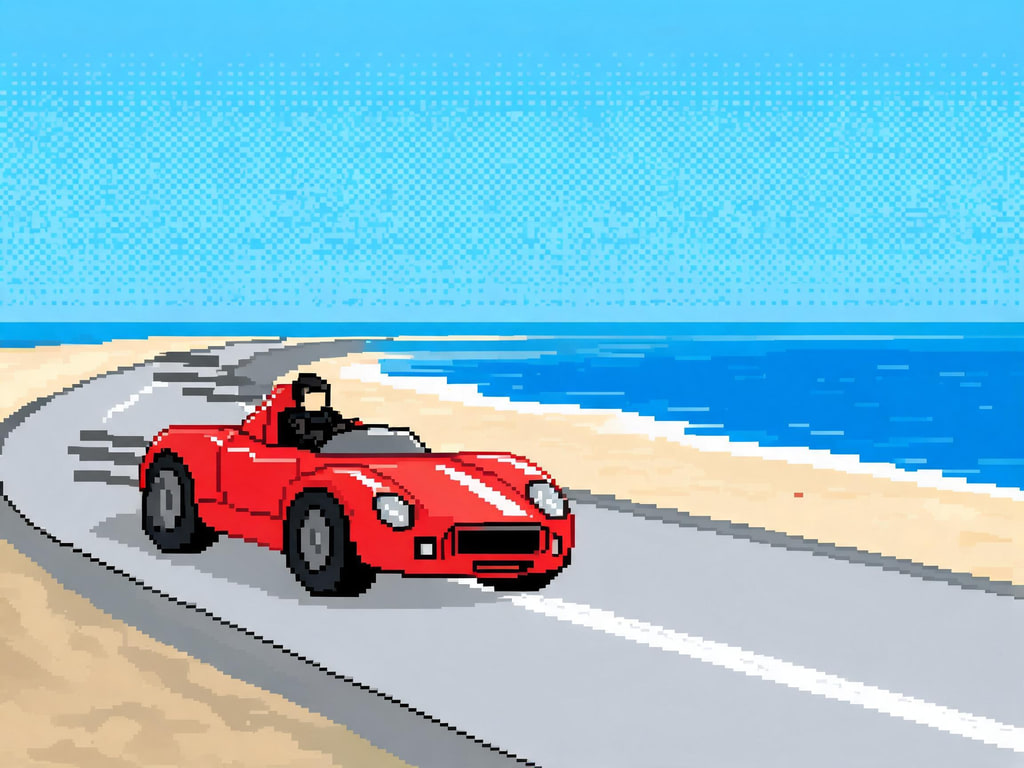 8-bitRed racer
an unbranded red vintage race car speeding along a coastal road
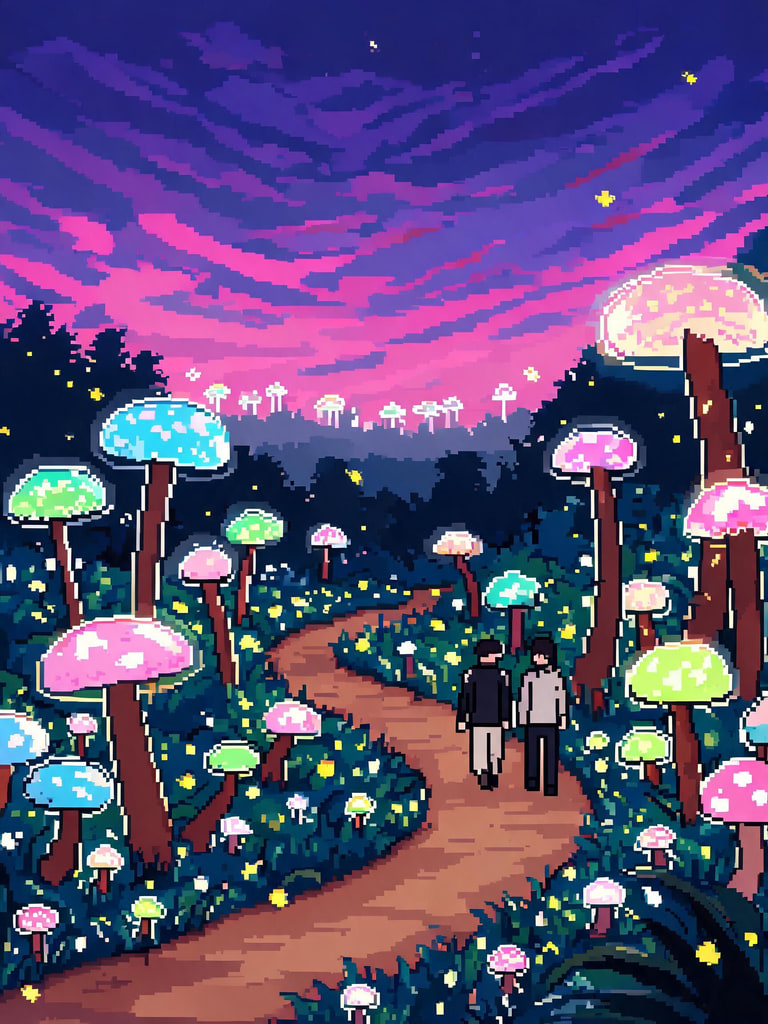 SceneGlow forest
a glowing mushroom forest at dusk with fireflies and a winding path
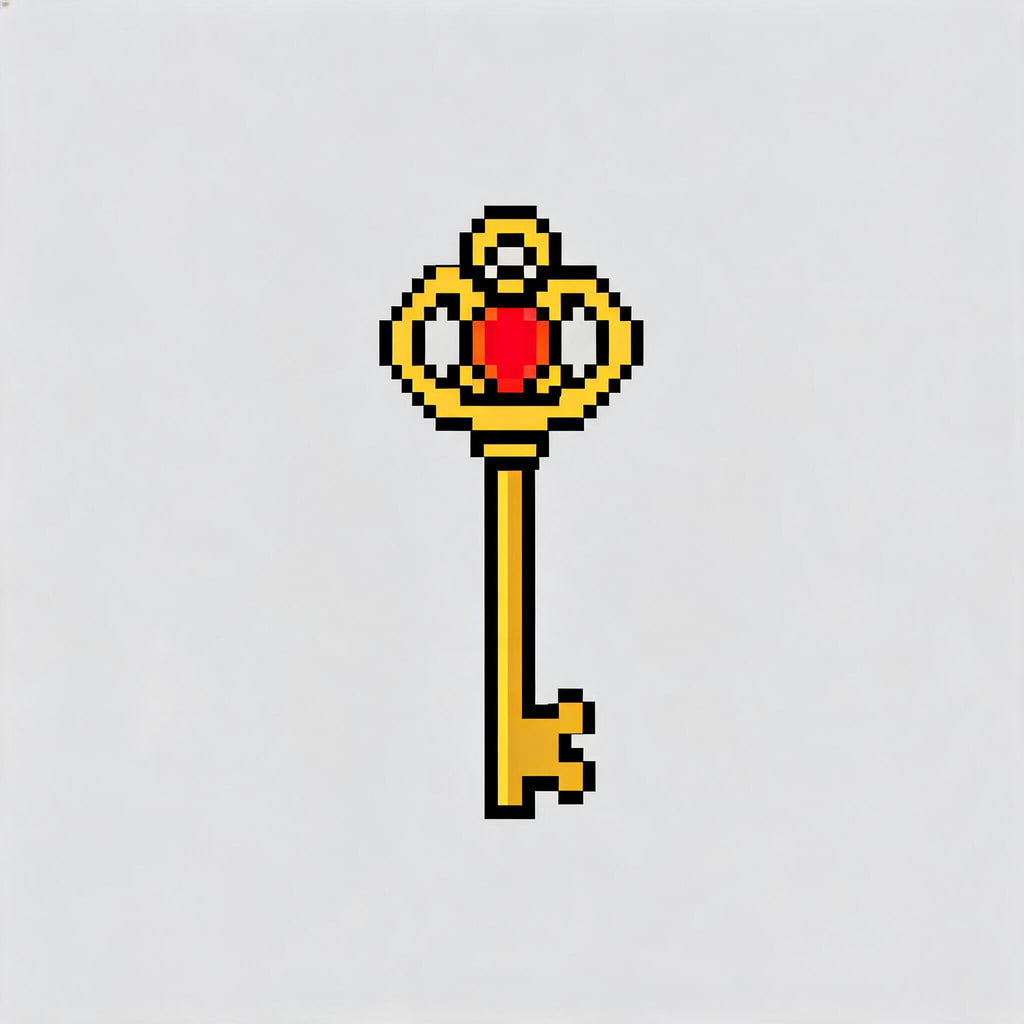 Item iconGem key
an ornate golden key with a red gem in the handle
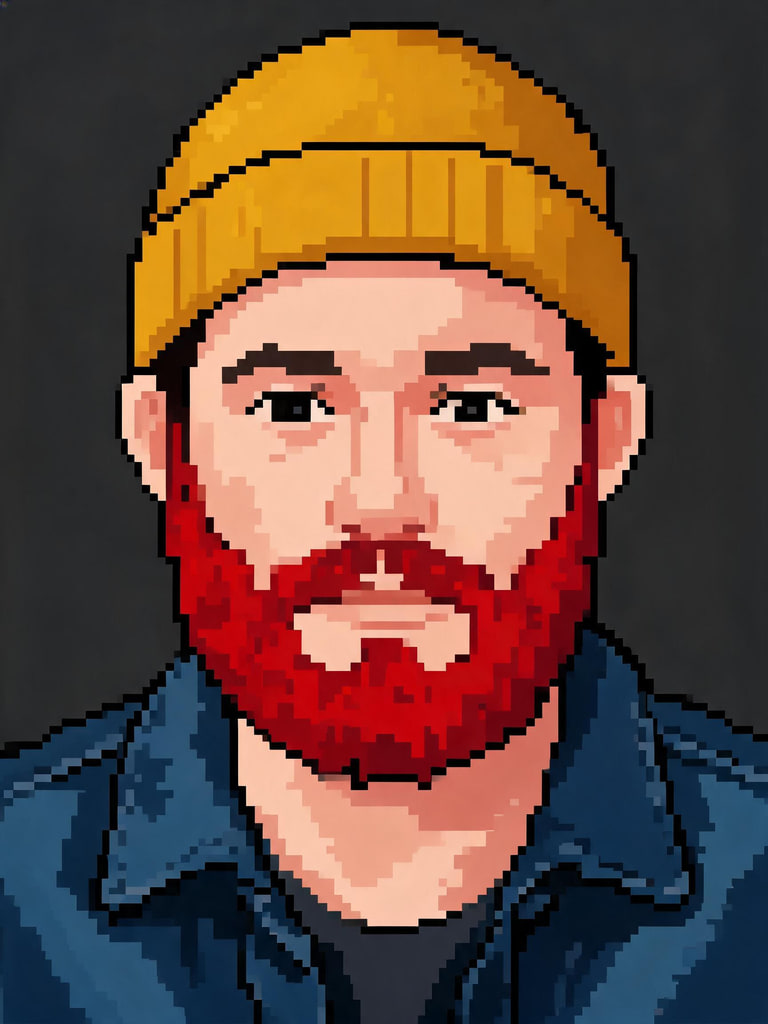 PortraitRed beard
a man in his thirties with a full red beard, a mustard beanie and a denim jacket
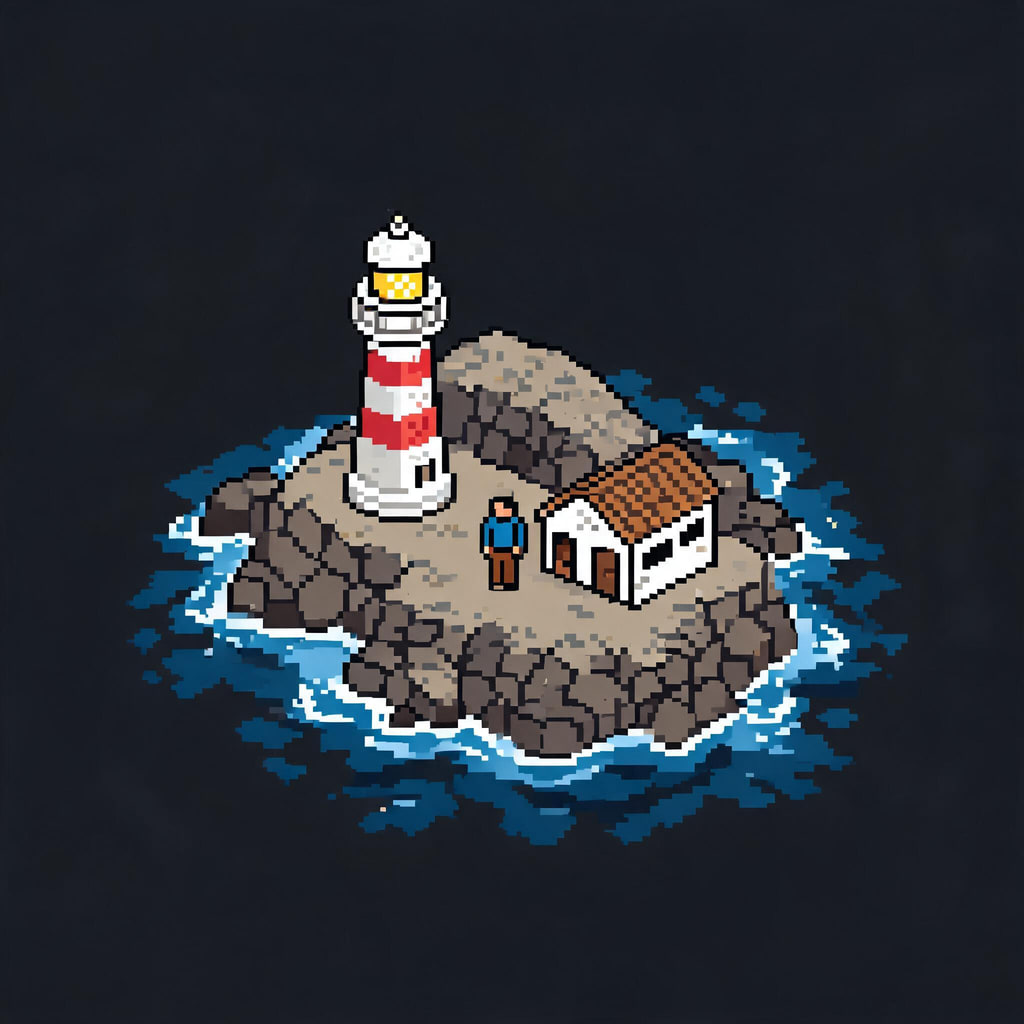 IsometricLighthouse isle
a tiny rocky island with a red and white lighthouse, a cottage and waves
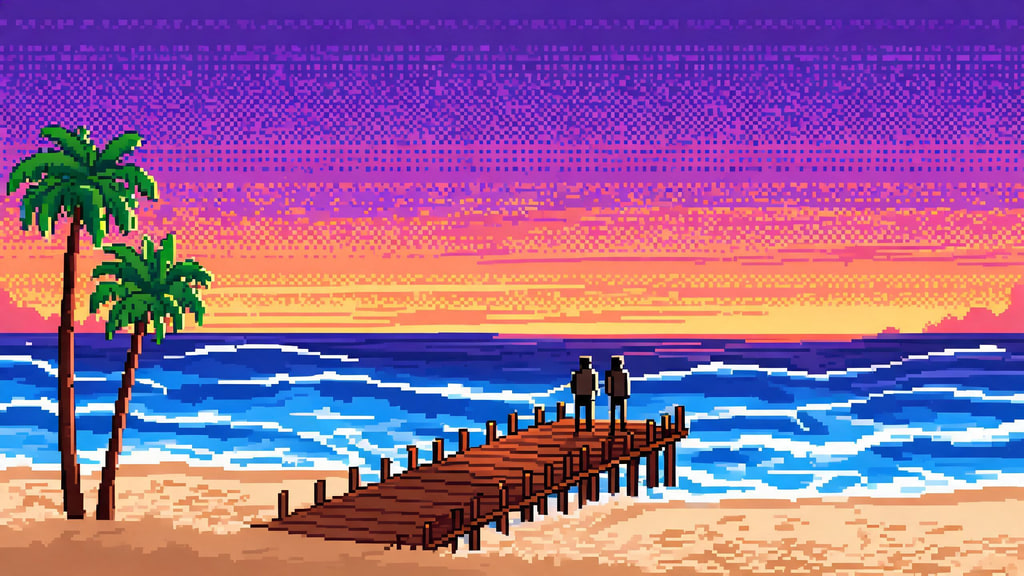 ScenePier sunset
a sunset beach with palm trees, a wooden pier and gentle waves, orange and purple sky
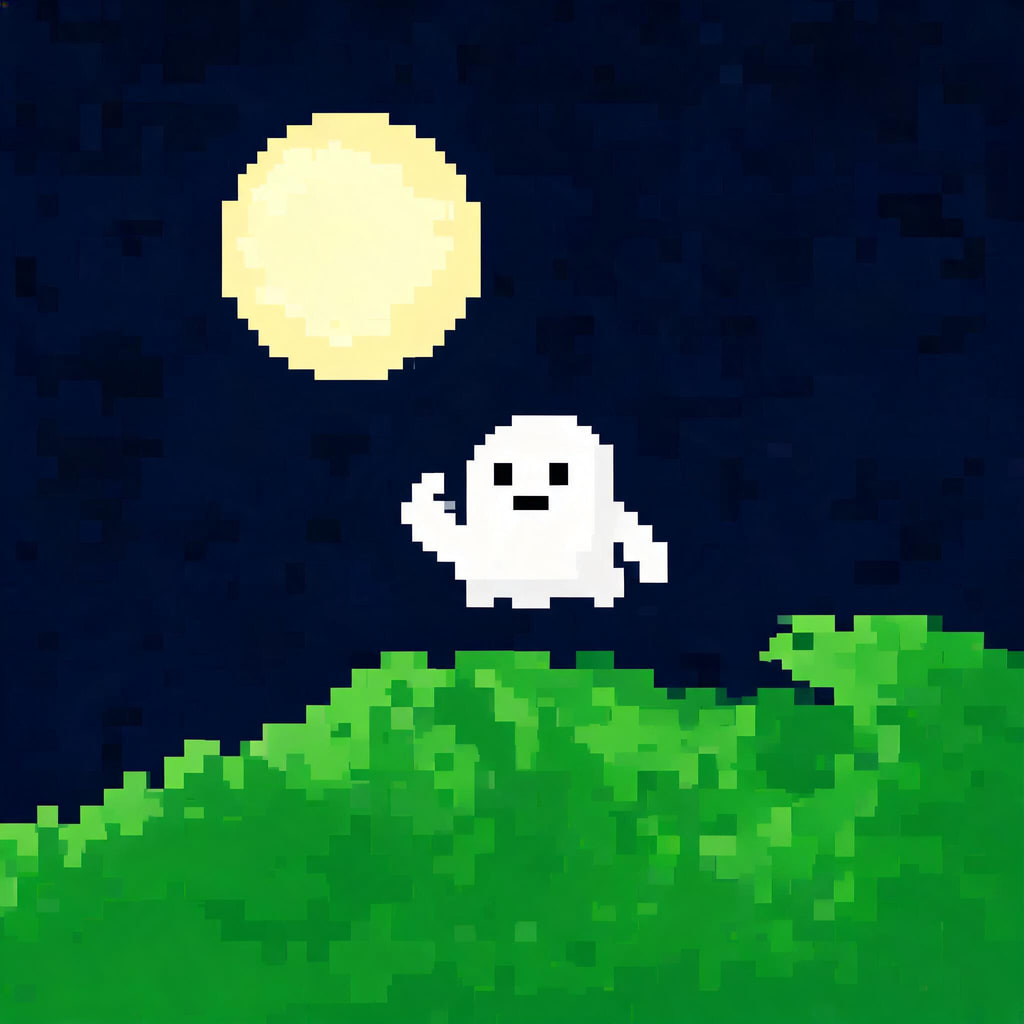 8-bitFriendly ghost
a small friendly white ghost waving, floating over a grassy hill under a full moon
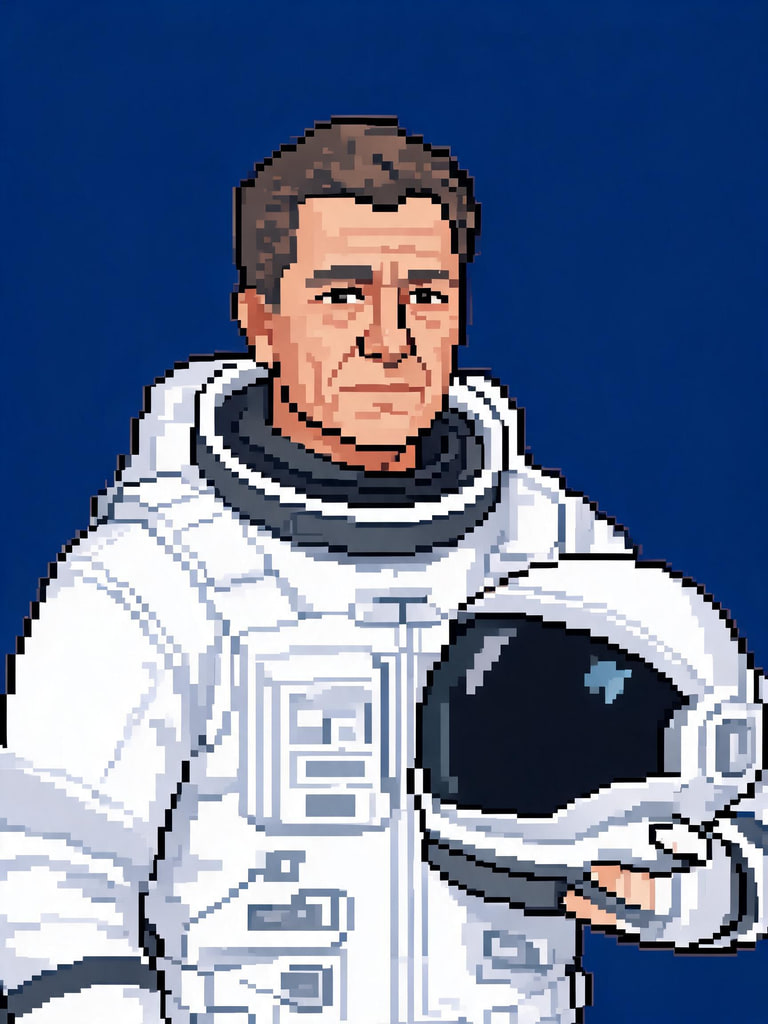 PortraitAstronaut
a middle-aged astronaut in a white suit with the helmet under one arm, calm expression
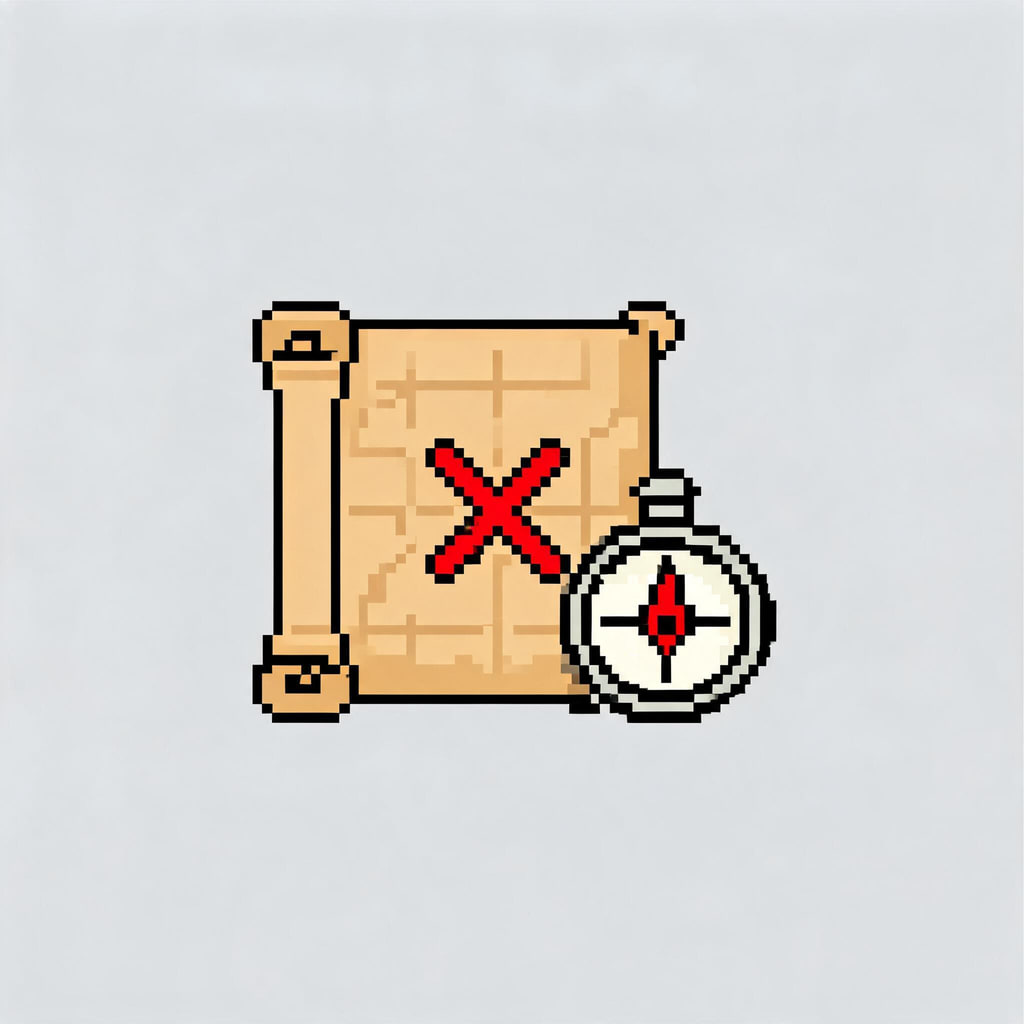 Item iconTreasure map
a rolled-out old treasure map with a red X and a compass beside it
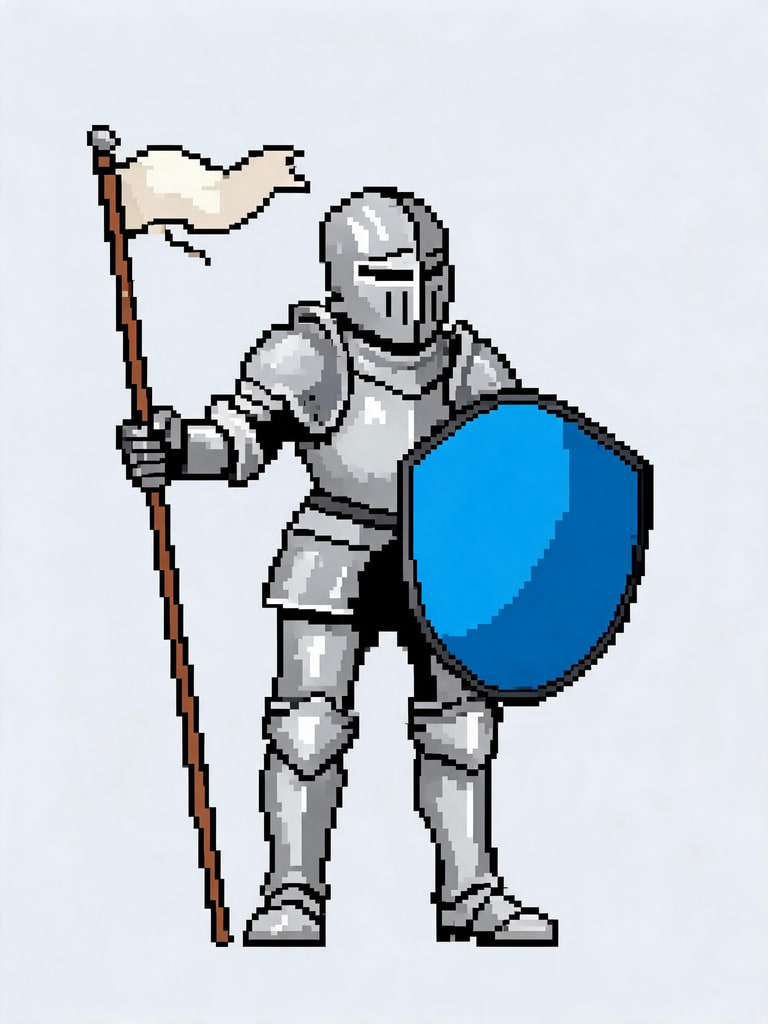 16-bit spriteShield knight
an adult knight in silver armour holding a round blue shield and a small banner
Pixel Lab: any image to true pixel art
Drop in a photo, a drawing or AI pixel art. Choose the grid and the colours, drag the slider to compare, and download. It all runs on your device.
or drop one on the canvas, or paste with ⌘/Ctrl + V. It stays on your device.
Converted on your device — nothing is uploaded and no credits are used. Want the AI to redraw it as real pixel art instead? Use the generator, then bring the result back here to snap it to a clean grid.
Why AI pixel art needs a grid
Image models paint pixel art rather than place it. The same AI-generated potion, as it came out of the model and after one pass through the lab.
Choosing a grid size
One AI-generated photo at every preset, converted by your browser as this page loaded. Fewer pixels, stronger style.
How to make pixel art with AI
Describe it or add a photo
Write one subject — a fox explorer, a potion shop, a snowy cabin — and pick a style, or open a photo preset and add your picture in the studio.
Generate and pick
The studio opens with the grid rules already in the prompt. Each image costs 1 credit; generate a few and keep the one with the clearest shapes.
Snap it in the Pixel Lab
Download the result and drop it into the lab. Set the grid to the size the art was drawn at, cut the colours down, add an outline if it is a sprite.
Export
Actual pixels for a game engine, a large PNG for sharing, or the pattern sheet for beads and cross-stitch.
Grid sizes and what they are for
| Grid width | Good for | Colours to start with |
|---|---|---|
| 16 px | Tiny icons, favicons, emote bases | 4–8 |
| 32 px | Game sprites, items and emotes | 8–16 |
| 48 px | Detailed sprites, small portraits | 8–16 |
| 64 px | Portraits and profile pictures | 16–24 |
| 96 px | Bead and cross-stitch patterns | 16–24 |
| 128 px | Scenes, wallpapers and posters | 24–32 |
Palettes, dithering and outlines
Palette first. A small palette is what makes pixel art read as pixel art. Let the lab pick the colours from your image, or lock it to one of the fixed sets — Handheld green, Ink & paper, Sunset 8, Pastel 8, Arcade 16 — to give a whole series of sprites the same look.
Dither for gradients. With only a few colours, a sky or a shadow turns into hard bands. Ordered dithering blends neighbouring colours in a fixed checker pattern, the way pixel artists place it by hand, and it stays still when the image changes — so animation frames don’t shimmer.
Outline sprites. Remove the background and add a one-pixel outline in the darkest colour, and a sprite stays readable on any backdrop — the same rule that keeps a Twitch emote legible at 28 pixels.
What people make with it
Game art. Characters, items, tiles and title screens for a game jam or an indie project; export at actual pixels and import with nearest-neighbour filtering. Streams and chats. Emotes, badges and alerts — finish them in the Twitch emote maker or the AI emoji generator. Profile pictures. A 64-pixel portrait holds up as a small circle better than a photo does; see the AI profile picture generator. Stickers and prints. Cut the art out in the gaming sticker generator, or print the pattern sheet for fuse beads and cross-stitch. Wallpapers. A 128-pixel scene scaled up with hard edges makes a sharp desktop or phone background.
Originality, photos and labelling
Keep the art original: characters, logos and screenshots from published games belong to their owners, so describe your own creature, item or place instead. Photos you convert or redraw must be yours to use, and a photo of another person needs their permission; photos of public figures are declined before anything is generated. The photo presets redraw the picture in a new style and keep the subject exactly as they are, age included. Every image generated here is AI-generated and carries a signed C2PA provenance mark, in line with Article 50 of the EU AI Act, which anyone can read on the verification page; conversions made in the Pixel Lab happen on your device and are not marked. The Content & Safety Policy sets out what may not be created. Plans renew monthly until cancelled and can be cancelled online at any time; the full terms are on pricing details.
Frequently asked questions
How do I turn a picture into pixel art?
Drop the picture into the Pixel Lab on this page, pick a grid width and a palette, and download the PNG. It runs in your browser: the image is not uploaded and no credits are used. For a drawn rather than converted look, use the From a photo tab instead, which has the AI redraw your photo as pixel art.
What is the difference between the AI generator and the Pixel Lab?
The generator draws new pixel art from a description or redraws a photo, the way an artist would — it invents shapes, shading and simplifications. The Pixel Lab converts exactly what is in an image onto a grid of flat colours. The two work best together: generate with the AI, then bring the result into the lab to snap it to a clean grid and a small palette.
Why does AI pixel art need snapping to a grid?
Image models paint pixel art rather than place it, so the result has soft edges, pixels of slightly different sizes and hundreds of near-identical colours. It looks right at a glance and breaks when you scale it, animate it or count it out as a pattern. Snapping samples each grid cell for its main colour and maps it to a fixed palette, which gives you real pixels.
What grid size should I use for pixel art?
16 pixels wide for tiny icons and emote bases, 32 for game sprites and items, 48 to 64 for portraits and profile pictures, 96 for bead and cross-stitch patterns, and 128 for scenes and wallpapers. Fewer pixels means a stronger, more readable style; the lab's grid strip shows the same picture at every size so you can choose by eye.
How many colours should pixel art have?
Fewer than you think. Four to eight colours give the strongest retro look and the cleanest sprites; 12 to 16 suit portraits; 24 to 32 are for detailed scenes. The lab can pick the colours from your image or lock it to one of five fixed palettes, and it lists every colour in use with its hex code.
Can I use the pixel art as a sprite, emote or bead pattern?
Yes. Download at actual pixels (1×) for a game engine, or the large PNG for anywhere else — both keep hard square edges. The pattern sheet prints the grid with a symbol per colour and a key with counts, for fuse beads or cross-stitch. For stream emotes, take the PNG to the Twitch emote maker to export 112, 56 and 28 pixel sizes.
What does it cost?
The Pixel Lab uses no credits. Generating with the AI costs 1 credit an image on Seedream 5.0 Lite, and the price of any other model you pick is shown on the Generate button before you spend anything. Failed generations are refunded automatically.
Can I sell pixel art I make here?
You can use what you generate in your own projects, including commercial ones, under the terms of service. Keep it original: characters and logos from published games belong to their owners. If you convert a photo in the lab, it needs to be a photo you are allowed to use.
Keep going
One credit balance across image, video and music.
AI Image Studio
Where every pixel-art preset opens.
OpenTwitch Emote Maker
Pixel art as 112, 56 and 28 px emotes.
OpenAI Sticker Generator
Pixel-art sticker sheets with a cut-out.
OpenAI Character Generator
One character, consistent across scenes.
OpenImage to Video
Bring a pixel scene to life as a short clip.
OpenVerify AI content
Read the C2PA provenance mark on any file.
OpenImage guides
See every AI images guide →
AI in marketing examples: practical ad creative workflows with AI images
Concrete AI in marketing examples: how teams use WowMade AI Image Generator to create compliant, high-performing ad images across the funnel, plus workflows and test plans.

AI thumbnail variants: a fast playbook to batch-generate and test YouTube thumbnails
Learn a practical playbook to batch-generate AI thumbnail variants, run fair A/B tests, and automate templates using the WowMade AI Image Generator.

How DTC Brands Replace Costly Studio Shoots with an AI Image Workflow
A practical workflow for DTC brands to replace studio shoots with repeatable AI ecommerce product images using prompt templates, restyles, and batch exports.

Scale consistent, clickable episode art with AI podcast art
How solo podcasters and small teams use AI podcast art to batch-create on-brand episode thumbnails, export platform-ready assets, and keep covers clickable.

Scale thumbnails and hero images with batch AI and restyle workflows
How creators scale thumbnail and hero-image variants with batch AI image generation and restyle workflows — feeding winners into video and ad pipelines.
From Moodboard to Shot-Ready Frames: Fast AI Storyboards for Production
Turn moodboards and shot lists into consistent, production-ready AI storyboard frames. A practical workflow for creators using WowMade AI Image Generator.