A face for every profile — invented or your own.
AI Profile Picture Generator
Describe a character and get 4 square profile pictures in 3D, anime, pixel, vector, watercolour or clay — composed for a round crop. Or give your own photo a new style.
12 credits for 4 options, shown before you generate. Plans renew monthly until cancelled and can be cancelled online at any time — see pricing details.
See the full prompt
Profile picture avatar of a cheerful fox in a knitted scarf. 3D animated-film character portrait, soft studio lighting, glossy rendering. Head and shoulders, centred in a square with space around the head for a circular crop, plain soft background, no text, no watermark.
Opens the image studio on Seedream 5.0 Pro with all of this set — press Generate there. 3 credits an image; the total is confirmed before anything is charged.
Start from a character
Each card opens the studio in the 3D character style. Tap Anime, Pixel art or Flat vector in the starter above for a different look.
a cheerful fox in a knitted scarf
Open with this ideaAstronautan astronaut with a sunset reflected in the visor
Open with this ideaRobota friendly round robot with glowing eyes
Open with this ideaCata sleepy cat wearing round glasses
Open with this ideaAdventurera fictional adult adventurer with a green hood and a lantern
Open with this ideaOwla wise owl holding a tiny coffee cup
Open with this ideaOr restyle your own photo
Photo to cartoon keeps the same person at the same age and changes only the style. Shown on a synthetic adult portrait generated for the demo — each caption is the style prompt.
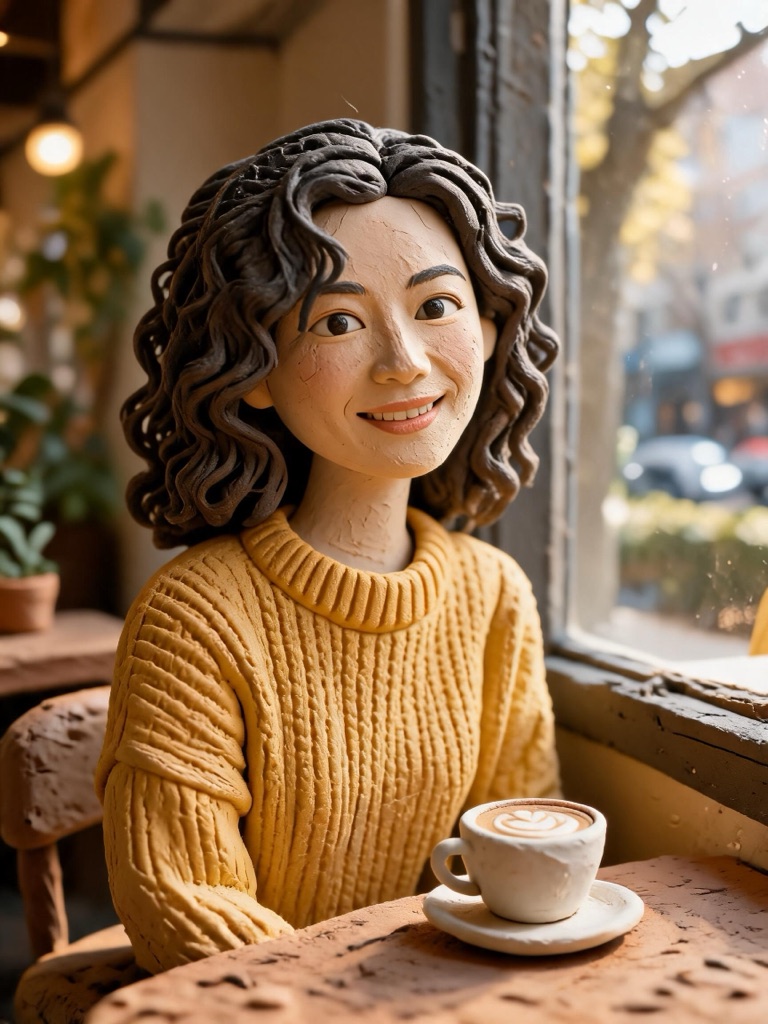 AI generated
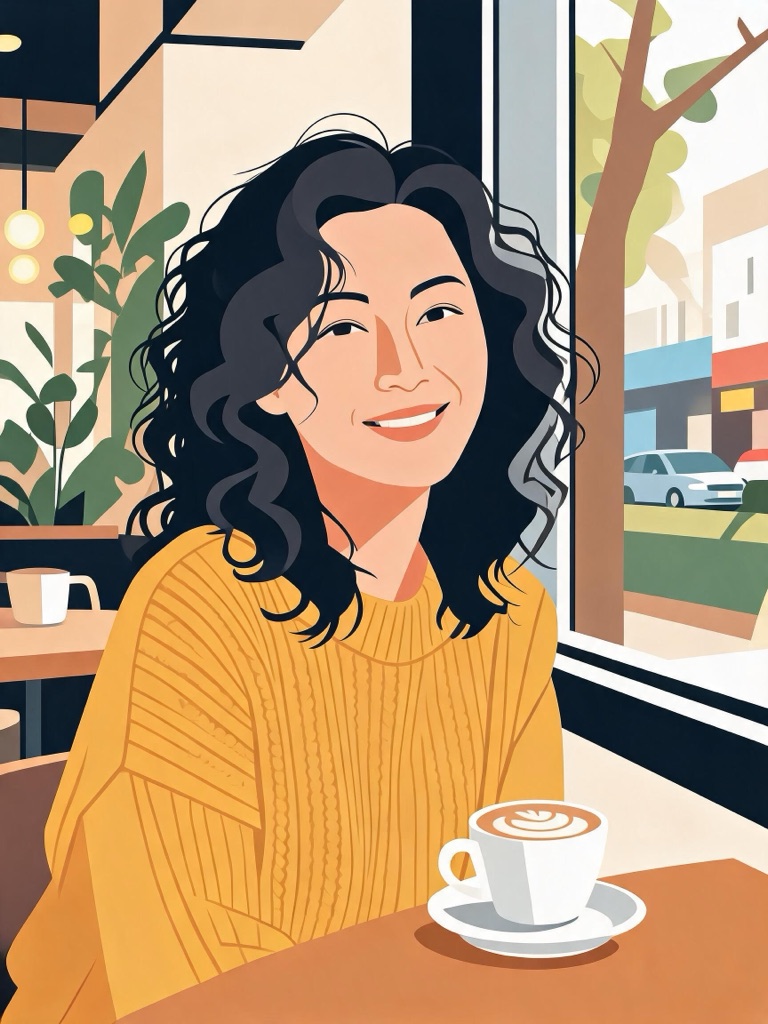 AI generated
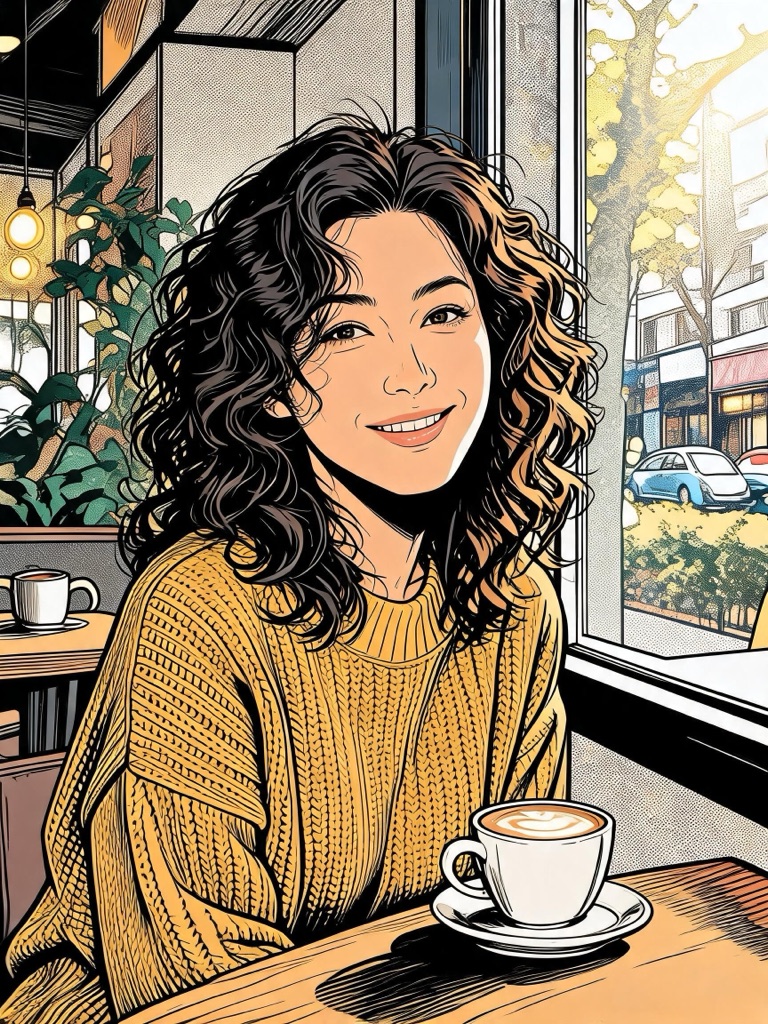 AI generated
How a profile picture prompt is built
A profile picture is seen at 40 pixels inside a circle. That rules out most of what makes an illustration impressive at full size: fine detail, busy backgrounds, a subject off to one side. The starter keeps your character and style, and adds the framing every avatar needs.
a cheerful fox in a knitted scarf
3D animated-film character portrait, soft studio lighting, glossy rendering
Head and shoulders, centred in a square with space around the head for a circular crop, plain soft background, no text, no watermark.
Three steps to a new avatar
Describe the character
An animal, a robot, an invented person — one or two details that make it yours: the scarf, the glasses, the lantern.
Pick a style
3D character, flat vector, anime, pixel art, watercolour or claymation.
Crop and upload
Choose the option that reads best small, download it from My Creations and set it as your picture.
Making an avatar people recognise
One colour that is yours. A bright scarf, a coloured visor, a background shade — pick one and keep it across platforms so people spot you in a list.
Face the camera. A character looking straight out reads as a person in a profile; a side view reads as a picture.
Need the character to talk? The AI avatar generator makes presenter videos from a script; for the same character across many images, save it in the AI character generator.
Settings the starter uses
| Setting | Detail | |
|---|---|---|
| Model | Seedream 5.0 Pro | Best all-round detail and prompt precision |
| Shapes | 1:1 | Square |
| Quality | 2K | Set for you, changeable in the studio |
| Price | 3 credits an image | 12 for the default 4 |
Your own photo, consent and labelling
Restyle photos of yourself, or of someone who has given you permission; photos of public figures are declined, and the presets never describe a real person. The style changes — the person, and their age, stay the same. Every image is AI-generated and carries a signed C2PA provenance mark saying so, in line with Article 50 of the EU AI Act; anyone can read it on the verification page, and the Content & Safety Policy sets out what may not be created. Plans renew monthly until cancelled and can be cancelled online at any time; the full terms are on pricing details.
Frequently asked questions
How do I make a profile picture with AI?
Describe the character — a cheerful fox in a knitted scarf — tap a style and press Create. The image studio opens on Seedream 5.0 Pro in a square with space around the head for a round crop, and renders 4 options so you can pick the one that reads best at small size.
Can I make a profile picture from my own photo?
Yes. Photo to cartoon restyles a photo of yourself as 3D claymation, flat vector or comic ink, keeping the same person at the same age. Use your own photo, or one of someone who has given you permission; photos of public figures are declined.
Will it work in a round frame?
Yes. Most platforms crop profile pictures to a circle, so the prompt keeps the head and shoulders centred with space around them. Check the thumbnail in the studio at small size before you choose — simple shapes and strong contrast read best.
Which style reads best as a small avatar?
Flat vector and pixel art hold up best at 40 pixels because they use few colours and bold shapes. 3D character and claymation look rich at larger sizes such as a channel icon. Anime and watercolour sit in between.
Can I make a profile picture of a famous character or person?
No. Prompts naming public figures are blocked, franchise characters belong to their owners, and the presets never describe a real person. Invent your own character — it is also the only kind of avatar that is truly yours.
How much does a profile picture cost?
Seedream 5.0 Pro at 2K is 3 credits an image, so 4 options are 12 credits. The total is on the Generate button before anything is charged, and failed images are refunded.
More for your profile
One credit balance across image, video and music.
Photo to Cartoon
Restyle a photo of yourself.
OpenAI Image Studio
Edit the avatar or try another model.
OpenAI Character Generator
One character, consistent across images.
OpenAI Avatar Generator
A presenter that reads your script.
OpenAI Sticker Generator
Your character as a sticker pack.
OpenVerify AI content
Read the C2PA provenance mark on any file.
Open