
One photo. No set, no turntable, no reshoot.
AI Product Video Generator
Start from the product shot you already have and let the model add the camera move — a turntable, a slow push in, a light sweeping across the surface — 5 to 30 seconds, up to 4K, in the ratio the channel needs.
Three product moves, each from a written prompt:

A 5-second clip starts at 5 credits and the cost of your settings is shown on the Generate button before you commit. Plans renew monthly until cancelled and can be cancelled online at any time — see pricing details.
The product is the one thing you cannot let the model invent
Most AI video advice starts with a prompt. Product work starts with a photograph, because the object has to be your object — the label, the cap, the colourway, the seam on the packaging. No sentence describes that accurately, and a generated stand-in is a different product. So this route puts the photo first: it becomes the opening frame of the clip, unchanged, and the model’s job is confined to what happens over the next few seconds.
That is also what makes it fast. A turntable rig, a slider and a lighting change are each a prompt line here, and a vertical listing clip, a square feed post and a widescreen hero loop are three generations from the same still rather than three set-ups on the same afternoon.
Moves that sell a product
Three generated clips, each captioned with the prompt that made it. Nothing here was filmed; each caption is the whole instruction the model received.
a slow push along a row of amber glass bottles on a dark shelf
Use this prompta macro tilt across a wet slate surface scattered with citrus peel
Use this prompta slow rise over a still copper basin catching a single shaft of light
Use this promptFrom still to clip in four passes
Settle the frame
Shoot the product on a plain surface, or generate the still in the AI image generator with the backdrop and light you want. Whatever the first frame shows is what the clip opens on.
Describe one move
Slow turntable to the right. Push in from a wide to the label. Light sweeps left to right across the glass. One camera move per clip reads cleanly; two compete.
Draft cheap, finish once
Generate on WAN 3.0 Prime at 480p to choose the move, then re-run the winner at the resolution and ratio you ship. Most wasted credits go on early drafts rendered at final quality.
Extend, upscale, score
Continue a clip that needs more seconds, raise a soft one to 1080p, and lay a generated track under the cut — all on the same credit balance.
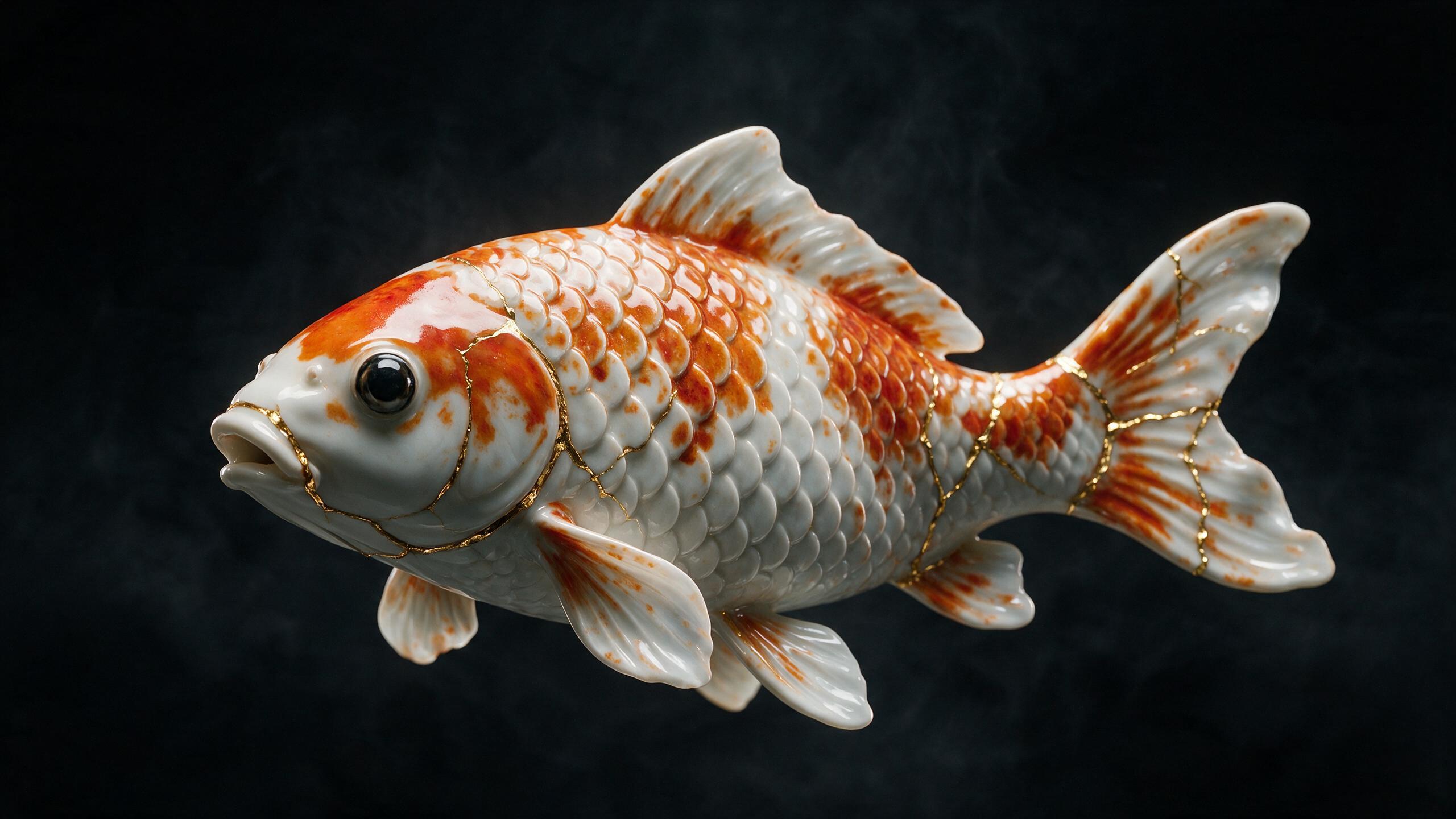
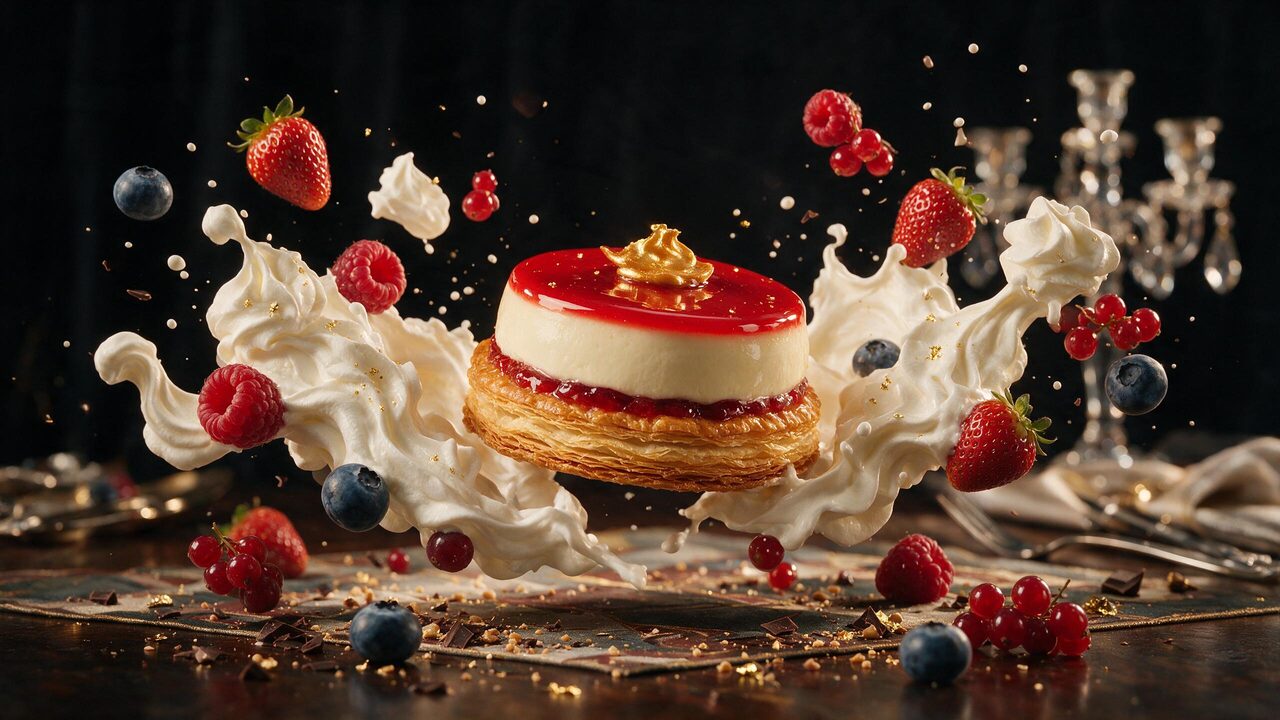
Start frames made here
Product stills generated in the AI image generator, captioned with their prompts. Any of them can be the first frame of a clip; so can a photograph of your own.
 AI generated
 AI generated
 AI generated
 AI generated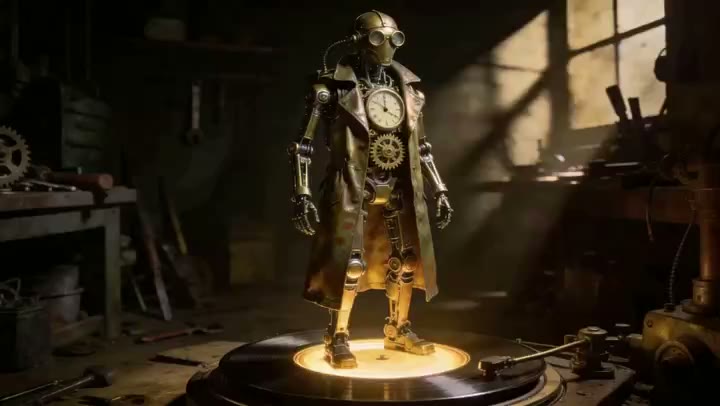
The turntable shot, without the turntable
The classic product move is a slow rotation under a fixed light, and it is the move generative video does most reliably, because the object stays the object and only the viewpoint changes. Ask for a quarter turn rather than a full revolution when the back of the product is not something you have photographed — the model will invent it otherwise, and a customer will notice.
When the product has to match a set of packaging shots or a brand palette, hand WAN 3.0 Prime those images as references alongside the start frame. Up to twelve go in, and the clip holds to them. That workflow has its own page: reference to video.
Which engine for which product job
Five of the six engines in the studio take a start frame, and they divide cleanly by what the clip is for.
| Engine | Input | Length | Resolution | Use it for |
|---|---|---|---|---|
| WAN 3.0 Prime | Start frame or up to 12 references | 5 / 10 / 30s | 480p – 1080p | The default: cheapest, fastest, brand references |
| Seedance 2.5 | Optional start and end frame | 5 / 10 / 15 / 30s | 480p – 4K | The finished take, 4K, native audio |
| Seedance 2.5 Turbo | Optional start frame | 5 / 10 / 15 / 30s | 720p / 1080p | Iterating on a longer take cheaply |
| Seedance 2.0 | Optional start and end frame | 5 / 10 / 15 / 30s | 480p – 4K | Big-screen output on a budget |
| WAN 2.7 | Start frame | 5 / 10 / 15s | 720p / 1080p | Short loops at the lowest cost |
Measured generation times and cost per second for each engine are on AI video models compared; the credit price of any combination is shown on the Generate button before you run it.
Formats, rights and labelling
Six aspect ratios — 16:9, 9:16, 4:3, 3:4, 1:1 and 21:9 — are set before generation rather than cropped afterwards, so a vertical listing clip is composed vertically. Durations run 5, 10, 15 or 30 seconds and resolution from 480p to 4K depending on engine; a clip that is right but short goes through the AI video extender, and one that is right but soft through the video upscaler.
Uploads must be yours to use, and any person in a photograph needs that person’s consent. Every clip generated here carries a signed C2PA provenance mark identifying it as AI-generated, in line with Article 50 of the EU AI Act; the mark travels with the file and anyone can read it back on the verification page. Prompts are screened before generation, and the Content & Safety Policy sets out what may not be created here. Plans renew monthly until cancelled and can be cancelled online at any time; the full terms are on pricing details.
Frequently asked questions
What is an AI product video generator?
A tool that takes a still of a product and generates the seconds of camera motion around it — a turntable, a slow push in, a light sweeping across the surface — instead of filming that motion on a set. On WowMade the still is your first frame, so the product looks exactly as it does in the photograph; the model adds movement, not a new product.
Do I need a professional product photo to start?
No. A clean phone photo on a plain background works, and a still generated in the AI image generator works just as well because you control the backdrop, the light and the angle before any motion is added. What matters is that the frame you start from is the frame you would be happy to open the clip on — the first frame of the result is your image, unchanged.
Which engines are best for product clips?
WAN 3.0 Prime is the usual choice: it is built around a start frame, it is the cheapest and fastest engine in the studio, and it takes up to twelve references if the product has to match packaging or a brand style. Seedance 2.5 is the finishing engine when the clip needs 4K or a longer single take with native audio. WAN 2.7 is the budget route for short 720p and 1080p loops.
Can I make the product turn, or end on a specific angle?
Yes. Describe the move in the prompt — slow turntable, quarter turn to the left, camera orbit — and the model renders it. For a controlled finish, add an end frame as well as a start frame: the model then moves from one to the other, which is how a front-to-three-quarter turn or an empty-to-lit reveal is done deliberately rather than hoped for.
What formats can a product video be generated in?
Six aspect ratios — 16:9, 9:16, 4:3, 3:4, 1:1 and 21:9 — chosen before generation rather than cropped afterwards, so a vertical listing clip is composed vertically. Durations run 5, 10, 15 or 30 seconds depending on engine, and resolution from 480p to 4K. A finished clip can be extended, upscaled and scored without leaving the site.
How much does a product video cost to generate?
It depends on the engine, the resolution and the duration, and the exact figure for your settings is printed on the Generate button before you spend anything — a 5-second clip starts at 5 credits. Drafting the move at 480p on WAN 3.0 Prime and re-running only the winner at the resolution you ship is the cheapest way to work.
Can I use my own product photos and brand assets?
Yes, provided you hold the rights to them. Uploads are your responsibility under the terms of service, and anything showing a person needs that person's consent. Every clip carries a C2PA provenance mark identifying it as AI-generated, so a listing or an ad built from it is transparently labelled wherever the file travels.
Where to go next
One credit balance across video, image, music and the editing tools.
AI Video Studio
Drop in the product photo and describe the move.
OpenVideo Ad Maker
Paste a product link and get finished video ads.
OpenAI Image Generator
Generate the start frame with the backdrop you want.
OpenImage to Video
Start frames, end frames and references, explained.
OpenObject Remover
Clean the still before motion amplifies a flaw.
OpenVideo Upscaler
Raise a finished clip to a crisp 1080p.
OpenAI Music Generator
Score the cut with a track made the same way.
OpenVerify AI content
Read the C2PA provenance mark on any file.
OpenProduct video guides
See every image to video guide →
How to make AI videos for YouTube: a practical, monetisable workflow
Step-by-step guide for creators to produce monetisable YouTube long-form and Shorts with AI, disclosure requirements, formats, and a fast build in WowMade AI Video Generator.

AI video Instagram Reels: Fast, vertical-first workflows that actually publish
Step-by-step workflows to turn a product photo or text idea into a 15–30s vertical Instagram Reel using WowMade AI Video Generator, with audio, specs, and disclosure guidance.

ai video prompt copy paste: a ready-to-use prompt library for image-to-video
Copy-and-paste AI video prompts and a workflow to turn a still into short social clips. Templates, checks, and a step-by-step WowMade AI Video Generator workflow.

Does YouTube monetize AI videos? A practical guide for creators
Yes — but only if the video adds clear human value and follows YouTube’s disclosure and originality rules. Step-by-step checks, a workflow using WowMade AI Video Generator.

How to make AI videos from photos: a fast photo→motion workflow
Turn photo sessions into social clips: step-by-step photo→motion workflow, batch conversion, prompt templates, and a quick WowMade AI Video Generator walkthrough.

How to sell AI UGC ads: pricing, packages, and contracts that close
Step-by-step guide to package, price, and contract AI-generated UGC ads. Includes pricing templates, FTC notes, and a WowMade AI Video Generator workflow to ship 3 hooks from.