The subject, and nothing behind it.
Transparent Background Maker
Turn any image into a PNG with a transparent background — the subject detected and cut out automatically, soft edges kept, ready to layer over a slide, a thumbnail or a sticker sheet.
1 credit an image; failed runs are refunded. Plans renew monthly until cancelled and can be cancelled online at any time — see pricing details.
The subject keeps its original pixels; only the background changes.
Cut out onto nothing
Generated product photos on busy backgrounds, cut out by this tool. The checkerboard is the transparency.
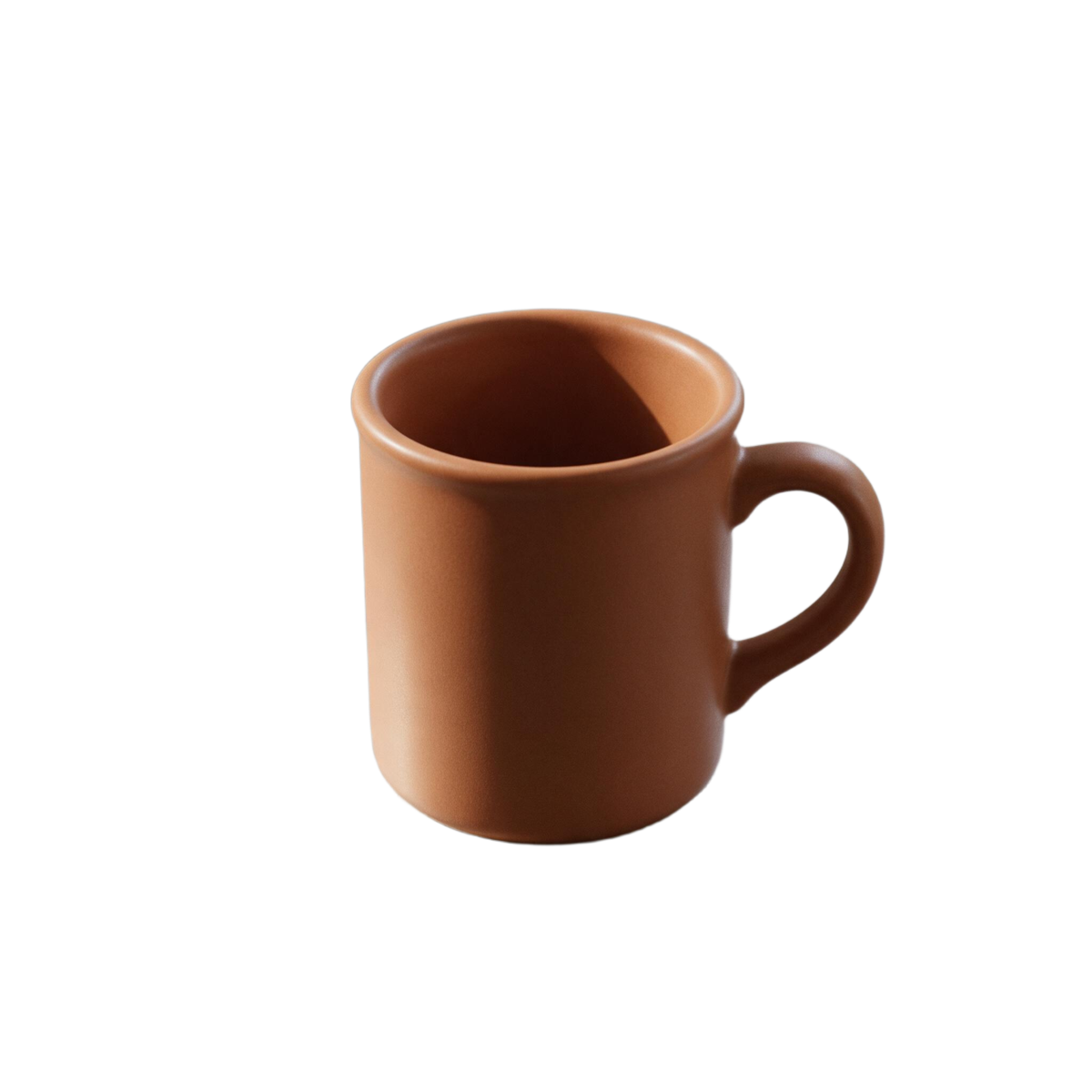
 BeforeAfter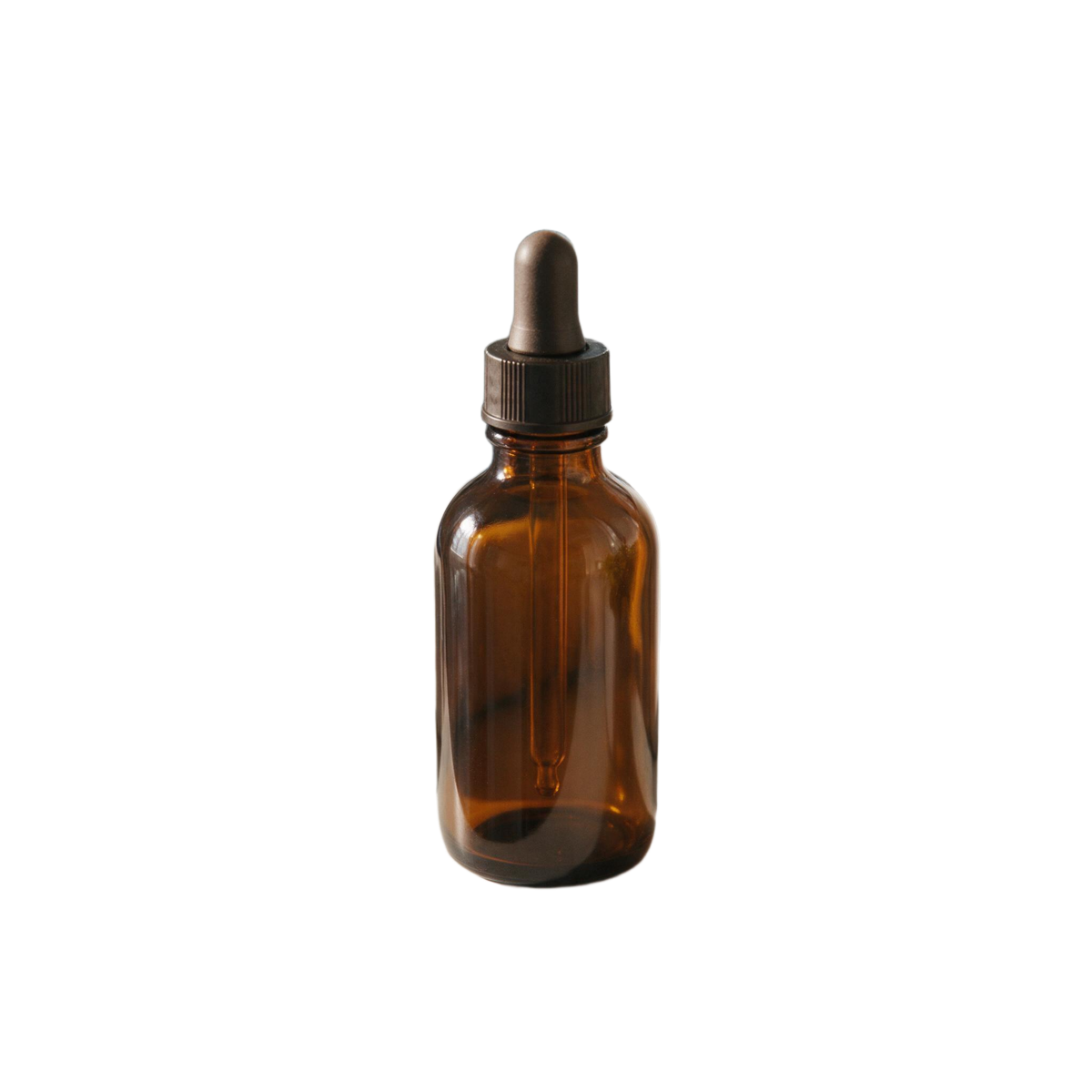
 BeforeAfter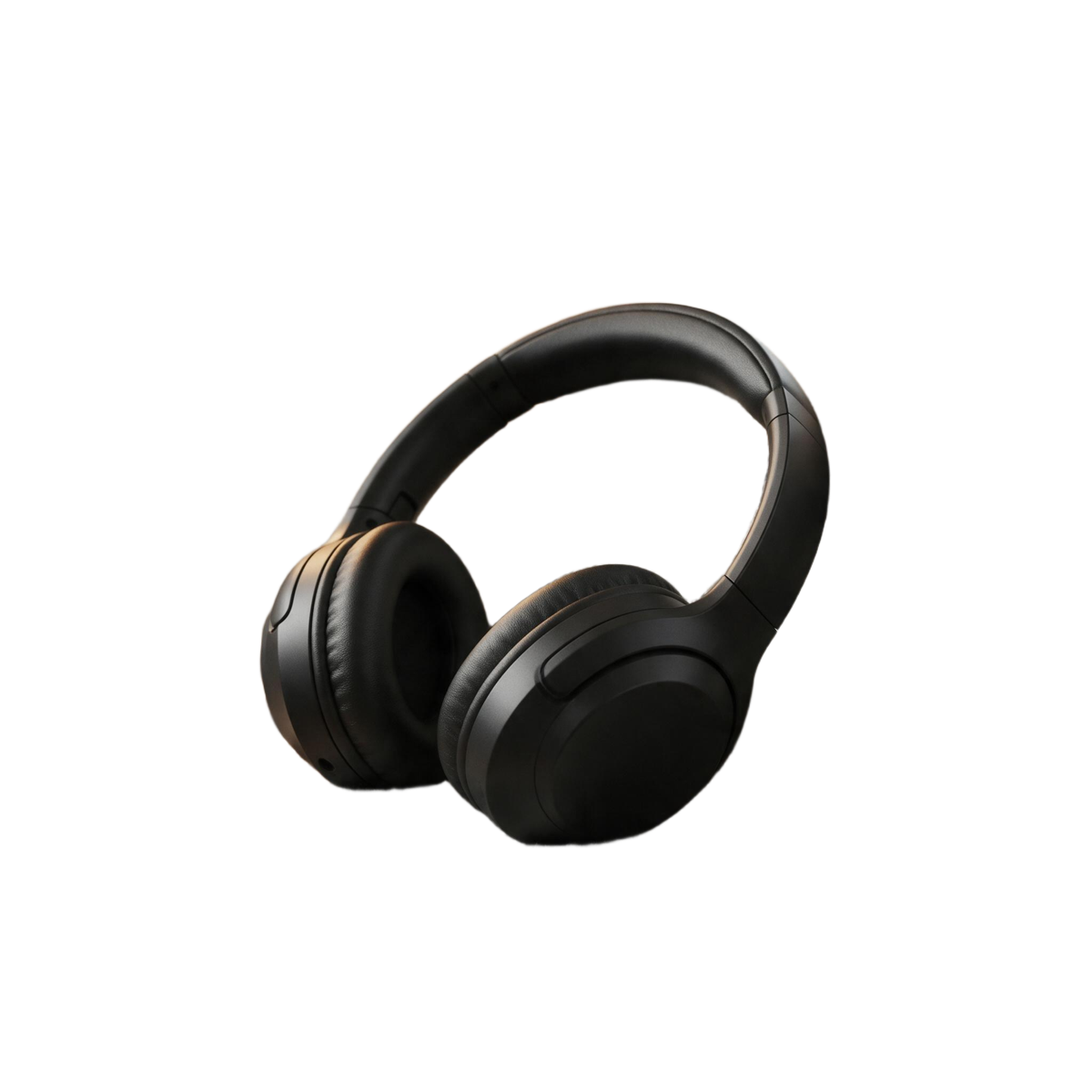
 BeforeAfter
What a transparent background is
Every pixel in a PNG can carry an alpha value — how opaque it is, from fully solid to fully see-through. A transparent background means the pixels around the subject are set to see-through, so whatever sits underneath shows instead. The pixels along the edge are partly transparent, which is what lets a cut-out sit on a new colour without a hard line or a fringe of the old background.
The maker finds the subject for you. There is no pen tool and no brush: upload, press the button, and compare the result against the original with the slider before you download.
Make a transparent PNG in three steps
Upload
Click, drag or paste a JPG, PNG, WebP or HEIC. Images from My Creations work too.
Keep Transparent
Leave the original framing, or pick Square, centred for a tidy, evenly padded PNG.
Check the edges, download
Drag the comparison slider along the outline, then download the PNG. A copy is saved to My Creations.
Where transparent PNGs go
| Use | Why transparent | Tip |
|---|---|---|
| Slides and docs | Sits on any layout | Square framing lines up a grid |
| Thumbnails | Subject over a bold colour | Keep the PNG, export JPG last |
| Stickers and print | Die-cut follows the edge | Upscale for large prints |
| Websites and shops | Works on light and dark | Convert to WebP if needed |
Need the same subject on a solid colour instead? The white background generator flattens it onto white or any colour as a JPG. Making stickers from scratch? The AI sticker generator draws them and cuts them out in one flow. For a small image headed to print, run the cut-out through the image upscaler first.
Rights and labelling
Edit images you own or have the rights to edit; uploads are screened before any credit is taken, and photos of public figures are declined. Every result carries a signed C2PA provenance mark recording that it was edited with AI, in line with Article 50 of the EU AI Act, and the examples on this page are AI-generated. Anyone can read the mark on the verification page; the Content & Safety Policy sets out what may not be created. Plans renew monthly until cancelled and can be cancelled online at any time; the full terms are on pricing details.
Frequently asked questions
How do I make the background of an image transparent?
Upload the image to the tool at the top of this page and press Remove background with Transparent selected. The subject is detected and cut out automatically, and you download a PNG whose background is empty — shown here as a checkerboard. It costs 1 credit.
Why is the result a PNG and not a JPG?
Transparency needs an alpha channel, a fourth value on every pixel that says how see-through it is. PNG stores one; JPG does not, so a JPG always has a solid background. Keep the PNG for anything you layer, and use the Colour option when you want a JPG on white or another colour.
Are the edges soft or hard?
Soft where the subject is soft. The alpha channel keeps partial transparency along hair, fur, glass and fabric edges, so the cut-out blends into a new background instead of showing a jagged outline or a halo of the old colour.
Why does my transparent PNG show a white background?
Most image viewers and many apps draw transparent pixels as white or black. The transparency is still in the file: place it over a coloured layer in your design tool, or open it in a browser tab on a dark page, and the background will show through.
Can I get the subject centred on a square?
Yes. Pick Square, centred under Framing and the PNG is cropped to the subject and centred on a transparent square with an even margin — handy for icons, stickers and product grids where every image should line up.
Is the subject changed in the process?
No. The cut-out keeps the subject's own pixels and only removes the background. Every result is saved to My Creations with a signed C2PA mark recording that it was edited with AI, which anyone can read on the verification page.
Keep going with the cut-out
One credit balance across image, video and music.
Background Remover
All three outputs, compared.
OpenWhite Background Generator
The cut-out on pure white, as a JPG.
OpenAI Background Changer
A new scene with matching light.
OpenAI Sticker Generator
Draw stickers and cut them out.
OpenAI Image Studio
Compose the cut-out into a new picture.
OpenImage to Video
Animate the finished image.
OpenVerify AI content
Read the C2PA provenance mark on any file.
Open