Same people. Same age. Drawn as anime.
Photo to Anime
Redraw any photo as anime art — clean cel shading, a hand-painted film still or black-and-white manga — keeping the people, the pose and the setting, and keeping everyone exactly as old as they are.
1 credit per image on Seedream 5.0 Lite. Plans renew monthly until cancelled and can be cancelled online at any time — see pricing details.
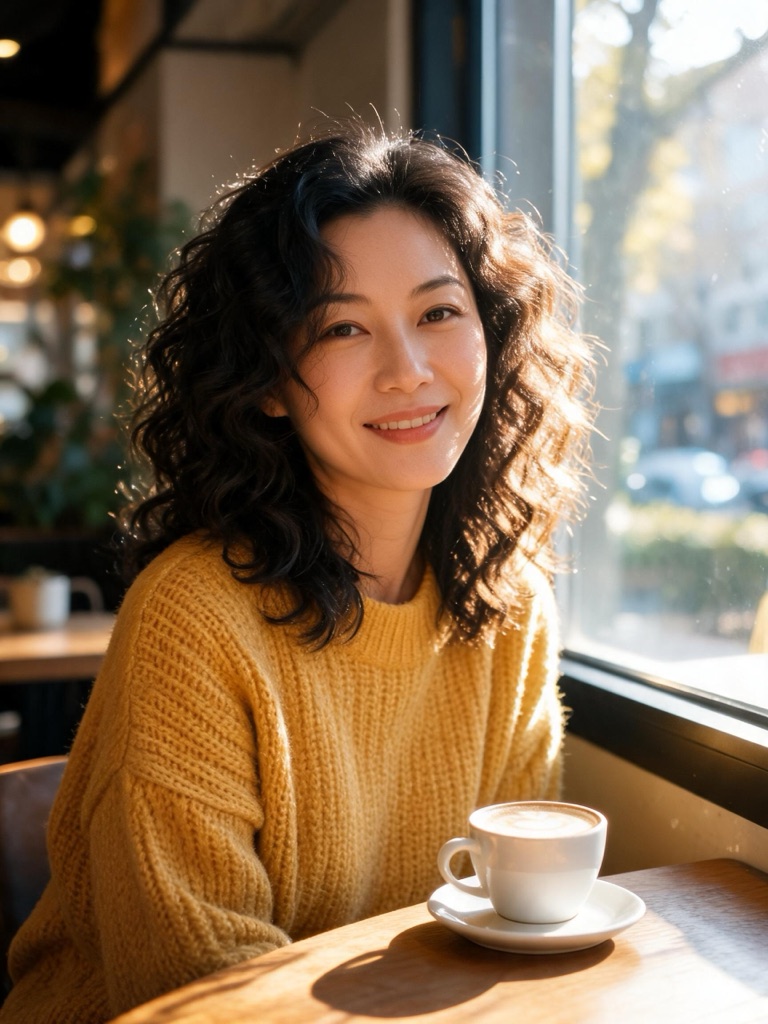
The anime filter that keeps your age
Most photo-to-anime filters work by replacing the face with a generic anime one: huge eyes, a small chin, rounder cheeks. It looks like anime, and it looks like somebody younger — which is not a style change but an age change. These presets are built the other way round. Your photo is the reference, and every prompt holds the subject’s age, face shape, features and adult proportions, including the size of the eyes relative to the face. Only the way it is drawn changes: the line, the shading, the colour, the painted background.
The result reads as anime because of the rendering — crisp line art and flat cel shading, or painted light, or ink and screentone — not because the person was redrawn.
Photo to anime in three steps
Pick a style
Cel for the TV look, painted film for soft light and scenery, manga ink for black-and-white panels.
Add your photo
The studio opens in edit mode with the prompt written. One clear, well-lit photo is all it needs.
Generate and use
Download it, upscale it for print, or animate it into a short clip in the video studio.
The three styles
Anime cel — clean thin line art, flat cel shading with a single shadow tone and crisp highlights over a softly painted background. The look of a modern TV series key visual.
Painted film still — watercolour-painted backgrounds, warm natural light and gentle shading. It turns streets, rooms and landscapes into film frames, and it is the kindest style for group photos.
Manga ink — black ink, screentone and solid shadows, no colour. Made for print, for comic pages, and for photos whose colours you would rather lose.
Photos, consent and labelling
Use photos of yourself, or of people who have given you permission; photos of public figures are declined before anything is generated. The presets restyle a photo and never turn anyone into another person or into a character from an existing series. Every image is AI-generated and carries a signed C2PA provenance mark, in line with Article 50 of the EU AI Act; anyone can read it on the verification page, and the Content & Safety Policy sets out what may not be created. Plans renew monthly until cancelled and can be cancelled online at any time; the full terms are on pricing details.
Frequently asked questions
How do I turn a photo into anime?
Pick one of the three anime styles on this page. The image studio opens in edit mode with the style prompt written; add your photo and generate. The model redraws the same picture — same people, pose, clothes and setting — as anime art, for 1 credit.
Will the anime version look younger than me?
It is written not to. Every preset tells the model to keep your age, face shape and features, to keep adult proportions and the same eye size relative to the face, and not to round or shorten the face. Anime filters that enlarge the eyes change how old someone looks, and these presets exist to avoid exactly that.
Which anime style should I choose?
Anime cel for the classic TV look with clean lines and flat shading. Painted film still for a softer, cinematic picture with hand-painted light — the best choice for landscapes and group photos. Manga ink for black-and-white panels with screentone, ideal for printing or for a comic page.
What kind of photo works best?
A clear, well-lit photo with the subject facing the camera or at a slight angle, nothing cropped at the top of the head. Backgrounds are redrawn too, so a street, a park or a room becomes part of the anime scene rather than something to avoid.
Can I convert photos of pets, places and objects?
Yes. The painted film style is especially good on landscapes, streets and interiors, and pets come out well in the cel style. The same rule holds for everything: the composition and subject stay, only the rendering changes.
Can I use a photo of someone else?
Only with their permission. A photo of another person needs their consent, and photos of public figures are declined before anything is generated. The presets restyle the photo; they never turn anyone into a different person or a character from an existing series.
Can I make an anime character without a photo?
Yes — the AI anime generator draws original anime characters and scenes from a written description, with four styles to choose from.
More ways to draw a photo
One credit balance across image, video and music.
AI Anime Generator
Original anime art from a description.
OpenPhoto to Cartoon
Claymation, flat vector and comic ink.
OpenCartoon Avatar Maker
A profile picture that still looks like you.
OpenAI Image Studio
Where every anime preset opens.
OpenImage to Video
Animate the anime frame.
OpenVerify AI content
Read the C2PA provenance mark on any file.
Open