Made for your screen, not cropped to it.
AI Wallpaper Generator
Describe a scene and get detailed 2K wallpapers composed for your screen — phone, desktop or ultrawide — with room left for your icons and clock.
6 credits for 2 wallpapers, shown before you generate. Plans renew monthly until cancelled and can be cancelled online at any time — see pricing details.
See the full prompt
Wallpaper: a quiet alpine lake at blue hour. Cinematic wide composition, atmospheric depth, soft volumetric light. Ultra-detailed, clean edges, no text, no logos, no watermark, composed to leave room for icons and a clock.
Opens the image studio on Seedream 5.0 Pro with all of this set — press Generate there. 3 credits an image; the total is confirmed before anything is charged.
The kind of image that makes a wallpaper
Generated in the WowMade studio, each shown with the prompt that made it. Tap Use this prompt to make it in your screen's shape.
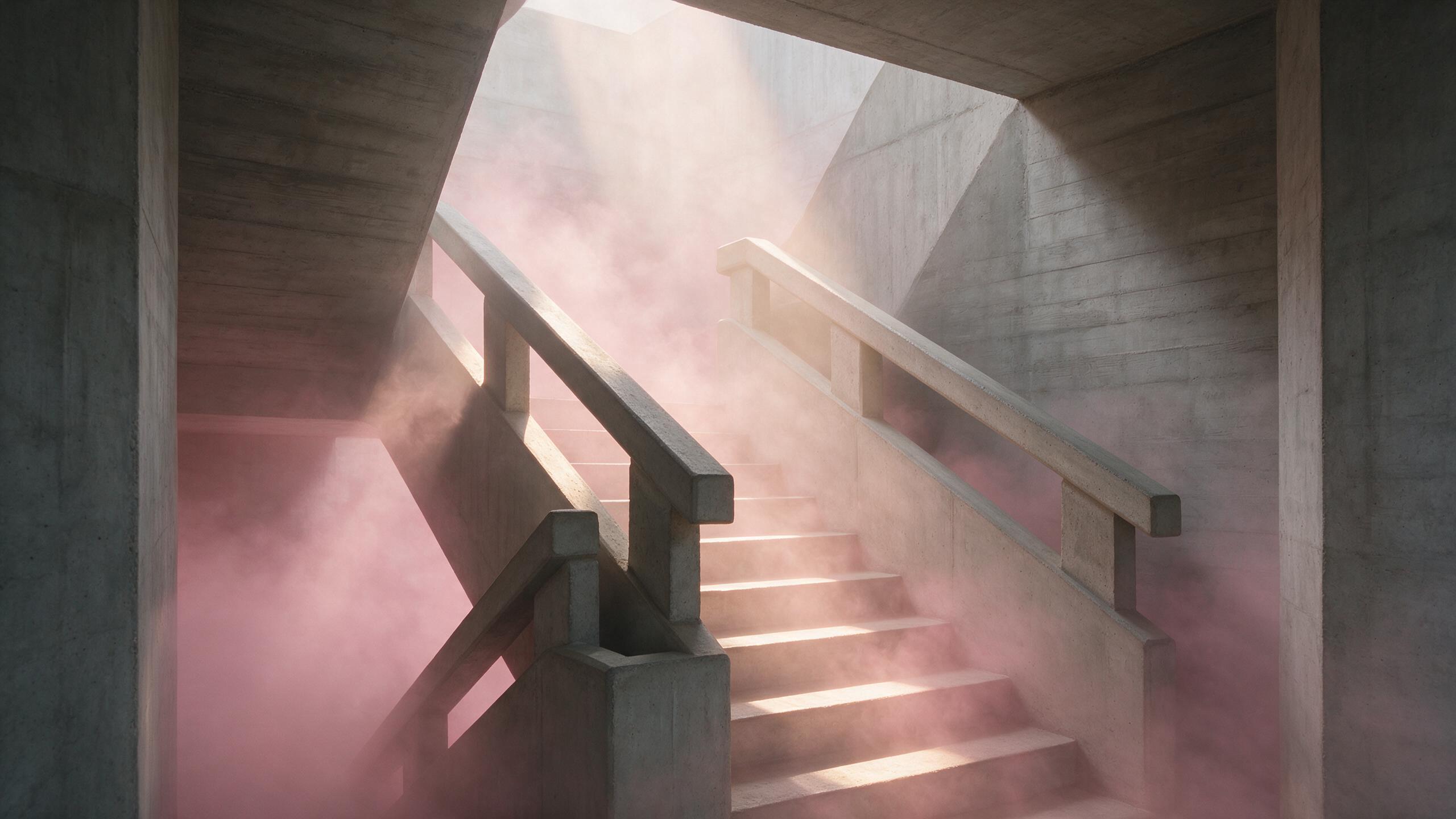 AI generated
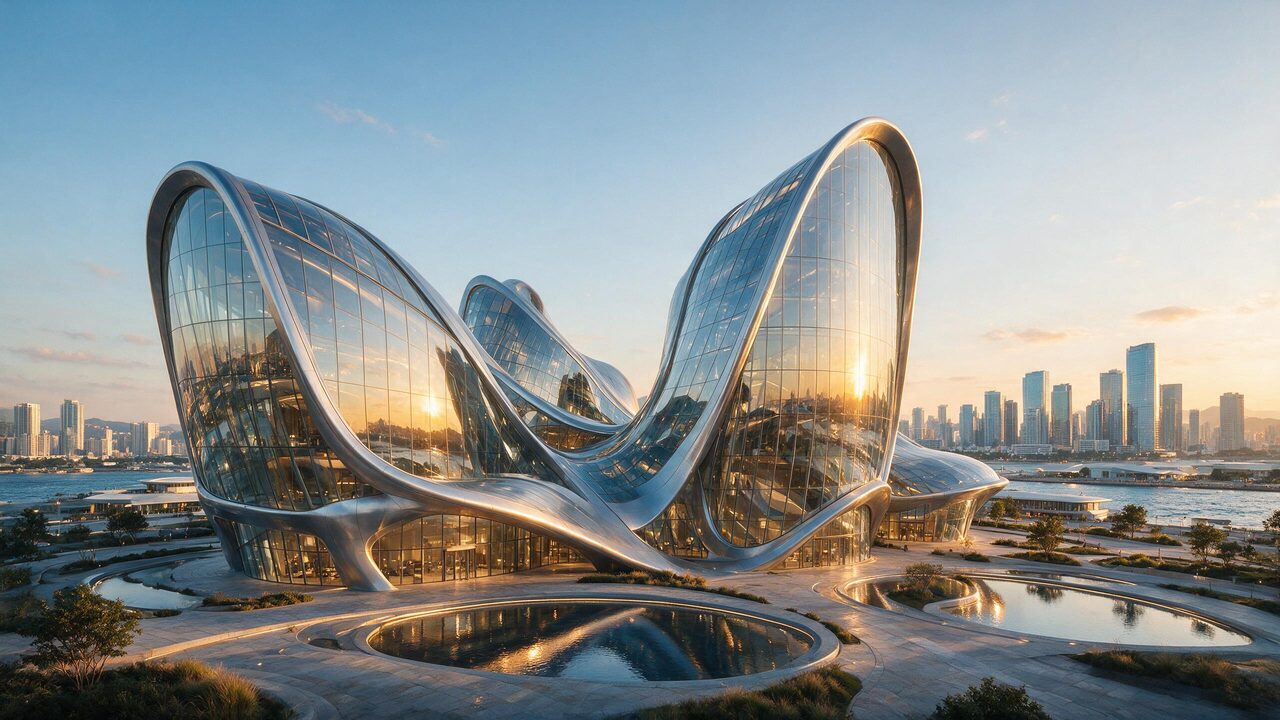 AI generated
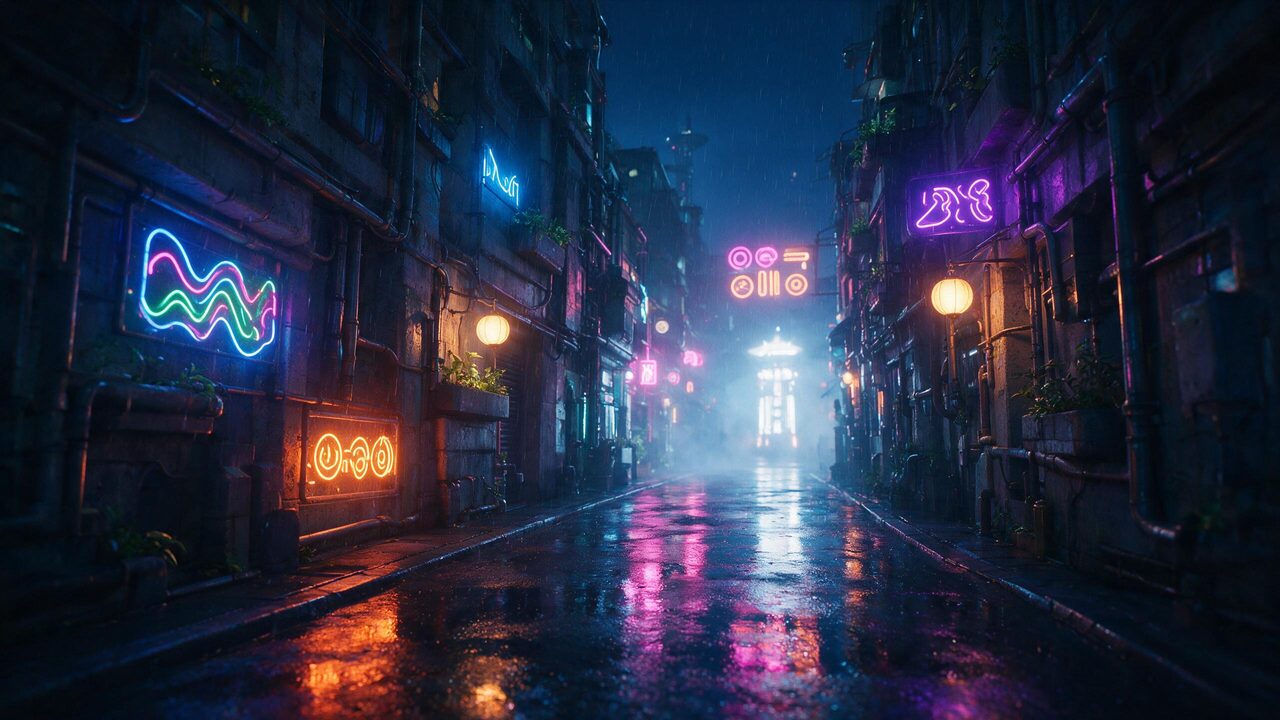 AI generated
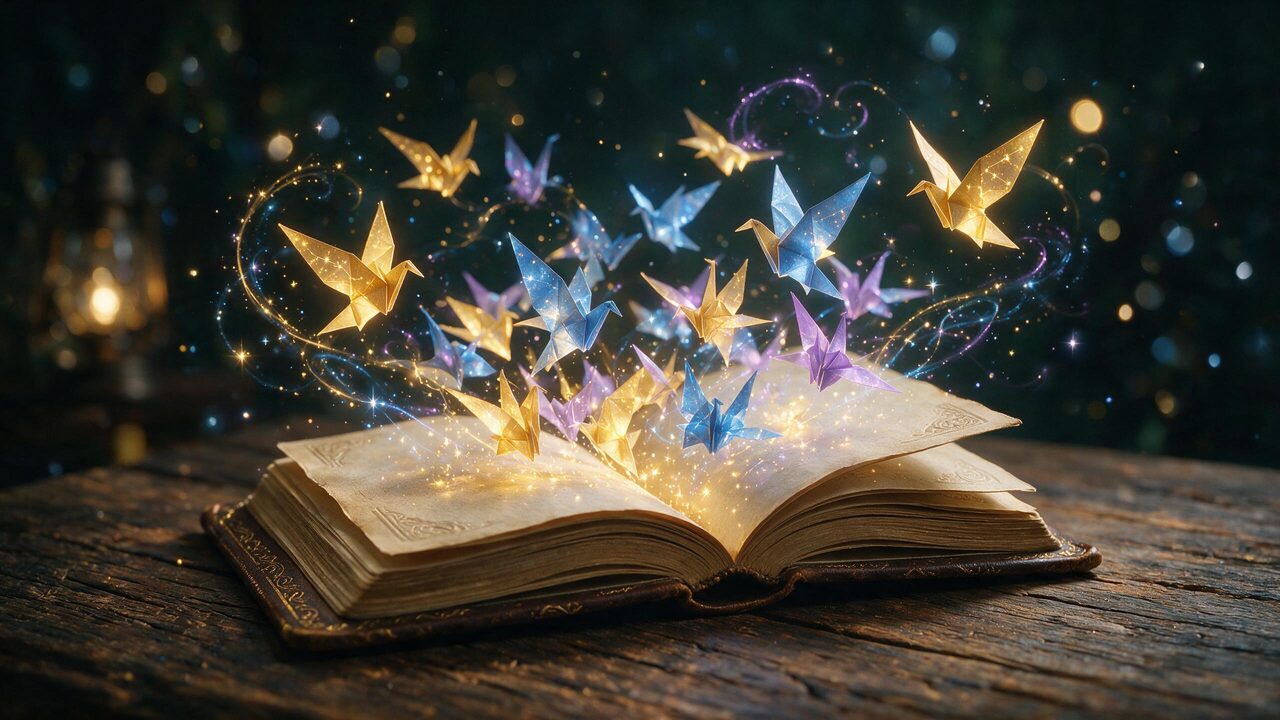 AI generated
Start from a scene
Each card opens the studio in the Cinematic style, 9:16, two variations. Change the shape in the starter above for desktop or ultrawide.
a quiet alpine lake at blue hour
Open with this ideaRainy citya rain-soaked city street at night seen from above
Open with this ideaSpacea ringed planet rising over a crater horizon
Open with this ideaForesta misty pine forest with light rays through the trees
Open with this ideaOceana turquoise wave curling in slow motion
Open with this ideaBotanicalmonstera leaves in soft shadow on a warm wall
Open with this ideaHow a wallpaper prompt is built
A good wallpaper is mostly calm: one strong area of interest, lots of quiet space, and nothing important under the clock. The starter takes your scene, adds the style you tap, and appends a tail that keeps the frame clean — no text, no logos — and composes for icons.
a quiet alpine lake at blue hour
cinematic wide composition, atmospheric depth, soft volumetric light
Ultra-detailed, clean edges, no text, no logos, no watermark, composed to leave room for icons and a clock.
Three steps to a new screen
Scene
A place, a mood or an abstract idea. Light and time of day do more than adjectives: blue hour, fog, neon rain.
Style and shape
Cinematic, minimal, neon, abstract, anime sky or AMOLED dark — then your screen's shape.
Set it
Download from My Creations on the device you want it on, and set it as the lock or home screen.
Wallpaper tips
Dark for OLED. The AMOLED dark style keeps most pixels true black, which looks deep on OLED phones and is easy on the battery.
Put the subject low or high. The clock sits at the top of a lock screen and the dock at the bottom — ask for the subject “in the lower third” or “in the upper third” to keep it clear of both.
Make it move. A still you love can become a looping live wallpaper: open it in image to video and ask for slow drifting clouds or gentle water.
Settings the starter uses
| Setting | Detail | |
|---|---|---|
| Model | Seedream 5.0 Pro | Best all-round detail and prompt precision |
| Shapes | 9:16 · 16:9 · 21:9 · 1:1 | Phone, Widescreen, Ultrawide, Square |
| Quality | 2K | Set for you, changeable in the studio |
| Price | 3 credits an image | 6 for the default 2 |
Rights and labelling
Original scenes and invented characters only: prompts naming public figures are blocked, and franchise characters, team crests and brand logos are not yours to use. Every image is AI-generated and carries a signed C2PA provenance mark saying so, in line with Article 50 of the EU AI Act; anyone can read it on the verification page, and the Content & Safety Policy sets out what may not be created. Plans renew monthly until cancelled and can be cancelled online at any time; the full terms are on pricing details.
Frequently asked questions
How do I make a wallpaper with AI?
Describe what you want on your screen — a quiet alpine lake at blue hour — tap a style and your screen shape, and press Create. The image studio opens on Seedream 5.0 Pro at 2K with a wallpaper prompt that keeps the frame clean and leaves room for icons and the clock.
What resolution are the wallpapers?
2K on Seedream 5.0 Pro: 1440 × 2560 pixels in 9:16, 2560 × 1440 in 16:9 and 3024 × 1296 in 21:9. That is sharp on most phones and on 1440p monitors; for a 4K or 5K display, run the favourite through the image upscaler.
Which shape should I pick?
9:16 for phones, 16:9 for laptops and most monitors, 21:9 for ultrawide monitors, and 1:1 for tablets and smart displays that rotate. Picking the right shape up front means the composition is made for your screen instead of cropped to it.
Will the wallpaper get in the way of my icons?
The prompt asks for a composition that leaves room for icons and a clock, and the Minimal and AMOLED dark styles keep most of the frame calm on purpose. Busy scenes can still crowd a home screen — if they do, try the same idea in Minimal.
Can I make a wallpaper of a character or a sports team?
Not of an existing franchise, brand or real person — those prompts are blocked or ruled out by the presets, and the images would not be yours to use. Original scenes, landscapes, abstract art and characters you invent all work.
How much does a wallpaper cost?
Seedream 5.0 Pro at 2K is 3 credits an image, so 2 variations are 6 credits. The total is on the Generate button before anything is charged, and failed images are refunded.
Take the wallpaper further
One credit balance across image, video and music.
AI Image Studio
Edit details or try another model.
OpenImage to Video
A looping live wallpaper from the still.
OpenImage Upscaler
Sharp on 4K and 5K displays.
OpenRealistic AI Image Generator
Photographic scenes, lens by lens.
OpenAI Prompt Generator
Turn a vague mood into a detailed scene.
OpenAI Music Generator
An ambient track to match the mood.
OpenVerify AI content
Read the C2PA provenance mark on any file.
Open