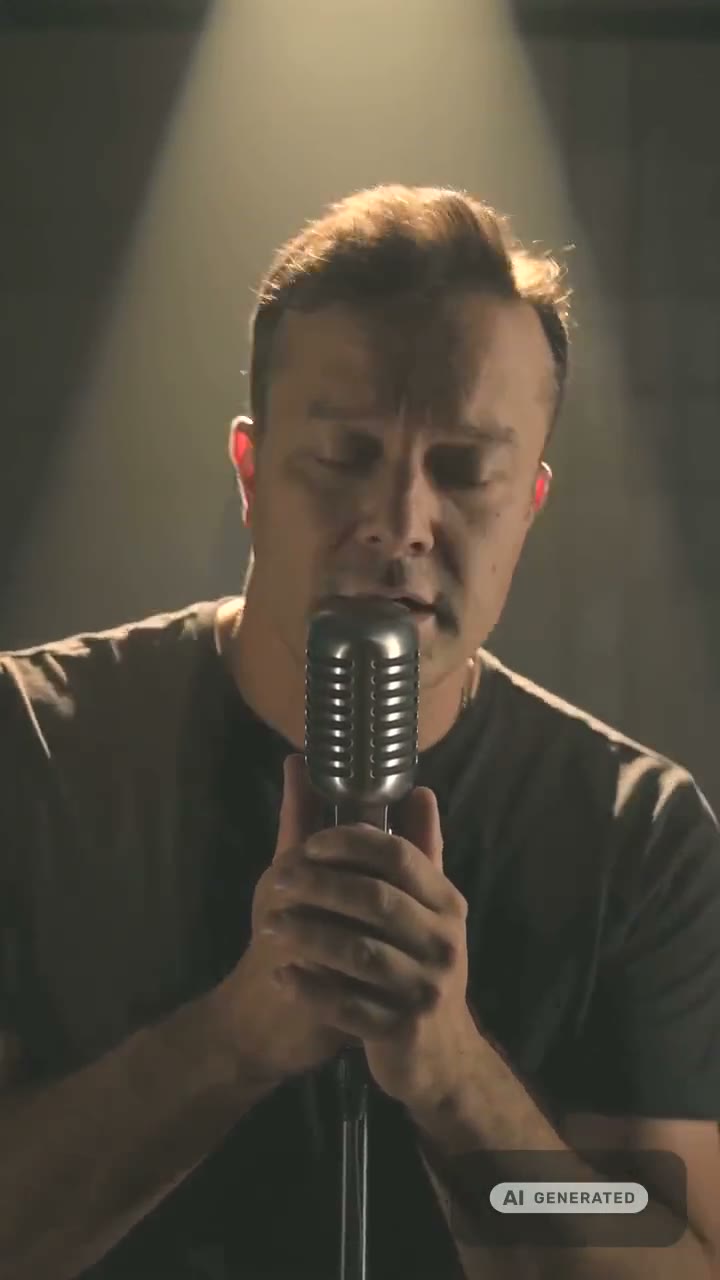
Your chorus, sung by your photo. Vertical and ready to post.
Lip Sync Video Maker
Upload a song, pick the 15 seconds, and a photo, a described singer or a saved character performs it in sync — 9:16 up to 1080p. Need speech instead? A presenter reads your script.
Made in this studio:
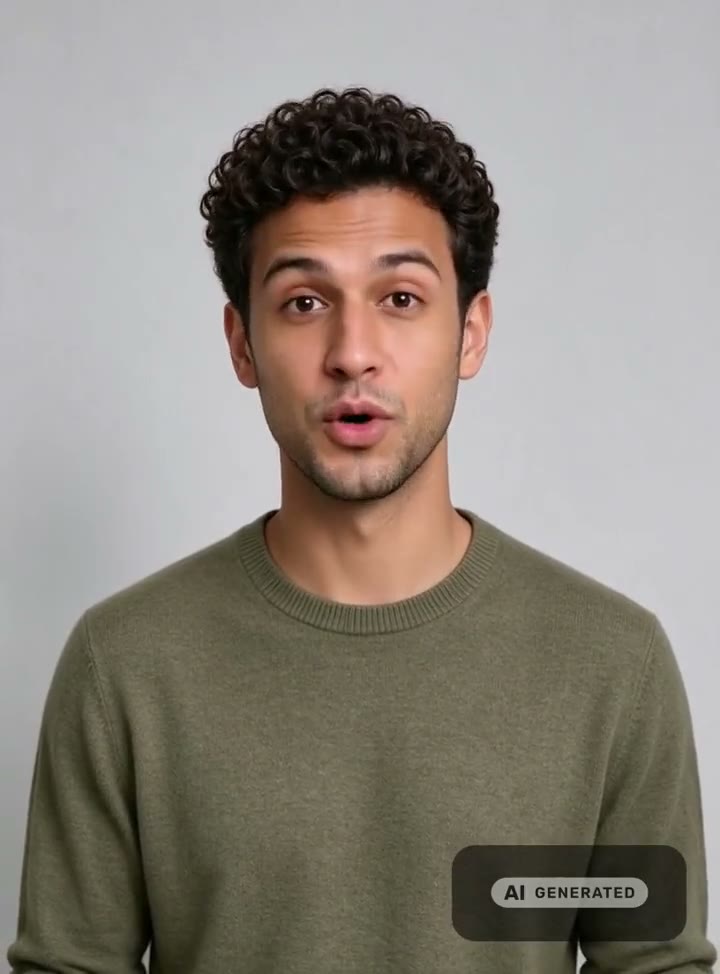

A 15-second 720p singing video is 60 credits, and the price of your settings is on the button before you commit. Plans renew monthly until cancelled and can be cancelled online at any time — see pricing details.
From a song to a post in one pass
A lip sync video lives or dies on one thing: the mouth landing on the words. Everything else — the stage, the light, the crop — is styling. The singing studio is built around that. It picks the strongest 15 seconds of your track, lets you paste the lyrics so the sync has the words to aim for, and renders the performance on Seedance 2.0 with the vocal timed frame by frame.
The singer does not have to be you. Describe one in words, or reuse a character you saved in the AI character generator so a whole series has the same face. If it is you, one clear selfie is enough. For spoken clips — ad hooks, product intros, lessons — the talking studio does the same job with a script and a preset voice.
Judge it with the sound on
Both clips were made in the studio, with the AI-generated label burned in. Tap Play with sound to hear the sync.
Make a song lip sync video
Pick the song
Upload an MP3, WAV or M4A you have the rights to, choose from the library, or write a new song without leaving the page.
Choose the 15 seconds
The trimmer pre-selects the chorus. Drag it anywhere, and paste the lyrics for that window so the lip sync has the words.
Choose the singer and format
Your photo, a description or a saved character. Pick 9:16 or 16:9 and 720p or 1080p, then press Make it sing.
Formats that fit where you post
| Where it goes | Route | Format | Length |
|---|---|---|---|
| Reels · TikTok · Shorts | Singing | 9:16, up to 1080p | Up to 15 s |
| YouTube · website | Singing | 16:9, up to 1080p | Up to 15 s |
| Ad or product intro | Talking | 3:4, up to 720p | Up to ~80 s |
| Lesson or explainer | Talking | 3:4, up to 720p | Up to ~80 s |
Talking videos keep the portrait’s framing, 3:4 for the stock presenters, and one script can run through up to 5 presenters at once. A longer piece is several clips joined in the video merger. Credit costs are on the button before you generate.
Scripts for spoken lip sync videos
Short, spoken, and written the way people talk. Tap one to open the talking studio with it filled in, then change the words and the presenter.
“Three things nobody tells you before your first sourdough loaf. Number one: the starter matters less than the timing.”Use this script
“This is the one serum I reach for every morning. Two drops, pat it in, and you're done in under a minute.”Use this script
“Welcome back. In this lesson we'll turn a messy spreadsheet into a clean chart — and it takes about five minutes.”Use this script
“Just listed: a bright two-bedroom with a south-facing balcony, ten minutes from the station. Here's what makes it special.”Use this script
Rights, consent and labelling
Post only what you have the rights to: your own song or one you generated, and your own face or the face of an adult who gave you permission. Screenshots, photos of a screen or print, group shots and public figures are declined. Every video generated here carries a signed C2PA provenance mark identifying it as AI-generated, in line with Article 50 of the EU AI Act; anyone can read it back on the verification page, and the Content & Safety Policy sets out what may not be created. Plans renew monthly until cancelled and can be cancelled online at any time; the full terms are on pricing details.
Frequently asked questions
How do I make a lip sync video to a song?
Open the singing studio, upload the track or pick one from the library, and let the trimmer choose the most energetic 15 seconds — usually the chorus — or drag it where you want. Choose the singer, pick 9:16 for Reels, TikTok and Shorts or 16:9 for YouTube, and press Make it sing. The mouth is timed to the vocal in the window you chose.
Who can sing in the video if I don't want to use my own face?
Describe a singer in words, with optional outfit, scene and style references, or use a saved character you built in the AI character generator so the same face sings every song. Your own photo works too: a clear, front-facing shot of yourself, or of an adult who gave you permission.
What songs can I use?
Any MP3, WAV or M4A up to 64 MB, as long as you have the rights to publish it. Posting a lip-sync video to a commercial track can be muted or taken down by the platform, so the safest choice is a song you own: generate one in the AI music generator, with lyrics from the lyrics generator, and the whole video is yours to post.
Can I make a talking lip sync video instead of a singing one?
Yes. In the talking studio a preset voice reads a script you type in any of 15 languages, and a stock presenter or your own photo speaks it — up to about 80 seconds per clip. Pick up to 5 stock presenters and the same script is produced once for each, which is the quickest way to test several versions of one ad.
What size and quality are the videos?
Singing videos render at 720p or 1080p in 9:16 or 16:9. Talking videos render at 480p or 720p and keep the framing of the portrait, which is 3:4 for the stock presenters. Any clip can be taken further in the video studio: extended, edited, or raised with the video upscaler.
How much does a lip sync video cost?
A 15-second 720p singing video is 60 credits and 1080p adds 15; shorter windows cost less. A 10-second talking video is 10 credits on Standard or 69 on Studio at 720p. Prices are shown on the button before you generate, and failed videos never cost credits.
Is the video labelled as AI-generated?
Yes. Every video carries a signed C2PA provenance mark identifying it as AI-generated, which anyone can read on the verification page, and videos made from a person's photo also carry a visible AI-generated label. Keep both when you post: several platforms read the mark and label the upload for you.
Everything a lip sync video needs
One credit balance across video, image, music and the editing tools.
Singing Video Generator
Your photo sings 15 seconds of any song.
OpenAI Music Generator
A track you own, so the post stays up.
OpenAI Lyrics Generator
Verses and a chorus from one idea.
OpenTalking Avatar Generator
A presenter reads your script in sync.
OpenAI Lip Sync
How the two lip-sync routes compare.
OpenVideo Merger
Join clips into one longer post.
OpenVerify AI content
Read the C2PA provenance mark on any file.
OpenLatest ai music guides
See every ai music guide →
How to make AI generated music: a hands‑on production workflow
A practical, step‑by‑step guide to turn AI-generated music into release-ready tracks using WowMade AI Music Generator — prompting, stems, mixing, and legal checks.

AI jingle creator: quick sonic logos and 10s jingles for reels
How creators and small brands make copyright-safe 1–15s sonic logos and jingles with WowMade AI Music Generator — step-by-step workflows and testing tips.
AI Music Hook Generator: Fast, Legal Hooks and Loops for Reels
A practical playbook to design attention-grabbing 6–15s music hooks and repeatable loops with an AI-first workflow using WowMade AI Music Generator.