AI Music Hook Generator: Fast, Legal Hooks and Loops for Reels
A practical playbook to design attention-grabbing 6–15s music hooks and repeatable loops with an AI-first workflow using WowMade AI Music Generator.
Picture a creator in a café: they have 30 minutes to shoot, edit, and post a Reel that needs to grab attention in the first two seconds. What makes the edit stick isn't always the cut — it’s the music hook. An effective AI music hook generator shortens the gap between idea and publishable audio, producing copyright-free 6–15 second loops that sit under speech and boost watch-time. This guide gives you a practical, prompt-to-export playbook for building repeatable hooks and theme loops using the WowMade AI Music Generator.
You’ll learn why short hooks drive watch-time, the exact tempo, frequency and loop-length rules creators actually use, and the legal checks to run before you publish. The article walks through prompt engineering, a step-by-step 15s loop build in WowMade AI Music Generator, mixing tips for speech-led reels, A/B testing tactics, and a scaled template system for a channel library. Along the way I’ll mention supporting tools for visuals and voice where they genuinely help — but the core fast path is the WowMade AI Music Generator, which generates original, export-ready tracks and instrumentals you can drop into any edit without licensing headaches.
Why short music hooks and loops drive watch-time: platform data and psychology
Short-form platforms make hooks the currency of discovery. TikTok’s Music Impact Report shows users discover and share new music on short-form platforms at higher rates than average social users, which means the sonic moment in your first 1–3 seconds can determine whether someone keeps watching or scrolls. The combination of novelty (an unfamiliar motif) and familiarity (a simple repeatable pattern) primes viewers to mimic, duet, and reshare — that’s how a single 15s segment can amplify streams and reach.
Psychology and platform mechanics converge: attention decays fast, so a concise hook creates a cognitive anchor. Practitioners often use 2–4 note melodic motifs or a rhythmic motif repeated over 4–8 bars (roughly 6–15 seconds). Those short motifs are easy to remember and loopable — ideal for Reels, Shorts, and TikTok trends. Case studies (for example Steve Lacy’s “Bad Habit” and other documented TikTok hooks) show a memorable 15s segment can drive discovery and downstream streaming boosts.
For creators, the takeaway is tactical: design for repeatability. A hook that works once can be repurposed into dozens of edits, and an AI-first workflow — where you iterate quickly on motifs and tempo — accelerates that process. When novelty and repeatability are balanced correctly, hooks become shareable moments rather than background filler, and platforms reward that with higher watch-time and distribution.
What makes a great ‘hook’ for Reels — tempo, frequency range, and loop length (practical rules)
Great hooks obey simple measurable rules. Here are practical guidelines widely used by short-form producers and aligned to platform behavior:
1) Loop length: Aim for 6–15 seconds (4–8 bars). Shorter loops are easier to remember and repeat. A 15s maximum keeps hooks usable as a whole clip and as a layered backing under speech.
2) Tempo: Target mid-tempo ranges — 104–120 BPM — for most social edits. This tempo sits comfortably with speech rhythms and supports energetic but not frantic movement. Slower tempos can work for moody storytelling; faster tempos suit dance trends.
3) Motif: Use a single 2–4 note melodic or rhythmic motif. Repetition is the point—fewer elements mean stronger recall. Try varying instrumentation every 2–4 bars while keeping the motif intact.
4) Frequency-space: Leave 2–4 kHz clear for voice intelligibility if you expect overlays of narration or talking-head audio. Arrange the hook’s main energy below 2 kHz (bass and body) and above 4 kHz (air and sheen) sparingly.
5) Dynamics and contrast: Hooks that start slightly stripped and then add one contrasting element at 4–6 seconds create a micro-journey — pleasant surprise without breaking loop continuity.
6) Loopability: Ensure the last beat resolves back to the first without a jarring transient. Test the clip in repeat mode.
These rules are practical and repeatable. Use them as your baseline checklist when prompting an AI music tool: specify BPM, loop length, motif type, and frequency priority so the generator produces something ready to import and mix.
Related guide: Build a Distinct Sonic Brand Fast.
Rights, risk, and best-practices: how to use AI music without legal headaches
Legal risk around generative music centers on training data provenance, similarity to existing works, and voice/cloning issues. The U.S. Copyright Office is actively working through AI-related questions and emphasizes provenance and transparency; adopt similar care when publishing. Real-world incidents, like fake AI-generated celebrity songs removed from streaming services, underline the cost of using unclear sources.
Best-practices to reduce risk:
- Use generators that supply clear usage terms and exportable originals. WowMade AI Music Generator explicitly provides original tracks you can export and use without additional library licensing, which reduces downstream licensing friction.
- Run similarity checks. Before a high-profile release, compare your hook to major hits to avoid accidental replication. Simple reverse-audio or melodic search tools can flag close matches.
- Keep provenance records. Save prompt history, generation timestamps, and export files — this audit trail is useful if claim questions arise.
- Prefer modification and transformation. Even when using AI outputs, layering, arrangement changes, or additional production reduces the risk of similarity claims.
Following these steps keeps creators out of most legal pitfalls. For most social hooks and background instrumentals, choosing a rights-aware generator like the WowMade AI Music Generator and keeping a short provenance record is sufficient for daily publishing.
Prompt engineering for AI music hooks: exact prompts, parameters, and style tricks
Prompt engineering turns creative intent into repeatable outputs. Start with a compact, parameter-rich prompt that covers: mood, BPM, loop length, motif description, instrumentation, and a frequency-note for voice clarity. Example structure:
- Short descriptor: “Bright bouncy pop hook”
- Tempo: “110 BPM”
- Loop length: “15s loop”
- Motif: “2-note syncopated motif in A minor”
- Instrumentation: “electric piano, soft pluck bass, light hi-hats”
- Mix note: “leave 2–4 kHz clear for voice”
Exact prompt example you can paste into WowMade AI Music Generator:
"Bright bouncy pop hook, 110 BPM, 15s loop, 2-note syncopated motif in A minor, electric piano lead, warm pluck bass, light hi-hats, subtly build at bar 3, leave 2–4 kHz clear for voice".
Parameters to tweak in the generator UI:
- Style/mood slider: choose “pop / upbeat / cinematic” depending on the trend.
- Tempo field: lock BPM to 104–120 for social posts.
- Loop duration: set precisely (e.g., 15s).
- Instrument emphasis: boost mid-bass or pluck textures.
Style tricks that work:
- Swap instrumentation across iterations while keeping the motif identical. That helps you test which timbre drives engagement.
- Create a call-and-response variation: a short percussive fill answering the motif on the 8th bar.
- Generate a vocal-less backing and a separate vocal line if you might later layer AI or recorded vocals.
With these prompts you can generate many variations quickly. The WowMade AI Music Generator’s style, tempo, and mood controls give the real control you need to land consistent hooks across a content cadence.
Hands-on workflow: create a 15s viral-ready loop from prompt to export with WowMade AI Music Generator
This is a step-by-step walkthrough you can follow in under 10 minutes using the WowMade AI Music Generator.
1) Draft your prompt (30–60 seconds): Use the exact prompt above or tweak for genre. Example: “Bright bouncy pop hook, 110 BPM, 15s loop, 2-note syncopated motif in A minor, electric piano lead, warm pluck bass, light hi-hats, subtly build at bar 3, leave 2–4 kHz clear for voice.”
2) Generate (30–90 seconds): Paste the prompt into WowMade AI Music Generator, set tempo to 110 BPM and loop length to 15s. Pick “instrumental” or “song without lead vocal” to keep space for speech.
3) Preview and iterate (2–4 minutes): Use the generator’s A/B variations. Swap the lead instrument (e.g., from electric piano to muted guitar) to test emotional color while preserving BPM and motif.
4) Minor edits (1–3 minutes): If the generator allows small parameter tweaks, tighten the motif or adjust the attack/decay on the pluck to make the loop crisper. Ensure the last bar resolves to the first.
5) Export stems or full loop (30–60 seconds): Export a stereo mix and, if available, separated stems (melody, bass, percussion). Stems let you duck or side-chain under dialogue later.
6) Import into your editor (1–3 minutes): Drop the loop into your Reel or Short edit. For speech-led clips, keep the hook under the intro and bring it forward when the visual punch hits.
Worked example notes: using WowMade AI Music Generator, creators report that the built-in style/mood fields plus the explicit loop-length control reliably output loopable files that require minimal editing. Because outputs are original and export-ready, you skip library clearance and can ship faster.
This workflow is intentionally compact; once you’ve practiced it three times, you can generate, iterate, and publish a new sonic hook inside a single content session.

Mixing and editing the AI hook into speech-led reels — preserving voice clarity and loop continuity
Mixing a music hook under speech is a practical craft: you want the hook to lift energy without masking the message. Follow this actionable checklist when you integrate an AI hook into a voice-led Reel.
- Clear the vocal band: Apply a gentle notch or high-shelf reduction around 2–4 kHz on the hook track to preserve consonant clarity. If you exported stems from WowMade AI Music Generator, reduce the presence band on only the melody stem.
- Use ducking: Side-chain the hook to your dialogue track so the hook’s level ducks automatically when someone speaks, then swells back during pauses. Short attack/release values keep it natural.
- Manage the loop transition: Add a tiny crossfade (2–6 ms) at the loop boundary if the generator’s loop isn’t perfectly seamless. Test in repeat mode for continuity.
- Stereo placement: Keep the hook slightly wider than the voice — pan or stereo width can create separation where needed.
- Dynamic micro-variations: Duplicate the loop and apply subtle variation on repetition two or three (filter sweep, added clap) to avoid monotony while keeping the motif intact.
- Loudness and LUFS: For short-form platforms, target competitive loudness but avoid clipping. A short-form mix bus peak ceiling helps maintain consistency across uploads.
These mixing steps are easy to execute if you export stems from the generator; stems allow surgical EQ and volume automation without re-rendering the whole track.
Testing hooks on-platform: A/B approaches, metrics to watch, and iteration cadence
Testing is where you separate gut instinct from what actually moves audiences. Use a lightweight A/B process to learn quickly.
1) A/B framework: Create two near-identical cuts that differ only by the hook (instrumentation, motif pitch, or tempo). Post them at similar times of day and track immediate engagement. For creators with limited posting frequency, test hooks across comparable posts rather than simultaneous A/B.
2) Metrics to watch:
- Watch-through rate (25%, 50%, 75%, complete): hooks that nudge early watch-time will show higher completion subsets.
- Save and share rate: higher values often correlate with hook memorability.
- Replays per viewer: short loops that cause replays indicate stickiness.
3) Statistical significance: You don’t need huge samples to learn directional wins. A two-to-three-day window and a few thousand impressions can show clear trends for most creators.
4) Iteration cadence: Ship small — generate 3 hook variants per concept, run two tests per week, and double down on the top performer. Use batch generation in WowMade AI Music Generator to produce those variants quickly.
5) Qualitative signals: Comments mentioning the sound or creators using your track in remixes are early indicators of virality potential.
Combine quantitative and qualitative signals. Over time this process builds a library of hooks that perform predictably across formats.
Scaling a library of reusable hooks and theme loops for a channel or brand (templates + batch generation)
Scaling from one hit to a sustainable library is the real growth move. Treat your hooks as templates you can batch-produce and remix.
Template structure (example):
- Slot A: Core motif (2–4 notes)
- Slot B: Tempo and energy (e.g., 110 BPM / mid-energy)
- Slot C: Instrument palette (electric piano / pluck / soft synth)
- Slot D: Mix notes (leave 2–4 kHz clear for voice)
Batch process (3-step numbered list):
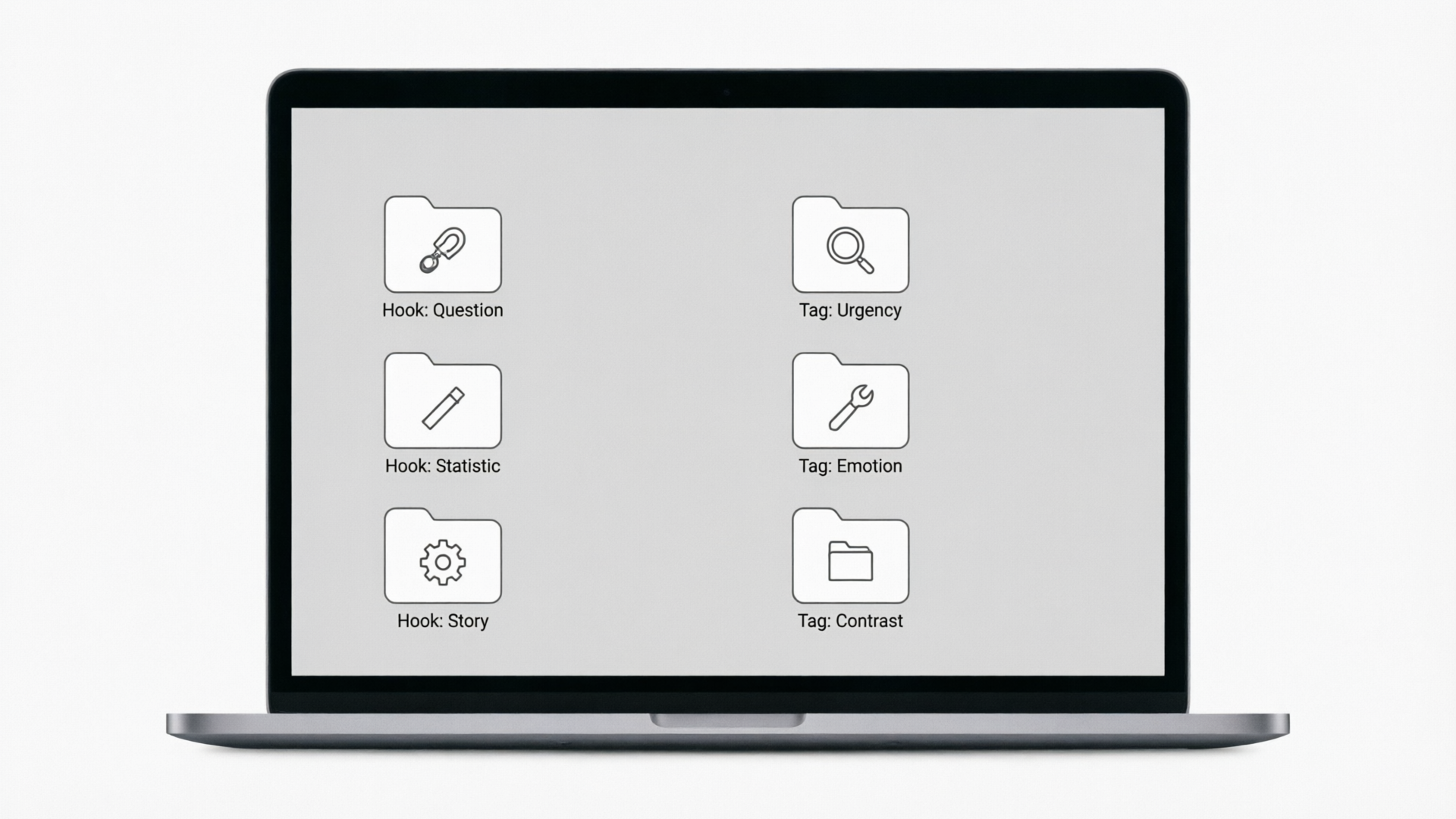
1) Define 8 motif templates: choose motifs in different keys and rhythmic shapes. 2) For each motif, use WowMade AI Music Generator batch mode to render 4 instrument variations (pluck, guitar, mallet, synth) at the same BPM and loop length. 3) Export stems and tag each file with metadata (motif name, BPM, mood, intended use).
This yields 32 ready hooks that you can rotate across content. Store them in a simple folder structure and include short notes (best-use-case, contrast level) so editors pick the right hook for the moment.
Why this scales: Generative tools dramatically reduce the marginal cost of creating variations. With a rights-aware generator like WowMade AI Music Generator you maintain clean usage for brand campaigns and ads — no separate licensing negotiations. Pair these hooks with a visual template from the AI Video Generator or custom imagery from the AI Image Generator for a fully automated, consistent content roll-out.
Frequently Asked Questions
How long should an AI-produced hook be for Reels or Shorts?
Aim for 6–15 seconds (4–8 bars). This range is memorable, loopable, and aligns with platform discovery behavior.
Can I use AI-generated music commercially?
Use a generator that provides clear usage rights. WowMade AI Music Generator outputs original tracks intended to be export-ready and free of additional library licensing — still retain prompt and export records for provenance.
What if my AI hook sounds similar to an existing song?
Run similarity checks and make modifications: change motif rhythm, instrumentation, or key. Keep provenance records and prefer transformation (arrangement changes) before publishing.
Conclusion
An AI-first workflow lets you reliably produce short, memorable hooks that lift watch-time and reduce friction in publishing. Start small: define a motif, set BPM to 104–120, generate three variations in WowMade AI Music Generator, export stems, and test two in your next upload. Use the batch/template approach above to scale a reusable library and keep provenance records to avoid rights headaches.
Open the AI Music Generator and pop a vibe into the generator — you’ll have a track to score your next Reel in minutes.
Make this with WowMade
Mentioned in
- AI vocal hooks for TikTok: A creator’s guide to 15–30s trend-ready samplesLearn to write, produce, and legally deploy 15–30s AI vocal hooks for TikTok using WowMade AI Music Generator. Practical prompts, mix tips, and a step-by-step workflow.
- How to craft short vocal hooks with AI for TikTok: a practical guideLearn to design 6–30s loopable vocal hooks with AI. Two WowMade AI Music Generator workflows, mixing tips, copyright guidance, and A/B testing for TikTok.
- How to Make Click‑Stopping AI Music Short Loops for Reels and ShortsA practical workflow to create short, copyright-safe instrumental loops using AI—plus mixing tips and a quick start with WowMade AI Music Generator.
- Ship AI Dance Videos Weekly: The Creator‑First WorkflowA practical workflow for AI dance videos: pick motion sources, control like a choreographer, sync legal music, and export clean loops for TikTok/Reels/3D.