AI vocal hooks generator: create short singing drops that win attention
Learn a practical workflow to create copyright-safe 2–4s AI vocal hooks and drops, mix them fast, and ship trend-ready stems using WowMade AI Music Generator.
A creator hears the first two beats of a clip and decides: keep watching or scroll. That split-second moment is where short vocal hooks — crisp, 2–4 second singing snippets or drops — win attention. If you want hooks that land immediately, the fastest path is a reliable production loop that starts with a clear creative brief and ends with an export-ready stem. In this article I show a practical, repeatable workflow for building trendable vocal hooks using an AI vocal hooks generator approach and why WowMade AI Music Generator belongs at the center of it.
You’ll get: a checklist that keeps you on the right side of copyright and platform rules; a prompt-to-stem walkthrough that produces short vocal samples that are intelligible and remix-ready; concrete mixing tips for punchy drops; and templates to generate variations so your hook survives remixes and reuse. I also include a short worked example in WowMade AI Music Generator so you can reproduce the process in minutes. Whether you’re an indie musician making a jingle, a short-form editor chasing retention, or a social marketer testing new trend drops, this guide is designed to help you ship legal, clean, platform-ready vocal hooks that actually convert.
Why short vocal hooks and drops drive short-form video performance (what creators need to know)
Short-form platforms reward immediate, distinct audio cues. Studies and platform guidance consistently show viewers decide within seconds; the most effective content hooks the viewer inside the first 2–4 seconds. For context, recent short-form video research highlights that faster attention capture correlates with higher replay and completion rates (see the State of Short Video report). TikTok’s For You distribution model amplifies whatever hook gets attention first, meaning a single recognizable vocal drop can change a clip’s trajectory.
Audio has two advantages over visuals in the attention race: it hits viewers regardless of framing, and it can be layered under motion to create a memory anchor. A 2–4 second vocal hook — whether a sung exclamation, melodic drop, or rhythmic call — functions like an audible logo: short, repeatable, and easy to remix. The primary keyword here, AI vocal hooks generator, describes the tools creators use to produce those tiny assets quickly and repeatedly.
Practical consequence: plan your edit around the hook. Drop the vocal on frame 0–10, match its rhythmic cadence to your cut, and use image movement to reinforce the earworm. If you’re testing different hooks, keep all other variables (caption, thumbnail frame, pacing) the same and swap only the vocal; you’ll isolate what actually moves retention.
Legal and ethical checklist: copyright, voice likeness, and platform rules for AI singing snippets
The legal landscape around AI-generated audio is active and unsettled. Major labels and music companies have filed lawsuits and publicly warned about unauthorized use of recorded music and voice likeness in AI training, illustrating the risk of using tools that recreate identifiable artist voices. The U.S. Copyright Office is reviewing AI-related copyright questions, which emphasizes provenance and licensing as practical priorities for creators.
Checklist for low-risk use of AI singing snippets:
- Use tools that guarantee original output or explicit licensing. If a generator claims "copyright-free" outputs or clear export rights, that reduces licensing friction. WowMade AI Music Generator, for example, produces original tracks and explicit export-ready stems — a key reason to prefer it for trend hooks.
- Avoid generators that copy or mimic specific artists. Voice likeness claims can trigger legal and platform takedowns.
- Preserve provenance: retain a short text record of the prompt, export date, and the file you used in the edit. If a platform questions a clip, you can show you used a licensed generator.
- Watch platform policies. Some apps differentiate AI content disclosure rules; when in doubt, add a short caption like “AI audio” to be transparent.
These steps are practical, not legal advice. For broader context on how the Copyright Office is approaching AI, see the U.S. Copyright Office AI initiative: https://www.copyright.gov/AI/.
Anatomy of a trend-ready vocal hook: length, intelligibility, and rhythmic placement
A hook that works on mute is no hook at all; it must be intelligible, melodic or rhythmic, and short enough to repeat. Industry guidance and production practice converge on the same principles: single melodic or rhythmic ideas work best, and short vocal phrases (3–6 syllables) have the most remix potential. That’s why 2–4 second snippets are the sweet spot for short-form platforms.
Key elements to design for:
- Length: 2–4 seconds. Long enough to state a clear musical idea, short enough to fit the first attention window.
- Intelligibility: Lyrics (if any) should be clear when played on phone speakers. Avoid complex vowel runs or heavily reverb-drenched words that lose clarity on small devices.
- Rhythmic placement: Put the syllable with the strongest transient on an edit boundary (the first frame or a deliberate cutbeat). This gives editors an obvious sync point.
- Melodic simplicity: One short melodic motif sells better than several ideas. Repetition breeds recognition.
Quote for practice: “The hook should be intelligible on its own and repeat cleanly; single melodic or rhythmic ideas work best.” — WowMade creator guidance on AI vocal hooks.
Design exercise: pick a two-syllable exclamation ("oh wow", "get in", "so good") and set it to a short ascending interval. That small motif can be pitched, stretched, reversed, and still feel cohesive across edits.
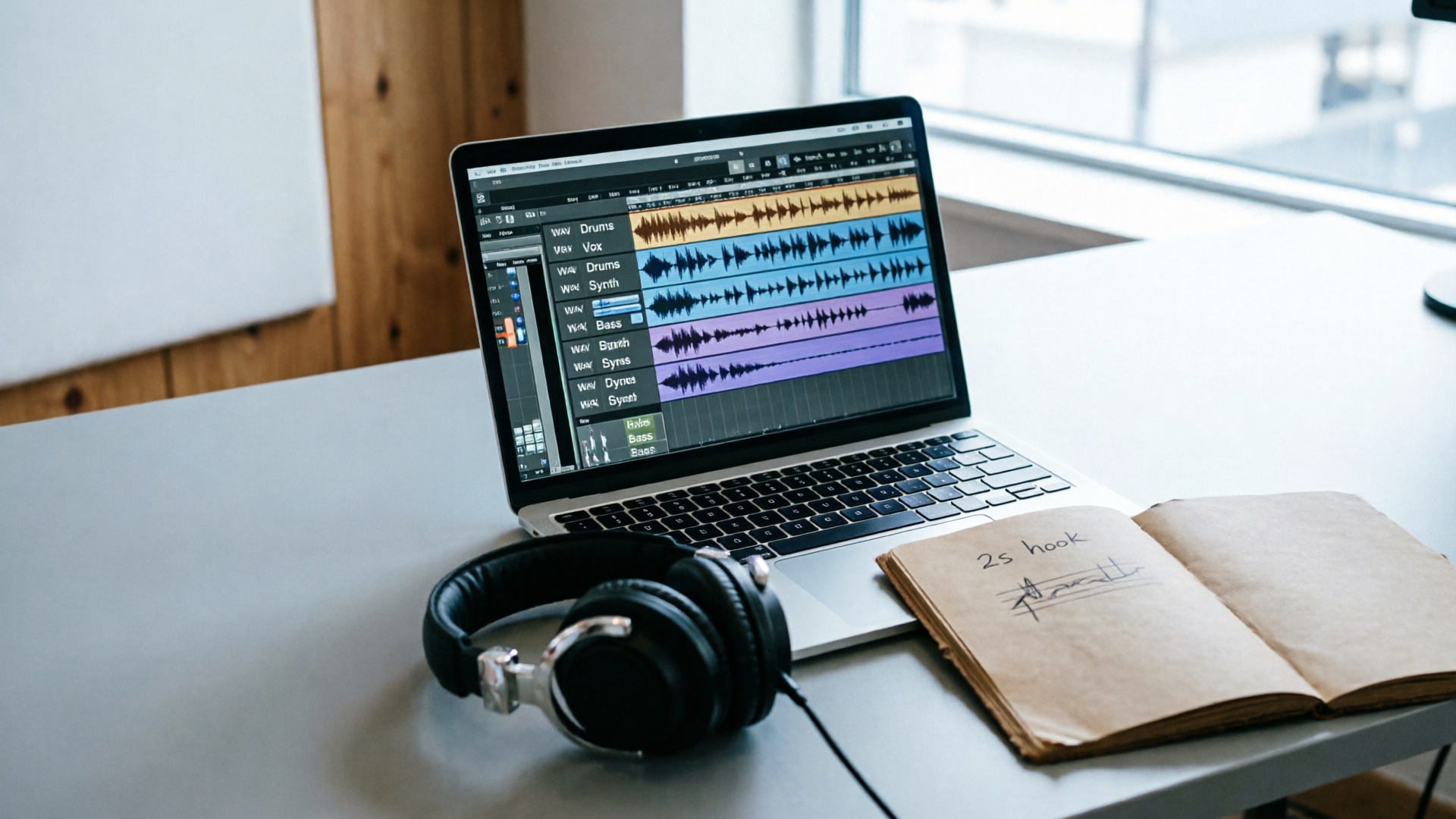
Hands-on workflow — from brief to stem: Prompting AI for short vocal samples that land in 2–4 seconds
Start with a compact brief: target mood, syllable count, tempo range, and delivery style. That brief becomes the prompt you use in an AI vocal hooks generator workflow.
Worked example (step-by-step) using WowMade AI Music Generator:
- Create a concise brief: "energetic 2s sung exclamation, 3 syllables, bright timbre, tempo 100–110 BPM, pop-R&B vibe".
- Open WowMade AI Music Generator (/create-music) and choose a vocal-forward template or set "song with vocals" as the output type.
- Paste the brief into the text prompt box. Add guidance: "short repeatable hook, intelligible on phone speakers, avoid specific artist likeness".
- Set tempo to 105 BPM and select a bright, modern vocal style from the generator options. Tell the engine you want a 2–4 second phrase and request stem export.
- Generate and listen to the variants; pick 2–3 promising takes.
- Export the vocal stem(s) as WAV with highest bit depth available. Keep the backing instrumental if you want a full drop; otherwise export isolated vocals.
Why this works: WowMade AI Music Generator produces original tracks and lets you guide style, tempo, and mood. Export-ready stems mean you skip manual separation and get files that drop directly into your NLE or DAW.
Mini-tip: generate 4–6 variants in one session. Small phrasing changes dramatically increase remix potential. Use consistent naming (hookA, hookB) so you can A/B efficiently.
Hands-on workflow — post-production: quick editing, EQ, and transient shaping for vocal drops
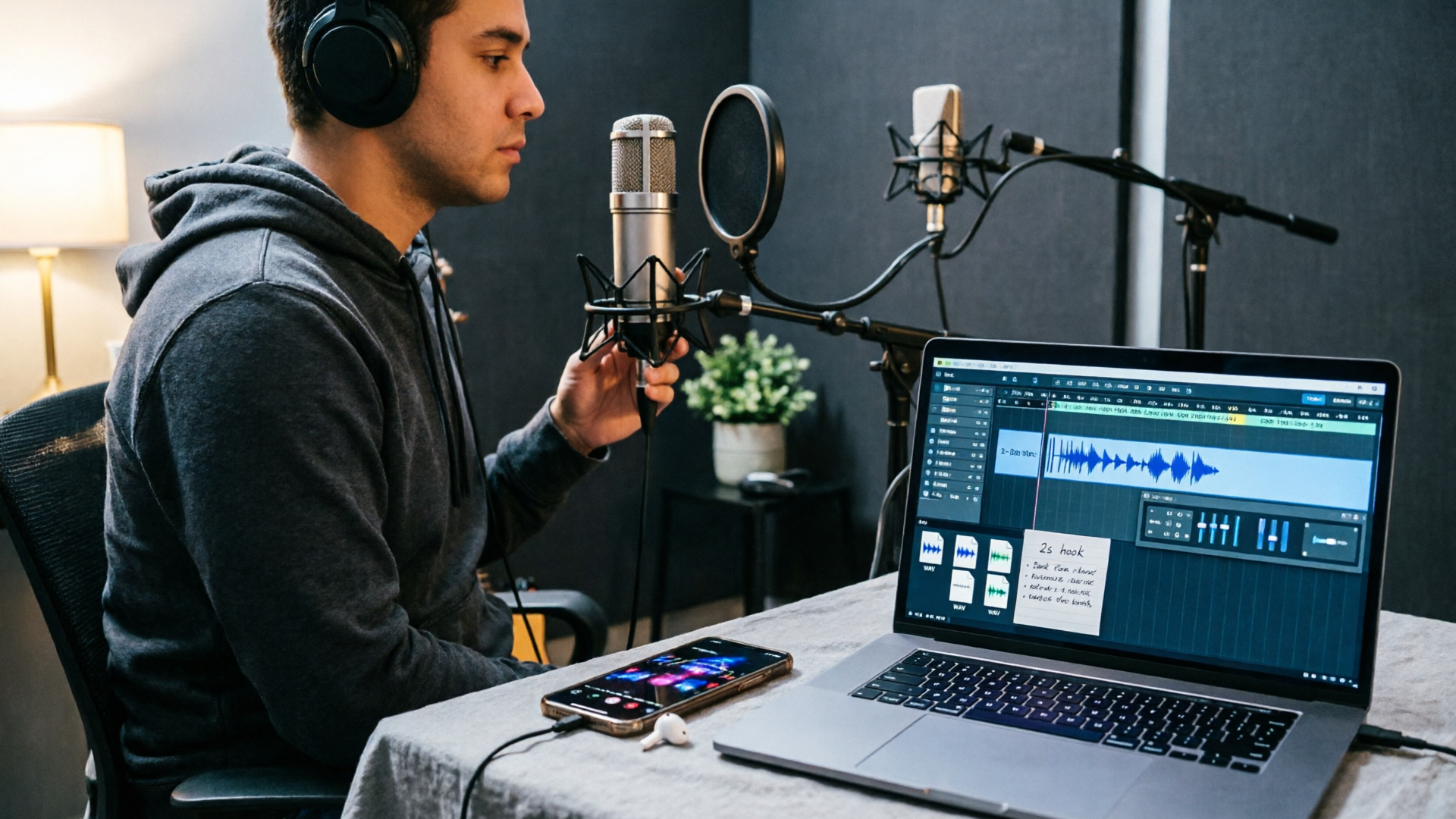
Once you have stems, the goal is to make the hook cut through on small speakers and in noisy feeds. Keep the chain simple and repeatable so you can process dozens of hooks per session.
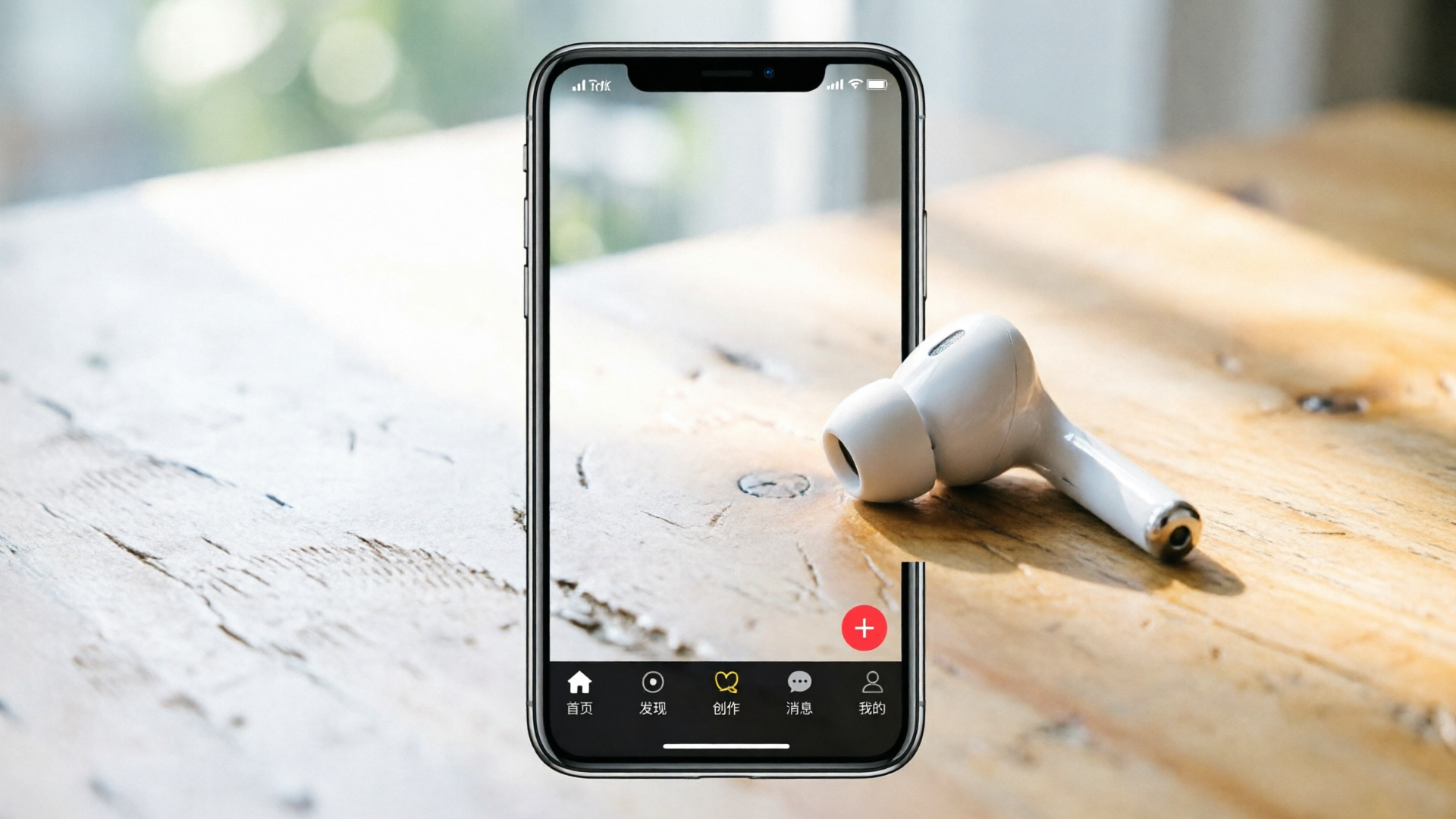
Quick processing chain (phone-ready):
- Trim and fade: crop to 2–4 seconds, add 5–15 ms fades to avoid clicks on edits.
- High-pass filter: start around 120 Hz to remove rumble and tighten the midrange.
- Presence EQ: add a gentle shelving boost around 2–5 kHz (+2 to +4 dB) to increase intelligibility on phone speakers.
- De-esser if needed: tame harsh sibilance around 6–8 kHz.
- Transient shaping: slightly increase the attack for percussive syllables so the drop pops.
- Parallel compression: duplicate the stem, heavily compress the duplicate, then blend it under the original for sustained power without losing articulation.
- Saturation: light tape or harmonic saturation adds perceived loudness and helps the hook cut through the algorithmic noise floor.
Export settings: WAV, 24-bit if possible, bounce the stem at the project sample rate (44.1 kHz is fine for social). Also export an MP3 preview for uploading to the platform draft because TikTok and Reels accept compressed audio and this reduces upload time.
Tip: When testing on-device, use the same phone you monitor most reads on; small speaker differences change what frequencies you should prioritize.
Designing variations and loops so your vocal hook survives remixes and reuse
A hook that can be flipped is a hook that travels. The aim is to create modular stems and pattern ideas that editors and creators can reuse across formats.
Strategies for longevity:
- Create stems: export the dry vocal, a slightly processed vocal (presence/EQ), and a full wet drop (with effects and backing). That gives editors options.
- Micro-edits: make 3–6 variations that change only rhythm or the final syllable ("oh wow" → "oh whoa"). Small edits increase remix value.
- Looped motif: design a 1-bar loop of the motif at multiple tempos (e.g., 90, 105, 120 BPM) so it plugs into different cuts. Tempo/key matching avoids pitch artifacts when stretching.
- Alternate spacing: offer a tight cut and a spaced cut (micro-delay or reverb tail) so creators can choose punch or ambience.
Practical mixing note: keep each variation within ±2 semitones of the original key to preserve natural timbre if you plan to pitch-shift later. If you plan aggressive pitch manipulation, keep the phrase even shorter (2–3 syllables) to avoid intonation artifacts.
A/B strategy: release a primary version and two remixes spaced 48–72 hours apart. Platform algorithms often favor fresh audio variations on already-engaging clips.
How to measure success: metrics and A/B tests for vocal-centric edits on TikTok and Reels
Measure the hook’s effect by isolating variables. Run two creatives that are identical except for the vocal hook and compare retention curves, watch time, and completion rate. Because short-form viewers decide quickly, early retention (first 3–5 seconds) is the most sensitive metric.
Useful KPIs:
- First 3-second retention: direct signal that your hook captured attention.
- Completion rate: longer-term signal of whether the hook drove curiosity.
- Replays and shares: social proof measures that the hook created a repeatable moment.
- Click-through or conversion (if you run ads): good for direct-response tests.
Test design: create a control (no vocal) and two treatment hooks (A and B). Run each variant to similar audience slices for at least 24–48 hours and compare early retention. Use small audiences if you need speed; scale winners later.
Interpretation: a +10–15% uplift in 3-second retention is meaningful on most short-form campaigns. If a hook increases replay rate, try releasing remixes as follow-ups to exploit virality momentum.
Why WowMade AI Music Generator fits this workflow: copyright-safe stems, export-ready formats, and tempo/key matching
If your priority is speed plus low legal friction, the generator you pick matters. WowMade AI Music Generator is designed for creators who need quick, original hooks and stems they can drop into an edit without wrestling with licensing. It generates original AI songs from a text prompt, produces instrumentals, and lets you guide style, tempo, and mood — capabilities that map directly to the steps above.
How it specifically supports this workflow:
- Original tracks and export-ready stems: you get isolated vocals and instrumentals without manual separation, which saves time and preserves quality. That matters when you need 10–20 variations quickly.
- Tempo and style control: set a target BPM to create loopable motifs that match your edit timing. The generator’s tempo guidance prevents destructive time-stretching.
- Quick iteration: generate multiple variants in a single session and export WAV stems suitable for DAW-level processing.
Proof points relevant to creators: outputs are ready to import into any editor, and the generator is positioned as a tool to reduce copyright headaches by creating original material. Use cases include a song with vocals for a trend video, a custom jingle, or a short theme loop — all exactly the kinds of deliverables short-form teams need. For a deeper guide to applying vocal hooks on TikTok, see WowMade’s creator article on AI vocal hooks for TikTok: https://wowmade.ai/blog/ai-vocal-hooks-tiktok-guide.
Supporting features that help downstream work:
- If you need to build a quick visual to pair with the hook, the AI Video Generator can turn a prompt or image into a short clip to match your new audio (/create-video).
- For cover art or on-screen graphics to promote a hook, the AI Image Generator creates cohesive visuals that match the mood of the drop (/create-image).
Practical checklist and templates: prompts, export settings, and platform-ready delivery
Use this checklist when you’re about to generate, mix, and ship a vocal hook.
Prompt templates (fill the variables):
- Short exclamation template: "2s sung exclamation — [3 syllables], bright female voice, energetic, pop-R&B, tempo [100–110 BPM], intelligible on phone speakers, avoid artist likeness".
- Melodic motif template: "2–3 note ascending melodic motif — single male vocal, airy timbre, 2.5 seconds, repeatable loop, tempo [95–105 BPM], stem export".
- Drop with backing: "short sung drop with soft instrument bed — 3 seconds, hook lyric '[your word]', modern electronic pop style, tempo [110 BPM], isolated vocal and instrumental stems".
Export and delivery settings:
- Export WAV 24-bit (or 16-bit if 24 not available), 44.1 kHz. Also export an MP3 128–192 kbps for fast uploads.
- Name files with a clear schema: projecthooknametempovariant.wav (e.g., "promogetin105A.wav").
- Export three stems when possible: dry vocal, processed vocal (presence/EQ), and full wet drop.
Platform-ready checklist before upload:
- Test on-device: play the stem on your phone speaker and laptop to confirm intelligibility.
- Match tempo/key tags in your project metadata or filename so future editors know how to match the hook.
- Add a short caption note: "audio generated with WowMade AI Music Generator" if you want explicit disclosure.
Final delivery tip: keep a folder with prompts and stems for every hook you generate. Over time you’ll build a library that reduces iteration time from minutes to seconds.
Quick template — copy-paste prompt for WowMade AI Music Generator:
"2.5s energetic sung exclamation, 3 syllables, bright female timbre, pop-R&B, tempo 105 BPM, intelligible on phone speakers, repeatable motif, export isolated vocal stem, avoid artist likeness."
Conclusion
Action checklist to ship a hook this afternoon: write a one-line brief, generate 4 variants in WowMade AI Music Generator, export dry and processed stems, apply a simple EQ/transient chain, and run a quick A/B test on your audience. If you follow the steps above you’ll have platform-ready vocal drops that are legal to use, easy to remix, and optimized for the first 2–4 seconds of attention. Open the AI Music Generator and populate your next short with a hook you own.