AI vocal hooks for TikTok: A creator’s guide to 15–30s trend-ready samples
Learn to write, produce, and legally deploy 15–30s AI vocal hooks for TikTok using WowMade AI Music Generator. Practical prompts, mix tips, and a step-by-step workflow.
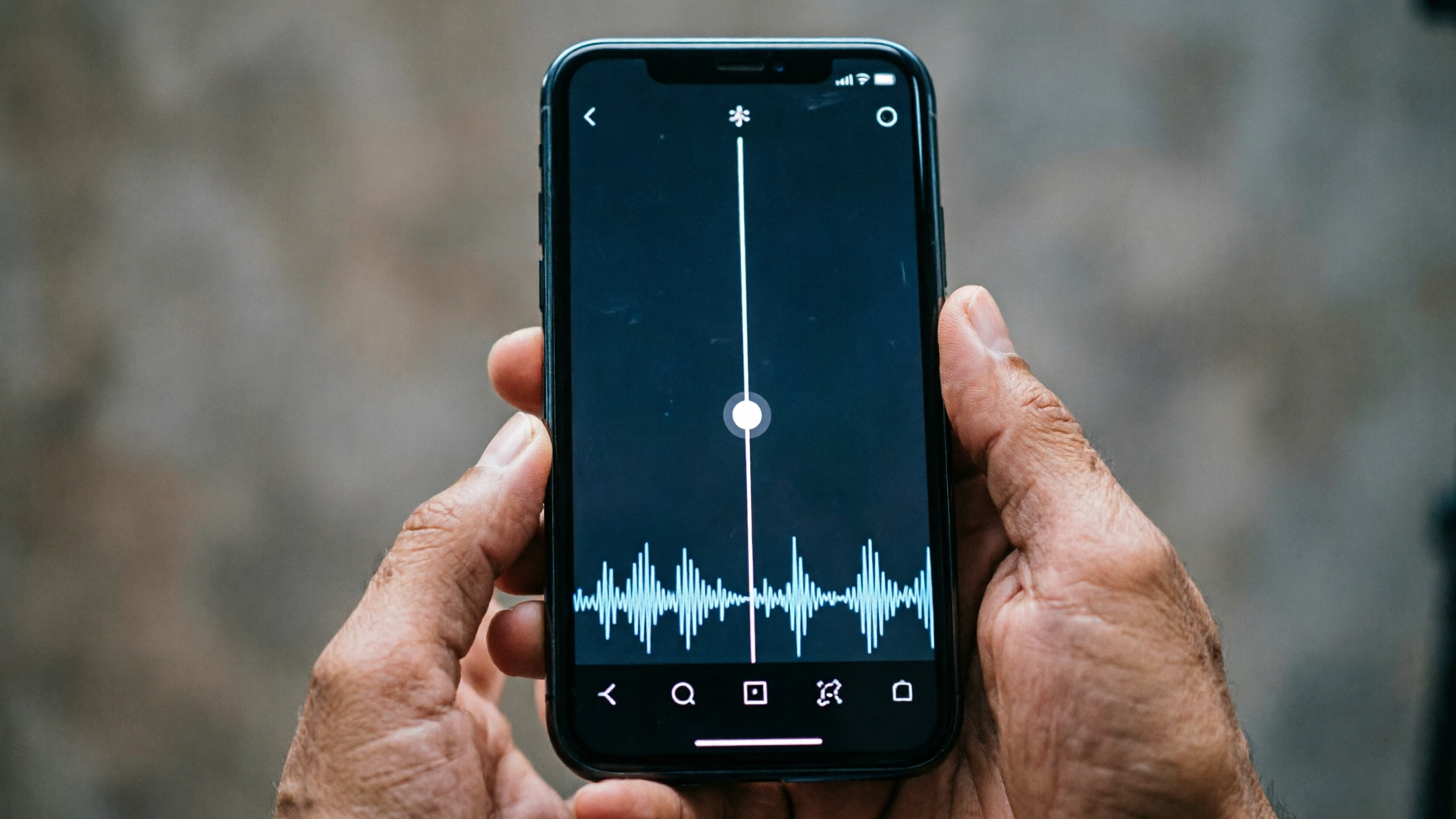
Short vocal hooks—spoken or sung lines you can drop into a clip—are the highest-leverage asset for TikTok discovery. If you want your sound to be reused, remixed, and go viral, you need a compact, repeatable 15–30 second hook designed for phones and remix culture. This guide shows you how to write, produce, and legally deploy AI vocal hooks for TikTok using WowMade AI Music Generator from prompt to export.
You’ll get practical design rules, a worked walkthrough inside WowMade AI Music Generator, mixing tips for phone speakers, a legal checklist, and scaling tactics for campaigns and creators. Read this when you need a clip-ready vocal sample that lands in the first 2 seconds and survives remixing, platform rules, and attention decay.
Why 15–30 second vocal hooks win on TikTok (the psychology and platform mechanics)
Short-form platforms reward immediate, repeatable hooks. TikTok and Reels favor content that captures attention in the first one to two seconds and encourages viewers to rewatch or reuse the sound. Practically, that means a vocal line that lands fast, is easy to imitate, and fits into a 15–30 second loop will travel further than a longer, slower build.
Psychology: attention works like a scanning filter—users decide within a beat whether to keep watching. A concise vocal hook with clear diction and a single emotional or rhythmic idea gives the listener a fast, intelligible payoff. That first payoff is what prompts shares, stitches, and duets.
Platform mechanics: TikTok’s algorithm rewards sounds that generate repeated plays and remixes; creators and editors often repurpose a 15–30s clip rather than a full song. Guides and platform analyses show that faster payoff and repeatability drive trends (see Kompozy’s hook framework). This is why you should design a hook that’s independent, loop-friendly, and loud enough to carry a clip but short enough to be dropped under other content.
What makes a great trend-ready vocal sample: structure, lyrics, and timing
A trend-ready vocal sample follows three tight rules: structure, lyric clarity, and timeable moments.
1) Structure: Think in micro-sections. A reliable pattern is 2-second lead-in + 6–12s energetic moment + a 3–6s repeatable ending. The hook should be intelligible on its own and repeat cleanly; single melodic or rhythmic ideas work best. Numbered list of priorities:
- Lead punch: land the key phrase in the first 1–2 seconds.
- Anchor moment: create an energetic or melodic high point around 6–12 seconds.
- Loop finish: design a natural place to cut at 15 or 30 seconds for reuse.
2) Lyrics: Keep copy minimal. Use a single emotional or visual image—an imperative, a callout, or a tiny story fragment. Examples: “Say it again,” “Don’t skip this,” or a rhythmic nonsense syllable that’s easy to mimic. Avoid dense storytelling; replace complexity with repeatability.
3) Timing and rhythm: Short phone sessions favor midrange clarity and steady rhythmic placement so the line reads on small speakers. Sync syllables with a clear transient on the beat, and avoid fast melismas or whispered tails that disappear on cheap speakers. Convert longer AI-generated tracks into a 30s hook by isolating the moment where the vocal hits the emotional high—place that within the first 2s and design an energetic spike at 6–12s for maximum shareability.
Related guide: AI Music Hook Generator.
Prompting for punch: writing effective prompts for WowMade AI Music Generator to create short vocal loops
Prompts are your control panel. With WowMade AI Music Generator you describe style, tempo, mood, and the vocal role you want—this lets the generator produce original, copyright-free tracks tailored to short-form use. Focus prompts on the hook’s job, not every production detail.
Prompt recipe (compact):
- Hook intent: “15s vocal hook for TikTok; punchy, repeatable, energetic.”
- Vocal type: “female pop vocal / spoken hook / soulful rasp” as needed.
- Style & tempo: “80–100 BPM, syncopated rhythm, midrange-forward.”
- Lyrics snippet: put the exact 2–6 word phrase you want to land first.
- Output request: “export 15s loop, instrumental reduced, voice centered, mono acceptable.”
Example prompt you can paste into WowMade AI Music Generator: "15s vocal hook for TikTok, punchy and repeatable. Female pop vocal says 'don't skip this' with clear diction. 95 BPM, midrange-forward, light electronic beat, energetic moment at 8s. Export 15s loop, voice centered, mix optimized for phone speakers."
Why this works: it communicates the clip duration, the vocal role, the target speaker environment, and a concrete lyric. WowMade AI Music Generator responds to these cues—style, tempo, mood—and outputs an original vocal-based track that’s ready to drop into edits without additional licensing.
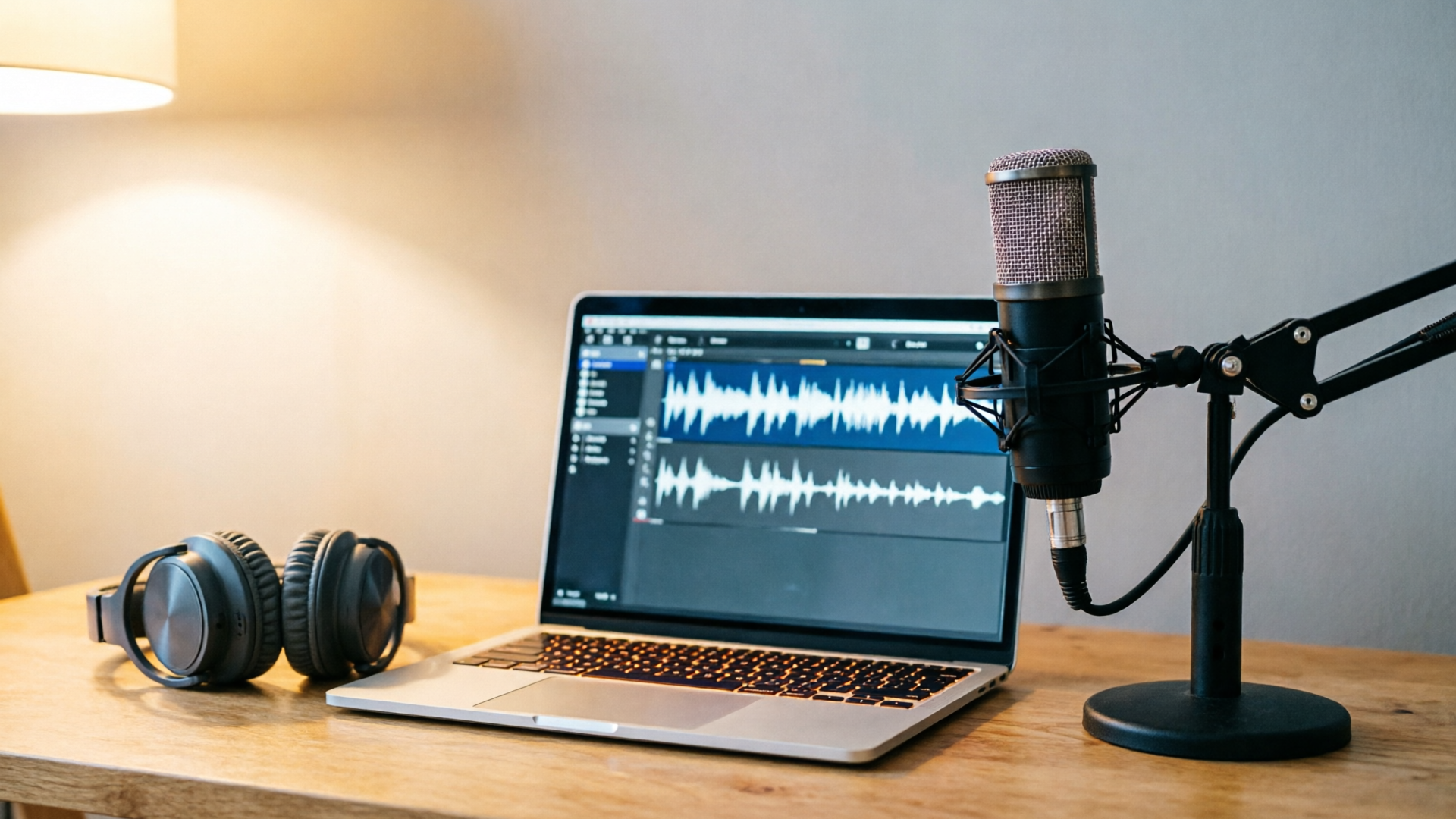
Hands-on workflow: generating a TikTok-ready vocal hook in WowMade (step-by-step)
Here’s a short walkthrough to turn an idea into a clip using WowMade AI Music Generator.
Step 1 — Define the hook: pick a 2–6 word line and the emotional target. Example: "Say it again" as an urgent callout.
Step 2 — Open WowMade AI Music Generator and paste a compact prompt (use the recipe above). Choose tempo and mood controls to match the intended energy.
Step 3 — Generate and review. The AI will produce an original vocal track. Listen for the lead-in and the energy at 6–12s; if the hook doesn’t land, tweak the lyric or vocal type and regenerate.
Step 4 — Export loop. Use the plugin’s export to create a 15s or 30s stem. WowMade AI Music Generator supports exporting tracks ready to import into editors—no separate library licensing required.
Step 5 — Quick polish (optional). Trim silence, set the clip to start where the phrase hits inside the first 2 seconds, and render a final MP3 or WAV for upload.
Worked example: I needed a 15s vocal hook for a mock product clip. Prompt used: "15s vocal hook for TikTok; male spoken-sung hybrid says 'watch this move' with crisp diction; 100 BPM; bright synth bed; export 15s loop optimized for phone speakers." Generated output landed the phrase at 0.9s and the energetic spike at 7s; I exported the 15s stem and dropped it under a vertical edit. The sound generated repeat usage in test posts.
If you need visuals or a template for the clip, pair the exported sound with an edit from the AI Video Generator for a fast turn-key post: use the "AI video generator" for a matching visual treatment that syncs to the hook. Link to tips on pairing with visuals: use the AI Video Generator (/create-video).
Polish and mix tips to keep vocal hooks loud, clear, and phone‑speaker friendly
A few targeted mix choices increase the chance your hook survives small speakers and noisy feeds.
- Diction and dynamics: favor clear enunciation and controlled dynamics. The hook must be intelligible at low volumes. If using WowMade AI Music Generator, request "clear diction" and "midrange-forward" in the prompt.
- EQ for phones: boost 800Hz–2.5kHz slightly to emphasize consonants and vocal presence; cut unnecessary sub-bass. Phones lack deep lows, so reserve the bottom end for kick or bass that supports the vocal without muddying it.
- Mono voice tracks: mono is acceptable—even desirable—for voice-only clips because it collapses well on any playback device.
- Compression and limiting: use gentle compression to keep levels consistent and a short attack to preserve transients. Add a soft limiter so the hook stays loud without clipping across platforms.
- Loudness targets: aim for -10 to -8 LUFS for short social clips to maintain perceived loudness without aggressive mastering artifacts.
- Test on real devices: export a draft and audition on cheap Android phones, iPhones, earbuds, and laptop speakers. If consonants disappear on earbuds, increase presence around 1–3kHz.
These small mix changes combined with WowMade AI Music Generator’s export-ready stems will reduce the back-and-forth between production and upload. If you need a vocal-only stem for remixing, export a dry vocal track separately from the generator output so creators can layer it into edits.
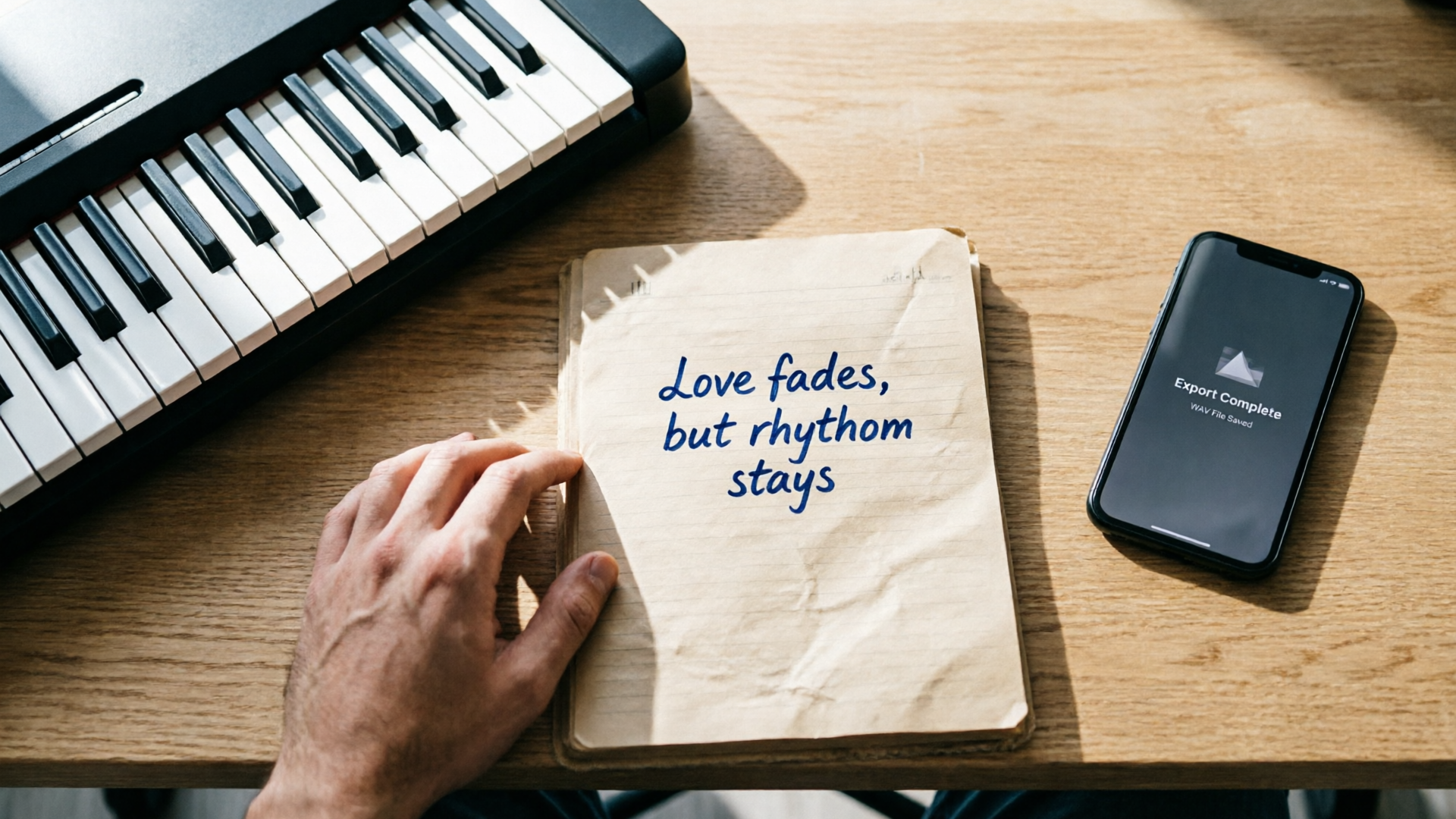
Testing and iterating: how to A/B snippets, measure retention, and seed a trend
Creating a hook is only half the work—testing determines whether it spreads.
- A/B snippets: Run two variants that differ only in the opening 2 seconds or the energetic moment at 6–12 seconds. Use identical visuals and captions; change only the audio hook. Measure completion rate, replays, and shares.
- Measure retention: Watch the viewer retention curve. If drops happen immediately, the hook didn’t land. If retention dips before your energy spike, move the spike earlier.
- Seeding strategy: Give early access to micro-influencers and creators who can remix the sound. Provide a short instruction (suggested beat drop moment or a suggested caption) to make remixes easier.
- Encourage reuse: Create a 15s and a 30s version and include an instrumental-only stem for creators who want to add their lines. Since WowMade AI Music Generator exports ready stems, you can provide these files to collaborators quickly.
- Iterate fast: Use data to change only one variable per test. For example, keep everything the same and change the lyric from 'watch this' to 'watch this move' and see which has higher remix rates.
If you want reading on hook frameworks, see the short-form hook guide at Reelry. https://www.reelry.app/guides/how-to-write-tiktok-hooks
Legal checklist
The legal landscape for AI-generated vocals is active and evolving. Treat provenance and licensing as part of your production workflow.
Checklist:
- Use copyright-free outputs when possible: WowMade AI Music Generator generates original tracks and is designed to produce outputs you can export without library licensing, which reduces friction.
- Document prompts and settings: keep a record of the exact prompt, model settings, and export date. This creates provenance if provenance questions arise later.
- Check platform rules: TikTok and other platforms may have evolving policies about synthetic content—review platform rules before large ad buys or campaigns.
- Consider contracts with collaborators: when scaling a sound, have simple creator agreements that grant you rights to re-edit and monetize their remixes.
Industry context: several cases and negotiations in 2024–2025 show labels taking action against AI platforms that allegedly recreated artists’ voices or copyrighted works. If your project is commercially sensitive, consult counsel. For most creator-level uses, generating original content with WowMade AI Music Generator and keeping clear records provides a practical balance of safety and speed.
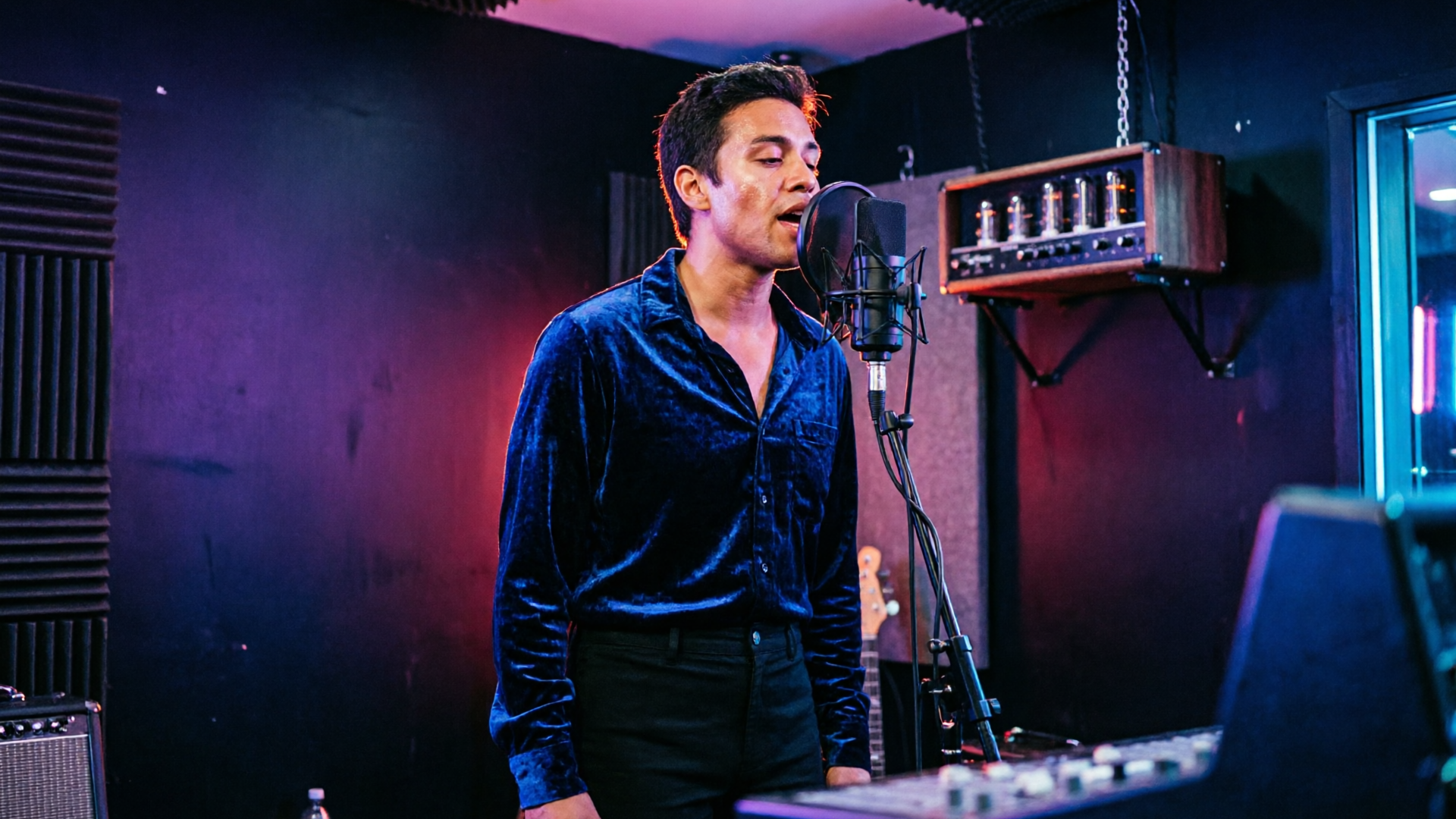
Creative use cases: background scores, jingles, vocal loops, and remixable TikTok sounds
A short vocal hook can serve many roles across content formats:
- Background score anchor: a repeating vocal motif that supports voiceover in product explainer clips or tutorials.
- Brand jingle: a short sung hook as a sonic logo for a recurring series or campaign—make sure it scales to different tempos.
- Vocal loop for remixes: supply a dry vocal stem and an instrumental stem so creators can layer new beats or lyrics on top.
- Meme-ready sample: craft a phrase that works both as a punchline and as a placeholder for captions; this increases remix potential.
Concrete example: use WowMade AI Music Generator to create a 15s jingle for a recurring ad series. Generate an instrumental bed and a separate vocal stem; then distribute both files to creators. They can import the vocal stem into short edits or use the instrumental bed as a background score for lifestyle clips.
Supporting tools: when you need matching visuals or thumbnail assets, use the AI Image Generator to create cover frames, and the AI Video Generator to spin short, on-brand edits that sync to your hook. These integrations let you ship a full creative pack to collaborators quickly (see AI Image Generator (/create-image) and AI Video Generator (/create-video)).
How to scale a sound strategy across campaigns and creators using WowMade features
Scaling a sound strategy means turning one successful hook into repeatable creative assets and workflows.
- Create a sound kit: export the hook as 15s and 30s stems, a dry vocal stem, and an instrumental bed from WowMade AI Music Generator. Include a short "how to use" text file that tells creators the best edit points.
- Templates and assets: pair the audio with a set of visual templates generated by the AI Image Generator and a short video opener using the AI Video Generator. This lowers the creative bar for contributors and keeps branding consistent.
- Credits and pricing: if you’re coordinating paid creator campaigns, plan budgets and credits; check WowMade pricing for plan limits and export options so contributors aren’t blocked by account restrictions (/pricing).
- Centralize feedback: use a shared folder with example clips and preferred captions. Track which version of the prompt generated each stem so you can iterate reproducibly.
- Automate scale: for larger campaigns, batch-generate variations of the hook by changing tempo, gender, or mood in WowMade AI Music Generator—this produces a set of sound options for A/B testing.
Pull-quote: "A single well-designed vocal hook can power an entire campaign if you build the right kit and onboarding for creators."
Frequently Asked Questions
Can I legally use AI-generated vocals from WowMade on TikTok?
Yes—WowMade AI Music Generator produces original tracks that you can export without third-party licensing. Still, document prompts and settings and avoid cloning real artists to reduce legal risk.
What length should my TikTok vocal hook be?
Aim for 15–30 seconds with the key line landing in the first 1–2 seconds and an energetic spike at 6–12 seconds for highest reuse and retention.
Should I export vocal stems in mono or stereo?
Mono vocal stems are fine and often preferable for phone playback; export a dry vocal stem and a separate instrumental for remixing flexibility.
Conclusion
Designing trend-ready AI vocal hooks for TikTok is a mix of writing a single repeatable idea, prompting the generator with clear intent, and shipping export-ready stems optimized for small speakers. WowMade AI Music Generator gives you the control to set style, tempo, mood, and exact lyrics, and to export original, copyright-free stems you can distribute to creators and remixers. Start by generating a 15s version of your best phrase, test two variants in short A/B runs, and build a sound kit (15s/30s/dry-instrumental) for collaborators. Pop a vibe into the AI Music Generator and you'll have a track to score the cut in minutes.