Build a Repeatable Sonic Identity: Fast AI Intro Music and Series Theme Loops
Create copyright-safe, repeatable 3–8s intro music and theme loops with AI. Practical workflow, mixing tips, and a step-by-step using the WowMade AI Music Generator.
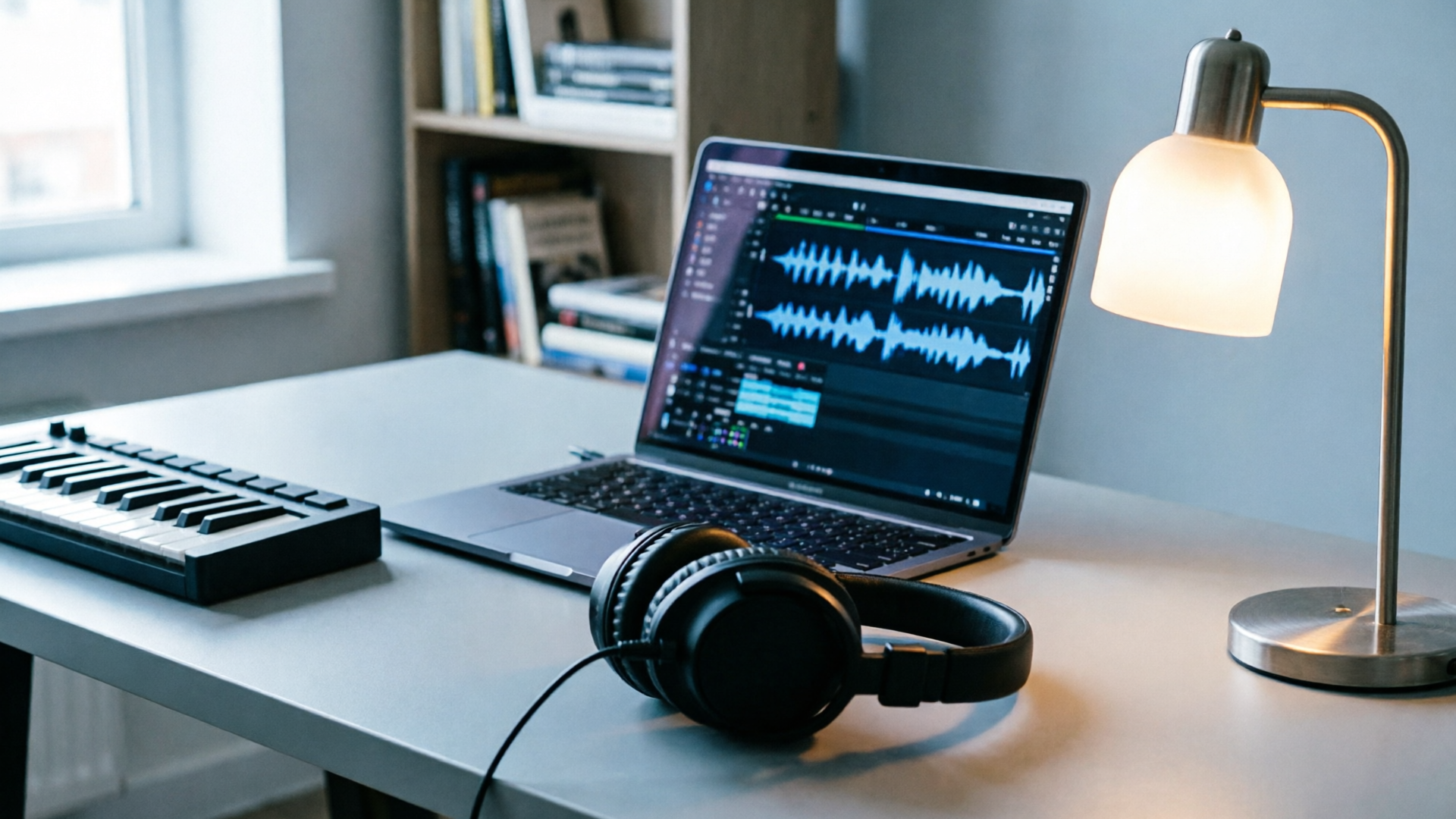
Short, repeatable sonic identities—those 3–8 second motifs that open a video or podcast—are one of the fastest ways to build recognition across platforms. If you want an AI intro music workflow that scales, stays copyright-safe, and can be iterated in minutes, this article walks you through a practical system creators use to ship consistent audio branding.
I'll show why 3–15s sonic hooks win attention, the legal realities around AI-generated music, and a motif-first process for building a family of loops. Along the way you'll see concrete steps using the WowMade AI Music Generator (first mention) to create a 3–8s YouTube intro, export stems, and scale those assets across episodes and platforms.
Why short, repeatable sonic identities (3–15s) win attention and retention
Short sonic identities—often 1–8 seconds, but sometimes stretched to 10–15s for slightly longer formats—work because they create extremely fast memory hooks. For short-form video and podcast intros, research and practitioner guides consistently recommend 3–8s intro lengths: long enough to feel distinctive, short enough not to cost attention or ad revenue. Creators who use tight, repeatable motifs benefit in two ways: faster recognition at the start of a clip, and a predictable emotional cue that prepares viewers for the host’s voice or the story.
From a cognitive and marketing standpoint, brief loops are easier to store as auditory brand tokens. Industry reviews of sonic branding show measurable business outcomes for brands with consistent audio cues—higher perceived value and stronger purchase intent when audio identities are clear and repeated. For independent creators and small teams, that means a 3–8s theme loop can function like a logo: it signals continuity across episodes and increases retention when repeated at strategic points (openers, bumpers, and closers).
Practical takeaway: design a motif that’s recognisable in the first two bars and keep it repeatable. The rest of this guide assumes that motif-first approach and shows how to use AI to iterate quickly while holding onto a coherent identity.
Legal reality check: copyright, ownership, and AI-generated music you can safely use
Before you adopt AI intro music at scale, understand the legal shape of the field. The U.S. Copyright Office and recent legal scholarship highlight unresolved questions about how training data affects authorship and ownership of AI-generated works. That means not all AI music tools are created equal from a rights perspective—some platforms rely on third-party samples or unclear training sets, which can create risk for commercial use.
Creators should verify three things before dropping a track into a monetized video or ad: 1) the generator’s licensing terms (does it grant commercial use?), 2) a statement about originality (are outputs claimed to be original and free of third-party samples?), and 3) an export/ownership policy that lets you use and modify the files. The WowMade AI Music Generator is built for creators who need copyright-safe outputs: its product promise includes original tracks ready to drop into edits and explicit export rights so you can avoid library-licensing headaches.
Tip: Keep a short audit trail. When you generate a motif, save the prompt, timestamp, and exported stems in a folder named by season/series so you can show provenance if a question ever arises.
This is not legal advice—if you have high-risk commercial work (major ad buys, sync deals, or brand partnerships) consult counsel—but picking a generator with clear commercial licensing is a quick way to reduce downstream friction.
Designing a series theme loop system: motifs, stems, and variation rules
A reliable sonic identity system scales because it’s rule-driven. Start with a short motif (3–8s) and define a small set of variation rules to produce a family of assets: tempo and key shifts, instrumentation swaps, rhythmic simplification for stingers, and extended beds for long-form episodes. A compact rule set prevents accidental drift between episodes and keeps editors from reinventing the theme each time.
Core elements of a theme family:
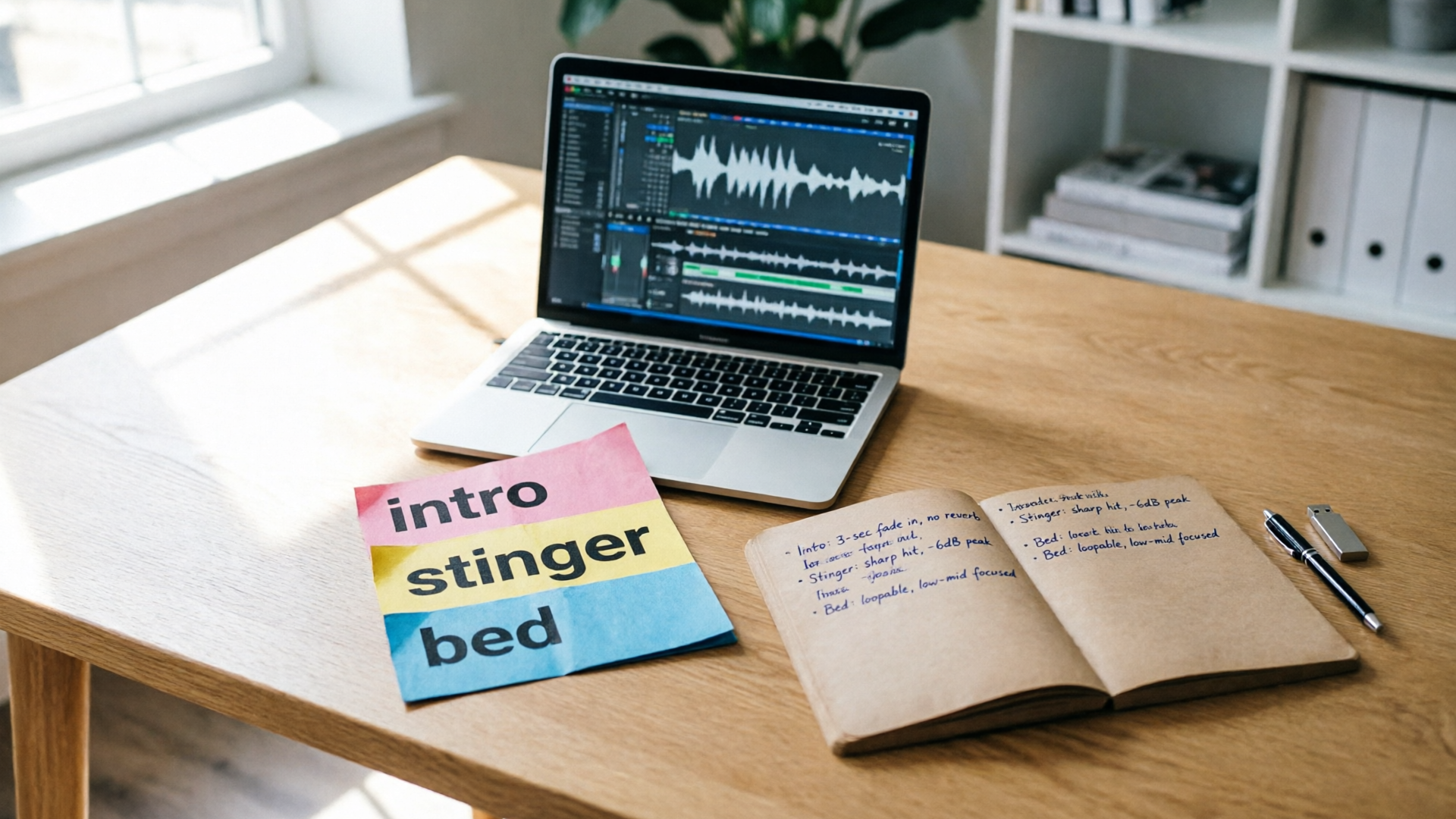
- Motif: the 3–8s hook that carries your identity.
- Stinger: a 1–2s micro-variation for scene cuts or transitions.
- Intro loop: the 3–8s version used at the open.
- Bumper/bed: a subdued, longer (15–60s) loop for background use under voice.
- Stems: separated instrument groups (drums, bass, melody, pads) so editors can remix.
Workflow rules that save time:
1) Motif-first iteration. Design and lock the motif, then make three variants (tempo +10%, -10%; alternate instrument) per episode—WowMade documentation recommends a 2–3 pass variant approach (compose → vary → export) for fast, coherent results. 2) Export stems. Always export at least four stems: melody, harmony, rhythm, and ambiance. Stems let you duck or roll off frequencies that compete with dialogue. 3) Naming conventions. Include project, motif name, tempo, and use-case in filenames (e.g., seriesXmotifA100bpm_intro.wav). That speeds searching inside an editor and across an asset library.
This system reduces creative decisions during editing and preserves brand coherence across formats.

Hands-on: Rapidly generate a 3–8s YouTube intro or sonic logo with WowMade AI Music Generator
Here's a short, practical walkthrough using the WowMade AI Music Generator to create a 3–8s intro motif you can drop into a channel opener.
Step-by-step example:
1) Open the WowMade AI Music Generator and pick "Instrumental" mode (the generator creates original tracks and instrumentals from a text prompt). 2) Prompt example: "3s upbeat synth motif, bright major key, bouncy rhythm, modern tech-jingle vibe, tempo 110 BPM, clean mix". Use style, tempo, and mood to guide the result. 3) Generate 3 variants. The interface supports quick style/tempo toggles—try +10% and -10% tempo and a different instrumentation (e.g., guitar vs synth) to produce immediate options. 4) Select the best variant and choose "Export Stems"—download melody, harmony, rhythm, and ambiance stems. The generator’s export is full-quality and ready to import. 5) Create a loop: trim to 3–8s, crossfade 5–20ms if necessary, and normalize for loudness.
Why this works: the WowMade AI Music Generator gives you control over style, tempo, and mood and produces original instrumentals you can export without licensing headaches. That means you can iterate multiple motifs, A/B them across episodes, and keep an auditable prompt history.
Place the motif in your editor and test it against the first 10 seconds of your video: if the hook competes with dialog, bump the arrangement to a sparser stem or lower the melody by 2–4 dB.
Internal link: when you need to pair the audio with on-brand visual openers, consider generating a matching opener image or short clip with the AI Video Generator to test audiovisual sync in your edit — use the AI video generator for combined tests at /create-video.
Hands-on: Build a reusable theme family (verses, stingers, and longer beds) and export stems for editing
After you have a locked motif, expand it into a family that fits every place you need it in an episode. The goal is to produce interchangeable pieces that editors can swap without losing brand coherence.
Practical expansion steps:
1) Create the variants. In the WowMade AI Music Generator, take the motif prompt and request longer arrangements (15–45s) and softer instrumentation. For a bumper/bed, ask for a reduced dynamic range and less percussive energy so it sits under speech. 2) Make micro-stingers. Create 1–2s punched versions with a transient emphasis for scene transitions. These are often the same motif compressed and EQ’ed to cut quickly through a mix. 3) Export stems for every variant. Always include the four core stems (melody/harmony/rhythm/ambience) plus a “mix bus” export so you have both dry stems and a premixed file. Stems are essential if you need to duck music under VO or re-balance levels in the timeline.
Example: Build a set for an episode
- Intro loop (4s) — synth melody + light rhythm — stems exported.
- Stinger (1s) — same melody, clipped and transient.
- Mid-episode bed (30s) — motif extended with pad and simplified drums, -6 dB relative to intro.
- Outro (6s) — motif slowed 10% for a winding conclusion.
Naming and version control: save these with clear metadata in your asset library. This lets editors quickly locate the intro, the stinger, or the bed for specific needs. If you collaborate, include the prompt text in a metadata file so teammates can reproduce or modify the motif.
Mixing and loudness tips for background scores and vocal-over beds in short-form content
Good mixing keeps your motif present without fighting narration. For short-form content and podcast beds, follow platform-aware loudness and EQ habits so the music supports rather than overwhelms the host.
Recommended levels and EQ:
- Target levels: when music plays under speech, aim for -30 to -35 LUFS relative to the program level so speech is clear and music remains supportive. This range is common in podcast mixing workflows and works well for the quieter moments of YouTube videos.
- Frequency management: carve a notch (1–3 dB) in the 200–800 Hz region or use a high-pass on non-melodic stems to reduce muddiness. If the motif shares midrange with a host's voice, reduce those frequencies on the melody stem by 2–4 dB.
- Dynamic control: gentle compression on the mix bus keeps transient stingers from poking too loud; for stingers you can leave transients intact for punch but lower the overall peak with a transient shaper.
Practical checklist for editors:
- Import stems, solo the voice track, and set music stems to -18 to -22 dB FS peak as a starting point.
- Use automation to duck the melody stems during dialogue-heavy lines.
- Normalize exported loops to -1 dB peak and then check LUFS for platform consistency.
When you export final episode mixes for platforms, adapt loudness: music-forward short videos might target higher integrated loudness than long-form podcasts. Regularly test on phones and tablets because small speakers reveal frequency clashes differently than studio monitors.
Scaling your repeatable sonic identity across platforms and creative workflows
Once you have a motif and a family of assets, scale by creating a simple distribution system and a lightweight creative brief for collaborators.
Scaling steps:
1) Asset pack: export a zip for each season containing the motif prompt, stems for each variant, a premix of each variant, and usage notes (where to use the intro vs bumper). 2) Templates: create project templates for common editors (Premiere, FCP, or mobile editors) with placeholder tracks labelled for intro, stinger, bed, and voice. This reduces onboarding friction for freelance editors. 3) Platform variants: produce short, louder versions for short-form feeds and quieter, extended beds for podcast platforms. Keep metadata that maps each file to the platform (e.g., "IGreel3s", "YTopen5s", "podbed30s").
A rule-of-thumb: keep at least three levels of the same motif across platforms—micro (1–2s), intro (3–8s), and bed (15–60s). That gives you assets for every edit size while preserving sonic coherence.
Operationally, use the WowMade AI Music Generator to produce batch variations quickly and export ordered stems. If you also need matching visuals or thumbnails, the AI Image Generator can create on-brand assets from the same creative brief at /create-image, letting you test cohesion across audio and visual channels. For edits that must sync to motion, generate short video test opens with the AI Video Generator and confirm timing before final render (/create-video).
Final workflow note: keep a living brief and a single source-of-truth folder for each show. That reduces the chance of stray, off-brand music creeping into an episode and ensures that every editor can find the right stem and prompt to reproduce or adjust the motif later.
Conclusion
You can build a repeatable sonic identity without hiring composers or wrestling with library licenses: start motif-first, iterate variations, export stems, and standardize mixing levels. The WowMade AI Music Generator repeatedly surfaced in this workflow because it generates original, export-ready instrumentals, accepts clear style/tempo prompts, and supports fast stem exports—precisely what creators need to ship sonic identities quickly. Try the process above on a real episode: generate three motifs, pick one, export stems, and test it under voice in your editor. Open the AI Music Generator and score your next intro in minutes.