How to Make Short, Copyright‑Safe Ad Jingles with an AI Jingle Generator
Step-by-step guide to produce 5–15s copyright‑safe ad jingles with prompt formulas and workflows using WowMade AI Music Generator.
Picture a 10‑second spot where the creative is over in a blink but the tune sticks: a simple four‑note hook that makes viewers remember the brand long after they scroll. Marketers and creators still win attention with short jingles — and an ai jingle generator can get you there faster than composing from scratch or wrestling with library licensing. This guide shows practical, creator‑first workflows for producing 5–15s, copyright‑safe jingles that work as hooks or taglines in paid social and pre‑roll.
You’ll get: prompt formulas that reliably produce usable ad hooks, two hands‑on step‑by‑step workflows using WowMade AI Music Generator, quick editing and looping tricks for six platforms, and a legal checklist so the track you run in paid media is defensible. Throughout, I’ll use concrete examples and an actual mini walkthrough inside WowMade AI Music Generator so you can leave this page with an export-ready jingle. If you need a quick custom hook for an ad, the WowMade AI Music Generator is the tool we return to — it generates original tracks, guides style/tempo/mood, and exports copyright‑free outputs ready for your edit.
Why short jingles (5–15s) still outperform in paid social and pre-roll ads — evidence and examples
Short ads live and die by immediate memorability. In formats where viewers swipe or skip in seconds, jingles function as an audible shorthand: a sonic hook that signals brand identity and primes recall faster than visuals alone. Industry playbooks for short audio spots consistently use a Hook → Offer → CTA structure; jingles often own the Hook or close the creative as a Tagline. For advertisers, the practical takeaway is this: a 5–15s jingle that sticks can increase ad recall and make a 6‑second brand impression feel much longer.
Examples that work: a 5s three‑note sting before a vertical ad that repeats the brand name; a 10s ukulele motif with a sung tagline that runs under an influencer clip; a 15s instrumental arc that crescendos on the product reveal. These lengths map to common short‑ad forms — 5, 10, and 15 seconds — and fit both social feeds and pre‑rolls without trimming full mixes.
Two evidence points to keep in mind: creators value music. Epidemic Sound’s 2023 report found 97.7% of creators say music is essential to making content, which explains why short, catchy musical hooks remain a primary lever for shareable and memorable ads (Epidemic Sound Creator Report 2023). Second, modern AI music tools let small teams produce original, short-form jingles faster than hiring composers or clearing library pieces — but the quality and control depend on the tool’s ability to accept concise prompts for style, tempo, and vocal/instrumental choices.
That’s why using an ai jingle generator that supports style, tempo, and exports — like WowMade AI Music Generator — is a practical shortcut: it produces original tracks without library licensing, and gives you the control to craft the exact 5–15s hook you need.
What “royalty-free” and “copyright‑safe” mean for AI-generated music in 2026: risks, laws, and practical protections
The legal landscape around generative music remains active. Recent industry analyses and legal briefings flag disputes over model training data and rights — making it important to treat "copyright‑safe" as a product promise backed by contract and provenance, not a universal fact. Goldman Sachs and academic surveys have noted both monetisation opportunities and legal risk in music AI; conservative creators prioritize platform terms and clear licensing. (See Goldman Sachs music industry briefing.)
What to verify before you publish an AI jingle:
- Licensing terms: Does the tool explicitly grant commercial rights for generated tracks? Some vendors attach commercial licenses only to paid tiers; others vary between paid and free outputs. Always read the Terms of Service and the commercial‑use statement for the tier you use.
- Ownership and attribution: Does the platform require attribution, or does it grant you a license to use the track without credit? The difference affects contracts with clients and platforms.
- Provenance: Can the platform provide metadata or proof the track was generated (not copied) and that it’s original to the model? This matters if you ever need to demonstrate good faith in a dispute.
Practical protections for conservative creators:
- Use paid tiers when the vendor ties commercial rights to premium generations.
- Keep clear recordkeeping — save prompts, generation timestamps, and exported files with metadata.
- Prefer platforms that state "original tracks — no library licensing required" or similar language in their product proof points.
WowMade AI Music Generator is positioned for creators who want a copyright‑safe workflow: it generates original AI songs, produces instrumentals, lets you guide style/tempo/mood, and exports tracks you can use without the usual library licensing headaches. That combination—plus saving generation prompts and exports—gives you a practical provenance trail in case your usage is questioned.
Prompt formula: How to write a concise AI jingle prompt that produces a usable ad hook (templates + examples)
Short jingle prompts must be compact and precise. Use a template that captures brand voice and production constraints in a single sentence. The recommended formula:
[Brand adjective] + [Genre] + Tempo/[BPM or feel] + [Vocal or instrumental?] + [Primary phrase/tagline] + [Length]
Why this works: it gives the ai jingle generator explicit constraints (style, tempo, vocal presence) plus the functional output requirement (length) so the generator focuses on a hook, not a full song.
Templates you can copy:
- "Bright, upbeat ukulele pop at 100 BPM, female vocal sings 'CleanHome—sparkle today' — 10 seconds, catchy hook, commercial use."
- "Bold, punchy electronic stinger, 120 BPM, instrumental with rhythmic synth stab, 5 seconds, memorable hook."
- "Warm, jazzy piano motif, instrumental, slow 80 BPM, 15 seconds, gentle brand tagline feel, commercial use."
Worked examples:
- For a snack brand wanting a bouncy 10s sung tag:
"Playful, bouncy indie pop at 110 BPM, male vocal sings 'MunchJoy—taste the fun' in a 10s hook, bright production, commercial use."
- For a fintech app needing a 5s sting:
"Confident, minimal synth sting, 95 BPM, instrumental, 5 seconds, three‑note earworm, commercial use."
Prompt tips:
- Include the exact phrase the vocalist should sing if you want a sung tagline.
- Add production adjectives (bright, lo‑fi, punchy) instead of vague terms like "good".
- Specify "commercial use" or "royalty‑free export" if the tool uses licensing tiers.
These concise prompts are tailored for tools that accept style, tempo, mood, and export constraints — features found in leading ai jingle generator products. When you run this prompt in WowMade AI Music Generator, you can refine the output by adjusting tempo, vocal presence, or the length until the hook fits your edit.
Step-by-step workflow — Create a 10s brand jingle with WowMade AI Music Generator (from brief to export)
This walkthrough produces a 10s sung jingle that functions as a Hook and Tagline for a short ad. The steps are written for WowMade AI Music Generator and assume you have a project brief and brand tagline ready.
Brief example: Brand: "GlowKit"—a countertop cleaning spray. Tone: bright and helpful. Tagline: "GlowKit—shine in seconds." Target format: 10s for Instagram Reels.
1) Craft the prompt (30–90 seconds):
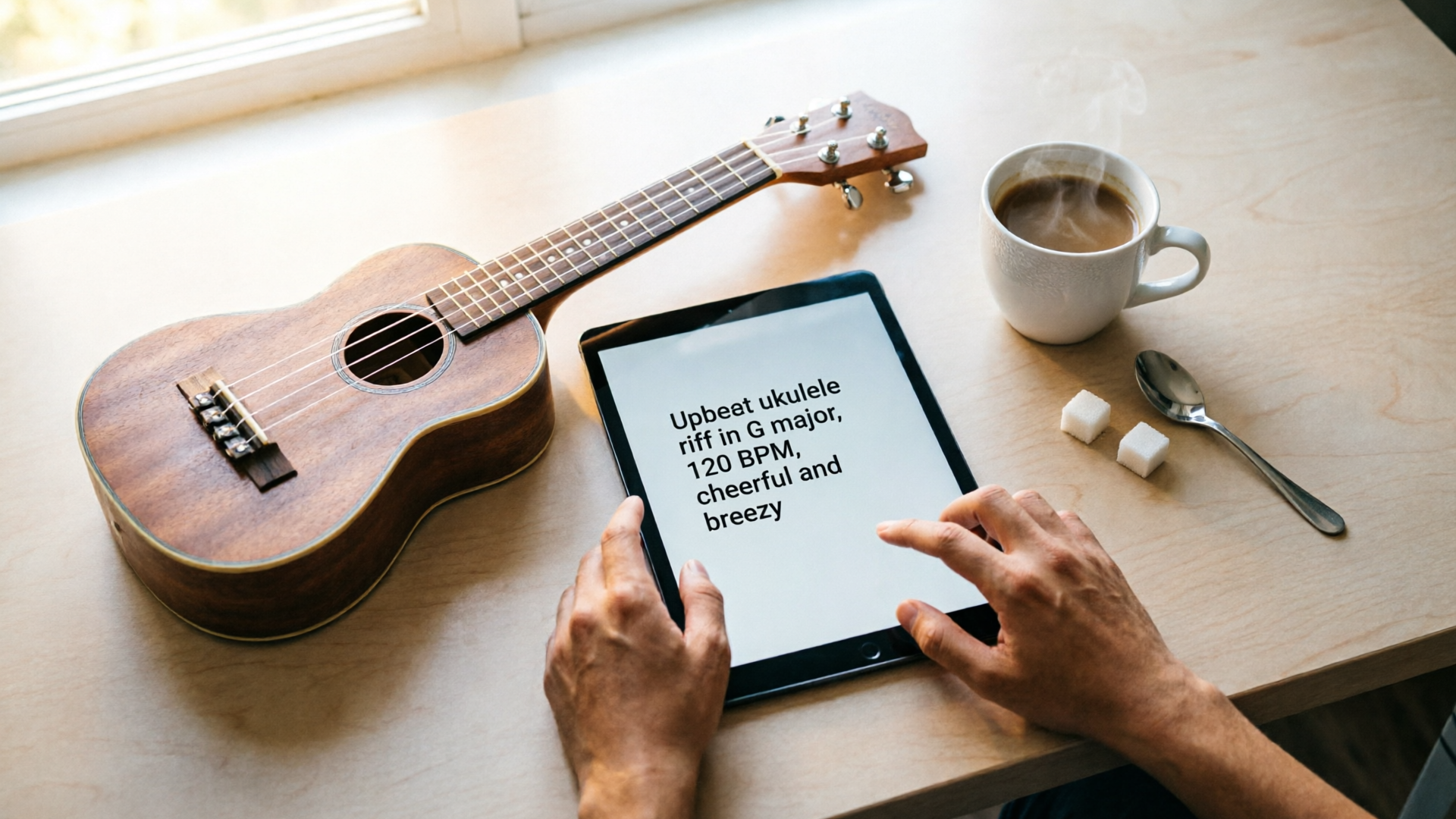
- Use the formula: "Bright, upbeat ukulele pop at 100 BPM, female vocal sings 'GlowKit—shine in seconds' — 10 seconds, catchy hook, commercial use."
2) Open WowMade AI Music Generator (/create-music) and paste the prompt in the prompt field.
3) Select generation options (tempo/style/mood):
- Set tempo to 100 BPM.
- Choose "female vocal" and "ukulele" instrumentation if available.
- Pick "export-ready" or the tier that grants commercial rights (confirm the Terms if needed).
4) Generate (seconds to a minute):
- Review the rendered clips. Most tools return several variations; pick the one with the strongest hook.
5) Quick edit inside the generator (1–3 minutes):
- Trim the clip to the exact 10s window.
- Use the platform’s slider to nudge BPM or reduce reverb if the vocal sits poorly in a vertical mix.
6) Export and name assets (30 seconds):
- Export master WAV/MP3 and an instrumental stem if you want background-only edits later.
- Save the prompt text and generation metadata as a .txt alongside exports for provenance.
7) Import into your editor and test (2–5 minutes):
- Drop the jingle under the ad edit. Check mix levels at -12 to -6 dBFS so dialogue or voiceover can sit above it.
Why this works: WowMade AI Music Generator supports guiding style, tempo, and mood, produces original tracks without library licensing, and exports files ready for editors. That means you can go from prompt to export in under ten minutes, with a record of the prompt and files for legal protection.
Internal link: If you need a quick visual companion for the ad, generate supporting imagery in the AI Image Generator (/create-image) and combine them into a clip with the AI Video Generator (/create-video).
Refine, mix and loop: Quick post‑generation edits to make an AI jingle fit 6 platforms (TikTok, Reels, YouTube Shorts, Instagram Stories, pre-roll, TV)
Different platforms demand different mixes, loudness, and loop behavior. A good short jingle is modular: export both the full mix and stems so you can quickly create versions for vertical and horizontal formats.
Platform checklist and simple fixes:
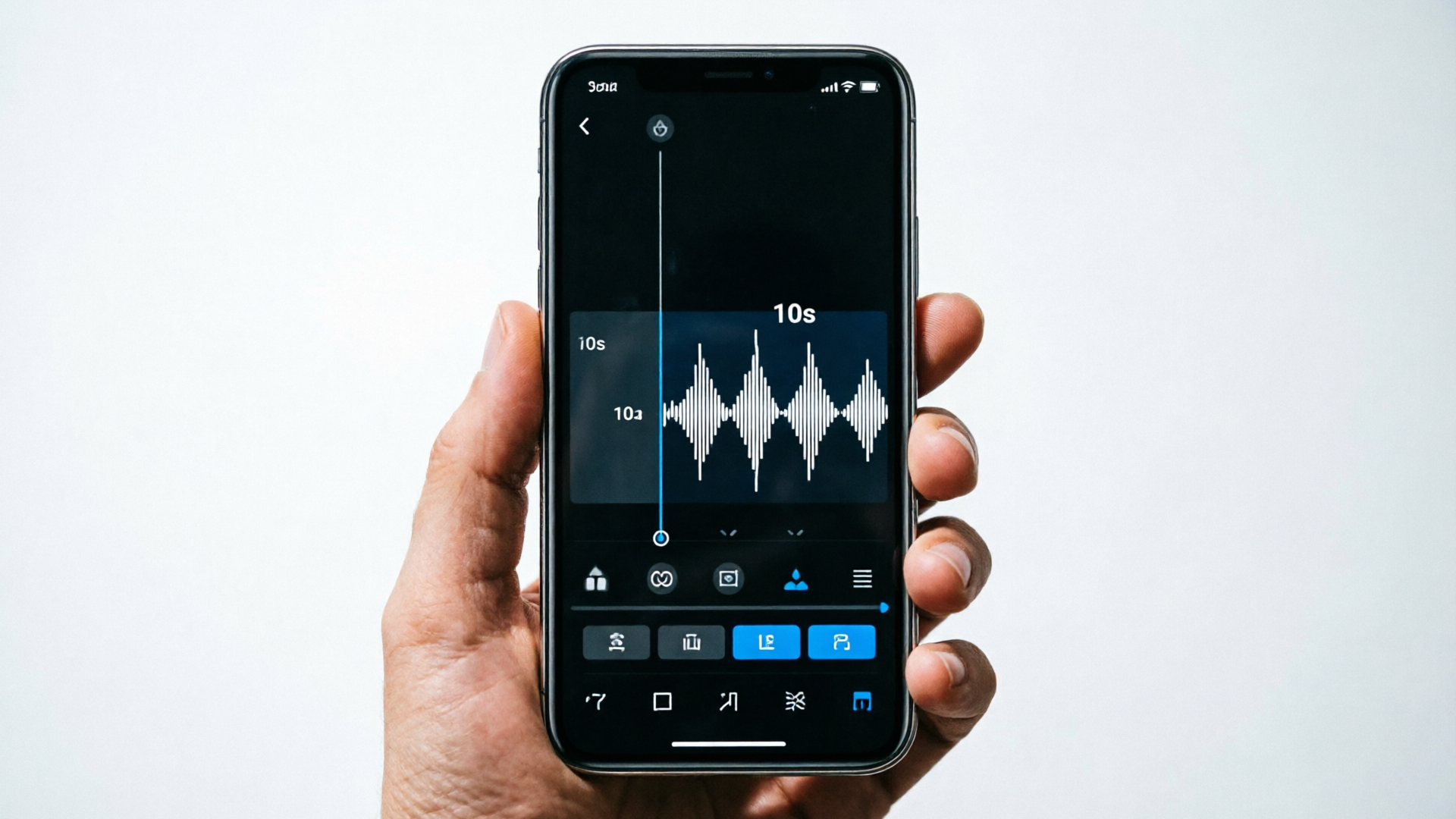
- TikTok & Reels (9:16): keep the jingle short and punchy; lower reverb and boost midrange so the hook cuts through headphones and device speakers. Looping is common—create a 10s loop that crossfades 50–100ms to avoid clicks.
- YouTube Shorts: similar to TikTok, but prioritize clarity at higher loudness; aim for LUFS around -13 to -11 for music under dialogue.
- Instagram Stories (15s slots): you can extend a 10s jingle by adding a short instrumental tail; export a 15s version with the same motif.
- Pre-roll (6–15s): ensure the jingle functions as a musical punctuation to the Hook → Offer → CTA. Mix against voiceover; duck music by 6–10dB during speaking.
- TV (15–30s): TV broadcast requires stricter loudness and sometimes stems for compliance. Use stems for final mix and follow channel loudness specs.
Practical mixing tips:
- Export stems: at minimum, get full mix + vocal stem + instrumental stem. Stems let you duck or isolate the vocal for language swaps or localization.
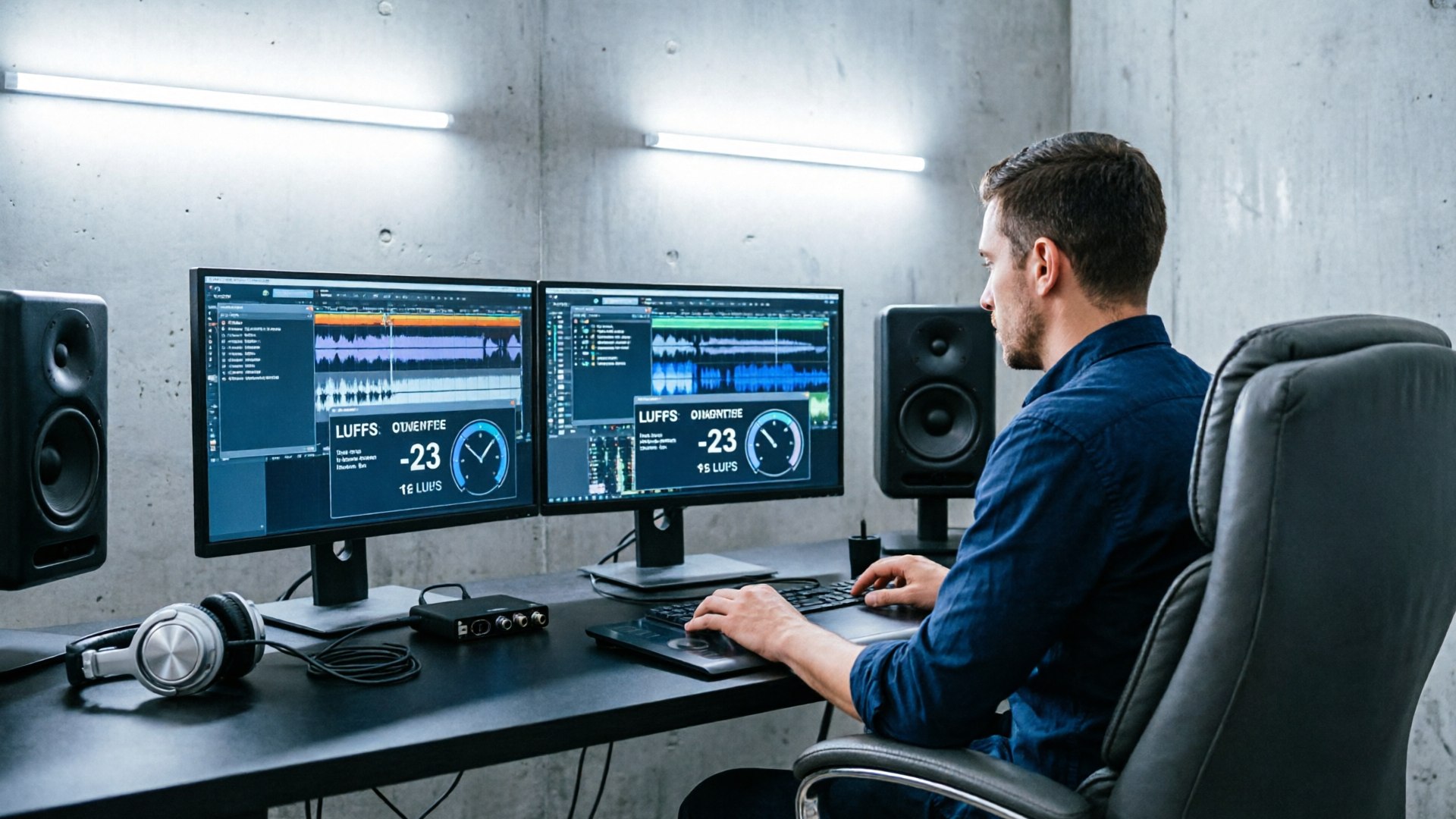
- Create two loudness presets: "social" (-12 LUFS) and "broadcast" (-23 LUFS), then normalize exports to those targets.
- Build seamless loops: render a 2x version of the hook and crossfade at phrase boundaries; test on mobile speaker output.
A short blockquote tip:
Tip: If your jingle will be reused as a channel theme, export a 6s loop and a 15s version—most platforms prefer both a short sting and a longer bed for different placements.
WowMade AI Music Generator makes these steps faster by exporting both full tracks and stems and by letting you control tempo/mood during generation.
A/B testing and performance metrics for short ad jingles — what to measure and how to iterate
Short jingles are creative hypotheses. Treat them like micro‑campaign experiments and measure the same core outcomes you use for visuals.
Key metrics to track:
- Ad recall and brand lift: run a brand lift study or use lift metrics available in platforms (if you have access). The primary question: did the jingle improve aided or unaided brand recall?
- Click‑through rate (CTR) and conversion rate (CVR): does the ad with the jingle outperform the same creative with music swapped or muted?
- View‑through rate (VTR) and watch time: short jingles should reduce early drop; compare retention curves across versions.
- Engagement metrics: likes, shares, and sound uses (if you make the audio track available on TikTok/Instagram). A sticky jingle will be repurposed by creators.
A/B test structure (numbered steps):
- Baseline: run the ad with no jingle or library music.
- Variant A: 5s sting jingle.
- Variant B: 10s sung jingle.
- Variant C: instrumental loop.
Run each variant against comparable budgets and audiences for at least several thousand impressions to reduce noise. Look for early signals in CTR and watch time; use lift studies for recall.
Iterating on sound:
- If CTR improves but watch time drops, the jingle may be attention‑grabbing but intrusive—reduce level or shorten the jingles.
- If shares and sound uses increase, consider releasing a full 15–30s version for creators to remix.
Data‑driven jingle refinement: keep prompt versions with small mutations (tempo ±10 BPM, vocal vs instrumental, different production adjectives). With WowMade AI Music Generator you can rapidly generate variants from the same prompt and export A/B assets without re‑recording a vocalist. That speed is useful when testing multiple sonic hypotheses across audiences.
Legal & distribution checklist before you run an ad: licensing, credits, contracts, and recordkeeping
Before you push a jingle live in paid media, run through this checklist. It’s a short audit that protects your campaign from avoidable legal headaches.
Pre‑run checklist:
- Confirm commercial rights: verify the generator’s Terms of Service for the product tier you used and save a screenshot or PDF of the applicable license clause.
- Save provenance: export and store the prompt, generation metadata, and timestamps alongside the audio files. This is evidence you generated an original track.
- Export stems and masters: provide deliverables to media partners or broadcasters who may require stems for compliance.
- Contract language: in client work, state in the SOW that jingles are generated via WowMade AI Music Generator and that you provide the exported tracks with the granted commercial use. Include who bears the risk if an external claim arises.
- Attribution & credits: confirm whether the platform requires attribution; if not required, decide if you’ll credit the tool in internal documentation.
- Archiving: keep project files for at least two years (prompt, export, delivery receipts). Many disputes surface well after campaigns end; having records shortens resolution time.
Distribution notes:
- Platform policies: check the platform-specific rules for music and ads (some ad platforms have policies about music rights).
Final practical point: choosing a generator that both exports royalty‑free tracks and supports controlled prompts simplifies many items on this checklist. WowMade AI Music Generator provides original tracks ready to import into any editor, and saving prompts and exports gives you a straightforward provenance trail should you need it.
Frequently Asked Questions
Can I claim full ownership of a jingle generated with an AI jingle generator?
Ownership depends on the platform’s Terms of Service. Many tools grant commercial licenses for generated tracks—some only on paid tiers. Save the license text, export metadata, and check whether the vendor explicitly assigns rights or grants a commercial license.
How long should a short ad jingle be for social platforms?
Common, effective lengths are 5s, 10s, and 15s. Use 5s for stings and pre-roll punctuations, 10s for sung taglines, and 15s when you need a short musical bed that can double as a loop or longer placement.
Do I need stems when exporting a jingle?
Yes—at minimum export the full mix plus vocal and instrumental stems. Stems let you duck music under voiceover, localize vocals, and meet broadcaster requirements.
Conclusion
Short, copyright‑safe jingles remain one of the highest‑leverage creative tactics for paid social and pre‑roll. Use concise prompt formulas, keep good records, export stems, and treat each jingle like a testable hypothesis. For speed and control, run your prompts in WowMade AI Music Generator — it generates original tracks, guides style/tempo/mood, and exports tracks ready for your edit.
Open the AI Music Generator and score your next 10s hook in minutes.