Image to cinematic video: turn one product photo into a looping landing-page hero
Turn one product photo into a cinematic looping hero video that boosts attention and loads fast — step-by-step workflow using the WowMade AI Video Generator.
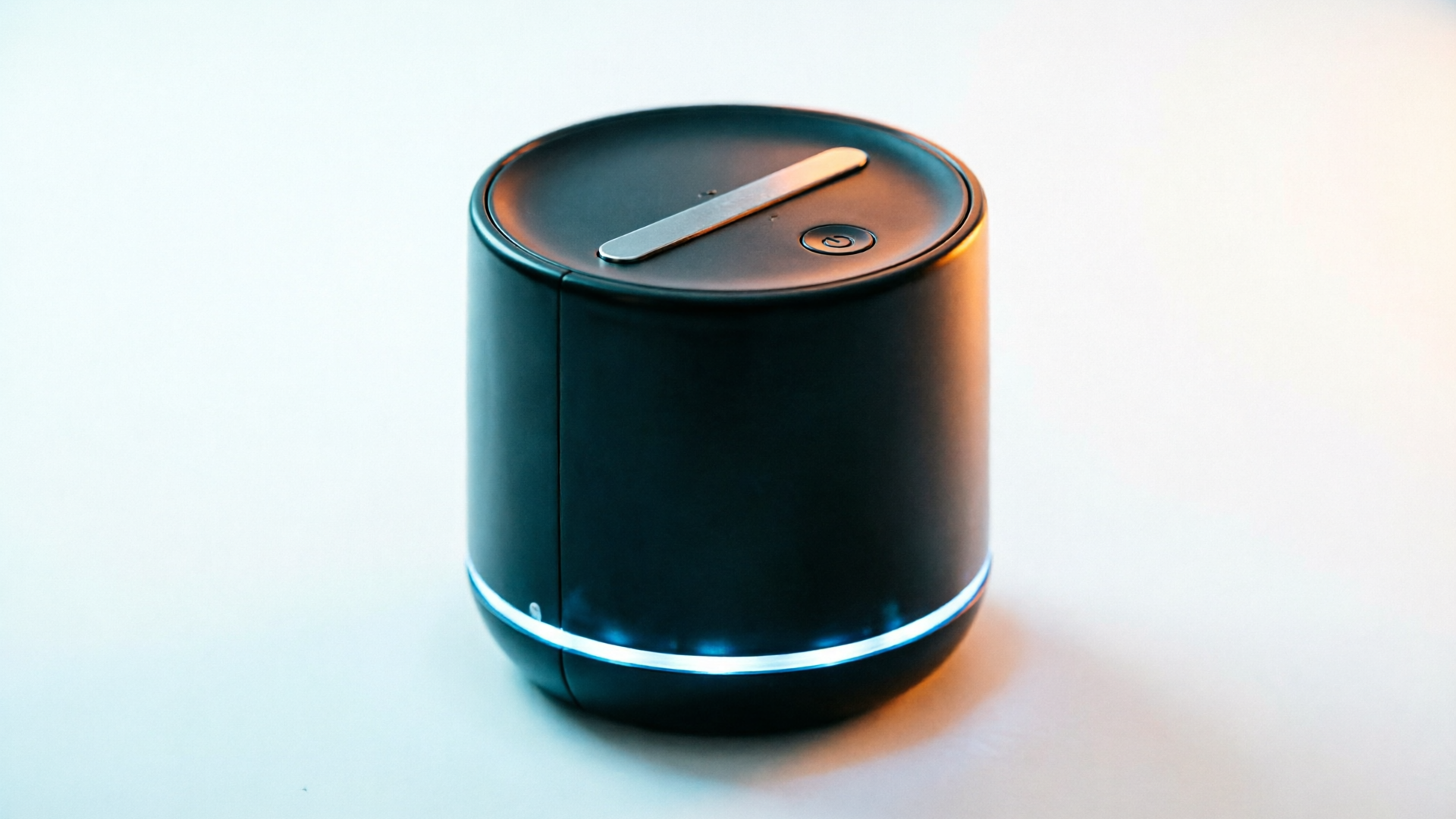
If you sell a product online, a single animated clip can outperform a static hero — and you don't need a production crew to do it. This guide shows how to convert one clean product photo into a short, looping cinematic hero that improves attention and scales into social hooks. You'll learn the behavioral reasons this works, what to prepare before animation, the landing-page specs that keep load times low, and a hands-on WowMade AI Video Generator workflow to get a production-ready loop in minutes.
The primary tactic here is image to cinematic video: use a still photo plus a brief text prompt to create a 5–12 second loop tailored for web and social. Throughout the article I reference the WowMade AI Video Generator and show a concrete step-by-step example so you can ship a hero loop that loads quickly, preserves visual fidelity, and converts better than a static image.
Why a short, looping product video can beat a static hero — the behavioral and conversion evidence
Short, looping product videos grab attention differently than static images because motion engages visual processing pathways tied to intent and mental imagery. Academic work is explicit: a 2022 Frontiers in Psychology paper found product‑presentation videos increase purchase intention by improving mental imagery and perceived diagnosticity — in plain terms, seeing the product in motion helps customers imagine ownership and better assess fit. This is why video often increases conversion metrics when it's relevant and well-targeted.
Not all motion helps equally. A 2025 Journal of Consumer Research study showed animation speed matters: moderate-speed animations increased attention and willingness to wait, making users 14.4% more likely to land on a page compared with fast animation or static images. That means a subtle, cinematic loop usually beats frantic motion or an obvious marquee.
Practitioner evidence is encouraging but mixed: case studies report uplifts ranging from modest to very large (one reported a 100–257% lift on specific pages). Industry writeups (Unbounce, Brafton) stress the same limitation — video can improve performance, but only when optimized for intent, speed, and relevance to the visitor. From a practical POV, that means short, purpose-built loops (commonly 5–15 seconds) that communicate benefit quickly and keep file sizes small so page speed doesn't suffer.
Key takeaway: a 5–12s cinematic loop that emphasizes product detail, material, or a key use-case at a moderate pace is both supported by research and practical for landing pages. The rest of this guide focuses on how to achieve that quickly using the WowMade AI Video Generator while keeping load and conversion tradeoffs top of mind.
Pick the right still and visual direction: what to prepare before you animate
Your final loop can only be as good as the source material and the direction you give the model. Preparing the right still and a short visual brief reduces wasted iterations and keeps the subject "on-model" when you use image-to-video tools.
Choose the still
- Clean background and separation: A neutral or plain background with a clear subject silhouette makes it easier for AI models to isolate and animate the object without artifacts. If you can't retake the photo, use a quick background remove in an image editor.
- High resolution and minimal compression: Use the highest-quality original you have; downsampling is fine, but heavy JPEG artifacts will show in motion.
- Strong product angle: Select an angle that highlights the product's key benefit — texture, interface, or scale. Close-ups work well for materials; three-quarter angles work for lifestyle and shape.
Define the visual direction
- Mood and pacing: Decide if you want cinematic slow reveals, confident parallax, or gentle rotations. For landing heroes, aim for moderate speed — not a full 360 spin unless it's subtle.
- Lighting and color grading: Note the lighting type (soft diffused, rim-lit, high-contrast) and whether you want warm or cool grading. This instruction keeps the generated clip consistent with your brand.
- Motion anchors: Which parts should move? Background, product rotation, shadow, reflection, camera dolly, or animated labels? Keep motion minimal and purposeful — e.g., a 10–20° turn, soft camera push, and a micro parallax layered to imply depth.
Write a short prompt
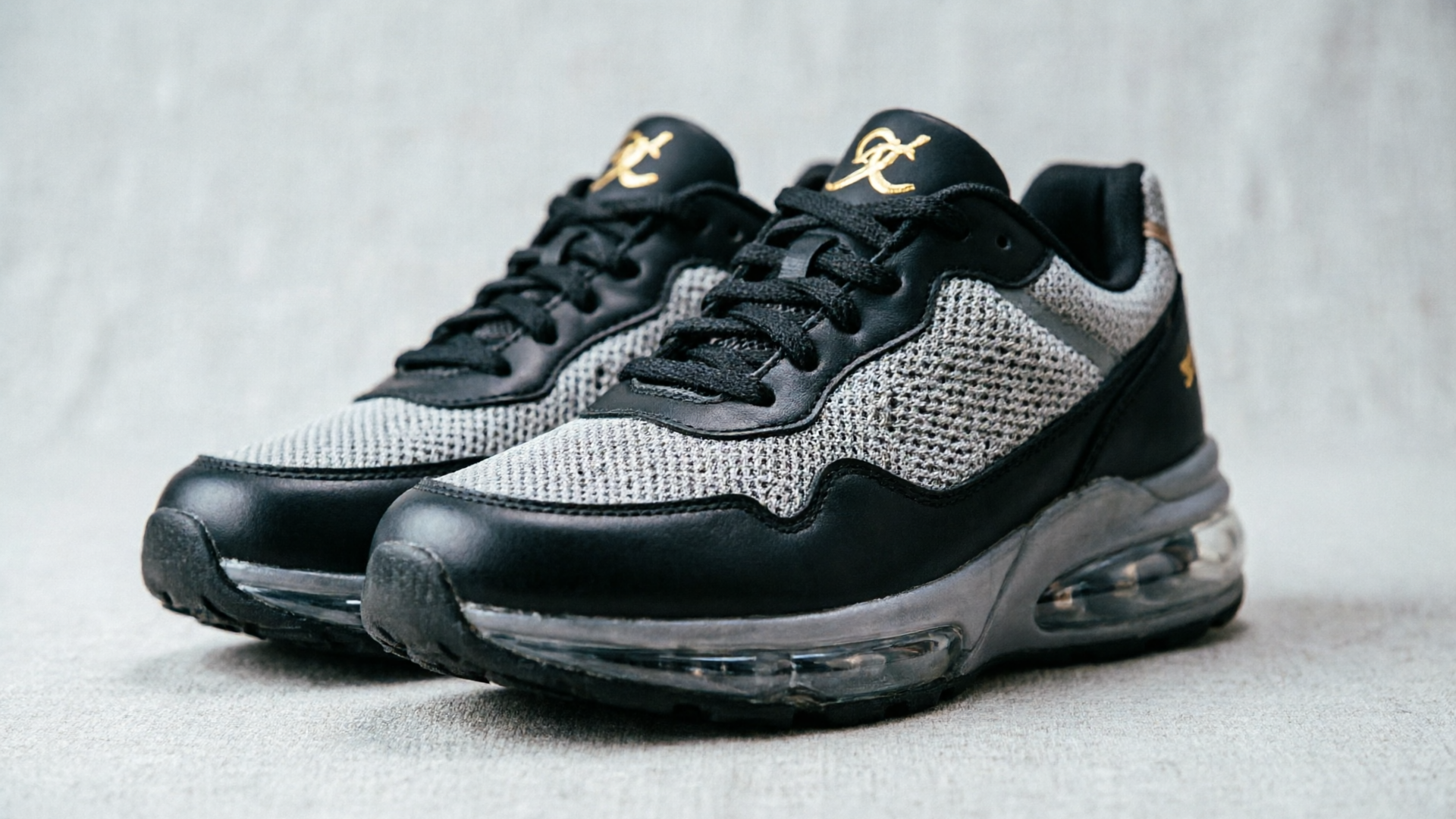
A two- to four-sentence prompt plus a few style tags is usually enough. Example: "Animate this shoe photo into a cinematic 8s loop: slow 10° clockwise rotation, soft dolly-in, subtle rim light flare, filmic teal-orange grade, moderate pacing. Keep shoe texture crisp and keep background neutral."
If you need fresh assets first, consider generating variants with the WowMade AI Image Generator to create on-brand backgrounds or alternative views before animating. That keeps your visual direction consistent across hero and social cuts and reduces rework.
Related guide: Image to B-roll.
Landing-page hero specs that don’t kill load time (length, codecs, loop, and compression tips)
Conversion-focused hero video planning must balance visual quality with page performance. The common web guidance is short loops (5–15 seconds), web-optimized MP4s, and keeping file sizes low (often under ~5–10 MB depending on your audience and CDN). Follow these practical specs:
Length and loop
- Keep it 5–12 seconds for standard hero loops. This length is long enough to show motion and short enough to loop without feeling repetitive.
- Design the loop so the final frame transitions smoothly to the first — cross-dissolves, repeating camera moves, or cyclical actions work best.
Codec and container
- Use H.264 (MP4) for broad compatibility and good quality-to-file-size. For even better compression and modern browsers, H.265/HEVC or AV1 can reduce file size but watch compatibility and server support.
Resolution and framing
- Match the hero container: for full-bleed headers, a 16:9 1280–1920 px width is often enough; you can downscale to save bytes. For social exports from the same source, generate 9:16 and 1:1 variants rather than cropping the large file client-side.
Compression and bitrate
- Target a bitrate that balances sharpness and size. For 1080p hero loops, 3–6 Mbps is a reasonable range; lower for smaller hero containers. Use two-pass encoding if you can.
- Run a visual check at target bitrate and distance — preview on mobile — because overly aggressive compression kills perceived quality.
Delivery and lazy-loading
- Use a responsive srcset and lazy-load the hero below the fold or replace with a poster image until user interaction if the video is not immediately visible.
- Consider auto-playing muted loops with play/pause controls for accessibility and to avoid surprising users.
Why this matters: research and industry guidance converge on the point that unoptimized video can negate any conversion benefit. A well-compressed 8s loop under ~5 MB will usually improve perception without harming page speed; anything much larger needs careful CDN and lazy-load strategy. Refer to institutional hero guidance for technical examples and thresholds.

Step-by-step workflow: convert one product photo into a cinematic looping video with WowMade AI Video Generator
This section is a hands-on walkthrough using the WowMade AI Video Generator to go from a single product still to a web-ready loop. It uses real options the tool provides: image-to-video generation, text prompts, and multiple outputs (16:9, 9:16, 1:1).
What you need before starting
- One high-quality product photo (ideally with a neutral background).
- A 2–4 sentence visual brief (see previous section).
- A target length (we'll use 8s) and the primary output formats you want (16:9 for site hero, 9:16 for TikTok).
Step-by-step: create a cinematic 8s loop
1) Open the WowMade AI Video Generator (/create-video) and choose "Image-to-Video" mode. Upload your product photo as the reference frame. (This is the feature you use to animate a still.)
2) Paste a concise prompt. Example prompt:
"Animate this product photo into an 8s cinematic loop: slow 12° clockwise rotation, subtle dolly-in of 8%, soft rim light from upper-right, filmic teal-orange grade, shallow depth of field, moderate pacing; maintain product texture and sharpness. Output as seamless loop."
3) Select outputs: tick 16:9 (1280x720), 1:1 (1080x1080) and 9:16 (1080x1920). The WowMade AI Video Generator renders these aspect ratios from the same prompt so you can publish a web hero and social hooks without new source footage.
4) Pick length and quality. Choose an 8s render. Start with the default quality settings for a fast render; the platform renders short clips in minutes.
5) Review the preview and make a small edit: if rotation or motion is too fast, reduce degrees or dolly percentage and re-render a new iteration using the same prompt (the platform lets you keep iterating on the same prompt with credits).
6) Export the best take as MP4 H.264. For the hero, export 16:9 at 1280 width and a target bitrate of ~4 Mbps. Export the 9:16 at a similar visual quality but optimized for mobile.
7) Compress and test on device. If the 16:9 file exceeds your size target, re-render at slightly lower bitrate or use a two-pass encoder to hit a sub-5 MB target while preserving texture.
Worked example (numbers)
- Source: 4000x3000 PNG shoe photo.
- Prompt: as above.
- Output: 8s 16:9 MP4 at 1280x720, H.264, 4 Mbps → final file size ~3.8 MB; 9:16 at 1080x1920 → ~4.4 MB.
- Result: smooth 8s loop with subtle rotation and consistent texture preservation.
Why this workflow saves time
- The WowMade AI Video Generator keeps the subject on-model while producing multiple aspect ratios from one prompt, so you don't need separate shoots. It renders in minutes and supports iterative prompt refinements, which is ideal for small teams that must ship quickly.
If you need a custom background or alternate product angles before animation, use the WowMade AI Image Generator (/create-image) to create brand-consistent backgrounds or variant photos and then feed those into the video generator. For soundtrack needs, generate short background tracks with the WowMade AI Music Generator (/create-music) and layer them into social cuts or longer explainers.
Iterate, A/B test and repurpose: turn a single animated loop into multiple TikTok/Reel hooks and product motion bumpers
One of the biggest ROI multipliers is reuse. A single 8–12s hero loop can be re-cut, reframed, and repurposed across channels with minimal extra work.
Iteration strategy
- Variant testing: create 2–3 variants that change one variable — pace (moderate vs. slower), camera angle (small tilt vs. frontal), or lighting (neutral vs. dramatic). Use lightweight A/B tests to compare engagement and click-through rate.
- Measurement plan: test variants against the control hero on the same page and traffic segment for at least one business cycle. Track time-on-page, CTR to the product detail, and add-to-cart rate.
Repurposing into social hooks
- Crop and reframe: export the 9:16 and 1:1 outputs from the same WowMade AI Video Generator prompt so framing and motion remain consistent. If you only have a horizontal hero, the Generator's vertical render keeps the subject centered and on-model.
- Add context layers: for TikTok/Reels, add quick copy overlays or a 1–2s bumper with the product claim. Keep the motion consistent and avoid adding competing motion elements.
- Create multiple hooks: from one loop make a set — (a) product reveal, (b) detail close-up, (c) lifestyle overlay with copy. Each is a separate creative for A/B testing in ads.
Motion bumpers and ad creative
- Motion bumpers are short (1–3s) animated stings used as openers or closers. Use the same visual language (grade, lighting) from the hero so the brand feels cohesive across touchpoints.
- For product pages and remarketing ads, stitch a 1–2s bumper on top of the 8s loop to create a 10s ad. The WowMade AI Video Generator renders fast, so creating these micro-variants is low friction.
Practical test case: cadence and timing
- Start with a hero loop that is the control on your landing page. Produce two social variants (one with a 10% faster camera push, one with an added 1s text punch). Run a 50/50 test on paid social for 7–10 days. Look for lift in CTR and downward funnel actions.
This iterative approach—one high-quality source still, the WowMade AI Video Generator to create multiple aspect ratios and variants, and a simple A/B plan—lets small teams scale visual assets without added shoots or long edit timelines.
Frequently Asked Questions
How long should a landing-page product loop be?
Aim for 5–12 seconds. Short loops maintain attention and are easy to compress for web delivery while still showing motion and detail.
Will animation reduce the product detail or texture?
If you start from a high-resolution still and use an image-to-video pipeline that preserves the subject, like the WowMade AI Video Generator, texture and detail are commonly retained; choose moderate motion and check renders at your target bitrate.
Can I export vertical and square versions from the same prompt?
Yes — the WowMade AI Video Generator outputs 16:9, 1:1, and 9:16 from the same prompt so you can produce hero and social cuts without separate shoots.
How do I keep file sizes under 5 MB?
Render at modest resolutions (e.g., 1280 width for 16:9), target 3–6 Mbps bitrate for 1080p, use two-pass H.264 encoding, and test on mobile. Lazy-load the hero if it's not above the fold.
Conclusion
An optimized image to cinematic video workflow unlocks higher attention with minimal production cost. Start with a clean still and a concise visual brief, render an intentional 5–12s loop at moderate speed, and export multiple aspect ratios for web and social. The WowMade AI Video Generator is built for this exact path: it animates a single still, renders 16:9, 1:1 and 9:16 outputs from the same prompt, and lets you iterate quickly until the motion and pacing match your conversion goals. Open the AI Video Generator, drop in your prompt or a reference image, and ship a clip in your next break.
Make this with WowMade
Mentioned in
- How AI Is Changing Advertising: Faster Tests, Cheaper Shoots, New GuardrailsHow AI is changing advertising: practical workflows, costs, compliance risks, and a step-by-step demo using the WowMade AI Video Generator to scale short-form ad tests.
- how to viral youtube shorts video: a practical playbook for hooks, loops, and AI footageStep-by-step playbook to design 1s hooks, build seamless loops, pace vertical edits, and use the WowMade AI Video Generator to ship viral-ready Shorts.
- AI product demo video: turn one still into high-converting demo loopsStep-by-step image-first workflow to turn a single product still into 6–30s demo loops and explainers using WowMade AI Video Generator. Time, cost, prompts, and failure fixes.
- Image to Video Hero: Turn One Product Photo into a High-Converting LoopLearn how to turn a single product photo into a 6–12s looping hero that boosts conversions — with a step-by-step WowMade AI Video Generator workflow.
- Sketch to Motion: Turn One Sketch or Photo into Platform-Ready Product TeasersLearn a practical sketch to motion workflow to turn a single sketch or product photo into a 4–12s TikTok/Reels teaser using WowMade AI Video Generator.
- Flatlay image to video: turn one product photo into scroll-stopping 9:16 loopsLearn how to convert a single flatlay into high-performing 9:16 product loops for TikTok, Reels and Shorts using WowMade AI Video Generator with step-by-step workflows.