Turn One Photo Into a Viral Singing Pet Clip: A Practical Guide
Learn how to turn a single pet photo into a shareable, ethical singing‑pet short using WowMade AI Video Effects. Step‑by‑step, workflow, and tips.
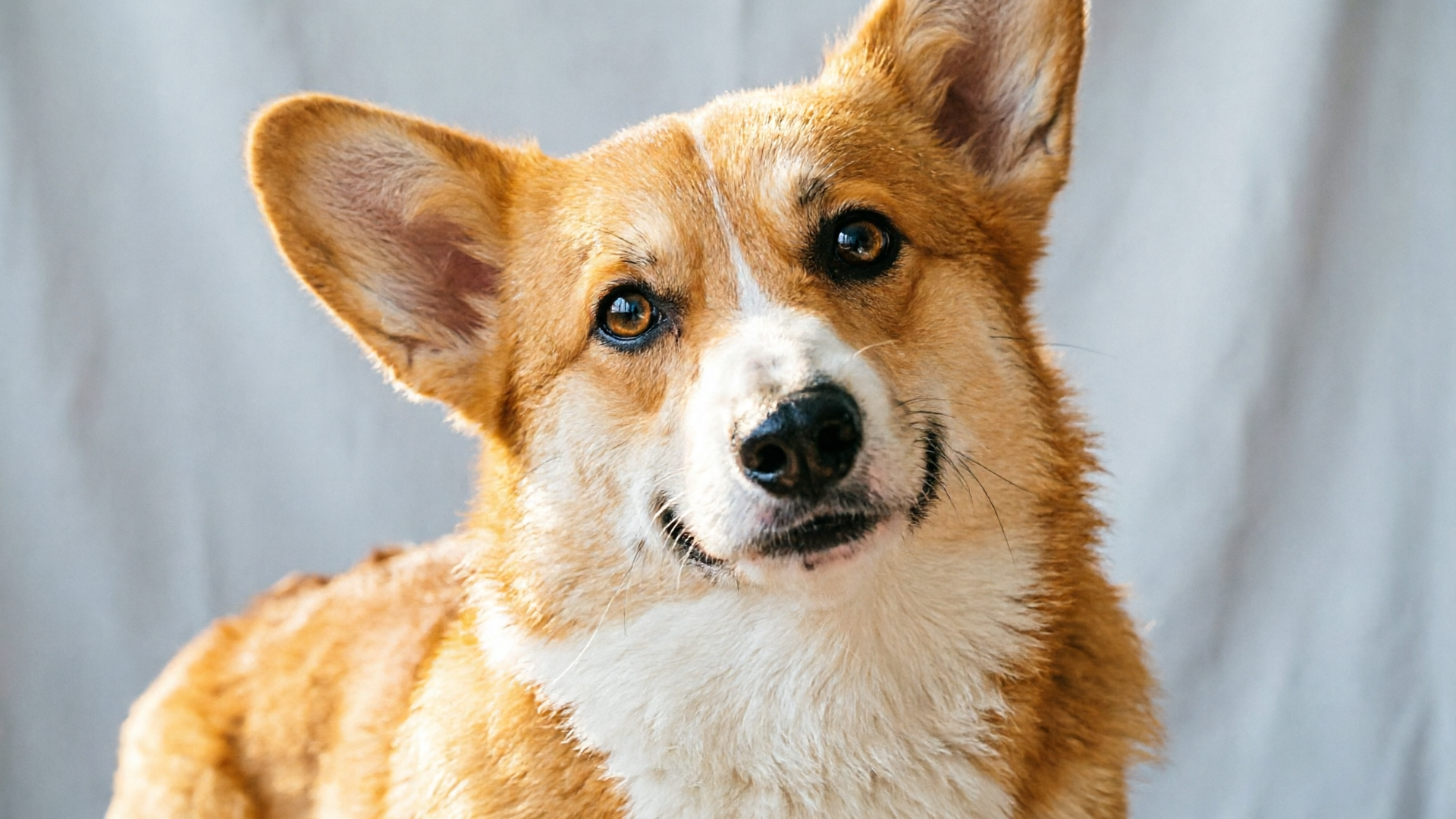
A single cute photo can become a 9:16 viral short in minutes if you use the right tools and workflow. This guide shows creators how to convert one pet photo into a platform‑ready, lip‑synced singing pet clip using WowMade AI Video Effects, with ethical best practices and practical tweaks for TikTok/Reels. Read on for the exact steps, a worked walkthrough, and what to avoid so your pet stays safe and your content performs.
Why singing‑pet clips still explode on short‑form platforms (data + creative patterns)
Singing and lip‑synced pet clips remain a dependable viral format because they combine emotional hooks and music‑first discovery. Music drives short video platforms: a February 2024 analysis found nearly 85% of TikTok videos contain music, so content that pairs a clear visual hook with a compelling sound has a built‑in distribution advantage (use that stat to justify sound-first planning).
Beyond statistics, the creative pattern is simple and repeatable: a recognizably expressive subject (a pet), a short, catchy audio cue, and an immediate point of humor or empathy. Pet creators lean on exaggerated mouth movements, timing that matches beats or lyric moments, and captions that set up a joke or reveal. Those elements trigger replays and shares — two key engagement signals that feed the algorithm.
The market response confirms demand: multiple consumer apps and startups (for example, WigglePet and PhotoDance) offer one‑click singing and dancing generators that convert a single image into a short animated clip. That UX pattern — upload a photo, pick an effect, export a vertical video — is now familiar to audiences. WowMade AI Video Effects follows the same pattern but adds tuned presets and vertical output optimized for Reels and TikTok, letting creators skip the engineering and focus on creative choices.
How AI transforms one still photo into a convincing singing pet clip — the technical ingredients
Turning a photo into a convincing singing pet clip needs three technical building blocks: a face/pose encoder, an audio‑driven motion model, and a render/compositing pass that outputs vertical, lighting‑matched footage. The face/pose encoder extracts facial structure and fur/feature landmarks from a single image so subsequent motion looks anchored to the pet. An audio‑driven motion model maps beats and phonemes to mouth and head motion, producing lip sync and subtle gestures that read as intentional. The final render pass composites the animated subject into a vertical frame, matches lighting and color, and adds motion blur or depth to sell the illusion.
These are the same components used by modern one‑click pet effects generators and are the foundation of WowMade AI Video Effects. WowMade ships tuned presets — lipsync, AI singing, and dance — that combine those models into a single action: one photo in, finished vertical clip out. Because the presets are pre‑tuned, creators get consistent framing, matched lighting, and 9:16 exports ready for TikTok and Reels without manual rendering tweaks.
A technical note for creators: the realism of mouth motion depends on the encoder's ability to infer the pet's muzzle and lip contours. Some species and poses convert more naturally than others; close, front‑facing portraits with unobstructed eyes and mouth area yield the best results. If you need new visual assets before animation, consider WowMade's image tools to tweak framing or lighting first.
Related guide: Turn One Photo into a Vertical Dance Reel.
A 6‑step workflow to create a platform‑ready singing pet short (from photo to export) — hands‑on
This hands‑on workflow turns a single pet photo into a finished, platform‑ready clip in under 10 minutes when you use one‑click effects.
1) Choose the right photo. Use a close, well‑lit portrait with the pet facing the camera; avoid heavy motion blur or obstructed muzzles.
2) Prep audio. Pick a 7–20 second music clip or vocal hook. Because music drives reach, choose a catchy phrase or beat drop that aligns with the pet's facial expression. If you need custom audio, WowMade's AI Music Generator can produce short, copyright‑free backing tracks to match mood and tempo. (/create-music)
3) Upload and select an effect. Open WowMade AI Video Effects and pick a preset — for a singing pet, choose the lipsync or AI singing effect. The preset applies a face/pose encoder and audio‑driven motion model automatically.
4) Fine‑tune timing and expression. Use the built‑in preview scrub to align key mouth movements with lyric hits or beat accents. Adjust intensity (subtle for realism, exaggerated for comedy) and select vertical crop if needed.
5) Render 9:16 output. Because the preset is tuned for short‑form, WowMade produces a lighting‑matched, vertical clip ready for upload. Choose resolution and platform export settings.
6) Add captions and post. Write a hook as the opening caption and schedule a split‑test with an alternate caption or thumbnail.
Worked example — quick walkthrough in WowMade AI Video Effects:
- Upload: a 2048×2048 portrait of a corgi headshot.
- Effect: pick "AI singing" preset.
- Audio: upload a 12‑second vocal hook or select a trending clip. If you need music, generate a 15‑second upbeat loop with the AI Music Generator and import it. (/create-music)
- Preview: reduce mouth intensity to 70% for balance, set the crop to center the muzzle, and confirm lip alignment on two syllables.
- Export: select 1080×1920, 30fps. Render completes in queue; result is a vertical, platform‑ready file you can upload immediately.
This sequence highlights the value of one‑click presets: they remove the need for model selection or prompt engineering and let you focus on audio and caption strategy.
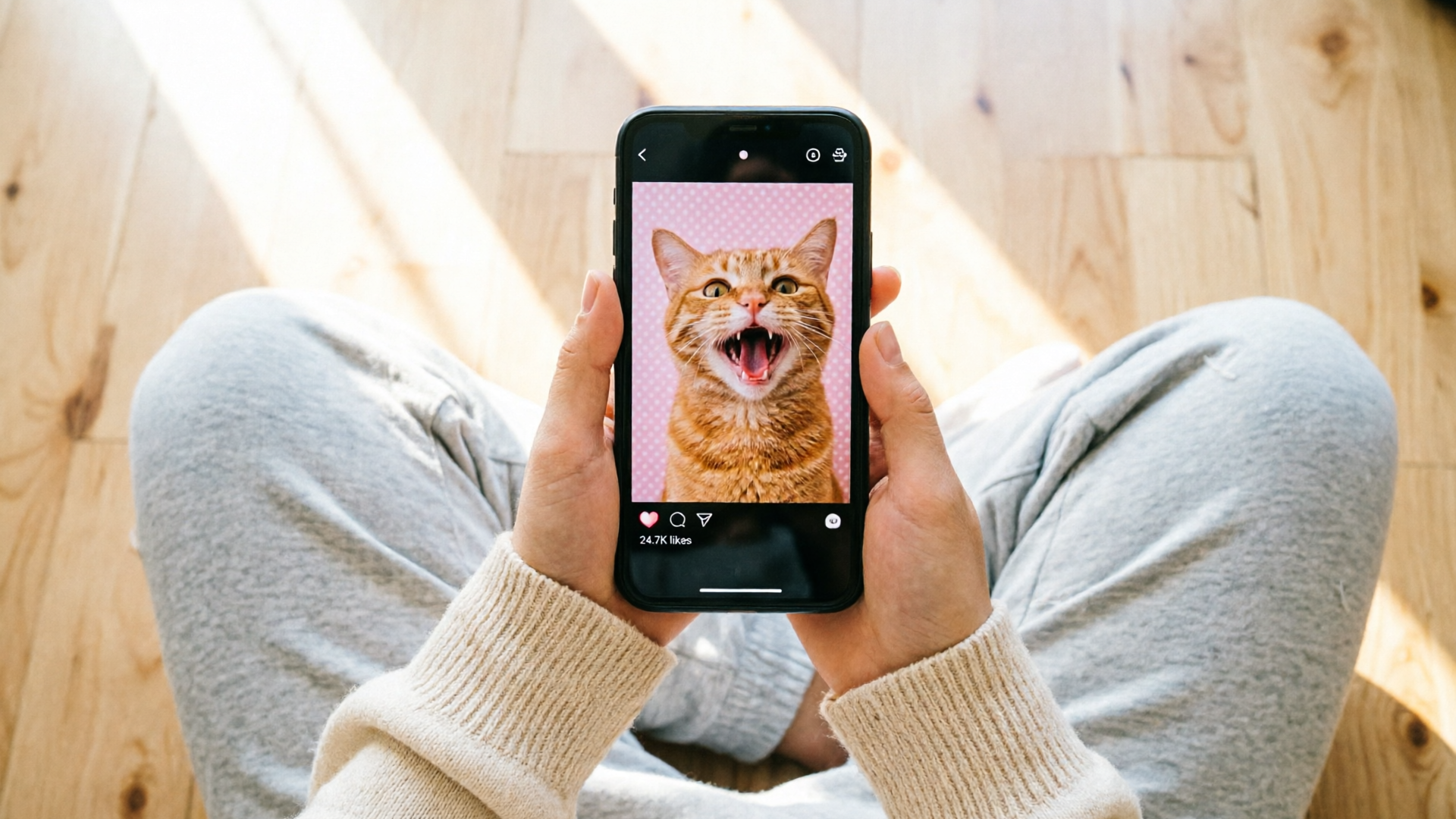
Tweak for virality: creative captions, sound selection, timing, and hooks that drive shareability — hands‑on
Virality isn't magic — it's repeatable format choices. For singing pet clips, optimize four variables: sound, caption hook, timing, and visual punch.
Sound: prioritize audio that encourages replays. Short vocal hooks, laugh breaks, or beat drops work best because viewers replay to hear the moment again. Remember the 85% music stat; platform algorithms surface music‑first content more readily. If a trending sound is available, test it — but creating a custom, memorable audio motif (via WowMade AI Music Generator) can create a branded sound people reuse. (/create-music)
Caption hook: set expectations in the first line. Use formats like "He sings better than me" or "Wait for the note at 0:08" to prompt replays and comments. Questions invite replies and higher engagement.
Timing: align mouth movements and a visual punch with the audio's beat or lyric punchline. In the WowMade preview, nudge the effect's timing so a comedic expression or tilt hits exactly when the hook drops.
Visual punch: add a quick cut or text reveal at 0:02–0:04 to create an immediate reward. For example, start with a still image for half a second, then switch to the animated singing shot — the initial pause increases curiosity and rewatch value.
Test and iterate: post two variants with different captions and sound choices and compare retention at 3–6 seconds. Maintain consistent branding across the series: same color grade, font, and caption style. If you need consistent thumbnails or alternate images, WowMade's image tools can create matching stills for cards and cross‑platform reposts. (/create-image)
Finally, keep creative pace fast. One‑click presets let you produce multiple variations quickly so you can iterate on what resonates.
Safety, ethics, and disclosure: how to make entertaining pet AI clips without crossing lines
AI pet clips remove many welfare risks because no live tricks, food bribes, or stressful setups are necessary; creators can generate movement and expression from a single photo. Still, ethical and safety considerations matter.
Disclosure: organizations like WITNESS recommend clear provenance and disclosure when working with synthetic media. Label AI‑generated content in captions (for example, "AI animated from photo") so viewers and platforms understand the origin. Responsible creators avoid deceptive contexts or implying the pet actually performed the action in a live moment.
Avoid harmful narratives: don’t use pet animation to simulate abuse, injury, or political messaging. Research on synthetic media's risks highlights that mature tools can be misused; simple, transparent labeling reduces harm and aligns with platform policies and public expectations. (See WITNESS guidance for disclosure recommendations: https://blog.witness.org/2023/02/building-human-rights-oriented-guidelines-for-synthetic-media/)
Welfare-first editing: because the animation is synthetic, you can achieve high engagement without encouraging risky behavior. Resist captions that instruct owners to force animals into uncomfortable situations just to recreate content. When in doubt, prioritize the pet's wellbeing and avoid staging.
Legal and privacy notes: if your clip includes someone else's pet or a recognizable person, secure permission. If you plan to monetize clips at scale, review platform terms and rights around music usage — or use the AI Music Generator to create copyright‑free tracks to avoid strikes. (/create-music)
Following these practices protects your audience, your account, and the animals, while still letting you create entertaining content.
Comparing tools and presets: when to use one‑click effects vs. custom pipelines (and why prebuilt effects save time)
Creators face a tradeoff between speed and control. Custom pipelines let you micromanage motion, retouching, and compositing, but they require technical skill, model training, and significantly more time. One‑click effects like WowMade AI Video Effects compress the entire pipeline — encoder, motion model, and render pass — into a tuned preset so you can ship many clips quickly.
When to choose one‑click effects:
- You need fast turnaround for trends.
- You're producing a high volume of shorts or ad variants from a single asset.
- You prefer consistent framing and export settings for platform delivery.
When to choose a custom pipeline:
- You require frame‑accurate, bespoke animation for high‑budget productions.
- You need to combine multiple source images, complex background replacement, or CGI inserts.
Prebuilt effects save time and reduce room for error. WowMade AI Video Effects offers presets specifically for lipsync, AI singing, dance, and news‑style avatars; each is tuned so creators skip prompt engineering and still get a finished 9:16 clip. For teams that want more control, combine the effects with WowMade's AI Video Generator to produce cinematic backgrounds or the AI Image Generator to create alternate headshots before animation (/create-video, /create-image). The result is a hybrid workflow: fast presets for volume, targeted custom generation when you need a distinct look.
Cost and scale: if you plan series production, prebuilt effects lower per‑clip costs by decreasing editing time and throughput. Check the platform pricing to estimate rates for scale production. (/pricing)

How to scale a content series of singing/dancing pet shorts with WowMade AI Video Effects
Scaling from one viral experiment to a series requires repeatable inputs and an assembly‑line workflow. WowMade AI Video Effects enables scale by standardizing inputs (photo, audio choice, preset) and producing consistent vertical exports.
Start by creating a template: pick a crop, intensity setting, caption style, and export preset. Save those settings as your series baseline. Use a single photo shoot that captures multiple expressions or use WowMade's AI Image Generator to create slight variations in framing or background to keep the series visually fresh without requiring new photos. (/create-image)
Batch workflow:
- Organize a folder of 10–20 pet photos with similar framing.
- Select a handful of audio hooks (3–5 short loops), either trending sounds or custom tracks from the AI Music Generator. (/create-music)
- Queue the same WowMade AI Video Effects preset across the folder with per-clip timing tweaks.
Automation and iteration: because effects share a queue with the rest of WowMade, you can pipeline dozens of renders and maintain consistent naming, captions, and metadata for scheduling. Track early retention metrics for each variant and rotate top performers into paid promotion.
Finally, maintain ethical guardrails in production: keep disclosure consistent across the series, and prioritize non‑stressful content. Scaling with one‑click effects reduces production headcount and lets small teams produce professional, platform‑ready output quickly — the exact scenario WowMade AI Video Effects is built for.
Conclusion
If your goal is to turn a single pet photo into a shareable, ethical singing clip with platform‑ready output, WowMade AI Video Effects removes the technical friction: one photo in, a tuned lipsync or AI singing preset applied, and a 9:16 clip out. Browse the AI Video Effects library and ship a viral-format clip from a single photo today.