Photo to Dance Clip: An Ethics-First Playbook for Creators
Turn a selfie into a loopable dance clip ethically and fast. A practical playbook using WowMade AI Video Effects for TikTok, Reels, and Shorts.
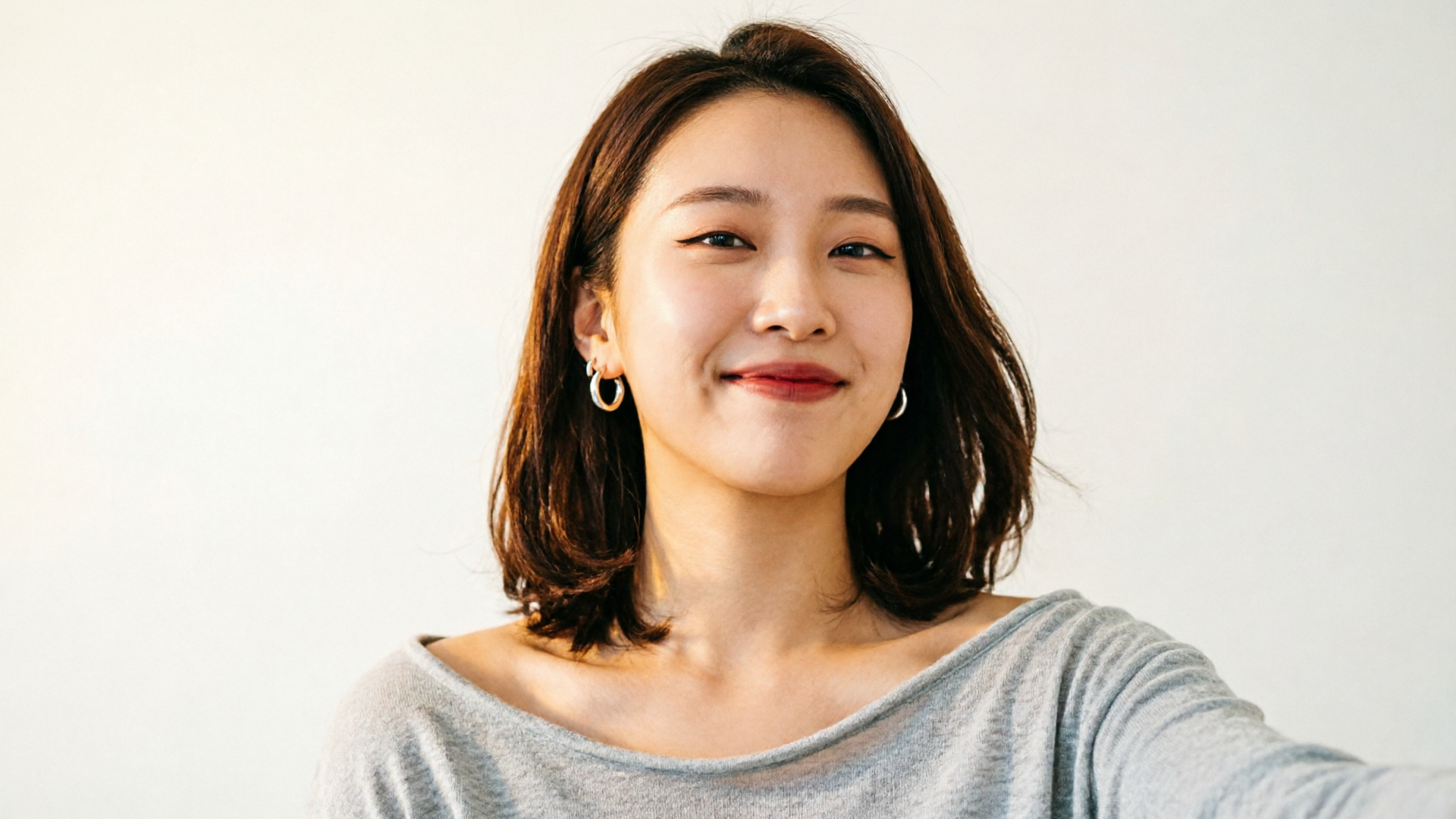
Creators, marketers, and small teams are increasingly asking one practical question: how do I turn a photo into a short, shareable dance clip that can actually trend? This guide walks through a fast, repeatable, ethics-first workflow so you can go from a selfie or single image to a loopable TikTok/Reels/Shorts clip without guesswork. Early on we’ll use WowMade AI Video Effects to show a concrete, one-click path from photo to finished vertical clip.
You’ll learn what makes dance clips trend, how to avoid legal and ethical pitfalls with likeness and consent, and two hands-on workflows: a 60-second selfie-to-dance using WowMade AI Video Effects and a pet-or-character workflow for meme-ready clips. Expect practical steps, a short worked example, and publishing tactics that increase reach while keeping your content safe.
Why creators are turning selfies into dance clips: trends, stats, and what works on short-form platforms
The appetite for fast, repeatable hooks pushed image-to-video and photo-to-dance tools into mainstream creator toolkits during 2024–2025. Creators favor compact, loopable formats—4–8 seconds—because they fit TikTok, Reels, and Shorts and maximize repeat views. Product pages and trend reports from the period documented a surge of dedicated “AI dance generator” tools built specifically for these short formats.
What performs? Two practical patterns dominate:
- Thumbnail-first framing and immediate beat alignment: the first frame (or thumbnail) must read instantly in the feed, and the motion must hit a strong beat within 0.6–1.2 seconds.
Creators achieve the fastest, most reliable results when they pair a single, clear source image with a reference motion clip or tuned template rather than trying to describe a dance in text. Several tools and guides recommend this approach because models trained on dance clips reproduce timing and gesture much more faithfully when given a motion reference. That’s why an effect library of tuned presets—like WowMade AI Video Effects—becomes useful: each effect is a tuned preset that applies a tested dance or lipsync animation to one photo without prompt-engineering.
Practical takeaway: if you want consistent daily output, build a small library of photo+reference pairs and reuse tuned effects. This gives you repeatability and quality without starting from scratch each time.
Ethics & safety first
Before you make anything, assess consent and likeness. Even stylized or short clips can cause real harm if you animate someone without their permission or create a realistic impersonation of a public figure. Authoritative coverage warns: “Even your TikTok dances aren't safe from AI training.” That line emphasizes a broader reality—models may reproduce recognizable creator styles, and that has real reputational and legal implications (Creative Bloq).
Practical rules to follow every time:
- Get explicit consent for non-owned images. A photographed friend or fan should sign or message permission if you plan to publish an animated likeness.
- Avoid hyper-realistic impersonations of celebrities, minors, or someone who hasn’t consented. Prefer stylized outputs or cartoonified looks for remixable memes.
- Attribute synthetic content when platform policy or local law requires it. Many platforms expect you to disclose AI-generated media, and being transparent avoids takedowns and trust issues.
- Don’t recreate sensitive contexts. Even a humorous dance in a political, medical, or crisis context can be misleading.
Technical context: research into detection and body-reenactment is active—datasets and forensic methods now exist to detect generated body-reenactment videos. That means the arms race between generation and detection is ongoing. Use that to guide decisions: if a clip could cause real-world harm or mislead audiences, don’t publish it.
If you need a short-form-safe approach, favor clear stylization (filters, exaggerated proportions, or obvious meme formats) and add a short disclaimer in the caption. When in doubt, get consent.
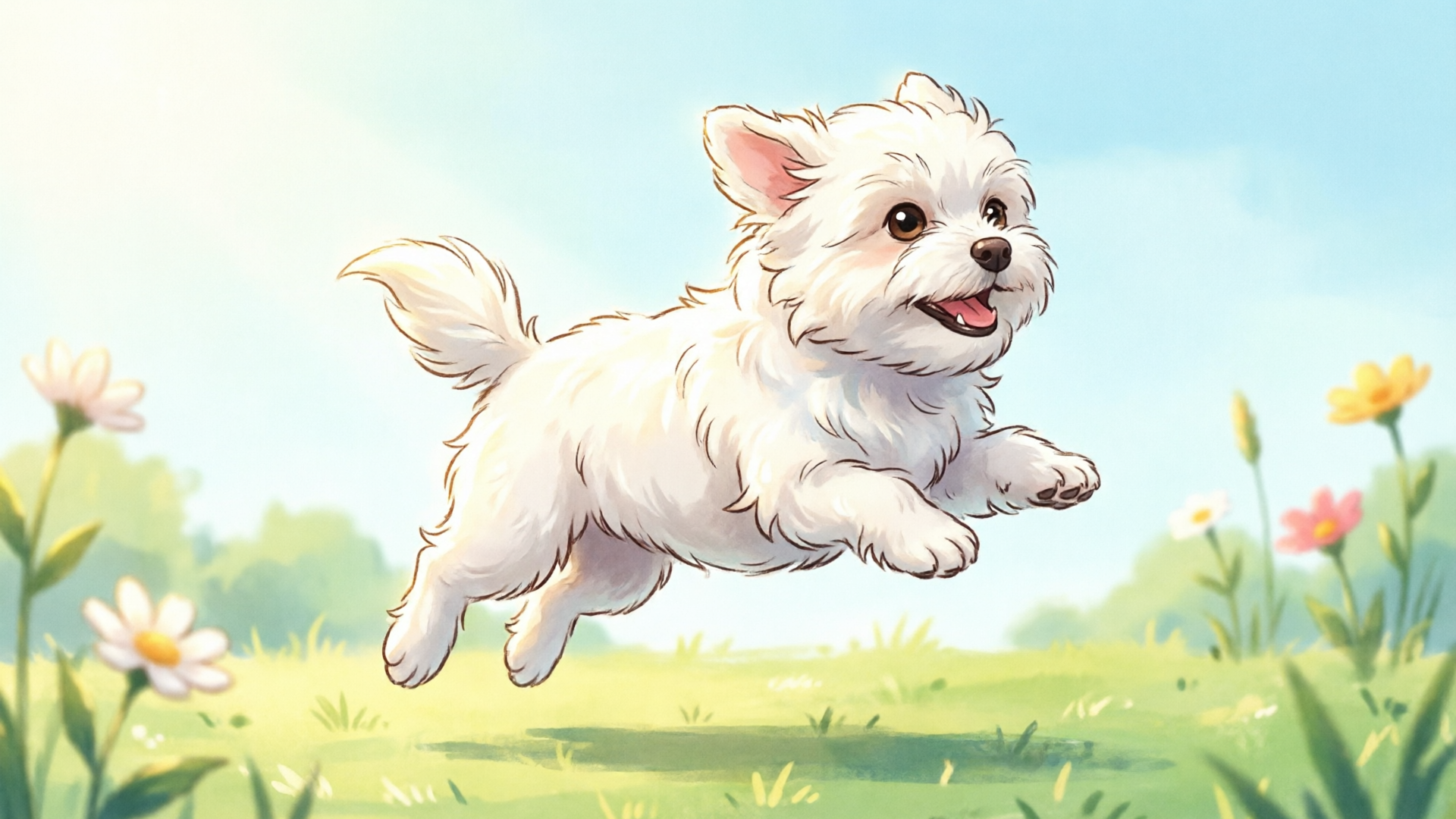
Plan a viral-ready dance clip from one photo: concept, sound selection, and thumbnail-first framing
A good idea is baked before you touch an editor. Planning reduces wasted attempts and keeps your outputs consistent.
Start with the concept: who is the character (you, a pet, a mascot), what is the emotional hook (funny, sassy, surprising), and what’s the replayable moment? For photos-to-dance, the replay comes from a visual reversal or synchronization: a static face suddenly bops perfectly to a beat, or a pet with an impossible move.
Sound selection matters more than you might think. Short-form platforms favor sound snippets with a clear transient—a drum hit, vocal chop, or hook—that the motion can point to. Use a 4–8 second loop that hits a primary accent at frame 8. If you generate your backing track, WowMade’s AI Music Generator can make short instrumental loops ready to drop into your edit.
Thumbnail-first framing: pick the most expressive crop of your photo as the thumbnail. Tight face crops or a well-lit pet face work best. Visual hierarchy must be settled before animation—decide which facial feature or accessory will sell the joke or move.
A simple planning checklist:
- Choose a single, high-resolution photo.
- Pick a 4–8 second reference motion or effect (preset works well).
- Select a 4–8 second audio loop and mark the beat where the motion must land.
- Choose vertical framing (9:16) and set the thumbnail frame.
This checklist reduces rework: when you import the photo into WowMade AI Video Effects, your decision points are already resolved.
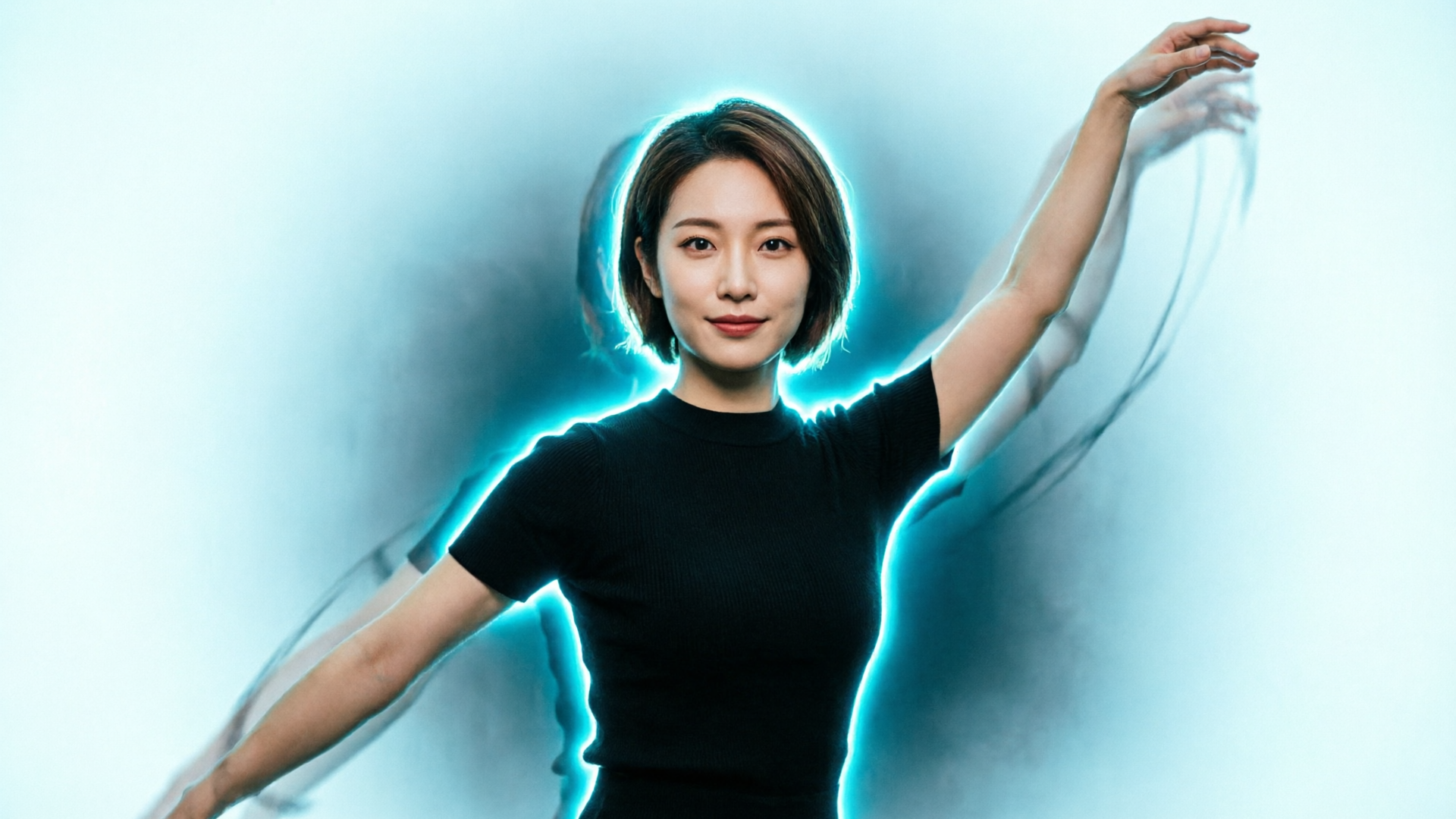
Hands-on workflow A — From selfie to looping dance clip in under 60 seconds using WowMade AI Video Effects
Here’s a concrete, fast walkthrough you can do during a coffee break. This example uses WowMade AI Video Effects and assumes you have a single selfie and a short reference beat or loop.
Step-by-step (60-second workflow):
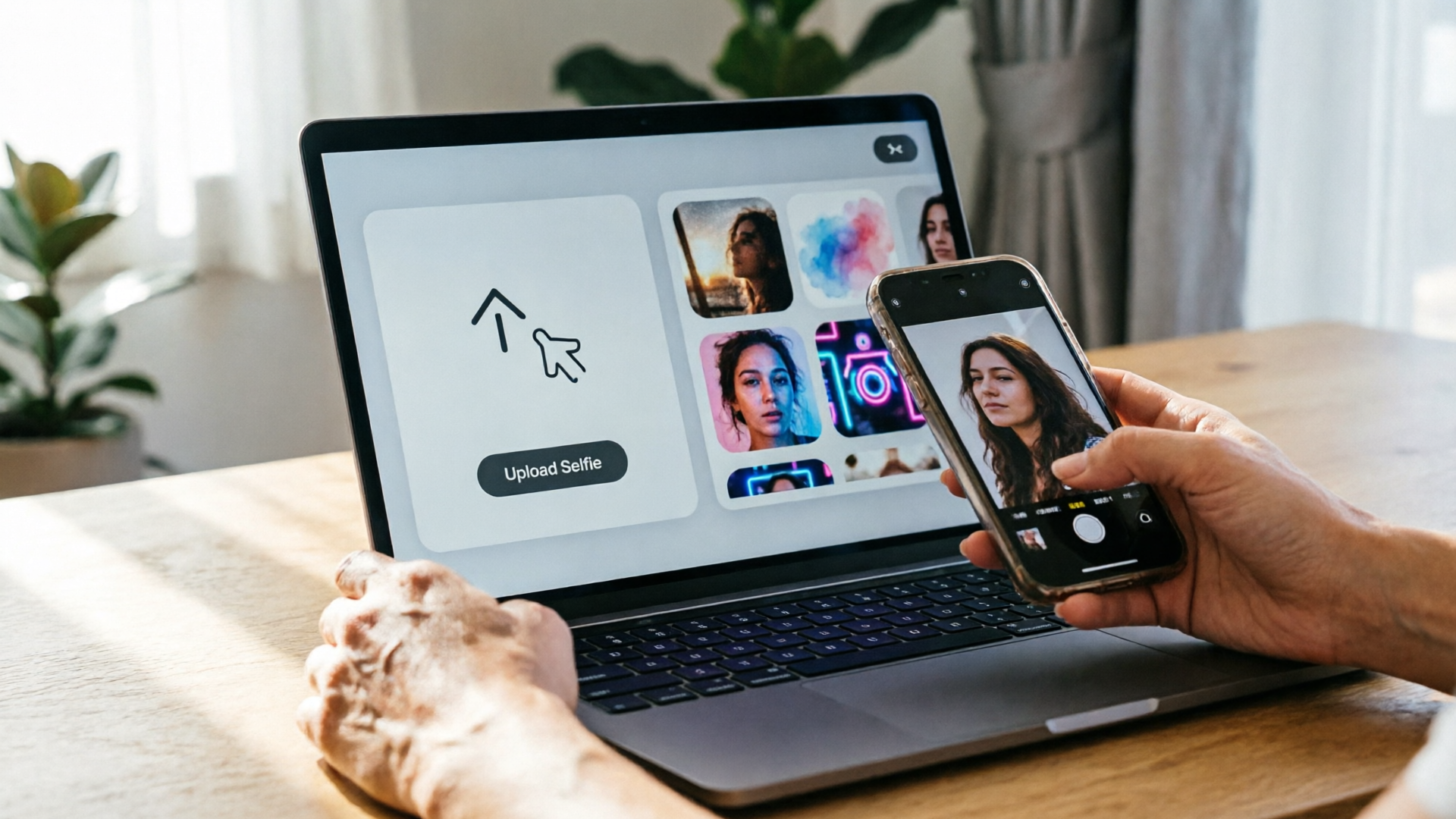
- Open WowMade AI Video Effects (/effects) and choose the Dance preset. The library contains tuned one-click effects designed for photos — no prompt-engineering required.
- Upload your selfie. The effect applies a face-aware rig and maps the preset motion to your photo.
- Pick 9:16 export (vertical) and a loop length of 4–6 seconds. Each effect renders a vertical-ready clip.
- Import a short loop from WowMade AI Music Generator or your phone and align the export so the motion hits the beat. The platform supports quick audio swap.
- Export and save a thumbnail from the first frame you selected, then upload to TikTok or Reels with your caption and tags.
Why this works: WowMade AI Video Effects provides tuned dance presets that apply believable motion from one photo, so you don’t spend time crafting prompts. The service’s one-photo-in, vertical-clip-out proof point means you move from idea to publishable asset without a heavy editor.
Worked example: imagine you want a 6-second loop of a confident head-bop. Upload a headshot, pick the “Confident bop” preset, choose a 6s loop and vertical export, then replace the temporary music with a 3-second vocal chop that hits on frame 0.8. Exported file: ready to post. That short concrete chain — selfie > preset > audio swap > export — is repeatable across daily posts.
If you want to push further, combine this with the AI Video Generator (/create-video) to produce short prefatory scenes or cutaways that bookend the generated loop.
Hands-on workflow B — Making a pet or character dance (photo-to-meme) and preparing multiple aspect ratios for TikTok/Reels/Shorts
Pets and characters are natural meme material because permission issues are simpler and audiences tolerate surrealism. The trick is to choose a stylized effect and output multiple aspect ratios without redoing the animation.
Steps for a pet dance meme:
- Choose or create a stylized portrait of the pet (a clear face, high contrast). If you need stylization or background removal, use WowMade AI Image Generator (/create-image) to produce a clean layer.
- In WowMade AI Video Effects (/effects), pick a playful pet-dance preset. The effect maps the pet face to a simplified rig that emphasizes head bops and paw-like gestures.
- Render a 9:16 vertical master for TikTok and Reels. Then export a 1:1 square and a 16:9 widescreen from the same queue. WowMade’s effects render presets with export presets for short-form formats so you don’t re-run the whole effect from scratch.
Practical tip: create a 6-second master with clean loops and then crop differently in export. A single render that’s loop-ready cuts time. Use the same audio across exports to keep the brand hook consistent.
Why aspect ratios matter: different platforms surface content differently. TikTok and Reels prioritize 9:16, but Instagram grid and some Shorts placements will show 1:1 or 16:9 previews. Preparing all three increases immediate reach and preserves the thumbnail frame needed for each surface. If your master loop is clean, crops won’t break the motion.
When a pet or character could be misread (e.g., a real person’s face on a pet body), add a short caption clarifying the joke. Clear framing avoids misattribution and preserves shareability.
Optimization & publishing playbook: captions, hashtags, timing, and A/B testing to increase reach
Good content still needs smart publishing. Small changes in captioning and timing can turn a quiet post into a trend entry.
Caption and hook: keep captions short and provocative. Ask for a specific reaction: “Which move should the dog try next?” or “Tag the friend who needs this bop.” Use the primary keyword naturally if you want discoverability: e.g., “photo to dance clip — made in 60s.”
Hashtags and sounds: use 3–6 focused hashtags: one niche, one trend, one community, and one brand tag. Pair your post with either a rising sound or a custom loop you control (the latter reduces future claim issues and helps retain earnings). If you need a short custom loop, the AI Music Generator (/create-music) is a quick source of copyright-free hooks.
Timing and cadence: post during platform peak hours for your audience and repeat the same format over multiple days with small variations—different photos, different presets. A/B test small variables: thumbnail (face crop vs. full-body), one-sentence caption vs. emoji-only, and two similar sounds.
A/B testing workflow:
- Create two variations with the same motion preset but different thumbnails.
- Schedule both within the same peak-day window at similar times.
- Measure first-hour completion rate and save the winning thumbnail for the next batch.
Metrics to watch: completion rate (loop plays), replays, shares, and saves. These metrics signal trendability more than raw views.
If you’re on a plan where export credits matter, check WowMade Pricing (/pricing) to match your publishing cadence to plan limits before doing large batch exports.
When to avoid auto-generated dance effects and how to combine AI effects with real footage for authenticity
Auto-generated dance effects are powerful but not always appropriate. Avoid them when:
- The subject hasn’t consented or the output could be mistaken for a real person in a sensitive context.
- You need a unique choreographic signature tied to a creator’s personal brand—some audiences prefer the imperfect authenticity of a real take.
- Legal or platform policy constraints prohibit synthetic likenesses (for instance, certain political or impersonation rules).
Combine AI effects with real footage to get the best of both worlds. A simple hybrid formula:
- Open with a short real clip (1–2 seconds) of the person or pet to establish authenticity.
- Cut to an AI-generated loop from WowMade AI Video Effects as the punchline or remix.
- Return to real footage for a reaction frame or call-to-action.
This approach preserves authenticity and makes clear what is synthetic and what is real—both for audience trust and platform compliance. You can seamlessly edit these together in the AI Video Generator (/create-video) or any basic editor.
Keep the synthetic voice short and clearly labeled if required by platform rules.
Final ethical note: if your clip imitates a living creator’s recognizable dance or mannerism, get permission. Even stylized recreations can feel like exploitation. When in doubt, collaborate: ask the creator for a duet or license their choreography.
Frequently Asked Questions
Can I animate someone else’s photo into a dance clip?
Only with permission. Consent is the simplest legal and ethical guardrail. For public figures, follow platform policy and avoid realistic impersonations.
Will platforms flag AI-generated dance clips?
Platforms are improving detection and have policies about synthetic content. Label clearly when required and prefer stylized outputs when you’re unsure.
How long should a dance clip be for optimal loopability?
Aim for 4–8 seconds with a clear beat that the motion hits within the first second—this maximizes replays on TikTok and Reels.
Do I need a motion reference to get good results?
Yes—pairing a photo with a reference motion or a tuned preset produces higher-quality, consistent animation than text-only prompts.
Conclusion
Making a fast, trend-ready dance clip from a single photo is practical and repeatable when you plan the hook, respect consent, and use tuned tools. WowMade AI Video Effects turns one photo into a finished vertical clip with pre-built dance presets, export-ready 9:16 rendering, and minimal setup — perfect for creators who want speed without sacrificing safety. Start with a clear thumbnail, pick a tuned preset, and export your vertical loop; for pet memes or multi-format campaigns, render the master and crop to other aspect ratios.
Open the AI Video Effects library and ship a viral-format clip from a single photo today.