Turn One Product Photo into High-Converting Vertical Clips with Image-to-Video
Learn how to turn a single product photo into repeatable 9–15s vertical teasers that boost CTR and conversions using WowMade AI Video Generator.
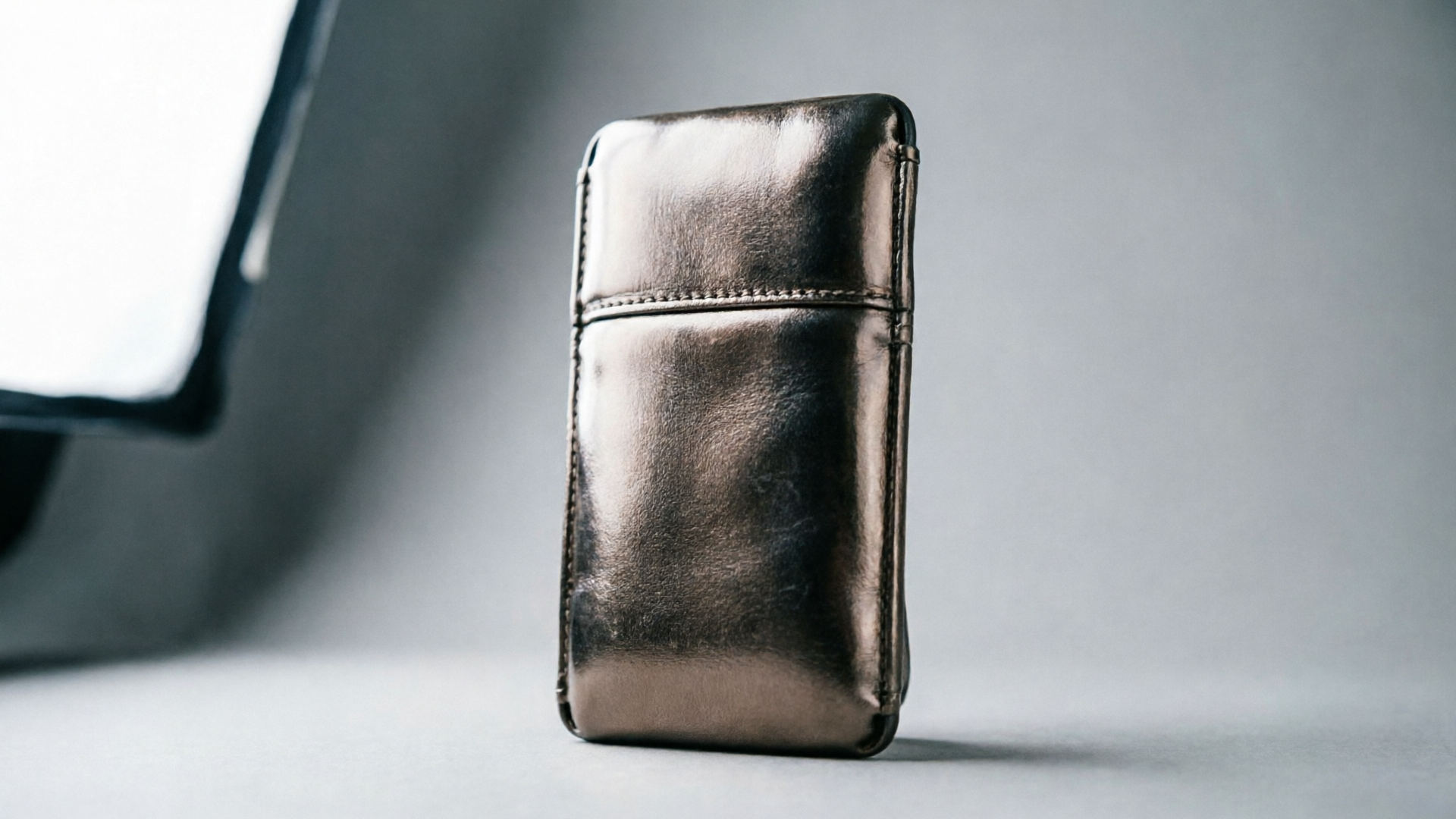
A single well-shot product photo can become dozens of short, testable creatives — if you treat it as the raw material for image to video workflows. In this guide I’ll show how marketers and product teams turn one still into high-converting vertical clips for TikTok, Reels, and landing pages using the WowMade AI Video Generator.
Read on for the business case, a technical primer, practical asset rules, two step-by-step workflows (one for a 9–15s vertical teaser and one for batched A/B variants), plus creative recipes and measurement tactics that scale. The WowMade AI Video Generator is mentioned early because it both animates a single still image and exports 9:16 output — exactly what teams need to move from photo to short product clip quickly.
Why one still photo can become your most efficient product creative (what image-to-video makes possible)
Image-to-video changes the economics of creative production. Instead of shooting multiple angles, staging different lifestyles, or hiring an editor for each short clip, you can use one high-quality photo as the canonical visual and generate multiple short clips with different camera moves, timing, captions, and aspect ratios.
There are three practical advantages for small teams and ecommerce marketers:
- Speed: Tools like the WowMade AI Video Generator render short clips in minutes instead of hours. That means faster experiment cycles and quicker signal on what creative actually moves metrics.
- Consistency: Animating the same photo keeps the product on-model across every variant. That consistent visual identity is important for landing pages and paid social where trust and recognition matter.
- Scale with low marginal cost: Once you license or own an asset, the incremental cost to produce ten variants is mostly credits and a few prompt tweaks. WowMade produces 9:16, 1:1, and 16:9 outputs from the same prompt, so you can reframe the same motion for different channels without re-shoots.
When you combine those advantages, a single still becomes a repeatable creative factory: product demo loops for listings, quick TikTok openers, or animated B-roll for tutorials. That’s why image-to-video is the most efficient place to start if you want to scale short-form product creative.
The business case: short vertical product clips that move metrics (conversion, CTR, engagement)
Short vertical product clips are built for discovery. Industry summaries show that adding product video to listings can lift conversions substantially — several reports point to increases in the 40–80% range for pages that include product video (see the WebMedic summary on ecommerce product video). That’s a concrete revenue upside for teams that invest a little time in generating short demo loops.
On social, short-form vertical dominates discovery and engagement. A recent survey found 61% of respondents say short-form vertical is more engaging than articles, podcasts, or long-form video. That means your paid social and organic efforts get amplified when you serve a correctly framed 9–15s clip.
Why 9–15 seconds? Benchmarks show that clips in this range often get better completion and rewatch rates in discovery feeds, which improves the algorithmic delivery and drives lower CPMs. For landing pages, short auto-playing loops with a focused CTA reduce bounce and increase purchase likelihood compared with static images — the clip solves the classic “show, don’t tell” problem.
Because WowMade AI Video Generator renders short clips quickly and supports vertical output, it maps neatly to these business goals: faster creatives, more placements, and a clear path to measurable uplifts in CTR and conversions.
How modern image-to-video AI works — a quick technical primer for marketers
You don’t need to be an engineer to use image-to-video, but understanding the pipeline helps you write better prompts and set expectations.
At a high level, contemporary consumer-facing image-to-video systems follow three stages:
- Encode: The input photo is analyzed and encoded into a latent representation that preserves subject, texture, and composition.
- Motion prediction: The model predicts plausible camera transforms and motion vectors — whether it’s a slow dolly, parallax, or a subtle product rotation — based on the prompt and learned motion priors.
- Synthesis: The system generates frame sequences filling in non-visible areas and smoothing transitions so the clip reads as continuous motion.
Recent launches from major vendors in 2024–2025 (Google Veo, Runway Gen-4 and others) pushed production-ready tooling into the mainstream and highlighted a common trade-off: short bursts produce the highest quality for reasonable compute budgets. Many models intentionally limit clip length (often under 10 seconds for certain configurations) to keep artifacts low; WowMade’s generator focuses on short-form output like 9–15s, which balances quality with fast render times.
For marketers, the implication is simple: aim for short, story-driven clips with clean backgrounds and high-resolution inputs. Those inputs encode better and the model produces fewer artifacts. Also, prefer motion that supports the product story (reveal, rotate, zoom) instead of overly complex cinematic moves that risk visual noise.
Choosing the right stills and assets: what makes an image ideal for conversion-focused motion
Not every photo will animate well. When planning your asset inventory, prioritize images that meet these requirements:
- High resolution and clean background: The model fills in motion by extrapolating pixels; low-res or cluttered backgrounds invite artifacts.
- Product-centric composition: The product should be the clear subject — centered or slightly off-center works better than busy lifestyle shots for conversion-focused pieces.
- Neutral, non-distracting props: If you use props, make sure they support the use-case (e.g., scale, texture). Avoid complex patterns or small text on the product surface.
- Multiple source angles when possible: If you have a single hero still, also include a tight detail shot or a contextual shot. Those extra assets let you cut between focal lengths in batched variants.
Small checklist for capture before you animate:
- 2000+ px on the longest side
- Minimal compression artifacts (shoot in high-quality JPEG/PNG)
- Even lighting and visible product edges
- Plain or softly textured backgrounds to keep generated in-betweens clean
Good assets give you confidence when iterating with the WowMade AI Video Generator: the tool will keep the subject on-model and produce usable 9:16 exports without surprise distortions.

Workflow — Turn a single product photo into a 9–15s vertical teaser with WowMade (step-by-step)
Here’s a concrete, repeatable workflow you can run in a single work session. This is a hands-on walkthrough using the WowMade AI Video Generator to make a 9–15 second vertical product teaser.
Step-by-step example:
- Pick your hero photo (clean background, high-res). Open the WowMade AI Video Generator at /create-video.
- Select 9:16 framing in the output settings so the generator composes for vertical feeds.
- Upload the still image as the reference. In the prompt box, write a concise prompt: “Slow vertical reveal and 10% push-in on a matte ceramic water bottle, soft studio light, glossy highlight on lip, slight left-to-right parallax, loopable 12s.”
- Choose motion intensity: low for subtle product loops, medium for reveal-focused clips. Keep motion smooth to avoid distracting from the product.
- Add an overlay caption and CTA: use a single sentence under 20 characters for mobile readability (e.g., “Sip Cleaner. Ship Faster.”).
- Render at draft quality first. Review for artifacts, edge-warping, or legibility issues. Iterate the prompt if the product moves off-model.
- Export final at the desired resolution and file type for ad platforms.
Tip: If the first pass shows edge stretching, reduce camera translation and increase z-axis rotation or parallax instead. > Keep a review gate: always inspect the first frame and the reveal moment to ensure the product remains true to the photo.
The WowMade AI Video Generator keeps the subject on-model and renders 9:16 output quickly, so you’ll usually have a testable clip within minutes.
Workflow — Create multiple variants for A/B tests: batching prompts, aspect ratios, captions and CTAs
Testing is where the ROI appears. Batch-generation lets you produce dozens of variants from one photo with predictable differences.
A practical batching approach:
- Define the dimensions of the test matrix: camera move (dolly vs rotate), caption (benefit vs price), and aspect ratio (9:16 vs 1:1). Three variables with two values each give 2x2x2 = 8 variants.
- Use the WowMade AI Video Generator’s iterative prompt model: keep the same base prompt and swap a single clause per batch to isolate effects (e.g., change “slow push-in” to “45° rotate” to test motion).
- Export all renders in the required aspect ratios: 9:16 for TikTok/Reels, 1:1 for Facebook/Instagram and 16:9 for YouTube.
- Label files systematically (photoIDmotioncaption_ratio) and upload into your ad manager for paired testing.
Numbered-list: Quick batch tips
- Start with eight variants to get statistically useful signals.
- Keep audio consistent across motion tests unless you’re explicitly testing sound.
- Use short captions (≤20 characters on mobile) and test CTA wording (Shop vs Learn).
Batching reduces per-variant cost because you’re reusing the same prompt seed and assets. WowMade’s credit model supports iterating on the same prompt, so minor tweaks won’t force a full re-shoot or heavy manual edit. Governance matters here: maintain a brand-safe prompt list and a short review step to catch off-brand motion.
Creative recipes: hooks, camera moves and micro-stories that perform on TikTok, Reels and Shorts
What types of motion and narrative work in 9–15 seconds? Focus on a single micro-story and use the motion to amplify the hook.
High-performing recipes:
- Reveal demo (5–10s): Start with a tight crop of the product detail, then pull back or rotate to show the whole item. Hook text: “Hidden feature” or “Watch this.”
- Use-case cut (9–12s): 3s lifestyle insert (phone or hand interaction) + 6s product loop + 3s CTA. Use WowMade’s multi-asset uploads or generate a short interstitial with the AI Image Generator to create the lifestyle insert; see /create-image.
- Texture close-up (6–9s): Slow push-in on material or texture with macro lighting and a bold caption like “Feels like silk.”
Camera moves that work on mobile:
- Slow dolly/push-in: creates depth without making the viewer dizzy.
- 20–45° subtle rotate: communicates product shape.
- Parallax between foreground and background: makes static images feel alive.
Blockquote-tip
Keep the first 1–2 seconds unmistakable: a clear product silhouette or readable hook caption. If viewers don’t know what you’re selling in the first two seconds, drop-off skyrockets.
Pair these recipes with platform-native affordances — for example, text pins and native captions on TikTok — and use WowMade to generate the base clip before adding platform-specific polish.
Distribution and optimization: auto-play, thumbnails, captions, and landing-page placement best practices
Distribution choices determine whether a clip converts. Use these practical rules to maximize reach and performance:
- Auto-play loops on landing pages: place a concise 9–12s loop near the buy box or hero area. Auto-play without sound gives a fast visual demo; add a muted CTA overlay to guide the user.
- Thumbnails: pick a high-contrast frame that clearly shows the product. If your clip has a text overlay, ensure the thumbnail doesn’t clip the type.
- Captions and accessibility: add readable captions and alt copy for social. Native closed captions on TikTok and Reels increase watch time for silent autoplay.
- Placement and aspect ratio: serve 9:16 for discovery feeds, 1:1 for social grid ads, and 16:9 for product pages that use wider layouts.
For landing pages specifically, a short auto-playing loop plus a direct CTA reduces cognitive load: users see the product in action and can click without reading a wall of copy. That tight coupling between motion and CTA is why WowMade’s support for 9:16, 1:1, and 16:9 from the same prompt is valuable — one prompt, multiple placements.
When scaling distribution, keep governance on prompts, captions, and CTAs. This prevents inconsistent claims across channels and ensures legal and brand checks happen before publish.
Measuring success and scaling production: KPIs, batch export, and governance for repeatable creative
Measure both platform engagement and downstream revenue to understand impact.
Primary KPIs to track
- CTR and View-Through Rate (VTR): early indicators of discovery efficacy.
- Conversion rate on pages with the clip versus control pages: the business metric that pays the bills (product videos have shown 40–80% lifts in some reports).
- Cost per acquisition (CPA): for paid social tests, compare CPA across motion and caption variants.
Operational practices for scaling
- Batch export and tagging: generate variants in predictable batches and tag each file with metadata about motion, caption, and audience.
- Review gate: require a single-editor approval for any new prompt that changes product claims or styling.
- Credit and plan management: map test velocity to your WowMade plan — render faster at draft quality for experimentation and reserve higher-quality renders for winners. See pricing options at /pricing for plan guidance.
Governance checklist
- Maintain approved prompt templates and a list of banned phrasing.
- Keep a style guide for captions, type treatment, and CTA phrasing.
- Log models and render settings for reproducibility.
Scaling means turning ad-hoc experiments into predictable output. WowMade AI Video Generator supports iterative prompt use and multi-aspect outputs, so teams can run controlled creative experiments without building a dedicated video team.
Conclusion
Image-to-video is the fastest way to multiply your creative output from a single professional photo. Start with the asset checklist, pick a short micro-story, and use a repeatable batch matrix to learn quickly. When you need fast vertical exports, camera moves that keep the subject on-model, and cheap iteration on the same prompt, the WowMade AI Video Generator is the practical tool to ship tests and landing-page loops at scale. Open the AI Video Generator, drop in a hero photo or prompt, and ship a test clip during your next break.
Make this with WowMade
Mentioned in
- How to sell AI UGC ads: pricing, packages, and contracts that closeStep-by-step guide to package, price, and contract AI-generated UGC ads. Includes pricing templates, FTC notes, and a WowMade AI Video Generator workflow to ship 3 hooks from.
- faceless youtube channel ai: which approach wins for earnings and policy safetyDecide the best faceless YouTube strategy: earnings realism, YouTube policy risks, and step-by-step workflows that use WowMade AI Video Generator to produce monetizable.
- Can you animate a still photo? Practical guide to single-frame motionCan you animate a still photo? Learn how single-frame animation works, limits, a hands-on workflow, portrait best practices, and when to use WowMade AI Video Generator.
- youtube shorts ai policy: a practical creator’s guidePractical rules and workflows to keep AI-made Shorts labelled and monetization-safe; includes step-by-step WowMade AI Video Generator examples. Checked May 2026.
- How to make an AI video with a picture: a practical single‑image to motion tutorialStep-by-step guide to turn one photo into a 6–15s social clip. Prep, motion prompts, export settings, and a worked WowMade AI Video Generator walkthrough.
- Image to Video Prompt Examples: 12 Copy-Ready Prompts to Turn Stills into ClipsPractical image to video prompt examples and a prompt library for product, portrait, and landscape shots — plus step-by-step WowMade AI Video Generator workflows.