Image to Video Ads: Turn One Product Photo into High-Converting TikTok & Landing-Page Loops
Practical playbook to convert a single product image or mockup into TikTok/Reels ads and landing-page loops using the WowMade AI Video Generator.
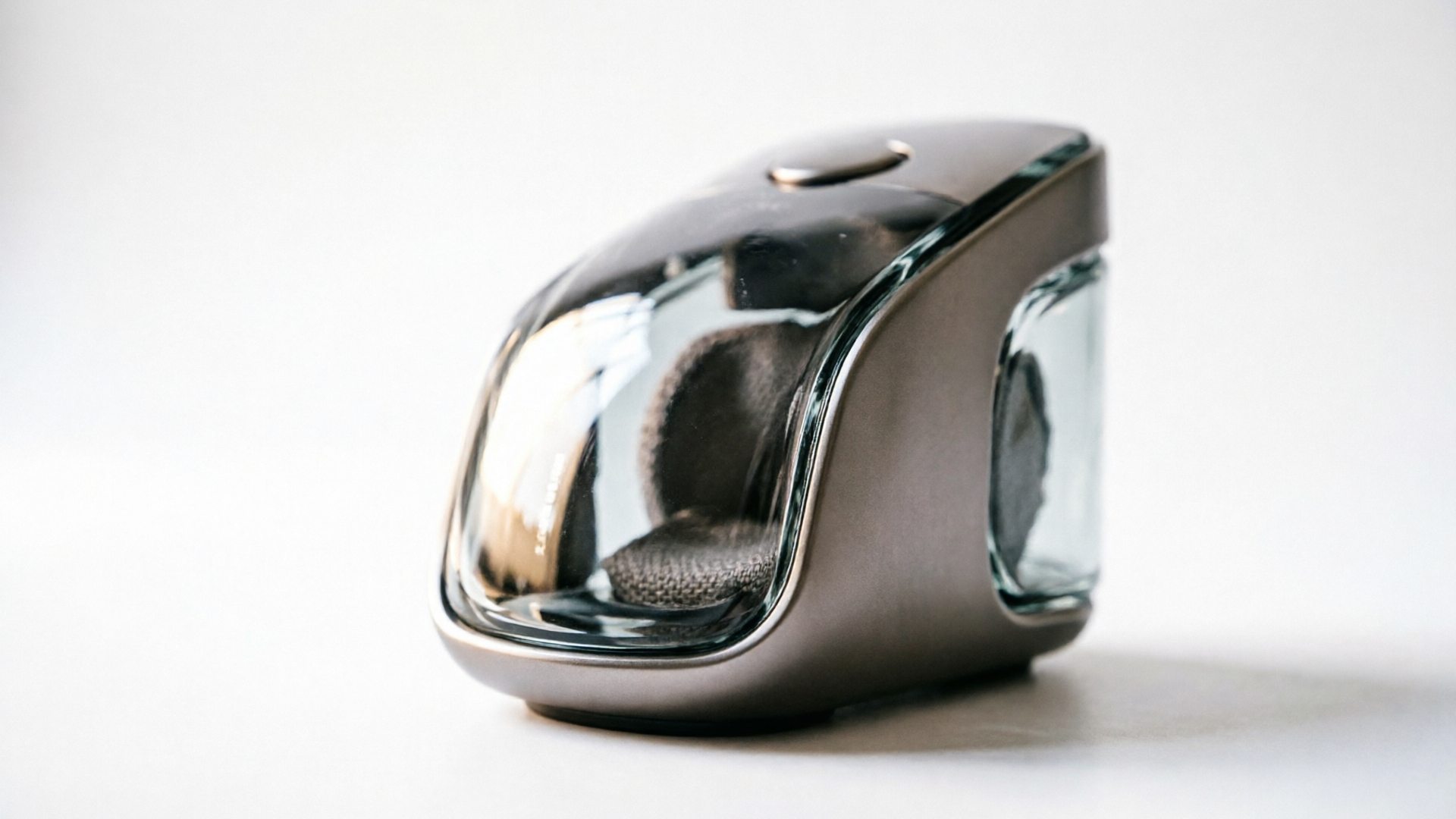
If you only have one hero photo or a flat mockup, you can still produce a suite of short-form product videos that outperform static ads. This playbook shows marketers and small creative teams how to turn a single image into image to video ads and TikTok-ready loops fast — and why WowMade AI Video Generator is the fastest, lowest-cost way to do it.
Across the workflows below you'll see concrete step-by-step examples for both 6–15s TikTok/Reel loops and 10–30s landing-page demos. The first walkthrough shows how to animate a product mockup into a vertical 9:16 loop in minutes using the WowMade AI Video Generator, keeping the subject on-model while outputting platform-ready aspect ratios.
Why single-image→video ads and product loops work for e-commerce (psychology + platform signals)
Short product loops built from a single strong image work because they combine two forces: attention by motion and clarity by focus. Psychologically, motion captures the eye; a subtle parallax, reveal, or camera push immediately increases dwell time compared to a static creative. At the same time, keeping the original product photo as the visual anchor preserves familiarity and brand recognition — the viewer understands the product instantly.
Platform signals push the same direction. TikTok and Instagram promote short vertical formats and product demonstrations in their commerce guidance, meaning a 6–15s loop that shows the product clearly is inherently aligned with what the algorithms reward. When you convert a hero image into a loop, you remove friction for creative production (no reshoot required) while delivering the behaviors TikTok favors: vertical framing, immediate hook, and fast storytelling.
For teams with limited resources, this approach is efficient: fewer assets to manage, predictable creative variants, and a direct path from hero image to ad creative that preserves product fidelity. The rest of this article shows actionable ways to make those trade-offs work in your favor and points you to the WowMade AI Video Generator where you can animate a still in minutes and output 9:16, 1:1, and 16:9 from the same prompt.
Evidence: adoption and performance — the numbers marketers need to justify AI video
Category-level adoption and platform guidance make a strong business case for converting hero images into video. Industry forecasts show nearly 90% of advertisers expected to use generative AI to build video ads by 2025 — a clear signal that the market is moving to lower-friction video production (IAB). That adoption isn't just hype: platform playbooks list product demos and short vertical clips as top performers for commerce, which validates the format for direct-response marketers.
Performance tracking from ad-quality and viewability reports also favors video over static creative: video ad viewability and engagement metrics have consistently improved, making motion an easier route to measurable lifts in clicks and on-site time. That means spending a small amount of creative budget to generate multiple motion variants from one photo can produce a meaningful uplift in conversion and CPAs.
The rise of dedicated image→video tools and AI-first product video generators also confirms this is a scalable approach: multiple vendors now offer workflows that turn a single image into TikTok-ready assets, and best practices from category write-ups recommend creating several motion variants (camera move, parallax, lifestyle placement) to test what hooks retain attention. All of that lowers the risk of producing video at scale — and makes a strong argument for adopting the WowMade AI Video Generator to automate the conversion while retaining control over framing and pacing.
Related guide: Image to B-roll.
Creative ingredients of a high-converting product loop for TikTok/Reels (hooks, pacing, aspect ratio)
A high-converting product loop for TikTok/Reels is built from clear, repeatable creative ingredients. Focus on four elements:
- Hook (0–2s): The first frame must answer "what is this?" — a bold close-up, a price badge, or an emotional reaction. Because users swipe fast, the hook must be readable within a split second.
- Motion choice (2–8s): Choose one motion treatment and commit: subtle parallax, 3D camera push, or a reveal/rotate. Overcomplicating motion in a 6–15s spot creates confusion; a single, clean move preserves product legibility.
- Messaging cadence (text + VO): Short captions layered on-screen reinforce benefits (3–5 words per caption). If you use voice, keep it under 15 words for a short loop; for landing-page demos you can expand to 25–40 words.
- Aspect and pacing: Vertical 9:16 is the primary TikTok/Reels format; 1:1 still works for Facebook and ad networks. Aim for quick pacing in short loops (6–15s): 0–2s hook, 2–8s product motion, 8–12s CTA. For longer landing loops, slow the camera for product detail and include a short close-up shot.
Keep the product visually dominant and avoid busy backgrounds. These rules are why the WowMade AI Video Generator's image-to-video rendering is useful: it keeps the subject on-model while letting you export in vertical, square, or horizontal formats from the same prompt — so you can test aspect ratios without reworking creative assets.
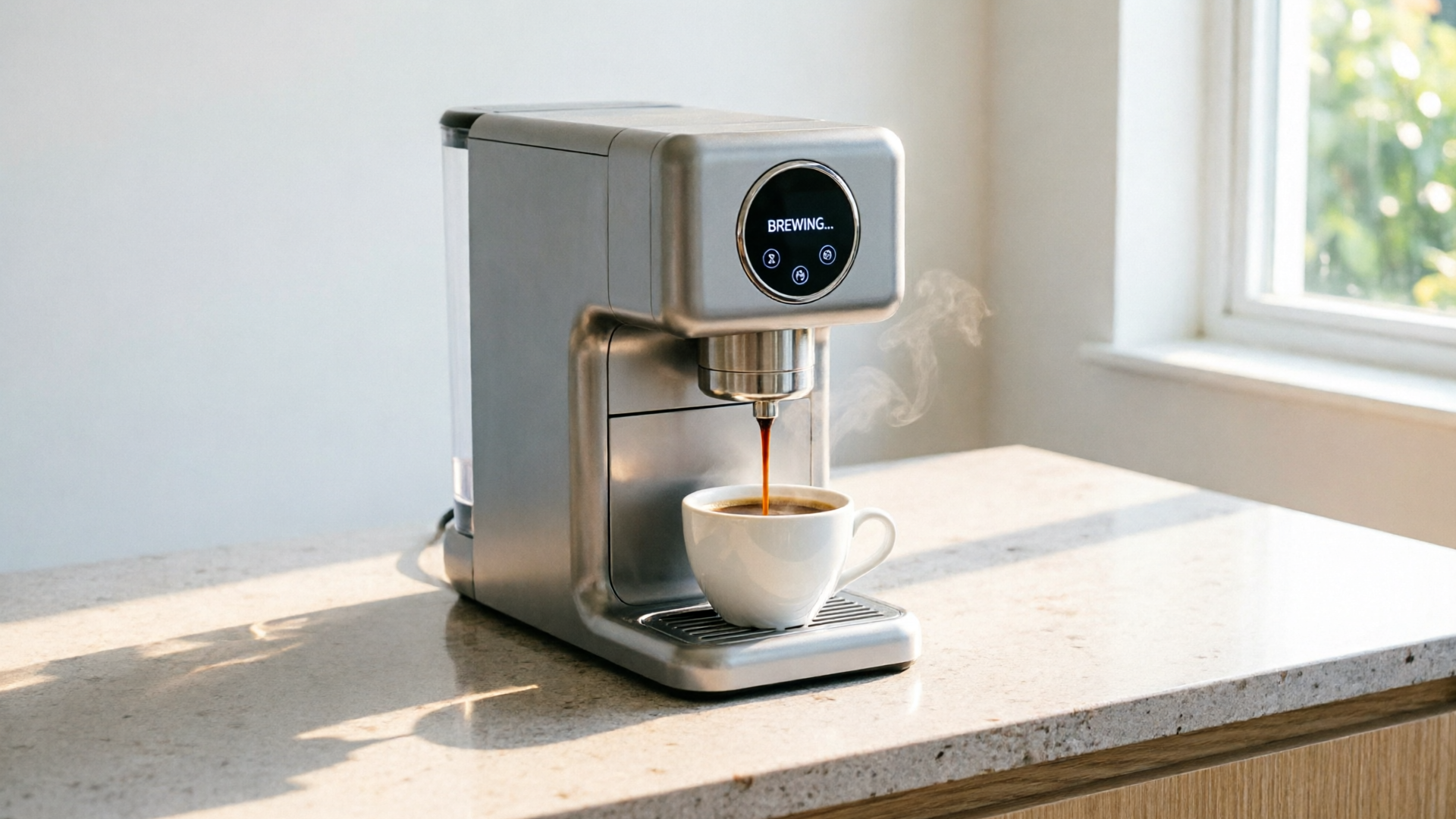
Workflow 1 — Turn a product photo or mockup into a 6–15s TikTok/Reel product loop using PlayVideo.AI (step-by-step)
This walkthrough shows a tight 7-second loop built from a single flat mockup. It's designed for TikTok product hooks and uses the WowMade AI Video Generator to animate the image and deliver a 9:16 clip.
Step-by-step (7s loop):
- Select your hero image: high-resolution PNG or JPEG of the product on a plain background.
- Open the WowMade AI Video Generator (/create-video) and choose "Image-to-Video".
- Prompt and settings: write a short prompt that describes the desired motion and camera move. Example prompt: "Product hero on white background — smooth vertical camera push from 70% crop to full-body, subtle parallax, soft studio light, 7s, 9:16." Set runtime to 7s, output 9:16.
- Add text overlays inside the generator or plan them for your editor: keep two captions (Hook: "Lasts 3x longer" at 0–2s; Benefit: "No-fuss cleaning" at 2–5s) and a final CTA frame (5–7s).
- Render and review: the AI will animate the subject while keeping it on-model. Tweak the prompt if the motion is too strong or the subject shifts.
- Export and caption: export 9:16 and 1:1 variants from the same prompt for cross-platform tests.
Why this is fast and low-cost: the WowMade AI Video Generator renders short clips in minutes, not hours, and lets you iterate on the same prompt with credits. That means you can produce 5–10 motion variants from one image in a single session and push them into ad tests quickly.
Workflow 2 — Build a 10–30s landing-page product demo loop from one hero image with PlayVideo.AI (step-by-step and export tips)
Landing-page demo loops are longer and need to communicate value and trust. Here's a 20s demo built from one hero photo that simulates a product walkthrough.
Step-by-step (20s demo):
- Choose image and reference shots: pick the hero image plus any detail crops (buttons, texture) you have. If you don't have detail crops, create them using the AI Image Generator (/create-image) to crop and enhance.
- In the WowMade AI Video Generator, set runtime to 20s and choose 16:9 and 9:16 outputs to cover landing and social.
- Prompt structure: break the 20s into scenes in your prompt. Example: "0–5s: slow zoom out to show product scale; 5–12s: rotate to show the connector; 12–16s: close-up on texture; 16–20s: soft pan to logo with CTA overlay. Soft studio lighting, realistic texture, 16:9 and 9:16." Use commas for scene breaks.
- Add overlay guidance: include exact on-screen text you'd like ("20% lighter", "Seals in 2 minutes", etc.) so the generator times the motion to the captions.
- Render and iterate: keep one version with no caption (for hero autoplay) and another with captions for muted autoplay on social. The WowMade AI Video Generator's ability to keep the subject on-model matters here — it preserves product fidelity across close-up and wide moves.
- Export tips: render both 16:9 for landing pages and 9:16/1:1 for social retargeting. Use a higher bitrate for the landing-page 16:9 export to avoid compression artifacts on desktop.
This workflow saves time and cost because you avoid reshoots. Use the same prompt to generate several motion variations (camera move, parallax, and lifestyle placement) and then pick the best-performing render for your primary landing hero.
Testing and iteration: how to run fast A/B tests across thumbnails, hooks, and motion variations
Testing is the multiplier that turns a single-image program into scalable performance. The recommended approach is rapid multivariate testing with small batches. Create 3–5 motion variants per image: for example, (A) slow camera push, (B) parallax with foreground element, (C) 3D rotate, (D) lifestyle placement, and (E) text-first static hold. Run a short test with equal budget allocation and measure CTR, view-through, and on-site engagement.
Numbered checklist for rapid tests:
- Produce 5 motion variants from the same prompt in the WowMade AI Video Generator.
- Export vertical and square versions for platform parity.
- Build identical ad copy and targeting for the test group to isolate creative performance.
- Run a 48–72 hour test with modest spend to collect reliable signal.
- Scale the winner and iterate a second round (change CTA, thumbnail, or music).
Small iterations matter: swapping the hook frame or changing the first 0.5–1s preview thumbnail often moves CTR more than a complete re-edit. Use the generator to create thumbnail-safe frames (pause the animation at 0.5s and export as a still) and test them alongside motion variants. The goal is to converge on a top-performing creative quickly and then reuse it across channels.
Templates, prompts and shot-deck recipes: quick settings that produce UGC, cinematic, and lifestyle reads from one image
To scale, keep a short library of prompt templates that map to creative reads. Below are three compact prompt recipes you can paste into the WowMade AI Video Generator and adapt. Each recipe assumes a single high-res product image.
UGC read (casual, handheld):
- Prompt: "Handheld phone-style move: quick tilt and jitter, 6s, jump cut at 3s to close-up of product feature, warm natural light, on-model subject, shallow depth of field, 9:16." Use this for authenticity-focused ads.
Cinematic read (premium, aspirational):
- Prompt: "Slow 3D camera push with soft vignette, 10s, dramatic studio light from 45 degrees, slow reveal of product label, glossy reflections, subtle particle dust, 16:9 and 9:16 outputs." Use for brand hero and high-aspiration creatives.
Lifestyle read (contextual placement):
- Prompt: "Place product on kitchen counter with soft morning light, 8s, parallax foreground elements (mug, plant), slight rotate around product, realistic shadows, 9:16." Use when showing product-in-use.
These templates work because they standardize the motion type and lighting, making it easy to produce consistent batches. The WowMade AI Video Generator supports these modes by letting you keep iterating on the same prompt with credits and by exporting multiple aspect ratios from one render, which is essential when you want a cinematic 16:9 hero plus vertical social cuts without redoing the creative direction.
Brand, legal & creative guardrails for autogenerated product videos (quality, claims, model releases)
Autogenerating product videos introduces specific brand and legal risks you must manage.
Quality: Always review renders for product fidelity. If the AI alters key design details (logos, text on product), reject or iterate — visual accuracy matters for conversions. Keep a checklist for final approval: logo placement, correct color, legibility of any copy on the product, and absence of unexpected artifacts.
Claims and compliance: Any health, performance, or savings claims shown in the video must match your landing-page copy and legal approvals. Avoid overstated before/after comparisons unless you have substantiation. Where a claim is central, include a short reference line in the landing copy and ensure the short loop doesn't make an unsupported promise.
Model releases: If you use human likenesses (UGC or lifestyle renders), either use stock releases or secure permission. Many autogenerated lifestyle shots avoid real people by using stylized models; still, check jurisdictional rules for likeness and privacy if you base a campaign on someone identifiable.
Creative guardrails: Keep brand colors and typography consistent across text overlays. Use the same CTA language so your ad-to-landing experience feels coherent. The WowMade AI Video Generator helps by preserving the subject on-model during motion, reducing surprises when you move from wide to close-up — but review every render against your brand checklist before scaling.
Repurposing strategy: scale one image into 10+ assets (ad variations, stories, animated B-roll)
A single image can become a multi-asset pipeline if you follow a repurposing plan. Here's a compact playbook to scale to 10+ assets quickly:
- Produce motion variants: use the WowMade AI Video Generator to render at least five motion styles (push, parallax, rotate, lifestyle, close-up).
- Export aspect ratios: from each render export 9:16, 1:1, and 16:9 — that immediately triples your asset count.
- Create caption variants: add three caption sets (benefit-first, scarcity-first, social proof-first) and export each.
- Make thumbnail stills: capture the first-frame stills for static ad tests or for story cover images.
Example math: 5 motion variants × 3 aspect ratios × 3 caption sets × 2 audio mixes = 90 unique assets. That scale is possible because the WowMade AI Video Generator renders quickly and keeps the subject intact across different moves and crops. Use prioritized testing (start with a 5–10 asset seed set) and then scale the combinations that move KPIs. This is how small teams produce large creative matrices without hiring a full video studio.
Frequently Asked Questions
Can I keep the original product look when animating a photo?
Yes. The WowMade AI Video Generator's image-to-video feature keeps the subject on-model so colors, labels, and proportions remain accurate; always review renders for any unwanted changes.
Do I need separate renders for TikTok and landing pages?
No — render the same prompt into 9:16 and 16:9 from the generator to cover both. Export settings should use higher bitrate for landing pages to avoid compression artifacts.
How many motion variants should I test per image?
Start with 3–5 motion variants (camera push, parallax, rotate, lifestyle, close-up) and iterate based on a 48–72 hour ad test to get reliable signals.
Conclusion
Turning one hero image into platform-ready product videos is a practical, low-cost growth lever for busy teams. Use short loops for social hooks and longer 10–30s renders for landing pages, and treat the WowMade AI Video Generator as the production engine that scales this work: it animates stills, renders multiple aspect ratios, and lets you iterate quickly on prompts. Start with a small test matrix — 3–5 motion variants × 2 aspect ratios — and use the test results to scale the winners. Open the AI Video Generator, drop in your prompt or a reference image, and ship a clip in your next break.