Turn One Photo into a High-Performing Short: an Image-to-Video Workflow for Creators
Practical guide to turn a single still image into attention-grabbing vertical Shorts using an image-to-video AI workflow with WowMade AI Video Generator.

You open your phone, tap one product photo, and 90 seconds later you have a vertical Short that stops the scroll. That’s not fantasy — it’s the practical advantage of an image-to-video short workflow. For creators, small ecommerce brands, and social media managers, flipping a single still into a 15–30s vertical clip is the fastest repeatable way to test hooks, run cheap ads, and maintain a steady stream of content.
This guide walks through why single-image-to-video workflows scale, how to build platform-aware vertical storytelling, exactly what makes a photo convert, and a hands-on walkthrough that turns one product shot into a ready-to-publish YouTube Short using the WowMade AI Video Generator. You’ll get a photo-to-motion checklist, a rapid A/B method to test three variants from one image, and publishing settings for Shorts/Reels/TikTok. Along the way I’ll show concrete steps inside the WowMade AI Video Generator so you can render image-to-video clips in minutes and keep iterating on the same prompt.
Why single-image-to-video workflows are the fastest path to consistent Shorts growth
Short-form discovery favors frequency and rapid iteration over big-budget polish. Cross-platform analyses in 2024–25 show TikTok, Instagram Reels and YouTube Shorts disproportionately drive view counts and engagement for creators and brands — which is why turning one still into multiple short variants is such a high-leverage tactic. Producing a full shoot or an edited montage takes time; converting existing product photos into vertical clips removes those bottlenecks.
Two factors make the single-image path fast: asset simplicity and repeatability. A product photo is a clean, focused asset that already carries brand framing, color, and composition. AI image-to-video tools can animate that same subject while keeping it "on-model," meaning you retain the exact product look while adding motion or contextual background. That preserves brand fidelity and radically shortens turnaround.
Practical creators report being able to generate share-ready clips in under five minutes using AI-driven quick-turn workflows. Because each image can be rendered in multiple framings (9:16 for mobile-first Shorts, 1:1 for feed posts, 16:9 for long-form repurposing) you also get more distribution from the same source file. The WowMade AI Video Generator specifically renders short clips in minutes and outputs 9:16, 1:1 and 16:9 from the same prompt, making it a natural choice when your KPIs demand volume and consistency.
Understanding vertical storytelling: hooks, pacing, and platform-specific constraints
Vertical storytelling isn’t just about aspect ratio. It’s a micro-language: a hook, a rhythm of cuts or motion, and a clear end-state (learn, buy, or tap through). Best-practice analyses from creator reports and 2025 short-form summaries recommend a hook in the first 0–3 seconds and pacing that keeps viewers moving — cuts or changes every ~3–4 seconds for full-motion footage, and even faster for photo-based slides.
When you’re working from a single photo, you must artificially create those cuts and motion beats. Practical photo-to-video guides suggest changing frame or adding motion every 1–2 seconds for slide-based shorts to maintain perceived momentum. That can be achieved through camera moves (zoom, pan), animated overlays, quick text punches, or per-cut sound effects that emphasize transitions. SFX on transitions is small effort that yields outsized improvements in perceived production value.
Also match platform constraints: TikTok and Instagram favor more playful, trend-driven edits and on-screen captions; YouTube Shorts rewards strong hook signals and clear watch-through value. Optimize the first 3 seconds for attention (bright subject, leading text, or an immediate question), then pace content so the core idea is delivered by 10–12 seconds — that lets algorithmic recommendation reward the clip for watch time and replays.
Related guide: Image animation for product.
Choosing the right still image and writing prompts that convert (photo-to-motion checklist)
Not every photo makes a great short. Use this checklist to pick or shoot an image that will animate well and convert.
- Subject clarity: The product or person must be the dominant subject with clean background separation. Close-ups or three-quarter product shots work best for mobile crops.
- High resolution: More pixels mean cleaner zooms and camera moves without artifacts when you render a 9:16 crop.
- Action cues: Even a static photo should imply use — hands, steam, light on metal — these cues make motion believable.
- Brand-safe palette: Contrasting colors help on-screen text pop; avoid busy patterns that compete with motion.
- Multiple crop-friendly frames: If possible, shoot with negative space above or below the subject so you can reframe vertically.
Writing prompts for an image-to-video tool matters. Your prompt should include: the desired framing (9:16 vertical), motion type (gentle parallax, product spin, reveal zoom), tempo (beats per second or per cut), and mood (energetic, premium, playful). Example prompt: "Animate this product photo into a 15s vertical hook: slow parallax right-to-left, quick 0.6s zoom-ins on the logo at beats 3 and 9, bright warm color grade, add soft vignette and subtle particle dust for premium feel." That level of specificity keeps the AI focused and reduces trial-and-error.
Step-by-step workflow: Turn one product photo into a 15–30s YouTube Short (hands-on)
Here’s a concrete 6-step workflow you can run in under 10 minutes using the WowMade AI Video Generator and a single product photo.
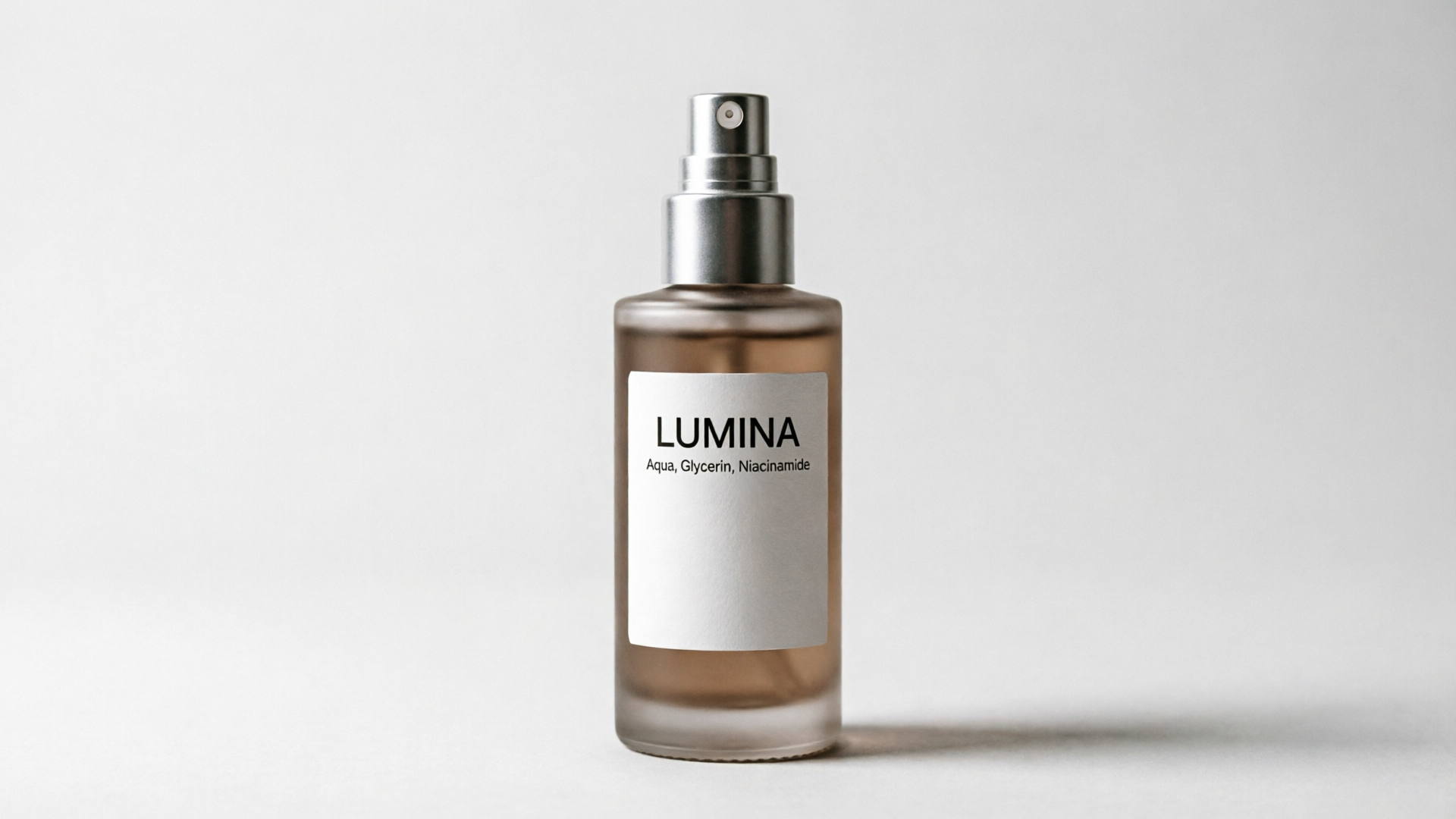
1) Prepare the asset (60–90s): Crop a high-res product photo to a 9:16 canvas with extra space on top for titles. Export as PNG or JPG.
2) Open the WowMade AI Video Generator (/create-video) and choose "image-to-video" mode. Upload your photo and select vertical 9:16 output. (The generator animates a single still image into motion while keeping the subject on-model.)
3) Write a focused prompt (60–90s): Use the prompt template from the checklist. Example: "15s vertical Short: start with 0–3s bold title overlay 'New: Leakproof Bottle' then slow parallax left, quick logo zoom at 6s, product spin 12–14s, warm color grade, punchy whoosh SFX on cuts." The WowMade AI Video Generator accepts text prompts and uses them to generate the clip.
4) Choose pacing presets and SFX (30s): Pick a fast-tempo preset for hooks or a smoother preset for lifestyle demos. Add a transition SFX library item on the second and eighth second to emphasize cuts.
5) Render (60–120s): Hit render. The generator typically renders short clips in minutes. Review the output and note timestamps for where you want a tighter cut or a different SFX.
6) Iterate (2–5 minutes per variant): Adjust prompt parameters (faster zoom, different color grade, add caption blocks) and re-render. The WowMade AI Video Generator lets you keep iterating on the same prompt with credits, so refining is cheap and fast.
Worked example: I uploaded a clean bottle PNG, set 9:16, and used the prompt above. The first render produced a 15s hook with a left parallax, three punch-in beats, and two whoosh SFX; total time from upload to first usable file: ~3 minutes. That clip performed well as an experimental Short because the opening title and immediate motion delivered the hook inside 2 seconds.
Rapid iteration: A/B test three short variants from one image to find the best hook (hands-on)
A single photo can yield multiple distinct hooks — and testing three variants is the most efficient way to learn what works. Use controlled differences so insights are actionable.
Variant plan (three clips):
- Variant A — "Problem-first": Open with a quick problem statement text (0–2s), then reveal product with a fast zoom. Pace: cuts every 1–2s. Purpose: test curiosity-driven hooks.
- Variant B — "Benefit-first": Immediate product shot with overlayed benefit (0–3s), smoother parallax and slower zoom. Purpose: test clarity-first messaging.
- Variant C — "Lifestyle tease": Add contextual animated background (soft bokeh motion) and quick product spin. Purpose: test aspirational framing.
How to run the test in WowMade AI Video Generator:
1) Duplicate your base prompt and change only the opening line for each variant (problem, benefit, lifestyle). 2) Set identical length (15s) and the same SFX bank so only the hook differs. 3) Render all three and upload to your analytics tool or native platform. Measure click-throughs, view-through rate, and retention at 3s and 10s.
A quick numbered checklist for evaluating results:
- 3s retention: which variant keeps viewers past the mandatory hook window?
- 10s retention: which variant delivers enough value to stay?
- Call-to-action clicks or link taps.
Run the test over small paid or organic boosts (a few hundred impressions) to get statistically useful signals fast. The point: iterating from one image reduces production friction so you can learn and scale creative winners rapidly.
Packaging and publishing: export settings, captions, and platform optimization for Shorts/Reels/TikTok
Export settings and caption strategy materially affect whether an image-to-video Short gets distribution.
Export settings to prioritize:
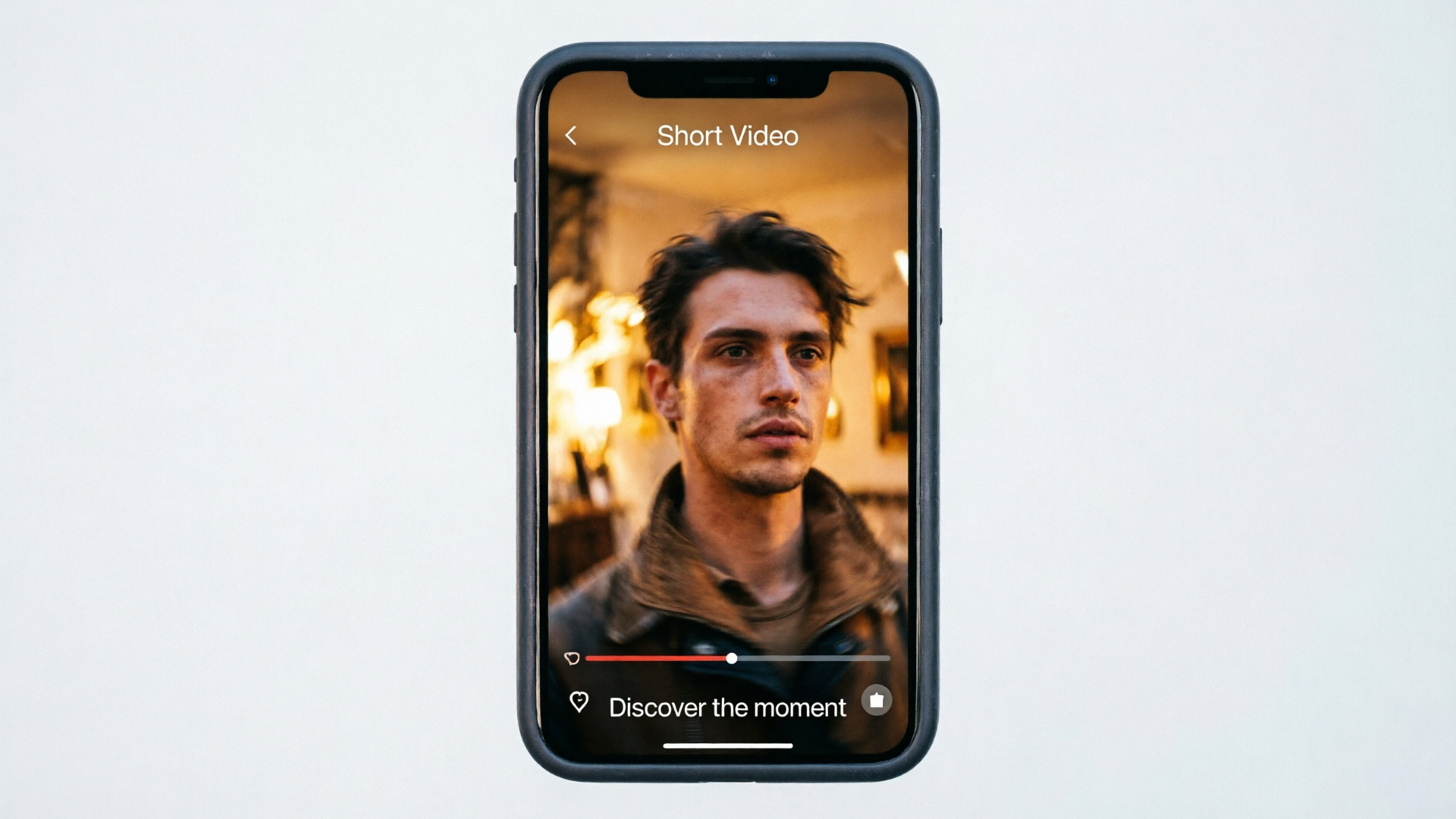
- Resolution and aspect: 1080x1920 (9:16) for Shorts/Reels/TikTok. Keep a 4:5 safe area in the center for text and logos so platform UI overlays don’t hide important elements.
- Bitrate and codec: H.264 at 8–12 Mbps for crisp mobile playback; AAC audio at 128 kbps.
- Length: 15–30s sweet spot for product demos and hooks; under 15s if you aim for repeated replays.
Caption and metadata tips:
- First line counts: Your first caption line should either repeat the hook or add curiosity. Keep it plain language and mobile-first.
- Hashtags and keywords: Use one branded tag and 2–3 topical tags; don’t overstuff.
- On-video captions: Add short punchlines every 2–3 seconds — this helps watch-through and works with sound-off viewers.
Platform specifics:
- YouTube Shorts: Prioritize a strong hook and clear value by 10–12s. Thumbnails don’t always apply for Shorts, so your 0–3s frame is the thumbnail surrogate.
- Instagram Reels: Consider slightly slower openings and stronger polish; Reels favors curated aesthetics.
- TikTok: Lean into native trends, sounds, and faster cuts; native sounds can amplify reach.
Pair your visual clip with the right audio. If you want quick background scoring, the WowMade AI Music Generator (/create-music) creates copyright-free instrumentals to match mood and tempo.
When to use PlayVideo.AI AI Video Generator in your pipeline — use cases and step examples
Use the WowMade AI Video Generator whenever you need fast, repeatable short-form clips from a single image — that’s its core strength. Here are specific use cases and short examples of how it fits into a creator pipeline.
Use case: product demo loops for landing pages Example: Upload your hero product image, ask for a seamless 8–10s loop with subtle rotation and a sheen pass. Render vertical and horizontal outputs to reuse the clip across social and landing pages. The generator keeps the subject on-model and renders multiple aspect ratios from the same prompt.
Use case: TikTok and Reels hooks from a single product photo Example: Create three 15s variants (problem, benefit, lifestyle) using the rapid A/B approach. The WowMade AI Video Generator renders clips in minutes and lets you iterate on the same prompt so testing is cheap.
Use case: story-mode openers for YouTube Shorts Example: Convert a still scene into an animated b-roll opener with camera push and caption placeholders for a narrated explainer. Add a bold title in the first 2 seconds to secure the hook window.
Why the generator over manual editors? It removes timeline editing, keyframing, and asset stitching from the critical path. If your priority is speed-to-insight — finding which creative resonates — the WowMade AI Video Generator is the pragmatic choice.
Tip:
Keep one canonical prompt per product and save it. Reuse that prompt to produce monthly seasonal variants (color grade changes, holiday overlays) so your brand remains consistent while testing messaging.
Frequently Asked Questions
How long does it actually take to render an image-to-video Short?
Most creators report a first render in 1–5 minutes for a 15s clip when using generator-style AI tools. WowMade AI Video Generator is designed to render short clips in minutes rather than hours.
Can I keep the exact look of my product photo when animating?
Yes — image-to-video tools that advertise "on-model" outputs (like the WowMade AI Video Generator) will preserve the subject appearance while adding motion, so color and branding remain consistent.
Should I always add SFX to photo-based Shorts?
Yes. Small transition SFX increases perceived momentum and helps beats land when you don’t have continuous footage. Add whooshes or impacts at key cuts every 1–2 seconds for slide-based edits.
Conclusion
Image-to-video short workflows turn an existing asset — a product shot or a lifestyle still — into scalable creative tests that produce real distribution. For creators and small teams whose constraints are time and budget, the path that repeats fastest wins: pick a clean image, write a precise prompt, use the WowMade AI Video Generator to render vertical outputs, and iterate rapidly on hooks and pacing. That cycle is how you find winners without a full production pipeline. Open the AI Video Generator, drop in your prompt or a reference image, and ship a clip in your next break.