Scale multilingual Reels: AI video dubbing workflows that actually work
Practical workflows for AI video dubbing of Reels/Shorts: clone voices, auto lip-sync, and publish platform-ready multilingual clips fast.
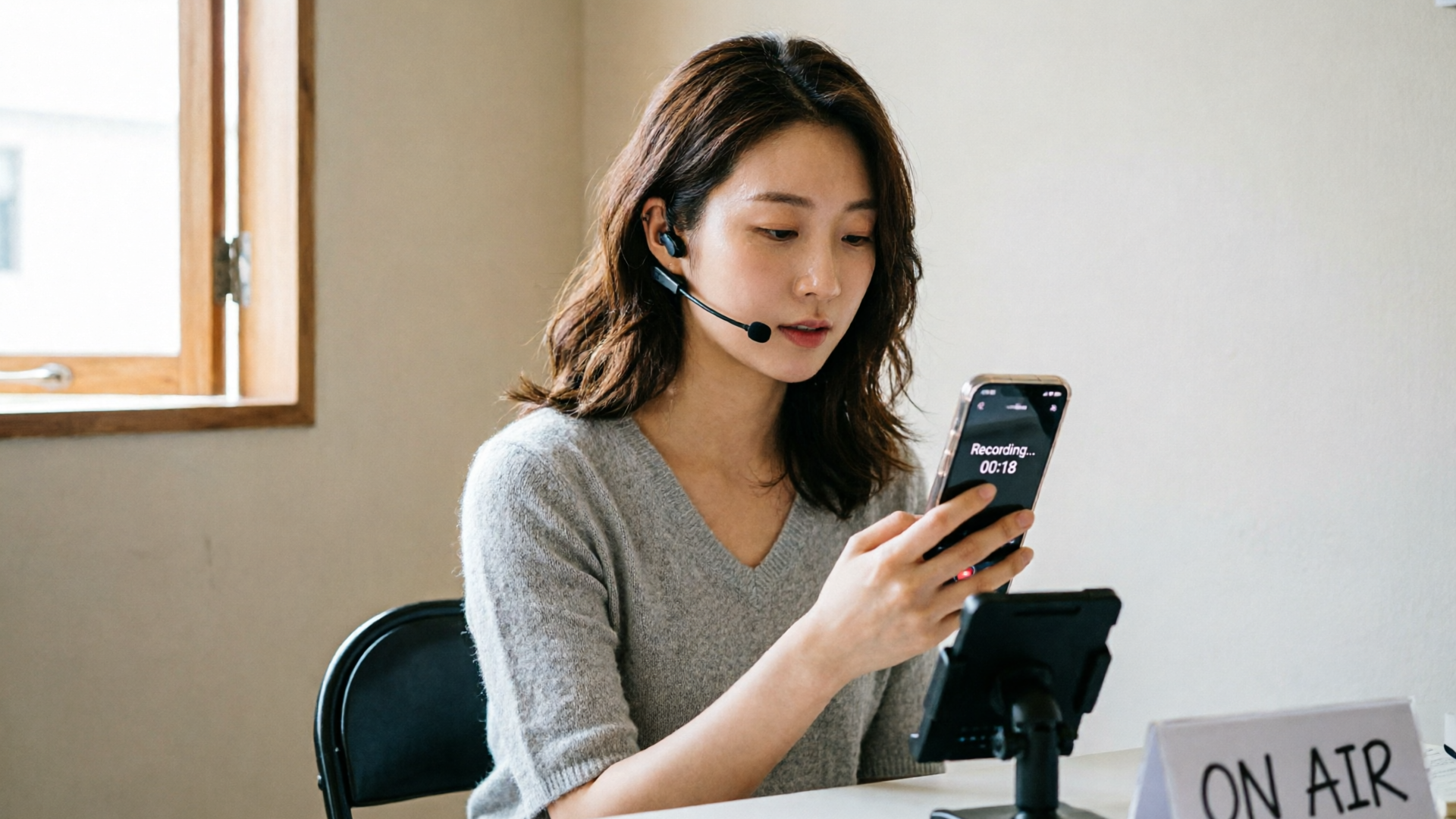
You’re staring at a 30‑second Reel that performs in one market and flatlines in another. The visuals are universal — but the audio isn’t. For creators, small studios, and marketing teams, the fastest growth lever isn’t a new edit: it’s localization. This guide shows how to scale AI video dubbing for short-form social videos (Reels, Shorts, TikToks) with workflows that prioritize speed, naturalness, and platform-ready exports. We’ll use WowMade AI Voices from the start: clone your voice or pick a stock voice, run a machine translation + ASR pipeline, and output language-ready tracks that pair with lipsync effects.
Read on for practical, hands-on pipelines: a full translate‑clone‑proof flow, a focused auto lip‑sync and timing fix routine, and a human‑in‑the‑loop checklist that prevents the most common localized flops. Along the way you’ll see concrete steps for creating a Spanish dub, learn when subtitles are still smarter, and compare tradeoffs in a short comparison table. If you want to ship multilingual reels 5–10x faster without sounding robotic, these are the exact processes creators use in production.
Why localization matters for short-form video: reach, retention, and platform behavior
Short-form platforms reward watch time and replays, and audio is a huge lever. When a clip’s dialogue or narration sounds native, viewers engage earlier and stay longer — a pattern borne out in localization research that found “vocal naturalness and translation quality” often matter more than pixel-perfect lip sync for perceived dub quality (see the TACL study). For creators this translates to three concrete wins:
- Reach: native-sounding audio converts discovery into follows because viewers understand nuance and humor faster.
- Retention: a believable voice keeps the first 3–5 seconds intact — the period where platforms decide whether to boost a clip.
- Platform behavior: captions, multiple audio tracks, and vertical formats play differently across platforms; localizing audio gives you the best signal for region‑specific recommendation systems.
Localization doesn’t mean reinventing the edit. For Reels and Shorts, prioritize a pipeline that preserves the speaker’s vibe and the clip’s intent. That’s where WowMade AI Voices helps: its voice cloning and stock voice catalog let creators produce language dubs that keep the original performance energy, while exporting files sized and timed for social uploads.
Core challenges of automatic dubbing: translation quality, vocal naturalness, and lip-sync
Automatic dubbing asks three difficult questions at once: what was said (ASR), what should be said in the target language (MT + adaptation), and who should say it (TTS/voice cloning). Each stage brings tradeoffs:
- Translation quality vs. speed: Raw machine translation can introduce unnatural phrasing or lose idioms. For short-form clips, phrasing that preserves intent and rhythm is more important than literal accuracy.
- Vocal naturalness: Listeners judge dubs by how spontaneous and emotionally aligned the voice sounds. The TACL research shows that human listeners weight naturalness and translation above strict lip alignment.
- Lip-sync and visual alignment: Visual dubbing research identifies lip and jaw adjustment as a remaining technical gap; purely audio solutions can be convincing if prosody and timing are right, but some clips benefit from a visual lip-sync pass.
Technically, the state of the art combines ASR, MT, TTS/voice‑clone, and optional vision-aware lip-sync — treat transcription and timing as integral steps, not extras. Tools that allow quick voice cloning from a short sample and pair outputs with lipsync effects make it realistic to localize many short videos without a full ADR session. For creators, the practical outcome is: invest in good transcript+timing and a high‑quality voice model, then choose visual fixes only when the shot demands them.
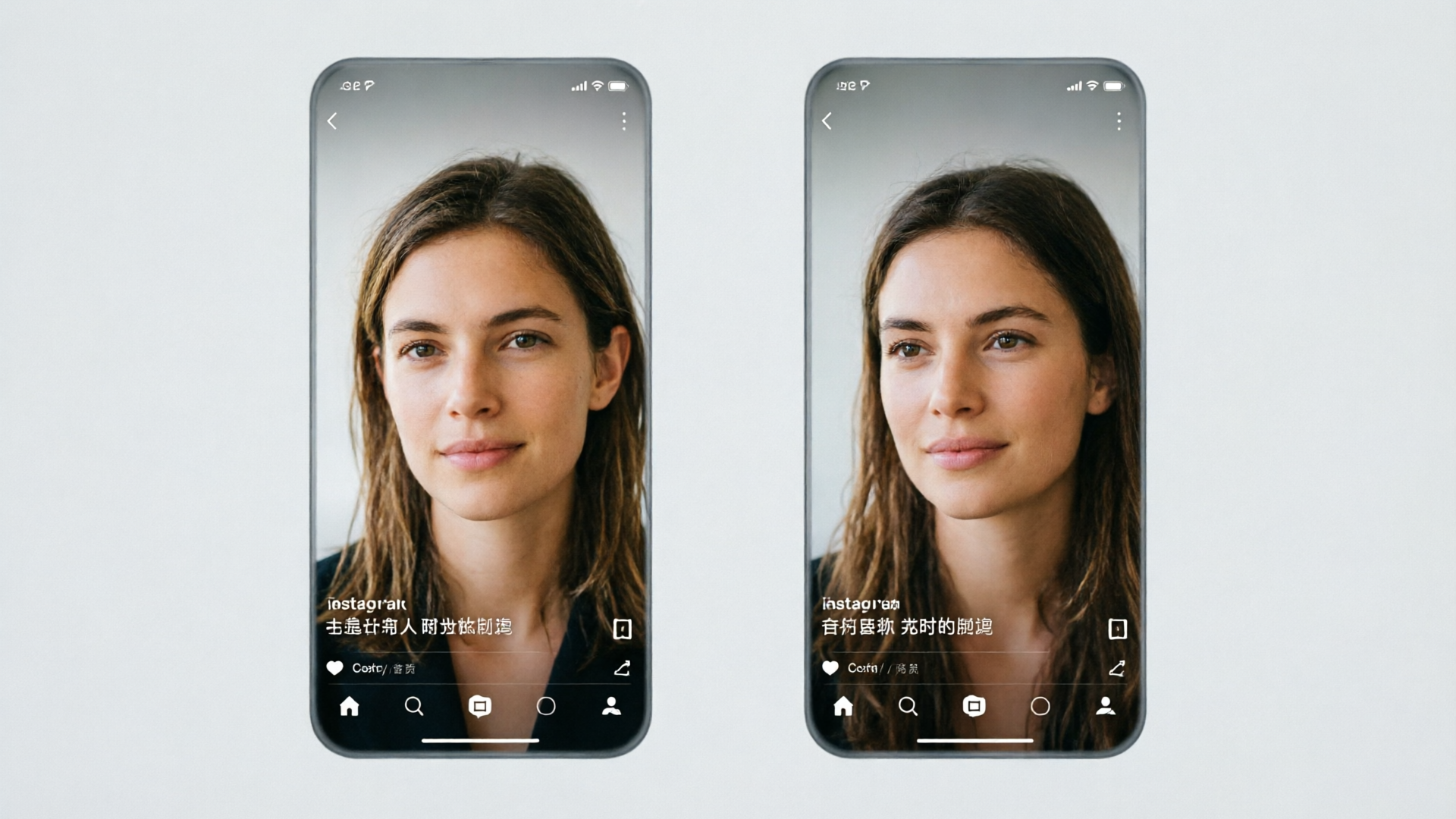
Choosing between subtitles, voice-over, and full dubbing for Reels and Shorts
You’ll face this choice often. Pick by intent, platform behavior, and audience:
- Subtitles first when: the clip’s visual pacing or music is essential, or the audience regularly watches muted (many users on Instagram/TikTok). Subtitles are fastest to ship and preserve the original audio performance.
- Voice-over when: you want native audio but the original speaker’s mouth isn’t visible or is off-screen. Voice-over reduces the need for tight lipsync and is quick with a cloned or stock voice.
- Full dubbing when: the speaker is on-screen and the content is dialog-driven, or when the market expects localized audio (e.g., educational content or standups).
Comparison table — quick tradeoffs
- Speed: subtitles > voice-over > full dubbing
- Perceived nativeness: full dubbing ≈ voice-over (if voice is right) > subtitles
- Effort: subtitles (low) | voice-over (medium) | full dubbing (high)
For short-form creators, a hybrid strategy works best: use subtitles for low-effort variations, voice cloning + voice-over (via WowMade AI Voices) for high-value markets where the creator’s voice or brand persona matters, and full dubbing only for flagship clips. This lets teams scale without overcommitting editorial resources.
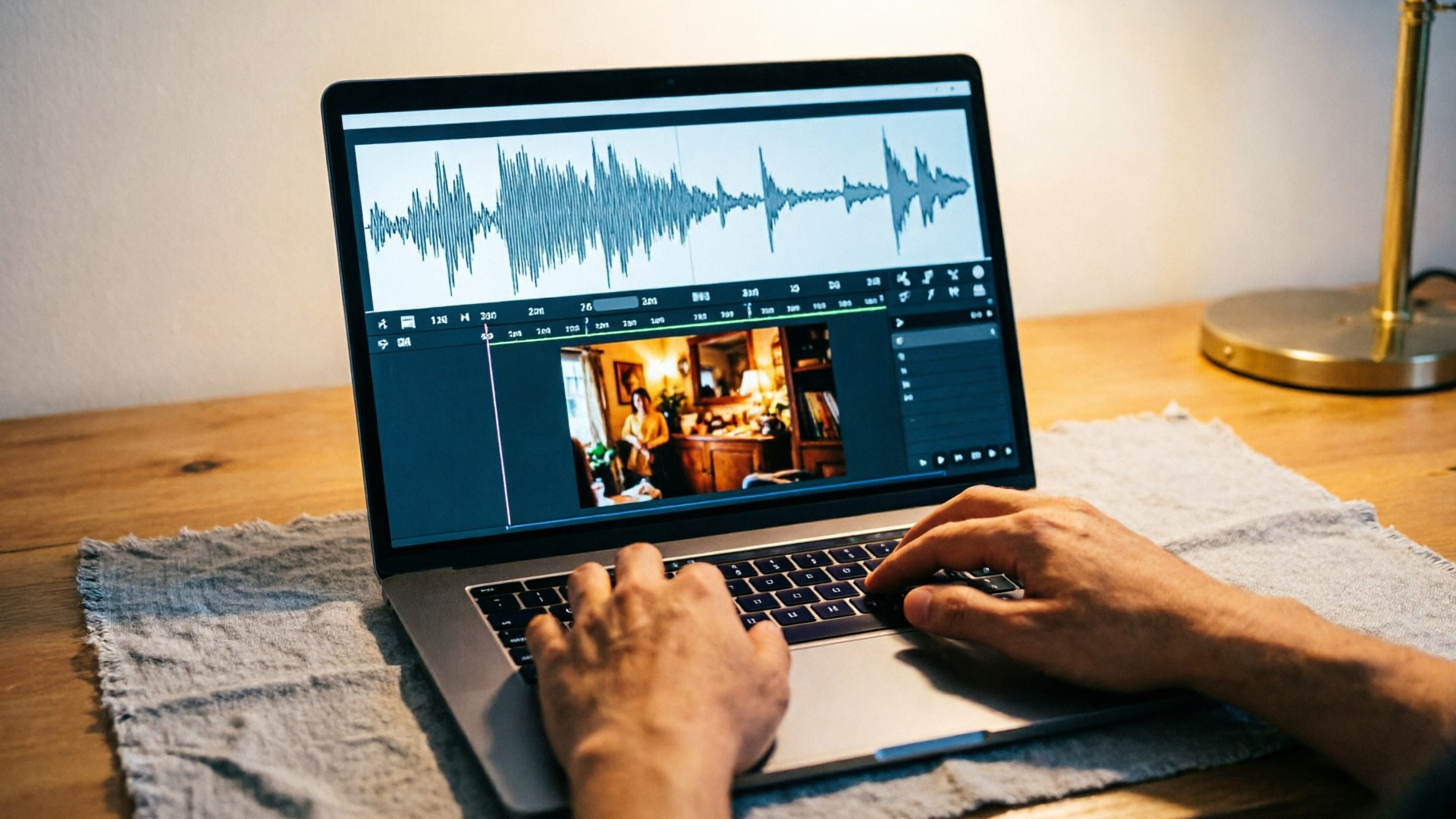
Workflow: Translate, clone, and proof — a step-by-step pipeline for fast multilingual reels (hands-on)
This pipeline is designed to localize many short clips quickly while keeping quality high.
Step 1 — Source transcript (ASR)
- Generate a clean transcript using an ASR pass. Export word-level timestamps; they’re necessary for timing and prosody decisions.
Step 2 — Machine translation + edit
- Run a machine translation into target languages. Then adapt the translation to match natural phrasing and clip timing — keep sentences short and rhythm-friendly for 15–45s clips.
Step 3 — Choose voice: clone or stock
- Decide whether to clone the original creator voice or use a stock voice. Use WowMade AI Voices to clone from a short, clean sample or to pick a stock voice that matches the original’s energy.
Step 4 — Generate the dubbed track
- Use the output text to generate the target language audio in WowMade AI Voices. Export separate files per language. The platform’s cloning works from a short sample and preserves the speaker vibe in other languages.
Step 5 — Quick human proof
- A native reviewer checks translation tone, idioms, and profanity. Adjust phrasing to match the clip’s emotional beats.
Step 6 — Timing pass
- Align the generated audio to the original timestamps. Trim or stretch silent gaps and tune sentence breaks so the speech feels spontaneous.
Practical example — Spanish dub of a 30s Reel
- ASR: export timestamps from the original English track.
- MT: translate to Spanish, then compress long phrases to match the 30s runtime.
- Clone: in WowMade AI Voices, upload a 20‑second clean sample of the creator’s voice and generate a Spanish variant.
- Export: download the Spanish MP3 and import to your editing timeline; apply minor trims to match breath and emphasis.
- Review: a native speaker checks for cultural references and tone.
This flow leverages WowMade AI Voices as the core dubbing engine and keeps a human check where it matters. For visual-heavy clips you can pair the audio with lipsync effects from WowMade’s effects suite.
Workflow: Auto lip-sync + timing fixes — matching AI voices to on-screen mouth movements (hands-on)
When the speaker is on-camera and mouth movements are visible, add a focused visual pass. Visual dubbing research highlights lip and jaw adjustment as a key challenge, but much can be solved by precise timing and small visual fixes.
Step 1 — Fine-grained timestamps
- Export sub-sentence timestamps from ASR and keep a phoneme-level view if your tools provide it. These let you map syllables to frames.
Step 2 — Render dubbed audio with prosody cues
- In WowMade AI Voices, generate audio with intended emphasis markers: short pauses, emphasis on keywords, and desired speaking rate. These options let the model produce timing that matches the mouth movement rhythm.
Step 3 — Automatic lipsync pass
- Use WowMade AI Video Effects lipsync module to align the face. The effect consumes the dubbed audio and warps mouth/jaw subtly to match. Because WowMade AI Voices outputs are engineered to pair with the lipsync effect, you’ll avoid the common mismatch between audio and visual models.
Step 4 — Manual timing tweaks
- Inspect key frames where consonant onsets fall (plosives like /p/, /t/, /k/). Nudging the audio +/- 1–3 frames or trimming milliseconds often fixes visible dissonance without re-recording.
Step 5 — Texture and reverb
- Match room tone using a short convolution or ambient layer so the dub sits in the original scene. This small step increases credibility.
Worked example — 20s talking head
- Use ASR to mark syllable boundaries.
- Generate German audio in WowMade AI Voices with a slightly slower speaking rate.
- Run the lipsync effect to map audio to the face; inspect mouth opening on vowels.
- Nudge audio back 30ms where plosives peak ahead of the mouth movement.
- Add a 40ms ambient layer sampled from the original clip for a natural blend.
This process limits heavy face re-rendering to only where it’s needed and keeps most localization in audio space, which is far faster for short-form workflows.
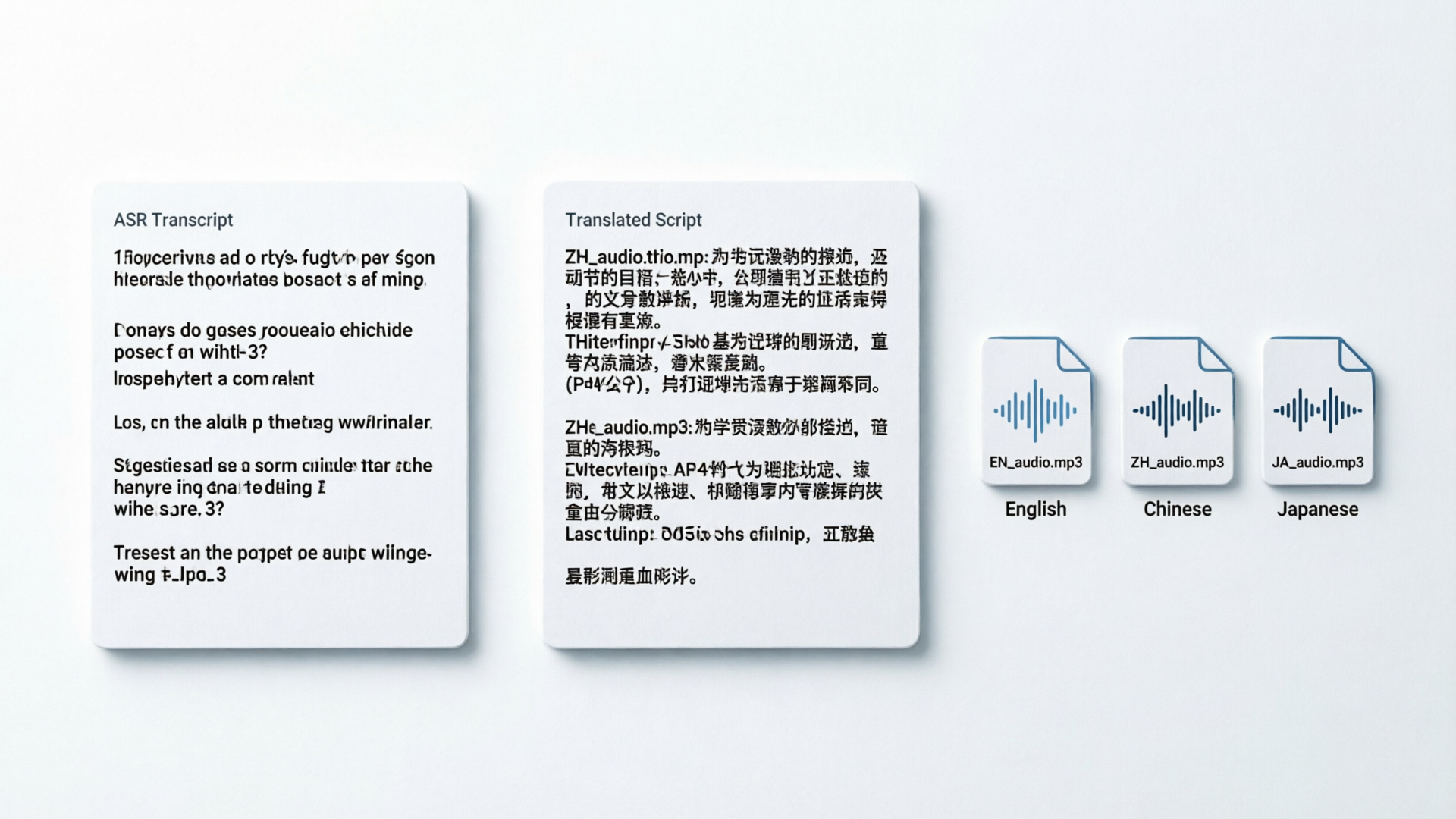
Human-in-the-loop checks: script adaptation, prosody tuning, and cultural notes before publish
Automation accelerates, but a short human pass prevents costly misreads. Industry guides and platform partners consistently recommend a human review — automated pipelines speed work 5–10x, but final quality checks are essential.
Checklist for a quick human pass (3–7 minutes per clip):
- Translation intent: does the line preserve the speaker’s point and emotional tone? Fix idioms and punchlines.
- Prosody and emphasis: does the voice stress the same beats? Adjust punctuation or insert short pauses in the script sent to WowMade AI Voices.
- Cultural notes: swap references, currency, or memes that don’t translate — a native reviewer flags and proposes swaps.
- Timing: confirm the dubbed audio’s runtime aligns with the visual edit; ensure no important visual action is covered by speech.
- Compliance: check profanity and legal mentions by platform rules (some markets have stricter limits).
Tools like WowMade AI Voices make iteration fast: generate variant takes quickly, A/B them in the timeline, and pick the most convincing. For brand consistency, keep a short voice-guide per cloned voice (preferred speaking rate, filler use, handling of names) so future dubs remain consistent across clips.
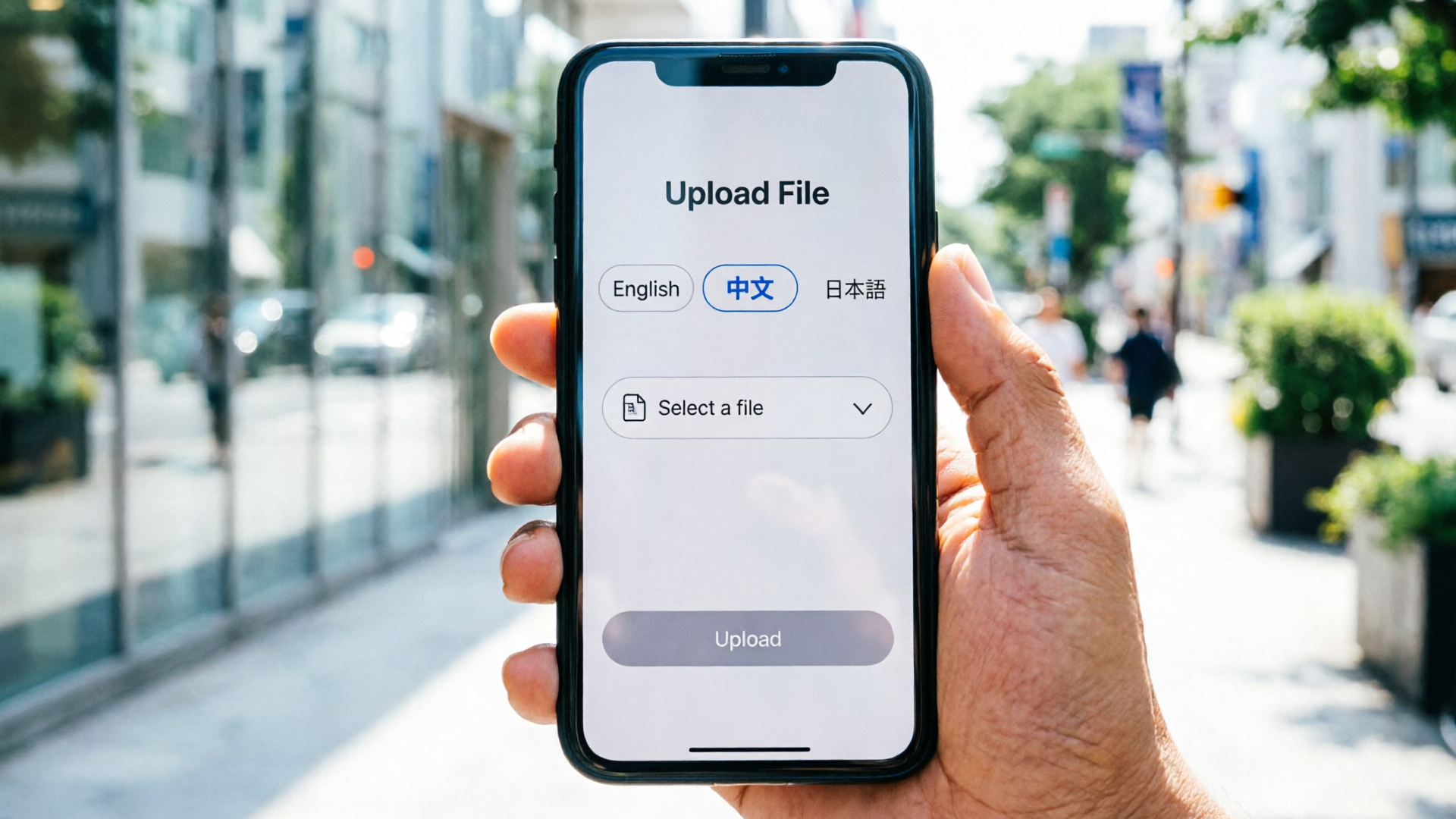
Why WowMade AI Voices is the right fit: clone your voice, stock voices, and export options for Reels/Shorts
WowMade AI Voices is built for creators who need speed and authenticity. It clones your real voice from a short sample, generates narration from text in dozens of voices, and dubs videos into other languages — all features that map directly to the pipelines above.
Why it fits short-form localization workflows:
- Fast cloning from a short, clean sample: you can capture a creator’s voice in minutes and reuse it across markets, saving re-record sessions.
- Multilingual dubbing that preserves vibe: outputs keep speaker energy — vital for social clips where personality drives follow and share.
- Exports fit social workflows: download per-language tracks and drop them into your edit; the outputs pair cleanly with WowMade’s lipsync effects for shots that need visual adjustments.
Concrete walkthrough — make a Spanish voice clone and export for Reels
- Record a 20s clean sample (quiet room, good mic).
- Open WowMade AI Voices, choose Clone voice → Upload sample.
- Name the clone and select Spanish as the target generation language.
- Paste your translated script and generate two variants at different speaking rates.
- Export the best take as MP3 (or WAV) and import into your 9:16 timeline; apply lipsync effect if the speaker is on-screen.
Supporting features: pair AI Voices with the AI Video Generator when you need quick b-roll or to create alternate visual variants, and use the AI Music Generator to produce platform‑safe background tracks that don’t compete with speech. If you need visual lip corrections or viral template effects, the AI Video Effects lipsync module integrates directly with voice outputs.
For producers scaling dozens of localized shorts per week, this combination reduces friction: automated generation does the heavy lifting, and simple human passes preserve quality.
Frequently Asked Questions
Do I need a professional mic to clone my voice?
No. WowMade AI Voices requires a short, clean sample — a quiet room and a decent phone recording are usually sufficient. Cleaner samples improve fidelity, but you don’t need studio gear.
How accurate is automatic lip-sync for on-camera speakers?
Auto lipsync is effective for most short clips, especially when audio timing and prosody are tuned. Research shows visual lip and jaw adjustments remain a technical gap for full realism, so expect to do small frame-level nudges for tight close-ups.
Can I keep the original speaker’s personality in other languages?
Yes — voice cloning in WowMade AI Voices preserves pacing and tonal cues, which helps maintain the speaker’s vibe across languages. Always run a quick native review to verify idioms and emotional tone.
Which markets should get voice dubs vs. subtitles?
Prioritize voice dubs for top-performing markets where audio engagement drives retention. Use subtitles for quick variants or markets that commonly watch muted. A hybrid strategy often gives the best ROI.
Conclusion
Localization at scale is a mix of automation and smart human editing: use ASR+MT to move fast, rely on high‑quality voice models for naturalness, and reserve visual fixes for tight close-ups. For short-form creators who need to ship multilingual reels quickly, WowMade AI Voices ties these pieces together — clone your voice, generate dubs in other languages, and export platform-ready files that plug into lipsync effects. Open the AI Voices and clone your voice to stop re-recording the same script across markets.