Scale Reels and Shorts with Safe, High-Quality AI Voice Dubbing
How creators scale reach with multilingual shorts using safe, high-quality WowMade AI Voices. Workflows, legal rules, QA checklist, and distribution tactics.
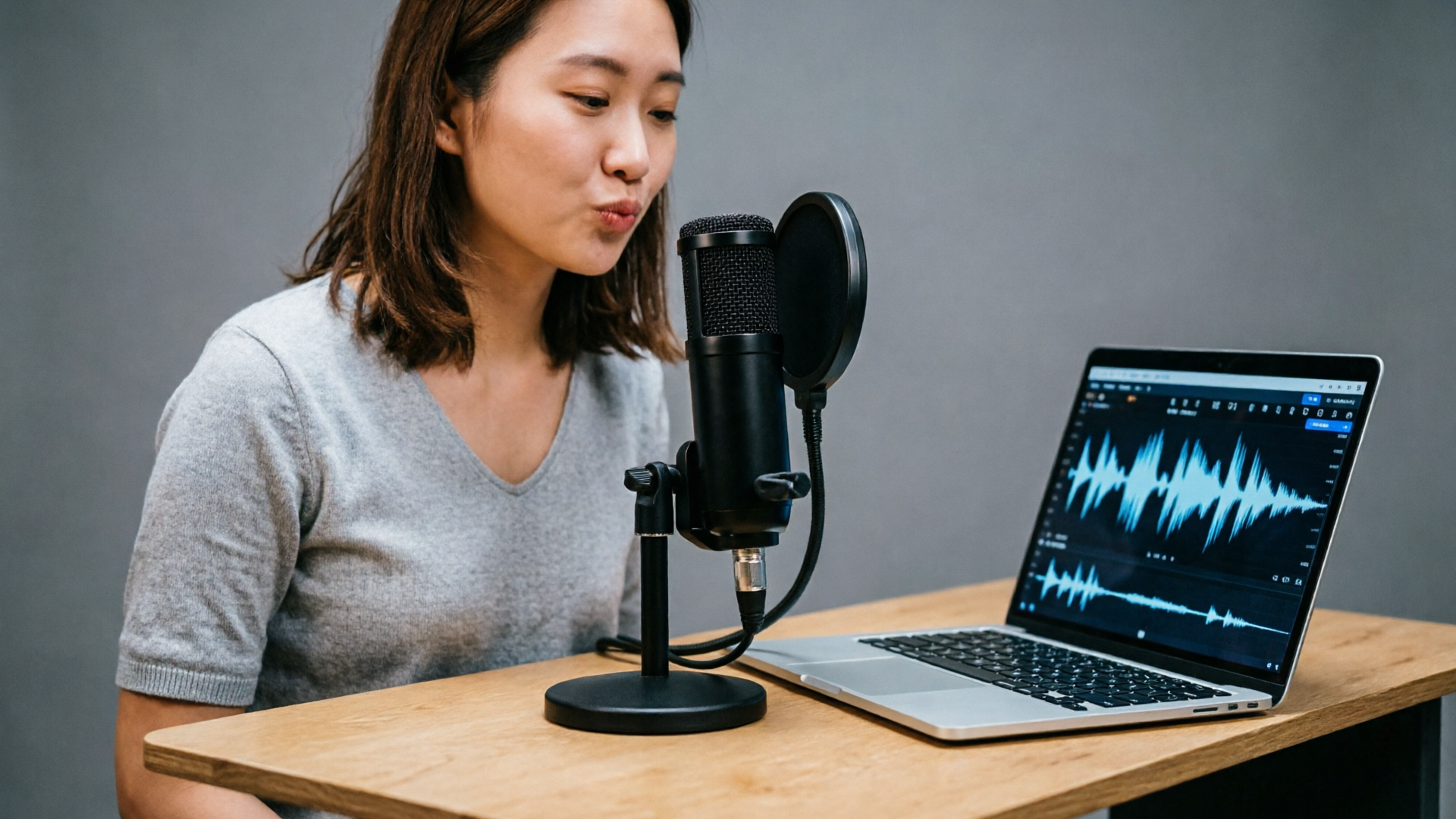
Short-form videos reach bigger audiences when the audio speaks the viewer’s language. If you want more views and saves on Reels, Shorts, or TikTok, AI voice dubbing for reels is one of the fastest, most repeatable ways to localize content — without re-recording every line or hiring multiple voice actors.
This guide explains why multilingual dubbing boosts reach, what truly makes a believable AI dub, the consent and legal guardrails to follow, and two practical WowMade workflows using WowMade AI Voices. You’ll get step-by-step instructions, a QA checklist tuned to perceptual synchronization research, and distribution tactics that help you measure lift from localized shorts.
Why multilingual dubbing grows reach for short-form video (data-backed)
Native-language audio increases engagement. Recent audience research — including a 2023 study of Mexican viewers — found strong local-language consumption and a preference for AI-powered dubbing over subtitles for many viewers. That preference translates directly into watch time and sharing: when a viewer hears an explanation in their own language, comprehension and retention rise, and short-form platforms reward watch-through and replays.
Platform signals matter too. Meta’s rollout of AI translations and dubbing for Reels (initially English↔Spanish) shows distribution engines now favor native-language tracks when they match viewer preferences. For creators, this means a single English Reel can become multiple native-language assets that each compete independently in feeds.
From a resource perspective, AI dubbing scales. Instead of scheduling sessions with local voice actors and re-editing, creators can generate multiple language tracks quickly and test which markets respond. Combine dubbing with subtitles and localized thumbnails and you expand the funnel at relatively low marginal cost — a pattern every marketing team and indie creator can use to grow international engagement.
What makes a good AI dub: naturalness, translation quality, and timing — and why lip-sync isn’t everything
Research into human localization shows the strongest drivers of perceived quality are vocal naturalness and faithful translation, not perfect lip-sync. Studies such as the TACL localization paper and reviews in Frontiers emphasize semantic fidelity and natural prosody as central to audience acceptance. If the translation reads well and the voice sounds alive, viewers forgive small timing mismatches more often than poor translation or robotic delivery.
Three practical dimensions matter:
- Naturalness: Does the voice preserve subtle speech cues — rhythm, stress, breathing, emotional shading? High naturalness reduces distraction and increases credibility.
- Translation quality: Literal word-for-word translation can fail. Localized phrasing and cultural adaptation keep the message clear and persuasive.
- Timing and perceptual sync: While perfect viseme alignment is ideal, perceptual synchronization (phoneme-viseme agreement and MOS-like scoring) helps you prioritize fixes that the audience will notice first.
Put another way: prioritize a natural-sounding voice and a translated script that preserves intent. Then use timing tweaks and lipsync effects to tighten alignment. WowMade AI Voices supports these priorities: it clones a voice from a short sample, produces narration in dozens of voices, and outputs tracks that pair cleanly with lipsync effects — letting you balance naturalness and timing in the edit.
Legal, ethical, and consent rules creators must follow before cloning or dubbing voices
Voice cloning increases productivity but also raises legal and ethical responsibilities. Since 2024 there’s growing regulation and enforcement focus around deceptive cloning: some state laws and initiatives (for example the ELVIS Act and recent FTC guidance) target harms from unauthorized voice replication. Creators should adopt simple, defensible practices before using a cloned voice for public distribution.
Key rules to follow:
- Obtain explicit consent. If you plan to clone another person’s voice, get written consent that covers the intended uses, territories, and time period. Consent protects you legally and preserves relationships.
- Disclose synthetic audio when required. Platforms and some regulations increasingly expect creators to label AI-generated or AI-dubbed content in contexts where identity or deception is possible.
- Keep source samples clean and lawful. Use voice samples you own or have rights to; don’t extract audio from a protected performance without permission.
- Respect personality and reputation. Even with consent, avoid uses that defame or misrepresent the speaker.
Following these rules is practical: WowMade AI Voices is designed for creators who clone their own voice or choose from stock AI voices. That workflow reduces legal friction because you’re either working with your own voice (native consent) or a licensed, platform-provided voice.
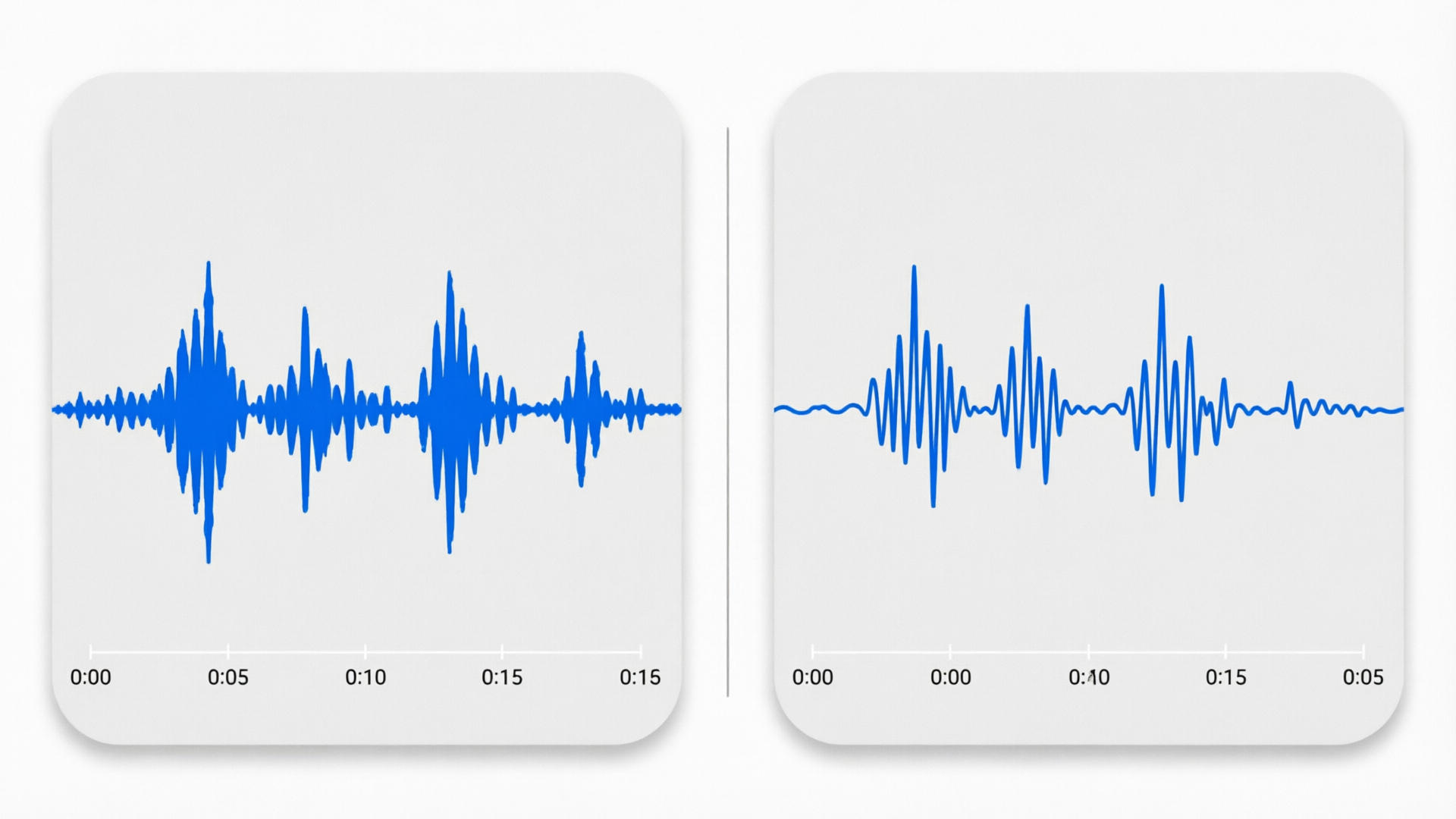
Workflow: Clone your own voice (or use a stock voice) and create a native-sounding narration with WowMade AI Voices
Cloning your voice and generating new narration is fast with WowMade AI Voices. Here’s a short walkthrough you can complete in 10–20 minutes.
Step-by-step clone-and-narrate
- Prepare a clean sample (30–60 seconds): record a short, quiet clip with clear pronunciation and varied intonation. Use a headset or quiet room.
- Upload and clone: open WowMade AI Voices and upload the sample. The system clones your voice from a short clean sample and creates a reusable voice profile.
- Paste your script: enter the narration script or import subtitles. AI Voices generates natural narration from text in dozens of voices — including your cloned voice.
- Adjust prosody and pacing: use the voice controls to tweak speed, emphasis, and pauses. Small adjustments here improve perceived naturalness more than re-recording.
- Export and pair with video: export the dubbed audio and drop it into the editor, or use WowMade’s lipsync effects to align audio to facial motion.
Why this workflow works: cloning from a short sample saves countless re-records. You still control translation and timing, and the cloned voice preserves speaker vibe across languages — an advantage for creators who want consistent brand tone. If you prefer not to clone, pick a stock AI voice in the library for quick, legally clean narration.
Workflow: Dub a Reel into another language — step-by-step (script → translation → voice selection → QA → publish)
This workflow focuses on turning an existing Reel into a localized version that feels native and preserves the original’s intent.
- Extract the script and timecodes
- Pull the spoken transcript and note timecodes for key phrases. Short-form content benefits from tight phrase-level mapping rather than full-sentence blocks.
- Translate and localize the script
- Use translators who understand short-form pacing. Translate for intent, not literal words — adapt jokes, idioms, and cultural references.
- Choose voice and tone
- In WowMade AI Voices, either select your cloned voice (if you cloned the original speaker) or pick a stock voice that matches the original’s energy. The platform generates narration from text in dozens of voices and can produce dubbed tracks for other languages.
- Generate a draft dub
- Create the audio track in AI Voices. Export both the straight narration track and a version with timing adjustments to test sync.
- QA for comprehension and sync
- Listen for translation clarity, emotional match, and obvious timing issues. Use perceptual synchronization metrics (phoneme-viseme agreement) for objective checks or rely on human spot checks.
- Apply lipsync and fine-tune
- If the speaker is on-screen, apply lipsync effects and nudge phoneme alignment where it looks off. Perfect viseme alignment is less critical than natural prosody, but careful fixes remove distractions.
- Localize on-screen elements and captions
- Translate captions and on-screen text, and adapt visuals (icons, colors) when needed.
- Publish and iterate
- Upload the localized Reel as a separate asset. Track performance and iterate on voice choice and translation based on watch-through and engagement metrics.
Concrete example: Spanish dub of a 45-second product teaser
- Extracted transcript: five short lines with timecodes at 0:00, 0:08, 0:18, 0:30, 0:40.
- Localized translation: adapted a marketing phrase to a Spanish idiom for emotional punch.
- Voice: used a cloned English voice’s Spanish output to preserve brand character; generated the track in WowMade AI Voices and applied slight tempo slowdown (−5%) to match on-screen mouth movements.
- QA: ran a quick human listen test (5 native speakers) and used phoneme-viseme checks to fix two misaligned syllables.
- Result: two localized Reels (English + Spanish) with +18% watch-through in the Spanish market during the first week.

Quality checklist and quick fixes for believable dubs (tone, pacing, emotion, and cultural localization)
Before you publish, run this checklist. These items are compact but address the most common failure modes.
Checklist
- Translation fidelity: Is the message and call-to-action preserved? If not, rework for intent.
- Emotional match: Does the voice match the original emotion? Adjust pitch contours and emphasis in AI Voices.
- Pacing: Does sentence length feel natural in the target language? Shorten or split long sentences during translation.
- Prosody tweaks: Use WowMade AI Voices controls to add or reduce emphasis, change pause length, or modify speaking rate.
- On-screen text: Localize captions and wipe copy; mismatched text undermines credibility.
- Consent and labels: Confirm consent is recorded and label synthesized audio when appropriate.
- Platform checks: Preview the localized Reel in the target app to check loudness normalization and clipping.
Quick fixes
- If the voice sounds too robotic: increase micro-pauses and add small breathing sounds; AI Voices supports natural prosody adjustments that help immediately.
- If words run together: insert short pauses or slightly slow rate at phrase boundaries.
- If cultural references fall flat: swap for locally understood analogues during translation rather than literal transliteration.
These fixes rely on three truths from the research: audiences prioritize naturalness and translation; semantic fidelity beats perfect lipsync; and objective synchronization metrics help you focus on the edits that matter. For technical QA, refer to perceptual synchronization research to set thresholds for acceptable sync and MOS scores: https://aclanthology.org/2023.tacl-1.25.pdf.
Distribution tactics: testing, captions, A/Bs, and measuring lift from localized shorts
Localization doesn’t stop at creation — distribution strategy drives measurable lift.
A/B testing
- Treat language as an A/B: release the original and a localized reel to matched audiences or run sequential geographic tests. Measure watch-through, completion rate, saves, and shares.
Captions and thumbnails
- Paired captions increase accessibility and retention. Even with a dubbed track, native-language captions reinforce comprehension and help non-native viewers.
Localized thumbnail and copy
- Localize thumbnail text and the first two lines of the caption/description. Small changes to on-platform copy often improve click-through.
Measure lift
- Core metrics: watch-through rate, 3-second and full plays, shares, and follower conversion. For economic lift, track conversions or clicks tied to the localized asset.
Scale and prioritization
- Start with markets that show strong native-language consumption (use platform analytics or market research). Scale what works and prioritize languages by audience size and conversion potential.
Tools to speed iteration
- Use WowMade’s AI Voices to spin language variants quickly, then combine with WowMade AI Video Generator for on-brand visual variations or the AI Music Generator to produce localized background tracks. For lipsync tweaks and viral formats, WowMade AI Video Effects simplifies alignment and stylized edits.
Distribution is an experiment: localize a handful of top-performing shorts, measure lift, and double down on languages and formats that improve your key metrics.
Frequently Asked Questions
How long does it take to clone a voice in WowMade AI Voices?
Cloning works from a short, clean sample and is designed to be fast — you can create a reusable cloned profile in minutes with a 30–60 second recording.
Can AI Voices handle multiple target languages?
Yes. WowMade AI Voices generates narration and dubs videos into other languages using the same voice profile, helping you keep the speaker’s vibe across markets.
Do I need permission to clone my own voice?
If it’s your voice, you don’t need third-party permission. If the voice belongs to someone else, obtain written consent covering the intended uses to avoid legal and ethical issues.
Conclusion
Localizing short-form video is now a strategic advantage, not a luxury. By focusing on naturalness, faithful translation, and practical QA you can ship multiple language variants quickly. WowMade AI Voices is built for that reality — clone your own voice from a short sample or pick a stocked voice, generate native-sounding narration in dozens of voices, and export tracks that pair cleanly with lipsync effects.
If you want to scale localized Reels and Shorts without repeated studio sessions, open WowMade AI Voices and create your first cloned or stock voice dubbing for a priority market. Use A/Bs and captions to measure lift and iterate.
Open the AI Voices and clone your voice to ship a localized Reel during your next break.