Batch Lip-Sync AI: Scale Reply Clips, Dubbing, and Voice Cloning
How creators scale lip-synced videos with batch lip-sync AI, reply-clip workflows, and WowMade AI Voices for cloning, narration, and dubbing.
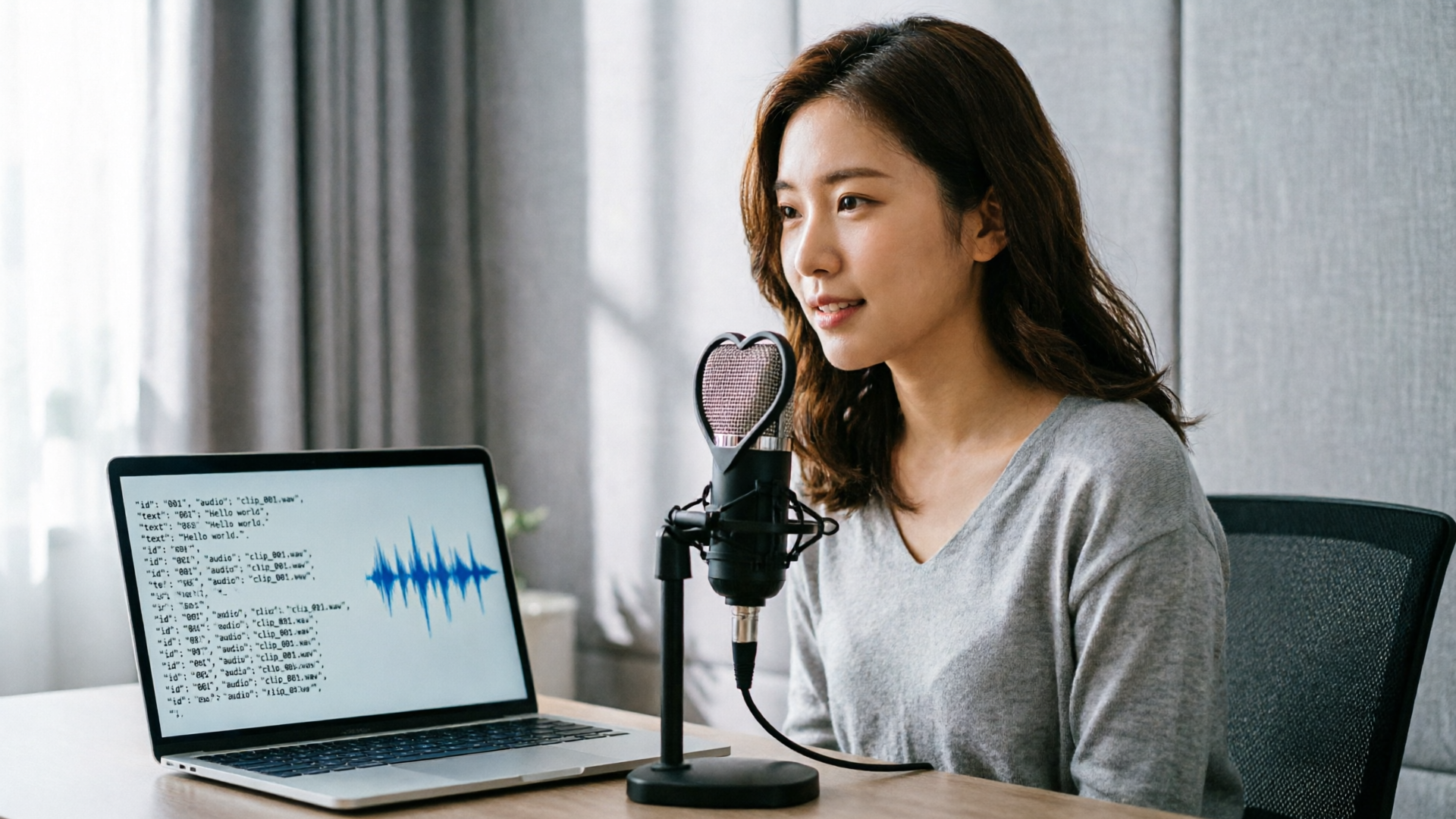
The inbox fills with similar requests: “Can you make a personalized reply for this commenter?” or “We need twenty localized versions of this 30‑second ad.” Imagine a pipeline that turns those requests into finished clips overnight — that's where batch lip-sync AI stops being a novelty and becomes a production tool. This article explains how to scale lip-synced videos using batch lip-sync AI, reply clips workflows, and AI voice cloning, and why WowMade AI Voices is the practical center of that pipeline.
You’ll get a pragmatic, step-by-step view: which files and JSONL manifests to prepare, how to pair cloned voices with duration-aware synthesis, how to convert comments into dozens of short reply clips, and what checks to run so outputs stay authentic. WowMade AI Voices is mentioned here because it can clone your voice from a short sample, generate narration in dozens of voices, dub into other languages, and output audio that pairs cleanly with lipsync effects. Throughout the article you’ll find concrete examples and a short walkthrough showing how to clone a voice and submit a small batch job that produces lip-synced dubs ready for final QC.
Why modern creators need batch lip-sync and voice cloning (the economics of scale)
Creators, small teams, and social managers face two stubborn costs: time spent recording and re-recording scripts, and the manual labor of aligning new audio to existing video. For repeatable tasks — personalized reply clips, regional dubs, or A/B ad variants — those minutes multiply into full days. Batch lip-sync AI compresses that cost curve by letting you operate on many records at once.
Batch workflows are efficient because they treat video+audio pairs as data. Rather than opening an editor for each asset, teams prepare a manifest, submit dozens or hundreds of jobs to a batch API, and let automated engines produce synchronized output. This is where voice cloning matters: cloning your voice once and reusing that model to generate narration or localized dubs eliminates the repetitive recording step.
WowMade AI Voices is tailored to this scale model: it clones a real voice from a short sample, provides stock voices when a clone isn’t needed, and dubs directly into other languages while keeping the speaker’s vibe. That combination means creators can centralize narration, dubbing, and voice personalization without hiring voice actors for each market or reply clip. The result: lower per-clip cost, faster turnaround, and consistent brand voice across hundreds of variants.
Core components of a scalable lip-sync pipeline: audio, timing, and visual alignment
A reliable pipeline has five moving parts: clean transcripts or scripts, voice models, duration-aware synthesis, a lipsync engine that maps phonemes to mouth motion, and automated quality checks.
1) Clean transcripts or generated scripts. If you’re turning comments into reply clips, normalize spelling, expand contractions, and decide whether to localize or preserve idioms. Clean text reduces timing surprises in the synthesis step.
2) Voice models (cloned or stock). A cloned voice lets you keep the same speaker identity across variants. Stock voices are faster for experimental runs. WowMade AI Voices handles both: clone from a short, clean sample or pick a stock voice for rapid testing.
3) Duration-aware TTS. Research like DubWise (2024) shows that controlling synthesized speech duration improves alignment with mouth movements — you want generated audio that can be stretched or compressed to match the original clip’s speaking time without sounding robotic. Use TTS or synthesis that accepts target durations.
4) Lipsync engine. Modern engines map phonemes to mouth shapes; many vendors build on research such as Wav2Lip. These engines take audio + video and produce remapped mouth motion for believable dubbing. Batch-ready systems expose this functionality through APIs so you can programmatically produce localized variants.
5) Automated QC. Use automated metrics from the dubbing literature (LSE-D/LSE-C style detectors) and simple sample checks. Also embed provenance metadata in outputs so downstream review knows whether audio was machine-generated or cloned.
Together, these components let you scale without sacrificing believability. WowMade AI Voices outputs audio designed to pair with lipsync effects, shortening the integration step between voice generation and visual alignment.
How to run batch lip-sync jobs: file formats, JSONL manifests and API-first workflows (hands-on)
High-volume lip-sync hinges on predictable inputs and an API-driven manifest. A common pattern is JSONL (JSON Lines) batch manifests: one record per job that points to the video, the transcript or script, the voice model, and any timing overrides. Sync.so documents this exact pattern in their batch guide and many dubbing platforms follow it.
Practical checklist before you submit a batch:
- Video files: H.264 MP4, consistent frame rate, and a named speaker segment if the clip contains multiple speakers.
- Audio: clean reference if available (helps alignment), and a target language label if you’re dubbing.
- Transcript: UTF‑8 plain text or SRT; include timestamps if you have precise timing.
- Voice selection: a voice ID (cloned model ID or stock voice handle).
- Duration targets: either use the original audio duration or supply desired durations per utterance for duration-aware TTS.
Example JSONL record (conceptual):
{ "video": "https://storage.example.com/clip1.mp4", "transcript": "Hi! Thanks for your comment—here’s my quick reply.", "voiceid": "clone1234", "targetlang": "es", "durationms": 30000 }
Batch systems typically require a minimum number of records — Sync.so’s docs show examples with 20+ records — but you can test locally with small sets and then scale. After submission, a job queue returns per-record status and outputs (dubbed video, separate audio, or a mapping file for follow-up editing).
Here’s a short hands-on walkthrough using WowMade AI Voices as the generation step inside that pipeline:
- Record a 30–60s clean sample and upload it to WowMade AI Voices to create a voice clone.
- Export the clone ID or select a stock voice from the dashboard.
- Prepare a JSONL manifest with videos and transcripts, referencing the clone ID as voice_id.
- Submit the manifest to your lipsync API (or to your orchestration layer that calls WowMade AI Voices to synthesize audio per record).
- Collect outputs and run automated LSE-style checks, then hand off to final editing.
Using WowMade AI Voices for step 2–4 minimizes friction because the cloned model is available for multilingual dubbing and designed to sync with lipsync effects. If you need to generate background music or a short stinger for each clip, include a call to an AI music generator as a separate audio layer.
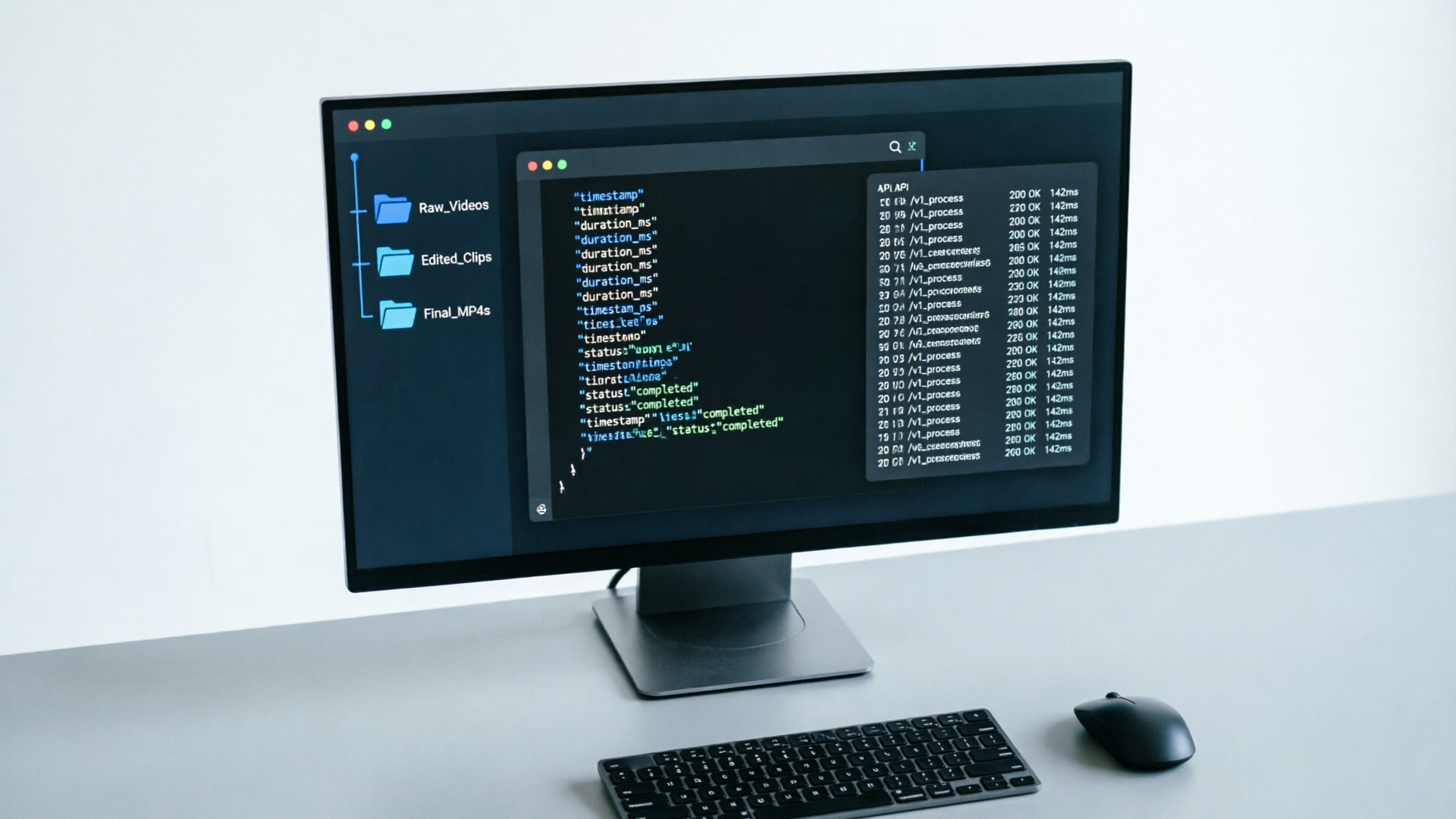
Reply-clips workflow: turning comments and short scripts into dozens of personalized lip-synced videos (hands-on)
Reply-clip workflows are a high-leverage use case for batch lip-sync AI. The pattern is: collect triggers (comments, form submissions), normalize text, optionally personalize the script, synthesize voice, lipsync to a short host clip, and deliver. The key is templating and automation.
A typical pipeline:
- Ingest: capture comment text, commenter name, and any personalization tokens.
- Normalize: correct punctuation, trim to target length (e.g., 12–20 seconds for short socials), and sanitize for policy.
- Template: insert personalization tokens into a short reply template. Example: "Thanks, {name}! Quick tip: try {suggestion}."
- Batch create: add each personalized script as a JSONL record referencing the host video and voice model.
- Synthesize & lipsync: generate audio with the selected voice and run the lipsync engine against the host video.
- QC & publish: run automated checks, review samples, and publish programmatically.
Worked example: You want to produce 50 reply clips endorsing different products. Record a 15‑second host clip where the on-camera speaker's mouth is visible and neutral. Clone their voice in WowMade AI Voices from a short clean clip. Then programmatically generate 50 personalized scripts, each with a different product name. Submit those 50 records in a JSONL manifest to your batch lipsync system that uses the cloned voice_id. The output will be 50 lip-synced MP4s you can sprinkle into comments or publish as short reels.
This workflow reduces per-clip time to minutes of compute and a quick approval pass, rather than hours of manual recording. Pairing WowMade AI Voices for cloning and WowMade AI Video Effects for lipsync templates speeds the handoff between audio generation and visual remapping.
Voice cloning vs stock AI voices: choosing when to clone, when to pick a stock voice, and quality trade-offs
Choosing between a cloned voice and a stock voice is a trade between branding fidelity, speed, cost, and risk.
When to clone:
- You need consistent speaker identity across many variants (a host voice or a course instructor).
- Brand association matters; the same vocal timbre preserves recognition.
- You’re producing character work or an ongoing localized series.
When to use stock voices:
- Fast experiments where you don’t yet want to invest time in a clone.
- When legal or privacy constraints prevent using a real voice.
- For multi-voice productions where casting variety is desirable.
Quality trade-offs:
- Cloned voices demand a clean sample. A short, quiet recording yields far better results than a noisy phone clip. WowMade AI Voices clones from a short, clean sample and recommends using quiet, closely-miked audio where possible.
- Stock voices are predictable and usually include wide language support — useful for quick multilingual runs.
- Dubbing fidelity depends not only on voice quality but on duration control. Recent research (DubWise) shows multimodal methods that control speech duration improve lip alignment. If your synthesis supports target durations, you’ll get fewer visual artifacts.
Operationally, a hybrid approach is often best: clone the primary speaker(s) you rely on and default to stock voices for one-off variants or test runs. WowMade AI Voices supports both options, letting teams switch quickly without changing the rest of the pipeline.
Quality control and safety: metrics, sample checks, and avoiding lip-sync deepfake pitfalls
Scaling lip-synced content brings responsibility. Automated audio–video mismatch detectors exist because realistic deepfakes can be abused; CVPR/WMF 2024 work emphasizes that production pipelines must embed QA and provenance. Here are practical QC and safety steps.
1) Automated mismatch detectors. Run an LSE-D/LSE-C style detector (audio–video alignment metric) over every output and flag records that exceed a threshold. This gives a fast, objective filter to find poor alignments.
2) Randomized manual review. For high-volume runs, sample 1–5% of outputs and review them for naturalness, lip alignment, and any contextual errors. Increase the sampling for priority campaigns.
3) Provenance metadata. Embed metadata (creator ID, voice model ID, generation timestamp, and a clear machine-generated flag) into the output file or a companion JSON. This helps downstream platforms and moderators verify origin.
4) Policy and consent. Only clone voices with explicit consent. If you’re producing dubs of other people’s footage, ensure licensing and permissions are in place.
5) Safety filters. Sanitize input text for abusive language, personal data, or content that violates platform rules before synthesis.
6) Performance metrics. Track per-job success rate, average LSE score, and per-voice model naturalness ratings from reviewers. Use those metrics to retire underperforming clones.
These steps protect your brand and reduce the risk of producing problematic content. WowMade’s pipeline-friendly outputs make it straightforward to attach metadata and run automated checks before publish.

Putting it together with WowMade AI Voices: a practical pipeline to clone, batch-dub, and ship
Here’s a concrete end-to-end pipeline that small teams can implement today, centering WowMade AI Voices as the voice generation step.
1) Prep assets and scripts
- Record or collect a clean sample (30–60 seconds) of the host voice for cloning.
- Gather original videos (MP4, 24–30 fps) and transcripts or generated reply scripts.
2) Create the voice model
- Upload the sample to WowMade AI Voices and create a clone model. Note the clone ID returned by the platform.
- Optionally, pick a stock voice for experimental runs.
3) Build the JSONL manifest
- For each target clip, include: video URL, transcript, voiceid (clone or stock), target language, and desired durationms if you need tight alignment.
4) Synthesize audio at scale
- For each JSONL record, call WowMade AI Voices to generate the audio file. Request format: 48k WAV or MP3 depending on your lipsync engine’s preference.
5) Run lipsync mapping
- Send the generated audio + original video to your lipsync engine (or to WowMade AI Video Effects lipsync template) to produce the final remapped video.
6) Automated QC
- Run audio–video mismatch detectors and a small manual sample pass. Flag files with poor LSE metrics for rework.
7) Publish
- Programmatically upload approved clips to the platforms or schedule them for release.
Worked mini-walkthrough (3 clips):
- Clone voice: upload a 40s sample to WowMade AI Voices → receive cloneid: clone42.
- Create three JSONL records pointing to three host clips, each with a short reply transcript and voiceid: clone42.
- Use your batch processor to call WowMade AI Voices per record and store the returned audio files.
- Submit the pairs to a lipsync API (or use WowMade AI Video Effects lipsync templates) and retrieve three lip-synced MP4s.
Why this arrangement works: WowMade AI Voices centralizes cloning, multilingual dubbing, and narration so you don't need separate vendors for voice work. It produces outputs designed to pair with lipsync effects — reducing integration and review time — and scales with the same API-first pattern used by batch processing guides like Sync.so. If you also need background tracks or score variations, consider layering outputs from an AI music generator to keep everything reproducible and copyright-clean.
For cost and plan details, check WowMade’s pricing and plans to see how batch credits and voice cloning fit your production budget.
External reference: For an industry example of integrated voice cloning and lip-sync in a translation product, see TechCrunch’s coverage of D-ID’s recent launch: https://techcrunch.com/2024/08/21/d-id-launches-an-ai-video-translation-tool-that-includes-voice-cloning-and-lip-sync/.
Frequently Asked Questions
How long of a recording do I need to create a usable voice clone?
A short, clean sample (30–60 seconds) is typically sufficient to produce a usable clone. Cleaner audio yields better fidelity; use a quiet room and a close mic when possible.
Can I use a cloned voice for multiple languages?
Yes. Many platforms, including WowMade AI Voices, support multilingual dubbing that preserves the speaker’s vibe while synthesizing speech in target languages.
What metrics should I track to ensure lip-sync quality at scale?
Track automated alignment scores (LSE-style), per-job success rate, manual naturalness ratings from reviewers, and the percentage of flagged outputs — then act on models or templates that underperform.
Conclusion
Scaling lip-synced reply clips and localized videos is a data problem more than a creativity problem: treat videos as records, automate voice generation, and run reliable QC. WowMade AI Voices sits at the center of that approach — clone a voice once, generate narration or dubs in dozens of voices and languages, and feed those audios directly into your batch lipsync pipeline. For a fast win, upload a 30–60s sample to WowMade AI Voices, create a clone, assemble a small JSONL manifest with 10–20 records, and submit it through your batch process to see how much time you save. Open the AI Voices and ship your first cloned-dub or personalized reply clip this afternoon.