Practical Guide to AI Character Voices: Casting, Cloning, and Safe Deployment
How creators can cast, clone, and deploy believable AI character voices with ethical safeguards — workflows, quality checks, and PlayVideo.AI AI Voices examples.
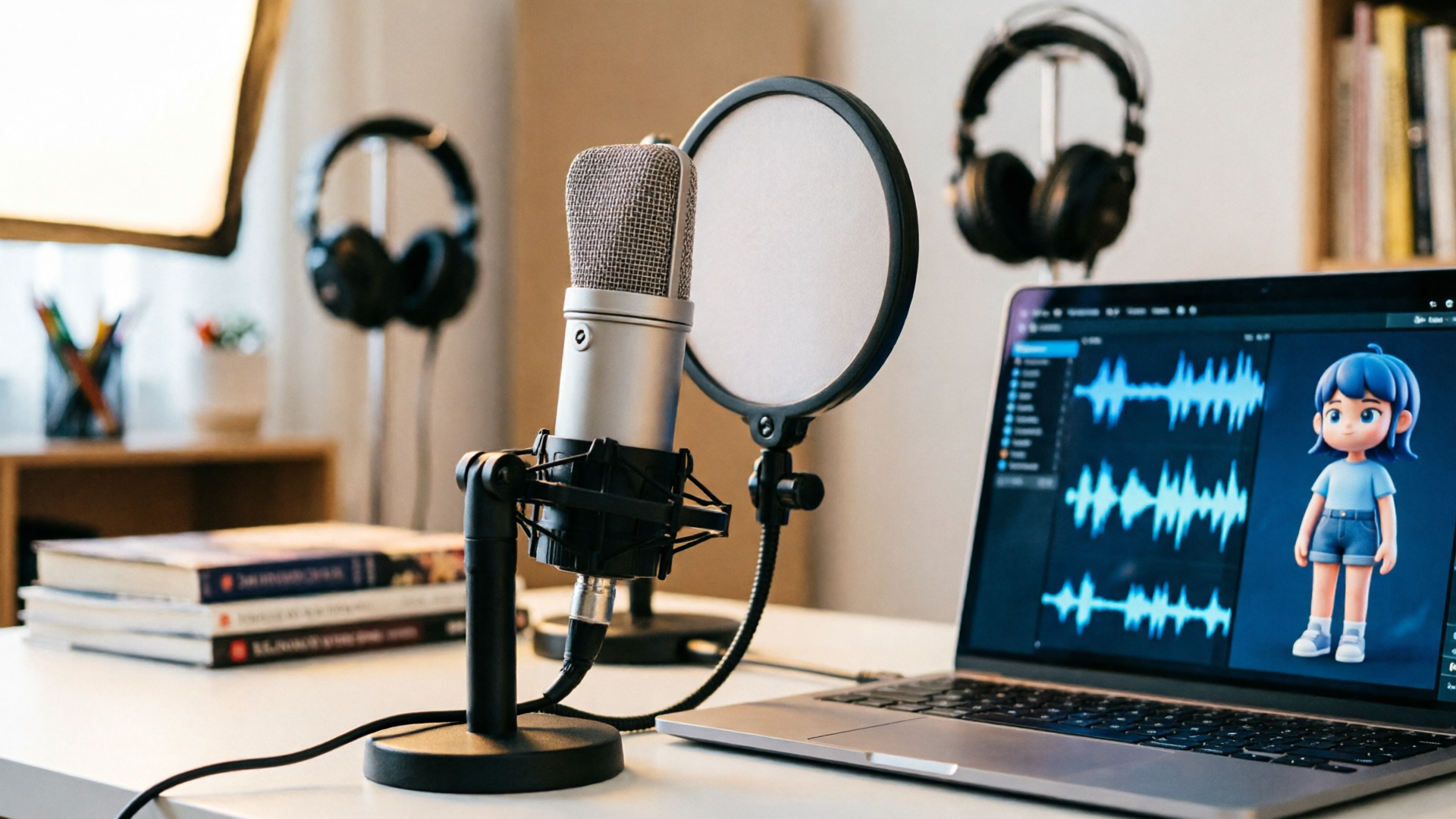
AI character voices are changing how indie creators cast, localize, and produce dialogue — faster and cheaper without automatically sacrificing quality. This guide explains when to use stock voices, when to clone a real performer, and how to keep the process ethical and professional. It includes concrete workflows and a short walkthrough using WowMade AI Voices so you can clone, generate, and sync character audio in your next short or dub.
If you want a practical, production-ready look at ai character voices — from defining persona to final QA — read on. The examples assume a creator wants believable, expressive lines for animation, narration, or localized dubs and will show how WowMade AI Voices handles voice cloning, multilingual dubbing, and direct lipsync integration.
Why AI character voices are now a viable option for indie creators (quality, speed, and cost)
AI character voices have reached a point where independent filmmakers, animators, and podcasters can seriously consider them as a production tool. Advances in voice-conversion and text-to-speech models mean a short, clean sample can produce a usable clone; multilingual dubbing models can preserve a speaker's ‘‘vibe’’ while translating lines. For many creators this translates to major wins: lower recording costs, faster turnaround on iterations, and the ability to test multiple vocal directions without scheduling sessions with actors.
Perceptual studies show realism is high: listeners often match an AI-generated voice to the original identity about 80% of the time, and detection of synthetic speech is imperfect. That means quality is sufficient for narrative and commercial work when handled carefully, but it also underscores why human review and ethical guardrails are essential. Studio workflows now combine automated generation with human proof-listening and minor retakes — an approach accessible to small teams as well.
Practically, choose AI voices when you need fast iteration, low overhead, or multilingual variants of a character's performance. If your project requires subtle micro-performance from a specific actor or you’re dealing with high-stakes likenesses, plan for human recording or formal consent processes. For routine narration, character reads, or quick dubs, tools like WowMade AI Voices let you clone a voice from a short sample, choose from dozens of stock voices, and output dialogue ready for lipsync — all of which reduces both time and cost without sacrificing believability.
When to clone a real voice vs. when to choose a stock AI voice: ethical and legal checkpoints
The first decision is creative, the second is ethical. Clone a real voice when you have explicit consent and a clear purpose: bringing a creator back for new lines, finishing a project after a performer is unavailable, or producing consistent narration across languages. Use stock AI voices when you want a distinct character that doesn’t map to a real person's identity or when licensing or consent is uncertain.
Research and governance literature identifies consent as the principal ethical requirement for creating and distributing cloned voices. Before cloning, get written permission that specifies scope (use cases, territories, duration) and attribution. If you plan to create a voice clone from a public figure or a private individual, legal counsel is often necessary; for indie projects, a clear, signed release prevents future disputes.
From a quality perspective, voice-conversion models can produce convincing clones from only a few seconds of clean audio, but that capability increases risk. Perceptual studies also show people sometimes fail to detect synthetic speech, which can amplify harms if a voice is misused. Operationally, enforce a simple checklist: secure consent, record high-quality samples, log the source and metadata, watermark or tag outputs when required, and keep a record of permissions alongside the final assets. When in doubt, choose a stock voice and iterate on characterization — it's faster and far safer legally.
How to cast character voices with AI: defining role, persona, and vocal palette (a workflow)
Casting with AI starts like any casting process: define the role, list emotional beats, and create a vocal palette. The difference is you can rapidly audition dozens of directions without booking talent. Start with a simple brief:
- Role synopsis: age, gender presentation, accent, and emotional range.
- Key lines: 6–12 short excerpts capturing the character’s arc.
- Reference textures: adjectives like "breathy," "warm," or "raspy" and a couple of example performances.
Next, use that brief to audition. If you're using WowMade AI Voices you can browse stock voices that map to your palette, or clone a performer and generate the audition lines directly from text. Create three tiers: primary (closest fit), alternate (different color), and experimental (wild cards). For each voice run the same set of lines with consistent delivery direction.
Assess auditions with focused criteria: believability, intelligibility, emotional arc, and fit with visuals or scene timing. Record your notes and do quick A/B tests in context — drop the audio into a clip from your animation or a rough scene from your edit. This context-driven audition method turns casting into an efficient iterative process and prevents choosing voices that sound fine in isolation but fail in the mix or on camera. If you plan to localize later, include voice options that adapt well to other languages.
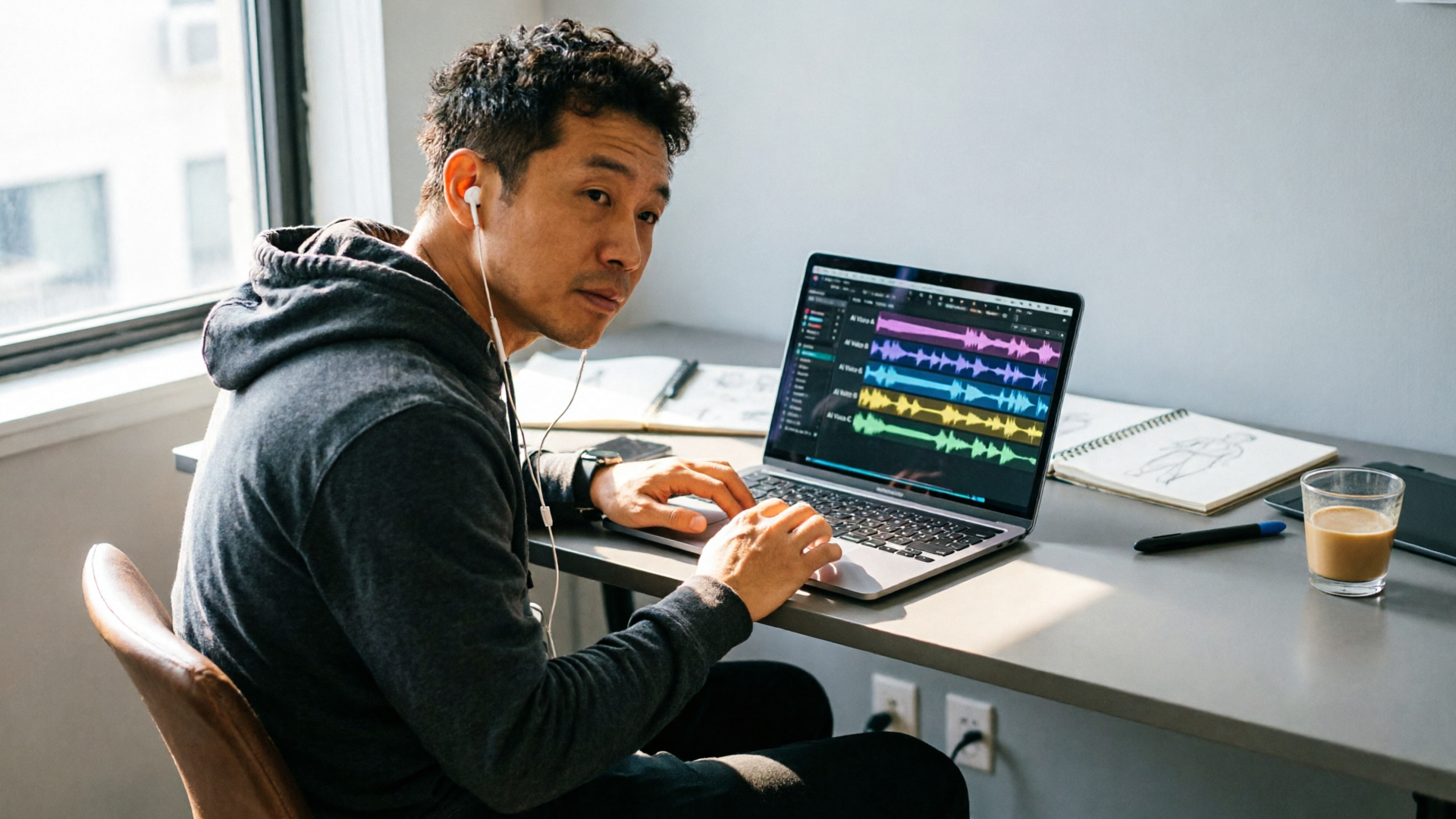
Recording source material that makes a perfect voice clone: technical checklist and best practices (hands-on)
If you plan to clone a voice, the source sample decides how usable the clone will be. Here are practical, hands-on recording rules:
- Use a quiet room with minimal reflections (a closet or treated corner works).
- Record with a clean microphone and stable gain — avoid clipping and low-level noise.
- Capture 30–60 seconds of varied speech: read neutral lines, emotional lines, and a few one-word reactions.
- Maintain consistent mouth distance and mic position across takes.
- Export as WAV or high-bitrate lossless audio (44.1–48 kHz, 24-bit preferred).
Data-efficient models can sometimes produce usable clones from only a few seconds of clean audio, but more varied material yields better expressiveness and stability. When you start a clone in WowMade AI Voices, the system accepts short samples and produces a clone suited for narration and character lines; still, follow the checklist above to maximize fidelity.
Keep metadata with each sample: performer name, recording device, room notes, and consent file. If you record multiple emotional states, tag each clip so the cloning process can learn different textures. Finally, run a short validation: generate 3–5 lines from the clone, compare to the original speaker for naturalness and intelligibility, and iterate if you spot artifacts like muffling, odd prosody, or unexpected breaths.
Writing dialogue and direction for AI voices: tips to preserve character and emotional nuance
Writing for AI voices isn't the same as writing for an actor who can interpret long-form direction in session. You must be precise in text plus direction. Break dialogue into short lines or beats and include explicit performance tags when appropriate.
Best practices:
- Use parentheticals sparingly and consistently: (angry, clipped), (soft laugh), (hesitant). These help the synthesis engine pick an emotional contour.
- Keep sentences short for clearer prosody; split long thoughts into multiple lines to control pacing.
- Include punctuation that affects rhythm — ellipses for trailing thoughts, em dashes for interruptions — because TTS systems use punctuation cues for timing.
- Provide a short reference clip for complex directions when possible. If a stock voice or clone has a sample that shows the required color, attach it.
When fine-tuning, generate multiple takes and pick the best. Combine the strengths of AI with human editorial choices: use AI for consistency and scale, retain humans for micro-performance choices that anchor major emotional moments. Tools that let you generate several variants quickly are especially useful for animation, where you may need many small reactions and line reads.
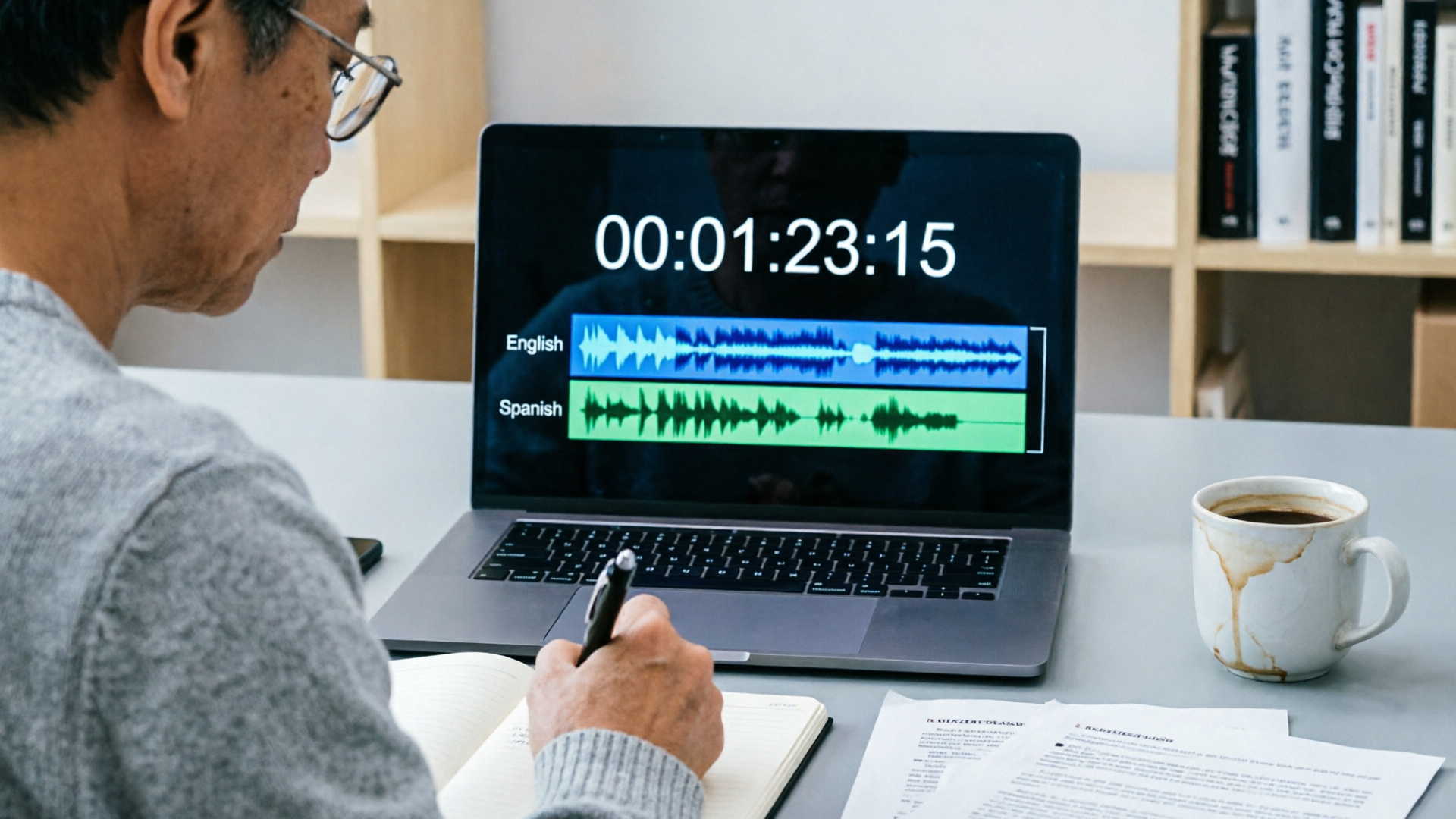
Localizing and dubbing with AI voices: step-by-step workflow for sync, translation, and ADR polish (hands-on)
AI dubbing speeds up localization, but it requires an organized pipeline. Here’s a step-by-step workflow used by small studios and solo creators:
- Source prep: Export the final picture lock and a reference transcript with timecodes.
- Translation with constraints: Work with a localization pro or linguist to adapt lines so they match timing and lip movements while preserving meaning. Machine translation alone often needs human post-editing.
- Voice selection: For each target language, either choose a stock voice that fits the character or clone the original performer (with consent) to keep the character’s vibe.
- Generate passes: Produce a first-pass dub using AI voices, aiming to match syllable count and important emphases for key frames.
- ADR polish: Have native speakers or linguists proof-listen and mark problem lines. Re-generate with adjusted text or prosody directions.
- Sync and lipsync: Export the audio stems and align them to the picture. WowMade AI Voices can dub into other languages and outputs that pair directly with lipsync effects for faster alignment.
- Final pass: Mix the dialogue with sound design and music, and run a full QA pass with fresh listeners.
Data-efficient dubbing research shows models can produce good dubs with few seconds of target audio, which shortens turnaround times but also makes consent and provenance tracking more important. Use a versioned asset system and keep both the source recordings and the translated scripts for future fixes.
Quality control: human-in-the-loop checks, metrics, and A/B testing for believable character voices
Automated generation must be paired with human quality control. Use a staged review process with measurable criteria:
- Intelligibility score: percent of words correctly transcribed by a native reviewer.
- Emotional accuracy: rate how well the performance matches the intended emotion on a 1–5 scale.
- Sync accuracy: millisecond or frame-based tolerance for lip hits and important onsets.
Run A/B tests on small audience samples. For example, produce two alternate voice directions — one warmer, one more neutral — and test for preference and comprehension in short clips. Keep your test groups representative of the target audience. Studies indicate that persona and naturalness affect engagement and learning outcomes; empirical testing helps you pick a direction that supports your content goals.
Operationally, build a simple proof-listener panel: three native reviewers, one linguist for localized dubbing, and a mixing engineer. Use their notes to create a prioritized list of fixes. Many creators treat AI audio like any other asset: iterate until it passes human review. If a line fails on emotional nuance, regenerate with clearer performance tags or re-record a brief human pass to replace the AI output.
Mitigating risks—consent, licensing, watermarking, and a simple release workflow you can adopt
Risk mitigation is non-negotiable when using cloned or synthetic voices. Here’s a compact workflow you can copy:
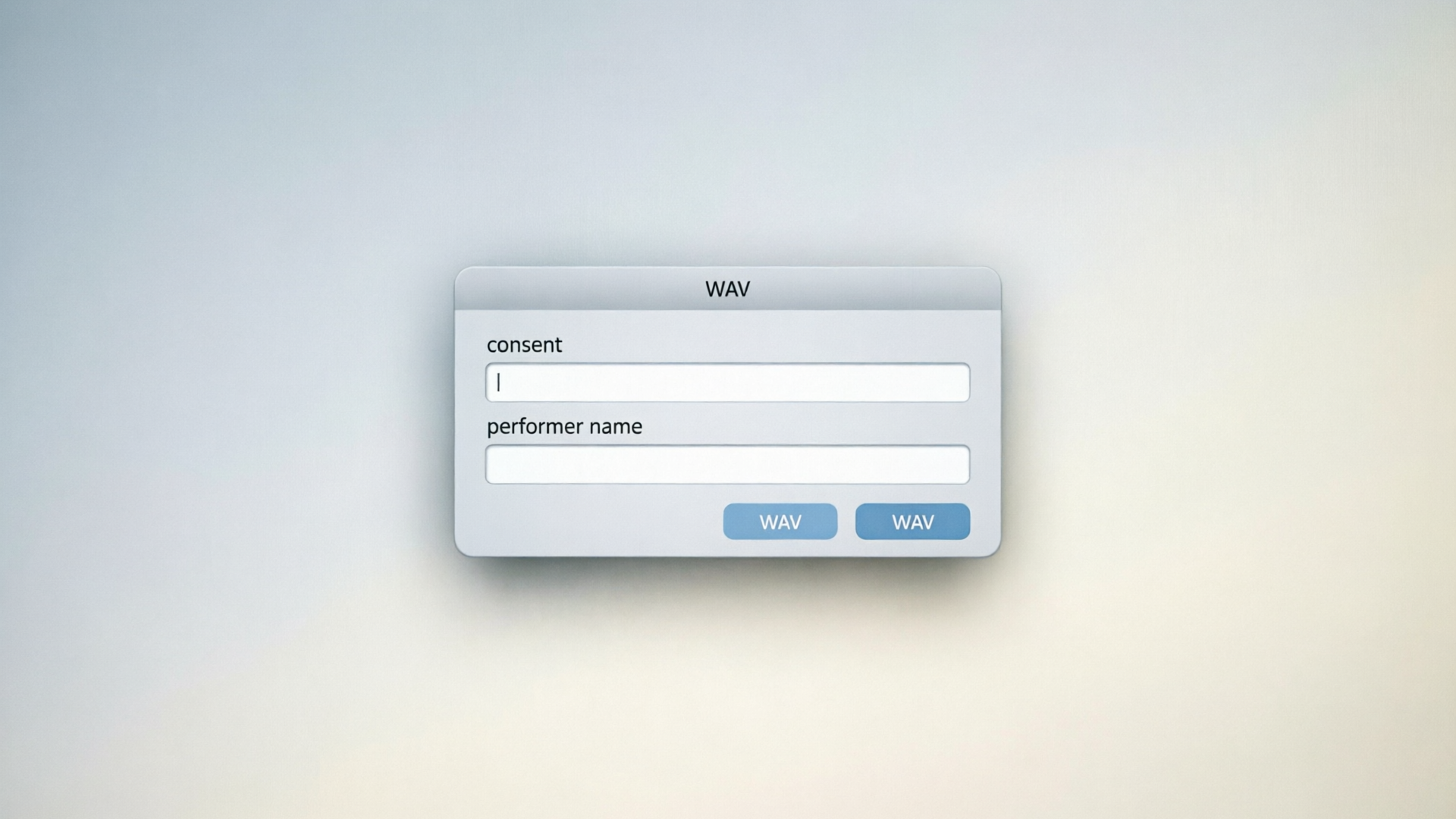
- Consent capture: Use a short written agreement with explicit clauses covering permitted use, duration, territories, and derivative works. Store the signed file with the audio asset.
- Attribution & licensing: If using third-party voices or actors, ensure you have written licenses that specify commercial rights and sublicensing.
- Watermarking & metadata: Tag synthetic files with a provenance header and, where possible, add inaudible watermarking or metadata markers so downstream partners can identify synthetic audio.
- Internal approval: Route clones through a legal check and a creative director sign-off before publication.
- Archival: Keep originals and consent documents for the life of the project plus a reasonable buffer (e.g., five years).
Governance literature emphasizes consent as the primary ethical duty. That means consent should be informed and revocable where practical. If you receive a takedown or objection, have a protocol to cease distribution and remediate. These steps protect you legally and build trust with performers and audiences.
How PlayVideo.AI AI Voices fits into your pipeline: cloning, stock voices, and real-world use cases
WowMade AI Voices (PlayVideo.AI AI Voices) is built for creators who want both speed and control: clone from a short clean sample, generate narration from text in dozens of voices, and produce localized dubs that preserve the speaker’s vibe. Practically, you can use it for narration on a YouTube essay, dubbing a Reel into Spanish, or creating character voices for an animated short.
Here’s a short worked example that shows exactly how to use it in a character workflow:
- Prepare a 45-second WAV sample following the recording checklist above.
- Open WowMade AI Voices and upload the sample to create a clone voice (the interface prompts you to confirm consent and enter metadata).
- From your script, split the character’s lines into short beats and add performance tags (e.g., "(sardonic)" or "(soft, hesitant)").
- Generate three variants of each line with the clone voice, then export the best takes as separate stems.
- Import stems into your edit or pair them with WowMade lipsync effects for frame-accurate alignment. If you need a Spanish dub, repeat the process with a translated script and select the clone as the target voice — WowMade AI Voices supports multilingual dubbing and keeps the character vibe.
Why this helps: the clone requires only a short sample, outputs sync-ready audio, and integrates with lipsync effects for faster polishing. For production teams, that means fewer recording sessions and cleaner iteration cycles. If you don't want to clone, browse stock voices inside AI Voices to audition dozens of directions instantly.
If you need music or background scoring for a character scene, combine your final dialogue with an AI-generated track from WowMade's AI Music Generator to quickly test mood variations, or use the AI Video Generator to create visual references for casting choices. For lipsync-heavy projects, the integration between AI Voices and lipsync effects shortens the path from script to screened scene.
Conclusion
AI character voices are a practical tool for creators who plan responsibly: define roles clearly, secure consent for clones, run human proof-listening, and use iterative A/B testing to land the right performance. For many indie projects, WowMade AI Voices lets you move from script to synced dialogue faster — clone a short sample, generate multiple takes, and export stems that integrate with lipsync and your edit. Open the AI Voices and clone your voice to speed up your next character shoot.