Practical AI Voice Casting for Shorts: Pick, Test, and Deploy Voices That Keep Viewers Watching
A creator-first guide to AI voice casting for Shorts: pick voice personas, audition efficiently, clone ethically, and deploy with WowMade AI Voices.
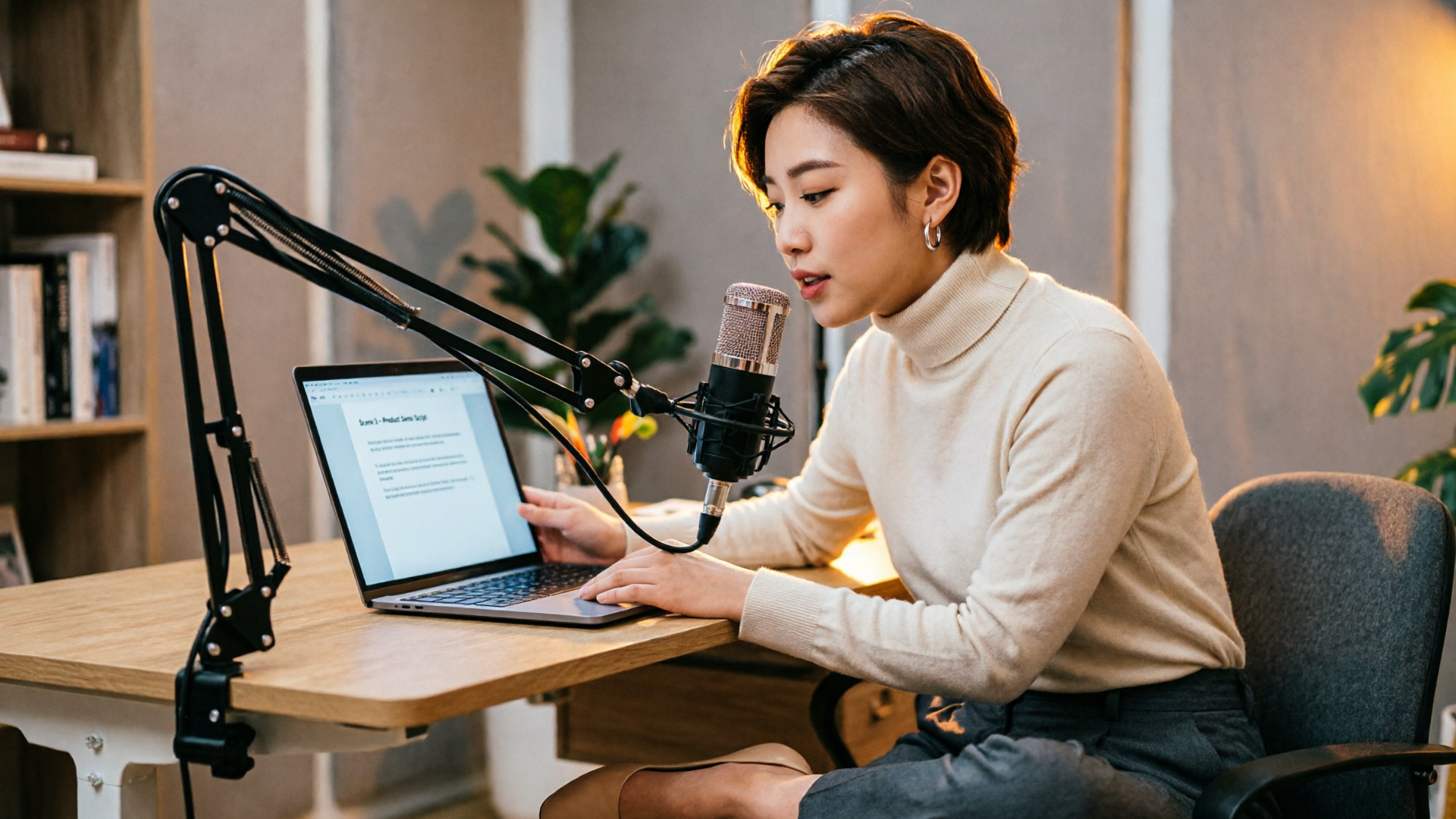
Short-form platforms demand an immediate hook and a voice that keeps viewers watching — which is why AI voice casting matters for creators who publish TikToks, Reels, and YouTube Shorts. This guide shows how to choose and test a voice persona for short-form pacing, audition realistic options quickly, and deploy final tracks with WowMade AI Voices so you can scale narration, dubbing, and character work without re-recording.
You’ll learn practical checks (timing, breathiness, charisma), a fast audition framework you can run in one recording session, and two hands-on workflows: casting stock voices and ethically cloning a voice for repeatable use. Along the way I’ll point out where multilingual dubbing and lipsync-ready outputs change the game for repurposing shorts across languages and formats.
Why voice selection matters for short-form video: impact on engagement and retention
Short-form content gives creators seconds to capture attention. Platforms reward watch time and completion rate as distribution signals, so your voice needs to hook immediately and sustain pace. Practical guidance from voice-over resources shows short-form narration typically runs faster — roughly 170–190 words per minute — compared with ~140–160 wpm for corporate reads. That faster cadence changes how a voice feels on camera: it must be clear at speed, leave room for emphasis, and match the platform’s conversational norms.
Beyond tempo, paralinguistic features — pitch, amplitude, breathiness, and timing — materially affect whether a speaker is perceived as charismatic or trustworthy. HCI and marketing research indicate these features change persuasion and engagement. In practice, creators who match the platform trend (for example, the May 2026 "voice memo" close-mic style) often see stronger initial retention than those using broadcast narration. A practical tip: test your top three voice options against a 10–15 second hook — the one that causes the highest initial watch percentage wins.
Finally, voiceover usually increases average watch time versus text-only shorts. That’s why planning voice early in production is a growth decision, not a postscript. With tools like WowMade AI Voices, you can audition dozens of stock voices and generate language variants quickly, which turns voice selection from a bottleneck into a measurable A/B test.
Define your voice persona: attributes, archetypes, and a quick testing framework
Start by translating your brand or character into concrete attributes. Use a simple matrix: pitch (low, mid, high), energy (calm, mid, high), breathiness (dry, natural, breathy), and formality (casual, neutral, formal). Map archetypes to that matrix — for example:
- Friendly explainer: mid pitch, mid energy, natural breath, casual formality
- News-anchor: lower pitch, measured energy, low breath, formal
- Voice-memo narrator: mid-high pitch, conversational energy, breathy, casual
- Character/animated: exaggerated pitch/energy, stylistic breath, variable formality
Quick testing framework (10–20 minutes):
- Select 3 archetypes that match your channel or character.
- Write a 20–30 second hook script (approx. 60–95 words at short-form pace).
- Generate or record that script across the three voice options.
- Measure three things: initial retention (first 3–5 seconds), emotional match (does the voice fit the visuals and copy?), and clarity at speed.
Use simple metrics: raw plays retained at 3s and subjective ratings from 3 viewers or teammates. This lightweight test highlights when a voice’s paralinguistic traits help or hurt the hook. For creators who need to scale, keep a log of ‘winning’ voice personas and the contexts they work in — that’s how you build a repeatable casting palette.

Choosing between stock AI voices, dubbing models, and character voices
There are three practical choices when casting voice for shorts: stock AI voices, dubbing-focused multilingual models, and stylized character voices. Each has trade-offs.
Stock AI voices: Fast, consistent, and available in dozens of styles. Use these when you need reliable narration across many videos and when you want to test different personas quickly. Stock voices are ideal for faceless channels, explainer hooks, and formats where brand consistency matters.
Dubbing/multilingual models: These prioritize timing and natural prosody in different languages so the speaker’s vibe survives translation. Dubbing models let you repurpose a high-performing short across regions without re-recording the script in each language; however, native-sounding results require attention to local pacing and cultural persona adjustments (phrasing, idioms, and emphasis). When localizing, also test scene timing: lip-sync expectations and shot length differ by market.
Character voices: Stylized or exaggerated voices give you clear differentiation for animation and episodic shorts. They often require additional editing to avoid intelligibility loss at high speaking rates.
A practical comparison: if you need fast A/B testing and scale, stock voices win. If you’re entering multiple language markets, prioritize dubbing models. If your channel is character-led, use character voices but run clarity checks at short-form pace. WowMade AI Voices supports all three use cases — you can pick a stock voice, clone a real voice from a short sample, or produce dubbed audio while keeping the speaker’s vibe, which makes switching strategies simple as your needs evolve.
Workflow — Cast, audition, and iterate: a step-by-step demo using WowMade AI Voices
This workflow is for creators who want repeatable, fast casting sessions with measurable results. We’ll use WowMade AI Voices to run an audition and pick a final voice for a 30-second Reel.
Step 1 — Prepare the script: Write a 30-second hook (approx. 85–95 words at ~180 wpm). Keep one bold sentence for the first 3 seconds.
Step 2 — Open WowMade AI Voices: choose a set of candidate voices (pick 6: two neutral, two trendier breathy options, two character styles). WowMade AI Voices generates narration from text in dozens of voices, so you can produce all auditions without recording.
Step 3 — Batch-generate auditions: paste the hook into WowMade and export each voice as a separate clip. Label them clearly (VoiceAFriendly, VoiceBBreathy, etc.). Because WowMade outputs sync-friendly audio, these clips are ready to drop into edits and timed against footage.
Step 4 — Quick audience test: upload the six clips as six short variations to a private playlist or send to a 3–5 person feedback group. Measure which clip holds attention at 3s and 10s. Use raw watch percentages or ask for a 1–5 fit rating.
Step 5 — Iterate: take the top voice and tweak delivery. On WowMade AI Voices, adjust speed and minor prosody parameters (trim breaths, change pacing) and regenerate. If you plan to run the same series, save the voice as a persona template.
Why this is faster than recording: you avoid multiple takes, file management, and re-record sessions. Because WowMade AI Voices pairs cleanly with WowMade’s lipsync effects and AI Video Generator, the winning clip can be synced to visuals or deployed as a multilingual dub quickly. Use the AI Video Generator for new visual variations, and the lipsync effects to keep the voice aligned with character mouths.
Workflow — Clone your voice ethically and polish it for shorts, reels, and character work
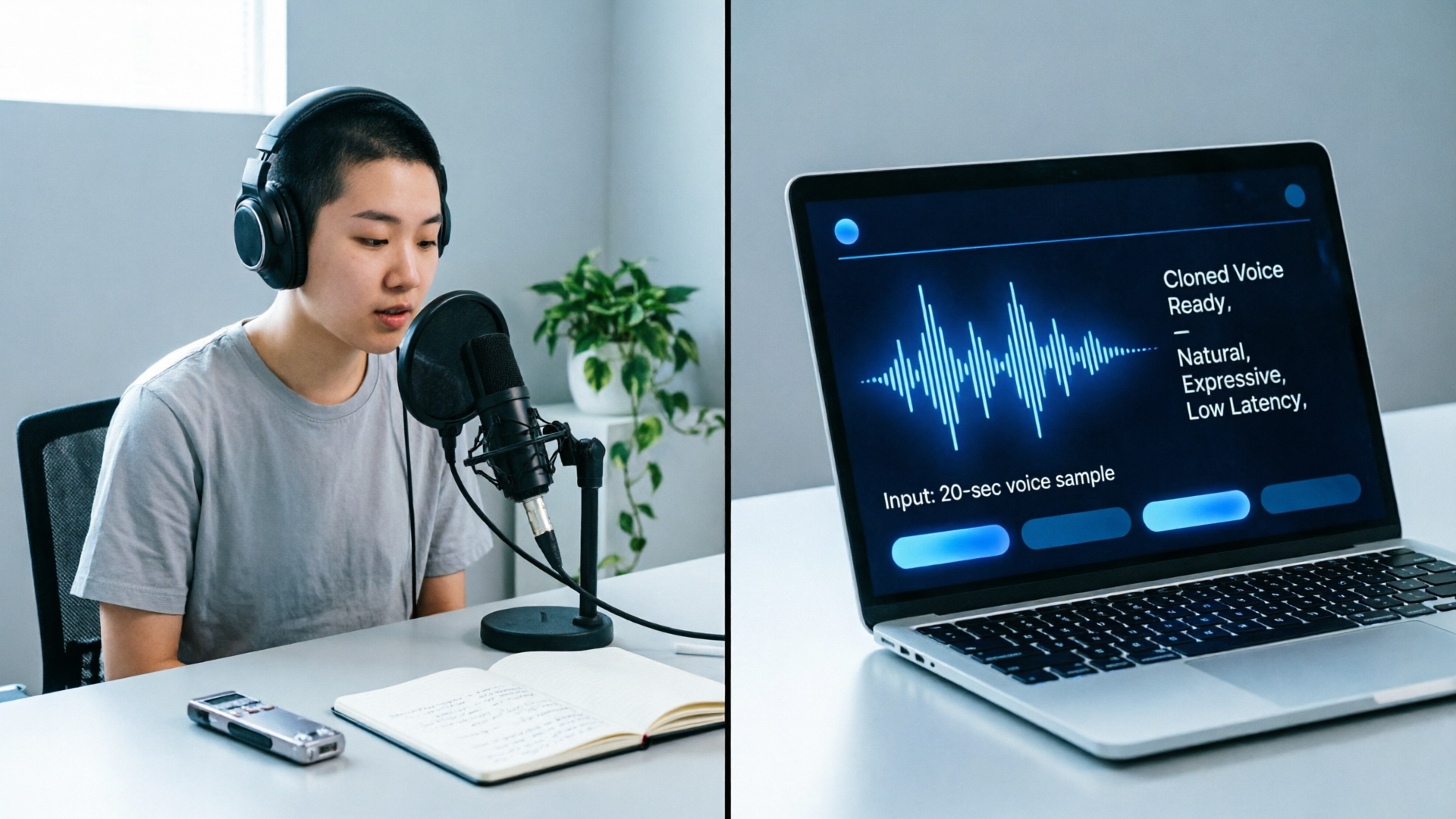
When a creator wants a repeatable, unique voice without re-recording, cloning is the practical option. WowMade AI Voices clones your real voice from a short, clean sample. Follow this workflow to clone and polish responsibly.
Step 1 — Record a clean sample: capture 15–30 seconds in a quiet room with a close mic. Read a neutral paragraph (avoid imitating others). The cloning model requires a short, clean sample to match timbre.
Step 2 — Upload and review: upload to WowMade AI Voices and inspect the clone output on a short test script. Compare timbre, breathiness, and pacing against your natural delivery.
Step 3 — Tweak for short-form pacing: cloned voices can be sped to match the 170–190 wpm short-form tempo. Use subtle prosody adjustments rather than aggressive speed-up to maintain naturalness. Trim or add breaths where needed so the voice keeps the conversational "voice memo" feel that performs on platforms.
Step 4 — Safety filters and disclosure: Keep an internal consent log for any cloned voice and include a disclosure where required by platform rules or local law. The FTC and industry guidance emphasize consent and transparency for cloned voices. If you clone a voice for a collaborator, store signed consent and a time-stamped sample.
Step 5 — Export and integrate: WowMade AI Voices outputs sync-ready audio that pairs with lipsync effects. Drop the clone into a short, check for clarity at target speed, and run an audience test. If you plan to localize, clone once and generate dubbed versions that keep the speaker’s vibe.
Worked example — Clone-and-ship a 20-second Hook:
- Record a 20s clean sample (15–30s recommended).
- Upload to WowMade AI Voices, choose the cloned model, paste the 20s hook script, set speed to +8% to hit ~180 wpm.
- Generate the clip, listen for unnatural artifacts, and toggle a small amount of added breath if needed.
- Export MP4 audio and import into your edit; use WowMade lipsync effects if the short has animated mouths.
This process gets you a consistent narrator or recurring character voice across dozens of shorts without scheduling recording sessions. Keep your consent records and label clones clearly in asset storage.

Legal, ethical, and localization checklist: safe voice cloning, consent, and platform tips
Voice cloning has clear benefits for creators, but it carries responsibilities. Industry reports and regulators flag risks from misuse and deepfakes, so follow a practical checklist to protect yourself and your audience.
Consent and documentation
- Obtain explicit, written consent from anyone whose voice you clone. Keep time-stamped recordings and signed release forms.
- If you clone your own voice, keep a record of the original sample and a note explaining intended uses. This helps if disputes arise.
Disclosure and platform rules
- Disclose synthetic audio when platforms or laws require it. Some platforms are tightening rules on deceptive AI content; check the platform guidance before wide distribution.
- The FTC and consumer groups have issued guidance and challenge frameworks highlighting responsible voice cloning practices — follow transparency and opt-in models where possible.
Safety filters and misuse prevention
- Use platform filters and internal review to prevent creating content that impersonates public figures without consent.
- Limit distribution of raw cloned voice files and track who has access.
Localization and cultural fit
- When dubbing into other languages, adjust persona traits for the target audience. Literal translations can fail; idiomatic phrasing and local pacing matter.
- Run native-speaker checks for cultural tone and lip-sync expectations. Dubbing models can retain the speaker’s vibe, but you must validate cadence and phrase length for the new language.
Practical platform tips
- For TikTok/Reels/Shorts, prefer a close-mic, breathy narration style when the genre calls for intimacy; it performs better than formal reads. See the May 2026 trend report on the voice memo style for specifics.
- Test a dubbed version with a small audience in each market before scaling.
Following this checklist reduces legal risk and improves audience trust. Tools like WowMade AI Voices make it technically simple to clone, generate, and dub while giving you the controls needed to keep work ethical and localized.
Frequently Asked Questions
How long a sample does WowMade need to clone a voice?
WowMade AI Voices can clone from a short, clean sample — typically 15–30 seconds provides a reliable result.
Will cloned voices sound robotic at short-form speeds?
Not if you adjust pacing and prosody. Increase speed modestly (for example, +5–10%) and add or trim breaths so the voice stays natural at ~170–190 wpm.
Can I use the same voice for dubbing into multiple languages?
Yes — WowMade AI Voices supports multilingual dubbing that preserves the speaker’s vibe, but always validate timing and cultural tone for each language.
Conclusion
Voice casting is a growth lever for short-form creators: the right persona increases watch time, the wrong one loses viewers in the first three seconds. Use the audition framework here to pick a persona, then scale with cloning or stock voices depending on your needs. For localization and repeated series, cloning and multilingual dubbing make the workflow efficient while keeping stylistic consistency.
Open the AI Voices tool to clone a short sample or audition stock voices and ship a consistent narrator across your next batch of Shorts; pair it with AI Video Generator for new visual versions and AI Music Generator for background tracks to finish edits faster.