Voice Cloning Tutorial: Create a Custom Narration Voice for Faceless Channels
Step-by-step voice cloning tutorial for creators: record samples, clone narration voices, dub in other languages, and follow legal best practices with WowMade AI Voices.
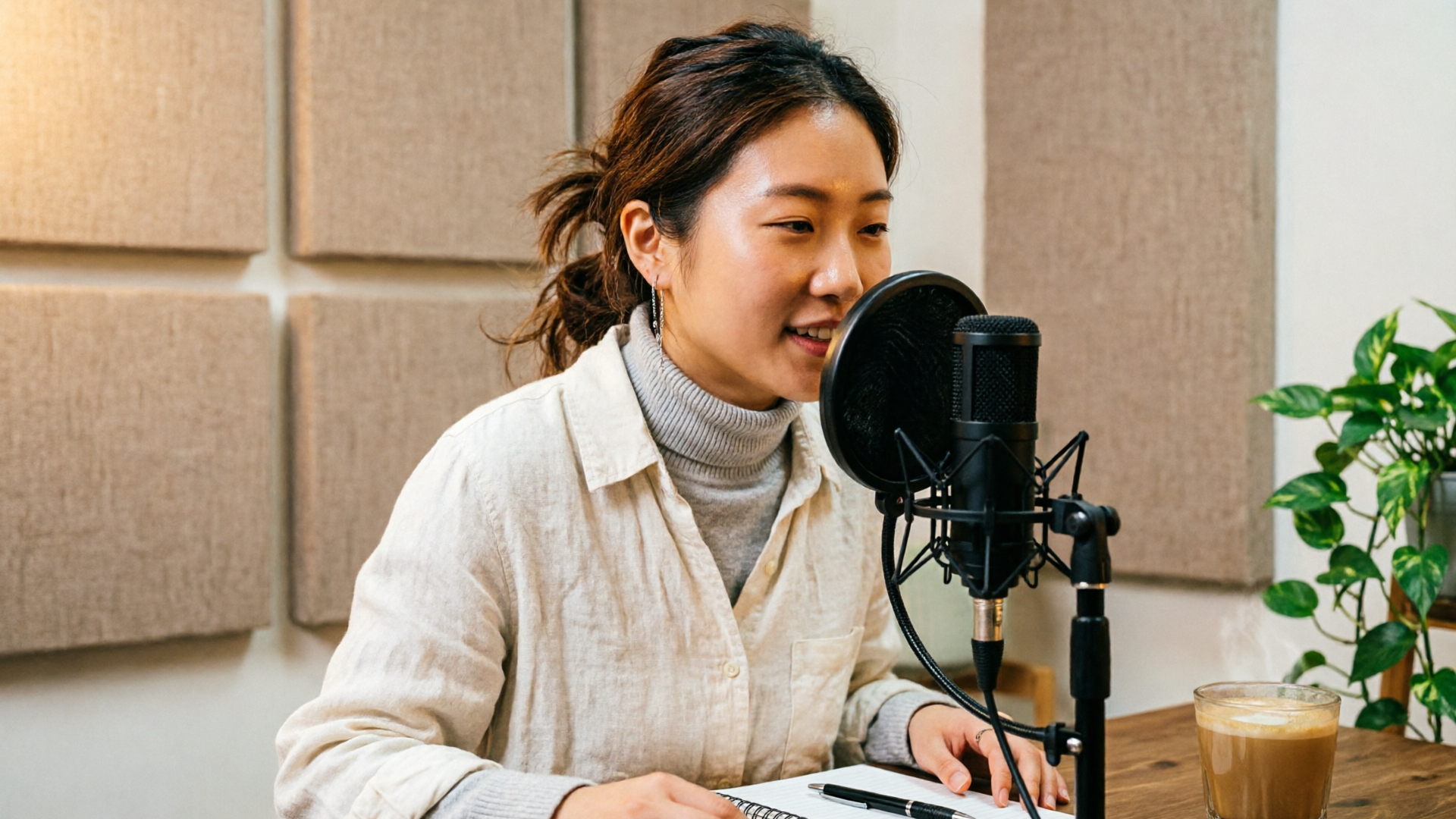
If you run a faceless YouTube or TikTok channel, a reliable narration voice is the difference between anonymous clips and a recognizable brand. This voice cloning tutorial shows how to record samples, evaluate cloning quality, clone a narration voice, and use it for multilingual dubbing — all with WowMade AI Voices. You'll learn practical recording checklists and a step-by-step walkthrough that gets a usable clone in minutes and a production-ready voice with a bit more work.
How modern voice cloning works (and what determines quality)
Voice cloning today generally follows two commercial approaches: few-shot (instant) adaptation and professional cloning. Few-shot models create usable clones from a short, clean sample — typically 1–2 minutes — and are great for rapid iteration. Professional cloning targets higher fidelity and nuance but usually requires far more data, often 30–180 minutes of clean audio. As vendor guidance summarizes: “Instant Voice Cloning: 1 - 2 minutes of good audio; Professional Voice Cloning: 30 - 180 minutes of good audio.”
Two technical factors determine the quality of a clone: how well the system disentangles speaker identity from content, and how faithfully it preserves prosody and emotion. Research in voice conversion notes ongoing challenges in identity disentanglement and content preservation; models still struggle when asked to transfer very expressive delivery or to handle noisy recordings. That’s why clean, consistent samples matter.
Another practical dimension is the use case. For short-form narration and faceless channels, the trade-off favors speed and clarity: a few minutes of consistent narration often yields a voice that sounds natural and remains recognizable across videos. For character work, multilingual dubbing, or feature-length narration, invest in longer, varied samples and controlled recording conditions.
Pull-quote:
"A short, clean sample often gets you 80% of the way there; the remaining 20% is controlled recording and careful editing."
Finally, be aware of detection and safety research. Audio deepfakes are an active concern: detection tools and disclosure practices are evolving. Plan your workflow so you can document consent and provenance for any cloned voice you use. For an overview of the academic landscape and technical challenges, see this survey on voice conversion methods: https://www.mdpi.com/2076-3417/13/5/3100.
Recording checklist: how to capture samples that make a great AI voice clone
The single biggest factor that separates a usable clone from a poor one is your recording discipline. Aim for consistency: same mic, same room, same distance to the mic, same voice placement and energy. Here’s a practical checklist that creators can use.
- Mic and environment
- Use a single, reliable microphone. USB condensers and dynamic mics both work when used correctly.
- Record in a quiet room with soft surfaces to reduce reflections and reverb.
- Levels and technical settings
- Record at healthy levels: peak around -6 to -3 dBFS to avoid clipping while keeping a good signal-to-noise ratio.
- Use 44.1 or 48 kHz sampling and 24-bit when available.
- Performance and content
- Read a steady script: neutral narration with 1–2 minutes is enough for instant/few-shot systems; vendors recommend 1–2 minutes as a strong range, and adding more than ~3–5 minutes often yields diminishing returns.
- Keep energy consistent across the sample; avoid extreme shouting or whispering unless that’s your target style.
- Include several short sentences with natural pacing rather than one long run-on sentence.
- Metadata and consent
- Note who recorded the sample, when, and that they provided explicit permission for cloning.
- If you’re cloning someone else, have them sign a simple consent statement and retain it in project files.
- Clean-up basics
- Minimal processing is preferable: light high-pass filtering to remove rumble and gentle de-noising only if necessary.
- Avoid heavy compression or aggressive EQ before cloning; the model performs better on raw, clean captures.
For creators who want quick tests, a 1–2 minute clean sample will get you into production quickly; if you plan to use the voice extensively (multiple languages, character variations, long-form narration) collect more controlled material. Community and vendor docs consistently show the same rule of thumb: 1–2 minutes for instant clones, 30+ minutes for professional-grade fidelity.
Hands-on: Clone your narration voice — step-by-step workflow (record, upload, refine)
This walk-through shows how to turn a clean recording into a usable narration voice using WowMade AI Voices. The steps are deliberately short so you can ship a test episode in under an hour.
1) Record the sample
- Follow the checklist above. Aim for 90–120 seconds of consistent narration (multiple short lines rather than one long take).
2) Create a new voice project in WowMade AI Voices
- In WowMade, open AI Voices and choose “Clone your voice.” Upload your recorded file and fill in the consent metadata. WowMade AI Voices clones your real voice from a short sample and generates an instant model you can preview.
3) Quick preview and TTS
- Generate a short test sentence (5–15 seconds) using the cloned model. Listen for obvious artifacts: robotic glottal stops, mispronounced words, or inconsistent pitch.
4) Refine the sample (if needed)
- If the model sounds thin or sings with odd timbre, add another 30–90 seconds of similar material and re-upload. Most creators hit a sweet spot within 3–5 minutes.
5) Use and sync
- Export a narration file or apply the voice directly to a video timeline. WowMade AI Voices pairs cleanly with the AI Video Generator and lipsync effects, so you can run the cloned narration onto a clip and apply lipsync without extra alignment work.
Worked example
- Scenario: You have a 2-minute recorded script for a 5-minute explainer. Upload the 2-minute sample to AI Voices and generate a 60-second narration: “Welcome to our channel — today we break down X.” Preview the output. If voice identity or pacing feels off, add two more short clips (30–45 seconds each) where you read in the same vocal placement and re-clone. Once satisfied, export the audio and drop it into your edit, or apply it directly to a WowMade video and enable lipsync.
This step-by-step gets most creators a production-ready narration voice quickly. For more advanced use (emotional variations, character voices), create multiple clones or save voice styles within AI Voices.
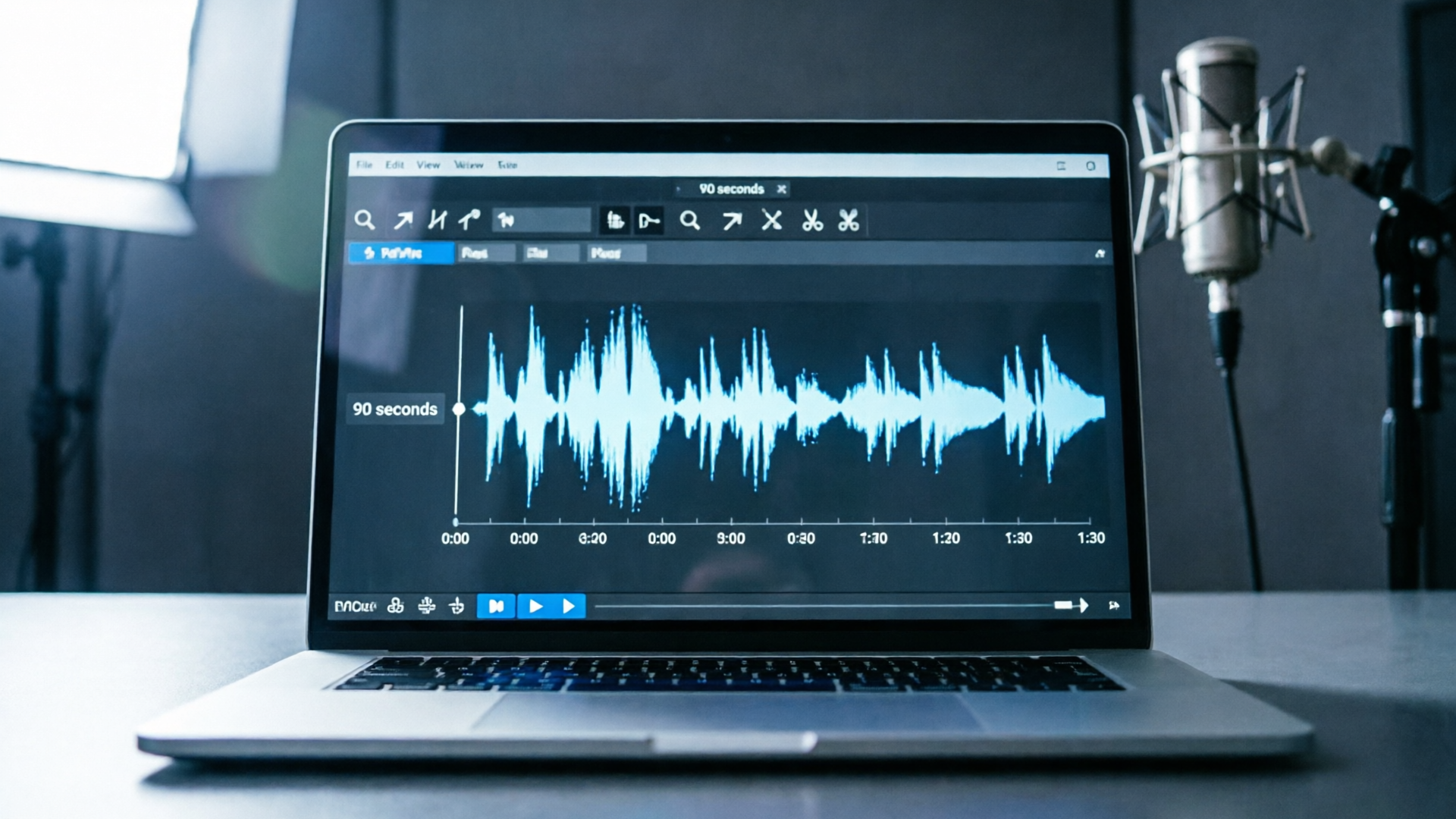
Workflow: Use your voice clone for dubbing and multilingual distribution
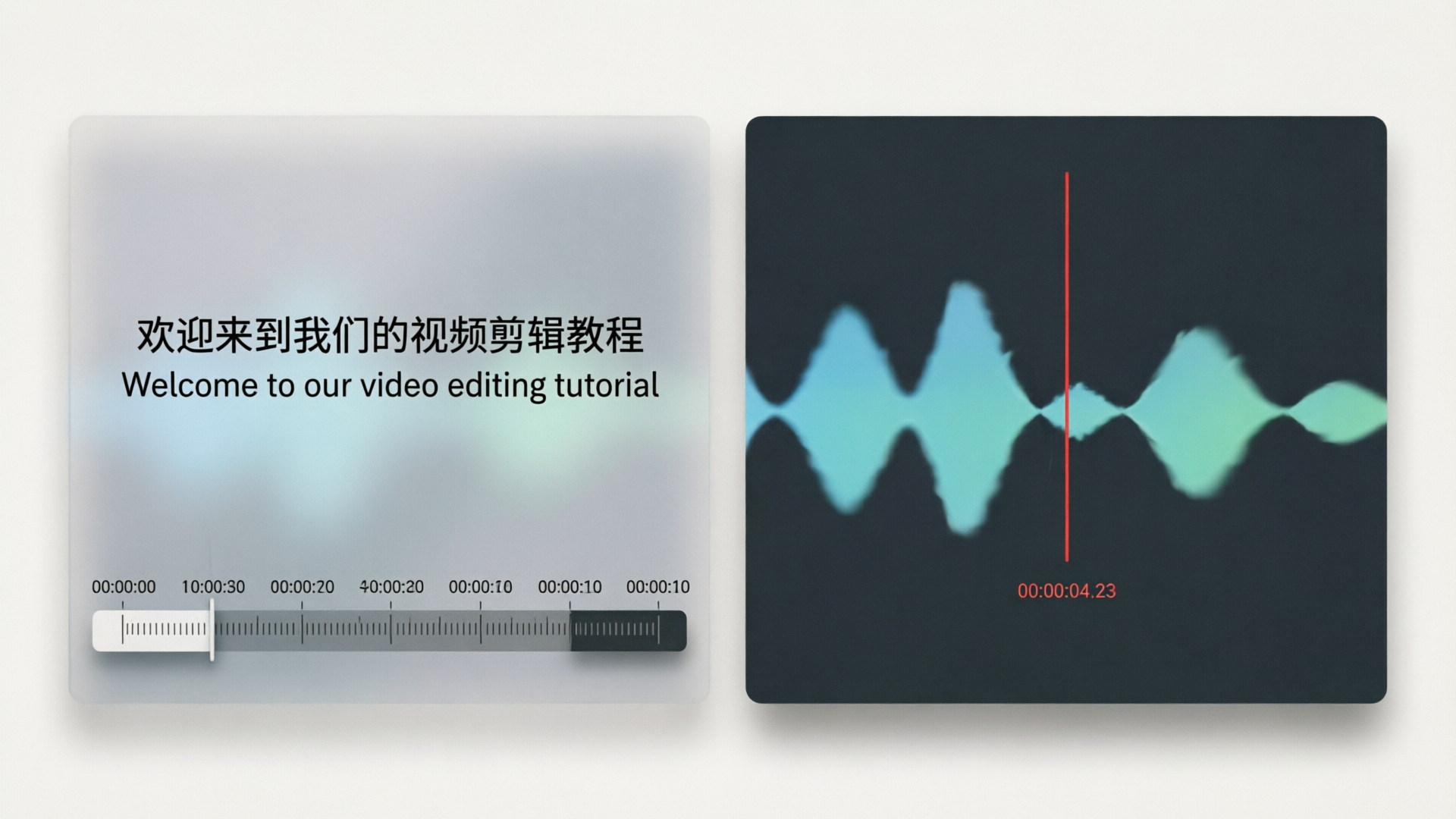
Multilingual distribution is one of the biggest multipliers for faceless channels. WowMade AI Voices supports dubbing videos into other languages while preserving the speaker’s vibe, which keeps brand consistency across markets.
Start with a clean script and create time-aligned captions or a transcript. You can translate transcripts manually for accuracy or use a high-quality machine translation and then edit for natural phrasing. When creating dubbed narration, aim to match the original timing and sentence boundaries — this helps lipsync tools perform better.
Practical dubbing workflow
- Translate and adapt
- Convert your source transcript into the target language, focusing on natural phrasing and syllable count rather than literal translation.
- Generate voice in target language
- In WowMade AI Voices, select your cloned voice (or a close variant if you want a slightly different timbre) and generate the translated lines. The system can produce narration in multiple languages and keeps the speaker’s vibe, which reduces the sense of a different actor.
- Time alignment and lipsync
- Use WowMade’s lipsync effects to align the generated speech to your existing video. Short-form platforms tolerate small timing shifts, but tight edits (explainer videos, animated shorts) benefit from frame-accurate alignment.
- Final pass
- Listen for localization issues: idioms, pacing, and cultural references. Adjust prosody settings or re-record small segments when the localized line requires a different emotional weight.
Why this works for faceless channels
- Brand consistency: Using the same voice across language variants keeps your channel coherent.
- Speed: AI-generated dubbing reduces the need to hire local voice actors for every market.
- Cost-effectiveness: Rapid iteration and instant exports let creators test multiple markets without long lead times.
If you plan big-scale localization, combine AI Voices dubbing with background scoring from an AI music tool to match regional tastes, and use lipsync effects from WowMade to maintain mouth movements and timing across versions. For visual assets linked to localized content, consider creating region-specific thumbnails with the AI Image Generator.
Ethics, legal risks, and platform rules every creator must follow
Cloning voices has real ethical and legal considerations. Recent research on audio deepfakes underlines the reputational and legal risks of using cloned voices without consent. Best practices reduce risk and build trust with platforms and audiences.
Consent and documentation
- Always obtain explicit, recorded consent from the person whose voice you plan to clone. Keep signed statements and audio/video proof in your project files.
Disclosure
- Be transparent when a voice is synthetic or cloned. Platform rules and community norms increasingly favor clear disclosure; in many cases, disclosure reduces demonetization risk for faceless channels.
Platform rules and community practice
- Different platforms have varied policies. Community reports indicate that channels with unique, consistent narration voices and clear disclosure face fewer issues than those relying on widely distributed stock voices. Over-reliance on a ubiquitous stock voice can hurt distinctiveness and platform trust.
Safety and detection
- Detection tools and research are improving; plan for the possibility that a cloned voice may be flagged. Maintain a clear audit trail: original raw recordings, consent forms, and edit logs. If you work with hired voice talent, ensure contracts cover cloning rights explicitly.
Legal-side practicalities
- If you use a public figure’s voice, consult an attorney: right-of-publicity and trademark laws vary by jurisdiction and can create liability.
Following these practices protects creators and keeps content monetizable. When in doubt, document consent, disclose synthetic content, and choose unique voices for your channel rather than relying entirely on stock models.
Advanced tips to make cloned voices feel unique, consistent, and brandable
Once you have a working clone, small, deliberate tweaks make it feel like a branded instrument instead of a generic TTS voice.
Voice styles and presets
- Create multiple presets for the same clone: "neutral explainer", "high-energy hook", and "calm outro." Save these as separate voice styles in WowMade AI Voices so you can apply them consistently across videos.
Prosody and pacing
- Subtle tempo shifts and shorter pauses make narration feel human. When generating long passages, break text into shorter sentences and insert natural breaths or pauses in the copy.
Layered mixing
- Mix your narration with light room ambience and a subtle de-esser to remove sibilance. Add a low-level room tone track (–30 dB) to create continuity between takes and edits.
Use supporting audio
- Add bespoke background music from an AI music generator to avoid stock tracks and reinforce brand tone. If you want matching visuals, generate custom thumbnails or scene images with the AI Image Generator to create a consistent look and feel across platforms. These supporting elements make the clone feel intentional rather than injected.
Character work and variations
- For animated shorts, make small pitch/time edits and add controlled vibrato or breathiness to suggest a separate character while keeping the same identity. Save these as separate clones or styles.
Quality control checklist
- Listen to random 30-second clips from your channel once a week. Check for drift in voice timbre across new clips and re-clone or re-record samples if necessary.
Final note on cost and scale
- Pick a plan that fits your output frequency. If your channel publishes multiple videos per week and you need localized versions, budget for cloning, generation, and any per-minute synthesis costs — WowMade pricing pages explain how credits and plans scale with output and can help you plan for growth.
Frequently Asked Questions
How much recording time do I actually need to clone my voice?
For an instant/few-shot clone, 1–2 minutes of consistent, clean audio is usually enough; professional-grade cloning requires far more (30–180 minutes) and is only necessary for very high-fidelity or expressive work.
Can I clone voices in other languages?
Yes — you can generate narration in multiple languages with a cloned voice to keep the speaker’s vibe; for best results translate and adapt scripts for natural phrasing before synthesis.
Do I need to disclose that a voice is cloned?
Disclosure is strongly recommended and often required by platform policies or monetization rules; it reduces legal and reputation risks and helps with detection concerns.
What if my cloned voice sounds robotic?
Collect another 30–90 seconds of clean, consistent material and re-clone; also avoid heavy pre-processing and test different prosody settings in the voice tool.
Conclusion
Voice cloning can be a fast, practical way to build a unique narration identity for a faceless channel — if you record carefully, follow consent rules, and iterate on style. WowMade AI Voices is built for this workflow: clone your real voice from a short sample, generate narration in dozens of voices, and dub videos into other languages while keeping the speaker’s vibe. Open the AI Voices and clone a narration voice to stop re-recording scripts and start scaling your channel today.