AI product photography: a practical playbook to replace and augment studio shoots
A step-by-step guide for ecommerce teams to use AI product photography and WowMade AI Image Generator to scale on-brand product images without breaking the studio budget.
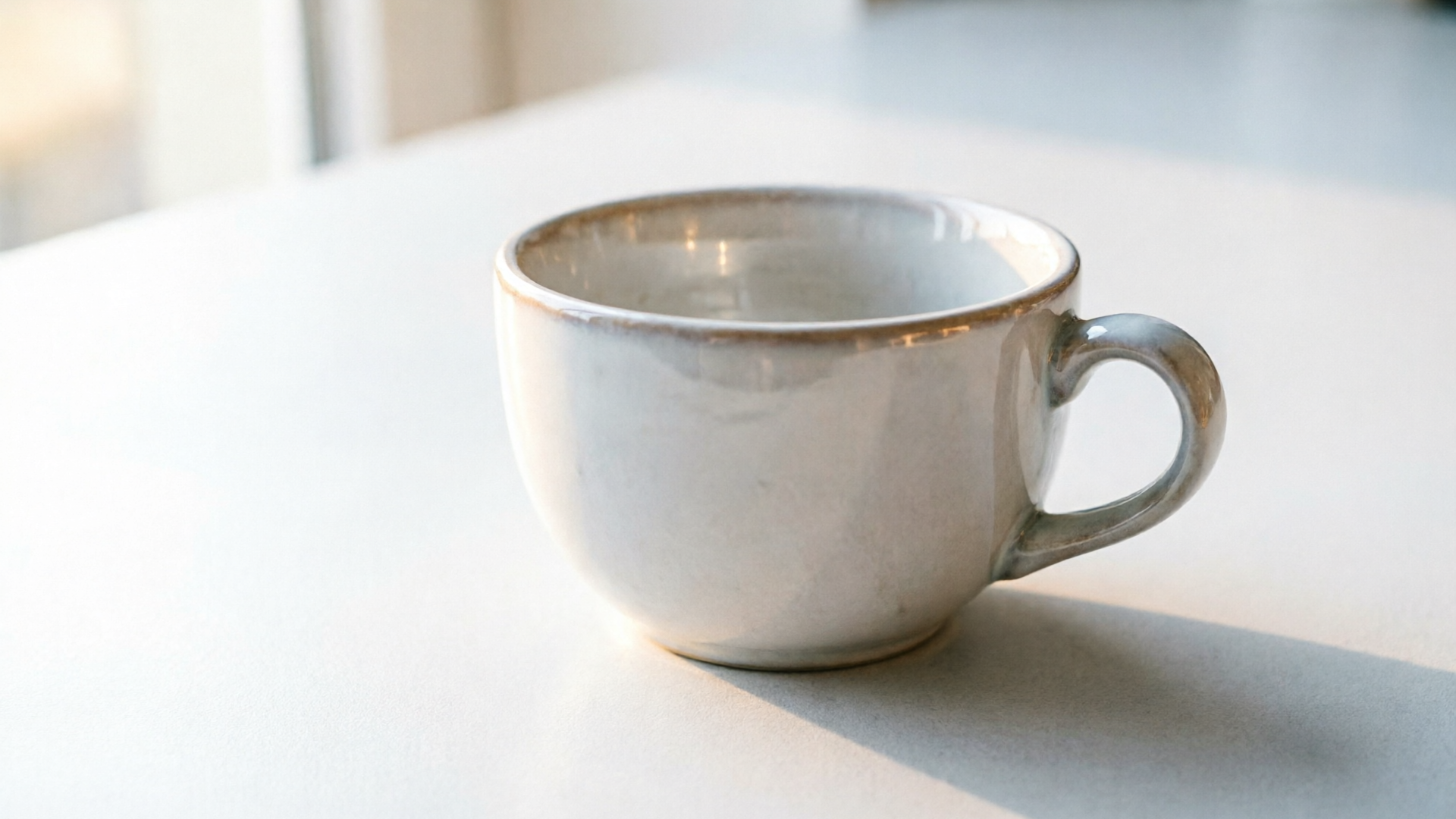
Ecommerce teams need scalable, on-brand product photos that convert — fast. This guide shows when to choose AI product photography over a traditional studio, how to turn one good photo into a full set, and exactly how the WowMade AI Image Generator fits into each workflow. If your goal is to expand catalog coverage, test seasonal variants, or produce hero and lifestyle shots without a full reshoot, this article is for you.
You’ll get practical, hands-on workflows (text-to-image and remix/edit), quality-control rules for materials and labels, and a short walkthrough that uses WowMade AI Image Generator to create a hero + cropped ad variant in one pass. The primary keyword for this guide is AI product photography — and by the end you’ll know when AI saves time and where human hands still matter.
When to use AI product photography vs. a traditional studio (risk, reward, and real ROI)
AI product photography is not a universal replacement for studio work — it’s a toolkit shift. Use AI when the goal is scale, iteration speed, or cost-efficiency; keep the studio for flagship hero shots, complicated materials, or regulatory labeling that must be accurate to the millimeter.
Risk and reward: AI lets you produce large catalog expansions, rapid seasonal variations, and lifestyle mockups without booking a photographer. Industry pilots already show measurable gains: a 2025 Alibaba AIGI deployment reported about 13% relative improvements in click-through and conversion against human-designed counterparts ("Sell It Before You Make It", 2025). That’s the upside companies are chasing: incremental lifts across many SKUs multiply into meaningful revenue.
Where AI struggles: reflections, micro-text on labels, and complex materials (varnishes, metallic inks, translucent plastics) still cause fidelity issues. Practical audits and industry guides note that AI excels at catalog expansions and lifestyle mockups but often requires selective human touch-ups for perfection (Cliprise; BMI Studios). Consider a hybrid approach: generate first-pass imagery with AI, then send only the highest-value SKUs or problem cases to studio retouching.
Real ROI scenarios:
- Fast catalog expansion: replacing staged reshoots when SKUs are numerous or seasonal variants are frequent.
- Creative experimentation: test lifestyle backgrounds and compositions quickly to find winners before committing to studio time.
- Localized marketing: create region-specific props or settings without physical travel.
Decision rule of thumb: if the image’s primary job is persuasion at scale (ads, thumbnails, seasonal pages), try AI first; if the image must be physically accurate for compliance or high-end branding, plan a studio + AI augmentation pipeline.
Preparing assets & briefs: how to turn one good photo into a full product set with text prompts
Preparation matters. A single well-shot product photo can become a full image set if you assemble reliable assets and write controlled prompts. Start by cataloging a few mandatory elements: a high-resolution hero on white background, a 45-degree angled detail shot, and a straight-on label close-up. These become the reference inputs for remixing.
Create a brief that the AI can execute:
- Required outputs: white-background catalog, 4:3 hero, 1:1 social crop, 16:9 ad frame, and a lifestyle scene.
- Brand constraints: primary hex codes, typographic family for labels, allowable props (e.g., no alcohol near kids), and tone (minimal, premium, playful).
- Technical constraints: minimum pixel dimensions, allowed file types, and acceptable retouch levels.
Prompt structure matters. A reliable prompt template:
- Subject: concise product descriptor ("ceramic coffee mug, matte white, 12oz").
- Shot details: angle, focal length feel ("three-quarter view, shallow depth of field"), and composition instructions.
- Brand constraints: color hex, permitted props, and background style.
- Output needs: aspect ratio and crop targets.
Example brief snippet: "Ceramic coffee mug, matte white (HEX #FFFFFF), three-quarter view on white background, soft natural key light, minimal shadow; output 1:1 for social and 16:9 hero for landing. No text or logos on the mug. Save variations."
Why this works: prompts that separate subject description from stylistic instructions help the model stay consistent. Use the hero and label close-up as image inputs when you want exact product textures and markings preserved; otherwise, text-to-image can create lifestyle variants faster. The WowMade AI Image Generator accepts both pure prompts and uploaded photos to edit, so your brief can reference either or both depending on the task.
Related guide: AI image variations for thumbnails and hero images.
Text-to-product-image workflow: building on-brand hero and lifestyle shots from scratch (hands-on)
Text-to-image is the fastest route to new hero and lifestyle creative when you don’t need pixel-perfect label fidelity. Use it to prototype hero images, mock ads, and multiple scene variants before committing budget to a shoot.
When to pick text-to-image: you need many concept variations quickly, want bespoke backgrounds for ads, or are creating lifestyle scenes that would be expensive to stage. Keep in mind that tiny text and exact label details can degrade; avoid text-heavy packaging in pure text-generation passes.
Hands-on workflow (example using WowMade AI Image Generator): 1) Define outputs: decide aspect ratios you'll need (1:1 for social, 16:9 for hero). WowMade can generate multiple aspect ratios from the same prompt in one pass, saving time. 2) Craft the prompt: start with the product descriptor, then add lighting, mood, and background. Example: "ceramic coffee mug, matte white, 12oz, on a wooden kitchen counter, morning light, shallow depth of field, warm tone, minimalist props (croissant), soft shadows, clean composition". 3) Run a generation pass and request variations: let the model save variations to your library to pick winners. 4) Crop and export: pick the best variant and export native 1:1 and 16:9 crops — the WowMade UI outputs social and ad ratios directly.
Quick walkthrough: hero + ad crop in one flow
- Open WowMade AI Image Generator and choose text-to-image.
- Paste the prompt above, select "Generate multiple aspect ratios," and check "Save variations to library."
- Review results, select the hero frame you like, and export both the 16:9 hero and the 1:1 ad crop.
Iteration tips: use concise constraint lines to lock color or mood ("brand palette: #0A2342 and #F2B138"). If a detail looks off, run another pass with a short edit prompt rather than rewriting from scratch. For voice-over or video extensions, the exported frames can feed straight into the WowMade AI Video Generator for motion versions.
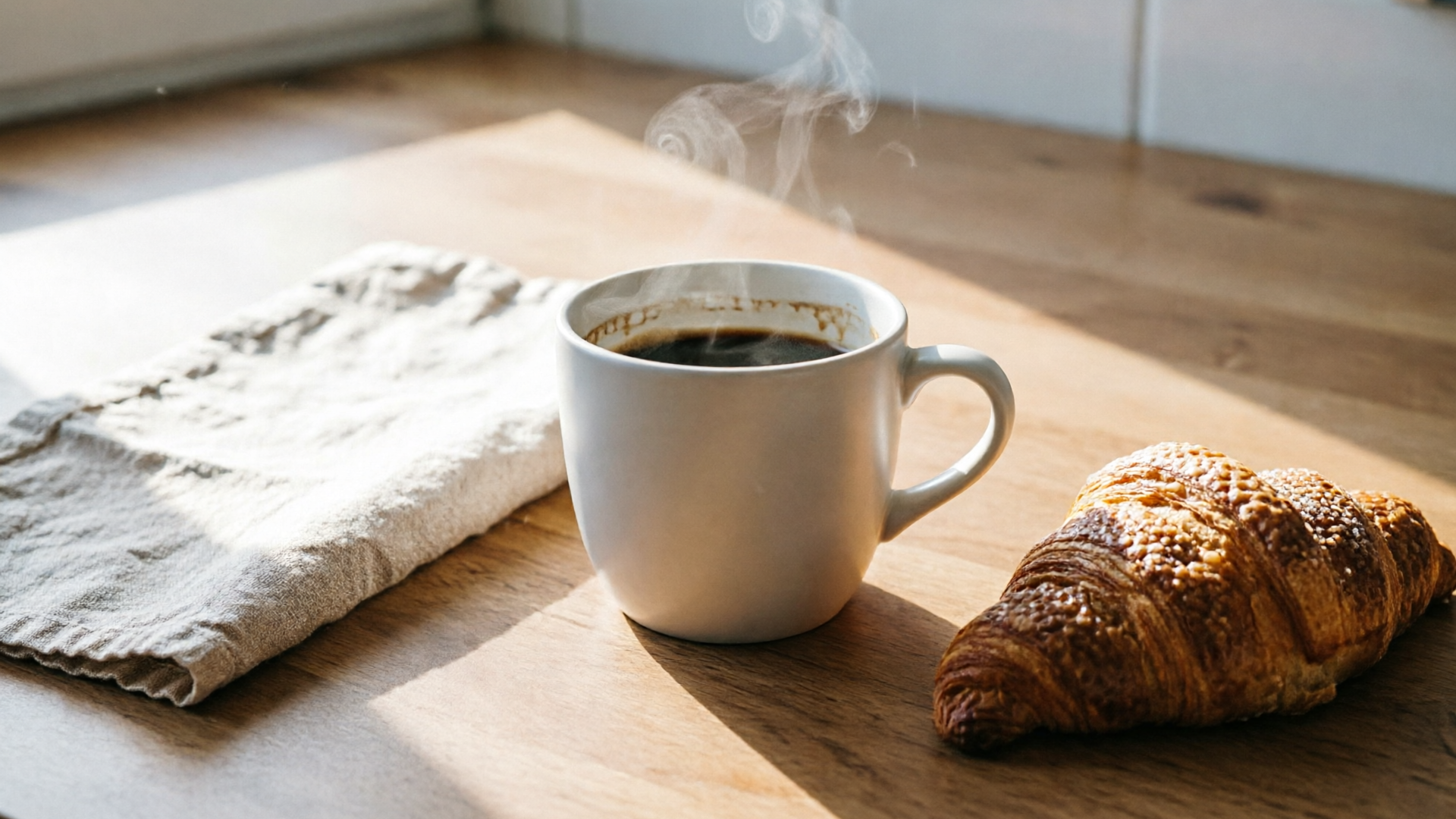
Remix & edit workflow: use a reference photo to produce catalog, detail, and variant images (hands-on)
When fidelity matters — exact label placement, precise materials, or SKU variants — start from a real photo and remix. Reference-based editing keeps product geometry and micro-details intact while letting AI alter environment, colorway, or crop.
When to pick remix/edit: catalog images, color variants, packshots for marketplaces, or when you must preserve trademarked logos and legal text. The edit-in-place approach reduces downstream QA because the product stays anchored to a real capture.
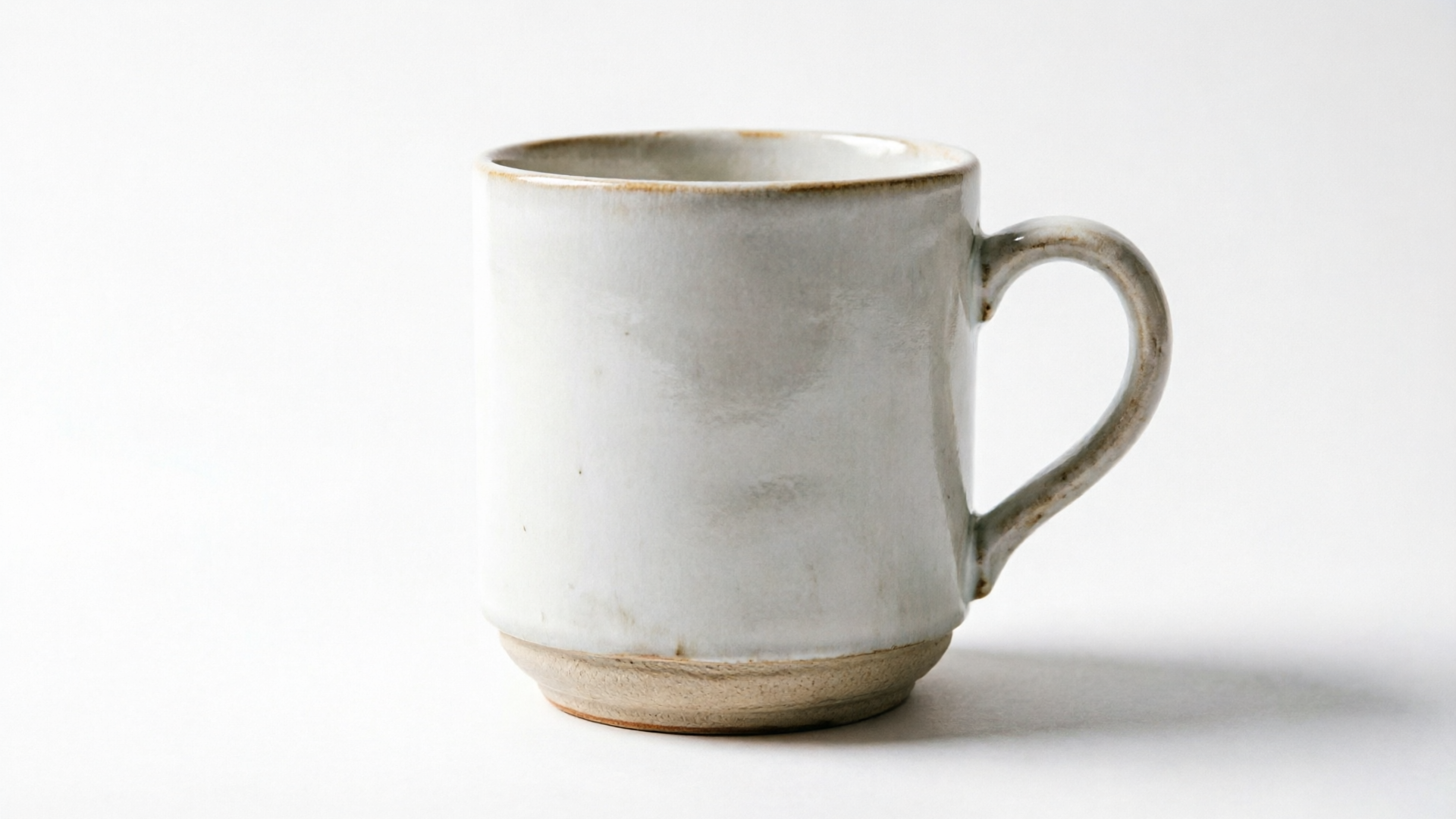
Hands-on remix workflow with WowMade AI Image Generator: 1) Upload your clean reference photo (white-background hero or 45-degree angle). 2) Write a clear edit prompt: specify what to change ("change mug color to matte navy #0A2342"), what to preserve ("keep label text and geometry"), and output crops ("generate 1:1 and 4:3 variants"). 3) Use the edit-in-place feature to mask areas if needed: mask the background to replace it with a lifestyle scene, or mask just the product to recolor the surface. 4) Generate variations and save the best ones to the library.
Concrete example: creating three color variants and a lifestyle mockup
- Upload the original white-mug photo.
- Prompt: "Create three color variants — matte navy #0A2342, soft sage #BFD8C3, and matte black — preserve logo and label position; generate 1:1 catalog crops and a 16:9 kitchen lifestyle with warm morning light."
- Select outputs, run the edit. WowMade returns edited photos and the option to export each ratio.
Why this reduces QA time: by starting with a real frame you keep geometry and lens artifacts consistent, so the images behave correctly in product zooms and 360 viewers. Edit-in-place means you iterate on the same file rather than producing unrelated renders.
Ensuring brand fidelity: colors, labels, materials, and legal considerations
Brand fidelity is non-negotiable for ecommerce. Small shifts in color or label text can misrepresent a product and trigger returns, compliance issues, or worse. Treat AI as a production tool that must live under governance.
Color and material controls:
- Use hex codes and simple material descriptors ("matte ceramic," "satin metal") in prompts.
- When exact color is required, add a small color swatch image as an input or provide a calibrated reference photo; pure text descriptions can drift.
- Validate colors with a visual QA step comparing exported images to a master swatch under consistent viewing conditions.
Label and micro-text handling:
- Avoid relying on text-to-image for legal text and ingredient panels. If accurate micro-text is required, start from a high-res reference photo and use selective in-painting.
- For trademarks and logos, mask and preserve the original area or reapply the approved logo as a post-process.
Legal considerations and audit trail:
- Maintain a generation record: prompt text, reference images, model version, and who approved the output.
- Keep human approval gates for any SKU that affects safety, compliance, or regulated labeling.
Governance pattern (practical mix):
- Automated generation for non-critical variants (colorways, lifestyle backgrounds).
- Human review and sign-off for label accuracy, product claims, and high-price SKUs.
This pattern mirrors current industry recommendations: pipelines that mix image-to-image and text-to-image generation with human approval have operational and legal benefits (From Prompt to Production, 2026). WowMade’s edit-in-place and library features make it straightforward to track iterations and keep a copy of the approved master images.
Optimization & delivery: formats, cropping, speed, and how images affect page performance
Image choices directly impact page speed and conversion. An audit of roughly 1,500 Shopify stores found product images were the Largest Contentful Paint (LCP) element in about 77% of product pages, so file size and format decisions are critical (EcomHint, 2026).
Optimize for delivery:
- Format: prefer modern formats (AVIF or WebP) where the CDN and browsers support them; fall back to optimized JPEGs as needed.
- Responsive images: export multiple resolutions and use srcset to serve an appropriate size for the device.
- Cropping: generate crops for the common placements (1:1 for social, 4:3 for catalog, 16:9 for hero) rather than shipping a single huge file and letting the browser crop client-side.
Speed and generation choices:
- Use WowMade’s multiple-aspect output feature to produce the exact ratios in one pass — this reduces extra downloads and saves engineering work.
- Compress with perceptual optimizers and run a single-CDN push so cache hits are reliable.
Visual strategy for conversion:
- Provide multiple informative images: white-background packshot, detail close-up, lifestyle scene, and scale/size shot. Research and practitioner guides emphasize multiple informative images over a single cinematic hero for purchase decisions (Snappyit; BrandGene).
- For hero pages where LCP matters, delay loading large lifestyle images or use placeholders that match the hero color to reduce CLS.
Delivery checklist:
- Export AVIF/WebP plus a JPEG fallback.
- Generate targeted crops for ads and social to avoid client-side resizing.
- Measure LCP after deployment and iterate on compression settings.
Measuring impact: what KPIs to test (CTR, conversion, returns) and real-world results from AIGI pilots
You should treat AI product photography like any marketing experiment: define KPIs, run controlled tests, and iterate. The three most useful metrics for image changes are CTR (in ad or listing contexts), on-page conversion rate, and return rates for misrepresented products.
KPIs and test design:
- CTR: run ad creative tests or search listings with different hero images to measure which visuals drive clicks.
- On-page conversion: use A/B tests on the product page; swap the primary hero and measure lift.
- Returns/complaints: monitor product return rates and customer service tickets for misrepresentation after a rollout.
Real-world signals: large-scale pilots show promise. The Alibaba AIGI study reported ~13% improvements in both CTR and conversion when AI-generated items were personalized at scale (Sell It Before You Make It, 2025). That indicates AI-driven visuals can shift both discovery and purchase behavior when used responsibly.
Practical testing cadence:
- Start with small SKU cohorts: test 50–200 SKUs before a sitewide rollout.
- Track qualitative feedback from customer support to catch fidelity or compliance issues early.
- Use a control group of studio images to avoid conflating other optimizations with image effects.
What to expect:
- Quick wins from lifestyle variants and seasonal mockups.
- Slower but steady gains from catalog coverage and personalized imagery.
- A fraction of SKU edits will require human fixes; plan reshoot or retouch budget accordingly. These expectations align with industry audits that found AI is best for expansion and iteration, while high-fidelity issues need human work (Cliprise; BMI Studios).
Scaling production: governance, quality checks, and integrating WowMade AI Image Generator into your asset pipeline
Scaling requires governance and automation. Put in place a production flow that combines automated generation with human approvals and clearly defined quality checks.
Governance elements:
- Prompt library: approved prompt templates for each product category that encode brand color, permitted props, and technical export settings.
- Asset library: a centralized place to store master photos, approved AI outputs, and generation metadata. WowMade’s library feature is useful here because it saves variations and tracks iterations.
- Approval gates: define who signs off on color fidelity, label copy, and legal language.
Quality checks:
- Visual checklist: color accuracy vs. master swatch, label legibility at typical zoom levels, reflections and highlights behaving realistically.
- Automated checks: image dimensions, file format, and presence of required crops.
- Sampling: human spot checks on generated batches, with stricter review for high-value SKUs.
Integration options:
- Batch generation: use WowMade AI Image Generator to produce multiple aspect ratios and save variations to the library; export through your CDN staging area.
- Pipeline handoffs: approved frames can be fed to the WowMade AI Video Generator for social motion ads, or matched with background music from the AI Music Generator for product videos.
Example governance flow: 1) Product manager adds a SKU to batch brief. 2) Creative ops runs a prompt template in WowMade and generates 4 variants per SKU in required ratios. 3) QA runs automated checks; flagged items go to a human reviewer. 4) Approved images land in the CDN and are deployed by the ecommerce team.
This approach balances speed with control: you scale with automation while insulating the business from legal or brand risk. The edit-in-place and multi-aspect outputs from WowMade cut iteration time and keep your asset library consistent.
Conclusion
Start small, measure, and tighten governance. For most ecommerce teams the fastest way to test AI product photography is to launch a pilot on mid-value SKUs, use the WowMade AI Image Generator to create hero and cropped ad variants in one pass, and measure CTR and conversion before scaling. Use reference-photo edits when fidelity matters and pure text-to-image for quick lifestyle concepts.
Open the AI Image Generator and spin up your first on-brand hero and social crop — iterate until the look is right and let your next A/B test prove the ROI.
Make this with WowMade
Mentioned in
- How DTC Brands Replace Costly Studio Shoots with an AI Image WorkflowA practical workflow for DTC brands to replace studio shoots with repeatable AI ecommerce product images using prompt templates, restyles, and batch exports.
- Image animation for product: turn photos into vertical demo loops and animated B-rollConvert single product photos into vertical demo loops and animated B-roll that boost Shopify conversions. Repeatable, low-cost image-to-video workflows for ecommerce teams.