A Practical Playbook for Brand-Consistent AI Image Restyles
Step-by-step playbook to produce scalable, on-brand product and lifestyle images using an AI image generator. Workflows, prompts, QA, and measurement.
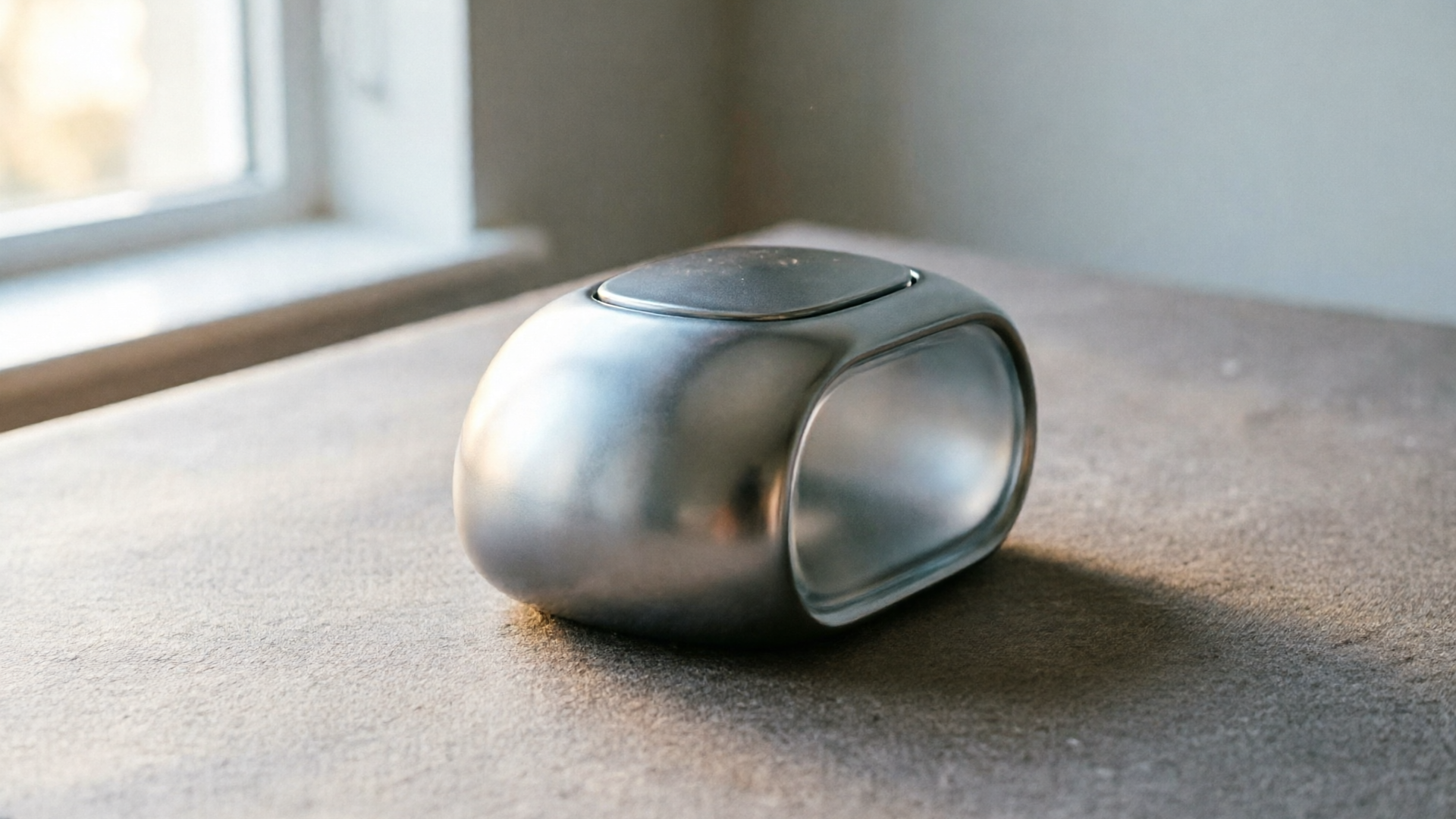
If your team needs repeatable, on-brand product photos, thumbnails, and hero art without hiring a full studio, this playbook is for you. We'll show a production-grade approach — a single-page brand recipe, reusable prompt kits, and two hands-on workflows — that turns one photo into a library of polished assets. Throughout the article you'll see why the WowMade AI Image Generator is the practical tool to run these workflows: it edits and restyles uploaded photos, outputs the common aspect ratios ad platforms require, and saves variations so you can iterate without starting over.
This guide targets marketing managers, in-house creative leads, and creators who must scale imagery while protecting brand fidelity. Expect concrete prompt patterns, step-by-step instructions, and quality-control checks you can adopt immediately. The first section starts with the single most important deliverable: a concise brand recipe every image AI needs.
Define a concise brand recipe: the single-page guide every image AI needs
A short, machine-friendly brand recipe is the foundation for repeatable AI output. Think of it as a single-page guide the model reads before every prompt. It reduces drift, speeds iteration, and ensures every restyle follows the same visual rules.
What to include (keep it to one page):
- Core color palette: primary HEXs and acceptable accent colors.
- Lighting and mood: e.g., "soft natural light, warm 5500K highlight, minimal shadows" or "high-key studio, even fill, 1:1 contrast".
- Composition rules: "center product for hero, rule-of-thirds for lifestyle, close-up detail at 2:1 crop".
- Background treatment: "clean white for product shots; textured neutral for lifestyle; subtle vignette for thumbnails".
- Typography and overlay zone: safe space percentages where logos/text can go.
- Negative rules: explicit items to exclude (no heavy grain, no neon colors, no additional logos).
Why a compact recipe works: experts recommend appending a system-level brand prompt to each generation to reduce inconsistencies — a practice echoed in vendor deployment guides and brand-consistency writeups. Treat the recipe as a 'system prompt' your team appends to every prompt template. That single addition will limit creative drift across dozens or hundreds of outputs.
How to operationalize it: keep the recipe as a short JSON or paragraph stored with your WowMade AI Image Generator project. When you generate or restyle an image, paste it into the system prompt field. This keeps every prompt consistent, and because WowMade lets you save variations to a library, the recipe plus a prompt kit becomes the repeatable source of truth. Save a named version (e.g., "Brand Recipe — Summer23") so you can revert if an iteration drifts.
Build a reusable prompt kit and reference set for product and lifestyle restyles
A reusable prompt kit standardizes language across creators and vendors. It pairs prompt templates (the "how") with reference images (the "what") so the AI knows both style and target content.
What belongs in the kit:
- Prompt templates for common outputs
- Hero: "Studio hero shot, centered product, 3/4 view, soft rim light, shallow depth of field, studio white background — [BRAND RECIPE]".
- Thumbnail: "Bold, colorful thumbnail, close crop, vibrant background color #HEX, high brightness, product overlay left, 20% vignette — [BRAND RECIPE]".
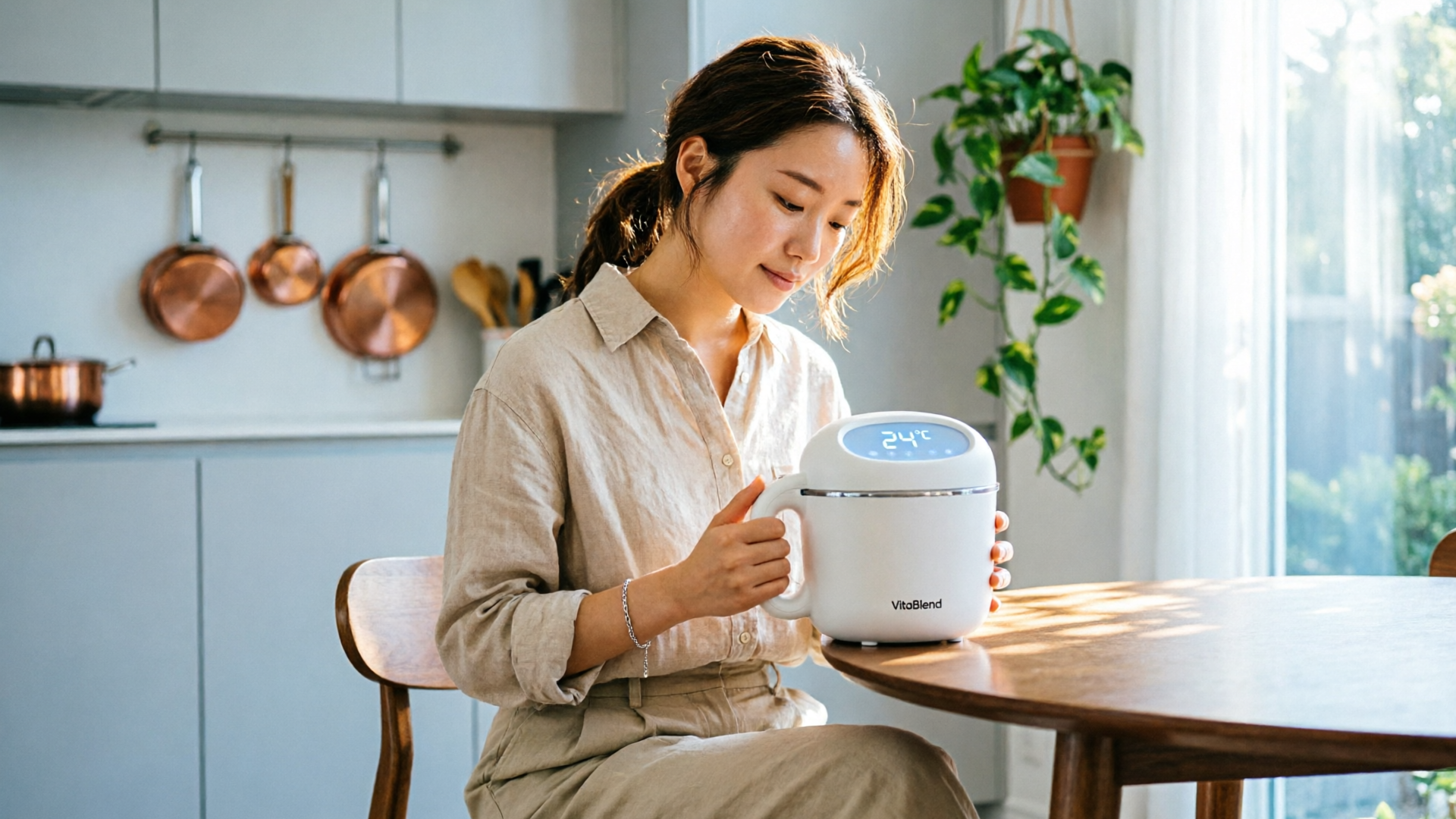
- Lifestyle: "Indoor lifestyle, 3/4 model holding product, warm natural window light, 35mm, candid moment — [BRAND RECIPE]".
- Negative prompt patterns
- "no text, no watermarks, no extra logos, no extreme color casts".
- LUTs and color targets
- One-sentence description of the target grade (e.g., "+8 warmth, +6 shadows lift, +3 vibrance") so editors can batch-apply the same LUT after generation.
- Reference set
- 8–12 images that capture the brand's look across angles and contexts: hero frames, three lifestyle scenes, two detail close-ups, two composition examples for thumbnails.
Why this matters: academic analysis of thousands of branded videos shows visual attributes such as colorfulness, brightness and image complexity materially influence engagement. For images, the same attributes affect click-through and conversion. By standardizing prompts and references you reduce variance in these attributes and make performance predictable.
How to store and use it: keep the prompt kit alongside the brand recipe in the WowMade project library. The AI Image Generator supports editing uploaded photos and saving variations — use the reference set as "seed" frames for image-to-image restyles. When a new campaign starts, hand the kit to the copywriter and creative producer so they use identical language. That consistency is what converts repeatable style into measurable lift.
Related guide: Scale thumbnails and hero images with batch AI and restyle workflows.
Hands-on: Turn one hero/photo into 12 on-brand thumbnail and hero variants (step-by-step)
This is a practical walkthrough you can run in a single afternoon. Start with one well-lit hero photo (a good product-on-white or a clean lifestyle shot). We'll create 12 useful variants: 6 thumbnails and 6 hero images in different aspect ratios.
Step-by-step using the WowMade AI Image Generator:
- Prepare: gather your one hero photo and the brand recipe + prompt kit.
- Upload: open the WowMade AI Image Generator and upload the hero photo.
- Set system prompt: paste your single-page brand recipe into the system prompt field so every restyle inherits the rules.
- Create prompt templates for variants (examples below) and save each as a named preset in the app:
- Thumbnail bright: "close crop, vibrant background #F6A623, +15 brightness, bold composition, 1:1 crop — [BRAND RECIPE]".
- Thumbnail contrast: "tight product crop, high contrast, shadow depth +10, color pop, overlay zone top-right — [BRAND RECIPE]".
- Hero wide: "16:9 hero, centered product, soft window light, subtle depth, 16:9 aspect — [BRAND RECIPE]".
- Hero lifestyle: "16:9 lifestyle, model interacting with product, natural warm light, 16:9 aspect — [BRAND RECIPE]".
- Run batch restyles: use the image-edit (image-to-image) mode and apply each preset with small strength values (20–40%) so the original photo remains the anchor. The WowMade AI Image Generator will output multiple aspect ratios in one pass — select 1:1, 16:9, and 4:5 as needed.
- Save variations: for each generated image, save the best 2–3 variations to the project library. The generator's "save to library" feature lets you iterate without re-uploading.
- Quick QC pass: verify color palette, skin tones (if applicable), and that no banned elements appear. Use the saved LUT to batch grade if colors need tightening.
- Export and name assets: use standardized filenames (campaignassetvariant_aspect) so your ad ops team can pull them automatically.
Worked example (concrete prompt):
- Source: herophoto01.jpg (studio-lit product on white)
- System prompt (brand recipe): "Brand: Nimbus Co. — palette #1A2439,#F6A623,#FFFFFF; mood: warm natural highlight; comp: centered product, safe top 20% for logo; negatives: no grain, no extra props."
- Thumbnail preset text: "Close crop, high brightness +12, colorfulness +18, background fill #F6A623, 1:1 crop, gentle vignette, product centered-left — [Brand: Nimbus Co. — palette ...]"
Result: In under 30 minutes you get 12 export-ready images across three aspect ratios. Because WowMade preserves the original when editing in place, you can re-run a variant with slight prompt tweaks rather than starting from scratch — this is how small teams maintain throughput and visual consistency.
Hands-on: Produce e-commerce product shots that convert — image-to-image + retouch workflow
E-commerce conversion hinges on images that answer buyer questions: clear scale, materials, functional detail, and lifestyle context. Here's a focused workflow for product pages using image-to-image restyle plus selective retouch.
Why image-to-image: starting from a real photo keeps proportions and product detail accurate. Using the WowMade AI Image Generator's edit-in-place feature, you can restyle backgrounds, add context, and produce multiple angles without reshooting.
Workflow (numbered):
- Source set: shoot one high-resolution hero and two detail shots (texture, label). These are your seeds.
- Upload to WowMade: open the AI Image Generator and upload each seed with descriptive filenames.
- For each seed, run three restyles:
- Clean white product shot: "remove background, pure white, shadow anchor, accurate color, 4:5 crop — [BRAND RECIPE]".
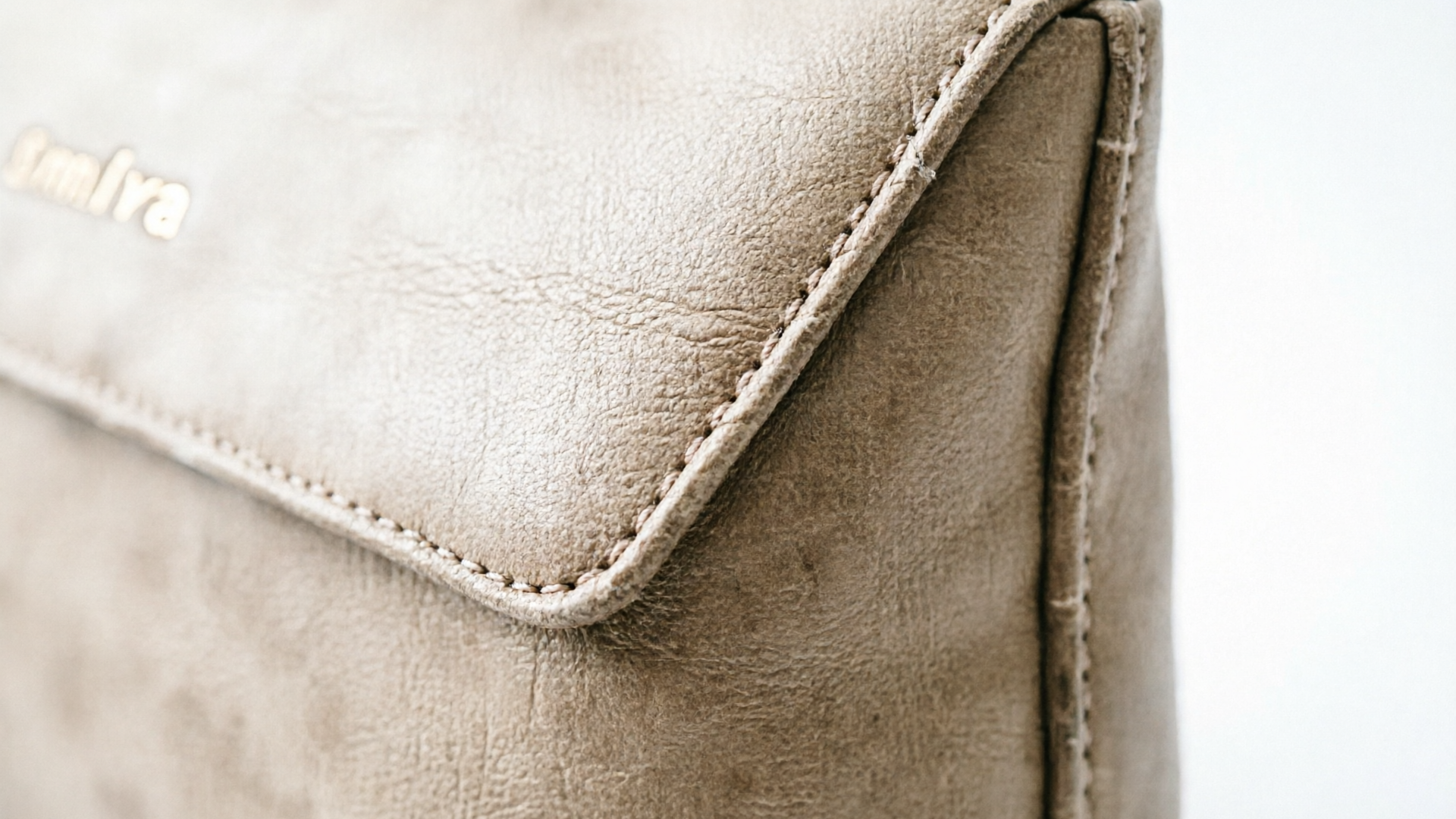
- Detail close-up: "tight crop on texture, sharpen +12, natural clarity, show stitching — [BRAND RECIPE]".
- Contextual lifestyle: "on-table lifestyle, morning light, plate/props muted, model hands optional — [BRAND RECIPE]".
- Retouch pass: export TIFFs or high-quality PNGs and apply small corrections: remove dust, fix tiny reflections, apply LUT. Keep edits consistent — export the same retouched versions into your asset library.
- Generate viewpoint variants: use the image-to-image mode with mild viewpoint prompts ("3/4 view slight rotation +8 degrees") at low strength so geometry stays correct.
Practical tips to avoid pitfalls:
- Keep strength low (20–40%) for restyles that must preserve product geometry. Higher strength can distort shape.
- Use negative prompts to block hallucinated props or text.
- Keep a "true color" reference image in the library. Compare your generated assets to it before final export to avoid color drift.
Proof points and expected outcomes: practitioner reports show AI-assisted product image workflows reduce cost per asset and increase throughput, and case studies have recorded meaningful conversion lifts when images answer buyer objections clearly. When your goal is conversion, produce a set of images that includes one clear scale hero, two detail shots, and one lifestyle frame — these four will cover most buyer questions and can increase purchase confidence.
When to use the other WowMade tools: if you want to turn a hero frame into a short animated product clip for the product page or an ad, export the best still into the AI Video Generator and create a 6–12 second looping hero clip that preserves the same look. For on-site background music or ad tracks, the AI Music Generator can create a muted loop that matches brand tempo.
Governance, QA, and measurement: keep brand fidelity while you scale
Scaling image production without brand erosion requires governance: a review workflow, measurable QA checks, and a feedback loop that updates prompts and the brand recipe.
Governance checklist (operational):
- Approval gates: require a two-person sign-off (creative lead + brand manager) on the first 10 assets for any new campaign or recipe.
- Version control: tag every saved variation in the WowMade library with recipe and prompt names (e.g., "Summer23thumbnailv2").
- Access rules: restrict saved brand recipes to editors; allow producers to use presets but not change the system recipe without approval.
QC metrics (practical and measurable):
- Color fidelity score: pick three color patches on a "true color" reference and measure ΔE before publishing; set an accept threshold.
- Visual attribute checks: measure brightness, colorfulness, and edge clarity. Research shows these attributes correlate with engagement; track them across variants to spot drift (see the study on thumbnail attributes for an analogous approach).
- Engagement and conversion: A/B test generated assets against your control. Track CTR for thumbnails and conversion lift for product pages. Practitioner case studies show measurable uplifts when images better answer buyer questions.
Feedback loop:
- Collect performance data (CTR, view-through, conversion) by variant.
- Feed back winning visual attributes into the prompt kit (e.g., "increase colorfulness by +10 for top-performing thumbnails").
- Update the brand recipe quarterly or after a major campaign shift.
Operational tooling tip: export the metadata (prompt, recipe name, LUT) with every saved image from the WowMade AI Image Generator. That makes A/B analysis trivial because each asset is already tagged with the prompt that produced it.
A final governance note: generative tools are widely adopted — recent creative industry reporting cites adoption rates above 80% among professionals — which means your competitors are likely experimenting. Formalizing a production process now protects brand equity and gives you speed without sacrificing consistency. For more tactical workflows and examples, see our practical guide on moodboard-to-images and the research linking visual attributes to engagement at https://www.sciencedirect.com/science/article/pii/S0167923622000914.
Conclusion
A production mindset — a concise brand recipe, a reusable prompt kit, and tight QA — turns generative image tools from a novelty into a dependable production system. The WowMade AI Image Generator is built for that exact use: it edits and restyles uploaded photos in-place, outputs the exact aspect ratios you need, and saves variations so your team can iterate without redoing work. Start by creating a single-page brand recipe, save it as the system prompt in WowMade, and run the two hands-on workflows here to build a campaign asset library.
Open the AI Image Generator and spin up your first on-brand variants; keep refining the same prompt until the look is yours.