Scale e‑commerce campaigns with AI photo retouching and restyles
How e‑commerce teams use AI photo retouching and the WowMade AI Image Generator to create rapid, on‑brand campaign image variations and scale testing.
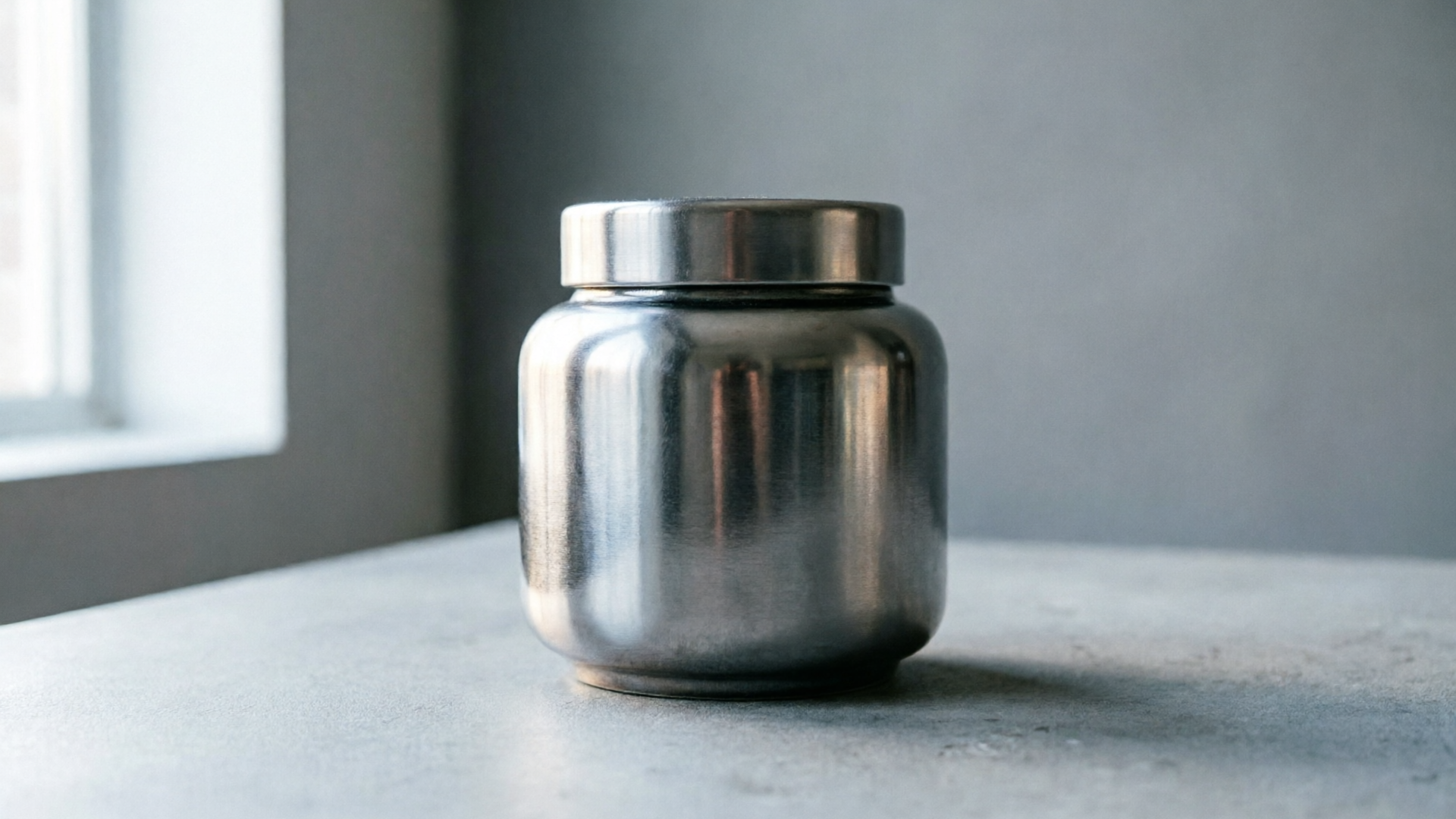
Campaigns that convert need both speed and visual consistency. For e‑commerce marketers and performance teams, "AI photo retouch campaign image variations" isn't a buzzphrase — it's the working strategy to produce dozens of on‑brand images from a single shoot. Early in the process we'll show how WowMade AI Image Generator enables restyles, background swaps, and aspect‑ratio exports so you can ship ad variations fast.
This article walks through why traditional reshoots fail for modern campaigns, the core AI techniques (retouching, restyle, remix), and a concrete step‑by‑step workflow that turns one product photo into 10+ campaign‑ready variants. Along the way you'll get hands‑on settings to test per channel, measurement tips for A/B and A/A tests, and an operational checklist so legal and brand safety don't become roadblocks.
Why modern campaigns demand rapid image variations (and where traditional photo shoots break down)
Performance campaigns live and die by creative iteration. Platforms reward fresh visuals and many advertisers now test multiple images per ad set to find the highest‑performing combinations. At the same time, scheduling a studio reshoot for every variant is slow and expensive — full productions create bottlenecks for media optimisation and personalization. That’s the gap AI retouching and restyling close.
Traditional shoots still matter for hero creative and complex lifestyle direction, but they fall short when you need rapid permutations: different crops for Meta and Google, seasonal background swaps, or quick colorways to match an email or landing page. AI photo editing tools now support holistic edits — background swaps, relighting, object removal, and full restyles — letting teams effectively "reshoot" a product digitally without a studio. This reduces cost, shortens time to test, and keeps your team focused on iteration and measurement rather than logistics.
Field evidence is compelling: controlled tests show AI‑generated banners can outperform professional stock photography on click‑through rate, proving that speed and scale don't have to mean lower performance (see research on generative marketing). For teams trying to personalize creative at scale, AI image tools are not a replacement for creative strategy — they are a multiplier for it. That’s why the WowMade AI Image Generator is introduced early in this piece: it’s built to generate and edit on‑brand images, export platform aspect ratios, and save variations so you can iterate without recreating assets from scratch.
Core techniques: AI retouching, restyle, and remix — what each does and when to use it
Knowing which technique to apply saves time and preserves brand cohesion. Here are three core approaches, and the signal for when to use each.
- AI retouching: Precision edits to an existing photo (blemish removal, color correction, subtle skin smoothing, and product shading). Use retouching when the original shot is good but needs finish‑line polish for hero banners or product tiles. Retouching keeps the same composition and model, which maintains visual continuity across placements.
- Restyle (full‑look transformation): Change clothing, textures, color palettes, or scene mood while keeping the subject and composition. Restyles are perfect when you want multiple seasonal looks from one shoot — summer vs. winter, minimal vs. editorial — without rebooking models or locations. Modern tools let you pivot the entire aesthetic with a text prompt and preserve product fidelity.
- Remix (scene and placement variants): Swap backgrounds, add props, or reframe the product for different channels. Remixing is the quickest route to platform‑specific assets: a 1.91:1 hero for Google, a square for Instagram feed, and a vertical for Stories, all derived from the same file.
Each technique has tradeoffs. Use retouching for fidelity, restyles for creative breadth, and remixing to adapt composition and context. Good workflows combine these: retouch the master file, generate a few restyles for creative direction, then remix each restyle into the required aspect ratios. That layered approach keeps files consistent and speeds up testing.
Related guide: How DTC Brands Replace Costly Studio Shoots with an AI Image Workflow.
Workflow: Turning one product photo into 10+ campaign-ready variations (step-by-step)
This is a practical, repeatable workflow that scales. It assumes a single high‑quality product photo or model shot as the starting point.
- Create the master file
- Start with your best raw or high‑res JPEG/HEIC. Perform one pass of basic color correction and exposure in your usual editor so the AI works from a neutral baseline.
- Run AI retouching (polish the details)
- Remove dust, fix reflections, and adjust tiny fabric creases. Retouching should be conservative — preserve texture and product detail. Use the edit tools to keep the product accurate for ecommerce listings.
- Produce 2–3 restyles for creative direction
- Prompt examples: “Make the scene minimalist, cool tones, soft window light, neutral props” or “Create a warm summer restyle with sunlit outdoor scene and straw textures.” Generate multiple restyles so you have distinct visual directions to test.
- Remix each restyle into platform aspect ratios
- From each restyle, export a landscape 1.91:1, square 1:1, and vertical 9:16. Some platforms respond best to a single dominant variant, but testing multiple crops is essential.
- Batch generate micro‑variants
- For each aspect ratio, create 3–4 micro‑variants: alternate background color, logo placement, CTA overlay, and copy treatments. These micro‑changes often drive incremental lifts in CTR.
- Save versioned assets to your library
- Keep metadata: prompt used, retouch steps, and date. This accelerates reversion and ensures reproducibility across campaigns.
- Tag, export, and push to ad platforms
- Export optimized JPEG/PNG with sRGB color profile and size guidelines per platform. Upload grouped variants into your ad platform and label them for testing.
Concrete example (using WowMade):
- Upload product.jpg to the WowMade AI Image Generator. Choose "Edit" and enter the prompt: “Restyle: Scandinavian minimalist studio, cool daylight, white marble prop, neutral gray background; keep product color exact.”
- Generate 4 restyles. Select restyle #2 and use the "Export aspect ratios" option to output 1.91:1, 1:1, and 9:16 in one pass.
- Use the "Save variation" feature to store each exported file in your library with tags: summer‑launch, hero, 9:16.
This sequence gives you a controlling master, a handful of restyles for creative experimentation, and a batch of platform‑ready exports — all without a reshoot.
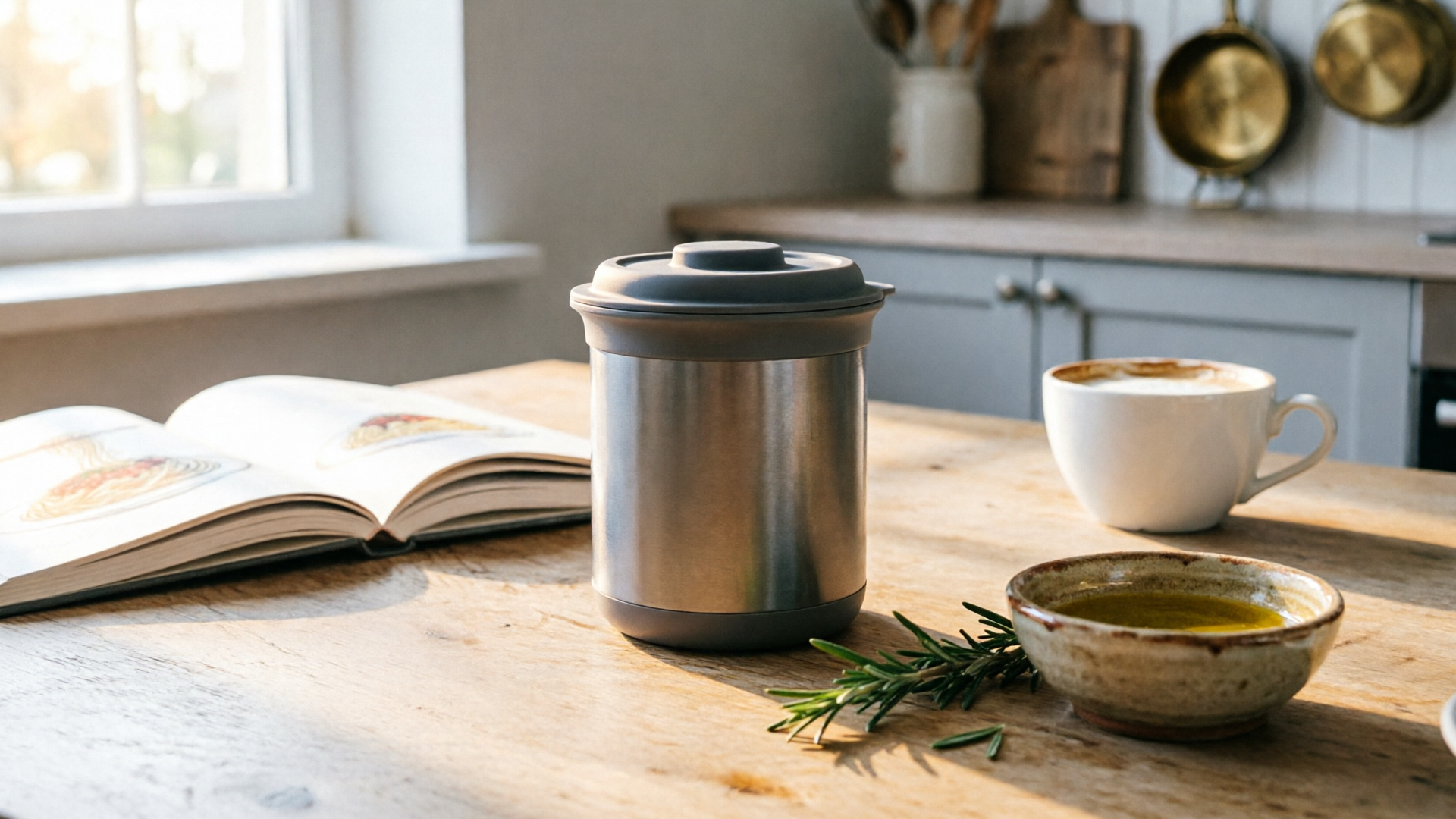
Hands-on: Restyle and brand-match product photos for different channels (creative settings to test)
Channel context changes how an image reads. Below are practical restyle and retouch settings to prioritize per placement.
- Paid search and display (Google): Clarity and legibility matter. Use high contrast between product and background and keep copy areas uncluttered. Test a "hero clean" restyle — plain backdrop, subtle shadow to convey depth, and a clear product center. Remember Google benefits from multiple creative variants; export a 1.91:1 and a 1:1 for responsive placements. For more on ad variation, see Google Ads documentation.
- Social feed (Instagram, Meta): Lifestyle cues and mood perform strongly. Create restyles that show aspirational use or context: table scenes for home goods, flatlays for accessories, or models in motion for apparel. For Meta, many advertisers limit variants per ad set (often ~6), so pick your top directions rather than hundreds of tiny changes.
- Stories and Reels (vertical): Use bold close‑ups and strong foreground contrast. Restyle with tighter crops and dramatized lighting; small compositional changes can swing attention in vertical full‑screen placements.
- Email and landing pages: Cohesion with your brand palette is vital. Use the restyle prompt to specify brand colors for backgrounds or props, and ensure product color accuracy is preserved (mention “preserve product color” in prompts).
Practical settings to test in the WowMade AI Image Generator:
- Lighting presets: "soft window" vs "studio rim light" — for subtle vs dramatic looks.
- Background type: "solid color", "studio scene", or "lifestyle interior" — to match campaign tone.
- Texture detail: set "preserve texture" when the SKU requires accurate detail (e.g., knitwear).
One quick walkthrough: brand‑matching a hero for email
- Upload the hero photo, choose Edit and prompt: “Restyle to brand palette: midnight blue background, warm key light, keep product color exact, add soft shadow.”
- Generate 3 variants, pick the best, and export 1200×628 for the email hero. Tag as "email‑hero" and add the brand hex in the prompt for consistency across assets.
These targeted restyles let your creative team produce channel‑specific visuals that read native to each placement while staying tightly on brand.
Hands-on: Build and test A/B/AA campaigns with image variations — measurement and iteration tips
Testing image variations requires a controlled approach so you can trust results. Start with small, decisive experiments before scaling.
- Define a single KPI and a short horizon
- Pick CTR or add‑to‑cart rate for short tests (3–7 days), or conversion CPA for slightly longer windows. Keep audience and bid strategy constant to isolate creative impact.
- Use A/A tests to calibrate noise
- Run an A/A test with two identical images to measure platform variance. If your measured difference exceeds expected noise, lengthen the test or increase budget.
- Prioritize macro differences first
- Test distinct restyles and background contexts, not micro‑changes. Macro wins are easier to detect and more reusable across campaigns.
- Leverage automated ad‑variation features but control inputs
- Platforms like Google and Meta offer ad‑variation and dynamic creative features that surface winners quickly. Feed those systems a curated set of AI restyles rather than every micro‑variant — too many low‑quality variants dilute learning.
- Iteration loop: Learn → Update → Re‑generate
- When a variant wins, recreate two derivative variants that keep the winning element (lighting, background, or crop) and tweak CTA or color. Tag winners in your asset library so future campaigns inherit learnings.
- Statistical rigor
- Use simple lift calculations and check statistical significance before declaring winners. If you need a primer on experimental methods, external summaries on generative marketing provide context for coherent creative testing.
Worked example tying WowMade to measurement:
- From your WowMade library, pick three restyles: Neutral Studio, Lifestyle Warm, and Bold Color. Export each in the ad aspect ratios. Run them in separate ad groups with identical budgets and audiences for 5 days.
- If "Lifestyle Warm" shows a 20% higher CTR, create two micro‑variants that preserve the lifestyle composition but swap background props or headline color. Use those new images in a follow‑up test to confirm the lift is from the visual, not random noise.
Following a disciplined test plan keeps AI‑driven iteration productive and prevents chasing ephemeral trends.
Operational playbook: From asset management to legal & brand-safety checks for AI-remixed images
Scaling AI restyles requires ops muscle: version control, prompts, approvals, and legal checks. Here’s a compact operational playbook to bake into your process.
- Centralized asset library: Store original masters and every generated variant with metadata: prompt text, retouch steps, restyle tags, and export resolutions. This preserves reproducibility and speeds audits.
- Prompt versioning and governance: Treat prompts as creative recipes. Lock or bookmark prompts that produce compliant restyles, and record approved modifiers (brand palette, lighting, texture rules). Versioned prompts prevent accidental brand drift.
- Human‑in‑the‑loop reviews: Always route AI outputs through a creative reviewer for brand alignment and product fidelity. AI can generate convincing details that change product appearance; reviewers must confirm SKU accuracy.
- Legal & IP screening: Maintain a checklist: no trademarked logos added unintentionally, model releases for AI‑altered faces, and clear labeling where required. If you plan to use AI imagery in regulated verticals, consult legal counsel early.
- Automated preflight for ad platforms: Build an export preflight that enforces size, file type, color profile, and safe‑zone rules for overlays. Automating these steps reduces rework at ad upload.
- Audit logs for compliance: Keep export logs and notes on which variants were used in which campaigns. This helps with any takedown or brand complaint and supports performance attribution.
Operationalizing AI lets teams move fast without sacrificing control. For example, saving every variant in WowMade’s library with tags and prompts makes it trivial to re‑generate past winners or create derivatives for new campaigns.
Why choose WowMade AI Image Generator to scale retouching, restyles, and campaign variations (practical next steps)
If your team’s goal is to produce consistent, platform‑ready campaign images quickly, the WowMade AI Image Generator was designed for that use case. It generates images from text prompts, edits and restyles uploaded photos with a prompt, and exports the aspect ratios social and ad platforms need — all features you rely on in the workflows above.
Concrete reasons to choose it in practice:
- Edit‑in‑place to iterate on one photo instead of starting over, which preserves product fidelity across restyles and reduces rework.
- Same prompt, multiple aspect ratios in one pass so you don’t manually recrop each variant.
- Saving variations to your library for reproducible testing and quick derivative creation.
Mini walkthrough — create 10+ variants in 30 minutes using WowMade:
- Upload your master product photo to the AI Image Generator (/create-image). Choose "Edit" and add a restyle prompt: “Neutral studio; preserve product color; soft window light.”
- Generate 3 distinct restyles and pick the two strongest directions.
- For each restyle, use the tool’s batch export to output 1.91:1, 1:1, and 9:16 variants in one pass.
- Create 3 micro‑variants per aspect ratio (background color flips, logo placement changes) using small prompt tweaks and save all outputs to the library.
These steps tie directly to the campaign workflows here: fast restyles, platform crops, and a searchable library of tested variants. If you also need video or audio for the same campaigns, consider exporting key frames into the WowMade AI Video Generator or pairing assets with tracks from the AI Music Generator to create short ad clips quickly. That cross‑product flow keeps creative consistent from stills to video.
Next steps: start with a single SKU, create three restyles, export three aspect ratios, and run a controlled 5‑day test to gather data. That minimal test will show whether your audience prefers a lifestyle or studio look and give you a replicable process for other SKUs.
Frequently Asked Questions
Will AI restyling change product color or details?
Use prompts like "preserve product color" and the edit‑in‑place feature to keep SKU fidelity. Always add a human review step for any commerce image to confirm color and detail match the physical product.
How many image variants should I test per ad set?
Start with 3–6 distinct variants (macro differences). Meta guidance and practical experience often recommend fewer, higher‑quality variants rather than dozens of tiny changes.
Can I use AI‑generated images for paid ads?
Yes, but follow platform policies and add human review. Store metadata and prompts so you can demonstrate provenance if asked.
Conclusion
AI photo retouching and restyles let e‑commerce teams trade shoots for software: faster iteration, lower cost, and more creative breadth. Use the steps above — centralize masters, generate restyles, export platform crops, and run disciplined tests — and you’ll convert more of your creative budget into measurable wins. Open the AI Image Generator to start generating restyles and platform‑ready variants from a single photo.