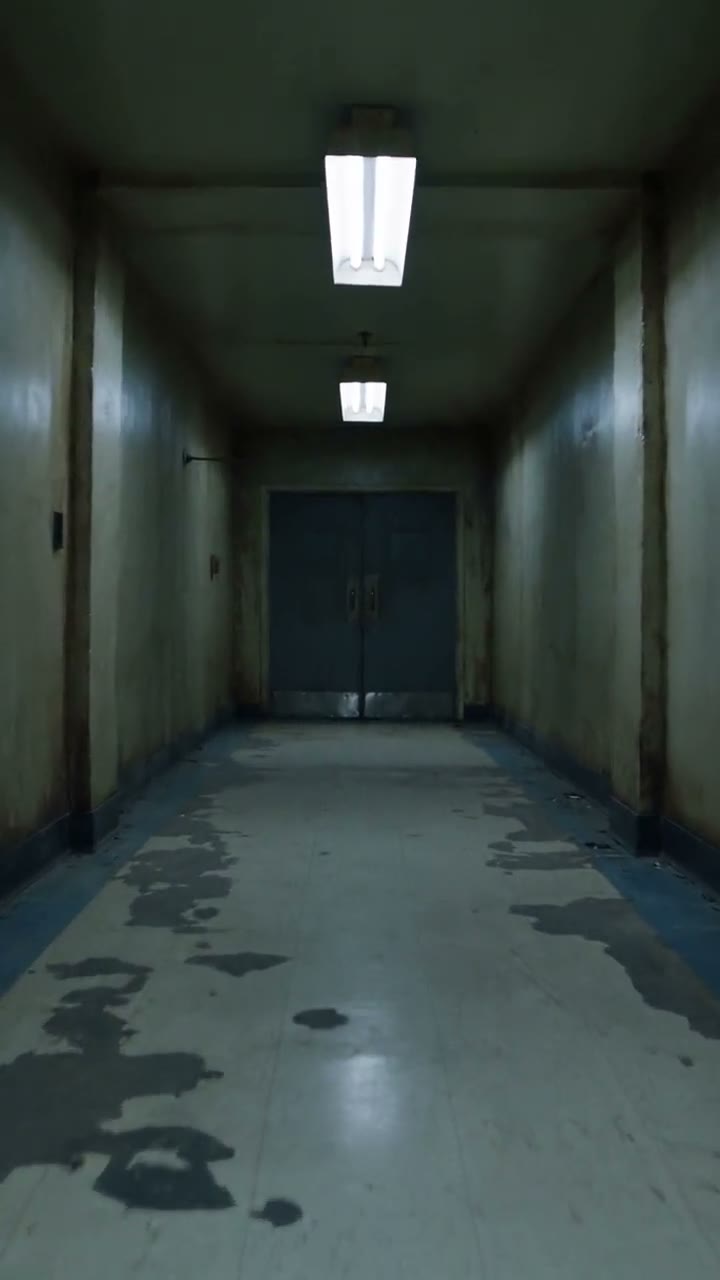
Nothing jumps out. That is what makes it worse.
Scary Video Maker
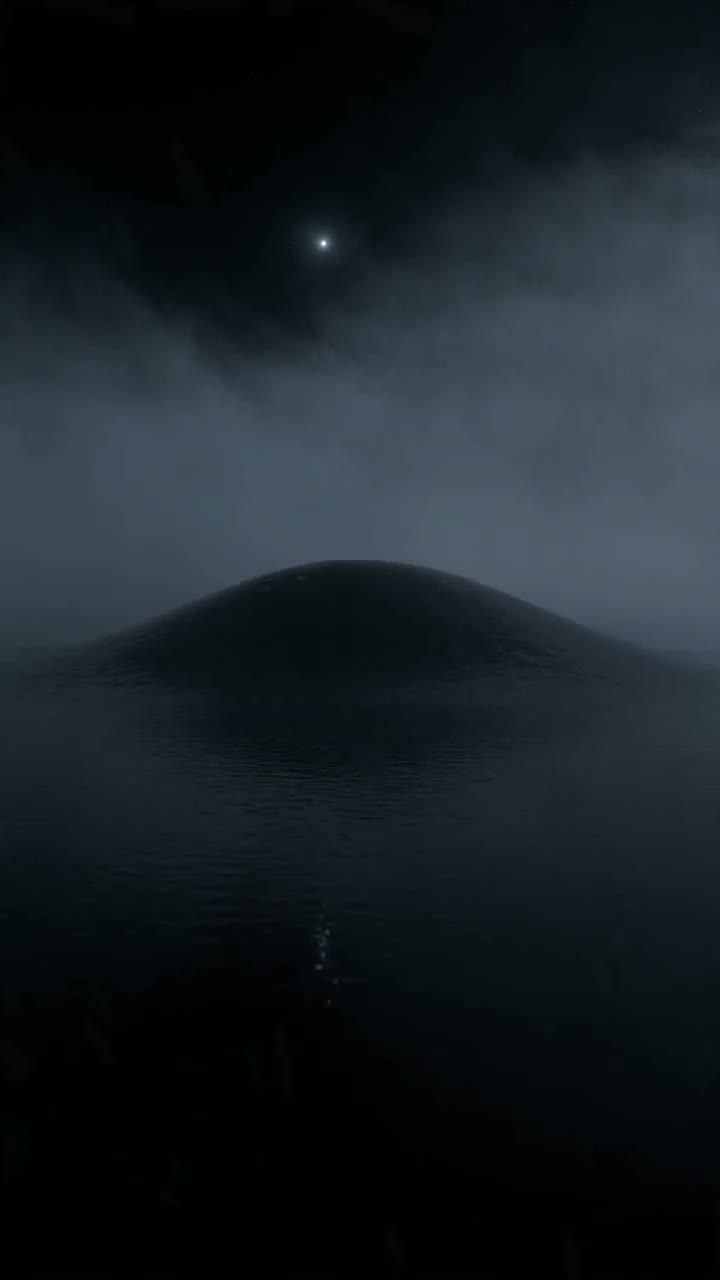
Write the dread — an empty corridor, a chair that rocks by itself, something under the lake — and the model renders it with sound. Ten-second vertical clips built around one slow reveal.
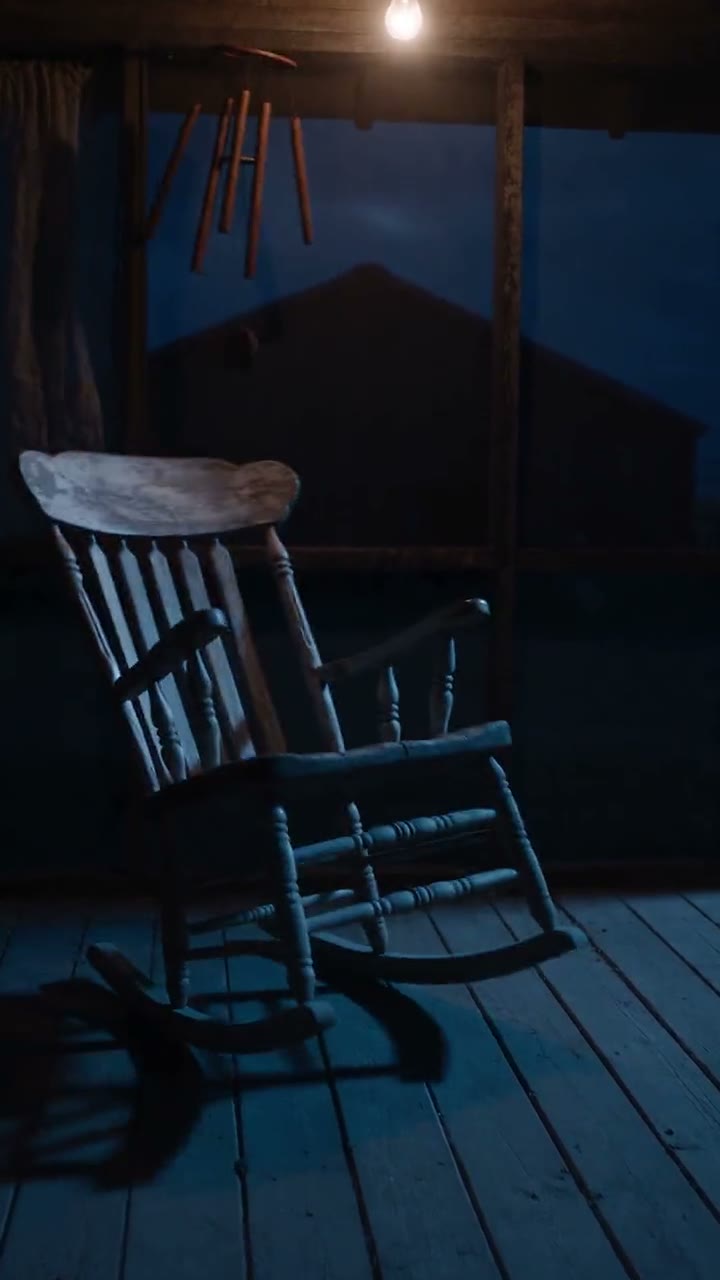
Three prompts, three clips:
A 5-second clip starts at 5 credits and the cost of your settings is shown on the Generate button before you commit. Plans renew monthly until cancelled and can be cancelled online at any time — see pricing details.
Community creations
All made on WowMade from a prompt alone, with nobody in them. Click any clip for the native audio, or send its prompt straight into the studio.
Scary is a pacing problem
The clips that hold a feed are not the ones with the most in them. They are the ones that promise something and delay it: the light strobes, the door is a little more open than it was, the chair has not stopped. Generative video is unusually good at this because it renders atmosphere — fog, flicker, ripples, dust in a beam — with the same care as the subject, and because native audio arrives with the picture rather than being laid over it later.
So write for anticipation. One location, one light source, one thing that changes, and a camera that is already moving when the clip starts. Put the fastest move at the end, not the beginning, unless you are building a Halloween effect around a person, where the opposite rule applies and the scare comes first.
A prompt shape that works
The place, cold
An empty hospital corridor at night. A dark porch. An attic of covered furniture. Name it plainly; the model does the dressing.
One light, misbehaving
A fluorescent tube strobing. A shaft of moonlight. A candle that gutters. The light is the mood, and a light that changes is a story.
One thing that should not move
A door that opens on its own. A chair rocking faster. Ripples with nothing above them. Only one, and let it be slow.
The camera, already moving
Creeping handheld, a slow dolly, a low rush across water. End on the reveal. Ten seconds, 9:16, sound on.
Put togetherA dark porch at night. A wooden rocking chair rocks by itself, faster and faster; wind chimes thrash and the curtain in the window behind whips aside as if something moved past. Fast push-in to the empty chair as it stops dead. Unsettling, cinematic.
Put yourself in it
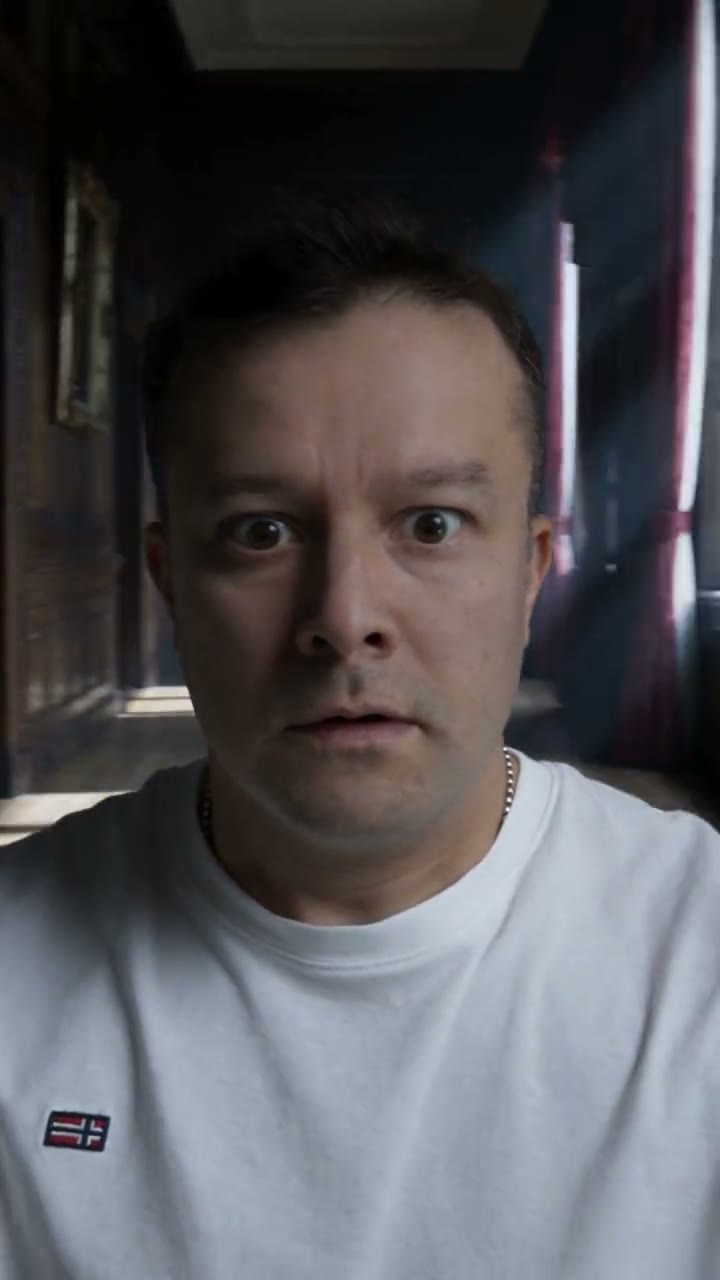
The other kind of scary video starts with a photo of you. The six Halloween effects use it as the first frame and generate the scene around you — a figure crossing the hallway behind you, fog on the floor, the mirror opening. The demo here is one selfie of a real person on the WowMade team, used with their permission; the person never changes, only the room. All six are on the Halloween video generator page, and each has its own effect page with the preset prompt.
Limits, sound and labelling
Durations run 5, 10, 15 or 30 seconds and resolution from 480p to 4K depending on engine; a shot that should keep going is continued with the AI video extender rather than regenerated. Native audio can be switched off for a clip you intend to score yourself with the AI music generator.
Suspense and the supernatural are welcome; graphic injury, weapons and violence against a person are not, and prompts are screened before generation — the Content & Safety Policy sets out the line. Every clip generated here carries a signed C2PA provenance mark identifying it as AI-generated, in line with Article 50 of the EU AI Act; the mark travels with the file and anyone can read it back on the verification page. Plans renew monthly until cancelled and can be cancelled online at any time; the full terms are on pricing details.
Frequently asked questions
How does the scary video maker work?
You write the scene and the model renders it: the corridor, the flickering light, the door at the far end opening on its own. Nothing is retrieved from a footage library — the clip is synthesised from the description, with native audio generated alongside it. Write the dread, choose 9:16 and ten seconds, and generate; the four clips on this page were made exactly that way.
What makes an AI video actually scary?
Anticipation, not shock. The scariest clips here show almost nothing — a chair rocking faster, ripples on black water, a sheet sliding off a mirror — and let the viewer supply the rest. Practically: one slow reveal per clip, a camera that creeps or rushes rather than sits, a single light source, and sound left on. Save the fast move for the last second.
Can I make a scary video with myself in it?
Yes, with your own photo as the first frame — that is how the six Halloween effects work. A figure crosses the hallway behind you, fog fills the floor, the mirror opens. The scene changes; you do not. Photos of anyone else need that person's consent, and never anyone under 18.
Is graphic horror allowed?
No. Suspense, dread and the supernatural are fine; graphic injury, weapons and violence against a person are not, and prompts are screened before generation. The Content and Safety Policy sets out the line. Everything on this page sits comfortably inside it, and it is scarier for it.
Which engine should I use for horror scenes?
Seedance 2.5 for the finished take: it holds a long, slow reveal together and its native audio is what sells a creaking chair or a strobing light. Draft on Seedance 2.5 Turbo or 2.0 Mini at 480p to try several ideas, then re-run the one that works at 720p or 1080p. The credit price of any combination is on the Generate button before you run it.
How long can a scary video be?
A single generation runs 5, 10, 15 or 30 seconds. For something longer, Extend continues a clip from its last frame — the corridor keeps going, the chair keeps rocking — up to 15 new seconds per pass, and passes chain. A series of ten-second clips joined in the video merger reads as an edit; one extended shot reads as a single unbroken take, which is usually the scarier choice.
Is the video marked as AI-generated?
Yes. Every clip carries a signed C2PA provenance mark identifying it as AI-generated, in line with Article 50 of the EU AI Act, and anyone can read it back on the verification page. If you post it as found footage, the file itself will say otherwise — which is the point.
Where to go next
One credit balance across video, image, music and the editing tools.
AI Video Studio
Write the scene, pick Seedance 2.5, generate.
OpenHalloween Video Generator
Six effects that haunt your own photo.
OpenText to Video
The general craft of writing a shot that renders.
OpenAI Video Extender
Keep the corridor going past 30 seconds.
OpenImage to Video
Start from a still you already have.
OpenVerify AI content
Read the C2PA provenance mark on any file.
Open