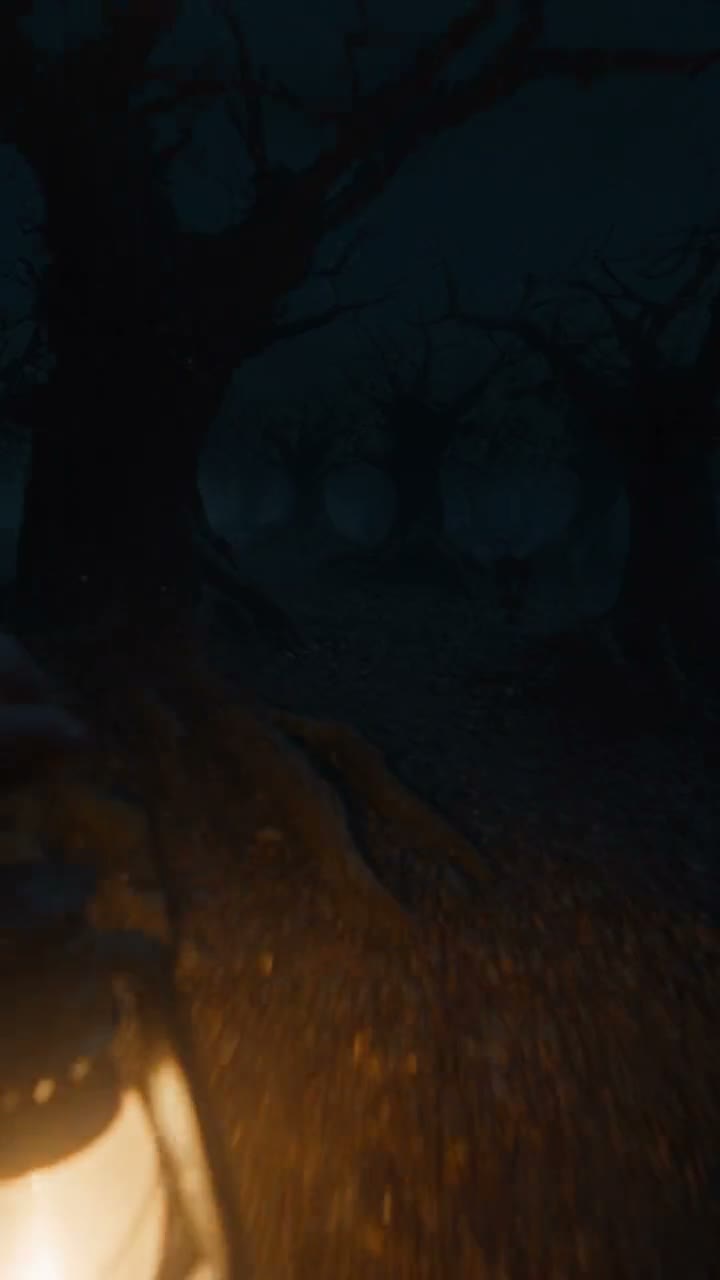
Your photo. Ten seconds. Something in the corridor.
Halloween Video Generator
Add fog, bats, pumpkins, candles, a ghost or a portal to a photo of yourself, or write a scary scene from scratch — 10-second vertical clips with sound, built to hold a feed from the first frame.
Three effects, all from the same single selfie:
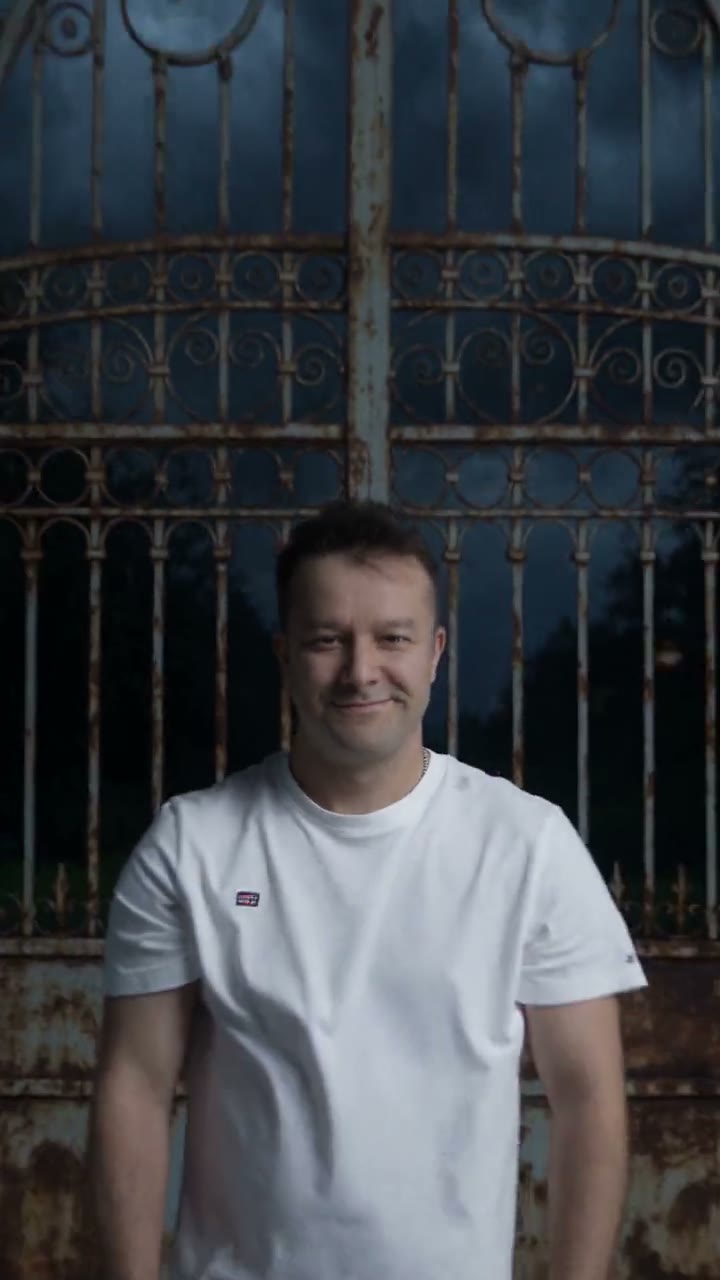
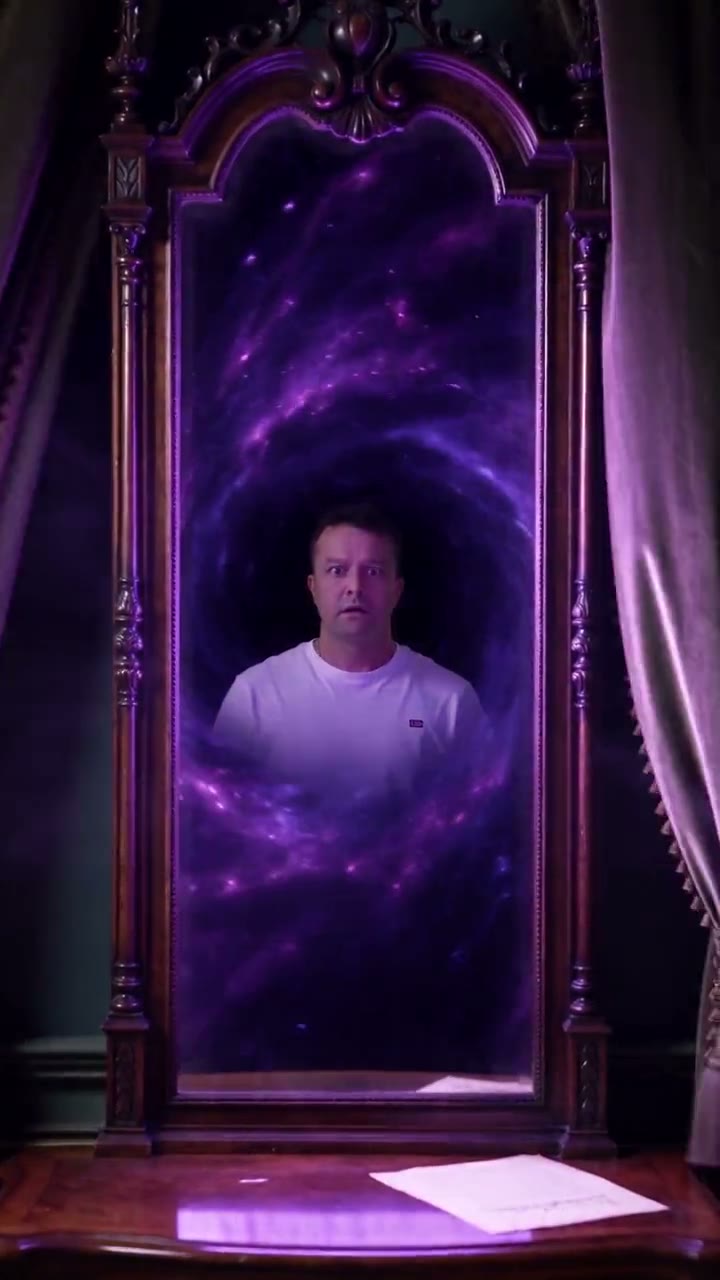
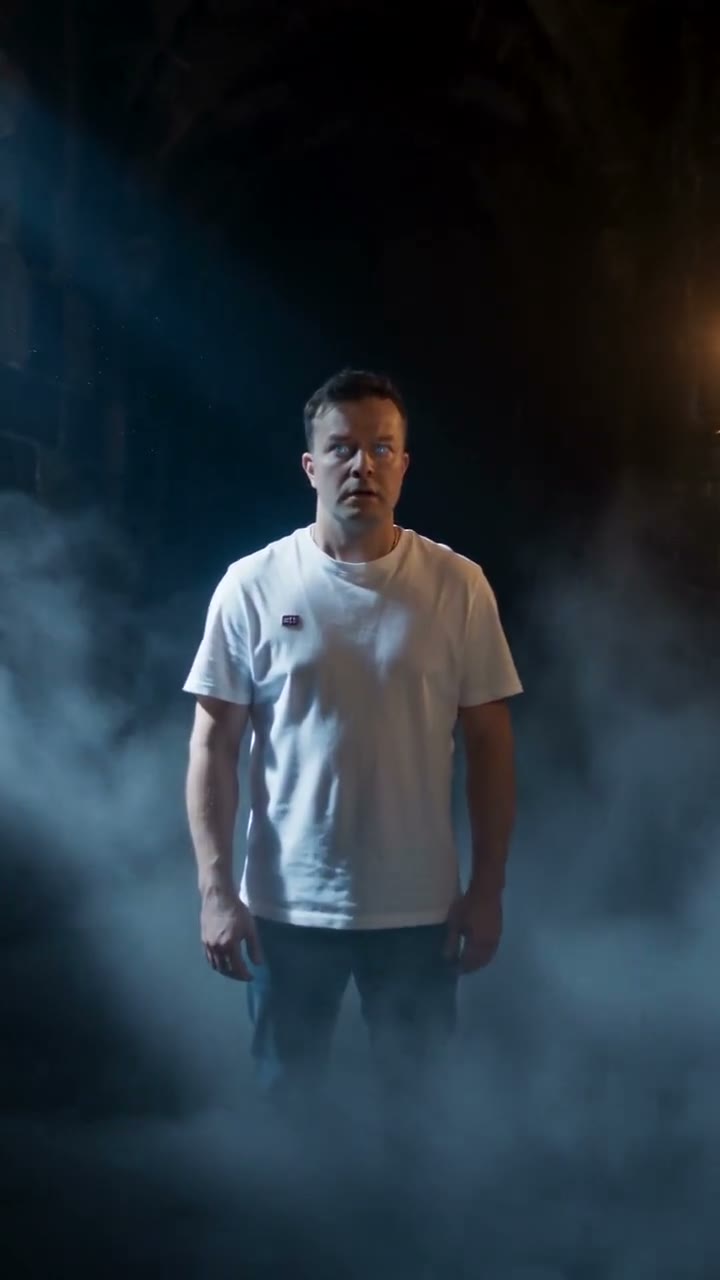
A 5-second clip starts at 5 credits and the cost of your settings is shown on the Generate button before you commit. Plans renew monthly until cancelled and can be cancelled online at any time — see pricing details.
Community creations
All made on WowMade — effects generated from a single selfie, used with permission, and scenes from a prompt alone. Click any clip for sound, open an effect, or send its prompt straight into the studio.
Why the person stays the same
Most Halloween filters paint a costume onto a face. This does the opposite: the photo is the first frame, unchanged, and the model generates what happens around it — the floor fills with fog, a figure crosses the hallway, the mirror opens. That is what makes the result feel like footage rather than a sticker, and it is also the line the tool holds on purpose: it never turns a real person into someone else. A photo of anyone but you needs that person’s consent, and the Content & Safety Policy sets out the rest.
The first second decides the video
On a vertical feed the swipe happens before the second second, so every preset here front-loads the event: the bats burst out immediately, the fog is already moving, the pumpkins light in a fast chain. Camera moves are quick and short — a snap zoom, a whip pan, a hard pullback — and the audio the engine generates lands with them. If you rewrite a preset, keep that shape: the thing happens first, the reveal follows.
From photo to post in four steps
Pick an effect
Fog Roll for dread, Pumpkin Glow for fun, Bat Swarm for the scare, Haunted Portal for the big move. Each page shows its demo and its prompt.
Add your photo
A clear, front-facing shot on a plain background works best. Your own photo, or one you have permission to use.
Generate in 9:16
Ten seconds at 720p is the social sweet spot; keep native audio on. The price of the exact settings is on the button.
Extend, score, post
Continue a clip that needs more, lay a track from the AI music generator under a cut of several, and post with the AI-generated mark it already carries.
Scenes from a sentence
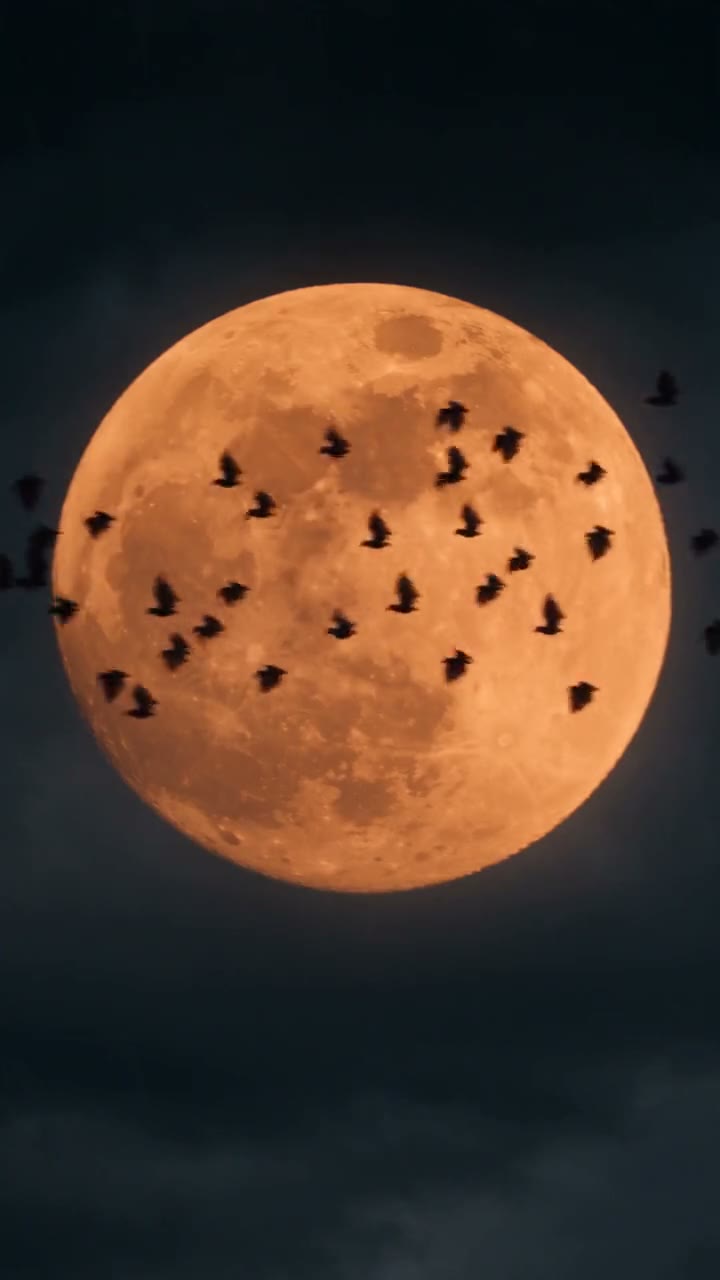
No photo, no problem: the four Seedance engines generate a Halloween scene from the prompt alone. Name the subject, the one thing that happens, the camera move and the light — “a crooked mansion, windows lighting up one by one, fast crane toward the door, orange moon” — and keep the mood to a word. The text to video guide covers the craft; the scary video maker page covers the darker end of it.
Formats, sound and labelling
Generate in 9:16 for TikTok, Reels and Shorts, 1:1 for feeds, 16:9 for YouTube; durations run 5, 10, 15 or 30 seconds and resolution from 480p to 4K depending on engine. Seedance generates native audio with the picture, which the demos here keep; for a composed soundtrack, the AI music generator writes one from a sentence.
Every clip generated here carries a signed C2PA provenance mark identifying it as AI-generated, in line with Article 50 of the EU AI Act; the mark travels with the file and anyone can read it back on the verification page. Prompts and uploads are screened before generation. Plans renew monthly until cancelled and can be cancelled online at any time; the full terms are on pricing details.
Frequently asked questions
How do I make a Halloween video from a photo?
Open one of the six Halloween effects, add a photo of yourself, and generate. The photo becomes the first frame; the effect adds the fog, the bats, the candles or the portal around you over the next ten seconds, with native audio. You can edit the preset prompt before generating — swap the corridor for your own hallway, or ask for a slower burn.
Does the effect change my face?
No. Every preset ends with the instruction to keep the person unchanged, and the demos on this page were generated from one selfie of a real person on the WowMade team to show exactly that: the scene turns into a haunted house, the person stays themselves. Costume-style transformations of a real face are not what this tool does.
Can I use a photo of a friend or a family member?
Only with that person's consent, and never a photo of anyone under 18. Uploads are screened before generation and are your responsibility under the terms of service; the Content and Safety Policy sets out what may not be created. Your own photo is the simplest and safest choice, which is why the demos here use one of ours.
Can I make a Halloween video without a photo at all?
Yes. Write a scene — a pumpkin on a foggy porch, a mansion lighting up under an orange moon, a cauldron boiling over — and Seedance 2.5 generates it from the prompt alone, 5 to 30 seconds, up to 4K. The six scene clips on this page were made that way; use any of their prompts as a starting point.
Is the video the right format for TikTok, Reels and Shorts?
Generate in 9:16 and it is composed vertically from the start rather than cropped afterwards; 1:1 and 16:9 are there for feeds and YouTube. Ten seconds with a scare in the first second is the shape that holds attention on a vertical feed, and it is how every demo here was built.
What does a Halloween video cost to generate?
It depends on the engine, the resolution and the duration, and the exact credit price for your settings is printed on the Generate button before you spend anything — a 5-second clip starts at 5 credits. A 10-second 720p effect like the demos here is the sweet spot for social; draft at 480p if you want to try several.
Is the output labelled as AI-generated?
Yes. Every clip carries a signed C2PA provenance mark identifying it as AI-generated, in line with Article 50 of the EU AI Act, and anyone can read it back on the verification page. Post it with that in mind: it is a made thing, and it says so.
Where to go next
One credit balance across video, image, music and the editing tools.
AI Video Studio
Add your photo, pick an effect, generate.
OpenAll visual effects
The six Halloween effects and fifteen cinematic ones.
OpenScary Video Maker
Suspense scenes from a prompt, no photo needed.
OpenImage to Video
How a photo becomes the first frame of a clip.
OpenAI Music Generator
A spooky track from one sentence to score the cut.
OpenVerify AI content
Read the C2PA provenance mark on any file.
Open