Image to Video Product Demo: Turn One Photo or Sketch into 9:16 TikTok Loops
Learn practical workflows to convert a single product photo or sketch into attention-grabbing 9:16 demo loops and TikTok hooks using image-to-video AI and WowMade.
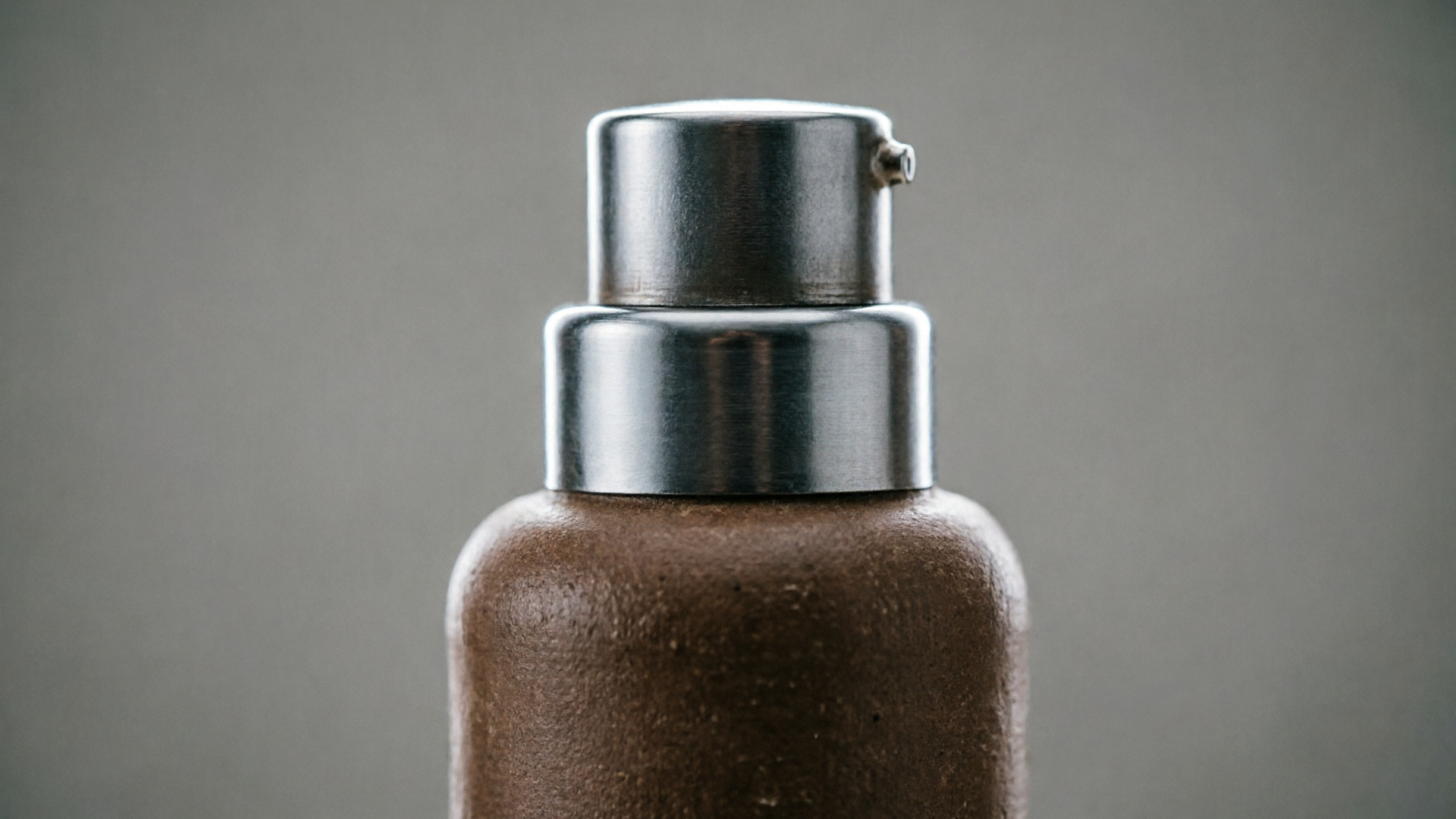
If you only have one product photo or a hand sketch, you can still produce multiple, platform-ready vertical demos that convert. This guide shows marketers and creators how to turn a single asset into native 9:16 product loops, TikTok hooks, and animated B-roll using image to video product demo workflows. We'll use WowMade AI Video Generator throughout to demo concrete, repeatable steps.
Read on for practical capture tips, prompt patterns, and two hands-on walkthroughs — one for a photo and one for a sketch — plus a checklist to make outputs loop cleanly for product pages and social platforms.
Why vertical product loops (9:16) win on TikTok and product pages
Short vertical video is the default attention surface for discovery. Multiple industry reports show TikTok and short-form vertical formats continue to drive above-average engagement for discovery and product content; social benchmarks highlight measurable engagement uplifts for native vertical creative. Native 9:16 clips occupy the full screen on TikTok and Reels, making a product immediately visible without cropping or letterboxing — which matters for first-second retention.
On product pages, loop-friendly short clips reduce friction: auto-playing, seamlessly looping demos let shoppers scan function and finish faster than clicking play on a longer video. Platform guidance and ecommerce specs recommend composing with headroom and end-to-start continuity so the final frame transitions smoothly back to the first; that continuity directly supports conversion on auto-looped galleries. For creators, the takeaway is simple: create native 9:16 outputs and design for looping rather than cropping a widescreen clip.
Tip: Native vertical saves time and preserves product detail — export at 9:16 first, then crop to 1:1 or 16:9 afterwards for other channels.
This is where the WowMade AI Video Generator helps: it produces native 9:16, 1:1, and 16:9 outputs from the same prompt, so you can iterate once and publish across platforms without repeated re-exports.
How modern image-to-video AI works — a quick, practical primer
Image-to-video models take a still image (often combined with a text prompt) and generate short clips by predicting plausible frame sequences and motion. Contemporary commercial models and research (for example, Veo, Dream Machine, and datasets such as TIP-I2V and AIGCBench) demonstrate that generators can add camera moves, parallax, object motion, and short transitions while keeping the subject on-model and temporally coherent.
From a creator's point of view, the building blocks are: a conditioning image (your photo or sketch), a text prompt that describes motion and mood, and a framing specification (9:16 in our case). The model synthesizes intermediate frames consistent with the prompt and the input. Because benchmarks show rapid fidelity improvements, today's tools reliably produce short marketing clips suitable for social and product pages.
Practical note: some tools generate looped outputs natively; others require you to design the motion so the last frame matches the first. Using a platform that handles image-to-video directly means you skip complex manual compositing — for example, WowMade AI Video Generator animates a single still image into motion and outputs vertical-ready clips in minutes.
Related guide: Image animation for product.
When to animate a photo vs. start from a sketch: creative trade-offs
Choosing photo vs. sketch depends on the creative goal and the level of polish you need. Photos preserve real product texture and color, which is critical for product pages and accurate demos. Animating a photo is fast and keeps the subject photorealistic — ideal for quick TikTok demos and looping hero clips that must match the real product.
Sketches are best when you want stylized storytelling, concept-first hooks, or an explainer vibe. Sketch-to-video workflows let you create exaggerated camera moves and stylized transitions that feel handcrafted; they're particularly useful for openers, concept reels, and scenarios where realism isn't required. Recent tools explicitly advertise sketch interpretation to animate rough doodles with parallax and camera moves, making this approachable without animator skills.
Consider these trade-offs:
- Speed: Photo animation is fastest for realistic demos. Sketch animation takes a little more prompt work but yields unique branding.
- Fidelity: Photos give accurate color and detail; sketches offer stylized clarity and simplified messaging.
- Flexibility: A photo can be retextured or recolored, but sketches let you redesign composition quickly.
If you need both, start with a photo for your main product loop and create a sketch-based opener for TikTok hook sequences — both can come from the WowMade AI Video Generator using the same workflow and exports tailored to 9:16.
Preparing a hero asset: how to shoot or scan a product photo or sketch for best animation results
Preparation reduces friction and improves final motion coherence. For product photos:
- Shoot against a clean, uncluttered background (neutral or chroma). This helps the model isolate the product from noise. 2. Capture multiple angles and a high-resolution hero shot with headroom and breathing space — leave space above and below the product so a parallax or subtle vertical move won't crop details. 3. Use even lighting to avoid harsh shadows that confuse synthesized motion. 4. Include a shadow or contact surface — a natural shadow ground helps the generator place the product in space.
For sketches:
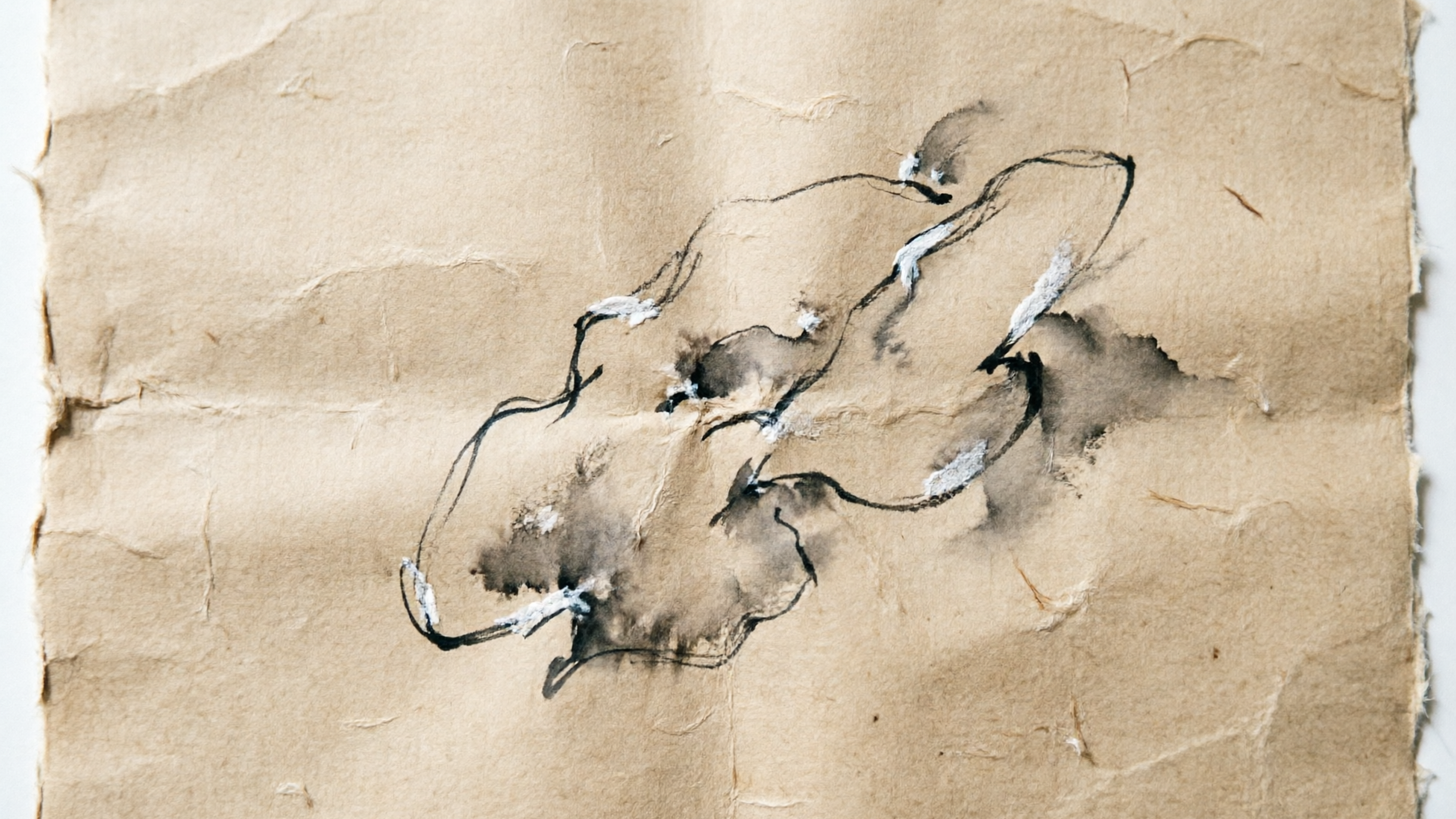
- Scan or photograph at high resolution with even illumination. - Keep strokes clear and avoid background texture; a white or light grey scan is ideal. - If you want a stylized finish, include a short text note (e.g., "ink sketch, warm paper, parallax camera") to guide the prompt.
Quick checklist for both asset types:
- High resolution (use the highest your phone/camera provides) - Clean background or a separate mask file if the background is complex - Optional second reference angle for 3D parallax realism
When you upload either asset to WowMade AI Video Generator, the tool keeps the subject on-model and uses the image as the primary conditioning signal for the animation — which reduces the number of prompt iterations required.
Prompt patterns and settings that create clean product loops and sketch animations
Good prompts combine a short motion directive, a style descriptor, and loop/continuity instructions. Use a compact pattern:
1) Subject + action (what moves) 2) Camera move & framing (e.g., "vertical 9:16, slow upward pan") 3) Style & lighting (e.g., "soft studio light, realistic skin tones") 4) Loop instruction ("seamless loop, end matches start")
Example prompt for a product photo:
"White ceramic mug on neutral background; subtle 3D rotate and gentle vertical parallax; 9:16 vertical, soft studio light, realistic texture; seamless loop, end-to-start continuity, 6s".
Example prompt for a sketch animation:
"Ink sketch of sneaker on textured paper; stylized parallax and line reveal, warm grain, 9:16 vertical, camera dollies in then out; hand-drawn animation feel; seamless loop option, 5s".
Settings to try in an image-to-video tool:
- Duration: 4–8 seconds for social hooks. - Motion intensity: low for product detail, medium for stylized sketches. - Framerate: 24–30 fps. - Loop mode: if available, enable loop-friendly generation or set "end matches start" in the prompt.
Numbered-list: Prompt checklist to iterate faster
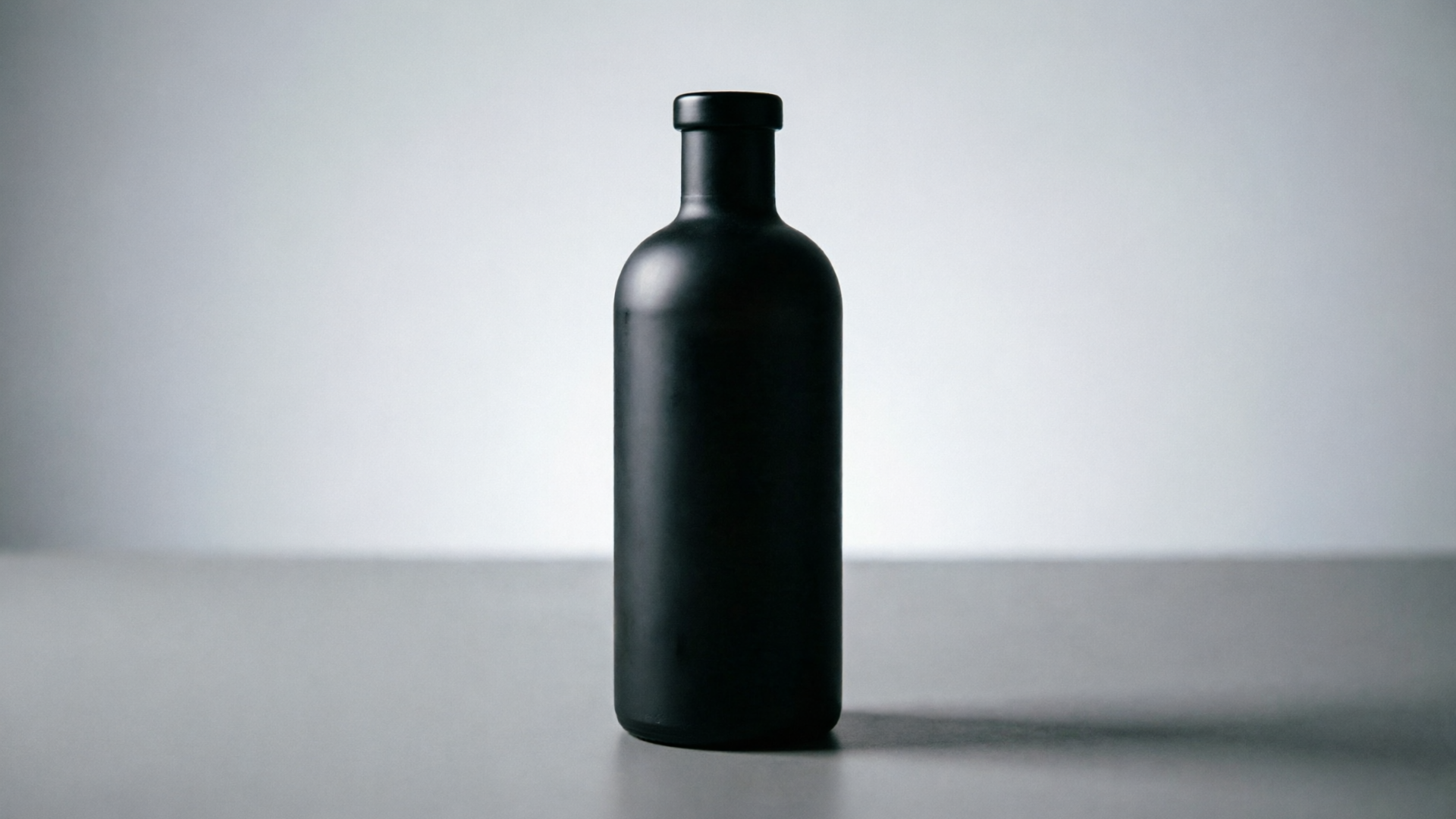
- Start with the subject and material (e.g., "matte black bottle").
- Add a single, clear motion (e.g., "slow 8-degree rotate").
- Specify framing and duration ("9:16, 6s").
- Request loop continuity ("seamless loop").
- Add lighting and mood ("soft top light, high contrast").
Use these patterns inside WowMade AI Video Generator to keep iterations efficient — the generator renders short clips in minutes so you can test multiple prompt variations quickly.
Hands-on workflow: Turn one product photo into three short vertical variations (loop, hook, b-roll)
This is a three-variation workflow you can run in about 15–30 minutes using WowMade AI Video Generator.
Preparation: pick your hero photo (high-res, clean background). Open the AI Video Generator and upload the image.
Variation A — Product loop (for product page):
- Prompt: "Hero product shot, soft studio light, slow 360° 3D rotation with small vertical parallax, seamless loop, 9:16, 6s." - Settings: 24 fps, duration 6s, loop mode if available. - Export: native 9:16 silent loop, also export a 1:1 thumbnail loop for the gallery.
Variation B — TikTok hook (first 3s):
- Prompt: "High-impact intro: quick snap zoom from 0% to 30% scale, reveal product label, punchy rim light, 9:16, 3s." - Settings: 30 fps, duration 3s. - Add: light motion blur to sell speed. - Export: 9:16 with a 1–2s loop-safe cut for Reels preview.
Variation C — Animated B-roll (context shot):
- Prompt: "Slow parallax reveal of product on table with soft background blur; subtle shadow movement, 9:16, 8s." - Settings: 24 fps, duration 8s. - Export: 9:16 and 16:9 crops for tutorial pages.
Worked example: creating the product loop in WowMade AI Video Generator
- Upload hero photo. 2. Paste the loop prompt: "Hero product shot... seamless loop, 9:16, 6s." 3. Set aspect to 9:16, set duration 6s, choose 24 fps. 4. Render. 5. Review the loop preview and adjust "motion intensity" slider if available to reduce drift.
Because WowMade outputs multiple aspect ratios from the same prompt, you can immediately export 1:1 and 16:9 variants for other placements without redoing the creative.
Hands-on workflow: Convert a hand sketch into a stylized 9:16 sketch-animation opener
Sketch-driven openers are great for TikTok hooks and landing page intros. This workflow turns a single hand sketch into a stylized animated opener using WowMade AI Video Generator.
Step 1 — Prepare the sketch: scan at high resolution, ensure clean strokes and even lighting. Upload the image.
Step 2 — Use a compact prompt that describes style and motion:
- Example: "Black ink sketch of backpack on light paper; animated line reveal, parallax layers, warm paper texture, stylized camera dolly in then gentle out, 9:16, 5s; hand-drawn animation feel, loop-friendly end-frame".
Step 3 — Settings: select 9:16, duration 5s, motion intensity medium, enable "preserve sketch lines" or equivalent if offered. Render a preview.
Step 4 — Iterate: if the sketch looks too textured, lower grain or change the style phrase to "clean vector finish". If you want a reveal, add "line-draw reveal" to the prompt.
Practical tip: combine a short music loop from WowMade AI Music Generator with the sketch opener for higher engagement — 2–4 second music cues can make the hook feel finished on TikTok.
Worked example (quick):
- Upload sketch. 2. Prompt: paste the example above. 3. Choose 9:16, 5s, medium motion. 4. Render and export. 5. If the loop doesn't feel seamless, add "end fades to line thickness matching start" or reduce motion magnitude.
Sketch-to-video workflows are accessible — tools now interpret rough doodles into camera moves and parallax so creators without animation experience can ship stylized openers quickly.
Quality, safety, and deliverables checklist (resolution, loopability, platform specs)
Before you publish, verify these quality and safety items:
Resolution and formats
- Export native 9:16 at a minimum of 1080×1920 for TikTok and Reels. - Produce a 1:1 (1080×1080) and a 16:9 (1920×1080) variation for cross-posting. - Keep a master high-resolution render if available.
Loopability
- Ensure end-to-start continuity: small camera drift or lighting flicker will break a seamless loop. - Test the loop in playback to check that motion ends near the initial pose. If not, either reduce motion magnitude or use a loop instruction in your prompt.
Content safety and accuracy
- For product demos, avoid misleading animations that display unavailable features. - Ensure any claims shown in animated text are accurate and compliant with platform rules.
Accessibility and metadata
- Add captions for short-form clips and include descriptive alt text on product pages. - Keep duration around 3–8 seconds for hooks; longer B-roll can be 8–15 seconds.
Compliance and IP
- Verify that any logos or branded typefaces used in a generated clip have rights cleared. - If you use the WowMade AI Video Generator to animate a product image, the subject stays on-model which reduces hallucinated detail, but always cross-check product color and labels.
This checklist helps you export deliverables that meet platform specs and conversion needs. For reference platform guidelines and ecommerce video specs, see a practical writeup like this product page guide: https://convertintomp4.com/blog/video-for-ecommerce-product-pages
Distribution tips: A/B test creatives and scale variations across TikTok, Reels, and product pages
A one-photo creative program can scale quickly if you generate disciplined variations and run rapid A/B tests.
A/B test ideas
- Hook type: fast zoom vs. slow parallax. - First-frame copy: product close-up vs. contextual scene. - Audio: silent loop vs. music-backed hook.
Scale method
Analytics and iteration
- Measure play-through and click-through rates on TikTok and Reels; short hooks (3s) usually show the biggest lift in the first-second retention metric. - On product pages, compare add-to-cart and time-on-page for auto-loop vs. static image groups. Use loop-friendly framing to avoid misleading crops.
Distribution speed is one of the strongest advantages of image-to-video workflows: you can go from single asset to multi-channel campaign without hiring an editing team. If budget is a concern, refer to WowMade Pricing to pick a plan that suits iterative rendering and batch exports.
Frequently Asked Questions
Can I make a perfect seamless loop from a single photo?
Yes — with careful prompt design and low-motion camera moves you can create near-perfect loops. Ask the model for "seamless loop" and test short durations (4–8s). If needed, reduce motion magnitude or match the end pose to the start in the prompt.
Will the AI change product colors or details?
Image-conditioned generators like the WowMade AI Video Generator keep the subject on-model, but you should verify labels and colors in the output and make adjustments if strict accuracy is required.
What aspect ratio should I render first?
Render native 9:16 first for TikTok and Reels, then export 1:1 and 16:9 variants from the same prompt to avoid losing product detail.
Conclusion
Image-to-video workflows let you turn one photo or a rough sketch into multiple, platform-ready vertical demos without an editor. Start with a clean hero asset, use tight prompt patterns (subject + motion + loop instruction), and iterate quickly on aspect and motion intensity. For rapid output that preserves product fidelity and exports native vertical clips, use the WowMade AI Video Generator: upload your image or paste a prompt, choose 9:16, and render a set of loop-friendly variations in minutes. Open the AI Video Generator and ship your first clip in your next break.
Make this with WowMade
Mentioned in
- faceless youtube channel ai: which approach wins for earnings and policy safetyDecide the best faceless YouTube strategy: earnings realism, YouTube policy risks, and step-by-step workflows that use WowMade AI Video Generator to produce monetizable.
- Image to Video Prompt Examples: 12 Copy-Ready Prompts to Turn Stills into ClipsPractical image to video prompt examples and a prompt library for product, portrait, and landscape shots — plus step-by-step WowMade AI Video Generator workflows.