Clone voice for narration: a practical creator’s guide to studio‑grade AI voices
How to clone voice for narration: record studio-grade samples at home, evaluate quality, avoid legal risks, and deploy WowMade AI Voices for narration and dubbing.
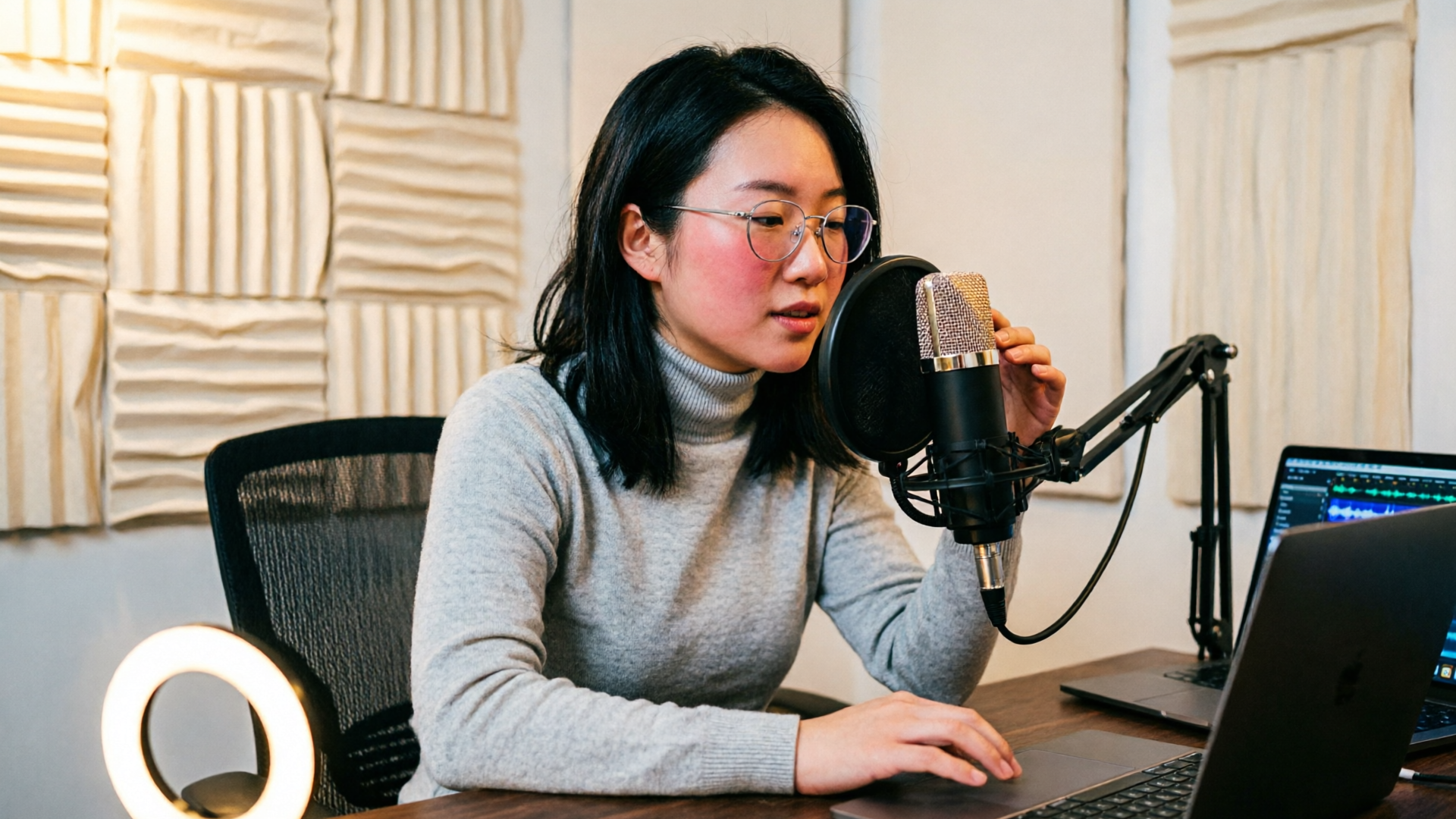
If you want to clone voice for narration without losing presence or emotion, this guide walks through everything creators actually need: how to record studio‑grade reference audio at home, how quality is measured, the legal guardrails, and practical workflows for podcast narration and video dubbing. Early on we’ll use WowMade AI Voices to show realistic, repeatable steps so you can ship a finished voice track after a single session.
This is a hands‑on manual for podcasters, YouTubers, indie animators, and small teams who want reliable results fast. You’ll learn what reference clips matter, how to judge synthetic quality (MOS and perceptual tests), and two step‑by‑step walkthroughs using WowMade AI Voices for a podcast narration clone and for dubbing a short clip into Spanish.
Why creators are using AI voice cloning today: opportunities and limits
AI voice cloning has moved from experimental novelty to a practical tool for creators because it solves a few real problems: it saves time (no re‑recording long scripts), it enables localization (dubbing without reshoots), and it opens creative options (consistent character voices across episodes). WowMade AI Voices specifically targets those use cases: clone your real voice from a short sample, pick a stock voice for narration, or produce character lines for animation.
That said, there are limits. A clone's fidelity depends heavily on the reference audio (consistent mic and room), and emotional range can still vary compared with a live performance. Also, cloning is not a replacement for great writing and direction — a realistic AI voice can’t invent nuanced line readings you don’t provide. For creators planning serial narration, the time saved in not re‑recording often outweighs those limits, but you should treat cloned audio as a production element that still needs direction and post‑production.
Practically, WowMade AI Voices works well when you need repeatable narration: You can generate text from scripts, clone a host’s voice for multiple episodes, and combine outputs with WowMade’s lipsync effects and AI Video Generator to produce synchronized visuals. The tool is built for creators who want predictable results while keeping control over tone and timing.
How AI voice quality is measured (MOS, naturalness) — what to expect
Quality assessments for synthetic voices use perceptual and objective metrics. The Mean Opinion Score (MOS) remains the industry standard for perceived naturalness: listeners rate audio on a 1–5 scale, and averages reveal how close a synthetic voice is to human speech. Recent work from the VoiceMOS Challenge shows modern systems can approach human MOS scores in favorable conditions, but results vary by dataset and evaluation method (https://arxiv.org/abs/2409.07001).
Perceptual studies also reveal limits of human detection: listeners often struggle to label voices as synthetic, and can even match an AI voice to its real speaker in many cases. One study found participants matched AI‑generated voices to the real speaker around 80% of the time while correctly labeling a voice as AI only about 60% of the time. That means convincing clones are possible, but small artifacts — breath handling, plosive shaping, or unnatural pacing — still give away syntheses if you listen closely (https://arxiv.org/abs/2410.03791).
For creators, the practical takeaway is: aim for high MOS by starting with excellent reference material and by testing outputs with target listeners. Tools like WowMade AI Voices let you iterate quickly: generate variations, A/B them in context, and export synced tracks for your edit. When you need the highest perceived quality, add post‑production (EQ, breath edits, micro timing) described later in this guide.
Legal, ethical, and platform rules you must follow before cloning a voice
Before you clone a voice, get explicit, documented permission. Regulatory attention is increasing — the FTC ran a Voice Cloning Challenge and published rules and guidance about clear labeling and consumer protection. That means if you clone someone else’s voice, keep written consent that covers intended use, distribution, and duration (https://www.ftc.gov/system/files/ftc_gov/pdf/Voice-Cloning-Challenge-Rules-2024-01-02.pdf).
Ethically, disclose synthetic voices to your audience whenever the platform or content context suggests a real person. Even if a clone matches the voice perfectly, transparency prevents reputational risk. For commercial projects or ads, check platform policies and ad network rules; platforms such as YouTube are rolling out features like auto‑dubbing, which implicitly recognizes the legitimacy of synthetic voice distribution but also expects compliance with community standards (https://blog.youtube/news-and-events/auto-dubbing-on-youtube/).
Operationally, set a permissions checklist before cloning: (1) written consent from the speaker, (2) a usage scope (e.g., podcast episodes 1–10, or internal demo only), (3) attribution or disclosure plan, and (4) retention and deletion rules for raw samples. WowMade AI Voices keeps track of the sample upload and cloning steps, but you should keep your own consent records too. When in doubt, consult a lawyer for commercial uses — the policies and regulations are still evolving.
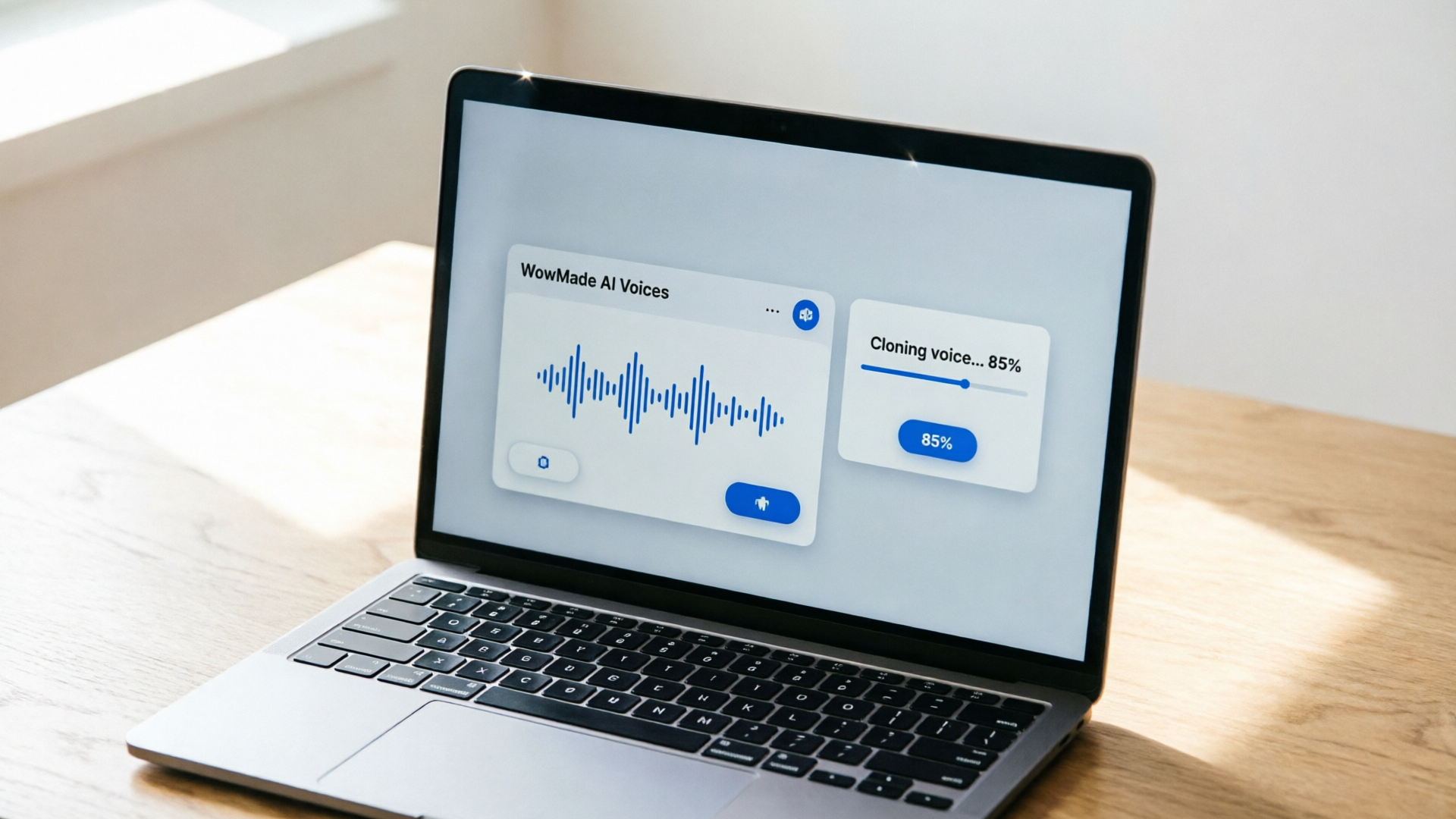
Home‑studio checklist: record the reference audio that produces a studio‑grade clone
High‑quality reference audio is the single biggest factor for a good clone. Industry guidance stresses consistent mic choice, a quiet room, and steady delivery; these variables matter more than an expensive microphone (https://learn.microsoft.com/en-us/azure/ai-services/speech-service/record-custom-voice-samples?utm_source=openai).
Checklist (practical):
- Microphone: use the same mic you’ll use for future recordings. Dynamic mics (for noisy rooms) or large‑diaphragm condensers (in quiet rooms) both work if consistent. Keep gain moderate — no clipping.
- Room: pick the quietest room, use blankets/foam to reduce reverb, and turn off noisy appliances. Aim for a dry, controlled sound.
- Length and coverage: record 1–5 minutes of read speech if possible; minimum 10–30 seconds is often sufficient for many systems, but more material gives better coverage of phonemes and emotions (https://docs.fish.audio/developer-guide/best-practices/voice-cloning?utm_source=openai).
- Delivery: read in a uniform style for narration (steady pacing, neutral emotion) and add a few expressive lines to capture range. Keep mouth‑to‑mic distance steady.
- File specs: 44.1–48 kHz, 16‑ or 24‑bit PCM WAV. Avoid heavy compression or noise gates that clip breaths.
Record a short test, run it through your editor, listen for plosives, sibilance, and room noise. If you hear issues, fix them at the source rather than in post. These steps maximize the chance that WowMade AI Voices will produce a faithful, studio‑grade clone from your sample.
Hands‑on workflow: creating a podcast narration clone with WowMade AI Voices (step‑by‑step)
This walkthrough produces a clean podcast narration clone using WowMade AI Voices.
Step 1 — Prepare your script and reference audio: write a 300–600 word episode intro and record 60–120 seconds of reference audio with the Home‑studio checklist above.
Step 2 — Upload and clone in WowMade AI Voices:
- Open the AI Voices page (/ai-voices) and choose “Create clone.”
- Upload your WAV files (44.1 kHz, 16‑bit) and name the clone.
- Select "Narration" style if offered, and add a short note about desired pacing.
- Submit for cloning — WowMade AI Voices creates a clone from the short sample and confirms when ready.
Step 3 — Generate narration from text:
- Paste your script into the text field, choose the newly created clone voice, and preview small segments.
- Adjust speaking rate and emotional intensity controls until the preview matches your intent.
- Export as WAV and import into your DAW.
Step 4 — Review and iterate:
- Run listening tests with a small sample audience. Listen for pacing, breath realism, and pronunciation quirks.
- If you need more naturalness, re‑record 30–60 seconds of reference lines that include problematic phonemes and re‑submit.
Step 5 — Post and distribute: Use the exported file in your podcast host, or pair it with a static or animated video using WowMade AI Video Generator for a YouTube upload. If you plan multilingual versions later, keep the same clone and reuse the script translations.
This step‑by‑step shows how WowMade AI Voices can move you from raw reference to final narration fast: cloning from short samples, generating text‑to‑speech in your voice, and producing broadcast‑quality files.
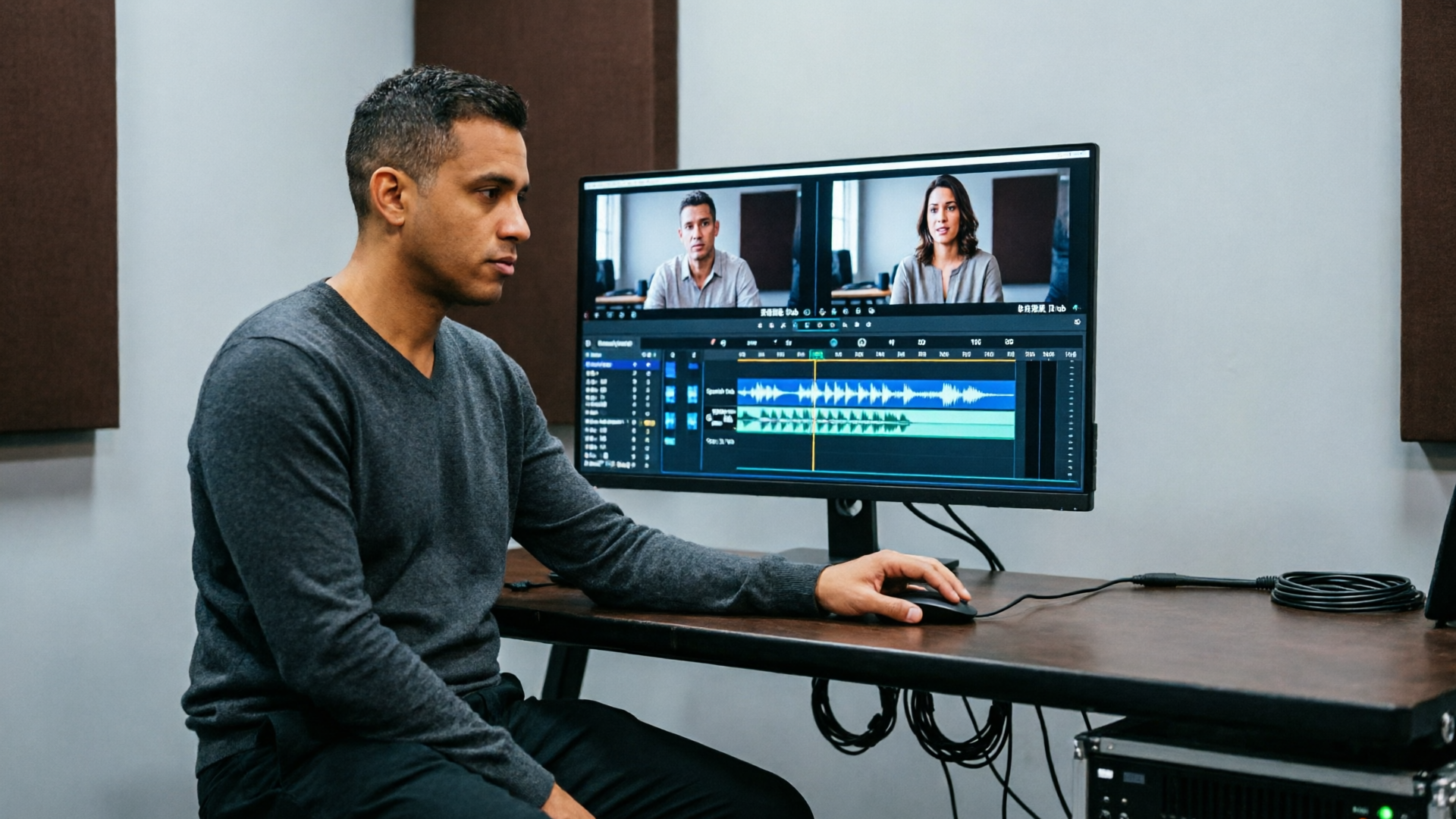
Hands‑on workflow: localizing a short video — dubbing into Spanish with WowMade AI Voices
Localization is one of the highest‑value use cases for AI voice tech: you keep the speaker’s vibe while reaching new audiences. Here’s a compact dubbing workflow for a 90‑second explainer.
Step 1 — Prepare the assets: get the original video and a time‑coded transcript. Translate the transcript into Spanish, preserving timing where possible.
Step 2 — Create or select the voice: if you want the original speaker's voice in Spanish, clone it in WowMade AI Voices from the speaker’s samples. Alternatively, choose a stock voice with similar gender and timbre.
Step 3 — Generate the Spanish audio:
- In WowMade AI Voices (/ai-voices), select the clone or stock voice and choose Spanish (select dialect if available).
- Paste the translated text and generate short segments. Use the preview to check prosody and phrase length.
Step 4 — Sync to picture:
- Export segments and import them into your video editor. Trim or stretch small segments to match mouth cues; WowMade outputs work with WowMade’s lipsync effects if you need automated sync.
- For tighter sync, export stems and nudge phoneme timings in your editor or use WowMade AI Video Generator to render a lipsynced clip.
Step 5 — Final polish: add room ambience or light reverb to match the original location, EQ the dialogue to sit similarly in the mix, and add a latency‑free look‑ahead limiter for consistent levels.
Because WowMade AI Voices can dub into other languages while preserving the original speaker’s vibe and pair outputs with lipsync, you can localize without a new recording session. This is particularly effective for short social videos and educational content destined for different regions.

Post‑production and voice editing tips to make clones feel real (EQ, breath, pacing, emotion)
Even the best clones benefit from thoughtful post‑production. Here are practical, non‑technical edits that raise perceived realism.
EQ and tonal balance: use a gentle high‑pass around 70–100 Hz to remove rumble, then apply subtle presence boost (2–5 kHz) if the clone sounds dull. Avoid heavy shelving; aim for natural speech warmth.
Breath and noise handling: synthetic breaths are often too polite or absent. Add natural breaths sparingly from the original reference takes or use recorded breaths layered at low level. Remove background hiss using a short noise‑print when necessary, but avoid over‑denoising — it creates synthetic artifacts.
Pacing and micro‑timing: clones sometimes read with mechanically steady spacing. Humanize by inserting tiny timing variations: shorten pauses after filler words, lengthen them at sentence ends for emphasis, and manually adjust phoneme timing where strong lip sync matters.
Dynamics and loudness: apply gentle compression (2:1 ratio) with slow attack/fast release to keep syllables present without pumping. Finalize loudness to your platform standard (-16 LUFS for stereo podcast, -14 LUFS for streaming video).
Emotion and performance direction: if the synthesized line is flat, re‑record targeted reference lines with the desired emotion and re‑clone or use the new lines as style prompts in WowMade AI Voices. Iterative re‑cloning from short expressive clips is faster than trying to coax emotion only in post.
These edits are standard for podcast and video professionals and will help a clone reach higher MOS and listener acceptance.
When to use a stock AI voice vs. cloning your own — cost, control, and creative tradeoffs
Choosing between a stock AI voice and cloning your own comes down to cost, control, and creative needs. Stock voices are cheaper, instantly available, and work well when you need a neutral narrator quickly. They’re ideal for explainer videos, quick social posts, or when your brand prefers an anonymized voice.
Cloning is better when brand identity or host continuity matters — for example, a podcast host who wants consistent tone across seasons, or an animator who needs a character’s recurring voice. Cloning gives you more control over timbre and phrasing but usually requires higher initial effort (recording clean samples) and stronger legal documentation if the voice is someone else’s.
Tradeoffs to consider:
- Cost: stock voices remove the recording step and are often cheaper per minute. Cloning has an upfront cost (time/consent) but reduces long‑term recording costs.
- Speed: stock voices are instant. Cloning takes time to record, upload, and validate, though systems like WowMade AI Voices can create a clone from short samples quickly.
- Creative control: clones better match a familiar voice, which is valuable for serialized shows and character work. Stock voices offer variety and are safer when you need to avoid identity concerns.
Tip: for series work, start with a stock voice for pilots, then clone your host once you commit to a format. WowMade AI Voices supports both approaches — generate narration from text in dozens of voices or clone your voice from a short sample — so you can mix stock and cloned voices across projects. If you need backing music or ambience, pair the narration with a track generated from the AI Music Generator to produce a full edit quickly (/create-music).
Conclusion
Cloning your voice for narration is a practical, repeatable workflow when you start with studio‑grade reference audio, follow consent best practices, and apply simple post‑production. WowMade AI Voices ties these pieces together: clone your real voice from a short sample, generate narrated scripts in dozens of voices, and dub videos into other languages while keeping the speaker’s vibe. Try creating a short clone and exporting a 60‑second narration to test MOS with your audience — iterate on the reference until it matches your expectations. Open the AI Voices and ship your first clone-driven narration in one session.