Replace Licensed Stock Tracks with AI Instrumentals for Product Demos
Learn how to replace licensed stock tracks with copyright-safe AI instrumentals for product demos using WowMade AI Music Generator — workflow, mixing, and legal checks.
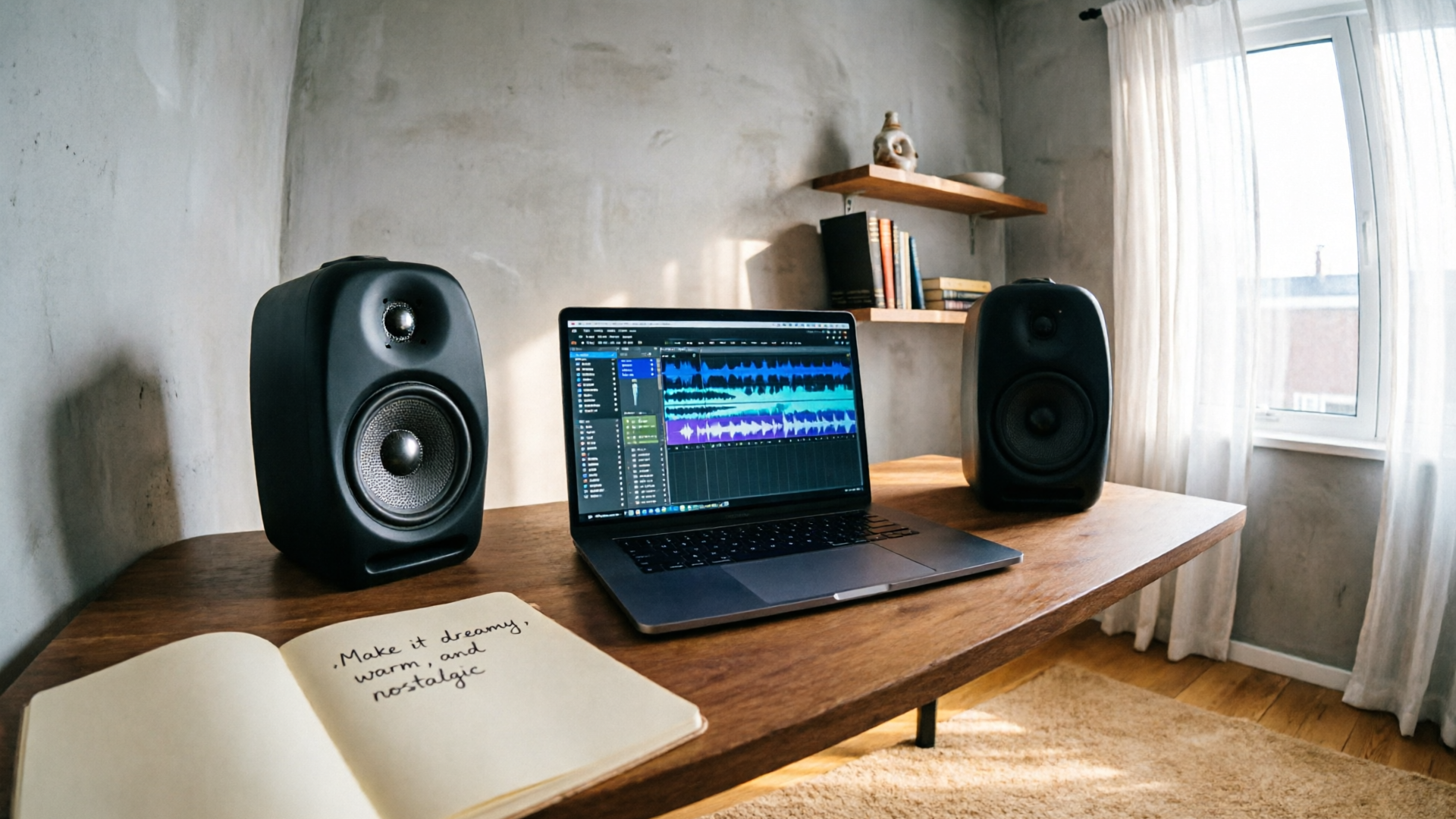
Product demos and explainer videos need music that supports the message without triggering copyright headaches. If your team searches for "AI music generator instrumental" you want fast, affordable background music that’s safe to publish — not another licensed stock track that brings reuse limits or surprise claims. In this guide I’ll show a practical, legally informed workflow to replace licensed tracks with original instrumentals produced in WowMade AI Music Generator.
You’ll learn why AI‑generated instrumentals are a good fit for demos, a creative checklist for mood/tempo/instrumentation, and two hands‑on workflows: (1) make a demo‑ready instrumental in ten minutes and (2) turn an instrumental into a short brandable loop or jingle. Along the way I’ll cover mixing targets, documentation best practices, and practical legal risk checks so you can publish with confidence.
Why AI‑generated instrumentals are ideal for product demos (benefits and legal risks)
AI‑generated instrumentals answer two recurring problems for demo creators: speed and copyright friction. On the speed side, you can iterate multiple moods and tempos in minutes rather than browsing hours of stock libraries. Practically, many creators report generating 3–6 distinct instrumentals from one prompt during rapid A/B rounds — enough to test which track best supports your narrative and pacing.
On the copyright side, platform and label disputes over AI music made headlines in 2024 when major record companies filed suits against several generative music services, underlining how training data and unlicensed use can create legal exposure (see reporting on the litigation). That case law and recent agency guidance mean you should assume risk is real and take steps to minimize it.
How using WowMade AI Music Generator reduces exposure:
- You generate original instrumentals from a prompt rather than reusing a pre‑existing recording, which lowers the chance of copying a specific composition.
- The generator explicitly produces instrumentals for background scoring and lets you guide style, tempo, and mood, so you can avoid distinctive hooks or close mimicry.
- Outputs are exported as tracks "ready to drop into your edit," removing library licensing complexity for common demo usage.
Risk realities to keep in mind:
- The U.S. Copyright Office has made clear that AI‑only works may not qualify for federal copyright protection without meaningful human authorship; ownership and enforcement can therefore be murky.
- Replicating a famous melody or a clearly identifiable sonic trademark is still the riskiest path — lyric copying or close replication attracts the most legal scrutiny. To be safe, prefer fresh atmospheres and textures over memorable hooks.
Bottom line: when you follow best practices for prompt design, mix levels, and documentation, AI instrumentals become a practical, lower‑friction alternative to licensed stock for product demos. They’re not a legal free pass — but used properly with tools like WowMade AI Music Generator they cut cost and speed tradeoffs while reducing many common licensing headaches.
How to pick the right mood, tempo, and instrumentation for demo/background music (creative checklist)
Choosing the right music for a demo is not only about what sounds good — it’s about how music supports comprehension, pacing, and brand tone. Use this checklist when you write the prompt for an AI instrumental.
1) Define the demo’s emotional goal
- Clarify whether you need neutral focus (informational demo), uplift (product reveal), urgency (bug fix walkthrough), or warmth (customer story). Keep the goal short: e.g., "calm explanatory" or "energetic onboarding." This helps the generator avoid overly bold hooks.
2) Set tempo and perceived energy
- Tempo relates directly to perceived speed. For tutorial walkthroughs, 70–100 BPM keeps the piece relaxed. For product teasers or short ads, 100–130 BPM adds momentum. Specify exact BPM in your prompt when you want repeatable results.
3) Choose instrumentation that supports clarity
- Sparse electronic pads, light plucked guitars, mellow synths, and clean piano are common demo-friendly textures because they don’t mask spoken voice. Avoid heavy distorted guitars, dense orchestral swells, or busy percussion that compete with narration.
4) Avoid distinctive hooks and melodic signatures
- To reduce legal exposure, ask the AI for "ambient rhythmic motif" or "minimal melodic contour" rather than a memorable chorus. Instrumentals that emphasize rhythm or texture over a singable hook carry lower infringement risk.
5) Consider loopability and arrangement
- If your video will need repeated intros or multiple short edits, request a loopable structure (e.g., 30–45 seconds with a 4‑bar intro and loopable 8‑bar body).
6) Accessibility and loudness targets
- Follow W3C guidance: ensure speech peaks sit near −18 to −12 dBFS and set music roughly 8–12 dB lower than peak dialogue to keep narration intelligible. Include this requirement in your post‑generation mixing steps.
7) Prompt documentation
- Record the exact text prompt, tempo, seed samples, and any platform settings as part of an audit trail. This habit will be helpful if rights questions arise later.
Use these checklist items when authoring the prompt in WowMade AI Music Generator to get a track that supports your demo instead of overwhelming it. Writing precise prompts for mood and instrument palette will also make A/B iterations faster and more consistent.
Workflow: Generate a demo‑ready instrumental in 10 minutes with WowMade AI Music Generator
This is a practical, time‑boxed workflow you can follow on a single laptop — from idea to export in about ten minutes using WowMade AI Music Generator.
Estimated timings: prompt design (2 min), first batch generation (3 min), quick edits and selection (3 min), export and metadata (2 min).
Step‑by‑step
1) Set the intent (30 seconds)
- Write a one‑line goal: e.g., "30s instrumental for product explainer: calm, clear, 85 BPM, light piano + soft synth pad, loopable, no strong hook." This becomes your primary prompt.
2) Open WowMade AI Music Generator and enter prompt (1 minute)
- Paste the one‑line goal and set the BPM (85) and mood (calm). Choose "instrumental" output and check the loopable option if you need it.
3) Generate 3–6 variants (2–3 minutes)
- Use the generator’s variant feature to produce multiple takes from the same prompt. Modern generative pipelines let you iterate quickly — aim for 3–6 options to A/B test.
4) Quick audition and pick (1–2 minutes)
- Listen with your deliverable in mind: which variant lets narration stay clear? Prefer tracks with sparse midrange and subdued transient percussion.
5) Do a quick in‑tool trim and minor arrangement (1 minute)
- Use the built‑in export markers in WowMade AI Music Generator to set intro length and loop points. Remove any loud opening transient.
6) Export and document (1 minute)
- Export stems or a stereo mix as required. Save the exact prompt text and the export timestamp as documentation in your project tracker.
Worked example (concrete)
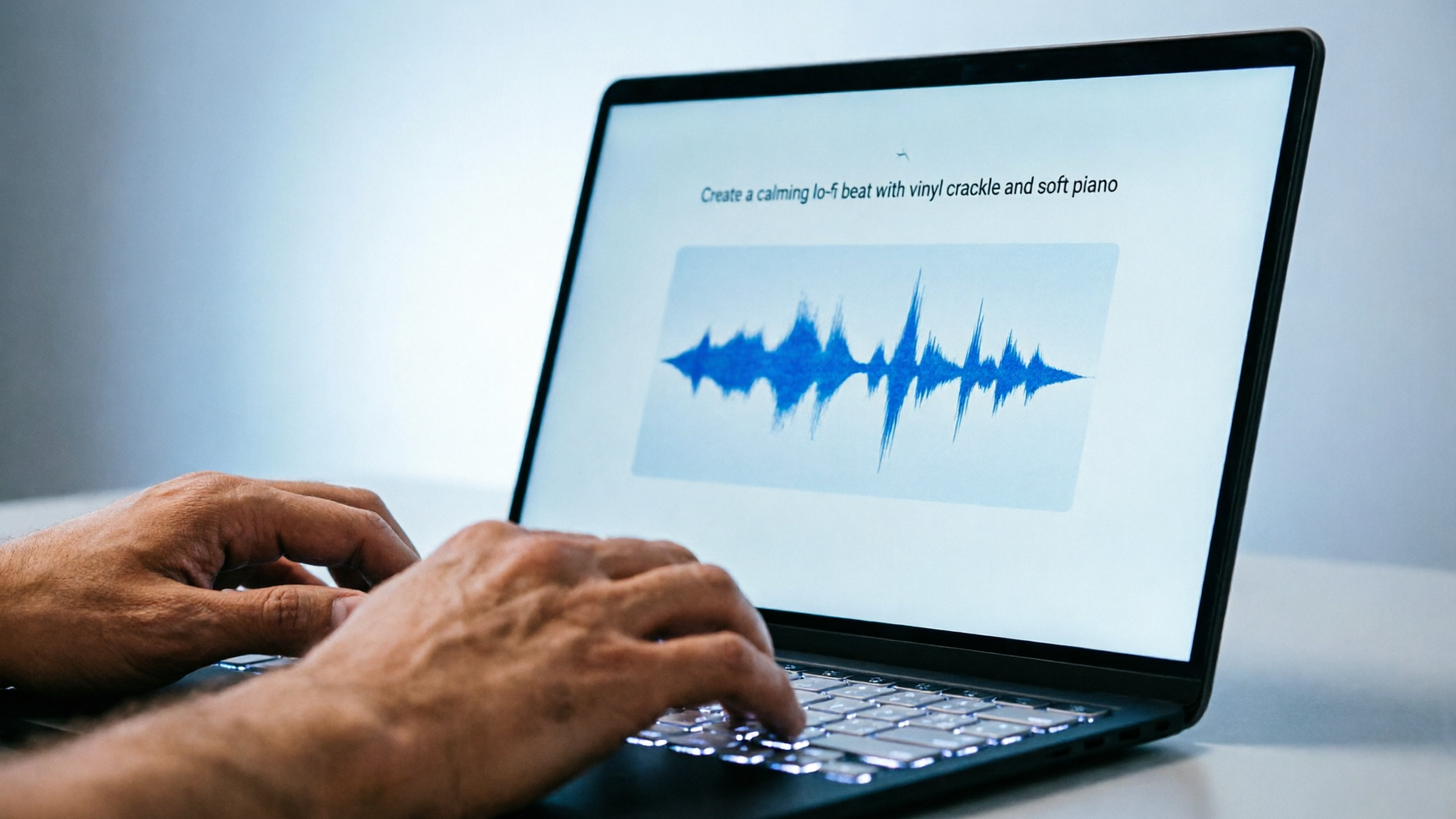
- Prompt used: "Instrumental 30s loop for demo, calm, 85 BPM, soft piano arpeggio, warm pad, sparse electronic percussion, no vocal melody, accessible for voiceover."
- In WowMade AI Music Generator: set BPM 85, choose "Instrumental," enable loop. Generate 4 variants, pick the second, trim first 0.5s, export stereo mix.
Why this workflow works: generators like WowMade AI Music Generator are optimized for speed and repeatability — you control style, tempo, and mood, then export tracks that editors can drop into timelines immediately. For full video assembly you can pair the exported track with an edit from the WowMade AI Video Generator if you want quick visual drafts.
Mixing and level best practices: Make music support — not compete — with spoken demo audio
Music should never fight with the narration in a product demo. Follow these hands‑on mixing rules so your background instrumental improves comprehension.
1) Use the correct reference levels
- Target dialogue peaks roughly between −18 and −12 dBFS. Set your music so its average LUFS and peak levels sit 8–12 dB below speech peaks. This creates a clear foreground/background separation that aligns with W3C accessibility guidance.
2) Low‑mid carving with EQ
- Apply a gentle high‑pass to the music track at 80–120 Hz to remove rumble and free up bass energy for the voice. Use a gentle dip (2–4 dB) around 300–800 Hz if the music masks sibilant or midrange frequencies in the vocal.
3) Sidechain or ducking for clarity
- When narration is dense, duck the music by 6–10 dB on spoken words. Simple automated volume envelopes work fine for short demos; for longer content, use a fast sidechain compressor keyed to the dialogue track.
4) Reduce transients and percussive energy
- If the instrumental contains tight percussion, soften attack with transient shapers or reduce high‑end presence with a soft lowpass to avoid clashing with consonants.
5) Check intelligibility in context
- Always test on the same devices your audience uses: laptop speakers, phone, and earbuds. If dialogue becomes hard to follow on earbuds, increase the music attenuation by another 2–4 dB.
6) Keep metadata and stems
- Export stems (music, percussion, fx) so you can quickly re‑balance if the client asks for more or less presence. WowMade AI Music Generator supports exporting ready tracks which integrate into this stem workflow.
Pull quote:
Set music 8–12 dB lower than dialog peaks — it’s the simplest change that preserves intelligibility.
These mixing steps keep the music supportive, not distracting. When you combine this with instruments chosen to be textural and loopable (see checklist), you get a demo mix that feels professional without hours of post production.
Workflow: Turn an AI instrumental into a brandable jingle or loop for repeated assets
You may want a short branded sting or loop for intros, chapter breaks, or quick social cuts. Here’s a focused workflow to convert a longer AI instrumental into a short, memorable, and legally cautious jingle.
1) Identify a non‑hook section
- From your generated instrumental, choose an 8–12 second section that is rhythmic and distinctive in texture but not a clear vocal‑style hook. This reduces legal exposure while still creating brand recognition.
2) Rework arrangement for repetitiveness
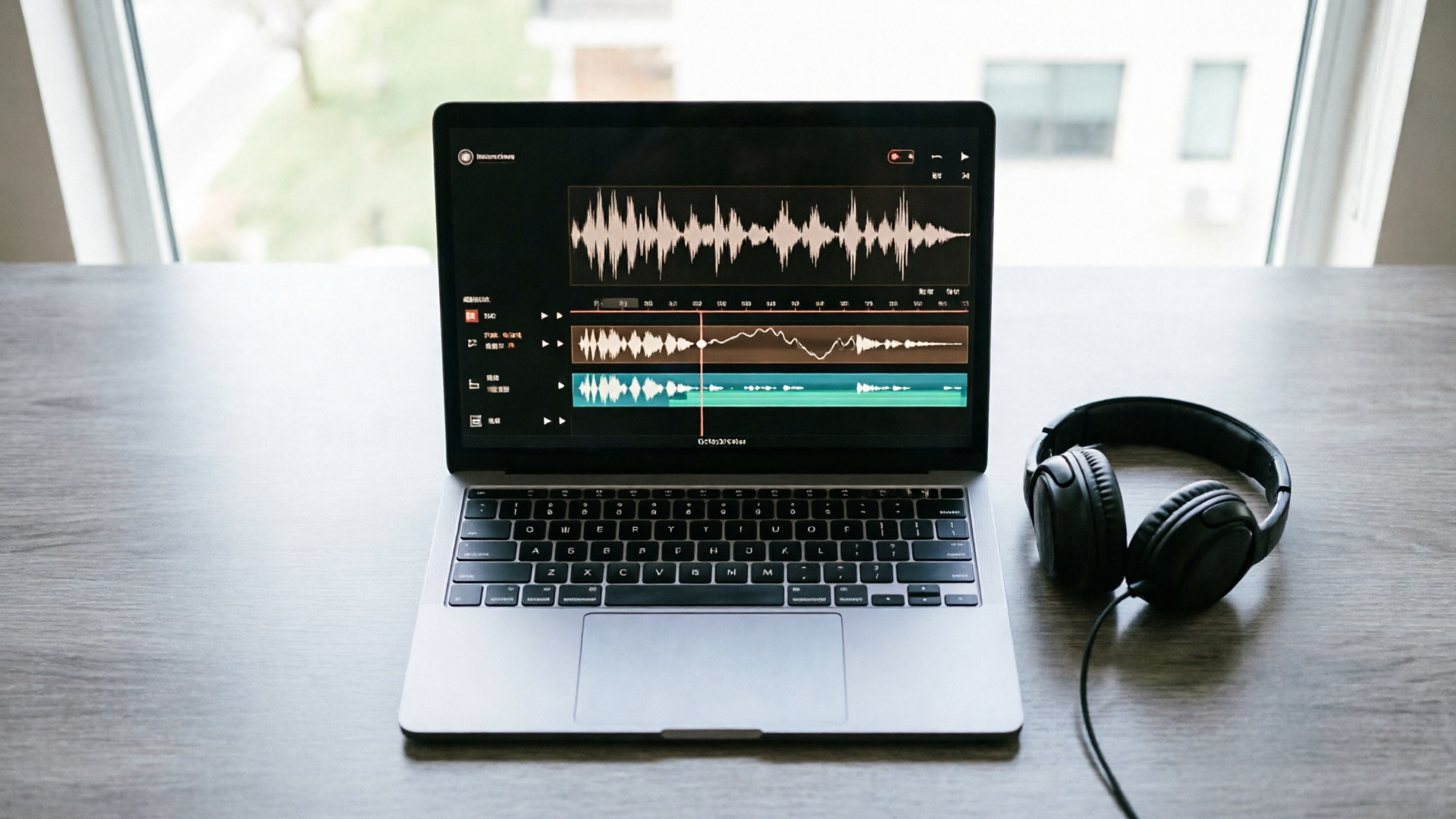
- Use WowMade AI Music Generator to export stems and then rebuild the 8–12s section into a loop: add a 2‑bar intro, 4‑bar loop body, and 2‑bar tail for clean fades.
3) Add a short sonic logo (optional)
- If you want a brand cue, create a 1–2 second motif using a unique timbre (bell, pluck, or processed vocal chop) that is artificially generated and not modeled on an existing tune. Keep it short; micro‑motifs are less likely to be seen as copied.
4) Normalize loudness for distribution
- For social platforms, normalize the loop to target LUFS recommended by the destination (e.g., −14 LUFS for YouTube/Vimeo standards). Keep the music stem levels lower relative to voiceover standards for demos.
5) Create variants for A/B testing
- Produce 2–3 color variations (tempo, instrumentation changes) so you can use rapid A/B testing across assets. Many creators can iterate multiple variants in under 15 minutes when working from a primary prompt.
6) Document and version
- Save the originating prompt, stem exports, and the final jingle file names into your asset management system. This audit trail supports internal reuse and can be important evidence if a rightsholder questions origin.
Worked example (short):
- Start with a 45s instrumental exported from WowMade AI Music Generator. Pick seconds 12–20 (a sparse pad + pluck section). Export stems, create 8s loop with 2s intro and 2s tail. Add a unique 1s bell motif generated in the same tool, export final 8s loop at −14 LUFS. Save prompt + exports in your project folder.
This workflow gives you a repeatable brand element — short, consistent, and safe — that scales across microsites, demo videos, and social content.
Licensing, copyright safety, and practical risk checks before you publish
Before you hit publish, follow a short checklist that balances speed with defensible practices.
1) Keep prompt and asset records
- Save the exact text prompt, BPM, seed samples (if used), generation timestamps, and the platform terms of service. Documentation is widely recommended by commentators as the best first line of defense if questions arise.
2) Avoid close mimicry
- Don’t instruct the model to recreate a named artist’s track or to "sound like" a specific song. Legal analyses and ongoing litigation show that copying distinctive hooks or lyrics increases infringement risk.
3) Evaluate melodic distinctiveness
- Run a quick internal review: if a short excerpt sounds uncanny or highly similar to a known song, regenerate with different instruments or rhythms. Academic work shows melody copying is where copyright risk concentrates.
4) Inspect terms and export rights
- Confirm the license terms in WowMade AI Music Generator for commercial use and attribution. The tool’s advertised capability is to generate original tracks "without library licensing required," but you should capture the export confirmation in your records.
5) When in doubt, consult counsel
- For high‑stakes uses (national ad buys, major sync deals), run a legal check. The legal landscape is changing; the U.S. Copyright Office notes that AI‑only works may not receive federal protection, making ownership and enforcement fact‑specific.
6) Maintain an audit trail for takedown responses
- If you receive a copyright claim, your saved prompt, export logs, and the generator’s terms are the primary evidence you’ll show. Platforms and commentators recommend centralized documentation as a practical mitigation.
External perspective: the June 24, 2024 lawsuits by major record labels show this area is unsettled and litigation‑prone. For most demo and explainer use cases, following the steps above (avoid mimicry, document prompts, choose non‑hook instrumentals) meaningfully lowers practical risk.
Final preflight checklist (quick):
- Prompt saved? ✓
- Export timestamp saved? ✓
- Loopable or stem exports created? ✓
- Mix meets −18 to −12 dBFS dialogue guidance? ✓
- No requests to "sound like" a known song? ✓
If all items are checked, publishing an AI‑generated instrumental from WowMade AI Music Generator is a defensible next step for demos and explainer videos.
Frequently Asked Questions
Is music generated by WowMade AI Music Generator copyright free?
WowMade AI Music Generator produces original tracks you can export without library licensing; keep records of prompts and exports, since legal ownership for AI‑only works can be fact‑specific.
Will my instrumental accidentally copy a famous song?
Risk is lower if you avoid prompts that ask to "sound like" a named artist or reproduce distinctive hooks. If an excerpt sounds too similar, regenerate with different instruments or tempo.
What mix levels keep speech intelligible over music?
Aim for dialogue peaks around −18 to −12 dBFS and keep music roughly 8–12 dB lower than dialogue peaks per accessibility guidance.
Conclusion
AI instrumentals can replace licensed stock tracks for many demo and explainer needs when you combine careful prompt design, quick mixing, and solid documentation. WowMade AI Music Generator gives you control over style, tempo, and mood, exports ready‑to‑use tracks, and supports the rapid iteration needed by product teams and creators. Start with a clear intent, run the ten‑minute generation workflow above, A/B test a few variants, and keep a short audit trail for each export. For brand stings, extract a non‑hook section and build a loop with stems.
Open the AI Music Generator and generate an instrumental to score your next product demo; you'll have a publishable track in minutes.