Batch lip sync & voice cloning: scale multi-episode dialogue without legal risk
How indie creators and small studios scale multi-episode dialogue and bulk narration with voice cloning and batch lip-sync—legal checklist and WowMade AI Voices workflow.
Creators building multi-episode animated series, dubbed catalogs, or hundreds of narrated shorts face a single problem: recording and syncing dialog at scale is slow and expensive. WowMade AI Voices solves that by letting you clone a voice from a short sample, generate narration in dozens of voices, and output audio that pairs directly with lipsync effects. In this guide you’ll learn why batch lip sync voice cloning is the productivity multiplier for indie studios, plus the legal guardrails and a concrete WowMade AI Voices walkthrough to ship episodes faster.
Why modern creators are turning to voice cloning + batch lip-sync (what scale buys you)
The appeal of combining voice cloning with batch lip‑sync is simple: repeatable output, lower marginal cost, and faster iteration. For an independent animator or small studio producing a 10–12 episode arc, the traditional approach—renting studio time, scheduling VOs, and manually matching frames—creates bottlenecks that kill momentum. Batch lip‑sync workflows let you:
- Generate dozens or hundreds of spoken lines automatically from a single cloned voice.
- Queue lip‑sync jobs across many episodes or short-form clips using templates and bulk export.
- Reuse character voices across seasons without rebooking talent or paying per‑minute rates.
Industry tool roundups now highlight explicit bulk generation: several lip‑sync tools advertise batch exporters and render queues that produce thousands of clips from templates, enabling small teams to act like studios (see lipsync.video and LipsyncX for examples). Recent academic progress—papers such as GenSync and LatentSync—also improved multi‑subject and diffusion‑based lip alignment, making automated sync noticeably better in real projects (see GenSync and LatentSync on arXiv).
This combination turns voice work into a production asset rather than a recurring cost. Instead of recording the same narration fifty times, you clone the voice once, update scripts, and push a queue. For creators focused on batch uploads—YouTube series, language dubs, or faceless channels—that means shipping faster while keeping a consistent character tone. WowMade AI Voices plugs directly into that flow by cloning from a short clean sample, generating narration in dozens of voices, and exporting audio that pairs with the platform’s lipsync effects—so the scale gains translate immediately into finished shots.
Legal, ethical, and rights-first checklist before you clone or dub voices
Scale creates legal exposure if you skip permissions. Voice cloning sits at the intersection of copyright, right‑of‑publicity, and consumer‑safety concerns, so a rights-first checklist prevents crises down the road.
Key items every creator/project must resolve before cloning or dubbing:
- Consent and releases: Get a signed release from anyone whose voice you’ll clone. Right‑of‑publicity laws (state statutes like California’s and case law summaries) support requiring explicit licensing for commercial use; written contracts are the simplest evidence.
- Identity and impersonation limits: Avoid cloning public figures without explicit legal clearance. Regulators are actively addressing impersonation fraud—see reporting on FTC activity and the FTC Voice Cloning Challenge—so assume stricter rules and potential enforcement.
- Attribution and labeling: Use visible metadata, captions, or a watermark to declare synthetic audio in commercial or consumer-facing content; technical safeguards like embedded metadata help with traceability.
- Usage scope and compensation: Define territory, term, and permitted media in the release (e.g., YouTube, linear television, advertising). Treat voice clones like a licensed performance.
- Security controls: Limit cloned voice file access, rotate keys, and log exports so you can audit usage.
Tip: Combine a short release form with an audio consent capture flow (record the signer reading a line) to prove both permission and the original sample’s provenance.
Mainstream coverage and consumer‑safety studies underline why these steps matter: voice‑cloning misuse has drawn attention—news summaries have linked impersonation scams into the hundreds of thousands of incidents—so being conservative with consent reduces legal risk and reputational damage (Axios coverage).
If you need legal takeaways, firms like Rock Law and Holland & Knight have practical notes on releases and right‑of‑publicity (see the Rock Law primer). The core point: scaling voice workflows is powerful, but reputable teams bake consent, scope, and labeling into production systems before they batch‑render anything.
Designing an animated-series dialogue workflow that scales: script → clone → sync → review
A production workflow that scales has four clear stages—script, clone, sync, review—each with concrete handoffs that minimize rework.
1) Script and version control
Start with a single source of truth: a versioned script file (Google Docs, Markdown repo, or an asset manager). Label lines with character IDs, episode numbers, and language tags. This structure lets automation map text to voice assets without manual copy-paste.
2) Clone and catalog voices
Record a short clean sample for each principal voice. WowMade AI Voices clones a real voice from a short sample and also offers stock voices for narration or supporting characters. Store clones with metadata (owner, consent, date, allowed uses) and keep tokenized access for automation jobs.
3) Batch text-to-voice generation
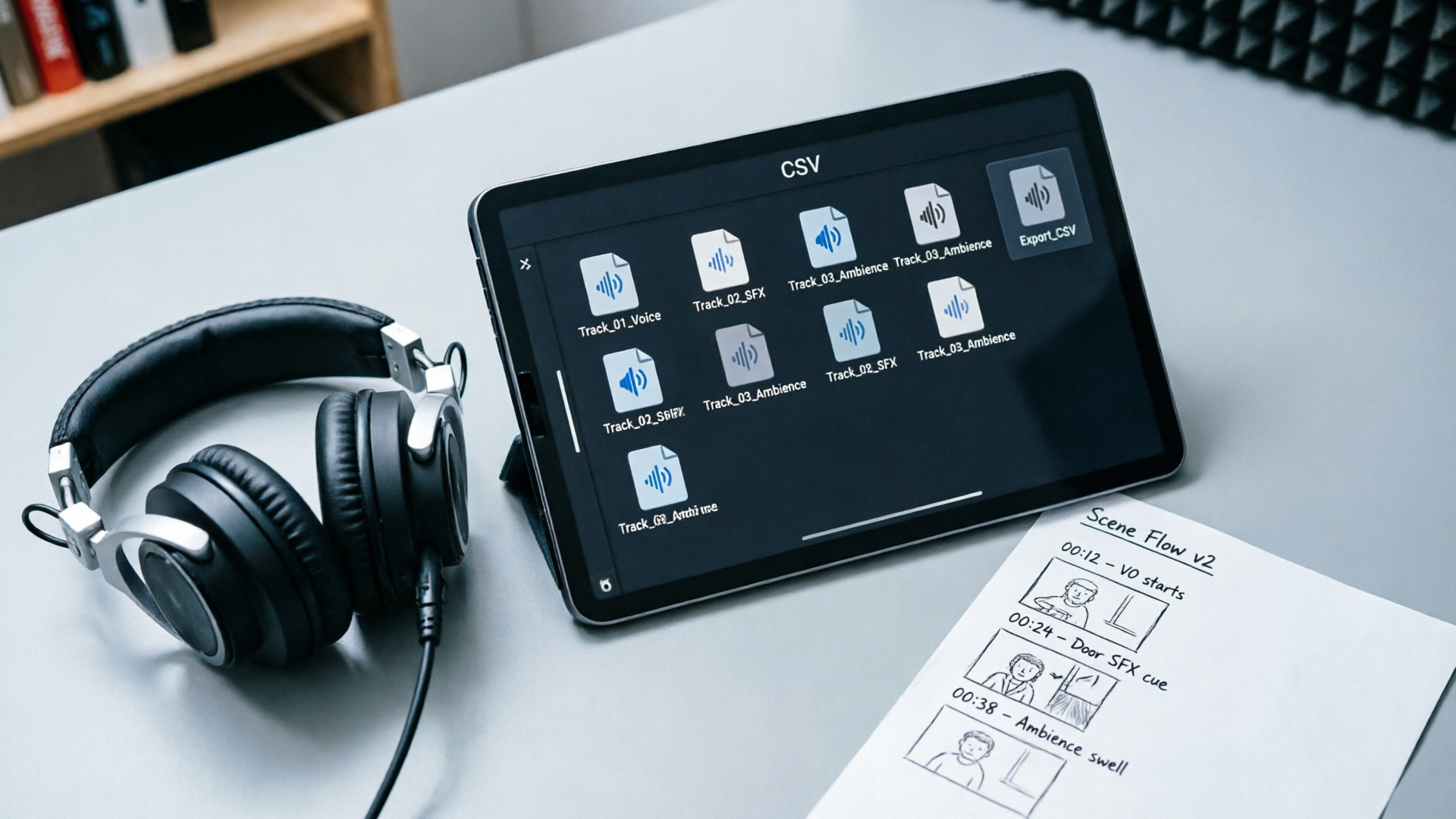
Export dialogue from your script in CSV or JSON format: fields should include episode, scene, character, line ID, and language. A batch generation job consumes these rows and produces audio files tagged to the source line. WowMade AI Voices supports multilingual dubbing and generates narration from text in dozens of voices—making this step efficient.
4) Lip‑sync and asset assembly
Use a template-driven approach: character rig + eye/blink rules + lip‑sync track. Batch lip‑sync tools consume audio files and render per-shot sync across multiple episodes. Integrate WowMade lipsync effects or other batch lip‑sync exporters to produce frame‑accurate mouth shapes.
5) Review and QC
Automate a first pass QC (loudness, presence of prosodic artifacts, alignment score), then route failing lines to manual editors. Keep a short feedback loop so fixes update the cloned voice or script and reprocess in batch.
Numbered checklist for handoffs:
- Export script lines to CSV with standardized fields.
- Generate TTS audio with WowMade AI Voices (clone or stock voice).
- Run batch lip‑sync against character templates.
- Review flagged clips and iterate.
This pipeline turns episodic dialog from an ad‑hoc activity into a predictable render farm job, letting small teams outproduce larger operations without proportionally larger budgets.

Hands-on: Bulk narration and multi-episode dubbing (step-by-step with WowMade AI Voices)
This walkthrough shows a practical bulk narration job and a multi‑episode dubbing queue using WowMade AI Voices. Follow these steps to convert 10 episode scripts into localized audio and synced output.
Worked example — bulk narration for a 10-episode miniseries:
- Prepare scripts: Export each episode script as a CSV with columns: episodeid, sceneid, char_id, lang, text.
- Create or clone voices: For the lead narrator, record a 20‑second clean sample and upload it to WowMade AI Voices. The service clones your real voice from a short sample. For supporting languages, pick stock AI voices that match the original tone.
- Batch generate audio: Use WowMade AI Voices’ batch generation to convert CSV rows into timestamped audio files. Select the cloned voice for English narration and stock voices for Spanish/French dubs. WowMade outputs are optimized to pair with lipsync effects.
- Export and map files: The batch job returns audio files named with episode and line IDs. Import them into your editing system or pass them to the lipsync queue.
- Run lipsync: Use the platform’s lipsync effects or your preferred batch lip‑sync exporter to attach audio to animated rigs. Because WowMade AI Voices preserves prosody and speaker vibe across languages, the dubs feel consistent.
- QC pass: Play a short clip list for producers—check timing, emotional intent, and any mistranslation. Re-generate affected lines and re-run the lip‑sync job.
Practical tips:
- Keep scripts short and punchy for TTS. Long single-sentence paragraphs can produce flat prosody; split lines into logical beats.
- Use the cloned voice for hero lines and stock voices for background or secondary characters to reduce cloning overhead.
- Export with clear file naming so lip‑sync tools automatically map phoneme timing.
This method scales across hundreds of minutes: once the CSV templates and voice catalog are in place, reruns are mostly unattended. For creators who need visual asset generation along with audio, consider pairing this with WowMade’s AI Video Generator to produce scene plates, or the AI Image Generator to craft character stills for thumbnails.
Hands-on: Batch lip-sync for animated characters and cutouts — tips, tools, and quality controls
Batch lip‑sync trades manual mouth shape painting for template design and rigorous QC. To keep quality high, adopt tooling and controls that prevent small errors from multiplying across dozens of episodes.
Tooling choices
- Template first: Build per-character templates covering mouth shapes, head turns, and expression ranges. Richer templates reduce the need for per-clip fixes.
- Batch-capable lipsync engines: Use services advertising bulk rendering (examples include LipsyncX and lipsync.video) or WowMade’s lipsync effects which integrate directly with cloned outputs.
- Phoneme timing exports: Prefer engines that emit phoneme timings as JSON alongside rendered frames; this simplifies manual fixes.
Quality controls
- Alignment score threshold: Include an automated pass that checks alignment confidence; anything below threshold goes to manual review.
- Loudness and noise floor check: Ensure each audio clip meets a loudness spec (LUFS) to avoid visible jumps in animation pacing.
- Character voice consistency: Flag unusual spectral shifts that might indicate a bad clone sample or an over-processed output.
Practical production tips
- Start with a short pilot (one episode) and test the whole chain—clone, batch generate, lip‑sync, review—before scaling.
- Keep a ‘fail fast’ list: common failures are mispronounced names, dropped stops, and mismatched sentence boundaries. Capture corrections in a redo CSV and reprocess.
- Use waveforms as a QC shortcut—timing problems often show up visually before playback.
Tip: When pushing thousands of clips, embed metadata (episode, line ID, voice clone ID) in filenames and file headers. That makes traceability simple when a late-pay client requests changes.
Batch lip‑sync is not a magic bullet—animated nuance still needs human direction—but with template-driven rigs and reliable phoneme timing, you can reliably produce multi-episode dialogue at a fraction of the traditional time.
Measuring ROI and speed gains: time, cost, and audience impact from batch voice workflows
Quantifying gains turns an experimental tool into a business decision. Here are practical metrics studios can track and realistic ranges based on current industry practices.
Time savings
- Recording vs cloning: Recording and booking actors for a 10‑episode arc often consumes days; cloning and batch generation can produce all episode narration in hours once scripts and samples are ready. A conservative estimate: replace 2–5 days of recording sessions with a half‑day of setup and batch renders.
- Iteration speed: Small script changes that would require re‑booking a session become minutes of re‑generation with batch voice workflows.
Cost comparison
- Talent and studio costs: Hiring a voice actor + studio per episode can run hundreds to thousands per episode depending on scale. Cloning costs are typically one‑time or per‑minute at a lower rate; batch export APIs further reduce per‑minute overhead.
- Production headcount: Automation reduces the need for large VO coordinators; the trade is adding a QA operator and an automation engineer.
Audience impact
- Consistency: A cloned voice preserves vocal characteristics across seasons and languages, which can strengthen brand recognition for recurring characters.
- Localization speed: Faster dubs mean you reach new markets sooner—more uploads, more views. Industry roundups show creators value multilingual dubbing and batch APIs as differentiators (LatestPrompt roundup).
Measuring ROI
- Baseline the current VO spend: total hours, talent fees, and studio costs per season.
- Run a pilot season using WowMade AI Voices and measure hours saved and error rate.
- Translate hours saved into dollars and compare against WowMade plan costs (/pricing) and any additional tool subscriptions.
Concrete KPI examples:
- Time to publish per episode: from 9 days (traditional) to 48–72 hours (batch voice + lipsync) on average.
- Revision cycle time: from 48+ hours to under 2 hours for minor script fixes.
These gains compound. For creators producing weekly or daily content, the reduction in turnaround time directly increases output and potential audience touchpoints. When you factor subscription or per‑minute spending against freed studio costs, many teams see a positive ROI within one season.
Best practices, guardrails, and a production-ready checklist for launching voice-clone dialogue safely
Before you flip the switch on wide-scale clone + batch lip‑sync, follow a short production checklist to protect your project and brand.
Production-ready checklist
- Signed releases for every cloned voice (include scope and duration).
- A secure assets folder with access controls for clone samples and generated audio.
- Metadata standard for all audio files: episode, line ID, voice ID, consent record link.
- Visible disclosure policy in published content (caption or description) for synthetic audio.
- QC thresholds and automated tests: alignment score, LUFS, and consistency checks.
- A rollback plan: maintain raw script-to-audio mapping so lines can be re-generated with a different voice if legal constraints appear.
Guardrails
- No public‑figure impersonations without explicit, documented license. Regulators are close on this subject—the FTC has signaled interest in curbing impersonation fraud—so err on the side of caution (see Axios reporting on FTC activity).
- Keep evidence of consent easy to produce: store signed PDFs and a recorded voice sample showing the speaker’s live read.
- Watermark or label batches destined for distribution to make provenance auditable.
Supporting features to pair with WowMade AI Voices
- Use AI Video Generator (/create-video) when you need scene plates or background video generated to match newly dubbed audio.
- Use AI Music Generator (/create-music) to quickly create consistent background music beds that match pacing changes introduced in new dubs.
Following these best practices prevents the most common failures in scaled voice workflows: legal exposure, loss of brand trust, and avalanche rework when a single bad clip needs replacement. When you combine careful releases and automation, WowMade AI Voices becomes a manageable, high‑velocity part of your pipeline.
Frequently Asked Questions
How long of a sample do I need to clone a voice with WowMade AI Voices?
WowMade AI Voices clones a real voice from a short, clean sample—typically 15–30 seconds of clear speech produces usable results for narration and character work.
Can I use cloned voices to dub into other languages?
Yes. WowMade AI Voices supports multilingual dubbing and preserves the speaker’s vibe across languages; pair the generated audio with batch lip‑sync to keep mouth movements consistent.
What do I do if a cloned line sounds incorrect or mispronounced?
Flag the line in your QC system, correct the script or phonetic spelling, and re-run the batch job for that line. Keep a redo CSV so fixes can be reprocessed without touching unaffected clips.
Are there legal limits on cloning public figures?
Yes—right‑of‑publicity and emerging federal proposals mean cloning public figures is risky without explicit licenses; always obtain legal clearance and documented consent before using a likeness.
Conclusion
Voice cloning plus batch lip‑sync is the productivity lever indie creators and small studios have been waiting for—but it only works when paired with rights management and tight QC. WowMade AI Voices makes the technical part straightforward: clone from a short sample, generate narration in dozens of voices, and export audio that pairs directly with lipsync effects. Start with a pilot episode, lock in releases, and scale your render queues from there. Open the AI Voices tool and clone your voice so you never have to re-record a script again—then pair it with a batch lipsync export and ship episodes faster.