How to Make Legal, High-Engagement AI Voice Dub Fan Clips
Step-by-step guide to safe, high-engagement AI voice dub fan clips. Learn rights, workflows, and how WowMade AI Voices helps you clone or pick narration voices.

Fan dub videos and shoutout clips—short, personalized messages using a creator’s or celebrity-like voice—drive high engagement on TikTok and Reels. If your goal is a legal, ethical, and repeatable process for an AI voice dub fan clip, this guide walks you through the real tradeoffs, what to check before you hit record, and practical workflows that scale. You'll see why WowMade AI Voices is the practical, safe choice for cloning a real voice when you have consent or using stock narration voices when you don't.
In the sections that follow I cover engagement trends, a legal checklist, how to decide between cloning and stock voices, two hands-on workflows (one using a cloned voice, one using stock voices for localization), and publishing best-practices. Along the way I include a concrete walkthrough of WowMade AI Voices so you can ship a personalized fan-shoutout clip in a single session.
When fan dubs and AI shoutouts work — trends, engagement, and why voices matter
Fan-dub and shoutout clips perform because they feel personal and novel in short-form feeds. Market reports project rapid growth for voice-cloning tools—many analyses put CAGR in the high teens to mid-twenties for 2024–2026—which explains why creators and brands are experimenting with voice personalization as a regular content format. Personalized audio increases perceived intimacy in a 15–45 second clip more than a text overlay alone, especially when the voice matches fan expectations.
Practical examples show the format can work at scale: sports teams and brands have generated thousands of personalized clips using AI-personalized voice techniques to increase fan affinity and retention. These use cases prove the format's value, but they also highlight why the quality and trustworthiness of the voice matter. Perceptual realism research shows listeners often cannot reliably tell cloned voices from originals—participants in a perceptual study identified AI-generated voices as the speaker roughly 80% of the time—so the impact is strong but ethically charged.
That means creators need tools that balance realism with safety controls. WowMade AI Voices gives you two clear options: clone your real voice from a short, clean sample (useful if you don't want to record repeatedly) or pick from dozens of stock AI voices for a consistent brand tone. Both approaches let you create high-engagement fan dub clips, but the choice changes your legal and ethical responsibilities—and the workflows later in this guide show exactly how to implement each safely.
Rights, risks, and platform policies: legal and ethical checklist before you dub or clone a voice
Before you clone or dub any voice, run a short rights-and-risk checklist. The legal landscape is active: the U.S. Copyright Office and other bodies have released guidance and recommended guardrails for digital replicas and AI-generated works, so creators should not assume AI voice use is risk-free. Platform enforcement also matters—YouTube, for instance, applies Content ID and has fair-use guidance that can result in claims if reused audio is treated like copyrighted content.
Checklist:
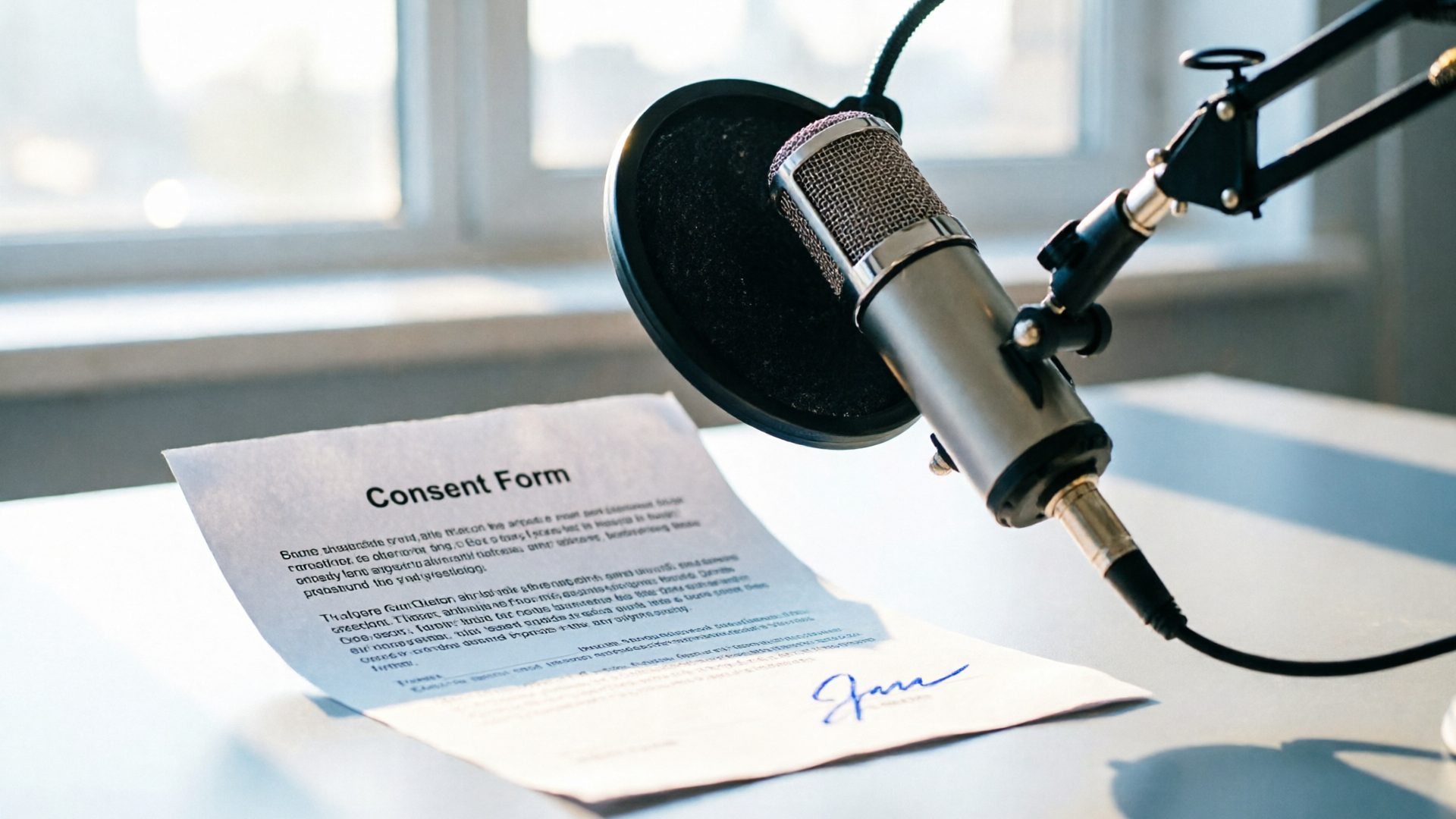
- Consent: Get explicit, written consent before cloning a real person’s voice. Consent should include permitted uses, distribution platforms, and duration.
- Attribution & Labeling: Label AI-generated or AI-modified voice clips clearly on upload and within the clip when possible (text-overlay or spoken preface). Clear labeling reduces deception risk and is a recommended mitigation in industry guides.
- Copyright & Rights Clearance: If your clip uses lines, music, or character dialog owned by third parties, secure rights or avoid the excerpt. Content ID systems will detect reused audio.
- Vendor Safeguards: Choose vendors with anti-abuse controls and audit trails. Consumer Reports and independent assessments found many vendors lacked safeguards as of 2024–2025—so prefer platforms that log consent and provide voice-sample provenance controls.
- Platform Policy Review: Check the target platform’s rules for synthetic media and Content ID remedies before publishing. Be prepared to remove or revoice clips if flagged.
These items aren’t hypothetical. The U.S. Copyright Office has published materials recommending guardrails for digital replicas, and consumer audits have shown missing safeguards at multiple vendors. Practically, a simple policy—written consent for cloning, short personalized lines rather than long re-creations, and transparent labels—avoids most enforcement headaches while keeping fans engaged. For creators who can't or won't collect consent, stock AI voices are the safer alternative and are explicitly supported by WowMade AI Voices.
Choosing between cloning a real voice and using stock AI voices — creative tradeoffs and safety practices
The tradeoff between cloning and stock voices is straightforward: cloning maximizes authenticity and maintainable brand continuity; stock voices minimize legal risk and speed up production.
Cloning advantages:
- Familiarity: A cloned voice keeps the original speaker’s timbre and cadence, so fans recognize the voice immediately.
- Efficiency: Clone once from a short, clean sample and reuse it across dozens of clips without re-recording.
- Emotion control: Subtle prosody edits let you tailor emphasis for short shoutouts.
Cloning risks:
- Consent burden: You need written permission (and often a usage agreement) from the speaker. Without this, you risk legal and reputational damage.
- Misuse potential: High perceptual realism increases the chance of deceptive uses, which platforms and regulators are scrutinizing.
Stock voice advantages:
- Low legal friction: Stock voices reduce rights clearance and can be used immediately for localization and dubbing.
- Multilingual breadth: Many platforms offer dozens of voices and languages for quick translations.
- Safe templates: Stock voices are better for large-scale personalization where collecting consent is impractical.
Safety practices whichever route you choose:
- Keep lines short and personalized—this reduces reuse risk and increases perceived authenticity.
- Add a short disclosure line when appropriate ("Generated with synthetic voice for [creator name]").
- Use phonetic spellings for unusual fan names to avoid mispronunciation.
WowMade AI Voices supports both approaches: clone your real voice from a short sample when you have consent, or select a stock AI voice for dubbing and localization. Because WowMade pairs voice outputs with lipsync effects and the AI Video Generator, you can preserve vibe while staying within safer workflows when required.
Workflow: Build a personalized fan-shoutout video using cloned voice (script to export)
This walkthrough shows a compact, repeatable workflow using WowMade AI Voices to create a fan-shoutout clip from a cloned voice. It assumes you have written consent from the voice owner and a short, clean sample to clone.
Step-by-step: clone-to-clip 1) Prepare consent and a voice sample: obtain signed permission that specifies use cases and platforms; capture a 10–30 second clean sample recorded in a quiet room (no background music). 2) Clone in WowMade AI Voices: upload the sample to WowMade AI Voices and name the clone. The feature clones your real voice from a short sample and creates a reusable voice profile. 3) Write a short script: keep it 20–40 words—e.g., “Hey Alex! Big shoutout—thanks for your energy at the stream last night. You’re our MVP—see you Friday!” Short lines cut legal risk and work best on TikTok. 4) Generate narration: paste the script into WowMade AI Voices, select the cloned voice profile, and choose the speaking speed and small prosody adjustments. The tool generates narration and provides an exportable WAV/MP3. 5) Create the video: import the audio into WowMade AI Video Generator or your NLE. If you use WowMade’s AI Video Generator, you can pair the audio with a short visual prompt or a fan photo to create a cinematic clip quickly. For precise lip-sync, pair the audio with WowMade AI Video Effects—lipsync—to match mouth movements automatically. 6) Captioning and final checks: add captions (accessibility), overlay a short disclosure ("AI-generated shoutout"), and include credits in the post description. 7) Export and publish: export the final video and publish to your platform of choice.
Worked example (concrete):
- Script: “Hey Casey, thanks for the five-year support—your edits made our highlight reel. Catch the live this Sunday!”
- In WowMade AI Voices: select the cloned voice, set speed to 0.95x for a relaxed tone, add slight emphasis on "five-year" via prosody controls, and export a 22-second WAV.
- In WowMade AI Video Generator: upload a fan photo, prompt for "warm stadium-lit portrait, cinematic shallow depth of field, 16:9" and pair the generated clip with the WAV. Apply the lipsync effect from /effects to match the photo avatar.
This flow shows how WowMade AI Voices’ cloning capability—clone from a short sample and export synchronized audio—lets creators scale personalized shoutouts without re-recording every message.
Workflow: Localize or dub an existing fan clip into another language using stock AI voices and automated timing
Sometimes you want to dub an existing clip into Spanish or French to reach a broader fanbase. When you don't have permission to clone the original voice, stock AI voices are the right choice. WowMade AI Voices generates narration from text in dozens of voices and dubs videos into other languages while preserving the original speaker's vibe where appropriate.
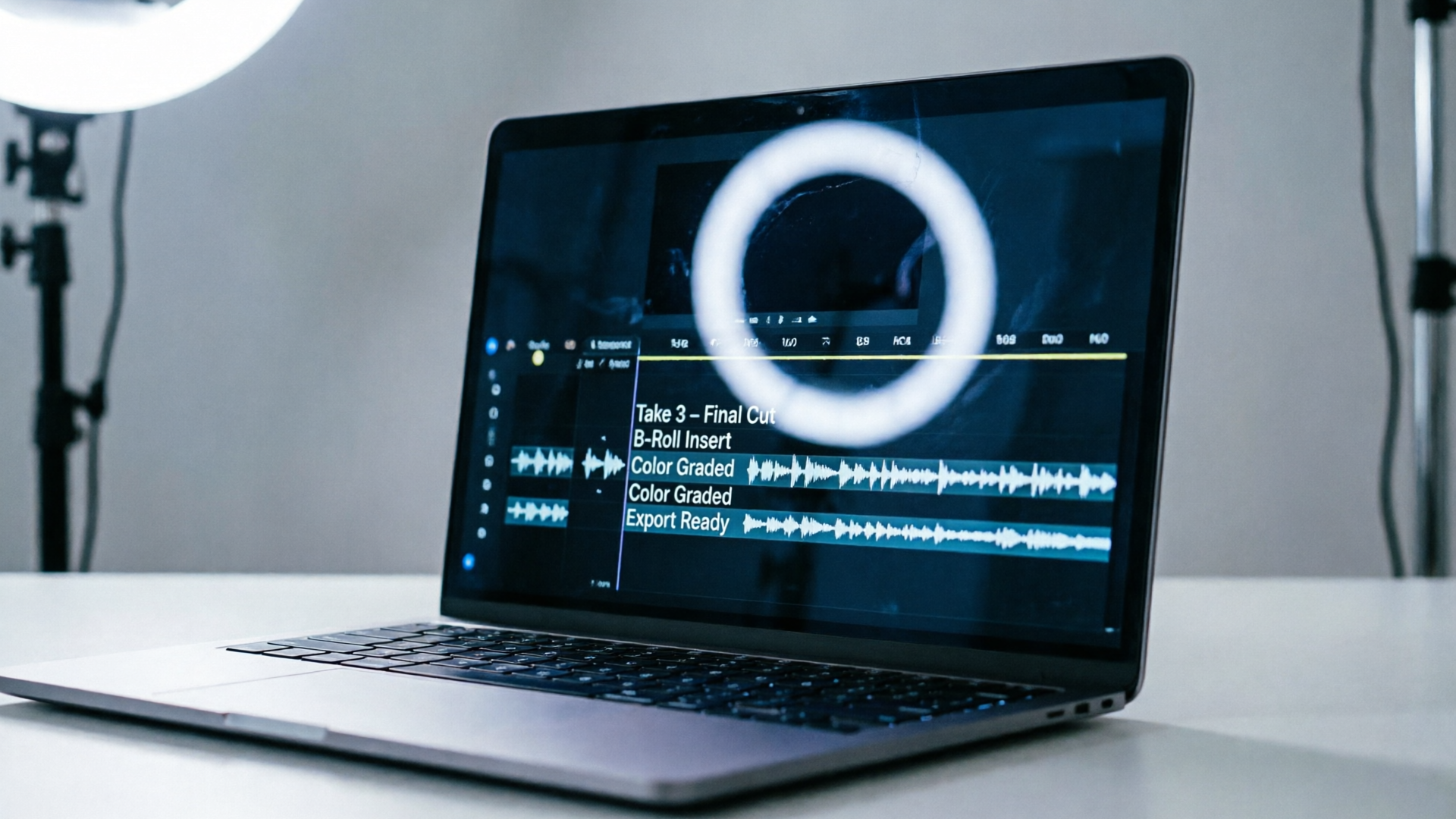
Step-by-step: stock-voice localization 1) Transcribe the original clip: get a clean transcript of the source audio. 2) Localize copy: write a natural translation rather than a literal one. Keep lines short to match the original clip's timing and emotional beats. 3) Choose a stock voice in WowMade AI Voices: pick a voice that approximates the original energy (warm, bright, authoritative) and a language variant (e.g., Latin American Spanish vs. European Spanish). 4) Use automated timing: generate the localized narration in WowMade AI Voices and enable automated timing controls so the system aligns the new audio to the original clip's phrase breaks and pauses. This reduces re-editing time. 5) Fine-tune prosody and lipsync: adjust minor prosody shifts to keep emphasis natural. For platform-friendly pacing, shorten long sentences and verify subtitles mirror the new audio. 6) Add captions and accessibility: provide subtitles in both the original and localized language, and add a note that the track is AI-generated.
Performance tips:
- For accurate mouth-sync and platform performance, rely on automated timing plus small manual edits rather than machine-stretched audio; that preserves naturalness and prevents playback artifacts.
- Use phonetic input for unusual names to prevent mispronunciation.
Worked example (concrete):
- Original: 18-second English fan shoutout.
- Localization: translate to 16–18 seconds of Latin American Spanish in WowMade AI Voices, select a warm female stock voice, enable automated timing, then export the audio. Pair with the original video in your editor, apply /effects lipsync if you’re using a face avatar, and export captions.
For creators producing multilingual batches, the combination of stock voices and automated timing in WowMade AI Voices saves hours per language while keeping clips platform-ready.
Best-practices for publishing, crediting, and scaling fan-dub shoutouts without legal blowback
Publish responsibly by following a short set of practices that reduce legal exposure and preserve fan trust.
Publish checklist:
- Always disclose: include a visible label in the caption and a brief on-screen overlay when reasonable stating the voice is AI-generated or cloned with consent.
- Keep records: store consent forms, clone provenance, and timestamps for each reuse. This protects you if a platform or rights-holder raises an issue.
- Use short, personalized lines: shorter clips reduce the likelihood of claims and make your content more snackable for feeds.
- Credit collaborators: if you used a fan photo, voice sample, or a contributed line, credit them in the description and (if appropriate) tag their account.
- Monitor for Content ID: have a remediation plan—either replace audio with a stock voice from WowMade AI Voices or remove the clip if necessary. YouTube’s fair-use guidance explains Content ID remediation steps you may need to follow: https://support.google.com/youtube/answer/9783148?hl=en
- Scale with automation but keep manual review: when producing hundreds of clips, automate generation with WowMade AI Voices and templates, but spot-check a sample from each batch for prosody, correct name pronunciation, and labeling.
Pull-quote:
"Short, clearly labeled shoutouts with consent are the fastest path to scale without legal friction."
If you need visuals for thumbnails or overlay art, use WowMade AI Image Generator to create on-brand stills and the AI Music Generator to spin up background tracks that are copyright-free. For tight mouth-sync or avatar work, WowMade AI Video Effects provides lipsync templates that pair with WowMade AI Voices outputs. These integrations let you scale a consistent, legally cautious fan-dub program across platforms.
Conclusion
AI voice dub fan clips can be powerful engagement tools when you pair creativity with clear legal guardrails. Use WowMade AI Voices to clone your voice from a short sample when you have consent, or choose stock AI voices to localize and scale safely. Start small—one-line shoutouts, clear labeling, and preserved consent records—and scale with automation plus spot checks to avoid surprises.
Open the AI Voices page and clone your voice or pick a stock narration voice to ship a fan shoutout in your next production session.