How to build believable AI character voices and fast dubbing workflows
A practical guide for creators and small studios to design expressive AI character voices, prototype quickly, and run safe dubbing workflows using WowMade AI Voices.

The editing room hums. A three-minute scene needs three distinct personalities — a gruff mentor, a nervous sidekick, and a smug rival — and you have two days to lock temp audio, record pick-ups, and prepare foreign-language tracks. Instead of booking studios and juggling schedules, you prototype the three characters, clone a temporary read from your director's short sample, and run a side-by-side cast test with stock voices. That workflow is exactly what WowMade AI Voices is built to simplify.
This guide walks independent animators, small studio producers, and YouTube creators through practical steps to design an effective voice palette, cast characters using AI, and implement a predictable dubbing pipeline. You’ll learn why productions are adopting AI voices, how to write casting criteria that work for both humans and models, and a hands-on prototyping step-by-step to iterate fast using WowMade AI Voices. We’ll also cover AI-driven dubbing workflows, legal and ethical checkpoints, and a decision guide for when to hire a human actor versus when to use AI.
The primary keyword appears naturally here: AI character voices are a tool, not a replacement — used right, they speed iteration, reduce cost, and keep a consistent performance across languages. This article mixes creative principles, casting best practices, and concrete steps you can take today with WowMade AI Voices to ship a polished demo or localize a channel episode.
Why modern productions are adopting AI voices: market growth, use cases, and limits
Adoption is driven by three practical needs: speed, scale, and consistency. Grand View Research estimated the global AI voice cloning market at USD 1.4 billion in 2022 with a projection to USD 4.1 billion by 2026 — a clear signal that studios and creators are finding economic value in voice cloning. Around the same time, Voices.com reported that 45% of companies had used an AI voice in 2023, showing mainstream acceptance in production and advertising workflows.
Common production use cases include rapid prototyping of character reads, producing narration for explainer videos, and scaling localization with automated dubbing. Publishers and channels integrating AI dubbing have seen dramatic turnaround improvements; NVIDIA’s case study with partners shows how AI dubbing flattened localization timelines and expanded audience reach quickly. YouTube’s December 2024 auto-dubbing rollout is another signpost: platforms are investing in automated audio tracks to help creators reach more languages — though YouTube also warns about accuracy limits and labels auto-dubbed tracks so viewers understand when a track is machine-generated.
Limits matter. AI voices can sound uncanny if prompts or seed samples are poor; they occasionally mistranslate idioms or mis-handle timing in emotionally complex lines. There are also regulatory and safety concerns: the U.S. Federal Trade Commission has recorded fraud and impersonation risks tied to voice cloning, and agencies are stressing consent and disclosure. These constraints mean AI is best used for prototyping, fill tracks, or controlled deliverables where you can verify rights and run quality checks before release.
Tip: think of AI voices as a faster creative drafting tool — they let you test casting decisions and localization strategies without committing to union sessions or international studios. When your draft proves the creative direction, you can finalize with a hired actor or polish the AI output for release.
How to design a ‘voice palette’ for characters — creative principles and casting criteria
A voice palette is a deliberately limited set of voices that covers the emotional and narrative needs of your project. A tight palette helps maintain coherence across scenes, prevents accidental doubling (two characters sounding the same), and speeds casting decisions. Start by mapping roles to three attributes: vocal timbre (bright, warm, nasal, breathy), acting energy (low-key, reactive, explosive), and linguistic flavor (register, dialect, or language).
Practical casting criteria
- Distinctive timbre: Choose voices that differ on at least one clear axis (pitch, breathiness, speed). This reduces confusion in fast edits.
- Emotional range: Pick a voice that can hit the emotional beats you need — some voices read sarcasm cleanly while others are better at quiet vulnerability.
- Readability: For narration and educational scripts, prefer voices that enunciate and hold a consistent pace.
- Transferability: If you plan to localize, choose voices that translate well across languages (some timbres map poorly in machine translation/dubbing).
Industry voice directors emphasize specificity in briefs. Trevor O’Hare and other casting practitioners recommend giving emotional beats, short reference reads, and context rather than vague labels like “funny” or “quirky.” That same specificity improves AI prototypes: seed your AI with a short sample that captures the targeted energy, or provide reference lines that show the exact sarcasm, softness, or breath pattern you want.
How WowMade AI Voices fits the palette approach
WowMade AI Voices lets you clone a short, clean sample and also pick from dozens of stock voices. That means you can build a hybrid palette: bespoke clones for lead characters and stock voices for smaller roles. For example, clone your director’s voice for consistent temp narration while using a stock “scrappy teen” voice for a sidekick. Because WowMade pairs with lipsync effects, the same voice outputs will sync directly to animated mouths without an extra alignment step, preserving both performance and timing across frames.
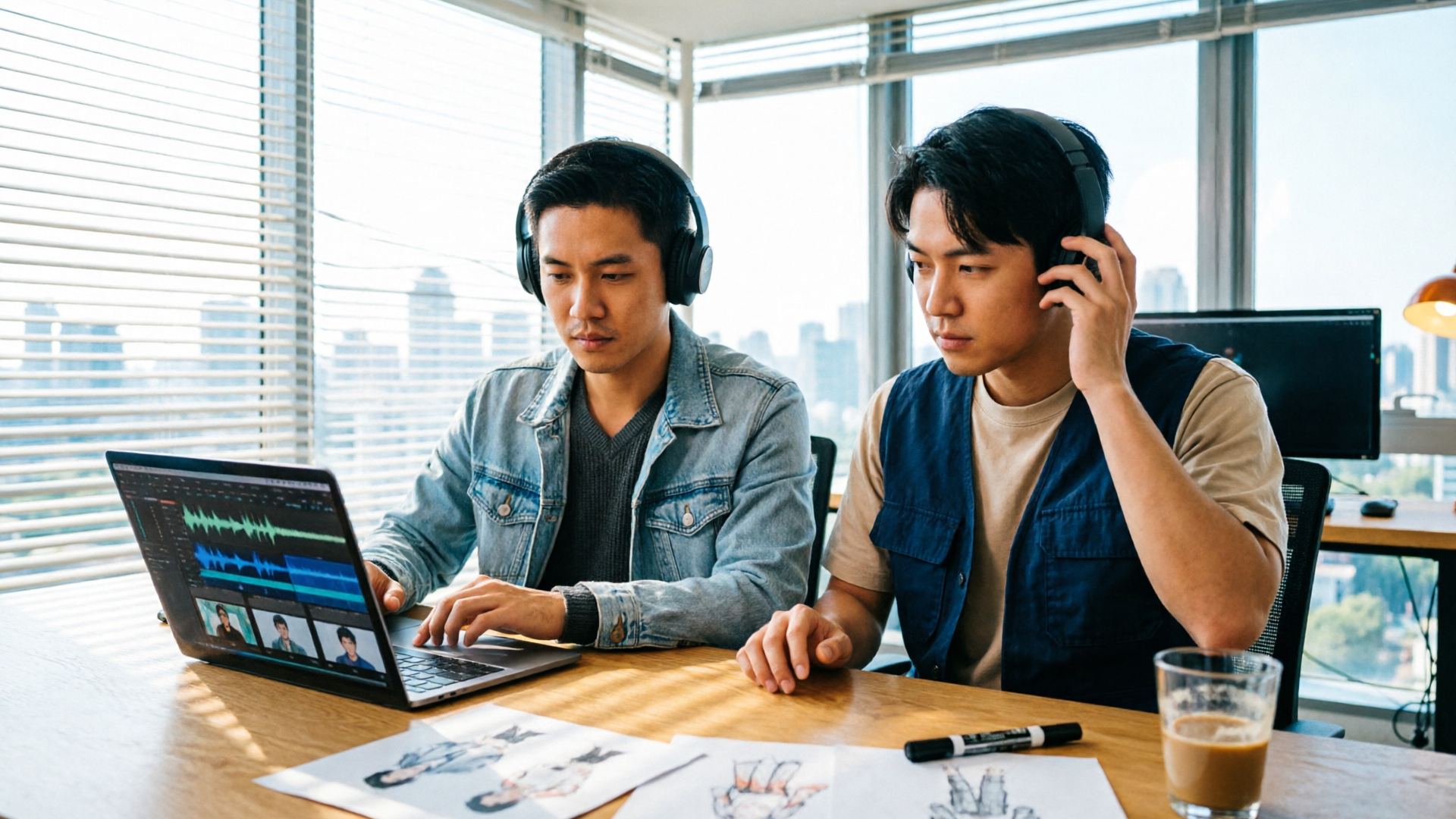
Hands-on: prototyping character voices fast (record, iterate, compare) — a step-by-step workflow
This section gives a practical workflow you can use in under an hour to move from idea to a listening reel using WowMade AI Voices.
Step 1 — Prepare precise reference material (10–15 minutes) Write three short lines per character that hit your key emotional beats: a neutral line, an emotional peak, and a transitional line that shows range. Include context notes: where the character is, who they’re addressing, and what they want.
Step 2 — Capture clean seed samples (5–10 minutes) Record a short, clean sample (10–30 seconds) for any voice you plan to clone. The primary feature supports cloning from a short, clean sample — a quick phone booth-style take often suffices if background noise is low.
Step 3 — Create prototypes in WowMade AI Voices (10–20 minutes)
- Upload your seed sample to clone the voice, or choose a stock voice from the library.
- Paste each of the three lines into the text-to-speech field and generate reads across different emotional presets (calm, excited, sarcastic).
- Export short MP3s or create a listening reel inside the project.
Step 4 — Iterate and compare (10–20 minutes) Make small edits to phrasing and emphasis in the text input — adding parenthetical direction like (softly, with sarcasm) often produces better reads. Generate multiple takes and assemble a side-by-side comparison.
Worked example: making a lead and sidekick cast test
- Lead role: Clone a 20-second reference from your director and generate three lines: neutral exposition, a furious outburst, and a soft apology. Use the “narration” and “dramatic” presets and export three takes.
- Sidekick: Choose a stock voice labeled “scrappy teen” from WowMade AI Voices and generate the same three beats.
- In your DAW or inside WowMade, place the takes back-to-back and listen for contrast. If the lead lacks breathiness, add direction like (breathy, hesitant) and regenerate.
Tip: keep a short log of the prompt tweaks that worked — these become reusable casting directions. Because WowMade AI Voices pairs with the AI Video Generator and lipsync effects, you can quickly drop the exported audio into a rough animation timeline and verify mouth shapes and timing without a separate sync pass.
Hands-on: AI-driven dubbing and localization workflow for creators and channels
Localization is where speed and consistency directly translate into more views and revenue. Case studies from publishers using AI dubbing show rapid audience expansion when automated tracks are integrated into localization pipelines. But operationally, dubbing has three core requirements: accurate translation, voice consistency, and lip/timing alignment.
A practical dubbing pipeline
- Source script export: Pull the final English script with timestamps.
- Translation pass: Use professional translation or a vetted translation partner for idiomatic accuracy; machine translation can be a first draft but always needs human QA (YouTube’s auto-dubbing rollout highlights this accuracy gap and why labeling matters).
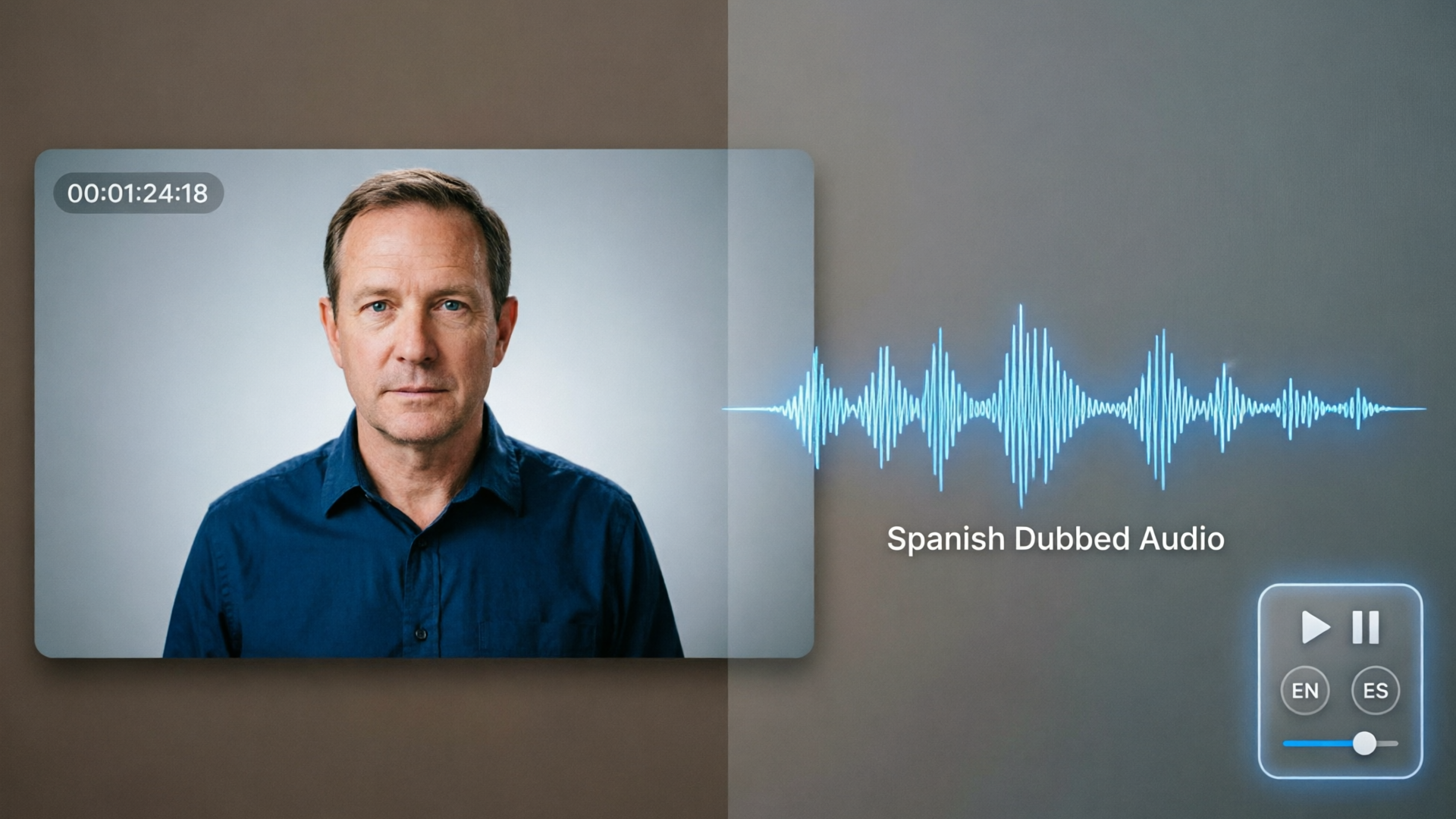
- Voice selection: For each language, pick either a cloned voice (if you have rights and consent) or a stock voice that matches the original speaker’s vibe. WowMade AI Voices can dub videos into other languages while keeping the speaker’s vibe, which helps maintain brand continuity.
- Generate dubs with timing: Produce the localized audio and run it through the lipsync/align tool to match the original track’s timing. WowMade’s outputs sync directly with lipsync effects, reducing manual alignment.
- Quality control: Listen for misrendered idioms, timing issues, and emotional mismatches. Create a short QC checklist and sample runs across high-traffic scenes.
Worked example: localizing a 5-minute explainer for Spanish and French
- Export timestamps and script from your editing software.
- Send text to a translator for idiomatic translation (or run a machine first-pass then edit).
- In WowMade AI Voices, select a stock Spanish voice with similar energy for the narrator and generate the Spanish audio. Repeat for French.
- Use the lipsync alignment feature to match mouth timings, then export final video tracks.
Operational tips
- Keep a bilingual reviewer in the loop for each language to validate tone and localization decisions.
- Maintain a language-specific voice palette so follow-up episodes use the same voices for brand consistency.
External resource: For background on platform auto-dubbing and its constraints, see YouTube’s auto-dubbing announcement: https://blog.youtube/news-and-events/auto-dubbing-on-youtube/.
Legal, ethical, and quality-check checklist before you clone or publish a voice
Before you clone a voice or publish an AI-generated track, run this checklist to reduce legal and ethical risk while maintaining production quality.
Consent and rights
- Written consent: Obtain documented, time-stamped permission from anyone whose voice you clone. Consent should specify permitted uses, territories, and duration.
- Clearances for stock voices: Confirm the stock voice license covers commercial distribution and dubbing.
Disclosure and transparency
- On public platforms, disclose AI-generated or AI-dubbed audio if the platform or local rules require it. YouTube’s auto-dubbing approach (labeling machine-generated tracks) is a strong industry cue.
- Avoid deceptive impersonation: Do not publish AI audio that intentionally impersonates a real person without their explicit consent.
Security and fraud risk
- Protect source samples: Treat seed recordings as sensitive assets; unauthorized leaks could enable misuse.
- Audit logs: Keep generation logs and metadata linking the seed sample and the generated outputs to your consent documents.
Quality control
- Phonetic spot checks: Verify how the model handles proper names, idioms, and timing-sensitive lines.
- Emotional fidelity: Play scenes with visuals and judge whether the AI read matches the intended emotion. If not, iterate on prompts or consider a human actor.
Regulation watch
- Agencies like the FTC have flagged risks around impersonation and fraud (see the FTC meeting transcript from Nov 16, 2023). Follow evolving guidance and be prepared to adjust disclosure practices as rules change.
Quote-tip: “Get consent in writing and test for emotional fidelity — those two steps prevent most legal headaches and awful rework.”
These safeguards let teams use WowMade AI Voices for efficient prototyping and safe deliverables without exposing the project to unnecessary risk.

Bringing it together: when to use human actors, when to use WowMade AI Voices — practical decision guide
AI and humans are complementary tools. Use this decision guide to choose the right path based on cost, creative risk, and distribution needs.
When to choose human actors
- High-profile impersonation or celebrity voices where legal clearance and union rules apply.
- Performances that require deep improvisation, unique vocal quirks, or physical interplay with on-set acting.
- Projects where the actor’s brand or name is part of the value proposition (e.g., celebrity narrators).
When to choose WowMade AI Voices
- Fast prototyping and casting tests: Quickly assemble a listening reel and iterate on character direction without blocking studio time.
- Iterative localization for high-volume content: Channels that publish weekly episodes and need consistent voices across languages benefit from AI dubbing speed.
- Faceless channels, explainer content, or educational modules where voice consistency and fast turnaround matter more than celebrity branding.
Hybrid approach: best of both worlds
Many teams combine approaches: prototype and lock timing with WowMade AI Voices, then record final performances with hired actors once the edit and emotional direction are fixed. Alternatively, clone a consenting actor’s voice for minor pickups or localized releases if contractual terms allow.
Concrete recommendation
If your primary need is to prototype character reads, build a consistent set of localized narration voices, or avoid re-recording the same script repeatedly, use WowMade AI Voices. It clones voice from short samples, generates narration in dozens of voices, dubs videos into other languages, and pairs directly with lipsync effects — making it a practical place to start before committing to expensive live sessions.
Internal resources that help: if you need visuals and output to match the new voice immediately, consider pairing your audio prototype with the AI Video Generator to create quick animatics, or drop a generated soundtrack from the AI Music Generator to test mood and pacing. Use the AI Video Effects lipsync tool to verify mouth timing before finalizing live sessions.
Frequently Asked Questions
How long of a sample do I need to clone a voice reliably?
A short, clean sample (10–30 seconds) is often sufficient for a usable clone; cleaner audio and more varied emotional lines improve fidelity.
Can AI voices be used for commercial distribution?
Yes if you have the proper rights: ensure written consent for cloned voices and confirm stock voice licenses cover commercial use and dubbing.
Will AI dubbing perfectly match lip sync?
AI can produce well-timed tracks and WowMade pairs outputs with lipsync effects, but some scenes may need small timing adjustments or human re-records for perfect sync.
Conclusion
Deciding between human actors and AI is a pragmatic choice, not a moral binary. For rapid casting, consistent localization, and predictable narration across episodes, WowMade AI Voices removes the friction of repeated recording sessions and speeds up iteration. It clones voices from short samples, generates narration across dozens of voices, dubs into other languages while keeping speaker vibe, and outputs that sync directly with WowMade lipsync tools.
If you want to prototype a voice palette, localize an episode quickly, or stop re-recording the same script, open the AI Voices page and create your first clone or stock voice demo today.