How to make attention-grabbing 15s jingles with AI (fast, safe, repeatable)
Step-by-step guide to produce copyright-safe 15s jingles and loops using WowMade AI Music Generator, with briefs, looping tips, and licensing checks.

You open your phone, watch a 6‑second ad, and a tiny melody — a crisp 15‑second jingle — hooks you before you swipe. That short audio ID is one of the most efficient brand signals available: compact, repeatable, and tailor-made for social platforms. If you’re a marketer, creator, or small team trying to punch above your size, learning to craft a reliable 15s jingle is high-leverage.
This article walks through why 15s jingle ai work so well, the legal caveats around AI music, and a practical, repeatable workflow for producing copyright-safe jingles and loops using the WowMade AI Music Generator. You’ll get brief templates, a concrete step‑by‑step walkthrough inside the WowMade AI Music Generator, methods for creating seamless loops and variations for TikTok/YouTube/ad cutdowns, and a short licensing checklist that keeps your campaign safe. I’ll also suggest quick A/B tests and scaling patterns so you can iterate fast without blowing your budget.
Along the way you’ll see how to turn a short creative brief into multiple 15s variants, export stems and loops for editors, and validate commercial safety — all while keeping the process fast enough to use between meetings. The primary keyword "15s jingle ai" appears through the guide because these workflows are built around that exact use case.
Why 15‑second jingles and loops matter for ads, social and brand recall
A 15‑second jingle sits in a sweet spot for modern media. It’s long enough to state a musical hook and a tagline but short enough to survive ad skip windows, pre‑rolls, and social scrolls. Platforms and many dedicated jingle tools offer 10–30s presets because practitioners discovered this range balances memorability and production cost: you get a full melodic idea without composing a whole song.
Two practical advantages: first, attention. Short audio cues are easily repeated across placements — a 15s stinger in a TikTok post, a trimmed 6‑second version for a bumper ad, and the full 15s for podcast pre‑roll keep the sonic identity consistent. Second, production speed. Producing a 15s piece requires fewer arrangement decisions, and modern AI tools can output several variations in minutes, enabling rapid A/B testing of hooks and tempos.
A short, consistent audio identity increases recall faster than irregular longer tracks.
From an operational perspective, short loops reduce editing friction. Editors can drop a 15s instrumental or vocal into a timeline and use simple fades or loop points instead of re‑editing longer tracks for every cut. For creators who need a brand ID that fits into Reels, Stories, and pre‑rolls, a 15‑second design is both practical and strategic.
Finally, the market context matters: the global recorded music market reached roughly US$29.6 billion in 2024 and platforms report growing shares of AI‑generated uploads. As AI music becomes common, brands need a reliable, copyright‑safe process to create original jingles rather than rely on licensed tracks that may carry usage restrictions.
How AI changes the jingle workflow — benefits and legal caveats you must know
AI changes the jingle workflow in three clear ways: speed, iteration, and specificity. Instead of hiring a composer and waiting days for options, you can generate multiple 15s variants with different tempos, moods, and instrumentation in minutes. That operational advantage lets marketing teams A/B test sonic hooks across audiences instead of buying a single licensed track and hoping it sticks.
Practically, AI music tools let you: generate full songs or stems from a text prompt, request instrumentals for background scoring, and guide style, tempo, and mood. That means you can iterate on a short melodic idea until the hook lands without managing session files or contracts for every revision.
Legal caveats are real and unavoidable. US guidance and recent industry actions indicate that purely machine‑generated music may not automatically receive copyright protection; ownership and commercial rights depend on platform license terms and whether human authorship is present. In 2024, major record labels filed lawsuits alleging training‑data infringement against some AI startups — a reminder that platforms trained on unlicensed catalogs can create exposure for users. Use platforms that document training data and provide explicit commercial licenses to reduce risk.
Operationally, prefer tools that export original tracks without library licensing, allow you to guide style and tempo, and provide clear commercial-use clauses. The WowMade AI Music Generator is positioned for creators tired of licensing friction: it generates original tracks and instrumentals from prompts and exports files that are drop‑ready for editors, which shortens legal and production cycles. Still, always check the platform’s terms and add human authorship (lyrics, arrangement edits) where possible to strengthen ownership claims.
Create a brief that gets a memorable 15s jingle (templates + examples)
Good output starts with a tight brief. For a 15s jingle you need four things: objective, personality, sonic references, and a technical constraint. Below are two templates you can drop into a brief and one worked example.
Brief template — punchy brand hook
- Objective: 15s brand jingle for social ad to promote feature X; must include spoken tagline at 00:10–00:12.
- Personality: upbeat, confident, slightly playful — friendly but not silly.
- References: clean electro‑pop drums, warm electric piano, soft female vocal harmony (think bright, modern brand stingers).
- Technical: 15 seconds, 120 BPM, stereo instrumental + dry vocal stem, loudness -14 LUFS target, deliver WAV and loopable 15s export.
Brief template — podcast/premiere sting
- Objective: 10–15s intro sting for podcast episode transitions.
- Personality: minimal, ambient, think "calm authority".
- References: single pad, subtle pluck arpeggio, 80 BPM; no vocals.
- Technical: seamless loopable 12s, export instrumental stems.
Worked example — ecommerce flash sale jingle (ready to paste)
Objective: 15s jingle for 3‑day flash sale ads; must end with announcer phrase "Flash sale—today only" at 00:12–00:15. Personality: energetic, urgent, friendly. Sonic refs: punchy fx like snare roll, bright synth lead, muted guitar plucks. Technical: 15s, 140 BPM, include vocal stem (dry), instrumental stem (no vocals), loopable intro 4s.
A tight brief reduces guessing. It gives the AI enough direction to produce usable tracks and tells your editor what stems you need. When you use the WowMade AI Music Generator, copy the brief into the prompt field and explicitly request stems and a loopable file — the generator responds well to concrete delivery requests.
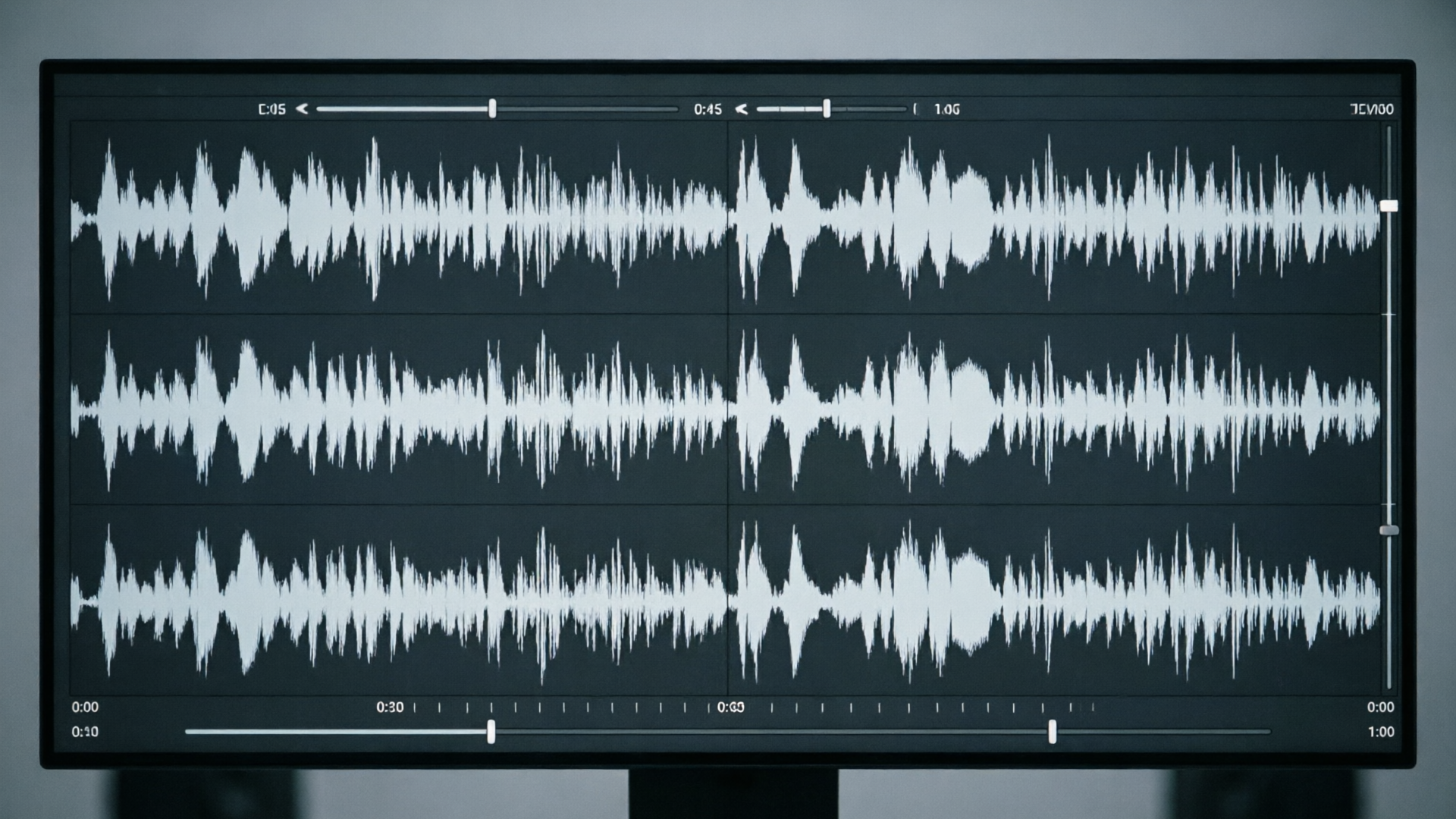
Hands-on: Generate a 15s brand jingle with PlayVideo.AI AI Music Generator — step‑by‑step
Here’s a concrete walkthrough you can replicate in minutes using the WowMade AI Music Generator.
1) Open the WowMade AI Music Generator (/create-music) and pick a 15s preset or custom duration. The interface includes duration presets (10–30s) that lock your target length.
2) Paste your brief into the prompt box. Use the worked example above: objective, personality, sonic references, and technical constraints. Add: "Export WAV, separate vocal stem, and loopable 15s export. Commercial use license required." This tells the model both creative and delivery requirements.
3) Select style, tempo, and mood controls. For our flash sale example pick: modern pop, 140 BPM, urgent mood.
4) Hit Generate. The generator returns multiple variants — typically 3–6 short candidates — each with an audio preview and downloadable stems. Because the WowMade AI Music Generator produces original tracks and instrumentals from a text prompt, outputs are ready to import into your NLE.
5) Review and shortlist. Listen for hook clarity in the first 3–4 seconds. Pick 2–3 candidates and request small variations (faster tempo, heavier bass, alternate ending) — the platform iterates quickly.
6) Export deliverables: WAV stereo mix, dry vocal stem, instrumental stem, and a loopable 15s version. Save naming conventions that include taglines and BPM to make editor handoffs painless.
Mini checklist during generation:
- Is the hook identifiable within the first 4 seconds? - Are stems separated cleanly? - Does the file include a loopable export without audible clicks at the loop point?
This hands‑on flow leverages the WowMade AI Music Generator’s strengths: style/tempo control, instrumental outputs, and original tracks that remove library licensing headaches. For visual projects you can pair the exported jingle with a quick visual generated in the WowMade AI Image Generator (/create-image) or use the AI Video Generator (/create-video) to prototype an ad edit with the new cue.

Hands-on: Build a seamless loop and variations for platform reuse (TikTok, YouTube intro, ad cutdowns)
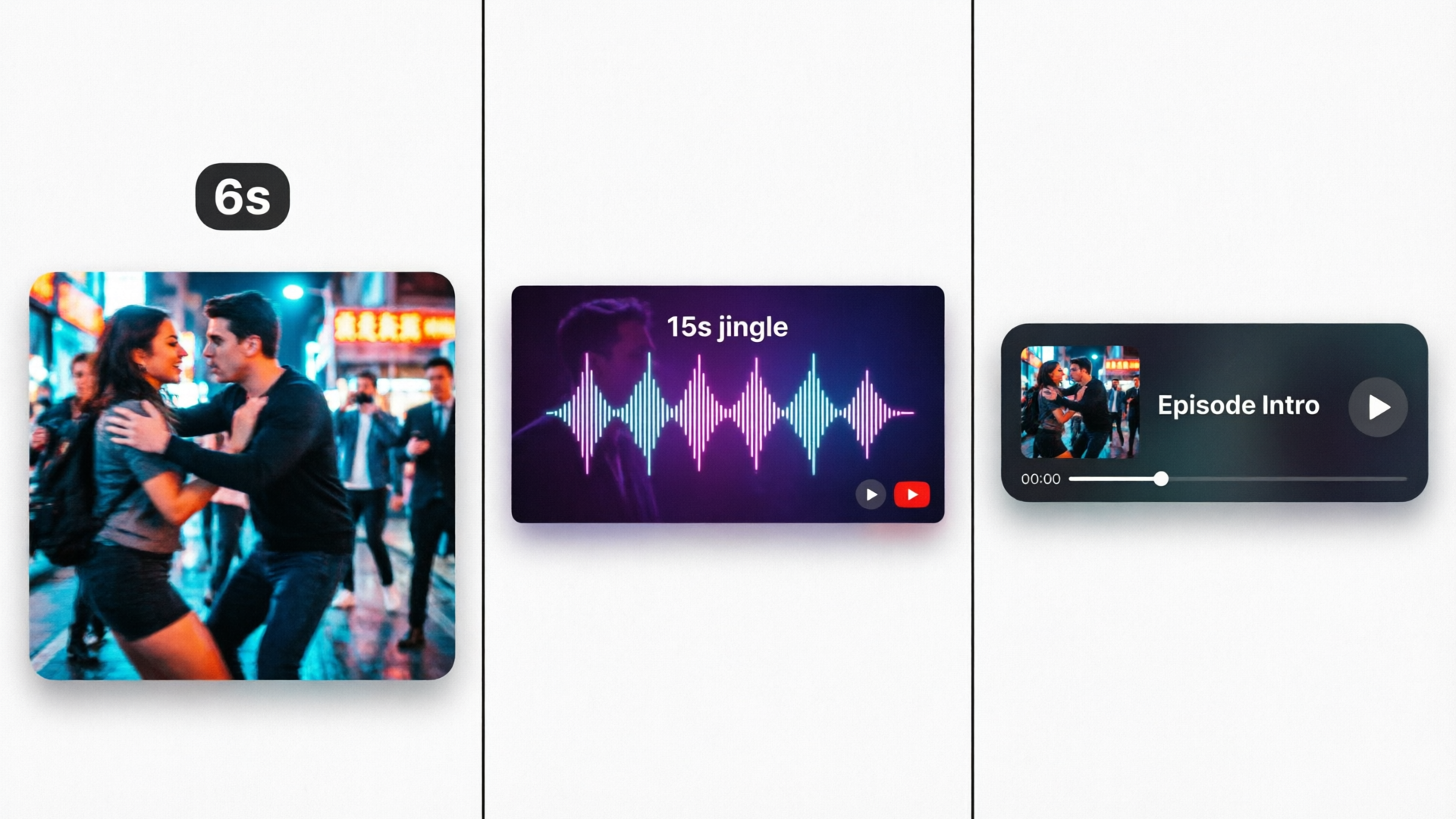
A brand jingle is most valuable when it adapts to different placements. Build a core 15s loop and then produce short cutdowns: 6s bumper, 10s pre‑roll, and a 3–4s stinger for end cards. The technical goal for loops is to ensure zero clicks at loop points and consistent loudness across formats.
Step A — design the loop anchor (0–4s) Start your 15s file with a 2–4 second musical anchor: a short melodic cell or percussive hit that can repeat cleanly. That anchor becomes the loop point editors will reuse. When prompting the WowMade AI Music Generator, ask explicitly for a "2–4s loop anchor that repeats cleanly when trimmed." The generator will prioritize rhythmic continuity in that range.
Step B — export stems and a loopable file Export a loopable 15s WAV plus stems. Use the vocal stem if you need alternate endings where the tagline changes. Having stems lets you remix endings for specific platforms (e.g., spoken tagline only in the 10s pre‑roll, full vocal in the 15s ad).
Step C — create platform cutdowns
- 6s bumper: Use the anchor + a quick riser. Create with a 6s preset in the generator or edit down the 15s file and apply a tight fade.
- 10s pre‑roll: Keep hook + short spoken line at the end. Ensure LUFS target matches platform (YouTube often targets -14 LUFS for ads).
- 3–4s stinger: Isolate the anchor and add a bright transient or reverse cymbal for emphasis.
Step D — test loop points Loop the exported 15s file in your DAW or NLE at least 4 times and listen for artifacts. If you hear a click, export again requesting "clean loop fade" or a one‑sample crossfade at the seam. Many AI music generators (including WowMade’s) allow you to request loopable output specifically.
Variations: Use tempo shifts (+/−10 BPM) or alternate lead instruments to create A/B test variants. Because the WowMade AI Music Generator produces stems and supports style/tempo control, you can regenerate the same hook in different genres (acoustic, synth, lo‑fi) and test which resonates most on platform metrics.
Ensuring commercial safety: licensing, human authorship, and best practices when using AI music
Commercial safety is not automatic with AI music — it’s a combination of platform terms and smart usage. Here are practical steps to reduce risk.
1) Platform license check Always read the generator’s commercial license. The safest option is a platform that clearly states the output is original and available for commercial use without additional library licenses. The WowMade AI Music Generator advertises original tracks and exports that are ready to import into edits without library licensing, which simplifies use for ads and social. Still, keep a copy of the license or terms in your project folder.
2) Add human authorship where possible US guidance and industry practice favor meaningful human contributions to strengthen ownership claims. Simple ways to add authorship: write the vocal lyric, perform or edit the arrangement, or record a custom voiceover and mix it with the AI track. These small acts of authorship give clearer creative fingerprints.
3) Avoid ambiguous training‑data exposure Because labels sued some AI startups over training‑data concerns in 2024, prefer platforms that document training sources or assert that models are not trained on unlicensed catalogs. If a platform is silent, treat outputs as usable but keep records and prefer edits that increase human creative input.
4) Keep export records Save prompt text, generation metadata, and exported files in a project folder. If a question arises later, having the prompt and the export dates is useful evidence of your process.
5) Use third‑party guidance when needed If you’re running large campaigns or high‑risk releases, consult specialized legal guidance. For practical background on AI music copyright questions, see this WIPO article on AI‑generated songs and streaming farms: https://www.wipo.int/en/web/wipo-magazine/articles/how-ai-generated-songs-are-fueling-the-rise-of-streaming-farms-74310
Follow these steps and combine the WowMade AI Music Generator outputs with small human edits — it’s a pragmatic balance between speed and defensibility.
How to scale brand sonic identity: templates, A/B test ideas, and integrating jingles into campaigns
Once you have one successful 15s jingle, scale by systematizing briefs, variants, and measurement.
Template library Build a folder of short briefs for common campaign types: launch, sale, tutorial, social trend, and podcast sponsor sting. Each brief should include objective, voice/tone, tempo, and a required loop anchor. When you need a new jingle, copy the closest brief, tweak target phrases, and generate.
Variation matrix for A/B tests Create a simple 2×3 matrix: two hooks (melody A vs melody B) × three styles (original, acoustic, lo‑fi). Run each variant across the same creative (same shot list) and measure click‑through and completion rates. Because the WowMade AI Music Generator produces multiple variants fast, you can run a full matrix in a morning.
Integration patterns
- Ad funnels: use the 15s jingle in mid‑funnel video ads and a 6s bumper as the top‑of‑funnel teaser.
- Creator partnerships: provide stems to influencers so they can remix the hook; supply a 3–4s stinger for vertical cuts.
- Podcast and livestreams: use the 10–15s loop as an episode intro and the 3–4s stinger as an ad transition.
Operational advice Store all prompts and export metadata in your DAM or a project spreadsheet. Track which variant correlates with performance lifts so brief authors can learn which sonic traits perform best for your audience. Over time you’ll build a small sonic system that can be repurposed for seasonal campaigns, product lines, and creator toolkits.
Supporting tools Pair your jingle workflow with the WowMade AI Voices (/ai-voices) if you need consistent announcer reads or the AI Video Generator (/create-video) to produce rough visual edits for rapid validation of audio+visual combinations. Use the image generator (/create-image) to create matching visual motifs for campaign assets.
Frequently Asked Questions
How long should my 15s jingle be for social platforms?
Stick to 15 seconds for most social ads and pre‑rolls. Create shorter 3–6s stingers for bumpers and 10s variants for podcast pre‑rolls so you can reuse the core hook across placements.
Can I claim copyright on AI‑generated jingles?
Copyright on purely machine‑generated work is legally uncertain. Strengthen claims by using a platform with clear commercial licenses and adding human authorship (lyrics, arrangement edits, voice recordings).
What export files should I ask for?
Request a stereo WAV, instrumental stem, dry vocal stem, and a loopable 15s export. Those assets make editing and platform repurposing straightforward.
Conclusion
Producing attention‑grabbing, copyright‑safe 15s jingles is a process you can systematize: a tight brief, rapid iteration with an AI generator, responsible licensing checks, and a small layer of human authorship. For teams that need speed and control, the WowMade AI Music Generator is intentionally built for this use case — generate original tracks and instrumentals from a prompt, export stems, and drop the results into your edit faster than hiring and clearing a licensed track. Pop a vibe into the AI Music Generator and you'll have a track to score the cut in minutes.