Turn a Product Photo into 6 Test‑Ready TikTok Ads in Under an Hour
How DTC teams turn one product photo into multiple vertical TikTok/Reels ads fast — with step‑by‑step image-to-video workflows using WowMade AI Video Generator.
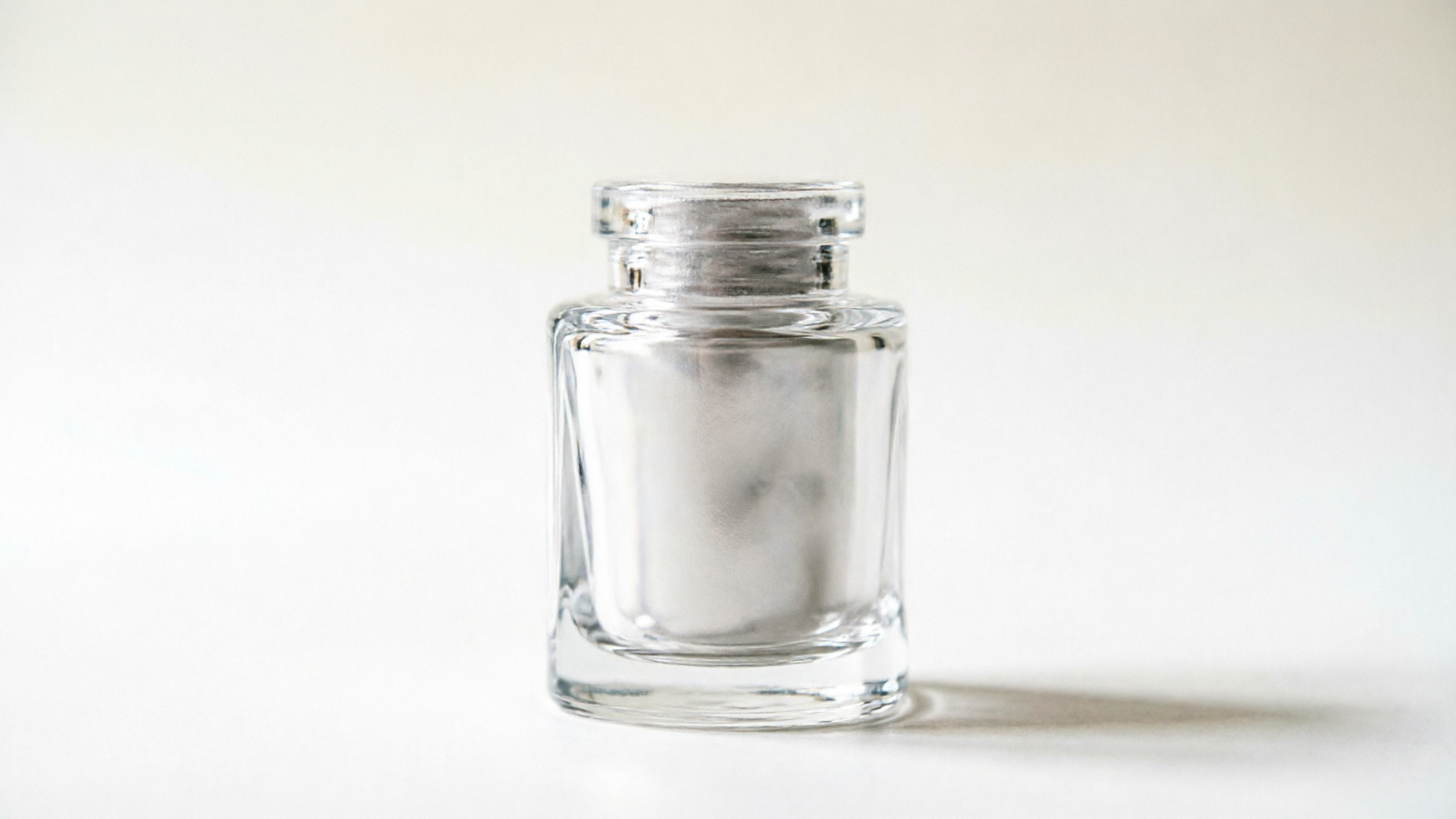
Short-form platforms reward motion: a single strong product photo can become a suite of vertical ad concepts that beat static creative for reach and conversion. This guide shows growth teams how to convert one hero image into multiple test-ready TikTok/Reels clips using the WowMade AI Video Generator. You’ll get a practical why, five high-converting ad concepts, two hands-on workflows, a checklist for faster wins, and a concrete walkthrough inside the generator.
Why short vertical product videos beat single images on TikTok and Reels (data-backed creative rationale)
TikTok and Reels prioritize short, attention-grabbing video — and that priority changes what wins in feeds. Recent benchmarks show TikTok video ads delivered dramatically more impressions than Reels on Facebook/Instagram, with one analysis reporting up to ~15x higher impressions on TikTok across 2023–H1 2024 (see Emplifi’s report). That distribution advantage means a vertical video starts with more reach, lowering CPMs for the same creative quality.
Beyond reach, video consistently converts better than stills. Multiple industry summaries compiled in 2024–2025 show video ads converting roughly 2–3x higher than static image ads across many e-commerce categories. For performance teams this is simple math: higher conversion per click and more impressions per dollar both lower CAC.
Short-form video also optimizes for completion and mid‑funnel metrics that matter to TikTok’s algorithm. Practical clip benchmarks show that punchy demos—6 to 15 seconds long—often reach mid‑to‑complete watch rates far above longer formats. For example, 6‑second view rates above ~40% correlate with improved conversion outcomes on TikTok; shorter, focused product demos keep viewers long enough to register features and CTA.
Finally, creative velocity is now the lever that lowers CAC. 2025 benchmarks indicate that shipping more fresh variants reduces ad fatigue faster than over-segmenting audiences. That’s why turning one product photo into many rapid video variants is not a nicety; it’s a competitive advantage for DTC brands with tight creative budgets.
Creative playbook: 5 high-converting TikTok ad concepts you can make from one product photo
If you only have a single hero image, these five concepts scale predictably because they keep your product on‑model while changing story, pacing, and virtue. Each concept can be produced as a 6–15s vertical clip using an image-to-video approach.
1) Quick demo loop (6s)
- Hook: Show the product in motion immediately — tilt, pulse, or a 360 nudge. Keep copy minimal: benefit-first caption.
- Why it works: Fast visual clarity; optimized for completion.
2) Problem → Product → Proof (12–15s)
- Hook: Start with a micro problem text card (1–2s), animate the product solving it, end with a quick social proof shot or star rating.
- Why it works: Narrative structure drives intent.
3) Feature zooms (10s)
- Hook: Rapid close-ups on three features, each 2–3s, with short voiceover lines.
- Why it works: Educates without losing pace; good for products with clear differentiators.
4) Lifestyle sell (8–12s)
- Hook: Composite your product into a lifestyle backdrop (kitchen, gym, desk). Subtle parallax and motion make the photo feel lived-in.
- Why it works: Helps viewers imagine use-cases.
5) Comparison / Value angle (6–10s)
- Hook: Two quick frames: “Typical” vs “Our” — use motion and captions to emphasize a single measurable advantage (time saved, weight, price).
- Why it works: Simple contrast increases perceived value.
Each concept maps to a short prompt pattern you can reuse in WowMade AI Video Generator: keep the same subject image, swap prompts for framing, pacing, and text overlays. This repeatable approach gives you creative breadth while maintaining brand consistency.
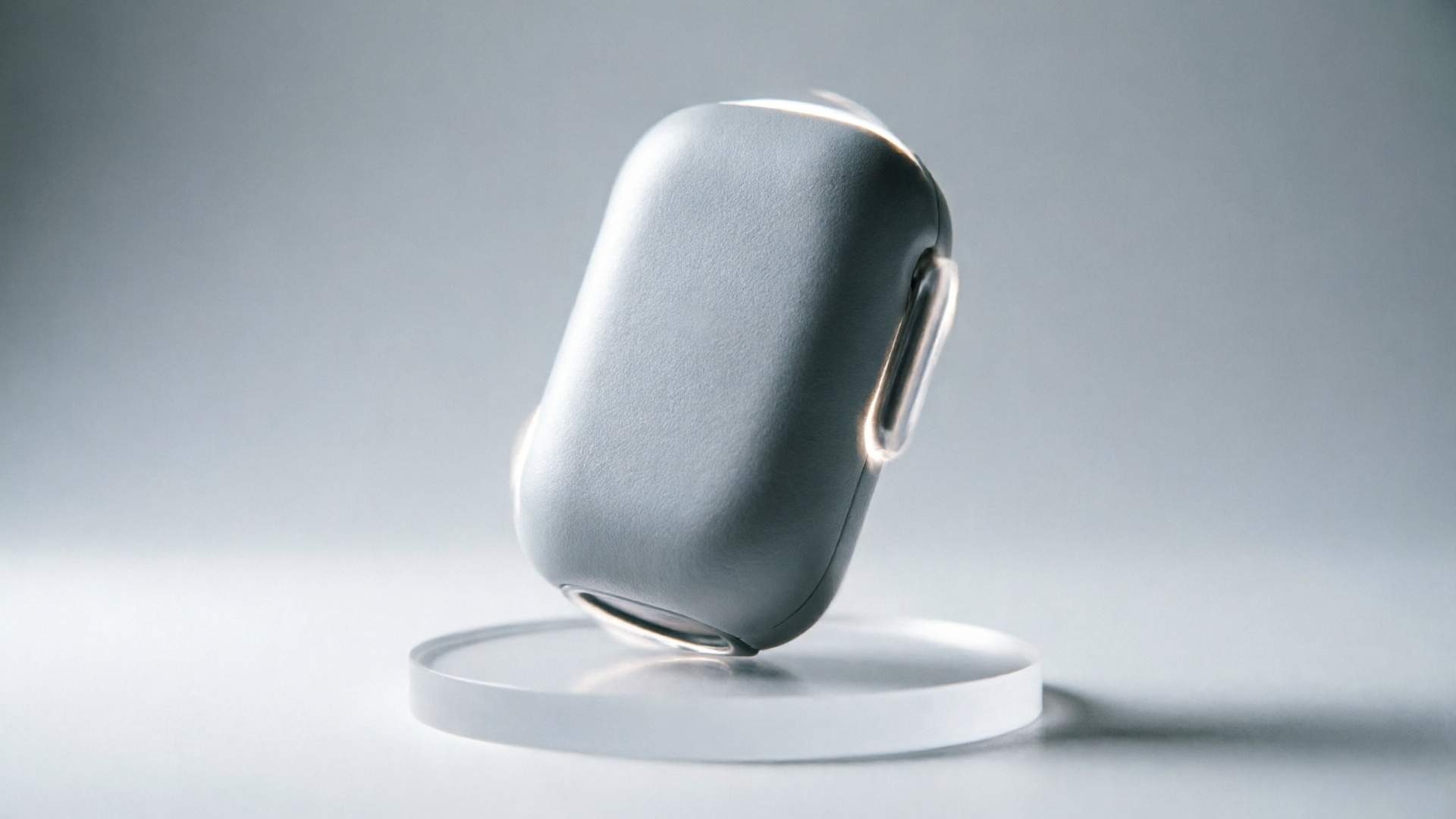
Workflow (hands-on): Turn a product hero image into a 6–15s vertical demo clip — step‑by‑step
This hands-on workflow assumes a single high-resolution hero JPG (product-on-white or lifestyle). The goal: a 6–15s vertical clip ready for TikTok. Follow these steps in WowMade AI Video Generator.
Step 1 — Choose framing and aspect: 9:16
- Upload your hero photo and select 9:16 output. The generator preserves subject alignment so the product stays on-model.
Step 2 — Pick a concept and write a short prompt
- Example prompt for a 10s demo loop: “Animate the product rotating 20 degrees, gentle parallax, soft shadow, three quick close-up pushes on the label, upbeat tempo motion, clean white background.” Keep prompts clear and action-focused.
Step 3 — Set timing and pacing
- Set total clip length (e.g., 10s) and define key moments: 0–2s hook (rotate in), 2–7s feature pushes, 7–10s CTA freeze with overlay text.
Step 4 — Add text overlays and captions
- Use short punchy lines (3–5 words) and place them in safe zones for vertical. Make sure contrast is legible on small screens.
Step 5 — Pick music and render
- Add a high-energy loop or instrumental from WowMade AI Music Generator or choose a licensed track. Render — the AI Video Generator produces a short clip in minutes.
Worked example (concrete):
- Upload hero.jpg and select 9:16.
- Prompt: “Image-to-video: animate product with subtle 3D rotation, fast parallax, three 2s close-up pushes on label, soft vignette, punchy 100–110 BPM underscore.”
- Timing: 0–1.5s intro rotation, 1.5–7s feature pushes, 7–10s CTA still with overlay “Try it now — link.”
- Select music from /create-music or use generator presets, add caption, render.
Result: a 10s vertical demo clip where the product remains centered and on-model, rendered in minutes rather than hours. You can export 9:16 for TikTok and 1:1 for feed using the same prompt — WowMade AI Video Generator supports multi-aspect outputs from the same prompt, which saves rework.

Workflow (hands-on): Produce 6 rapid variant ads (hooks, angles, captions) from that same image for A/B testing
Once you have one master clip, create variants fast by changing three levers: hook, angle, and caption. The goal is to produce six distinct ads that let you test messaging and creative format within a single campaign window.
Variant matrix (6 clips):
- Variant A: Utility Hook (6s) — “Stops spills in 3s” + fast demo loop.
- Variant B: Social Proof Hook (10s) — same visuals, add review overlay and star badge.
- Variant C: Feature Zooms (12s) — emphasize three features with close-ups and voiceover.
- Variant D: Lifestyle Composite (8s) — composite product into kitchen/desk backdrop.
- Variant E: Price/Value (6s) — quick comparison card then product demo.
- Variant F: Scarcity/CTA (6s) — countdown overlay and “Limited stock” CTA.
Six-step rapid variant workflow
- Duplicate the master prompt inside WowMade AI Video Generator.
- Swap the opening line to change the hook (e.g., from “rotate in” to “text overlay: Tired of X?”).
- Toggle overlays: turn on review badges or price tags.
- Switch music or tempo (faster BPM for urgency, slower for premium feel) — consider using the AI Music Generator to match mood.
- Render each variant as 9:16; export compressed H.264 for ad platforms.
- Label and upload to your ad platform with distinct UTM tags for each variant.
Why this scales: the image-to-video approach keeps your product on-model, so visual quality stays consistent across variants. Third-party case studies show brands cut production time from days to under an hour and reduce costs 80–90% versus full shoots when they adopt AI-generated video workflows. That velocity lets you iterate messaging quickly and lower CAC through creative freshness.
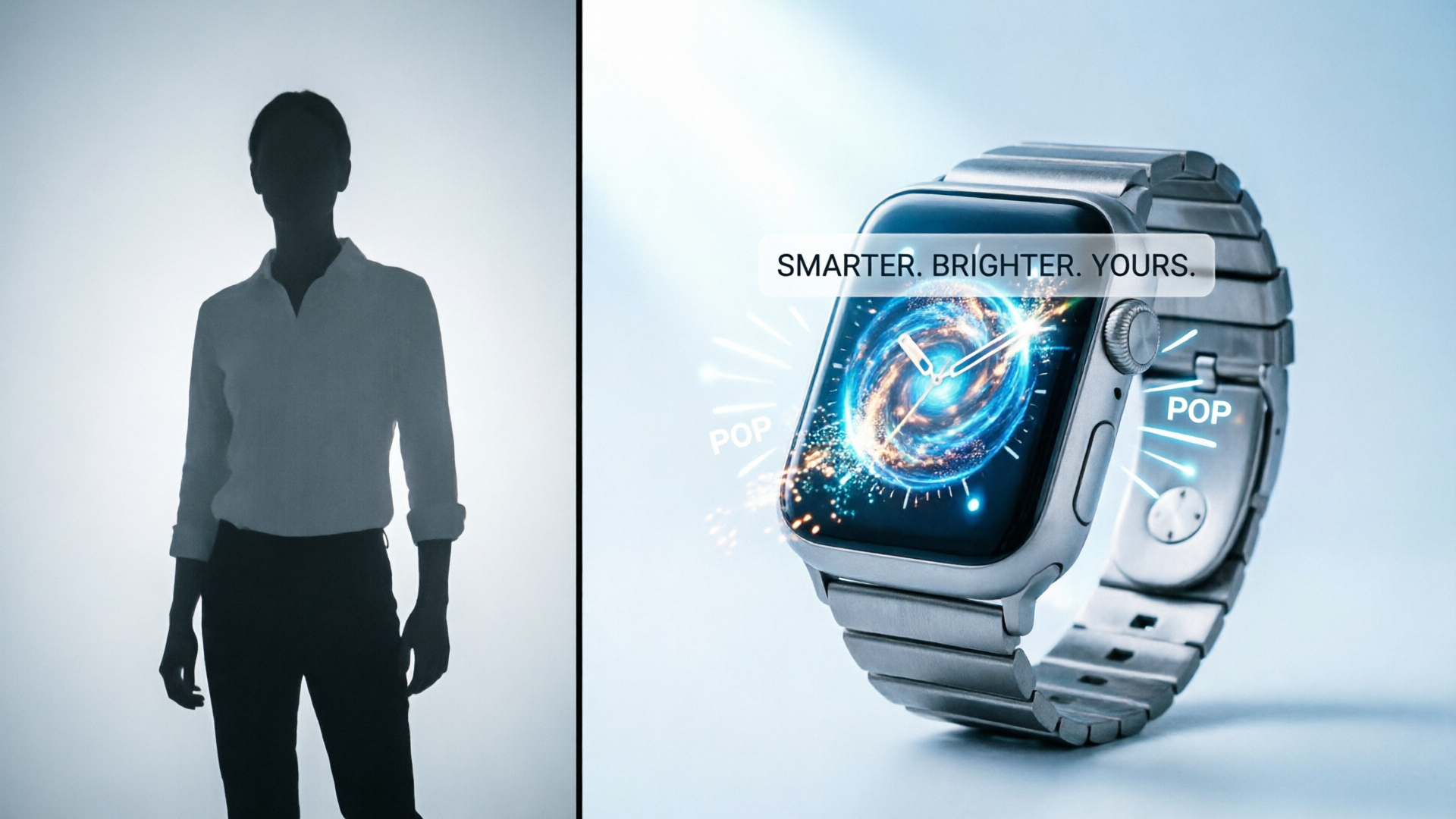
Practical checklist: Photo preparation, prompts, pacing and sound choices that boost completion and CTR
Preflight — photo checklist
- Resolution: 2k+ image preferred; avoid heavy compression artifacts.
- Subject isolation: clean edges or subtle shadow; if background is busy, use the WowMade AI Image Generator to create a cut or clean background before animating (/create-image).
- Multiple crops: export a centered crop for 9:16 and a safe-square for 1:1 if possible.
Prompt and pacing best practices
- Be explicit: tell the generator what motion you want (rotate, parallax, push-in), where to keep focus, and exact timing (e.g., “0–2s intro rotation”).
- Keep hooks <2s: TikTok rewards instant clarity; place your strongest visual or text in the first frame.
- Use 6–12s sweet spot: many product demos perform best between 6 and 12 seconds for higher completion rates.
Text and caption rules
- Keep on-screen text to 3–5 words per line; use bold contrast.
- Place CTAs in the final 1–2 seconds and repeat the CTA in the post copy.
Sound choices and voice
- Use a punchy instrumental or rhythmic loop for product demos. For short clips, drive energy with percussive transients.
- Consider a short voice line (1–2 sentences) for the problem→solution flow. Use WowMade AI Voices for quick narration or clone a brand voice with /ai-voices.
Export and testing
- Export as 9:16 H.264 for TikTok with a high bitrate and vertical-safe framing.
- Upload variants with clear naming and UTM tagging so you can measure CTR, CVR, and 6s view rate. Prioritize variants that raise completion and CTR — those push algorithmic reach and conversion.
Numbered quick checklist (do this for each image):
- Crop & export a 9:16 safe frame.
- Clean background or use /create-image to adjust.
- Write a 1-line prompt for the visual motion.
- Pick music via /create-music or stock loop.
- Render three aspect ratios if needed.
- Label, tag, upload, and test.
How WowMade AI Video Generator speeds this whole process — cost, time and creative velocity tradeoffs
WowMade AI Video Generator is built for the exact problem DTC teams face: turning static product imagery into short, platform-ready video quickly and predictably. Unlike text-only generators, image-to-video preserves the subject and composition of your hero shot, producing on-model animations that match brand photography. Key capabilities that matter:
- Image-to-video: animate a single still photo so the product stays centered and faithful to the original shot.
- Multi-aspect outputs: render 9:16, 1:1, and 16:9 from the same prompt, cutting export and re-framing time.
- Fast renders: short clips are produced in minutes, not hours, so you can ship several variants during a single creative session.
- Iteration with credits: keep refining the same prompt to tune motion, pacing, and overlays without rebuilding scenes from scratch.
Tradeoffs and real-world ROI
- Time: Teams report production time shrinking from multi-day shoots to under an hour when using image-to-video workflows and AI renderers — that’s consistent with third‑party case examples where AI reduced production time dramatically.
- Cost: Replacing a physical shoot with AI can cut costs 80–90% in many cases, because you avoid studio rental, talent, and editing hours.
- Creative velocity: Because you can generate many variants quickly, you can test hooks and captions at scale — and 2025 ad-benchmarks show this directly lowers CAC by mitigating creative fatigue.
Concrete walkthrough reminder (short): open the WowMade AI Video Generator, upload your hero image, choose 9:16, write a concise prompt for motion and timing, attach a music loop from /create-music or upload your own, and render a 6–12s clip. Duplicate the prompt, change the hook line, and render five more variants. Export and upload to your ad platform.
If you need tighter visual control beforehand, use the WowMade AI Image Generator to clean backgrounds or adjust lighting, and use AI Voices for quick narration. For trending treatments and more visual flair, the AI Video Effects collection offers one‑click styles and lipsync treatments.
Frequently Asked Questions
How long do renders usually take in the AI Video Generator?
Short clips (6–12s) typically render in minutes rather than hours; exact time depends on length and selected effects.
Will the animation change product proportions or color?
Image-to-video keeps the subject on-model and preserves color; if you need color tweaks, edit the source image first with the AI Image Generator (/create-image).
Can I export multiple aspect ratios from one prompt?
Yes — the generator outputs 9:16, 1:1, and 16:9 from the same prompt so you don’t need separate builds for each placement.
Conclusion
Start small, iterate fast: convert one hero photo into a battery of vertical ad concepts and test which hook drives the best CTR and completion. The fastest path is to use WowMade AI Video Generator to animate your product, export 9:16 clips, and generate variants from the same prompt. Open the AI video generator, drop in your image or prompt, and ship a test clip during your next break.