Practical guide to AI voices for animation: clone, pair, and lip-sync character dialogue
A step-by-step guide for animators to design distinct, legal, and lip‑synced character voices with WowMade AI Voices, plus multilingual dubbing and rights best practices.
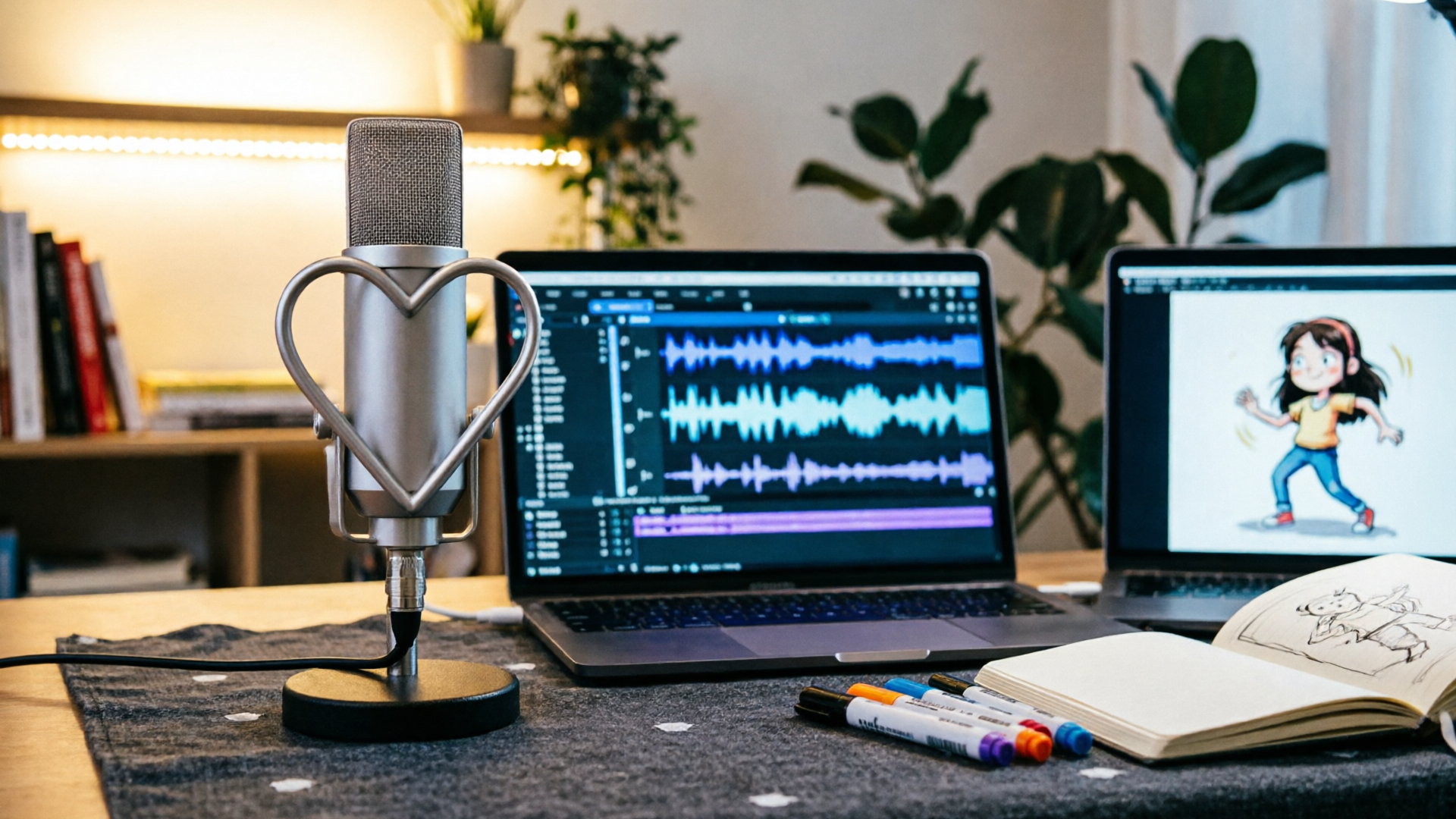
AI voices for animation are no longer a novelty — they're a practical production tool. WowMade AI Voices lets you clone a voice from a short sample, pick a stock voice, and output narration or dubbed dialogue that pairs directly with lipsync effects. This guide shows what modern voice cloning can do, how to design distinct character voices, and step‑by‑step workflows for cloning, dubbing, and lip‑synced animation so you can ship faster without losing performance or legality.
Why modern AI voice cloning changes character dialogue (what’s possible and what creators must know)
State-of-the-art voice cloning models have improved rapidly: recent benchmarks from conversational cloning challenges show synthetic speech often judged highly similar to human recordings. These advances mean indie animators can now create convincing character dialogue without lengthy studio sessions — but that capability brings responsibilities.
What’s possible now
- High-fidelity clones from modest samples: many platforms (including WowMade) produce usable clones from a short, clean recording; quality and expressive control improve with more varied, emotion‑rich audio. This lowers the barrier for small teams and solo creators to generate multiple distinct characters quickly.
- Expressive narration and dubbing: modern systems generate prosody and intonation suitable for narration and short dramatic lines, which is essential for animation where timing and emotion matter.
- Seamless pipeline integration: when a voice generator outputs audio that pairs with downstream lipsync tools (for example WowMade's lipsync effects), the result requires far less manual correction than generic TTS.
What creators must know
- Realism vs. redundancy: realism is an advantage, but it also increases the risk of misuse. Industry analysis emphasizes platforms that require explicit consent, clear licensing, and watermarking or detection features — important safeguards when cloning any voice.
- Workflow limitations: even the best models need iteration. Short scripts can sound polished quickly, but longer scenes with complex emotional arcs benefit from directed recordings and multiple passes.
- Tool choice matters: reviewers across 2025–2026 list several strong vendors optimized for expressive TTS and dubbing; pick a tool that balances expressiveness, multi-language support, and workflow features you actually need.
If you want to explore fast character work, WowMade AI Voices is built for creators who need both cloning and stock voices with direct lipsync pairing — a tradeoff that accelerates iteration without forcing you into complex audio engineering. For technical background on how conversational cloning is evaluated, see this summary of recent results: https://arxiv.org/abs/2411.00064
Tip: Treat voice cloning like casting. Record short reference takes that show the character's emotional range, not just a read-through of the script.
Designing distinct character voices: creative principles and voice-to-avatar pairing
Good character voices are deliberate. Small changes in pitch, rhythm, timbre, and word choice instantly signal identity, age, and mood. Use these practical principles to design voices that read clearly on screen and pair cleanly with your avatar.
1) Start with archetypes, then narrow
Pick a simple archetype (e.g., gruff mentor, chipper sidekick, weary detective). From there, define three concrete vocal attributes: pitch range, speech rate, and a signature verbal tic or catchphrase. These attributes are easier to control with an AI voice generator than attempting a vague ‘‘make it unique’’ brief.
2) Capture expressive reference for clones
If cloning, record short samples that show the extremes you need: a neutral read, an excited line, and a quiet emotional moment. Research and platform docs show clones improve with emotion-rich data, so a handful of varied takes beats a long monotone sample.
3) Consider perceptual spacing
When you have multiple characters, avoid crowding the same vocal space. If one voice is midrange and nasal, make another warmer and slower. This avoids muddled dialogue and helps visual lip-read cues match separate audio personalities.
4) Pair voice to avatar visually
Lip-sync and facial motion are easier to sell when the voice and avatar share expressive cues. For example, a breathy, slow voice pairs well with widened eyes and soft mouth shapes; a clipped, fast voice complements snappier, tight mouth animation. Using audio-driven animation tools (such as NVIDIA’s Audio2Face) with a high-quality voice track produces far better lip-sync and emotional nuance than generic TTS.
5) Test in-context early
Generate short lines and place them against the animated shot as soon as possible. Listening in context reveals issues with pacing, phoneme clarity, or unintended similarity between characters.
Design checklist
- Two short expressive samples per cloned character
- One unique vocal tic or catchphrase
- Contrast in pitch/rhythm across characters
- Quick in-context render with lipsync effects
Pairing note: WowMade AI Voices is designed to export audio that pairs directly with WowMade’s lipsync effects and avatar tools, so you can iterate voice and face together without extra format wrangling. If you’re building visuals first, consider generating a visual test frame with the AI Image Generator and syncing early. See how to generate visuals with the AI Image Generator: text-to-image.
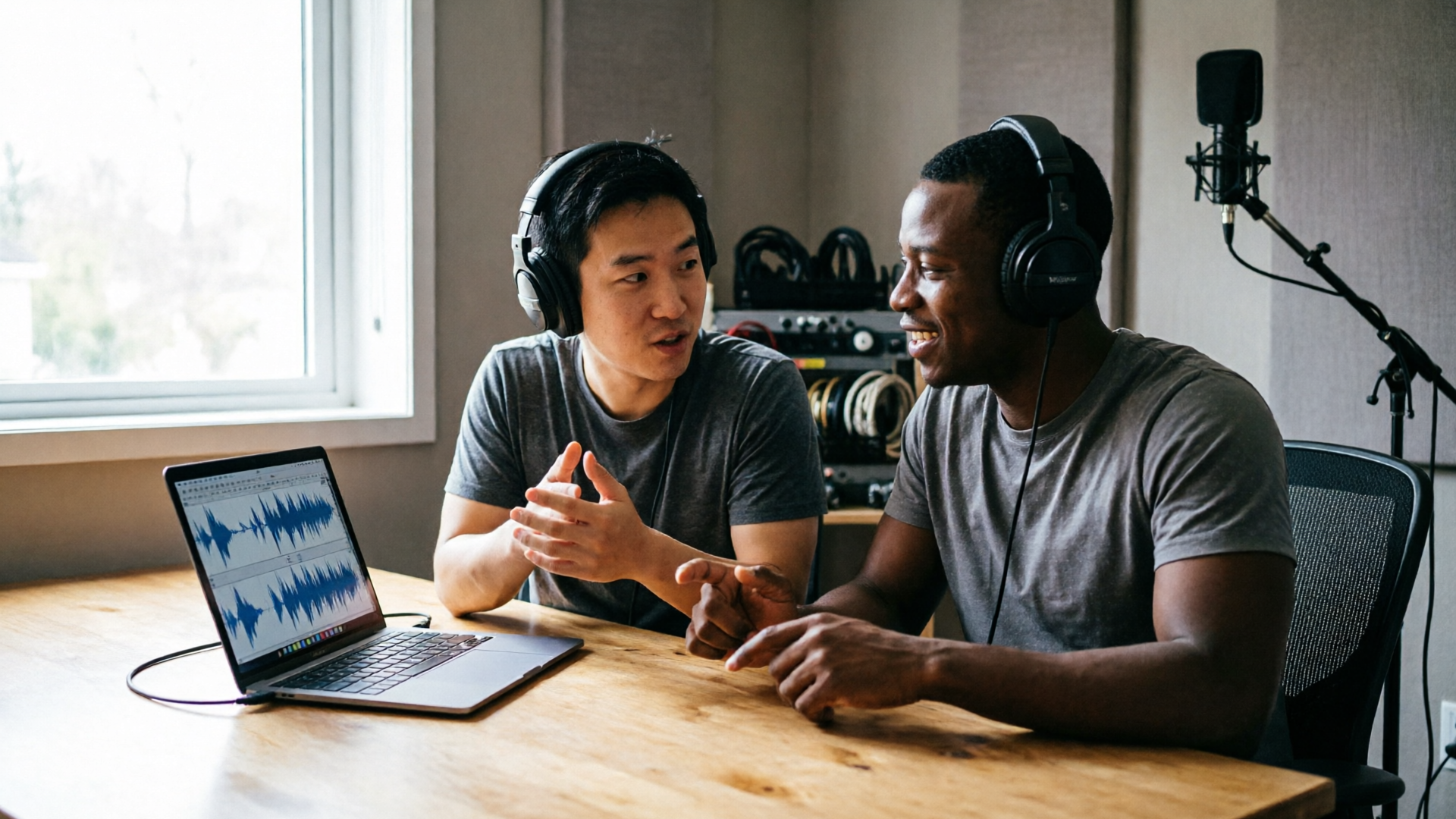
Hands-on: Cloning or creating a character voice in WowMade AI Voices (step-by-step workflow)
This walkthrough focuses on a common indie scenario: you need a distinct character voice for a 60‑second animated short and you have a 30‑second clean recording from a collaborator.
Objective: Clone the collaborator’s voice, create two short variations (neutral and angry), and export audio ready for lipsync.
Step 1 — Prepare clean source audio
- Choose a quiet room, 44.1–48 kHz, .wav or .mp3 lossless if possible.
- Provide the recording with a range: a neutral paragraph and one line with strong emotion.
Step 2 — Upload to WowMade AI Voices
- Open WowMade AI Voices and select “Clone a voice.”
- Upload the short sample; the system accepts short, clean samples and creates a clone from that input. Remember explicit consent and keep a record of the agreement.
Step 3 — Create voice variations
- In the voice editor, generate two render presets: NeutralRead (default pacing) and AngrySnap (faster rate, increased intensity).
- Use the built-in controls to nudge pitch and rate within the limits shown by the interface so you keep the clone recognizable but distinct.
Step 4 — Script and iterate
- Paste the 60‑second script for the short into the generator. For lines requiring emphasis, add parenthetical direction (e.g., [angry], [wistful]) to help the model pick prosody.
- Generate a first pass for the Neutral_Read track; listen and mark any timing issues.
- Re-generate the emotional lines with Angry_Snap and replace the relevant segments.
Step 5 — Export for lipsync
- Export high-quality WAV files for each line or consolidated tracks. WowMade AI Voices exports audio that syncs with WowMade.AI lipsync effects, so you can import directly into the video timeline or apply the lipsync effect in the editor.
Step 6 — Quick in-timeline test
- Bring the exported audio into your animation scene and apply WowMade lipsync effects (or export to an audio-driven animator such as Audio2Face for more detailed facial motion). Adjust timing offsets if needed.
Practical tips
- Keep takes short for faster iteration. Split long monologues into smaller clips.
- Use the clone sparingly as a performance tool. If a line needs genuine human micro-variation, consider re-recording that sentence and blending it with the clone.
- Keep consent and licensing metadata attached to each cloned voice file.
Worked example recap: From a 30‑second sample you can produce a reliable clone, generate neutral and angry variants, and export WAVs that plug straight into a lipsync workflow — all inside WowMade AI Voices. If you also need background score, drop the final mix into the AI Music Generator and craft mood music that won’t clash with dialogue: AI music generator.
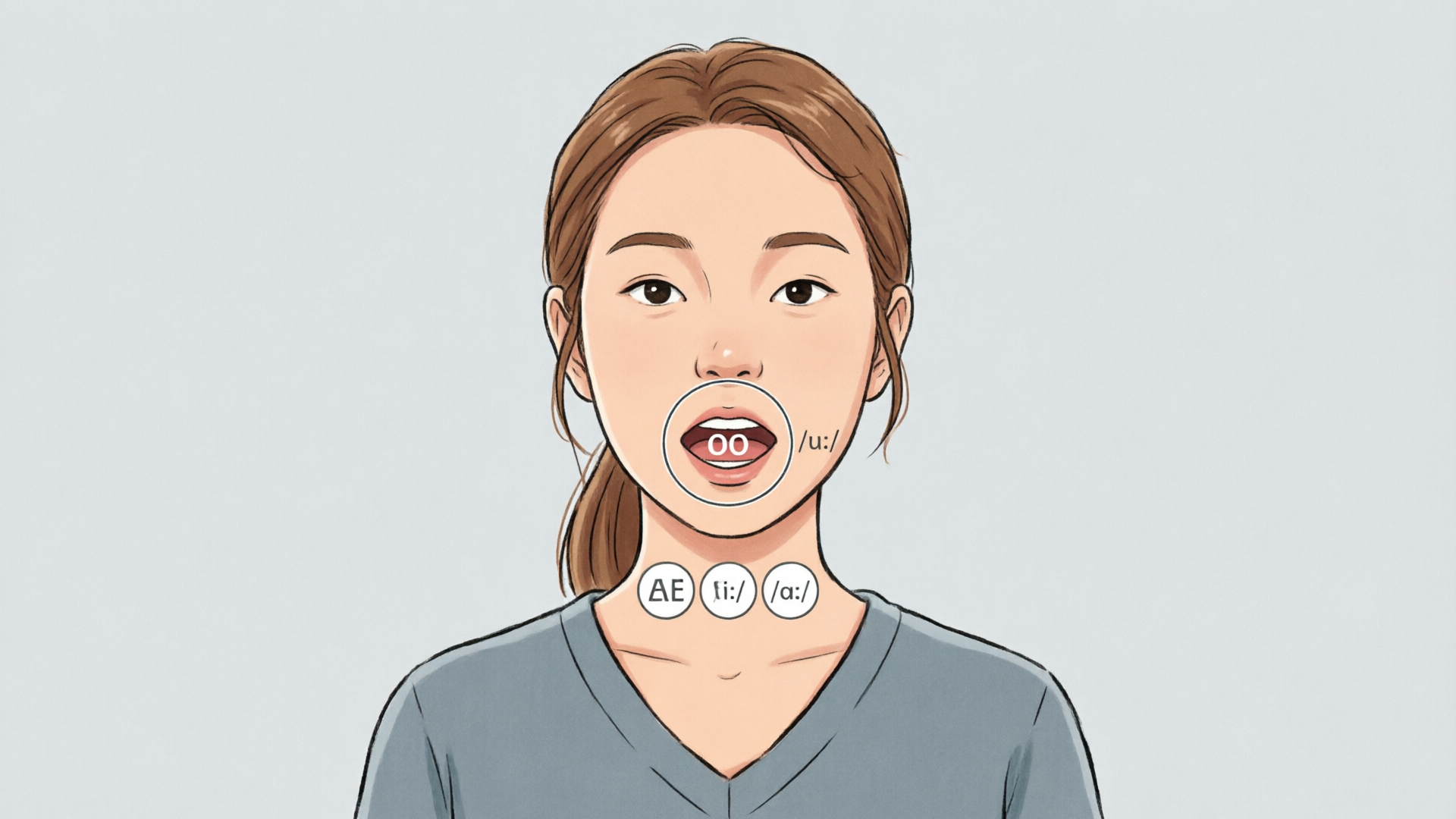
Hands-on: Multilingual dubbing and lip-sync for short animations using WowMade AI Voices
Localization is a common requirement for indie creators who want wider reach. WowMade AI Voices supports dubbing workflows that preserve speaker vibe across languages while producing audio suitable for automatic lipsync.
Why automated dubbing matters
- Faster turnaround: you can create multiple language versions without scheduling voice talent for every market.
- Consistent character identity: multilingual clones aim to keep the speaker’s tone and rhythm, which helps maintain character continuity across translations.
Step-by-step: Dubbing a 45-second animated scene into Spanish
1) Prepare the master timing
- Export the original English audio as a reference track and mark shot timings and key syllable hits (e.g., major lip frames).
2) Translate with guidance
- Use a translation service or human translator to produce a natural script that respects line length and mouth closures. Automated translation alone often stretches syllables and ruins lip alignment.
3) Generate the dubbed audio
- In WowMade AI Voices choose the clone or a stock voice and the target language (Spanish). The platform’s multilingual dubbing keeps the speaker’s vibe and offers language choices.
- Paste the translated script and generate short segments rather than one long file to control pacing.
4) Apply lipsync
- Export the Spanish audio and apply WowMade lipsync effects to the shot. Because the voices are generated with animation in mind, the resulting facial motion and mouth shapes align better than raw TTS.
5) Iterate on timing
- Shorten or expand specific translated lines and re-run as needed. You’ll typically need 1–2 passes to hit natural mouth closures and emotional timing.
Pro tip: For complex emotional beats, mix a human-recorded line with the generated dub to preserve nuance. Also consider pairing the generated audio with an audio-driven facial animator (for example NVIDIA Audio2Face) for more organic expressions — audio-driven tools benefit from the clearer phonemes and consistent prosody of a high-quality AI voice.
Legal and fidelity note: keep your consent records and license terms for each language variant. And always check platform safeguards: industry guidance recommends explicit consent and detection/watermarking options before distributing synthetic voice content.
Ethics, rights, and practical safeguards for using cloned or stock AI voices
Voice cloning changes production economics, but ethics and legal compliance must come first. Use these practical safeguards to protect your team and audience.
Consent and provenance
- Require explicit, verifiable consent before cloning anyone’s voice. Keep written consent and metadata with each cloned asset. The FTC and industry initiatives emphasize consent as a baseline for lawful and ethical use.
Licensing and platform guarantees
- Use platforms that provide clear licensing terms and, where available, watermarking or detection features to reduce misuse. An industry analysis sums up the expectation: “The best platforms require explicit consent before cloning a voice, offer clear licensing terms, and include watermarking or detection features to prevent misuse.”
Practical production safeguards
- Keep a consent folder tied to each project and embed license metadata in the exported audio file.
- Use clones for performance and saved time; where lines are legally or ethically sensitive, record a human actor.
- Limit public samples of cloned voices when consent scope is narrow.
Transparency with audiences
- Label synthetic or dubbed content when appropriate, particularly in sensitive contexts (political content, news, or content involving real people).
Security and detection
- Prefer services that provide detection tools or signing mechanisms so you can prove provenance if misuse is alleged.
When to avoid cloning
- Never clone a voice without explicit permission. Avoid recreating public figures’ voices without a license. If in doubt, default to professional voice actors or clearly labeled stock voices.
Practical policy template for creators (short)
- Written consent obtained and stored for each cloned voice.
- License terms documented for each generated file.
- Watermarking or detection enabled when available.
- Disclosure policy for audience-facing distributions.
WowMade AI Voices is designed with creator workflows in mind: it requires clean samples for cloning, supports stock voices for quick narration and dubbing, and pairs outputs with lipsync effects so you can control both creative quality and distribution safeguards.
Pull-quote: "Treat synthetic voices like contracted talent — document rights, usage, and scope before you create."
Frequently Asked Questions
How much audio do I need to create a usable clone?
You can get a usable clone from a short, clean sample, but quality and expressive control improve with longer, emotion‑rich recordings. Test and iterate.
Will a cloned voice lip-sync automatically to my animation?
High-quality AI voices produce clearer phonemes that work better with audio-driven lipsync; WowMade’s outputs are ready for its lipsync effects, though minor timing tweaks are common.
Can I clone public figures or celebrities?
No. Do not clone public figures without explicit legal permission—platform terms and ethical guidelines prohibit this and regulators advise against it.
Does multilingual dubbing preserve character vibe?
Yes — modern dubbing in platforms like WowMade aims to keep the speaker’s tone and pacing across languages, but translation quality and timing still require human review.
Conclusion
AI voices for animation are now a practical, production-grade tool when used responsibly. For indie animators and small teams, WowMade AI Voices lets you clone a voice from a short sample, generate stock voices for quick narrations, and export audio that syncs directly with lipsync effects — reducing studio time and letting you focus on performance and visuals. Start by cloning a short sample, build two expressive presets, and drop the audio into your timeline to test lip-sync. Open the AI Voices and clone your first character voice to speed up your next short.